No files in this category yet.
Files From Subcategories
-
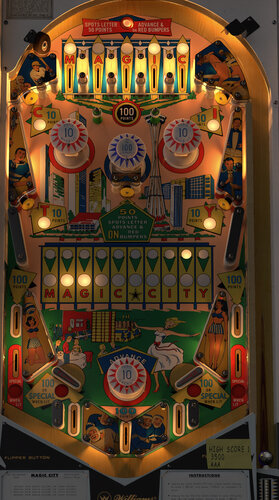
Magic City Music Mod
By 10mmSocket
This is a music mod for Bord's Magic City. The "Magic City MM" folder goes into your music folder, and the .vbs script goes into the tables folder named the same as the table. Right Magna plays and skips tracks, left Magna stops music.
Since the Space Needle is on the playfield I chose some classy tunes from some of Seattles finest. Thanks Bord for making such incredible tables!!!
(The songs are jazz/funk covers of popular Seattle bands. Nirvana, Alice In Chains, Foo Fighters, Heart, Pearl Jam etc.)
444 downloads
-
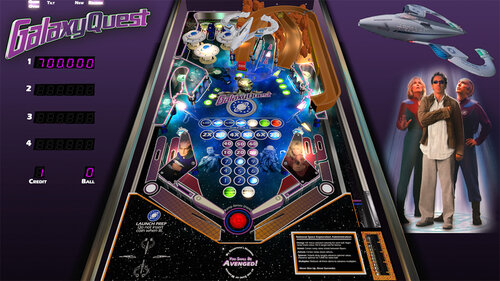
Galaxy Quest
By topper2k
This is a Galaxy Quest re-theme (created with permission) of JPSalas' Space Shuttle (Taito) table.
Credits:
Sound effects: https://www.zapsplat.com
Sarris image: DopePope on Art Station https://www.artstati...m/artwork/n0dJK
3D Rocks wireframe: Icekazim on https://3dexport.com...ocks-288240.htm
3D Protector wireframe: John Hoagland https://sketchfab.co...oWwcc9spH3U7FiU
Playfield image: Courtesy NASA
2109 downloads
-
![More information about "Magic City (Williams 1967) [mod]"](https://vpuniverse.com/screenshots/monthly_2023_02/MC_DT.thumb.jpg.da713d19ee3f0f888321b8673528ded9.jpg)
Magic City (Williams 1967) [mod]
By bord
The active gameplay, a center pop bumper, and wonderful artwork elevate Magic City to one of the great EMs.
Magic City is a collaborative project between armyaviation, mlager8, apophis, and myself. It is a top to bottom rebuild on top of Loserman's scripting. mlager8 and armyaviation were on asset development, I was on visuals and physics, and apophis was on scripting and light map implementation. Visuals utilize Niwak's Blender lightmapper for a more dynamic experience (requires 10.7+).
Line 12 of the script lets you adjust Room brightness (between 0 and 1).
2360 downloads
-
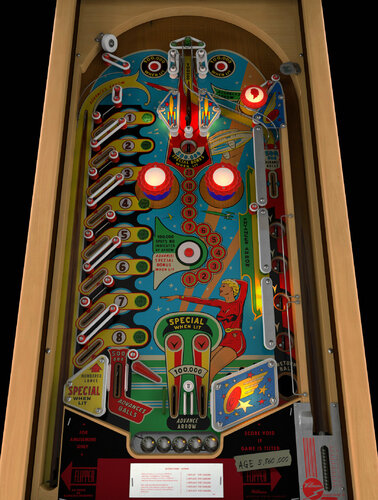
Skyway (Williams 1954)
By bord
This Harry Williams-designed woodrail from 1954 is unlike any other pinball game I've encountered. It has a single impulse flipper, a wildly asymmetrical design, a center wire ramp, and beautiful midcentury artwork.
This project was a joint effort between me (models, textures), @scottacus (script, sound, B2S), and @Onevox (full art redraw). We started it nearly a year ago and it came out better than I had hoped.
A couple quick notes
right magnasave or "1" key for ball lift game options menu appears by holding the left flipper before starting a game the actual game doesn't track balls played so don't expect a GAME OVER lamp
2566 downloads
-
VRRoom1.0.thumb.jpg.38feda8b89042cab729356487d2eb742.jpg)
Time Fantasy (Williams 1983)
By Goldchicco
A rebuilt of 32assassin table ver 1.1
Artwork by Mfuegemanns
Special thanks to Arestis for reworking the Playfield and the plastics
Special thanks to Rajo Joey for the VR Rooms and the LUT codes
Only 608 units made in real life of this machine, so enjoy this rare gem!!!!
It is a hybrid table. So you can play in VR, desktop or cabinet mode. VR headset is automatically detected. There are two VR rooms; the minimal room and a sphere. The default is the sphere. The room can be switched in line 17 of the script. I added the following things: VR rooms, artwork for cabinet, backbox, animations for buttons and plungers, LUT files (change with left magnasave button).
What's New:
' New lights, new lighting
' Added Flippers Shadows and Ball Shadows
' New table physics
' Added nFozzy flippers physics
' Added Fleep Sounds
' Correct few elements position and physics properties
' New script
' Playfield image reworked
' Plastics image reworked
' VR Added
' Reworked all the images, cleaned and upscaled
' Changed Targets physics
' Corrected Bumpers Height
' Repositioned Bumpers correctly
' Tuned Bumpers force
' Corrected metal wired items with correct materials
' Tuned Slingshots rubbers
' Added\Adjusted missing and existing mechanical sounds and replaced ball rolling sound
' Reworked the GI
' Tuned Slingshots force
' Corrected Rubbers Hit Height
' Added LUT code
' New instruction Cards in the apron
' Adjusted table elements physics
' Some other stuff I forgot since it was a project started long time ago
Hope you enjoy it and please leave constructive feedback or comments in the support topic and will try to make it better.
All Logos, Copyrights and Trademarks are property of their respective owners.
PROVIDED STRICTLY FOR PERSONAL / HOME USE AND NOT FOR COMMERCIAL SALE / RE-SALE OR DISTRIBUTION!
Permission to Mod: Ask the Author First (no light, lighting, layout and physics will be allowed - this is not mod to me but just personal tweaking of the table - so I am posting this table exclusively here on VPUniverse
A great tutorial about this machine can be found here:
PS: If you don't have analog nudging then Rajo Joey suggest to change the sensibility to 1 if you are use Digital Nudging:
Lines 311 to 313
If keycode = LeftTiltKey Then Nudge 90, 5:SoundNudgeLeft()
If keycode = RightTiltKey Then Nudge 270, 5:SoundNudgeRight()
If keycode = CenterTiltKey Then Nudge 0, 3:SoundNudgeCenter()
change to:
If keycode = LeftTiltKey Then Nudge 90, 1:SoundNudgeLeft()
If keycode = RightTiltKey Then Nudge 270, 1:SoundNudgeRight()
If keycode = CenterTiltKey Then Nudge 0, 1:SoundNudgeCenter()
Let us know
2251 downloads
-
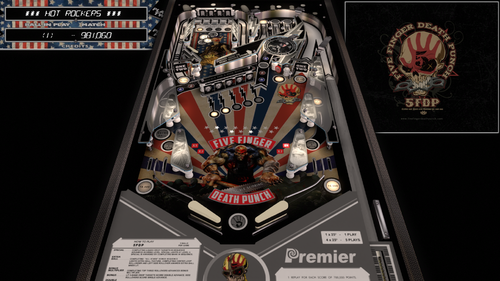
5FDP (Gottlieb 1985) DVL Mod
By Doivel
This is a graphics and sound mod of JPSalas "Rock" (Gottlieb 1985)
Version 1.0.3 use "Rock" Rom, VPMAlias is not required anymore
First I would like to thank JPSalas for allowing mods without permission & Thx HiRez00 for Music & Scutters for Flex DMD Mod
Instructions
1. move the Music Folder to your Music folder and replace Placeholder Mp3s with Songs you like, making sure to rename the files 1.mp3 2.mp3 3.mp3...
Then change the NumMusicTracks value in Scripts to the total number of songs in the folder without X- File!
2. Select Music Mode Options in Script ("1" - Default)
0 = Player controls songs manually with Right Magnasave (Jukebox Mode)
1 = Player controls songs with Right Magnasave + Song changes when ball drains
3. Select use Flex DMD, Backglass score display to a virtual or real DMD via flexDMD ("1" - Default)
881 downloads
-
Steelersv4_0b.thumb.PNG.0936a3bebca5341ab2d9d6bbcd413716.PNG)
NFL (Stern 2001) Steelers
By xenonph
NFL (Stern 2001) Steelers v4.4 (VPX7.2 Required)
THIS TABLE IS DEDICATED TO A GOOD FRIENDS SON JAKE HURLEY!!
NFL table by Sliderpoint
Striker Xtreme rebuild by Kalavera3
Full code rebuild and alot more primitive and graphics updates and flashers added by 32assassin
Original NFL Playfield and Plastics Graphics Upgrade and Team Mods and Sounds by Xenonph
v4.4
Converted all pics to WebP format to reduce overall size of table.(VPX7.2 Required)
Table file size went from 73.1 MB's to 36.4 MB's!!!
v4.3
Added numbers to variables on all of the toggled options.
So they are all seperated now and do not conflict with other Team tables.
Added Option at top of Table Script to use altsound rom sound fx, and no music.
This option is for Pup Packs that have their own music.
v4.2
Allheart has found a fix so no new core.vbs file is needed. And no need for seperating NFL tables from your other tables.
He suggested I change the rom name to "nfl" right before the nvoffset command in table script, and then change back to alias rom name right after the nvoffset command. This works and solves all problems!! Thanks Allheart!!
v4.1
New core.vbs fix by Allheart that fixes error when using table with B2S Enabled.(Huge thanks!!)
New Instructions and I suggest you follow them!!
This new core.vbs file is not to be copied to your scripts folder.
All of these NFL tables need to be in one folder, and the new core.vbs file needs to be in that same folder.
If you previously downloaded table and overwrote old one in scripts folder, I suggest you download newest beta and copy that one back over the one I previously included with table!!
Sorry for this inconvenience!!
v4.0
32assassin shared all of the resources he had for this NFL table.(Huge Thanks!!)
If you are looking for just the Original table with no team mod or music, then you will have to wait for 32assassin's version to be released.
He is waiting for High Definition scans of the plastics and playfield, before he will release it. (It will be worth the wait!!)
He sent me a new table based off of his work on Striker X-Treme table that he had helped work on with Kalavera3.
He made all new primitives,(Including the Football Primitive!!).
He added fluppers Flashers 2.0.
He added the Apron, Stadium Crowd, Drop Target, Flippers, and Back Wall Flags artwork, and many script changes.
I added Original Plastics.
(The whole reason for me wanting to update was to add the original plastics.)
(And to fix the sound mods, as I didn't know how to add timers back then.)
Upgraded playfield pic with new logos, wood inlays, and much more.
(Compare this playfield pic next to the old playfield pic and you will see exactly what all I have done!!)
I added original Plunger Cover art, Spinner art, and Back Wall Crowd Art.
I made the Goal Post primitive,(Thanks to 32assassin for teaching me how to use blender!!), and made the primitive behind the red flasher.
I also changed the "GOAL" light art behind the Linebacker to "SCORE", and added yellow rim like the original NFL table.
I also added Original Linebacker art.
Added Many Options that are saved and loaded on next table run!!
The Team Plastics can be toggled with Left Magna-Save when game is not in play.
(Original Plastics are on by default.)
Plastics change goes as follows..
Original, Home, Away, Color Rush.
(ALL TABLES WILL AT THE VERY LEAST HAVE HOME, AWAY, AND COLOR RUSH PLASTICS.)
The Back Wall Lights can be toggled with Right Magna-Save when game is not in play.
(Original Lights are on by default.)
Transparent Plastics can be toggled with the L key.
Non-Transparent Plastics show the Team Colors better.
Linebacker Color can be toggled with the W key. Change from White or Black Linebacker.
(So if the star Linebacker on your team is white or black, you are covered!!)
Added JPSalas Lut Script,(Huge thanks JPSalas!!)
Luts are toggled with the Buy-In Key (2 Key)
All the choices you make, are saved and loaded on next table run.
(Thanks to a modified version of JP's Lut and STAT's Team Change script that I modified.)(Thanks JPSalas and STAT!!)
For the sounds, I switched from MP3's to OGG format. Cuts down on file size tremendously!!
I have used the altsound method, combined with regular music method.
I found that some of the alt sounds were not being played, so I told Toxie about the situation.
Toxie looked through the PinMAME code and found the problem.
The PinMAME code didn't handle a special case of the whitestar sound command lists yet, so he added that to new version of VPinMAME!! (HUGE THANKS TOXIE!!!)
YOU WILL NEED THE NEWEST VERSION OF VPINMAME FOR ALL THE ALTSOUNDS TO WORK PROPERLY!!
I have muted all the music in the rom to a decibel level of 0.
This way we still get all the cool sound effects from the rom!!
I will only be adding Touchdown calls from radio announcer for each team in the altsound folder.
The SoundMod is on by default.
To turn off SoundMod, go to Line 20 and change SoundMod=1 to SoundMod=0
Also there is no reason to have to hit F1 and change to altsound, to use this altsound package!!
I have scripted it into table to automatically turn on the altsound, and it turns off on table exit.
There are 41 Main sounds that will be same for each team. There are 16 for the Steelers.
These are kept in a folder named NFL STERN, that is inside your music folder.
(That way if you download all the tables, all the music for all Teams will be kept tidy in 1 folder!!)
1 of 10 NFL Films music is played on start of game, and continues randomly.
15 seconds after the last ball has drained, the Attract Mode starts.
1 of 20 John Facenda talking sound effects is played when in attract mode.
1 of 10 other Football sound effects is played after John Facenda in attract mode.
1 of 16 Steelers Music is played after the second talking sound effect in attract mode.
2 versions of Football Polka.
Radio call play of "Immaculate Reception".
Ben's 12 TDs in 2 game span.
Lombardi trophy presentation with Mr.Rooney speaking in 1979.
There are 14 different rom Touchdown Calls, with 6 different Radio TD calls divided between the 14 of them.
Also added random sounds on Coin Insert.
Each team will at least have...
Defense Chant, 3 different Football Grunts, Whistle, and TD call on Coin Insert.
ColorDMD is on by default.
To switch to normal DMD colors with the Original plastics, go to Line 16 and change CDMDWOP=1 to CDMDWOP=0
This can only be adjusted on the Original Plastics. They are defaulted ON for the Team Plastics.
This automatically turns off the Colorize DMD that you usually have to manually checkmark in rom options.
And it automatically turns on the Colorize DMD for the Team mods, so no need to checkmark in rom options.
NEW Special Thanks and Acknowledgements:
I first would like to thank 32assassin for ALL the work he did on this table, and for sending me all of his resources!!
I also would like to thank Kalavera3 for all the work he did on this table!!
I also would like to thank JPSalas and STAT, as I modified and combined parts of their script to save and load plastics, backwall lights, and more!!
I also would like to thank Kiwi for helping me with proper wording of script commands for the rom options!!
I also would like to thank iDigStuff for sending me the NFL rom in altsound format!!
I also would like to thank all of the current and former VPinMAME and VP Devs for all the work they have done to make these programs the best!!!
Also want to thank Toxie personally for fixing the altsound, and the nvoffset with alias name problem!!
Also want to thank Allheart for fixing the core.vbs problem for Cabinet users who have B2S enabled.
Prior Special Thanks and Acknowledgements:
v3.1
(BIG THANKS TO SLIDERPOINT FOR PERMISSION TO MOD HIS AMAZING TABLE, AND FOR HELP WIH SCRIPT!!)
(BIG THANKS TO TOXIE AND FUZZEL AND ALL INVOLVED!!) UPGRADED CORE VBS TO ALLOW FOR 32 TEAM CAPACITY NVRAM
(BIG THANKS TO STAT AND CARNY_PRIEST FOR HELP TEACHING ME COLOR DMD SCRIPT COMMANDS!!)
(BIG THANKS TO CARNY_PRIEST FOR UPDATED SCORE AND INSTRUCTION CARDS IN SWF FORMAT. SO PICS AREN'T DISTORTED OR STRETCHED WITH FRONTEND USAGE!!)
(BIG THANKS TO STEVE "Slydog43" FOR GRAPHICS CARD!! WITHOUT IT I WOULD NOT BE ABLE TO MAKE THESE MODS!!)
(BIG THANKS TO STAT FOR ADDING SCRIPT CHANGE TO MAKE TEAM COLOR CHANGES WITH MAGNA-SAVE!!)
(BIG THANKS TO SCOTTYVH FOR REDOING TEXT ON PLAYFIELD LIGHTS AND FITTING CORRECTLY!!)
(BIG THANKS TO GTXJOE FOR HELP WITH MUSIC AND SOUND COMMANDS!!)
(BIG THANKS TO SLIDERPOINT FOR UPGRADING ALOT OF THINGS FOR VERSION3.0!!!)
*******************************************************
MUSIC AND NVRAM
*******************************************************
You will find 2 music folders included with Download package:
altsound <------This is the Altsound music folder and needs to be placed in altsound folder.
The "nfl_pit" folder is inside the "altsound" folder.
NFL STERN <------This is the Regular music folder and needs to be placed in music folder.
SO YOU WILL HAVE A "nfl_pit" FOLDER INSIDE YOUR ALTSOUND FOLDER.
KEEP ALL THE MUSIC IN THE "nfl_pit" FOLDER.
(If you do not have an "altsound" folder located in your VPinMAME folder, just create a folder and name it "altsound")
Place the "NFL STERN" folder into the "Music" folder located in your Visual Pinball folder.
SO YOU WILL HAVE A "NFL STERN" FOLDER INSIDE YOUR MUSIC FOLDER.
KEEP ALL THE MUSIC IN THE "NFL STERN" FOLDER.
Place all NFL.nv files in the "nvram" folder located in VPinMAME folder.
This will start your team instead of Giants at beginning of game.
Just pull the plunger and your team is ready to go.
THESE MODS HAVE A COLOR-DMD WITH TEAM COLORS.
This is automatically activated in the table script, so you don't have to open rom options menu and checkmark Colorize DMD.
Altsound is setup the same way.
Just copy the music folders to their proper place and the altsound is activated automatically.
so no changing from 0 to 1 in sound mode rom options needed to get altsound working. It is done automatically.
Hope you enjoy!!
All Pictures, Sounds, Logos and Trademarks are Property of their respective owners.
I just found the pics on Google, and found the sound files on Google.
I am a NFL FAN!!!
This table should be considered as fan art, and therefore should be covered under the fair usage act.
STRICTLY FOR PERSONAL USE AND NOT FOR COMMERCIAL SALE OR DISTRIBUTION. PLEASE DO NOT RE-DISTRIBUTE.
BY DOWNLOADING THIS FILE; YOU AGREE TO NOT RE-HOST, RE-PACKAGE OR RE-DISTRIBUTE IN ANY FORM THE ZIP FILE, OR THE CONTENTS OF THE ZIP FILE.
593 downloads
-
Seahawksv4_0b.thumb.PNG.82d5baf42ea910e14cd71cd1a7e5bf14.PNG)
NFL (Stern 2001) Seahawks
By xenonph
NFL (Stern 2001) Seahawks v4.4 (VPX7.2 Required)
THIS TABLE IS DEDICATED TO MY BROTHER DAN!! GO HAWKS!!
NFL table by Sliderpoint
Striker Xtreme rebuild by Kalavera3
Full code rebuild and alot more primitive and graphics updates and flashers added by 32assassin
Original NFL Playfield and Plastics Graphics Upgrade and Team Mods and Sounds by Xenonph
v4.4
Converted all pics to WebP format to reduce overall size of table.(VPX7.2 Required)
Table file size went from 82.5 MB's to 36.8 MB's!!!
v4.3
Added numbers to variables on all of the toggled options.
So they are all seperated now and do not conflict with other Team tables.
Added Option at top of Table Script to use altsound rom sound fx, and no music.
This option is for Pup Packs that have their own music.
v4.2
Allheart has found a fix so no new core.vbs file is needed. And no need for seperating NFL tables from your other tables.
He suggested I change the rom name to "nfl" right before the nvoffset command in table script, and then change back to alias rom name right after the nvoffset command. This works and solves all problems!! Thanks Allheart!!
v4.1
New core.vbs fix by Allheart that fixes error when using table with B2S Enabled.(Huge thanks!!)
New Instructions and I suggest you follow them!!
This new core.vbs file is not to be copied to your scripts folder.
All of these NFL tables need to be in one folder, and the new core.vbs file needs to be in that same folder.
If you previously downloaded table and overwrote old one in scripts folder, I suggest you download newest beta and copy that one back over the one I previously included with table!!
Sorry for this inconvenience!!
v4.0
32assassin shared all of the resources he had for this NFL table.(Huge Thanks!!)
If you are looking for just the Original table with no team mod or music, then you will have to wait for 32assassin's version to be released.
He is waiting for High Definition scans of the plastics and playfield, before he will release it. (It will be worth the wait!!)
He sent me a new table based off of his work on Striker X-Treme table that he had helped work on with Kalavera3.
He made all new primitives,(Including the Football Primitive!!).
He added fluppers Flashers 2.0.
He added the Apron, Stadium Crowd, Drop Target, Flippers, and Back Wall Flags artwork, and many script changes.
I added Original Plastics.
(The whole reason for me wanting to update was to add the original plastics.)
(And to fix the sound mods, as I didn't know how to add timers back then.)
Upgraded playfield pic with new logos, wood inlays, and much more.
(Compare this playfield pic next to the old playfield pic and you will see exactly what all I have done!!)
I added original Plunger Cover art, Spinner art, and Back Wall Crowd Art.
I made the Goal Post primitive,(Thanks to 32assassin for teaching me how to use blender!!), and made the primitive behind the red flasher.
I also changed the "GOAL" light art behind the Linebacker to "SCORE", and added yellow rim like the original NFL table.
I also added Original Linebacker art.
Added Many Options that are saved and loaded on next table run!!
The Team Plastics can be toggled with Left Magna-Save when game is not in play.
(Original Plastics are on by default.)
Plastics change goes as follows..
Original, Home, Away, Color Rush, Hasslebeck Era, Jim Zorn Era.
(ALL TABLES WILL AT THE VERY LEAST HAVE HOME, AWAY, AND COLOR RUSH PLASTICS.)
The Back Wall Lights can be toggled with Right Magna-Save when game is not in play.
(Original Lights are on by default.)
Transparent Plastics can be toggled with the L key.
Non-Transparent Plastics show the Team Colors better.
Linebacker Color can be toggled with the W key. Change from White or Black Linebacker.
(So if the star Linebacker on your team is white or black, you are covered!!)
Added JPSalas Lut Script,(Huge thanks JPSalas!!)
Luts are toggled with the Buy-In Key (2 Key)
All the choices you make, are saved and loaded on next table run.
(Thanks to a modified version of JP's Lut and STAT's Team Change script that I modified.)(Thanks JPSalas and STAT!!)
For the sounds, I switched from MP3's to OGG format. Cuts down on file size tremendously!!
I have used the altsound method, combined with regular music method.
I found that some of the alt sounds were not being played, so I told Toxie about the situation.
Toxie looked through the PinMAME code and found the problem.
The PinMAME code didn't handle a special case of the whitestar sound command lists yet, so he added that to new version of VPinMAME!! (HUGE THANKS TOXIE!!!)
YOU WILL NEED THE NEWEST VERSION OF VPINMAME FOR ALL THE ALTSOUNDS TO WORK PROPERLY!!
I have muted all the music in the rom to a decibel level of 0.
This way we still get all the cool sound effects from the rom!!
I will only be adding Touchdown calls from radio announcer for each team in the altsound folder.
The SoundMod is on by default.
To turn off SoundMod, go to Line 20 and change SoundMod=1 to SoundMod=0
Also there is no reason to have to hit F1 and change to altsound, to use this altsound package!!
I have scripted it into table to automatically turn on the altsound, and it turns off on table exit.
There are 41 Main sounds that will be same for each team. There are 4 for the Seahawks.
These are kept in a folder named NFL STERN, that is inside your music folder.
(That way if you download all the tables, all the music for all Teams will be kept tidy in 1 folder!!)
1 of 10 NFL Films music is played on start of game, and continues randomly.
15 seconds after the last ball has drained, the Attract Mode starts.
1 of 20 John Facenda talking sound effects is played when in attract mode.
1 of 10 other Football sound effects is played after John Facenda in attract mode.
1 of 5 Seahawks Music is played after the second talking sound effect in attract mode.
1 of Seahawks sounds is a collage of the Superbowl year games all put together in one package, culminating in Richard Shermans rant!!
There are 14 different rom Touchdown Calls, with 4 different Radio TD calls divided between the 14 of them.
One is "Holy Catfish" TD call!!
Also added random sounds on Coin Insert.
Each team will at least have...
Defense Chant, 3 different Football Grunts, Whistle, and TD call on Coin Insert.
ColorDMD is on by default.
To switch to normal DMD colors with the Original plastics, go to Line 16 and change CDMDWOP=1 to CDMDWOP=0
This can only be adjusted on the Original Plastics. They are defaulted ON for the Team Plastics.
This automatically turns off the Colorize DMD that you usually have to manually checkmark in rom options.
And it automatically turns on the Colorize DMD for the Team mods, so no need to checkmark in rom options.
NEW Special Thanks and Acknowledgements:
I first would like to thank 32assassin for ALL the work he did on this table, and for sending me all of his resources!!
I also would like to thank Kalavera3 for all the work he did on this table!!
I also would like to thank JPSalas and STAT, as I modified and combined parts of their script to save and load plastics, backwall lights, and more!!
I also would like to thank Kiwi for helping me with proper wording of script commands for the rom options!!
I also would like to thank iDigStuff for sending me the NFL rom in altsound format!!
I also would like to thank all of the current and former VPinMAME and VP Devs for all the work they have done to make these programs the best!!!
Also want to thank Toxie personally for fixing the altsound, and the nvoffset with alias name problem!!
Also want to thank Allheart for fixing the core.vbs problem for Cabinet users who have B2S enabled.
Prior Special Thanks and Acknowledgements:
v3.1
(BIG THANKS TO SLIDERPOINT FOR PERMISSION TO MOD HIS AMAZING TABLE, AND FOR HELP WIH SCRIPT!!)
(BIG THANKS TO TOXIE AND FUZZEL AND ALL INVOLVED!!) UPGRADED CORE VBS TO ALLOW FOR 32 TEAM CAPACITY NVRAM
(BIG THANKS TO STAT AND CARNY_PRIEST FOR HELP TEACHING ME COLOR DMD SCRIPT COMMANDS!!)
(BIG THANKS TO CARNY_PRIEST FOR UPDATED SCORE AND INSTRUCTION CARDS IN SWF FORMAT. SO PICS AREN'T DISTORTED OR STRETCHED WITH FRONTEND USAGE!!)
(BIG THANKS TO STEVE "Slydog43" FOR GRAPHICS CARD!! WITHOUT IT I WOULD NOT BE ABLE TO MAKE THESE MODS!!)
(BIG THANKS TO STAT FOR ADDING SCRIPT CHANGE TO MAKE TEAM COLOR CHANGES WITH MAGNA-SAVE!!)
(BIG THANKS TO SCOTTYVH FOR REDOING TEXT ON PLAYFIELD LIGHTS AND FITTING CORRECTLY!!)
(BIG THANKS TO GTXJOE FOR HELP WITH MUSIC AND SOUND COMMANDS!!)
(BIG THANKS TO SLIDERPOINT FOR UPGRADING ALOT OF THINGS FOR VERSION3.0!!!)
*******************************************************
MUSIC AND NVRAM
*******************************************************
You will find 2 music folders included with Download package:
altsound <------This is the Altsound music folder and needs to be placed in altsound folder.
The "nfl_sea" folder is inside the "altsound" folder.
NFL STERN <------This is the Regular music folder and needs to be placed in music folder.
SO YOU WILL HAVE A "nfl_sea" FOLDER INSIDE YOUR ALTSOUND FOLDER.
KEEP ALL THE MUSIC IN THE "nfl_sea" FOLDER.
(If you do not have an "altsound" folder located in your VPinMAME folder, just create a folder and name it "altsound")
Place the "NFL STERN" folder into the "Music" folder located in your Visual Pinball folder.
SO YOU WILL HAVE A "NFL STERN" FOLDER INSIDE YOUR MUSIC FOLDER.
KEEP ALL THE MUSIC IN THE "NFL STERN" FOLDER.
Place all NFL.nv files in the "nvram" folder located in VPinMAME folder.
This will start your team instead of Giants at beginning of game.
Just pull the plunger and your team is ready to go.
THESE MODS HAVE A COLOR-DMD WITH TEAM COLORS.
This is automatically activated in the table script, so you don't have to open rom options menu and checkmark Colorize DMD.
Altsound is setup the same way.
Just copy the music folders to their proper place and the altsound is activated automatically.
so no changing from 0 to 1 in sound mode rom options needed to get altsound working. It is done automatically.
Hope you enjoy!!
All Pictures, Sounds, Logos and Trademarks are Property of their respective owners.
I just found the pics on Google, and found the sound files on Google.
I am a NFL FAN!!!
This table should be considered as fan art, and therefore should be covered under the fair usage act.
STRICTLY FOR PERSONAL USE AND NOT FOR COMMERCIAL SALE OR DISTRIBUTION. PLEASE DO NOT RE-DISTRIBUTE.
BY DOWNLOADING THIS FILE; YOU AGREE TO NOT RE-HOST, RE-PACKAGE OR RE-DISTRIBUTE IN ANY FORM THE ZIP FILE, OR THE CONTENTS OF THE ZIP FILE.
389 downloads
-
Ramsv4_0b.thumb.PNG.66d4119d61491eac5ff194c0a25b36b3.PNG)
NFL (Stern 2001) Rams
By xenonph
NFL (Stern 2001) Rams v4.4 (VPX7.2 Required)
NFL table by Sliderpoint
Striker Xtreme rebuild by Kalavera3
Full code rebuild and alot more primitive and graphics updates and flashers added by 32assassin
Original NFL Playfield and Plastics Graphics Upgrade and Team Mods and Sounds by Xenonph
v4.4
Converted all pics to WebP format to reduce overall size of table.(VPX7.2 Required)
Table file size went from 67.3 MB's to 32.1 MB's!!!
v4.3
Added numbers to variables on all of the toggled options.
So they are all seperated now and do not conflict with other Team tables.
Added Option at top of Table Script to use altsound rom sound fx, and no music.
This option is for Pup Packs that have their own music.
v4.2
Allheart has found a fix so no new core.vbs file is needed. And no need for seperating NFL tables from your other tables.
He suggested I change the rom name to "nfl" right before the nvoffset command in table script, and then change back to alias rom name right after the nvoffset command. This works and solves all problems!! Thanks Allheart!!
v4.1
New core.vbs fix by Allheart that fixes error when using table with B2S Enabled.(Huge thanks!!)
New Instructions and I suggest you follow them!!
This new core.vbs file is not to be copied to your scripts folder.
All of these NFL tables need to be in one folder, and the new core.vbs file needs to be in that same folder.
If you previously downloaded table and overwrote old one in scripts folder, I suggest you download newest beta and copy that one back over the one I previously included with table!!
Sorry for this inconvenience!!
v4.0
32assassin shared all of the resources he had for this NFL table.(Huge Thanks!!)
If you are looking for just the Original table with no team mod or music, then you will have to wait for 32assassin's version to be released.
He is waiting for High Definition scans of the plastics and playfield, before he will release it. (It will be worth the wait!!)
He sent me a new table based off of his work on Striker X-Treme table that he had helped work on with Kalavera3.
He made all new primitives,(Including the Football Primitive!!).
He added fluppers Flashers 2.0.
He added the Apron, Stadium Crowd, Drop Target, Flippers, and Back Wall Flags artwork, and many script changes.
I added Original Plastics.
(The whole reason for me wanting to update was to add the original plastics.)
(And to fix the sound mods, as I didn't know how to add timers back then.)
Upgraded playfield pic with new logos, wood inlays, and much more.
(Compare this playfield pic next to the old playfield pic and you will see exactly what all I have done!!)
I added original Plunger Cover art, Spinner art, and Back Wall Crowd Art.
I made the Goal Post primitive,(Thanks to 32assassin for teaching me how to use blender!!), and made the primitive behind the red flasher.
I also changed the "GOAL" light art behind the Linebacker to "SCORE", and added yellow rim like the original NFL table.
I also added Original Linebacker art.
Added Many Options that are saved and loaded on next table run!!
The Team Plastics can be toggled with Left Magna-Save when game is not in play.
(Original Plastics are on by default.)
Plastics change goes as follows..
Original, Home, Away, Color Rush.
(ALL TABLES WILL AT THE VERY LEAST HAVE HOME, AWAY, AND COLOR RUSH PLASTICS.)
The Back Wall Lights can be toggled with Right Magna-Save when game is not in play.
(Original Lights are on by default.)
Transparent Plastics can be toggled with the L key.
Non-Transparent Plastics show the Team Colors better.
Linebacker Color can be toggled with the W key. Change from White or Black Linebacker.
(So if the star Linebacker on your team is white or black, you are covered!!)
Added JPSalas Lut Script,(Huge thanks JPSalas!!)
Luts are toggled with the Buy-In Key (2 Key)
All the choices you make, are saved and loaded on next table run.
(Thanks to a modified version of JP's Lut and STAT's Team Change script that I modified.)(Thanks JPSalas and STAT!!)
For the sounds, I switched from MP3's to OGG format. Cuts down on file size tremendously!!
I have used the altsound method, combined with regular music method.
I found that some of the alt sounds were not being played, so I told Toxie about the situation.
Toxie looked through the PinMAME code and found the problem.
The PinMAME code didn't handle a special case of the whitestar sound command lists yet, so he added that to new version of VPinMAME!! (HUGE THANKS TOXIE!!!)
YOU WILL NEED THE NEWEST VERSION OF VPINMAME FOR ALL THE ALTSOUNDS TO WORK PROPERLY!!
I have muted all the music in the rom to a decibel level of 0.
This way we still get all the cool sound effects from the rom!!
I will only be adding Touchdown calls from radio announcer for each team in the altsound folder.
The SoundMod is on by default.
To turn off SoundMod, go to Line 20 and change SoundMod=1 to SoundMod=0
Also there is no reason to have to hit F1 and change to altsound, to use this altsound package!!
I have scripted it into table to automatically turn on the altsound, and it turns off on table exit.
There are 41 Main sounds that will be same for each team. There are 6 for the Rams.
These are kept in a folder named NFL STERN, that is inside your music folder.
(That way if you download all the tables, all the music for all Teams will be kept tidy in 1 folder!!)
1 of 10 NFL Films music is played on start of game, and continues randomly.
15 seconds after the last ball has drained, the Attract Mode starts.
1 of 20 John Facenda talking sound effects is played when in attract mode.
1 of 10 other Football sound effects is played after John Facenda in attract mode.
1 of 6 Rams Music is played after the second talking sound effect in attract mode.
1 of the Rams songs is a song sung by actual players back in the 80's.
There are 14 different rom Touchdown Calls, with 2 different Radio TD calls divided between the 14 of them.
Also added random sounds on Coin Insert.
Each team will at least have...
Defense Chant, 3 different Football Grunts, Whistle, and TD call on Coin Insert.
ColorDMD is on by default.
To switch to normal DMD colors with the Original plastics, go to Line 16 and change CDMDWOP=1 to CDMDWOP=0
This can only be adjusted on the Original Plastics. They are defaulted ON for the Team Plastics.
This automatically turns off the Colorize DMD that you usually have to manually checkmark in rom options.
And it automatically turns on the Colorize DMD for the Team mods, so no need to checkmark in rom options.
NEW Special Thanks and Acknowledgements:
I first would like to thank 32assassin for ALL the work he did on this table, and for sending me all of his resources!!
I also would like to thank Kalavera3 for all the work he did on this table!!
I also would like to thank JPSalas and STAT, as I modified and combined parts of their script to save and load plastics, backwall lights, and more!!
I also would like to thank Kiwi for helping me with proper wording of script commands for the rom options!!
I also would like to thank iDigStuff for sending me the NFL rom in altsound format!!
I also would like to thank all of the current and former VPinMAME and VP Devs for all the work they have done to make these programs the best!!!
Also want to thank Toxie personally for fixing the altsound, and the nvoffset with alias name problem!!
Also want to thank Allheart for fixing the core.vbs problem for Cabinet users who have B2S enabled.
Prior Special Thanks and Acknowledgements:
v3.1
(BIG THANKS TO SLIDERPOINT FOR PERMISSION TO MOD HIS AMAZING TABLE, AND FOR HELP WIH SCRIPT!!)
(BIG THANKS TO TOXIE AND FUZZEL AND ALL INVOLVED!!) UPGRADED CORE VBS TO ALLOW FOR 32 TEAM CAPACITY NVRAM
(BIG THANKS TO STAT AND CARNY_PRIEST FOR HELP TEACHING ME COLOR DMD SCRIPT COMMANDS!!)
(BIG THANKS TO CARNY_PRIEST FOR UPDATED SCORE AND INSTRUCTION CARDS IN SWF FORMAT. SO PICS AREN'T DISTORTED OR STRETCHED WITH FRONTEND USAGE!!)
(BIG THANKS TO STEVE "Slydog43" FOR GRAPHICS CARD!! WITHOUT IT I WOULD NOT BE ABLE TO MAKE THESE MODS!!)
(BIG THANKS TO STAT FOR ADDING SCRIPT CHANGE TO MAKE TEAM COLOR CHANGES WITH MAGNA-SAVE!!)
(BIG THANKS TO SCOTTYVH FOR REDOING TEXT ON PLAYFIELD LIGHTS AND FITTING CORRECTLY!!)
(BIG THANKS TO GTXJOE FOR HELP WITH MUSIC AND SOUND COMMANDS!!)
(BIG THANKS TO SLIDERPOINT FOR UPGRADING ALOT OF THINGS FOR VERSION3.0!!!)
*******************************************************
MUSIC AND NVRAM
*******************************************************
You will find 2 music folders included with Download package:
altsound <------This is the Altsound music folder and needs to be placed in altsound folder.
The "nfl_lar" folder is inside the "altsound" folder.
NFL STERN <------This is the Regular music folder and needs to be placed in music folder.
SO YOU WILL HAVE A "nfl_lar" FOLDER INSIDE YOUR ALTSOUND FOLDER.
KEEP ALL THE MUSIC IN THE "nfl_lar" FOLDER.
(If you do not have an "altsound" folder located in your VPinMAME folder, just create a folder and name it "altsound")
Place the "NFL STERN" folder into the "Music" folder located in your Visual Pinball folder.
SO YOU WILL HAVE A "NFL STERN" FOLDER INSIDE YOUR MUSIC FOLDER.
KEEP ALL THE MUSIC IN THE "NFL STERN" FOLDER.
Place all NFL.nv files in the "nvram" folder located in VPinMAME folder.
This will start your team instead of Giants at beginning of game.
Just pull the plunger and your team is ready to go.
THESE MODS HAVE A COLOR-DMD WITH TEAM COLORS.
This is automatically activated in the table script, so you don't have to open rom options menu and checkmark Colorize DMD.
Altsound is setup the same way.
Just copy the music folders to their proper place and the altsound is activated automatically.
so no changing from 0 to 1 in sound mode rom options needed to get altsound working. It is done automatically.
Hope you enjoy!!
All Pictures, Sounds, Logos and Trademarks are Property of their respective owners.
I just found the pics on Google, and found the sound files on Google.
I am a NFL FAN!!!
This table should be considered as fan art, and therefore should be covered under the fair usage act.
STRICTLY FOR PERSONAL USE AND NOT FOR COMMERCIAL SALE OR DISTRIBUTION. PLEASE DO NOT RE-DISTRIBUTE.
BY DOWNLOADING THIS FILE; YOU AGREE TO NOT RE-HOST, RE-PACKAGE OR RE-DISTRIBUTE IN ANY FORM THE ZIP FILE, OR THE CONTENTS OF THE ZIP FILE.
671 downloads
-
Buccaneersv4_0b.thumb.PNG.d87a50e014d108285bf7db3b5c37fa76.PNG)
NFL (Stern 2001) Buccaneers
By xenonph
NFL (Stern 2001) Buccaneers v4.4 (VPX7.2 Required)
NFL table by Sliderpoint
Striker Xtreme rebuild by Kalavera3
Full code rebuild and alot more primitive and graphics updates and flashers added by 32assassin
Original NFL Playfield and Plastics Graphics Upgrade and Team Mods and Sounds by Xenonph
v4.4
Converted all pics to WebP format to reduce overall size of table.(VPX7.2 Required)
Table file size went from 85.3 MB's to 40.9 MB's!!!
v4.3
Added numbers to variables on all of the toggled options.
So they are all seperated now and do not conflict with other Team tables.
Added Option at top of Table Script to use altsound rom sound fx, and no music.
This option is for Pup Packs that have their own music.
v4.2
Allheart has found a fix so no new core.vbs file is needed. And no need for seperating NFL tables from your other tables.
He suggested I change the rom name to "nfl" right before the nvoffset command in table script, and then change back to alias rom name right after the nvoffset command. This works and solves all problems!! Thanks Allheart!!
v4.1
New core.vbs fix by Allheart that fixes error when using table with B2S Enabled.(Huge thanks!!)
New Instructions and I suggest you follow them!!
This new core.vbs file is not to be copied to your scripts folder.
All of these NFL tables need to be in one folder, and the new core.vbs file needs to be in that same folder.
If you previously downloaded table and overwrote old one in scripts folder, I suggest you download newest beta and copy that one back over the one I previously included with table!!
Sorry for this inconvenience!!
v4.0
32assassin shared all of the resources he had for this NFL table.(Huge Thanks!!)
If you are looking for just the Original table with no team mod or music, then you will have to wait for 32assassin's version to be released.
He is waiting for High Definition scans of the plastics and playfield, before he will release it. (It will be worth the wait!!)
He sent me a new table based off of his work on Striker X-Treme table that he had helped work on with Kalavera3.
He made all new primitives,(Including the Football Primitive!!).
He added fluppers Flashers 2.0.
He added the Apron, Stadium Crowd, Drop Target, Flippers, and Back Wall Flags artwork, and many script changes.
I added Original Plastics.
(The whole reason for me wanting to update was to add the original plastics.)
(And to fix the sound mods, as I didn't know how to add timers back then.)
Upgraded playfield pic with new logos, wood inlays, and much more.
(Compare this playfield pic next to the old playfield pic and you will see exactly what all I have done!!)
I added original Plunger Cover art, Spinner art, and Back Wall Crowd Art.
I made the Goal Post primitive,(Thanks to 32assassin for teaching me how to use blender!!), and made the primitive behind the red flasher.
I also changed the "GOAL" light art behind the Linebacker to "SCORE", and added yellow rim like the original NFL table.
I also added Original Linebacker art.
Added Many Options that are saved and loaded on next table run!!
The Team Plastics can be toggled with Left Magna-Save when game is not in play.
(Original Plastics are on by default.)
Plastics change goes as follows..
Original, Home, Away, Color Rush, Warren Sapp Era, Classic Era.
(ALL TABLES WILL AT THE VERY LEAST HAVE HOME, AWAY, AND COLOR RUSH PLASTICS.)
The Back Wall Lights can be toggled with Right Magna-Save when game is not in play.
(Original Lights are on by default.)
Transparent Plastics can be toggled with the L key.
Non-Transparent Plastics show the Team Colors better.
Linebacker Color can be toggled with the W key. Change from White or Black Linebacker.
(So if the star Linebacker on your team is white or black, you are covered!!)
Added JPSalas Lut Script,(Huge thanks JPSalas!!)
Luts are toggled with the Buy-In Key (2 Key)
All the choices you make, are saved and loaded on next table run.
(Thanks to a modified version of JP's Lut and STAT's Team Change script that I modified.)(Thanks JPSalas and STAT!!)
For the sounds, I switched from MP3's to OGG format. Cuts down on file size tremendously!!
I have used the altsound method, combined with regular music method.
I found that some of the alt sounds were not being played, so I told Toxie about the situation.
Toxie looked through the PinMAME code and found the problem.
The PinMAME code didn't handle a special case of the whitestar sound command lists yet, so he added that to new version of VPinMAME!!!
(HUGE THANKS TOXIE!!!)
YOU WILL NEED THE NEWEST VERSION OF VPINMAME FOR ALL THE ALTSOUNDS TO WORK PROPERLY!! More info in IMPORTANT READ ME.txt
I have muted all the music in the rom to a decibel level of 0.
This way we still get all the cool sound effects from the rom!!
I will only be adding Touchdown calls from radio announcer for each team in the altsound folder.
The SoundMod is on by default.
To turn off SoundMod, go to Line 20 and change SoundMod=1 to SoundMod=0
Also there is no reason to have to hit F1 and change to altsound, to use this altsound package!!
I have scripted it into table to automatically turn on the altsound, and it turns off on table exit.
There are 41 Main sounds that will be same for each team. There are 12 for the Buccaneers.
These are kept in a folder named NFL STERN, that is inside your music folder.
(That way if you download all the tables, all the music for all Teams will be kept tidy in 1 folder!!)
1 of 10 NFL Films music is played on start of game, and continues randomly.
15 seconds after the last ball has drained, the Attract Mode starts.
1 of 20 John Facenda talking sound effects is played when in attract mode.
1 of 10 other Football sound effects is played after John Facenda in attract mode.
1 of 12 Buccaneers Music is played after the second talking sound effect in attract mode.
There are 14 different rom Touchdown Calls, with 5 different Radio TD calls divided between the 14 of them.
I added the cannon fire to all of them, but can barely hear the cannons!! (I will update this later, as the cannon fire volume is up as high as it can go!)
Also added random sounds on Coin Insert.
Added quite a few sounds to the coin insert on this table. 12 more besides the default ones listed below.
The firing of the cannons is one of them.
Each team will at least have...
Defense Chant, 3 different Football Grunts, Whistle, and TD call on Coin Insert.
ColorDMD is on by default.
To switch to normal DMD colors with the Original plastics, go to Line 16 and change CDMDWOP=1 to CDMDWOP=0
This can only be adjusted on the Original Plastics. They are defaulted ON for the Team Plastics.
This automatically turns off the Colorize DMD that you usually have to manually checkmark in rom options.
And it automatically turns on the Colorize DMD for the Team mods, so no need to checkmark in rom options.
NEW Special Thanks and Acknowledgements:
I first would like to thank 32assassin for ALL the work he did on this table, and for sending me all of his resources!!
I also would like to thank Kalavera3 for all the work he did on this table!!
I also would like to thank JPSalas and STAT, as I modified and combined parts of their script to save and load plastics, backwall lights, and more!!
I also would like to thank Kiwi for helping me with proper wording of script commands for the rom options!!
I also would like to thank iDigStuff for sending me the NFL rom in altsound format!!
I also would like to thank all of the current and former VPinMAME and VP Devs for all the work they have done to make these programs the best!!!
Also want to thank Toxie personally for fixing the altsound, and the nvoffset with alias name problem!!
Also want to thank Allheart for fixing the core.vbs problem for Cabinet users who have B2S enabled.
Prior Special Thanks and Acknowledgements:
v3.1
(BIG THANKS TO SLIDERPOINT FOR PERMISSION TO MOD HIS AMAZING TABLE, AND FOR HELP WIH SCRIPT!!)
(BIG THANKS TO TOXIE AND FUZZEL AND ALL INVOLVED!!) UPGRADED CORE VBS TO ALLOW FOR 32 TEAM CAPACITY NVRAM
(BIG THANKS TO STAT AND CARNY_PRIEST FOR HELP TEACHING ME COLOR DMD SCRIPT COMMANDS!!)
(BIG THANKS TO CARNY_PRIEST FOR UPDATED SCORE AND INSTRUCTION CARDS IN SWF FORMAT. SO PICS AREN'T DISTORTED OR STRETCHED WITH FRONTEND USAGE!!)
(BIG THANKS TO STEVE "Slydog43" FOR GRAPHICS CARD!! WITHOUT IT I WOULD NOT BE ABLE TO MAKE THESE MODS!!)
(BIG THANKS TO STAT FOR ADDING SCRIPT CHANGE TO MAKE TEAM COLOR CHANGES WITH MAGNA-SAVE!!)
(BIG THANKS TO SCOTTYVH FOR REDOING TEXT ON PLAYFIELD LIGHTS AND FITTING CORRECTLY!!)
(BIG THANKS TO GTXJOE FOR HELP WITH MUSIC AND SOUND COMMANDS!!)
(BIG THANKS TO SLIDERPOINT FOR UPGRADING ALOT OF THINGS FOR VERSION3.0!!!)
*******************************************************
MUSIC AND NVRAM
*******************************************************
You will find 2 music folders included with Download package:
altsound <------This is the Altsound music folder and needs to be placed in altsound folder.
The "nfl_tam" folder is inside the "altsound" folder.
NFL STERN <------This is the Regular music folder and needs to be placed in music folder.
SO YOU WILL HAVE A "nfl_tam" FOLDER INSIDE YOUR ALTSOUND FOLDER.
KEEP ALL THE MUSIC IN THE "nfl_tam" FOLDER.
(If you do not have an "altsound" folder located in your VPinMAME folder, just create a folder and name it "altsound")
Place the "NFL STERN" folder into the "Music" folder located in your Visual Pinball folder.
SO YOU WILL HAVE A "NFL STERN" FOLDER INSIDE YOUR MUSIC FOLDER.
KEEP ALL THE MUSIC IN THE "NFL STERN" FOLDER.
Place all NFL.nv files in the "nvram" folder located in VPinMAME folder.
This will start your team instead of Giants at beginning of game.
Just pull the plunger and your team is ready to go.
THESE MODS HAVE A COLOR-DMD WITH TEAM COLORS.
This is automatically activated in the table script, so you don't have to open rom options menu and checkmark Colorize DMD.
Altsound is setup the same way.
Just copy the music folders to their proper place and the altsound is activated automatically.
so no changing from 0 to 1 in sound mode rom options needed to get altsound working. It is done automatically.
Hope you enjoy!!
All Pictures, Sounds, Logos and Trademarks are Property of their respective owners.
I just found the pics on Google, and found the sound files on Google.
I am a NFL FAN!!!
This table should be considered as fan art, and therefore should be covered under the fair usage act.
STRICTLY FOR PERSONAL USE AND NOT FOR COMMERCIAL SALE OR DISTRIBUTION. PLEASE DO NOT RE-DISTRIBUTE.
BY DOWNLOADING THIS FILE; YOU AGREE TO NOT RE-HOST, RE-PACKAGE OR RE-DISTRIBUTE IN ANY FORM THE ZIP FILE, OR THE CONTENTS OF THE ZIP FILE.
419 downloads
-
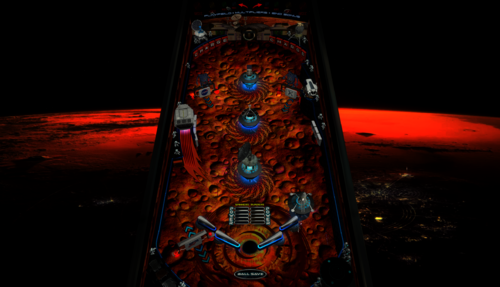
Inhabiting Mars
By JoePicasso
Directions:
"Place the 'Inhabitingmars.gif' in your ...DirectOutput/Config folder"
This table is very unique and works in a very odd way. If you never played orbiter 1 then you might get overwhelmed by its oddity.
Its uniqueness lies in the special gravity where the ball pushes and pulls away from pop bumpers and even goes all the way around the flippers.
Use the Magna save buttons to flip the flippers downwards. a reveres flip. this technique is crucial to keep in mind to get far in the game.
1531 downloads
-
Friday 13th 4.0.0 Table & Puppack
By GameOver
+++Please update your VPX 10.7 to the latest version 10.7.1 if you have troubles to run the latest 1.0.6 table update! Thanks
Vpx 10.7.1 here :
https://github.com/vpinball/vpinball/releases?fbclid=IwAR2cUWKCwbS1rDcjUYPqvOrnwd0gFHzEWxnbLugaSc0XpeBo3i0fbfo2nC4
(this pup pack includes Adult theme videos Violence and Nudity ) +18
11 random intros i think ( i dont remember ) + 12 movies scenes ... Etc etc
if you like blood and boobies you not gonna be disapointed ..
Dont Tilt please ..
You need vpx 10.7 to run this Table and Puppack
The Puppack only works with the table inside the download folder
Script - Options for ApronScreens - Backdrop and Slow Pcs are Off by Default just choose the one you like (Aprons screens are amazing )
Just Run the Bat file inside the puppack for your Screens Setup
Enjoy
Thanks To my TeamTuga Mate Pedro Peres
Thanks Joe Picasso and Mario
Thanks All
Teamtuga
10193 downloads
- friday13th
- vpx
- (and 4 more)
-
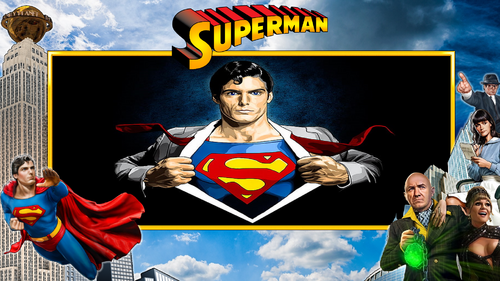
Superman Pup Pack And Table
By Dr.Nobody
Ok Guys I gave it my best shot.
I really do know its not perfect but Ill hopefully revisit it this summer.
Big Thanks to
Goldchicco for helping me whenever I drop him a message and hard work on the original table
Team Tuga ( Rear Apron and for the trolling )
Andrew Walsh ( Intro help )
Dave Sousa ( Dof , Glowball ) Amazing!!!
Ayatollah of Rock ( Mini Game ) Best Mini Game Ever!!!!!!!!!!!!!!!!
Pritch ( Wheels ) Ray ive lost them somewhere Ill find them.
Marty, Frisco and Palladin ( Testing )
Joe Picasso ( Amazing Overlays )
Vp Nation ( You guys rock )
If ive missed anyone message me and i will sort that...
Ive left instructions in the pup pack options that hopefully help you guys out.
I really hope my bat files work If not just replace the 3 pup files.
I have not done single screen options sorry. You guys will have to play.
Hope you enjoy it..
Guys please update your Dof and use alias supermanLE
1788 downloads
-
Eaglesv4_0b.thumb.PNG.de35302c4f622991d4928c353fd4fa51.PNG)
NFL (Stern 2001) Eagles
By xenonph
NFL (Stern 2001) Eagles v4.4 (VPX7.2 Required)
NFL table by Sliderpoint
Striker Xtreme rebuild by Kalavera3
Full code rebuild and alot more primitive and graphics updates and flashers added by 32assassin
Original NFL Playfield and Plastics Graphics Upgrade and Team Mods and Sounds by Xenonph
v4.4
Converted all pics to WebP format to reduce overall size of table.(VPX7.2 Required)
Table file size went from 81.4 MB's to 39.3 MB's!!!
v4.3
Added numbers to variables on all of the toggled options.
So they are all seperated now and do not conflict with other Team tables.
Added Option at top of Table Script to use altsound rom sound fx, and no music.
This option is for Pup Packs that have their own music.
v4.2
Allheart has found a fix so no new core.vbs file is needed. And no need for seperating NFL tables from your other tables.
He suggested I change the rom name to "nfl" right before the nvoffset command in table script, and then change back to alias rom name right after the nvoffset command. This works and solves all problems!! Thanks Allheart!!
v4.1
New core.vbs fix by Allheart that fixes error when using table with B2S Enabled.(Huge thanks!!)
New Instructions and I suggest you follow them!!
This new core.vbs file is not to be copied to your scripts folder.
All of these NFL tables need to be in one folder, and the new core.vbs file needs to be in that same folder.
If you previously downloaded table and overwrote old one in scripts folder, I suggest you download newest beta and copy that one back over the one I previously included with table!!
Sorry for this inconvenience!!
v4.0
32assassin shared all of the resources he had for this NFL table.(Huge Thanks!!)
If you are looking for just the Original table with no team mod or music, then you will have to wait for 32assassin's version to be released.
He is waiting for High Definition scans of the plastics and playfield, before he will release it. (It will be worth the wait!!)
He sent me a new table based off of his work on Striker X-Treme table that he had helped work on with Kalavera3.
He made all new primitives,(Including the Football Primitive!!).
He added fluppers Flashers 2.0.
He added the Apron, Stadium Crowd, Drop Target, Flippers, and Back Wall Flags artwork, and many script changes.
I added Original Plastics.
(The whole reason for me wanting to update was to add the original plastics.)
(And to fix the sound mods, as I didn't know how to add timers back then.)
Upgraded playfield pic with new logos, wood inlays, and much more.
(Compare this playfield pic next to the old playfield pic and you will see exactly what all I have done!!)
I added original Plunger Cover art, Spinner art, and Back Wall Crowd Art.
I made the Goal Post primitive,(Thanks to 32assassin for teaching me how to use blender!!), and made the primitive behind the red flasher.
I also changed the "GOAL" light art behind the Linebacker to "SCORE", and added yellow rim like the original NFL table.
I also added Original Linebacker art.
Added Many Options that are saved and loaded on next table run!!
The Team Plastics can be toggled with Left Magna-Save when game is not in play.
(Original Plastics are on by default.)
Plastics change goes as follows..
Original, Home, Away, Color Rush.
(ALL TABLES WILL AT THE VERY LEAST HAVE HOME, AWAY, AND COLOR RUSH PLASTICS.)
The Back Wall Lights can be toggled with Right Magna-Save when game is not in play.
(Original Lights are on by default.)
Transparent Plastics can be toggled with the L key.
Non-Transparent Plastics show the Team Colors better.
Linebacker Color can be toggled with the W key. Change from White or Black Linebacker.
(So if the star Linebacker on your team is white or black, you are covered!!)
Added JPSalas Lut Script,(Huge thanks JPSalas!!)
Luts are toggled with the Buy-In Key (2 Key)
All the choices you make, are saved and loaded on next table run.
(Thanks to a modified version of JP's Lut and STAT's Team Change script that I modified.)(Thanks JPSalas and STAT!!)
For the sounds, I switched from MP3's to OGG format. Cuts down on file size tremendously!!
I have used the altsound method, combined with regular music method.
I found that some of the alt sounds were not being played, so I told Toxie about the situation.
Toxie looked through the PinMAME code and found the problem.
The PinMAME code didn't handle a special case of the whitestar sound command lists yet, so he added that to new version of VPinMAME!! (HUGE THANKS TOXIE!!!)
YOU WILL NEED THE NEWEST VERSION OF VPINMAME FOR ALL THE ALTSOUNDS TO WORK PROPERLY!!
I have muted all the music in the rom to a decibel level of 0.
This way we still get all the cool sound effects from the rom!!
I will only be adding Touchdown calls from radio announcer for each team in the altsound folder.
The SoundMod is on by default.
To turn off SoundMod, go to Line 20 and change SoundMod=1 to SoundMod=0
Also there is no reason to have to hit F1 and change to altsound, to use this altsound package!!
I have scripted it into table to automatically turn on the altsound, and it turns off on table exit.
There are 41 Main sounds that will be same for each team. There are 7 for the Eagles.
These are kept in a folder named NFL STERN, that is inside your music folder.
(That way if you download all the tables, all the music for all Teams will be kept tidy in 1 folder!!)
1 of 10 NFL Films music is played on start of game, and continues randomly.
15 seconds after the last ball has drained, the Attract Mode starts.
1 of 20 John Facenda talking sound effects is played when in attract mode.
1 of 10 other Football sound effects is played after John Facenda in attract mode.
1 of 7 Eagles Music is played after the second talking sound effect in attract mode.
2 versions of Eagles Fight Song "Fly EAGLES Fly". Regular and Marching Band.
There are 14 different rom Touchdown Calls, with 5 different Radio TD calls divided between the 14 of them.
Also added random sounds on Coin Insert.
Each team will at least have...
Defense Chant, 3 different Football Grunts, Whistle, and TD call on Coin Insert.
ColorDMD is on by default.
To switch to normal DMD colors with the Original plastics, go to Line 16 and change CDMDWOP=1 to CDMDWOP=0
This can only be adjusted on the Original Plastics. They are defaulted ON for the Team Plastics.
This automatically turns off the Colorize DMD that you usually have to manually checkmark in rom options.
And it automatically turns on the Colorize DMD for the Team mods, so no need to checkmark in rom options.
NEW Special Thanks and Acknowledgements:
I first would like to thank 32assassin for ALL the work he did on this table, and for sending me all of his resources!!
I also would like to thank Kalavera3 for all the work he did on this table!!
I also would like to thank JPSalas and STAT, as I modified and combined parts of their script to save and load plastics, backwall lights, and more!!
I also would like to thank Kiwi for helping me with proper wording of script commands for the rom options!!
I also would like to thank iDigStuff for sending me the NFL rom in altsound format!!
I also would like to thank all of the current and former VPinMAME and VP Devs for all the work they have done to make these programs the best!!!
Also want to thank Toxie personally for fixing the altsound, and the nvoffset with alias name problem!!
Also want to thank Allheart for fixing the core.vbs problem for Cabinet users who have B2S enabled.
Prior Special Thanks and Acknowledgements:
v3.1
(BIG THANKS TO SLIDERPOINT FOR PERMISSION TO MOD HIS AMAZING TABLE, AND FOR HELP WIH SCRIPT!!)
(BIG THANKS TO TOXIE AND FUZZEL AND ALL INVOLVED!!) UPGRADED CORE VBS TO ALLOW FOR 32 TEAM CAPACITY NVRAM
(BIG THANKS TO STAT AND CARNY_PRIEST FOR HELP TEACHING ME COLOR DMD SCRIPT COMMANDS!!)
(BIG THANKS TO CARNY_PRIEST FOR UPDATED SCORE AND INSTRUCTION CARDS IN SWF FORMAT. SO PICS AREN'T DISTORTED OR STRETCHED WITH FRONTEND USAGE!!)
(BIG THANKS TO STEVE "Slydog43" FOR GRAPHICS CARD!! WITHOUT IT I WOULD NOT BE ABLE TO MAKE THESE MODS!!)
(BIG THANKS TO STAT FOR ADDING SCRIPT CHANGE TO MAKE TEAM COLOR CHANGES WITH MAGNA-SAVE!!)
(BIG THANKS TO SCOTTYVH FOR REDOING TEXT ON PLAYFIELD LIGHTS AND FITTING CORRECTLY!!)
(BIG THANKS TO GTXJOE FOR HELP WITH MUSIC AND SOUND COMMANDS!!)
(BIG THANKS TO SLIDERPOINT FOR UPGRADING ALOT OF THINGS FOR VERSION3.0!!!)
504 downloads
-
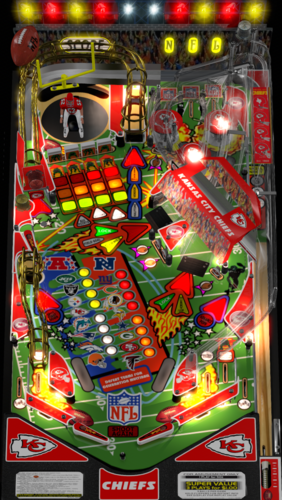
NFL (Stern 2001) Chiefs
By xenonph
NFL (Stern 2001) Chiefs v4.4 (VPX7.2 Required)
NFL table by Sliderpoint
Striker Xtreme rebuild by Kalavera3
Full code rebuild and alot more primitive and graphics updates and flashers added by 32assassin
Original NFL Playfield and Plastics Graphics Upgrade and Team Mods and Sounds by Xenonph
v4.4
Converted all pics to WebP format to reduce overall size of table.(VPX7.2 Required)
Table file size went from 72.8 MB's to 35.4 MB's!!!
v4.3
Added numbers to variables on all of the toggled options.
So they are all seperated now and do not conflict with other Team tables.
Added Option at top of Table Script to use altsound rom sound fx, and no music.
This option is for Pup Packs that have their own music.
v4.2
Allheart has found a fix so no new core.vbs file is needed. And no need for seperating NFL tables from your other tables.
He suggested I change the rom name to "nfl" right before the nvoffset command in table script, and then change back to alias rom name right after the nvoffset command. This works and solves all problems!! Thanks Allheart!!
v4.1
New core.vbs fix by Allheart that fixes error when using table with B2S Enabled.(Huge thanks!!)
New Instructions and I suggest you follow them!!
This new core.vbs file is not to be copied to your scripts folder.
All of these NFL tables need to be in one folder, and the new core.vbs file needs to be in that same folder.
If you previously downloaded table and overwrote old one in scripts folder, I suggest you download newest beta and copy that one back over the one I previously included with table!!
Sorry for this inconvenience!!
v4.0
32assassin shared all of the resources he had for this NFL table.(Huge Thanks!!)
If you are looking for just the Original table with no team mod or music, then you will have to wait for 32assassin's version to be released.
He is waiting for High Definition scans of the plastics and playfield, before he will release it. (It will be worth the wait!!)
He sent me a new table based off of his work on Striker X-Treme table that he had helped work on with Kalavera3.
He made all new primitives,(Including the Football Primitive!!).
He added fluppers Flashers 2.0.
He added the Apron, Stadium Crowd, Drop Target, Flippers, and Back Wall Flags artwork, and many script changes.
I added Original Plastics.
(The whole reason for me wanting to update was to add the original plastics.)
(And to fix the sound mods, as I didn't know how to add timers back then.)
Upgraded playfield pic with new logos, wood inlays, and much more.
(Compare this playfield pic next to the old playfield pic and you will see exactly what all I have done!!)
I added original Plunger Cover art, Spinner art, and Back Wall Crowd Art.
I made the Goal Post primitive,(Thanks to 32assassin for teaching me how to use blender!!), and made the primitive behind the red flasher.
I also changed the "GOAL" light art behind the Linebacker to "SCORE", and added yellow rim like the original NFL table.
I also added Original Linebacker art.
Added Many Options that are saved and loaded on next table run!!
The Team Plastics can be toggled with Left Magna-Save when game is not in play.
(Original Plastics are on by default.)
Plastics change goes as follows..
Original, Home, Away, Color Rush.
(ALL TABLES WILL AT THE VERY LEAST HAVE HOME, AWAY, AND COLOR RUSH PLASTICS.)
The Back Wall Lights can be toggled with Right Magna-Save when game is not in play.
(Original Lights are on by default.)
Transparent Plastics can be toggled with the L key.
Non-Transparent Plastics show the Team Colors better.
Linebacker Color can be toggled with the W key. Change from White or Black Linebacker.
(So if the star Linebacker on your team is white or black, you are covered!!)
Added JPSalas Lut Script,(Huge thanks JPSalas!!)
Luts are toggled with the Buy-In Key (2 Key)
All the choices you make, are saved and loaded on next table run.
(Thanks to a modified version of JP's Lut and STAT's Team Change script that I modified.)(Thanks JPSalas and STAT!!)
For the sounds, I switched from MP3's to OGG format. Cuts down on file size tremendously!!
I have used the altsound method, combined with regular music method.
I found that some of the alt sounds were not being played, so I told Toxie about the situation.
Toxie looked through the PinMAME code and found the problem.
The PinMAME code didn't handle a special case of the whitestar sound command lists yet, so he added that to new version of VPinMAME!! (HUGE THANKS TOXIE!!!)
YOU WILL NEED THE NEWEST VERSION OF VPINMAME FOR ALL THE ALTSOUNDS TO WORK PROPERLY!!
I have muted all the music in the rom to a decibel level of 0.
This way we still get all the cool sound effects from the rom!!
I will only be adding Touchdown calls from radio announcer for each team in the altsound folder.
The SoundMod is on by default.
To turn off SoundMod, go to Line 20 and change SoundMod=1 to SoundMod=0
Also there is no reason to have to hit F1 and change to altsound, to use this altsound package!!
I have scripted it into table to automatically turn on the altsound, and it turns off on table exit.
There are 41 Main sounds that will be same for each team. There are 8 for the Chiefs.
These are kept in a folder named NFL STERN, that is inside your music folder.
(That way if you download all the tables, all the music for all Teams will be kept tidy in 1 folder!!)
1 of 10 NFL Films music is played on start of game, and continues randomly.
15 seconds after the last ball has drained, the Attract Mode starts.
1 of 20 John Facenda talking sound effects is played when in attract mode.
1 of 10 other Football sound effects is played after John Facenda in attract mode.
1 of 8 Chiefs Music is played after the second talking sound effect in attract mode.
There are 14 different rom Touchdown Calls, with 2 different Radio TD calls divided between the 14 of them.
Also added random sounds on Coin Insert.
Each team will at least have...
Defense Chant, 3 different Football Grunts, Whistle, and TD call on Coin Insert.
ColorDMD is on by default.
To switch to normal DMD colors with the Original plastics, go to Line 16 and change CDMDWOP=1 to CDMDWOP=0
This can only be adjusted on the Original Plastics. They are defaulted ON for the Team Plastics.
This automatically turns off the Colorize DMD that you usually have to manually checkmark in rom options.
And it automatically turns on the Colorize DMD for the Team mods, so no need to checkmark in rom options.
NEW Special Thanks and Acknowledgements:
I first would like to thank 32assassin for ALL the work he did on this table, and for sending me all of his resources!!
I also would like to thank Kalavera3 for all the work he did on this table!!
I also would like to thank JPSalas and STAT, as I modified and combined parts of their script to save and load plastics, backwall lights, and more!!
I also would like to thank Kiwi for helping me with proper wording of script commands for the rom options!!
I also would like to thank iDigStuff for sending me the NFL rom in altsound format!!
I also would like to thank all of the current and former VPinMAME and VP Devs for all the work they have done to make these programs the best!!!
Also want to thank Toxie personally for fixing the altsound, and the nvoffset with alias name problem!!
Also want to thank Allheart for fixing the core.vbs problem for Cabinet users who have B2S enabled.
Prior Special Thanks and Acknowledgements:
v3.1
(BIG THANKS TO SLIDERPOINT FOR PERMISSION TO MOD HIS AMAZING TABLE, AND FOR HELP WIH SCRIPT!!)
(BIG THANKS TO TOXIE AND FUZZEL AND ALL INVOLVED!!) UPGRADED CORE VBS TO ALLOW FOR 32 TEAM CAPACITY NVRAM
(BIG THANKS TO STAT AND CARNY_PRIEST FOR HELP TEACHING ME COLOR DMD SCRIPT COMMANDS!!)
(BIG THANKS TO CARNY_PRIEST FOR UPDATED SCORE AND INSTRUCTION CARDS IN SWF FORMAT. SO PICS AREN'T DISTORTED OR STRETCHED WITH FRONTEND USAGE!!)
(BIG THANKS TO STEVE "Slydog43" FOR GRAPHICS CARD!! WITHOUT IT I WOULD NOT BE ABLE TO MAKE THESE MODS!!)
(BIG THANKS TO STAT FOR ADDING SCRIPT CHANGE TO MAKE TEAM COLOR CHANGES WITH MAGNA-SAVE!!)
(BIG THANKS TO SCOTTYVH FOR REDOING TEXT ON PLAYFIELD LIGHTS AND FITTING CORRECTLY!!)
(BIG THANKS TO GTXJOE FOR HELP WITH MUSIC AND SOUND COMMANDS!!)
(BIG THANKS TO SLIDERPOINT FOR UPGRADING ALOT OF THINGS FOR VERSION3.0!!!)
570 downloads
-
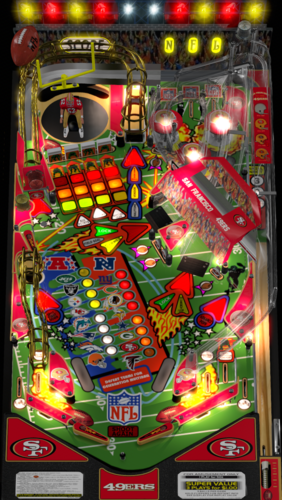
NFL (Stern 2001) 49ers
By xenonph
NFL (Stern 2001) 49ers v4.4 (VPX7.2 Required)
THIS TABLE IS DEDICATED TO MY SISTERS TERESA AND MARY!!
NFL table by Sliderpoint
Striker Xtreme rebuild by Kalavera3
Full code rebuild and alot more primitive and graphics updates and flashers added by 32assassin
Original NFL Playfield and Plastics Graphics Upgrade and Team Mods and Sounds by Xenonph
v4.4
Converted all pics to WebP format to reduce overall size of table.(VPX7.2 Required)
Table file size went from 68.4 MB's to 32.4 MB's!!!
v4.3
Added numbers to variables on all of the toggled options.
So they are all seperated now and do not conflict with other Team tables.
Added Option at top of Table Script to use altsound rom sound fx, and no music.
This option is for Pup Packs that have their own music.
v4.2
Allheart has found a fix so no new core.vbs file is needed. And no need for seperating NFL tables from your other tables.
He suggested I change the rom name to "nfl" right before the nvoffset command in table script, and then change back to alias rom name right after the nvoffset command. This works and solves all problems!! Thanks Allheart!!
v4.1
New core.vbs fix by Allheart that fixes error when using table with B2S Enabled.(Huge thanks!!)
New Instructions and I suggest you follow them!!
This new core.vbs file is not to be copied to your scripts folder.
All of these NFL tables need to be in one folder, and the new core.vbs file needs to be in that same folder.
If you previously downloaded table and overwrote old one in scripts folder, I suggest you download newest beta and copy that one back over the one I previously included with table!!
Sorry for this inconvenience!!
v4.0
32assassin shared all of the resources he had for this NFL table.(Huge Thanks!!)
If you are looking for just the Original table with no team mod or music, then you will have to wait for 32assassin's version to be released.
He is waiting for High Definition scans of the plastics and playfield, before he will release it. (It will be worth the wait!!)
He sent me a new table based off of his work on Striker X-Treme table that he had helped work on with Kalavera3.
He made all new primitives,(Including the Football Primitive!!).
He added fluppers Flashers 2.0.
He added the Apron, Stadium Crowd, Drop Target, Flippers, and Back Wall Flags artwork, and many script changes.
I added Original Plastics.
(The whole reason for me wanting to update was to add the original plastics.)
(And to fix the sound mods, as I didn't know how to add timers back then.)
Upgraded playfield pic with new logos, wood inlays, and much more.
(Compare this playfield pic next to the old playfield pic and you will see exactly what all I have done!!)
I added original Plunger Cover art, Spinner art, and Back Wall Crowd Art.
I made the Goal Post primitive,(Thanks to 32assassin for teaching me how to use blender!!), and made the primitive behind the red flasher.
I also changed the "GOAL" light art behind the Linebacker to "SCORE", and added yellow rim like the original NFL table.
I also added Original Linebacker art.
Added Many Options that are saved and loaded on next table run!!
The Team Plastics can be toggled with Left Magna-Save when game is not in play.
(Original Plastics are on by default.)
Plastics change goes as follows..
Original, Home, Away, Color Rush.
(ALL TABLES WILL AT THE VERY LEAST HAVE HOME, AWAY, AND COLOR RUSH PLASTICS.)
The Back Wall Lights can be toggled with Right Magna-Save when game is not in play.
(Original Lights are on by default.)
Transparent Plastics can be toggled with the L key.
Non-Transparent Plastics show the Team Colors better.
Linebacker Color can be toggled with the W key. Change from White or Black Linebacker.
(So if the star Linebacker on your team is white or black, you are covered!!)
Added JPSalas Lut Script,(Huge thanks JPSalas!!)
Luts are toggled with the Buy-In Key (2 Key)
All the choices you make, are saved and loaded on next table run.
(Thanks to a modified version of JP's Lut and STAT's Team Change script that I modified.)(Thanks JPSalas and STAT!!)
For the sounds, I switched from MP3's to OGG format. Cuts down on file size tremendously!!
I have used the altsound method, combined with regular music method.
I found that some of the alt sounds were not being played, so I told Toxie about the situation.
Toxie looked through the PinMAME code and found the problem.
The PinMAME code didn't handle a special case of the whitestar sound command lists yet, so he added that to new version of VPinMAME!!(HUGE THANKS TOXIE!!!)
YOU WILL NEED THE NEWEST VERSION OF VPINMAME FOR ALL THE ALTSOUNDS TO WORK PROPERLY!!
I have muted all the music in the rom to a decibel level of 0.
This way we still get all the cool sound effects from the rom!!
I will only be adding Touchdown calls from radio announcer for each team in the altsound folder.
The SoundMod is on by default.
To turn off SoundMod, go to Line 20 and change SoundMod=1 to SoundMod=0
Also there is no reason to have to hit F1 and change to altsound, to use this altsound package!!
I have scripted it into table to automatically turn on the altsound, and it turns off on table exit.
There are 41 Main sounds that will be same for each team. There are 5 for the 49ers.
These are kept in a folder named NFL STERN, that is inside your music folder.
(That way if you download all the tables, all the music for all Teams will be kept tidy in 1 folder!!)
1 of 10 NFL Films music is played on start of game, and continues randomly.
15 seconds after the last ball has drained, the Attract Mode starts.
1 of 20 John Facenda talking sound effects is played when in attract mode.
1 of 10 other Football sound effects is played after John Facenda in attract mode.
1 of 5 49ers Music is played after the second talking sound effect in attract mode.
There are 14 different rom Touchdown Calls, with 4 different Radio TD calls divided between the 14 of them.
Also added random sounds on Coin Insert.
Each team will at least have...
Defense Chant, 3 different Football Grunts, Whistle, and TD call on Coin Insert.
ColorDMD is on by default.
To switch to normal DMD colors with the Original plastics, go to Line 16 and change CDMDWOP=1 to CDMDWOP=0
This can only be adjusted on the Original Plastics. They are defaulted ON for the Team Plastics.
This automatically turns off the Colorize DMD that you usually have to manually checkmark in rom options.
And it automatically turns on the Colorize DMD for the Team mods, so no need to checkmark in rom options.
NEW Special Thanks and Acknowledgements:
I first would like to thank 32assassin for ALL the work he did on this table, and for sending me all of his resources!!
I also would like to thank Kalavera3 for all the work he did on this table!!
I also would like to thank JPSalas and STAT, as I modified and combined parts of their script to save and load plastics, backwall lights, and more!!
I also would like to thank Kiwi for helping me with proper wording of script commands for the rom options!!
I also would like to thank iDigStuff for sending me the NFL rom in altsound format!!
I also would like to thank all of the current and former VPinMAME and VP Devs for all the work they have done to make these programs the best!!!
Also want to thank Toxie personally for fixing the altsound, and the nvoffset with alias name problem!!
Also want to thank Allheart for fixing the core.vbs problem for Cabinet users who have B2S enabled.
Prior Special Thanks and Acknowledgements:
v3.1
(BIG THANKS TO SLIDERPOINT FOR PERMISSION TO MOD HIS AMAZING TABLE, AND FOR HELP WIH SCRIPT!!)
(BIG THANKS TO TOXIE AND FUZZEL AND ALL INVOLVED!!) UPGRADED CORE VBS TO ALLOW FOR 32 TEAM CAPACITY NVRAM
(BIG THANKS TO STAT AND CARNY_PRIEST FOR HELP TEACHING ME COLOR DMD SCRIPT COMMANDS!!)
(BIG THANKS TO CARNY_PRIEST FOR UPDATED SCORE AND INSTRUCTION CARDS IN SWF FORMAT. SO PICS AREN'T DISTORTED OR STRETCHED WITH FRONTEND USAGE!!)
(BIG THANKS TO STEVE "Slydog43" FOR GRAPHICS CARD!! WITHOUT IT I WOULD NOT BE ABLE TO MAKE THESE MODS!!)
(BIG THANKS TO STAT FOR ADDING SCRIPT CHANGE TO MAKE TEAM COLOR CHANGES WITH MAGNA-SAVE!!)
(BIG THANKS TO SCOTTYVH FOR REDOING TEXT ON PLAYFIELD LIGHTS AND FITTING CORRECTLY!!)
(BIG THANKS TO GTXJOE FOR HELP WITH MUSIC AND SOUND COMMANDS!!)
(BIG THANKS TO SLIDERPOINT FOR UPGRADING ALOT OF THINGS FOR VERSION3.0!!!)
752 downloads
-
Monday Night Football - (Data East 1989) Tennessee VOLS mod
By TNpinball
Here is my Tennessee VOLS edition MOD of Data East Monday Night Football.
This is a reskin of Monday night football mod by SG1bsoN ( who modded an original table by allknowing2012)
Changes include: New images, 3d elements, lighting, an Altsound file, new backglass, overall theme change.
Note* alt sound file can be renamed to the MNF ROM If you don't need the alias just make sure to change the name in the script to match.
set alias: tennmnfb_c27,mnfb_c27 and throw folder with music files in altsound folder. During game press F1 and set alt sound mode from 0 to 1. Save and restart). (Thank you agent327 for putting those directions in better words than I could!)
Included video is for DMD display in pin-up popper.
427 downloads
-
-
VPXJP-Batch-XenonphMODv1.0.thumb.PNG.0ce07369b4301b54d5dc02e6d9580a08.PNG)
Conan (Rowamet 1983) VPX Sound+Reg MOD
By xenonph
I first would like to thank JPSalas and Batch for giving me permission to make these VPX mods. I would also like to thank them for making great tables!!
They both put in alot of time and work on the original tables, and it is appreciated!! So if you like this mod, I would encourage you to thank the original authors of the table!
Batch's VP9 Conan DT version...
http://www.vpforums.org/index.php?app=downloads&showfile=11060
JPSalas' VPX Rolling Stones..
http://www.vpforums.org/index.php?app=downloads&showfile=12914
I also would like to thank Allknowing2012 and Gtxjoe for teaching me how to add timers to script.
I also would like to thank Steve "Slydog43" for which these VPX mods would not be possible!!
v2.1
Converted all pics to WebP format to reduce overall size of table.(VPX7.2 Required)
Converted Wav files in sound manager to ogg format which reduces file size.
File size went from 25.2 MB's to 9.23 MB's!!!
v2.0
Added modified JPSalas LUT Toggled with Buy-In Key (2 Key).
Converted mp3's to ogg format, and scripted music to be played from Conan folder.
(Place Conan folder in your Music folder)
Also lowered Decibal Level on all the music and sword clashing sounds by 6.4 Db's.
All sounds in manager are played through Backglass now.
Added NVOffset script command, so not to interfere with other tables using same rom.
Added Fluppers Flashers to the 3 Bumpers and 2 Bumperslings.
I used Batch's graphics from his VP9 version, as his version was the best version of Conan available in my opinion.
I added Batch's Backdrop to DT version, and had to modify it to fit the DMD reels. I just enlarged the box he had in upper left and moved the reels to fit. Any other way would have messed up his backdrop pic.(It all can still be seen clearly.)
I added Crom Font for Backdrop text lights.
SoundMOD:
I found a bunch of sound effects on Google search.
All of these sound effects are from the first Conan the Barbarian movie that was made in the 80's.
There are 10 background music sounds. 5 for plunger pull, 5 for Drain.
There 19 other voice and sword sound effects trigered by bumpers, rollovers, targets, saucer, coin insert.
Place contents of music folder into music folder where Visual Pinball is installed.
The Credits and Match are off by default.
Hit F6 on keyboard when table is running to open Settings Menu, and you can adjust from there.
(I was going to include a nvram with the Credits and Match on, but it would be just as simple for you to change using F6.)
This table uses the 7 Digit Rolling Stones ROM. (rollstob)
Hope you like it!!
Stay tuned for VPX version of Conan the Destroyer sound mod!!
3508 downloads
-
SoundMODv2_0b.thumb.PNG.823837b3516ae3219baa8eafe7e212bd.PNG)
Road Runner (Atari 1979) SoundMOD
By xenonph
I first would like to thank Kalavera for giving me permission to make this sound mod. I would also like to thank him for making a great table!! I also would like to thank TAB which let Kalavera use his VP9 table to make his VPX mod.
I would also like to thank Arngrim for adding DOF to script for Kalavera. There is much more important info on original download page.
They put in alot of time and work on the original table, and it is appreciated!! So if you like this mod, I would encourage you to thank the original author of the table, as I have only made a few changes!
Original Table...
http://vpuniverse.com/forums/files/file/4962-road-runner/
I also would like to thank Flupper for his great Flasher resource table!!
I would also like to thank Thalamus for telling me how to use resource tables!!
I also would like to thank Allknowing2012 and Gtxjoe for teaching me how to add timers to script!
I also would like to thank DJRobX, STAT, Gtxjoe, and nFozzy, for helping me shorten my StopSounds and PlaySounds script commands.
(They each wrote out an example, and between them all, I was able to figure it out!! BIG THANKS!!!)
I would also like to thank DJRobX for showing me example of flasher script command for flasher placement in FS mode.
I also would like to thank Steve "Slydog43" for which these VPX mods would not be possible!!
Version 2.1
Converted all pics to WebP format to reduce overall size of table.(VPX7.2 Required)
Converted Wav files in sound manager to ogg format which reduces file size.
File size went from 115 MB's to 34.3 MB's!!!
Version 2.0
Added Modified version of JPSalas LUT script.
LUT's are toggled with the Buy-In Key.(2 Key)
Bumper pics toggled with Right Magna-Save are saved and loaded on next table run.
FS Backdrop pics toggled with Left Magna-Save are saved and loaded on next table run.
Version 1.1
Thanks to Vogliadicane's info I changed to his Ball Image, and set ambient (keep this low) from 29,29,29 to 0,0,0.
So the ball should look more natural. HUGE THANKS FOR THIS INFO VOGLIADICANE!!!!
Version 1.0
Lowered Rubber Physics hit height to 27.
Changed DT view settings, changed X Scale to 1, changed Y Scale to 1, Changed Z Offset to -140
Changed FS view settings, changed X Scale to 1, changed Y Scale to 1, and other settings.
Adjusted many objects so outer lines and edges were straightened. Plastics, sidewood, apron, side top and bottom rails, plungerplastic, etc.
Raised height of bumpercaps to 61, so lines are not showing through.
Raised height of halo on bumper lights so the whole bumper is covered with light when activated.
Added 6 modified wheel image pics to upper blank strip in FS view, which can be toggled with Left Magna-Save button.
(This wouldn't work with STAT's script as is, so had to modify, as you can't change pics on flashers, but you can make them visible or not, so I added 3 different flashers to same area, and just made the others not visible while viewing current. If you try adding pic to upper area with ramp or wall, it pushes the table offscreen, but when pics are done with flashers, it doesn't effect the table or push it off screen!!)
Added modified version of STAT's Change team script, so 14 different bumper pics can be toggled with Right Magna-Save button.
The second bumper pic toggled, is a white version of same bumper, which is as I saw it on IPDB.
Added BIP variable and "plungerreleasefree" sound effect to plunger, played when ball is not in plunger lane.
Added invisible wall above drain so ball doesn't jump up onto apron when draining fast.
Added Keypress of N for shutting off Mod Sounds.
Added Keypress of M for turning on Mod Sounds.
Mod Sounds are on by default, but can be shut off on Line 16 of table script by changing "SoundMod = 1" to "SoundMod = 0"
Added 25 sound effects, 5 of which are different versions of same 60's cartoon theme song.
All pics, trademarks, Logos and sounds belong to their respectful owners. This table is for personal home, and non-commercial use only. This table should be used for educational purposes only..
Hope you enjoy!!
1904 downloads
-
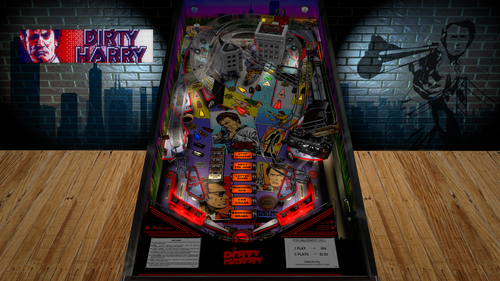
Dirty Harry (Williams 1995)
By TastyWasps
You Feeling Lucky Punk?
Dirty Harry has been "cleaned" up a bit for the latest VPX gameplay updates.
Improvements:
Scripting/Visual/Physics
* nFozzy physics / sling corrections
* Fleep mechanical and ramp sounds (SSF)
* Dynamic Ball Shadows (thanks Wylte)
* Drop Target Bouncers
* Flupper Domes
* Basic lighting changes to add more contrast / warmer feel.
Gameplay Improvements:
* Ball would often drop SDTM off the right wall if not flipped with the upper flipper. Fixed.
* Right upper flipper was literally hidden from view from a material setting. Fixed.
Quick History:
The most recent version of Dirty Harry VPX was version 2.0 that was created / scripted by Knorr with many enhancements since 2016 with Flupper assisting on ramps a killer shiny gun mod that matches the theme of the more shiny flippers and bumper surfaces.
So, about a month ago (on VPChat discord), ashleyb asked if anyone would want to "freshen up" Dirty Harry as they felt like it needed some gameplay updates... I chimed in and said I'd look into it. It was originally a Knorr project and Flupper did some of the most recent work making a killer shiny gun mod. Flupper was good with updating it so off to the races.
Commendations:
Thanks to the original Williams team listed in the IPDB link for another one of their '90s pins that stand the test of time.
Thanks to the original authors, Knorr and Flupper for a very solid recreation of the Dirty Harry VPX table from previous versions of Visual Pinball.
Thanks to the VPW team and ashleyb for advice, opinions and testing.
Now... Go Ahead and Make Your Day!
8390 downloads
-
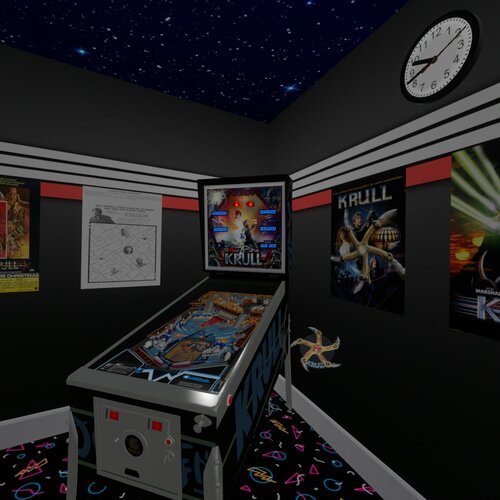
Krull (Gottlieb 1983) (10.8)
By Rascal
This is a hybrid update to my vpx conversion of a rare Gottlieb 1983 Krull pinball machine. For more details of the table I updated check out this link.
https://vpuniverse.com/files/file/5455-krull-gottlieb-1983/
Special thanks go out to the following people.
Ahr1man and his hawk eyes and his 4k monitor with his magnifying glass for finding every pixel out of place.
Rawd for being Rawd and just so I can boost his popularity more than it already is.
Smaug for his really slick video intro and help getting the word out. Also for beta testing.
Gigalula for beta testing and reporting.
tamoore for beta testing and reporting.
Studlygoorite for beta testing and reporting, he found that I had a bunch of sounds set to the backglass that should have been set to the playfield.
VPW team for many VR settings and object for the VR view.
And of course thanks to kevinleedrum and mfuegemann for the 2014 vp9 version.
I hope I got all the people that helped, if not let me know and I will add you.
Enjoy!
923 downloads
-
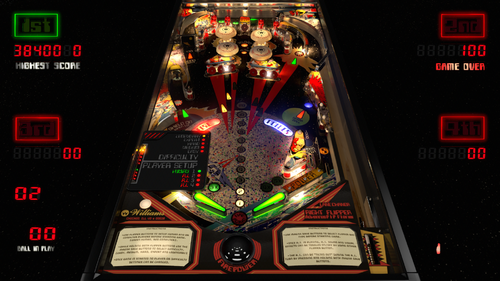
Firepower (Vs A.I.) V3.7
By 3rdaxis
Welcome to Firepower (Vs A.I.) V3.7 Needs VPX 10.7.3 To Run
A first of it's kind pinball game that you can actually play and challenge a fully capable A.I. computer. (Hal-9000)
This release is both graphically and physically identical to my original Firepower but can also still be played in a vanilla state like the original.
By default the computer's level of skill is set to "Legendary" . Player 2, 3 and 4 are the computer. There are four levels of difficulty to choose from. Easy, Normal, Hard, Expert and Legendary.
You can pick and choose which player is human or computer and even have all four players computer if you wish (lots of fun to watch and even bet on games).
INSTRUCTIONS:
(In Game)
'*Use the "L" key on keyboard to select language.
'*Use Flipper Buttons to setup human and or computer players before starting game. (Green Human, Red Computer).
'*Use Magna Save buttons to select flipper bat type.
'*While pressing and holding both flipper buttons use the Magna save buttons to select difficulty. (Easy, Medium, Hard, Expert and Legendary)
'*Press and hold the Right Flipper Button (six seconds) to display player and difficulty status during game play. Logic Panel displays during DTmode only.
'*Once game is started no selections can be made or changed until game is over.
'*The A.I. can be shutdown during the A.I. turn by pressing and holding both Magna Save buttons. The player can then take control.
'*All options can be hard set in the script under Table Options as desired.
A very special thank you to rothbauerw for help with the coding and conditional logic. Slydog43 for additional coding and everyone else in the community. Vogliadicane for the cool backglass and coding.
This is something that I hope you will all enjoy as much as I have enjoyed making it. I very much plan I installing this on other tables in the near future.
Same as before I recommend turning off AO (Ambient Occlusion) in video preferences and keeping ScSp turned on.
Anything else (Anti-Aliasing, Post-proc AA) will depend on your set-up.
I also suggest going through the THX set-up to ensure that you are experiencing this table as it was intended. Enjoy...
V3.4.0 Change Log Notes:
*The A.I. has a few new tricks up it's sleeves and will average about 400,000 points. It will still have a bad game now and then but will also sometimes play until the cows come home. You have been warned.
*It will nudge harder, do bounce passes and his shot priority logic has been optimized to limit any dangerous shots and maximize points.
*By default the table now as instruction cards explaining the user interface for setting up the A.I. game including player(s) (A.I. or Human), difficulty, canceling the A.I.'s turn etc.
*If the AI Nudge is turned off the right outlane post will move to the easy position during the computers turn. This is in case you have an accelerometer that tilt's out during the AI's turn thus still giving it a fair advantage.
V3.4.8 Change Log Notes:
If the A.I "TILT's" it will learn not to nudge the table for the remainder of that game.
V3.5.8 Change Log Notes:
Hidden in-game functions:
*Press and hold the Right Flipper Button for six seconds to display Logic panel and Player/Difficulty Status during game play. Logic Panel displays with DTmode only.
*While still holding the Right Flipper Button:
*Use the Left Magna Save Button to change Flipper Bat Type.
*Use the Right Magna Save Button to toggle on/off A.I. sound effects, voice and laser sights.
*Use the Left Flipper Button to change the Score Display colors. (score reels only)
*These changes will stay for the remainder of that game and will revert back to your script options when the table is re-started.
V3.6 Change Log Notes:
Lots of UI bug fixes. (Thank hworths1545 for the catch)
Fixed Legendary difficulty light state.
Added French to languages.
PROVIDED STRICTLY FOR PERSONAL USE AND NOT FOR COMMERCIAL SALE OR DISTRIBUTION. PLEASE DO NOT MASS RE-DISTRIBUTE TABLES OR ROMS. Any unauthorized distribution may result in legal action taken against the party(s) in question.
4134 downloads
-
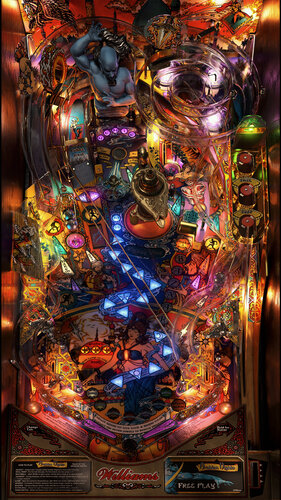
Tales of the Arabian Nights 4k Williams 1996
By Flupper
Full rebuild of Totan in Blender, all prerendered for 4K resolution. Thanks to:
Original build by JPSalas in 2015
High res playfield and plastics - Clark Kent
Beta Testing and Table Reference - Randr
DOF - Arngrim
Special thanks:
Knorr, for sounds from his soundpack
nFozzy, for physics techniques
G5K, for rendering advice
For best performance use these settings:
- use 10.7.x
- no brute-force 4x SSAA (is not necessary), but quality SMAA
- exclusive full screen with 1 for FPS limiter and 1 for maximum prerendered frames
- Ambient occlusion, ball trails, screen space reflections all off
Other remarks:
- magnasave buttons changes the LUT, see script options
- it is advised to keep the POV settings as they are in the download for the full screen mode; all textures have been prerendered for this POV
- day/night slider does not do much (only on lamp and playfield), use LUT to change contrast/brightness
14674 downloads
-
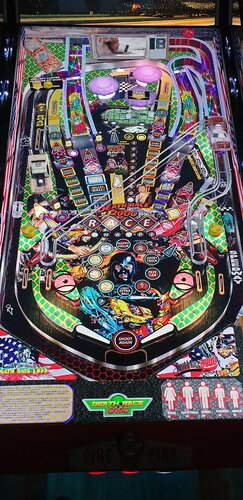
Death Race 2000
By balutito
Welcom to the Death Race, "You finish first or not at all" 😁
I don't really know why, but I love this old movie, completely crazy.
As JPSalas was kind enough to leave the NASCAR table free to modify, I took the opportunity to offer you a deadly version.
Thanks to JPSalas and everyone who worked on the table before me.
Magnasave option
If you are a careful driver, use the LEFT Magnasave If you're a big sick, V8 lover, road killer, use the Right Magnasave
You have no Magnasave ?
You can change the playfield line 29 of the script.
Or use your keyboard just for testing
ROM = nascar
PS: I do not know why, but on this table impossible to mutate the ROM? If someone has an idea ?
Music by RAZOR
ENJOY
All Logos, Music, Copyrights and Trademarks are property of their respective owners.
PROVIDED STRICTLY FOR PERSONAL / HOME USE AND NOT FOR COMMERCIAL SALE / RE-SALE OR DISTRIBUTION!
7790 downloads
-
VPU Staff's Top Picks
-
New & Updated Visual Pinball
-
New & Updated Future Pinball
-
New & Updated Backglasses
-
New & Updated DMD Colorizations
-
New & Updated Virtual Reality Enabled Tables
-
VPU Remix & Mods
-
New & Updated Popper Media
-
Updated Files
-
Download Statistics
30753
Files108418
Comments45242
Reviews
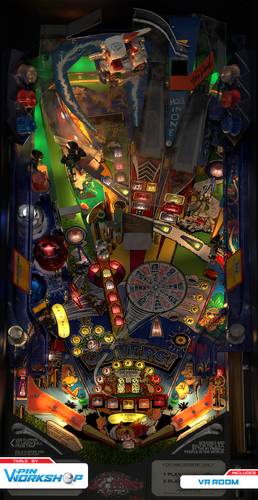
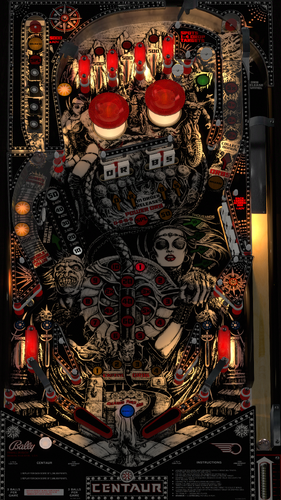
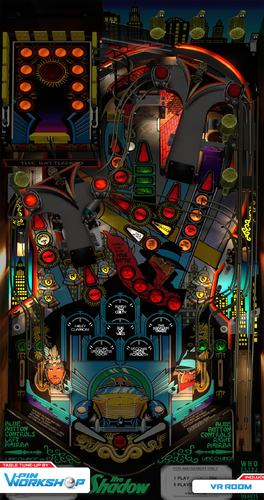
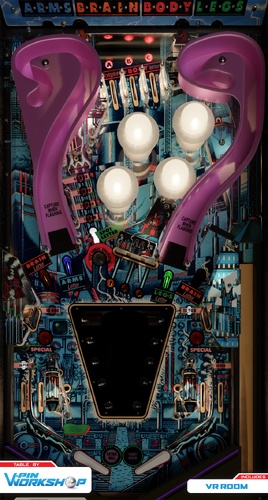
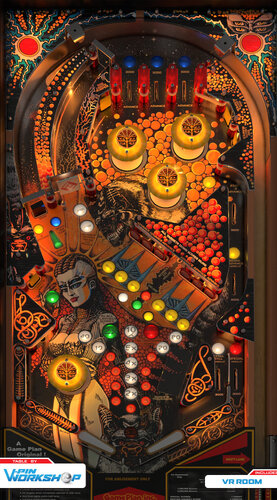
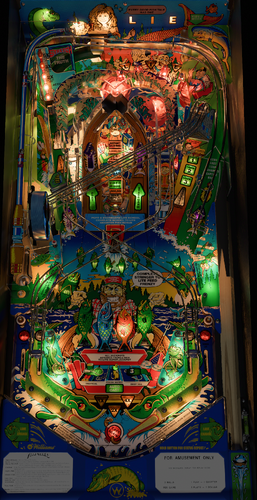
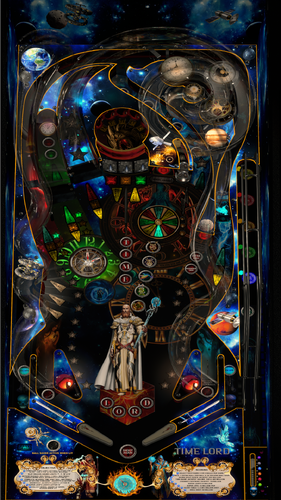
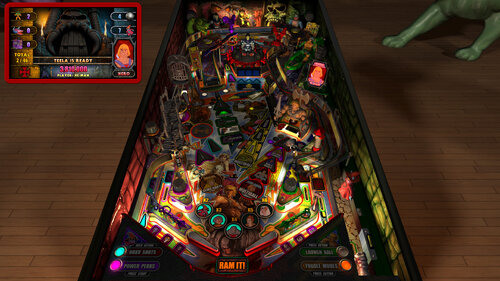
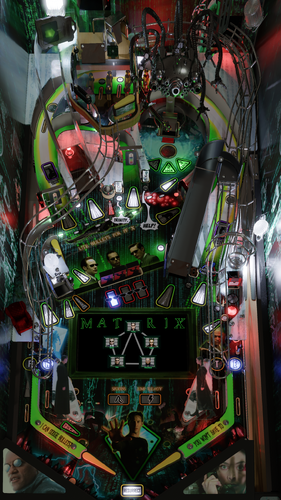
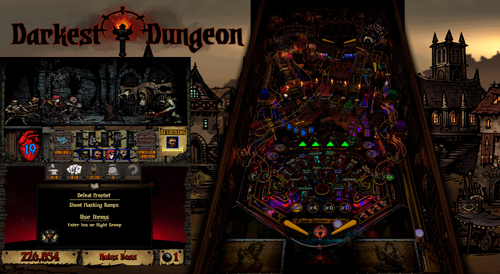
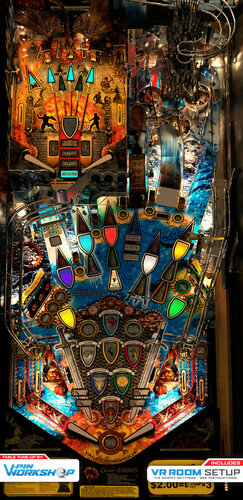
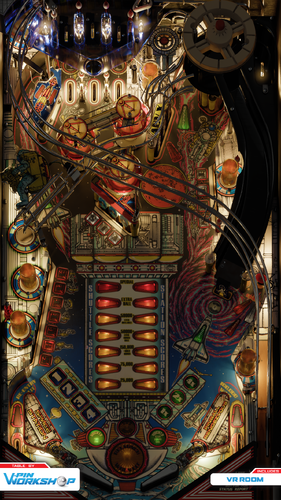
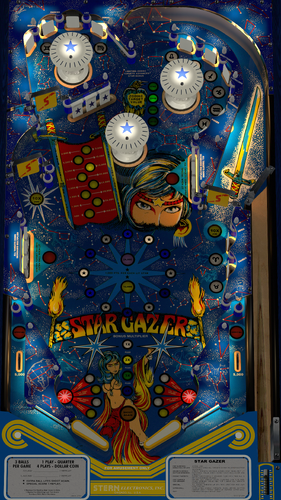
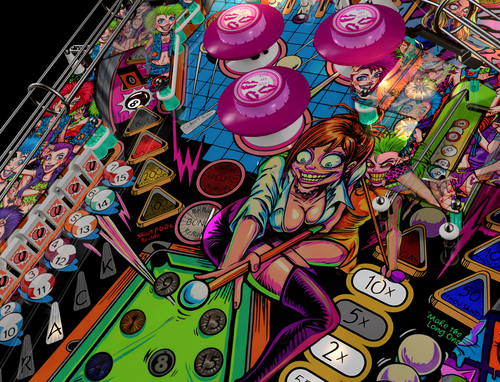
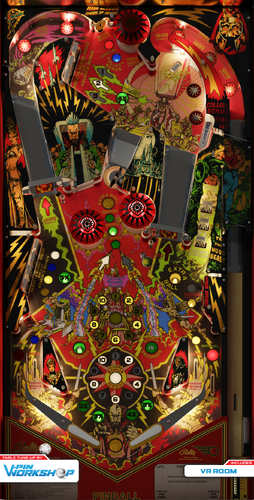

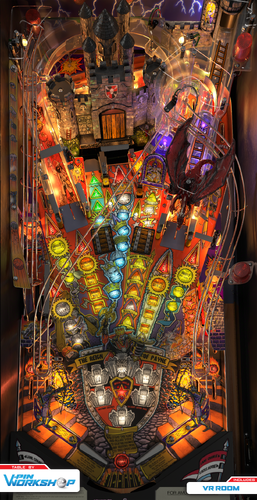
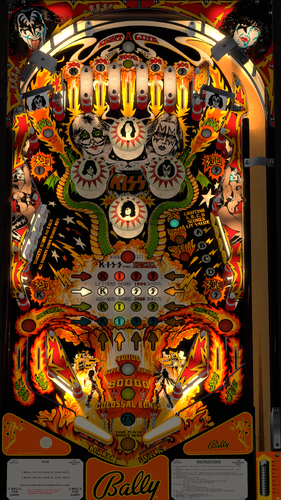
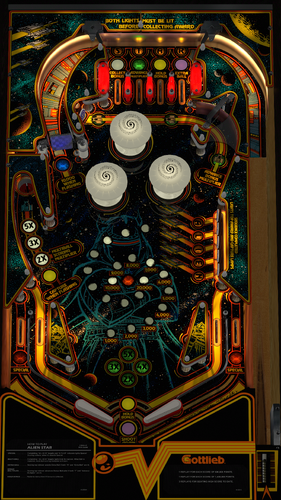
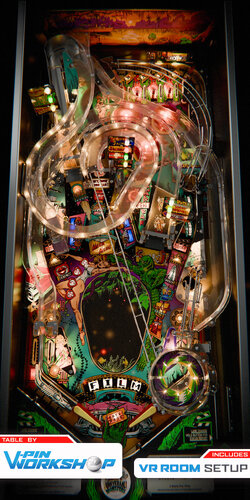
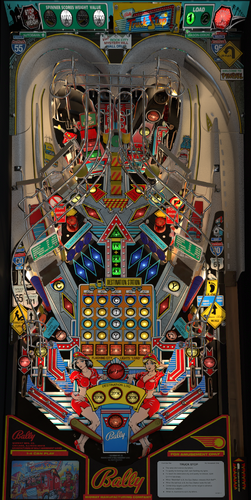
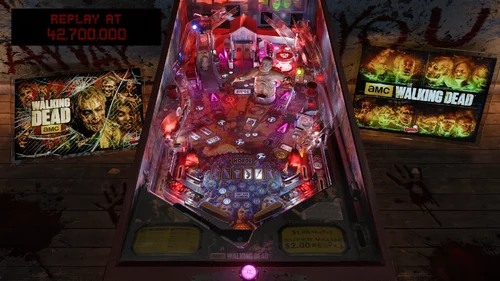
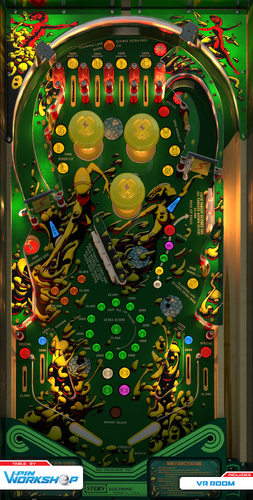
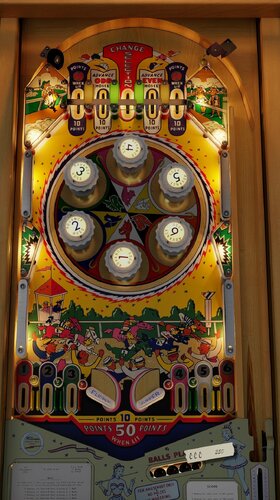


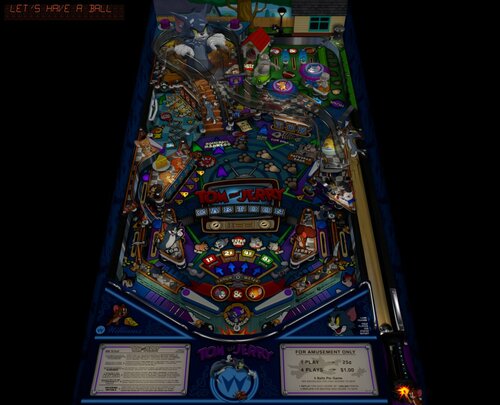
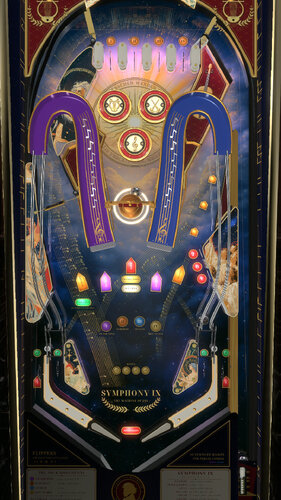
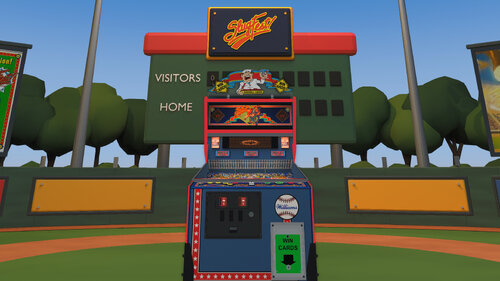
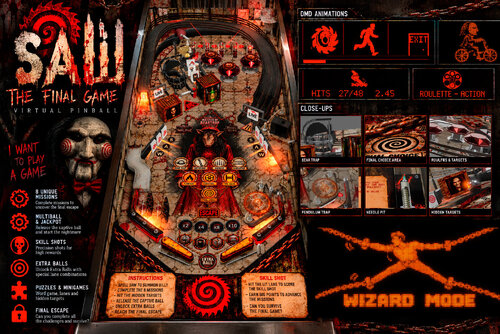
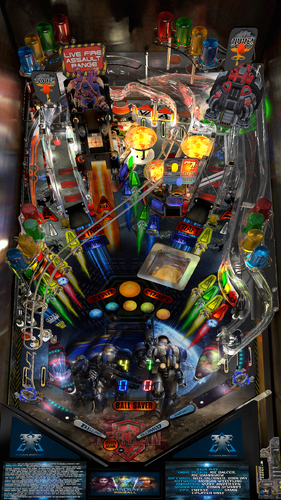
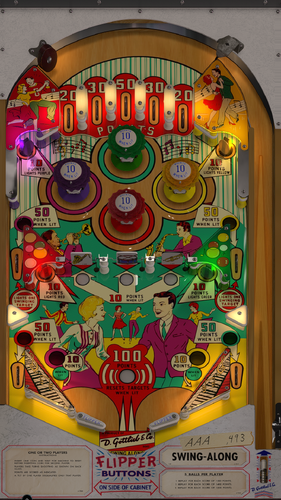

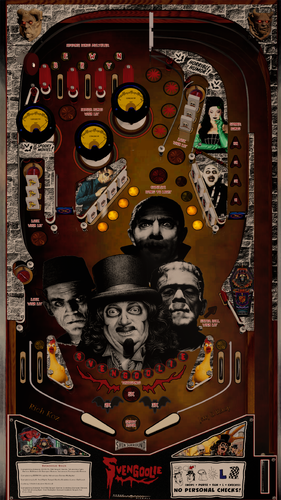
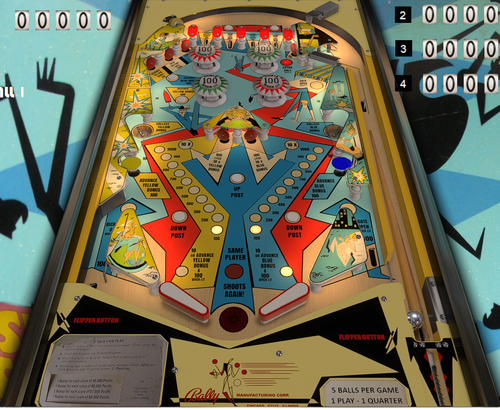
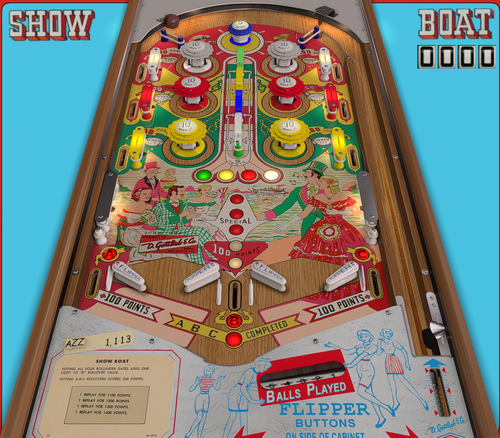
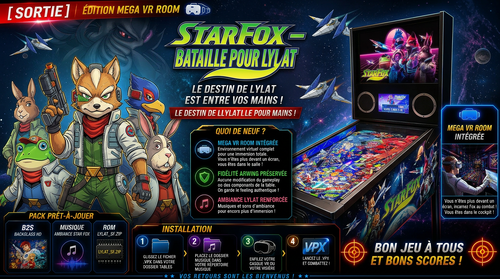
CabCapture.thumb.png.a2c00b61a6b7043444898e3394166c93.png)
FS-DT-VRSoundMODv1_0DT.thumb.PNG.2a85890970d2bfab35d2d7a79c1e7838.PNG)
SoundMODv1_0a.thumb.PNG.564dbfe3b1d4c963de4833fc9299394b.PNG)
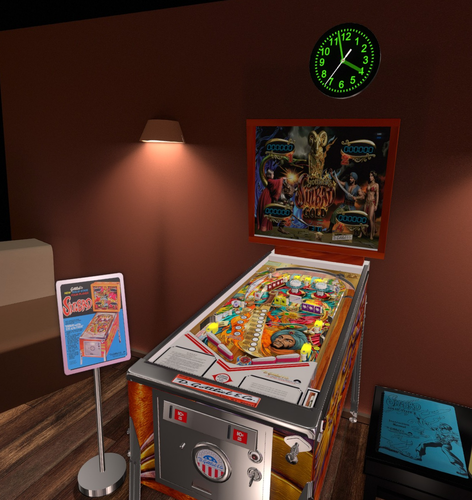
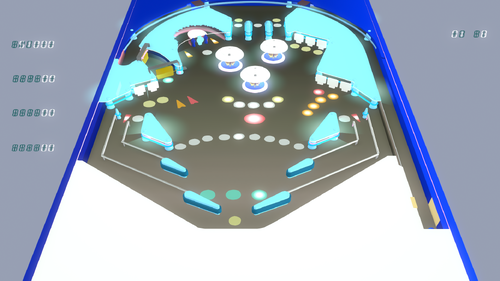
.thumb.png.fcf8d2ea2a552dca023d7ef142b6c01e.png)
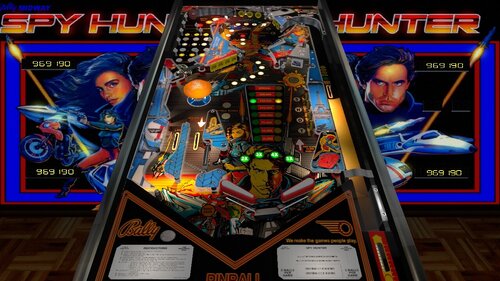
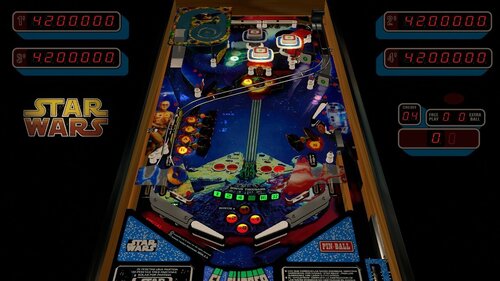
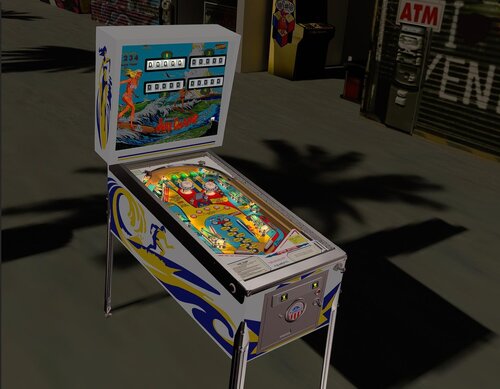
.thumb.jpg.b23a398ac8d0611a2f65e1cf7eb55201.jpg)
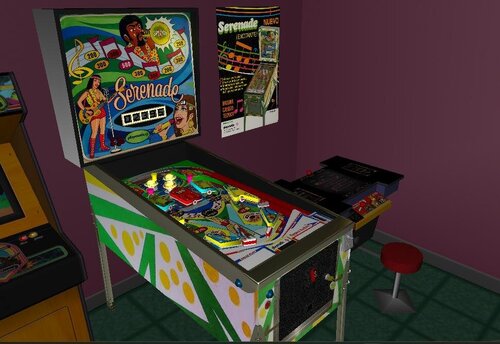
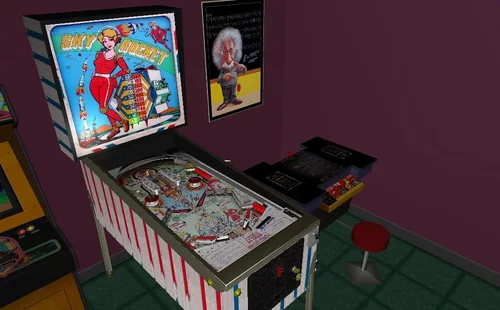
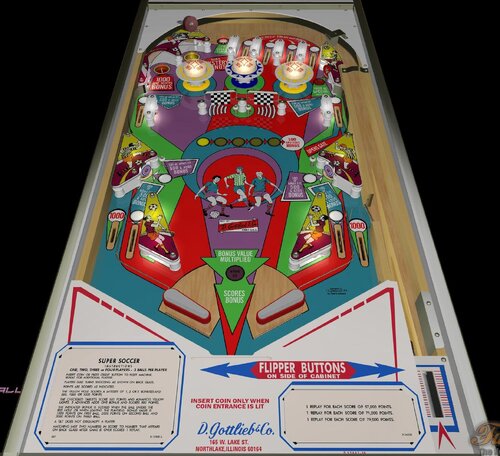
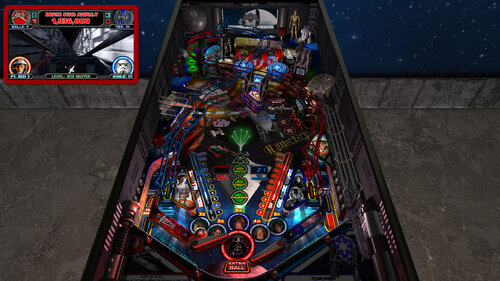
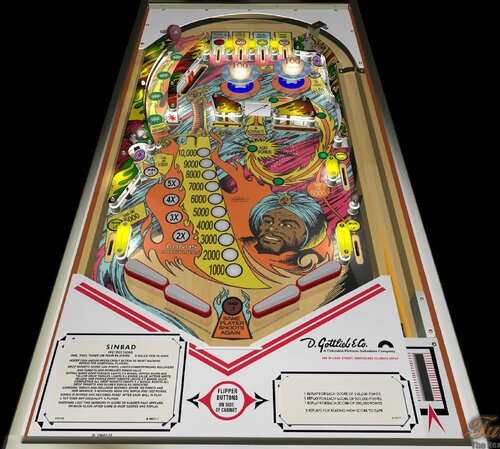
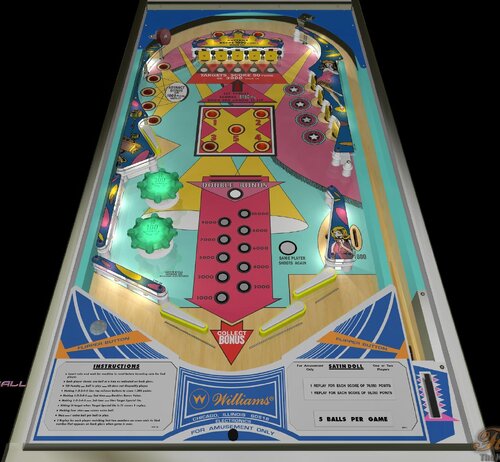
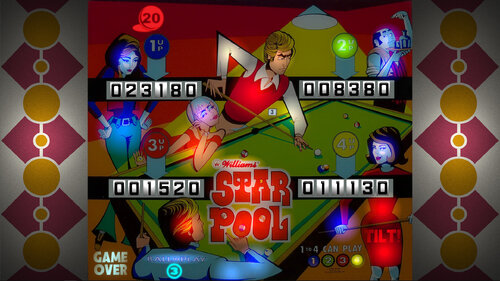
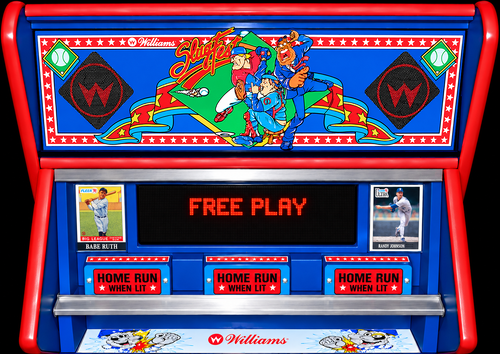
BG.thumb.jpg.983e5c5881d8fac9cc37344b25ab45a8.jpg)
b2s.thumb.png.3101489baae9c1450dd44e5a01473a6c.png)
.thumb.png.6b031473a92a6f7cec3a0b5b1349c842.png)

.thumb.png.185a142d5aa61fcdf860a7ff1efa5d1b.png)
.thumb.png.7ceae9fdeceb915f9ae4ed888c6366a9.png)
.thumb.png.d2d01402c8668cf4ea77f283cd16a7a3.png)
.thumb.png.1f189df6ca20ea112ca726d69bbfa021.png)
.thumb.png.26244a5180bc705732fed3fabcbb8fbe.png)
.thumb.png.07ec1fb21613336aecbc4b13f0d5ef39.png)
.thumb.png.d0452c389d44e83be0d879d70d42c6d4.png)
.thumb.png.098601b967f707799368aed581e7f2fc.png)
7digit.thumb.png.196b439937c11f26d02c03af3db70fb6.png)
.thumb.png.5c6ae50d124f1c4f79ff0a2b8ba474b4.png)
.thumb.png.b14ad461a24be17a519334a9303fa221.png)
.thumb.png.d5d85aa3534da8f320c6c2810f563175.png)
.thumb.png.73956c3a34eaabf2262ac49024afcd51.png)
.thumb.png.6a984b2e74a02ec10e3149be96bb7146.png)
.thumb.png.2674158a2052b16256726aae9896b6ae.png)
.thumb.png.723498ad961e13a8a6de4663e9837f9e.png)
.thumb.png.080062eb8d75ccbf4586159126d7c038.png)
.thumb.png.1f91aacb795f51099755ea897a6f4766.png)

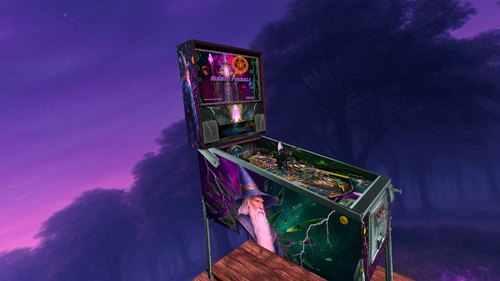
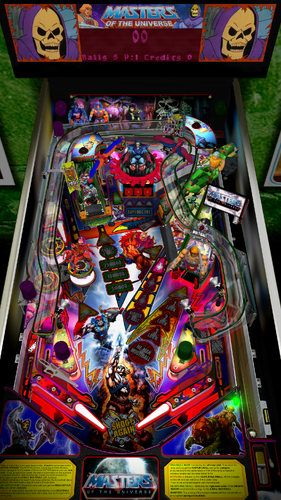
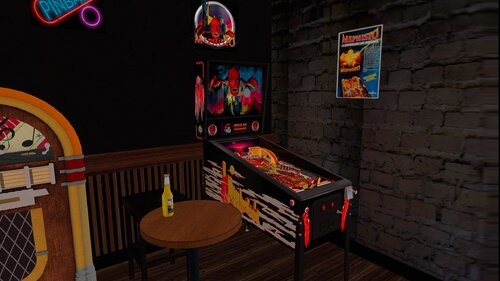
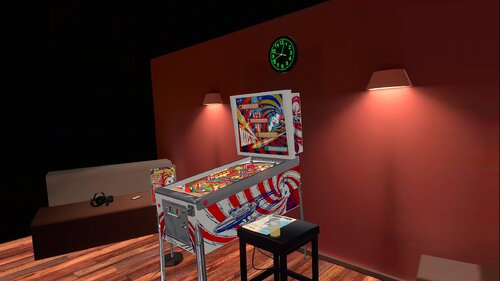
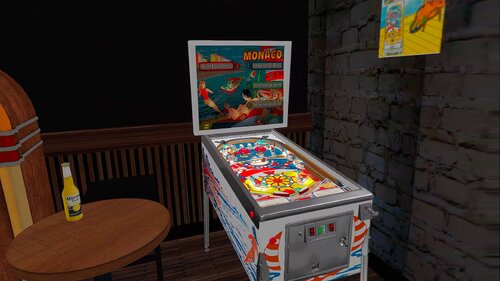
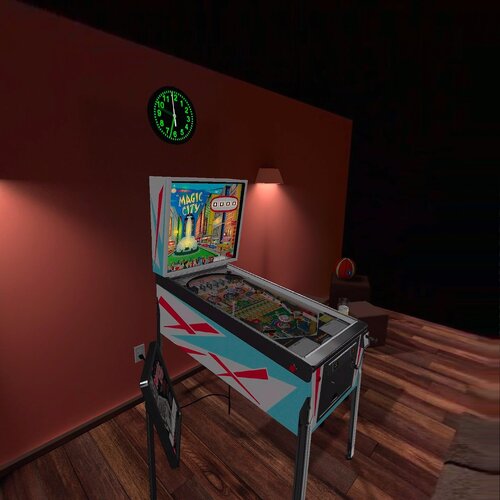
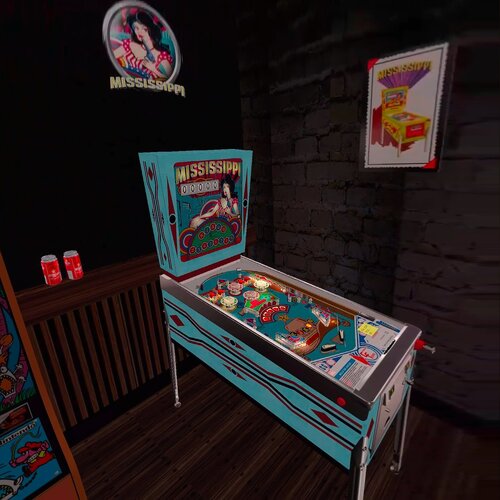
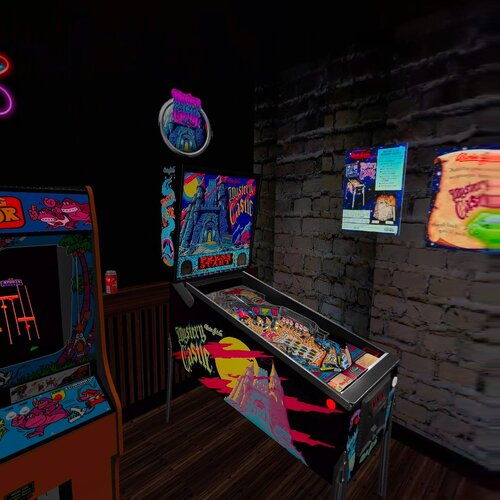
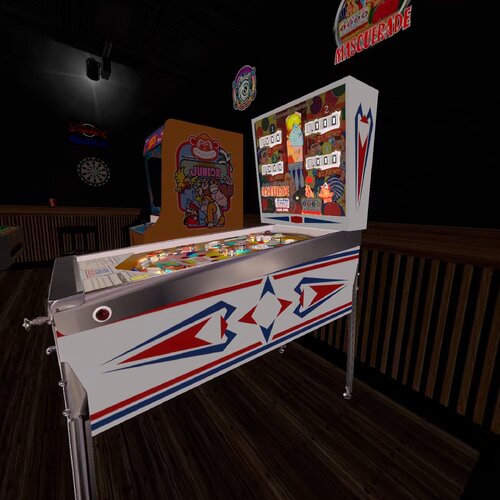
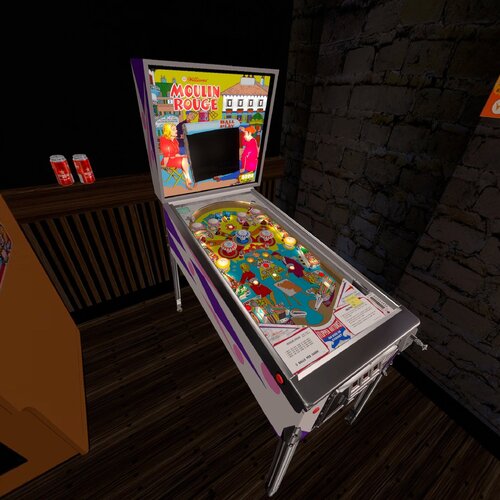
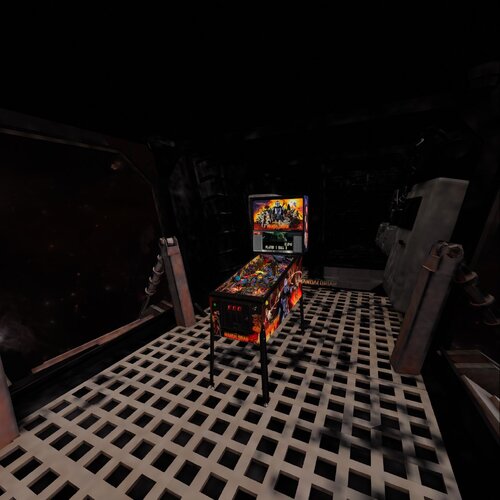
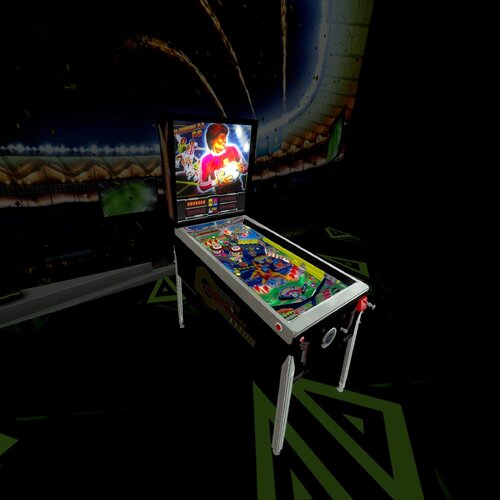
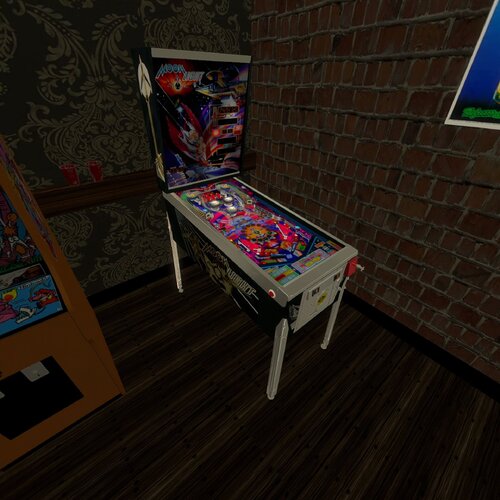
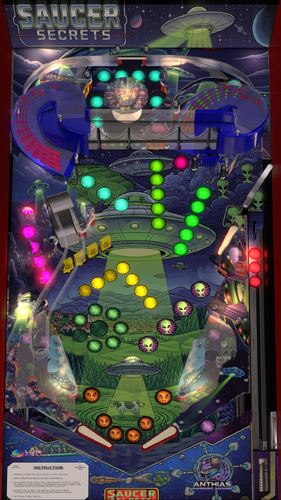
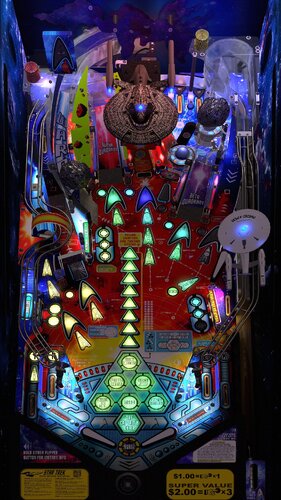
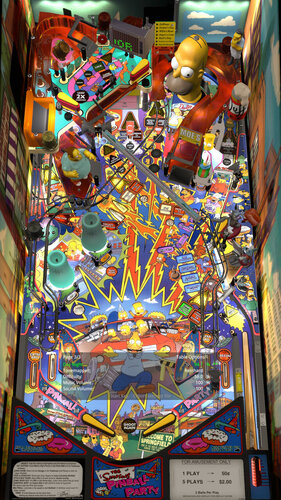
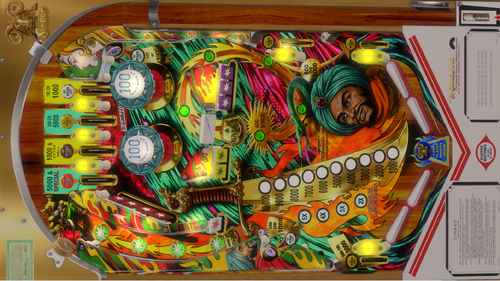
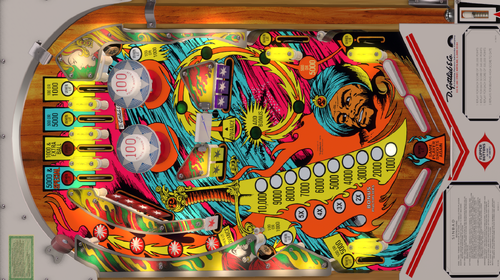
FullDMD.thumb.jpg.449b0953dda8b2b8557c344ed3b8deb6.jpg)
FullDMD.thumb.jpg.669a887f6f92082fca96c76aaf77c4a7.jpg)
FullDMD.thumb.jpg.023317ba05c57a64f91c7de4b4a69d84.jpg)
.thumb.png.893666075be97742be90d861268db6f8.png)
PuPPackOverlay.thumb.png.a8c0983b0a88e2ad442c70197fb32e93.png)
PuPPackFullDMD.thumb.png.5a4db73523208aaf11a8764c884f5bef.png)
PuPPackFullDMD.thumb.jpg.7ba2e395c8717dbeb83d0181c9cf8a80.jpg)

Rules.thumb.png.ab4cea71430daf8bfe6b7a24c77b4276.png)
Manbearpig-4K30FPSPlayfieldVideo.thumb.jpg.b01cc4a4b40d449d279c7641e5b0bb2c.jpg)
Rules.thumb.png.26f058d8fca7190f2538fcf1380d272f.png)