1821 files
-
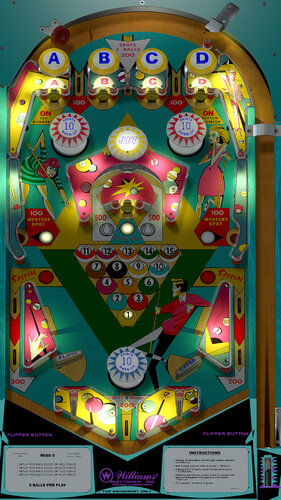
Miss-O (Williams 1969)
By hauntfreaks
re-upload from 2016
Miss-O (Williams 1969) v1.0
-scripting/animation/menu/tweaking: BorgDog
-originals images created by Popotte
-images vectorized/modified: HauntFreaks
-layout/lighting: Hauntfreaks
-DOF scripting: Arngrim
-hold down left flipper to access BorgDogs sweet lookin' options menu (inspired by loserman76 / gnance)
2640 downloads
-
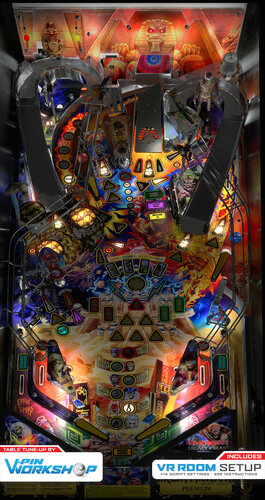
Iron Maiden Legacy of the Beast (Original 2022) VPW
By VPinWorkshop
Iron Maiden Legacy of the Beast
By: VPW
**************************************
Version 1.0.12 Additional instruction:
Download and update the new PUP pack.
** Backup your music files first if you purchased them. They are in the Music directory inside the PUP pack. **
1.0.11 PUP Pack location
https://mega.nz/file/KFpxTAhC#gqsHVYJLRxtGYU0erF3SvoBQi7q7LBnT9YNUkcBG5iE
If you have a cab with MX LEDs and you want to see a custom fire animation on your back panel, download the following animated GIF and place it in your \DirectOuput\Config directory.
https://drive.google.com/file/d/1JdxWgsUjNwwpt6Mx8UcBuF5IiLmO6YHE/view?usp=share_link
**************************************
So many hours from so many users were put into this tribute table to show how far things have really come with the possibilities of VPX. We wanted to get this out there for all to enjoy and expand the user base since we have exhausted our testing. This is one of the most complex tables so far and we have pounded on it for months, but I am sure there are still issues that are lurking. If you find an issues, please post to the forums so we can work through them.
Without the following people this could never happen. Special thanks to:
RetroG33K, Soundscape, Iaakki, Daphishbowl, Apophis, Benji, Hawkeye, Sixtoe, MrH, Rik, Nailbuster, Tomate, AstroNasty, TerryRed, DarkStar, HiRez00, Seirif, Rothbauerw, PinStratsDan, leojreimroc, BountyBob, and many more.
NOTES:
**Don't change the variable PuPDMDDriverType=2. There was an oversight on bat file directions shown and no pup variables need to be changed for this table**
- Make sure your PINUP is up to date: https://www.nailbuster.com/wikipinup/doku.php?id=release_notes
- VPX Version: 10.7.2
INSTALL:
1) Copy VPX to your VPX Tables directory
2) Download the pup pack (link below)
3) Copy IM_LOTB directory inside the pup zip to <drive>:\PinUPSystem\PUPVideos
4) Run the batch file in the pup pack that matches your config. It should make all necessary script changes for you.
5) To get the full music, view the readme in the Pup Music directory <drive>:\PinUPSystem\PUPVideos\IM_LOTB\Music
6) Update your DOF config files
1.0.0 PUP Pack location
https://mega.nz/file/jQoUiZ5Z#BhKnoLmeTdD2UbIcZ9yxeTpyxVtoz3jh2y-u43ZTOAQ
MPT3K Scorbit Setup and Tutorial
Manu made a great step by step on how to setup and use Scorbit
https://youtu.be/Sb6GF_3wDtc
28933 downloads
-
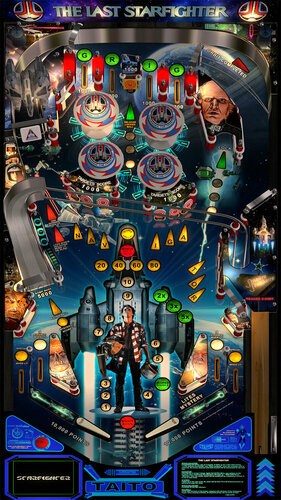
Last Starfighter, The (Taito, 1983)
By xenonph
Last Starfighter, The (Taito, 1983) v1.01 PUP and Non-PUP (VPX7.2 Required)
by Xenonph and HiRez00
Original VPX table by JPSalas
Graphics, PUP Videos, and Animations by HiRez00
Backglass and Wheels by HiRez00
Gunstar Ship 3D Toy by DonRutler
Sounds and extra lighting by Xenonph
This is a graphics and sound mod of Fire Action De Lux (Taito 1983) v4.0.
THIS TABLE IS DEDICATED TO MY BROTHER DAN!!!
This table is based on a SciFi movie named "The Last Starfighter" made in 1983.
While TRON stole most of the thunder just the year before for groundbreaking special effects, The Last Starfighter was made with the best special effect technology at the time.
It is also a great story!! What video game junkies only dream about!!
Being recruited to a space force because you are good at playing a video game!!!
(I am still waiting for Skywalker to come pick me up, as I am a damn good X-Wing pilot on Playstation!! lol)
Anyways, Video Game master gets recruited to spaceforce, saves the world and possibly the galaxy!!
Who wouldn't love it!!
There are 2 versions available.
All of the following changes are on both versions, except the Pup version has animated apron videos.
v1.01 PUP and Non-PUP
Moved the "holes" for the right slingshot from the playfield, to under right slingshot.
Added a lighting effect "under" the explosions animations.
Added holes and wood areas in the playfield under the 6 targets.
Added a very light "shadow" to the playfield art for the plastics.
Re-worked the apron preparing it for the pup version.
Translated the instruction card to english and moved it to the right.
Shifted some art around on the apron to accommodate.
Added "white" under the plastics on the playfield, and adjusted some lights to line up in the holes.
Made the wire thickness of the roll-overs thinner.
Ball Shadows were playing on exact same plane as playfield, so script was editted and there is no flickering now.
Added Pup Videos that are played on the apron. Put the pup pack in your PupVideos folder.
v1.0
Added 156 sound FX and Music.
Added Fluppers Flashers.
Backwall graphics can be toggled with the Buy-In key. (2 key)
LUT's toggled with Left and Right Magna-Save keys.
DonRutler made a 3D Gunstar Ship.
HiRez00 added 2 explosion animations and did all graphics.
An animated Apron version is in the works so stay tuned!
Acknowledgements and Thanks:
I first would like to thank JPSalas for allowing mods without permission. (I asked his permission anyways)
I would also like to thank him for making a great table!!!
This table was made in the same year as the movie!!
I used his version 4.0 for this mod.
There is much more important info on original download page.
He put in alot of time and work on the original table, and it is appreciated!! So if you like this mod, I would encourage you to thank the original author of the table, as I have only made a few changes!
JPSalas Original Table...
http://www.vpforums.org/index.php?app=downloads&showfile=13430
Find ROM here...(Uses Fire Action Deluxe ROM "fireactd" )
http://www.vpforums.org/index.php?app=downloads&showfile=584
IPDB...
https://www.ipdb.org/machine.cgi?id=4552
I would also like to thank HiRez00 for doing all of the graphics on everything, including Backglass, DT backdrop, Playfield, Apron, Plastics, Backwalls, and Wheels!! And all of the animations!! And the PUP Videos!! He did a great job!! HUGE THANKS!!
I would also like to thank DonRutler for making the Gunstar Ship 3D toy!! Excellent job!! Can't thank you enough!!
I also would like to thank Flupper for his great Flasher resource table!!
I would also like to thank Thalamus for telling me how to use resource tables!!
I also would like to thank Allknowing2012 and Gtxjoe for teaching me how to add timers to script!
I also would like to thank DJRobX, STAT, Gtxjoe, and nFozzy, for helping me shorten my StopSounds and PlaySounds script commands.
(They each wrote out an example, and between them all, I was able to figure it out!! BIG THANKS!!!)
I would also like to thank DJRobX for showing me example of flasher script command for flasher placement in FS mode.
I also would like to thank STAT for his "Team Change script", which my script is based on.
I also would like to thank Steve "Slydog43" for which these VPX mods would not be possible!!
Place LStarfighter folder in your music folder located where you installed Visual Pinball.
Be sure to restart table after starting table for first time as flippers may stick on first start of table on your setup.
(You should do this with all new tables you are trying out for first time to avoid weird table behaviour.)
All pics, trademarks, Logos and sounds belong to their respectful owners. This table is for personal home, and non-commercial use only. This table should be used for educational purposes only..
Some of the media used to create this are freely available on the net and I consider my work as non profit fan art.
This table should be considered as fan art, and therefore should be covered under the fair usage act.
STRICTLY FOR PERSONAL USE AND NOT FOR COMMERCIAL SALE OR DISTRIBUTION. PLEASE DO NOT RE-DISTRIBUTE.
BY DOWNLOADING THIS FILE; YOU AGREE TO NOT RE-HOST, RE-PACKAGE OR RE-DISTRIBUTE IN ANY FORM THE ZIP FILE, OR THE CONTENTS OF THE ZIP FILE.
(WARNING!!! THIS TABLE HAS ALOT OF FLASHING LIGHTS!!! MAY CAUSE SEIZURE!!! USE AT OWN RISK!!)
Hope you enjoy!!
4262 downloads
-
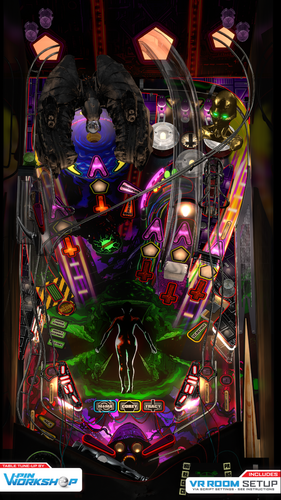
Blood Machines (VPW Original 2022)
By VPinWorkshop
**************************************
Version 2.0 Additional instruction:
This needs VPX 10.7.3 or later and for VR it is optimized for 10.8 #814. Lighting works a bit differently per revision Scorbit uses 3 extra EXE files that should be but into VPX tables folder. Same place where you put the VPX file and BloodMachinesDMD-folder. Notice that some of these EXE files may need to be unblocked 2 of the EXE's are same than previous Scorbit tables, but this time they are just stored in tables folder. 3rd one is QRView which is made to enable QR code to be seen in VPX table. VPX doesn't normally support loading of external image files. Sources: https://github.com/iaakki/VPXQRView By default it runs still with FlexDMD. You must enable PUP from script and also remember to use options batch files under pup folder.
**************************************
Alright, let’s do this old school…
VPinWorkshop are proud to present our very first original table, “Blood Machines”, based on the movie from Seth Ickerman with music by Carpenter Brut.
After watching Blood Machines iaakki thought that it would make a great theme for a pinball table, so we started talking about it in VPW and decided that if we were going to do it as our first completely original VPW table, that we wanted to do it properly.
With this in mind we contacted Seth Ickerman to see if they would be interested in the project and to see if there was any chance they would be able to provide any assets that we could use. Thankfully Not only were they amazed at what we were doing, but they supplied us with 70gig of 3D models and textures which were used in the film!
The only issue now was that these were so high detail that a huge amount of work was needed to optimize them so they would even load in VPX, but thankfully Flupper came to the rescue and did a fantastic job optimising the models and textures so we could put them in the table without setting your PC on fire (for example the ship went down from 8 million polygons to 130,000!)
At the time of writing this the table was at revision 335 (release candidate 1.5) with *well* over 1000 man-hours sunken into it, the amount of work has been staggering but we hope that you’ll agree that it was worth it.
The table itself has loads of features that have never been seen before in other VPX tables and we have tried our best to keep most/all of it secret as we want everyone to experience it for themselves firsthand, which is why until very recently we’ve kept details very close to our chest.
*IMPORTANT*
In order to fully enjoy the table and play it as it was designed to be played, you will need to purchase the awesome soundtrack by Carpenter Brut (about £5/$5/5e) and place the MP3s in your vpinball music directory:
C:\Visual Pinball\Music\BLOOD MACHINES OST
We really hope people do support the artist and purchase it from;
https://carpenterbrut.bandcamp.com/album/blood-machines-ost
VPW Blood Machines
Project Lead – iaakki Table Layout Design – iaakki, Dapheni Art Lead & 2D Graphics – Astronasty 3D Objects & Textures – Tomate, Flupper, iaakki, Sixtoe, D.J. Scripting & Coding – iaakki, Apophis, oqqsan, Wylte, Lumigado, fluffhead35 DMD – Oqqsan, eMBee, Astronasty, Lumigado. Pupdmd - Frank H, HeartbeatMD VR – Sixtoe, leojreimroc, iaakki Table Rules – Apophis, iaakki, VPW Team. Shot Tester – gtxjoe Testing – Rik, PinStratsDan, VPW Team
Installation Instructions
===================
VPX 10.7
https://github.com/vpinball/vpinball/releases
VPVR 10.7.3
https://github.com/vpinball/vpvr/releases/
FlexDMD v1.8.0
https://github.com/vbousquet/flexdmd/releases/
Windows 11 Crashing with oPlayer1 error?
Go into windows11 apps>optional features>more windows features and check "media features"
Riks Cabinet WIP Video
PinStratsDan Desktop Video
Rawds VR video:
You can watch the film on Shudder, AMC’s streaming service;
https://www.shudder.com/series/watch/blood-machines/033e95260abc2604?season=1
31103 downloads
-
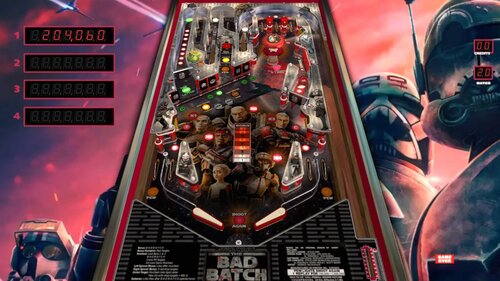
Star Wars-The Bad Batch
By topper2k
Here's a little Star Wars Bad Batch retheme I did of JP's Gamatron. Thanks to JP for all that he gives to the community including making his tables available for modification. He also gave me a few tips when I was trying to work a few scripting issues out. Many, many thanks.
Be sure to put the theme song mp3 in your VisualPinball/music folder.
BadBatchTheme.mp32687 downloads
-
.thumb.jpg.75f86b5fd4d4206d5de249c7f89bc735.jpg)
Fathom (Bally 1981)
By Goldchicco
This is a complete rebuilt of 32assassin table ver 2.0
Big thank you to you to:
Vogliadicane for the Plastics image/
agentEighty6 for adding the nFozzy flippers
What's new:
* New lights, new lighting
* New table physics
* Added nFozzy flippers (thanks @agentEighty6)
* Reworked all the images, cleaned and
upscaled
* New Plastics image (thanks @Vogliadicane)
* Added Flippers Shadows and Ball Shadows
* Added light bulbs primitives for GI
* Added missing mechanical sounds and replaced
ball rolling sound
* Tuned Slingshots and Bumpers force
* Corrected Rubbers Hit Height
* Added JP's LUT code
* New instruction Cards in the apron
* Repositioned Bumpers correctly
* Changed Drop Targets height so they don't
disappear when down
To rotate and select between the nine LUT files press and Hold the Left Magnasave and rotate pressing the Right Magnasave.
Backglass can be found here:
https://www.vpforums.org/index.php?app=downloads&showfile=12209
or
https://vpuniverse.com/forums/files/file/2912-fathom-bally-1981/
Hope you enjoy it and please leave constructive feedback or comments in the support topic and will try to make it better.
All Logos, Copyrights and Trademarks are property of their respective owners.
PROVIDED STRICTLY FOR PERSONAL / HOME USE AND NOT FOR COMMERCIAL SALE / RE-SALE OR DISTRIBUTION!
Permission to Mod: Yes with approval
2765 downloads
-
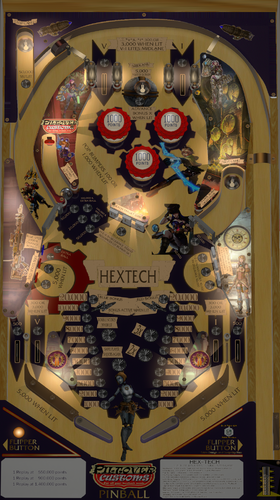
Hextech (Original 2016)
By MuZRoku
Hello. I'm known in VP sites like VPForums and Pinball Nirvana as Neo. I only discovered this particular site recently (literally within the last few months), and I found that someone already grabbed the name "Neo" here, so I had to register under a different name, and I chose MuZ Roku here. I've made a few tables for VP9 and earlier, but Hextech is my first table for VPX, first built back in 2016. After releasing this back on VPF in July of that year (VP 10.2 was around at that time), I pretty much vanished for a little over 6 years, only recently returning to the VP world and finding that after loading VP 10.7, I found a couple of issues were present that weren't a problem when the table was first released, so after 6 years, I updated this table to version 1.1 to better work with 10.7.0, including some gameplay updates and tweaks I really should have done years ago. I've since made some more updates and have now released version 1.2.
Hextech is sort of inspired from the PC game League of Legends. This a 70s-style EM steampunk theme with a dual bonus-count system (hitting certain targets controls which bonus is active), two multiball modes (2-ball and 3-ball), a gold ball that scores double on targets it directly hits, a captive-ball target. This is also the first table in which I have made a B2S backglass which is included in the zip file. I don't have any sort of cabinet or VR setup, and while I have included DOF commands in the script, I don't understand DOF all that well and I have no way of testing the DOF stuff. I think I found them in another table somewhere (can't remember which one) and copied/pasted the DOF code. IF there are better solutions for DOF out there, by all means let me know. With the B2S backglass it should be fine running on cabinets, but I have never seen anyone running this table on a cabinet. I do run desktop only but have two screens so I can run and test B2S/
Play notes: The ruleset can be found in Table Info. This table can be pretty brutal as far as quick drains, and the ball making a direct beeline for the outlanes. I'm not really sure how to tweak or fix it so it doesn't drain so much. I know of some real EMs that can be pretty brutal as far as quick drains. It's also why I set it to default to 5 balls per game. AT the same time it can be pretty fun too. Trying to get a multiball is probably where the points are on this table. Get a multiball with a gold ball in play and the table can go ham with all the bells going off and the scoring with the gold ball being 4x during multiball. I did make a new non-B2S backdrop and added an optional tournament mode you can turn on in the options. The tournament mode prevents the gold ball from coming onto the playfield and any extra balls or specials that would be earned instead scores 100,000 points.
I have to give credit to VPF user EpeC for some of the playfield light and GI work that is on this version. The light lenses on the playfield lights he did are a bit above my own ability. While this is version 1.2, this is the first version I have attempted to load here. I only found this site just recently and really haven't posted anything.
Anyway, hope you all enjoy this little table of mine. Even now I still drain some balls on this one from time to time. I'm not sure it's up to snuff with the amazing work done here (it is 6+ years old after all, and folks are doing things I can't even begin to grasp), but I figured "why not just put it up?"
Take Care
291 downloads
-
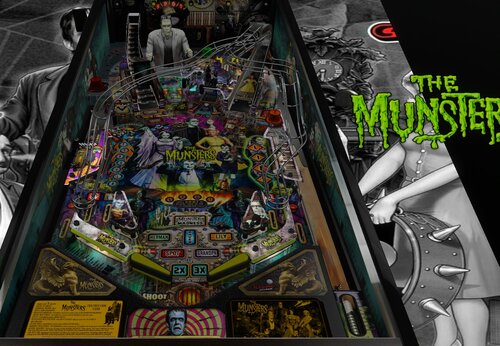
VR ROOM The Munsters (PRO)(Original 2020) v1.06b.vpx
This is a small update to Munsters to add Scorbit score tracking. I have also address the bug where you got your bonus multiple times by hitting the flipper buttons.
I have re-based this on the VR release rather than the original V1.05 I released previously.
Please note the README-Scorbit.txt file enclosed as you WILL need to move a couple files to the Pup locations (rather than reissuing a pup pack).
Enjoy
Stay tuned for Aerosmith - coming real soon and now Rush is a WIP.
Thanks
Daryl
allknowing2012
(PS. I lost access to allknowing2012 so now I am allknowing2013 🙂 )
4923 downloads
-
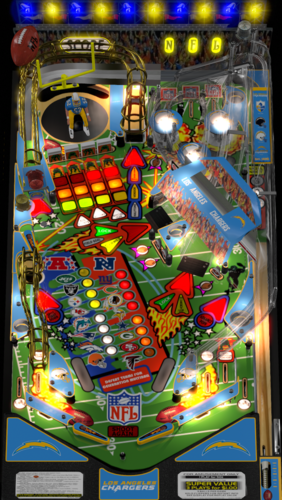
NFL (Stern 2001) Chargers
By xenonph
NFL (Stern 2001) Chargers v4.4 (VPX7.2 Required)
THIS TABLE IS DEDICATED TO MY FATHER!!
NFL table by Sliderpoint
Striker Xtreme rebuild by Kalavera3
Full code rebuild and alot more primitive and graphics updates and flashers added by 32assassin
Original NFL Playfield and Plastics Graphics Upgrade and Team Mods and Sounds by Xenonph
v4.4
Converted all pics to WebP format to reduce overall size of table.(VPX7.2 Required)
Table file size went from 75.5 MB's to 35.8 MB's!!!
Also fixed number on Linebackers right shoulder.
v4.3
Added numbers to variables on all of the toggled options.
So they are all seperated now and do not conflict with other Team tables.
Added Option at top of Table Script to use altsound rom sound fx, and no music.
This option is for Pup Packs that have their own music.
v4.2
Allheart has found a fix so no new core.vbs file is needed. And no need for seperating NFL tables from your other tables.
He suggested I change the rom name to "nfl" right before the nvoffset command in table script, and then change back to alias rom name right after the nvoffset command. This works and solves all problems!! Thanks Allheart!!
v4.1
New core.vbs fix by Allheart that fixes error when using table with B2S Enabled.(Huge thanks!!)
New Instructions and I suggest you follow them!!
This new core.vbs file is not to be copied to your scripts folder.
All of these NFL tables need to be in one folder, and the new core.vbs file needs to be in that same folder.
If you previously downloaded table and overwrote old one in scripts folder, I suggest you download newest beta and copy that one back over the one I previously included with table!!
Sorry for this inconvenience!!
v4.0
32assassin shared all of the resources he had for this NFL table.(Huge Thanks!!)
If you are looking for just the Original table with no team mod or music, then you will have to wait for 32assassin's version to be released.
He is waiting for High Definition scans of the plastics and playfield, before he will release it. (It will be worth the wait!!)
He sent me a new table based off of his work on Striker X-Treme table that he had helped work on with Kalavera3.
He made all new primitives,(Including the Football Primitive!!).
He added fluppers Flashers 2.0.
He added the Apron, Stadium Crowd, Drop Target, Flippers, and Back Wall Flags artwork, and many script changes.
I added Original Plastics.
(The whole reason for me wanting to update was to add the original plastics.)
(And to fix the sound mods, as I didn't know how to add timers back then.)
Upgraded playfield pic with new logos, wood inlays, and much more.
(Compare this playfield pic next to the old playfield pic and you will see exactly what all I have done!!)
I added original Plunger Cover art, Spinner art, and Back Wall Crowd Art.
I made the Goal Post primitive,(Thanks to 32assassin for teaching me how to use blender!!), and made the primitive behind the red flasher.
I also changed the "GOAL" light art behind the Linebacker to "SCORE", and added yellow rim like the original NFL table.
I also added Original Linebacker art.
Added Many Options that are saved and loaded on next table run!!
The Team Plastics can be toggled with Left Magna-Save when game is not in play.
(Original Plastics are on by default.)
Plastics change goes as follows..
Original, Home, Away, Color Rush, Classic.
(ALL TABLES WILL AT THE VERY LEAST HAVE HOME, AWAY, AND COLOR RUSH PLASTICS.)
The Back Wall Lights can be toggled with Right Magna-Save when game is not in play.
(Original Lights are on by default.)
Transparent Plastics can be toggled with the L key.
Non-Transparent Plastics show the Team Colors better.
Linebacker Color can be toggled with the W key. Change from White or Black Linebacker.
(So if the star Linebacker on your team is white or black, you are covered!!)
Added JPSalas Lut Script,(Huge thanks JPSalas!!)
Luts are toggled with the Buy-In Key (2 Key)
All the choices you make, are saved and loaded on next table run.
(Thanks to a modified version of JP's Lut and STAT's Team Change script that I modified.)(Thanks JPSalas and STAT!!)
For the sounds, I switched from MP3's to OGG format. Cuts down on file size tremendously!!
I have used the altsound method, combined with regular music method.
I found that some of the alt sounds were not being played, so I told Toxie about the situation.
Toxie looked through the PinMAME code and found the problem.
The PinMAME code didn't handle a special case of the whitestar sound command lists yet, so he added that to new version of VPinMAME!! (HUGE THANKS TOXIE!!!)
YOU WILL NEED THE NEWEST VERSION OF VPINMAME FOR ALL THE ALTSOUNDS TO WORK PROPERLY!!
I have muted all the music in the rom to a decibel level of 0.
This way we still get all the cool sound effects from the rom!!
I will only be adding Touchdown calls from radio announcer for each team in the altsound folder.
The SoundMod is on by default.
To turn off SoundMod, go to Line 20 and change SoundMod=1 to SoundMod=0
Also there is no reason to have to hit F1 and change to altsound, to use this altsound package!!
I have scripted it into table to automatically turn on the altsound, and it turns off on table exit.
There are 41 Main sounds that will be same for each team. There are 10 for the Chargers.
These are kept in a folder named NFL STERN, that is inside your music folder.
(That way if you download all the tables, all the music for all Teams will be kept tidy in 1 folder!!)
1 of 10 NFL Films music is played on start of game, and continues randomly.
15 seconds after the last ball has drained, the Attract Mode starts.
1 of 20 John Facenda talking sound effects is played when in attract mode.
1 of 10 other Football sound effects is played after John Facenda in attract mode.
1 of 10 Chargers Music is played after the second talking sound effect in attract mode.
There are 14 different rom Touchdown Calls, with 5 different Radio TD calls divided between the 14 of them.
Also added random sounds on Coin Insert.
Each team will at least have...
Defense Chant, 3 different Football Grunts, Whistle, and TD call on Coin Insert.
ColorDMD is on by default.
To switch to normal DMD colors with the Original plastics, go to Line 16 and change CDMDWOP=1 to CDMDWOP=0
This can only be adjusted on the Original Plastics. They are defaulted ON for the Team Plastics.
This automatically turns off the Colorize DMD that you usually have to manually checkmark in rom options.
And it automatically turns on the Colorize DMD for the Team mods, so no need to checkmark in rom options.
NEW Special Thanks and Acknowledgements:
I first would like to thank 32assassin for ALL the work he did on this table, and for sending me all of his resources!!
I also would like to thank Kalavera3 for all the work he did on this table!!
I also would like to thank JPSalas and STAT, as I modified and combined parts of their script to save and load plastics, backwall lights, and more!!
I also would like to thank Kiwi for helping me with proper wording of script commands for the rom options!!
I also would like to thank iDigStuff for sending me the NFL rom in altsound format!!
I also would like to thank all of the current and former VPinMAME and VP Devs for all the work they have done to make these programs the best!!!
Also want to thank Toxie personally for fixing the altsound, and the nvoffset with alias name problem!!
Also want to thank Allheart for fixing the core.vbs problem for Cabinet users who have B2S enabled.
Prior Special Thanks and Acknowledgements:
v3.1
(BIG THANKS TO SLIDERPOINT FOR PERMISSION TO MOD HIS AMAZING TABLE, AND FOR HELP WIH SCRIPT!!)
(BIG THANKS TO TOXIE AND FUZZEL AND ALL INVOLVED!!) UPGRADED CORE VBS TO ALLOW FOR 32 TEAM CAPACITY NVRAM
(BIG THANKS TO STAT AND CARNY_PRIEST FOR HELP TEACHING ME COLOR DMD SCRIPT COMMANDS!!)
(BIG THANKS TO CARNY_PRIEST FOR UPDATED SCORE AND INSTRUCTION CARDS IN SWF FORMAT. SO PICS AREN'T DISTORTED OR STRETCHED WITH FRONTEND USAGE!!)
(BIG THANKS TO STEVE "Slydog43" FOR GRAPHICS CARD!! WITHOUT IT I WOULD NOT BE ABLE TO MAKE THESE MODS!!)
(BIG THANKS TO STAT FOR ADDING SCRIPT CHANGE TO MAKE TEAM COLOR CHANGES WITH MAGNA-SAVE!!)
(BIG THANKS TO SCOTTYVH FOR REDOING TEXT ON PLAYFIELD LIGHTS AND FITTING CORRECTLY!!)
(BIG THANKS TO GTXJOE FOR HELP WITH MUSIC AND SOUND COMMANDS!!)
(BIG THANKS TO SLIDERPOINT FOR UPGRADING ALOT OF THINGS FOR VERSION3.0!!!)
*******************************************************
MUSIC AND NVRAM
*******************************************************
You will find 2 music folders included with Download package:
altsound <------This is the Altsound music folder and needs to be placed in altsound folder.
The "nfl_lac" folder is inside the "altsound" folder.
NFL STERN <------This is the Regular music folder and needs to be placed in music folder.
SO YOU WILL HAVE A "nfl_lac" FOLDER INSIDE YOUR ALTSOUND FOLDER.
KEEP ALL THE MUSIC IN THE "nfl_lac" FOLDER.
(If you do not have an "altsound" folder located in your VPinMAME folder, just create a folder and name it "altsound")
Place the "NFL STERN" folder into the "Music" folder located in your Visual Pinball folder.
SO YOU WILL HAVE A "NFL STERN" FOLDER INSIDE YOUR MUSIC FOLDER.
KEEP ALL THE MUSIC IN THE "NFL STERN" FOLDER.
Place all NFL.nv files in the "nvram" folder located in VPinMAME folder.
This will start your team instead of Giants at beginning of game.
Just pull the plunger and your team is ready to go.
THESE MODS HAVE A COLOR-DMD WITH TEAM COLORS.
This is automatically activated in the table script, so you don't have to open rom options menu and checkmark Colorize DMD.
Altsound is setup the same way.
Just copy the music folders to their proper place and the altsound is activated automatically.
so no changing from 0 to 1 in sound mode rom options needed to get altsound working. It is done automatically.
Hope you enjoy!!
All Pictures, Sounds, Logos and Trademarks are Property of their respective owners.
I just found the pics on Google, and found the sound files on Google.
I am a NFL FAN!!!
This table should be considered as fan art, and therefore should be covered under the fair usage act.
STRICTLY FOR PERSONAL USE AND NOT FOR COMMERCIAL SALE OR DISTRIBUTION. PLEASE DO NOT RE-DISTRIBUTE.
BY DOWNLOADING THIS FILE; YOU AGREE TO NOT RE-HOST, RE-PACKAGE OR RE-DISTRIBUTE IN ANY FORM THE ZIP FILE, OR THE CONTENTS OF THE ZIP FILE.
261 downloads
-
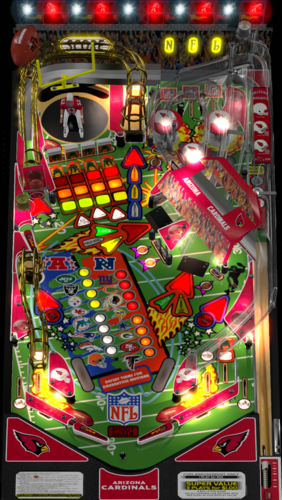
NFL (Stern 2001) Cardinals
By xenonph
NFL (Stern 2001) Cardinals v4.4 (VPX7.2 Required)
NFL table by Sliderpoint
Striker Xtreme rebuild by Kalavera3
Full code rebuild and alot more primitive and graphics updates and flashers added by 32assassin
Original NFL Playfield and Plastics Graphics Upgrade and Team Mods and Sounds by Xenonph
v4.4
Converted all pics to WebP format to reduce overall size of table.(VPX7.2 Required)
Table file size went from 68.2 MB's to 32.6 MB's!!!
v4.3
Added numbers to variables on all of the toggled options.
So they are all seperated now and do not conflict with other Team tables.
Added Option at top of Table Script to use altsound rom sound fx, and no music.
This option is for Pup Packs that have their own music.
v4.2
Allheart has found a fix so no new core.vbs file is needed. And no need for seperating NFL tables from your other tables.
He suggested I change the rom name to "nfl" right before the nvoffset command in table script, and then change back to alias rom name right after the nvoffset command. This works and solves all problems!! Thanks Allheart!!
v4.1
New core.vbs fix by Allheart that fixes error when using table with B2S Enabled.(Huge thanks!!)
New Instructions and I suggest you follow them!!
This new core.vbs file is not to be copied to your scripts folder.
All of these NFL tables need to be in one folder, and the new core.vbs file needs to be in that same folder.
If you previously downloaded table and overwrote old one in scripts folder, I suggest you download newest beta and copy that one back over the one I previously included with table!!
Sorry for this inconvenience!!
v4.0
32assassin shared all of the resources he had for this NFL table.(Huge Thanks!!)
If you are looking for just the Original table with no team mod or music, then you will have to wait for 32assassin's version to be released.
He is waiting for High Definition scans of the plastics and playfield, before he will release it. (It will be worth the wait!!)
He sent me a new table based off of his work on Striker X-Treme table that he had helped work on with Kalavera3.
He made all new primitives,(Including the Football Primitive!!).
He added fluppers Flashers 2.0.
He added the Apron, Stadium Crowd, Drop Target, Flippers, and Back Wall Flags artwork, and many script changes.
I added Original Plastics.
(The whole reason for me wanting to update was to add the original plastics.)
(And to fix the sound mods, as I didn't know how to add timers back then.)
Upgraded playfield pic with new logos, wood inlays, and much more.
(Compare this playfield pic next to the old playfield pic and you will see exactly what all I have done!!)
I added original Plunger Cover art, Spinner art, and Back Wall Crowd Art.
I made the Goal Post primitive,(Thanks to 32assassin for teaching me how to use blender!!), and made the primitive behind the red flasher.
I also changed the "GOAL" light art behind the Linebacker to "SCORE", and added yellow rim like the original NFL table.
I also added Original Linebacker art.
Added Many Options that are saved and loaded on next table run!!
The Team Plastics can be toggled with Left Magna-Save when game is not in play.
(Original Plastics are on by default.)
Plastics change goes as follows..
Original, Home, Away, Color Rush.
(ALL TABLES WILL AT THE VERY LEAST HAVE HOME, AWAY, AND COLOR RUSH PLASTICS.)
The Back Wall Lights can be toggled with Right Magna-Save when game is not in play.
(Original Lights are on by default.)
Transparent Plastics can be toggled with the L key.
Non-Transparent Plastics show the Team Colors better.
Linebacker Color can be toggled with the W key. Change from White or Black Linebacker.
(So if the star Linebacker on your team is white or black, you are covered!!)
Added JPSalas Lut Script,(Huge thanks JPSalas!!)
Luts are toggled with the Buy-In Key (2 Key)
All the choices you make, are saved and loaded on next table run.
(Thanks to a modified version of JP's Lut and STAT's Team Change script that I modified.)(Thanks JPSalas and STAT!!)
For the sounds, I switched from MP3's to OGG format. Cuts down on file size tremendously!!
I have used the altsound method, combined with regular music method.
I found that some of the alt sounds were not being played, so I told Toxie about the situation.
Toxie looked through the PinMAME code and found the problem.
The PinMAME code didn't handle a special case of the whitestar sound command lists yet, so he added that to new version of VPinMAME!! (HUGE THANKS TOXIE!!!)
YOU WILL NEED THE NEWEST VERSION OF VPINMAME FOR ALL THE ALTSOUNDS TO WORK PROPERLY!!
I have muted all the music in the rom to a decibel level of 0.
This way we still get all the cool sound effects from the rom!!
I will only be adding Touchdown calls from radio announcer for each team in the altsound folder.
The SoundMod is on by default.
To turn off SoundMod, go to Line 20 and change SoundMod=1 to SoundMod=0
Also there is no reason to have to hit F1 and change to altsound, to use this altsound package!!
I have scripted it into table to automatically turn on the altsound, and it turns off on table exit.
There are 41 Main sounds that will be same for each team. There are 10 for the Cardinals.
These are kept in a folder named NFL STERN, that is inside your music folder.
(That way if you download all the tables, all the music for all Teams will be kept tidy in 1 folder!!)
1 of 10 NFL Films music is played on start of game, and continues randomly.
15 seconds after the last ball has drained, the Attract Mode starts.
1 of 20 John Facenda talking sound effects is played when in attract mode.
1 of 10 other Football sound effects is played after John Facenda in attract mode.
1 of 10 Cardinals Music is played after the second talking sound effect in attract mode.
There are 14 different rom Touchdown Calls, with 5 different Radio TD calls divided between the 14 of them.
Also added random sounds on Coin Insert.
Each team will at least have...
Defense Chant, 3 different Football Grunts, Whistle, and TD call on Coin Insert.
ColorDMD is on by default.
To switch to normal DMD colors with the Original plastics, go to Line 16 and change CDMDWOP=1 to CDMDWOP=0
This can only be adjusted on the Original Plastics. They are defaulted ON for the Team Plastics.
This automatically turns off the Colorize DMD that you usually have to manually checkmark in rom options.
And it automatically turns on the Colorize DMD for the Team mods, so no need to checkmark in rom options.
NEW Special Thanks and Acknowledgements:
I first would like to thank 32assassin for ALL the work he did on this table, and for sending me all of his resources!!
I also would like to thank Kalavera3 for all the work he did on this table!!
I also would like to thank JPSalas and STAT, as I modified and combined parts of their script to save and load plastics, backwall lights, and more!!
I also would like to thank Kiwi for helping me with proper wording of script commands for the rom options!!
I also would like to thank iDigStuff for sending me the NFL rom in altsound format!!
I also would like to thank all of the current and former VPinMAME and VP Devs for all the work they have done to make these programs the best!!!
Also want to thank Toxie personally for fixing the altsound, and the nvoffset with alias name problem!!
Also want to thank Allheart for fixing the core.vbs problem for Cabinet users who have B2S enabled.
Prior Special Thanks and Acknowledgements:
v3.1
(BIG THANKS TO SLIDERPOINT FOR PERMISSION TO MOD HIS AMAZING TABLE, AND FOR HELP WIH SCRIPT!!)
(BIG THANKS TO TOXIE AND FUZZEL AND ALL INVOLVED!!) UPGRADED CORE VBS TO ALLOW FOR 32 TEAM CAPACITY NVRAM
(BIG THANKS TO STAT AND CARNY_PRIEST FOR HELP TEACHING ME COLOR DMD SCRIPT COMMANDS!!)
(BIG THANKS TO CARNY_PRIEST FOR UPDATED SCORE AND INSTRUCTION CARDS IN SWF FORMAT. SO PICS AREN'T DISTORTED OR STRETCHED WITH FRONTEND USAGE!!)
(BIG THANKS TO STEVE "Slydog43" FOR GRAPHICS CARD!! WITHOUT IT I WOULD NOT BE ABLE TO MAKE THESE MODS!!)
(BIG THANKS TO STAT FOR ADDING SCRIPT CHANGE TO MAKE TEAM COLOR CHANGES WITH MAGNA-SAVE!!)
(BIG THANKS TO SCOTTYVH FOR REDOING TEXT ON PLAYFIELD LIGHTS AND FITTING CORRECTLY!!)
(BIG THANKS TO GTXJOE FOR HELP WITH MUSIC AND SOUND COMMANDS!!)
(BIG THANKS TO SLIDERPOINT FOR UPGRADING ALOT OF THINGS FOR VERSION3.0!!!)
*******************************************************
MUSIC AND NVRAM
*******************************************************
You will find 2 music folders included with Download package:
altsound <------This is the Altsound music folder and needs to be placed in altsound folder.
The "nfl_ari" folder is inside the "altsound" folder.
NFL STERN <------This is the Regular music folder and needs to be placed in music folder.
SO YOU WILL HAVE A "nfl_ari" FOLDER INSIDE YOUR ALTSOUND FOLDER.
KEEP ALL THE MUSIC IN THE "nfl_ari" FOLDER.
(If you do not have an "altsound" folder located in your VPinMAME folder, just create a folder and name it "altsound")
Place the "NFL STERN" folder into the "Music" folder located in your Visual Pinball folder.
SO YOU WILL HAVE A "NFL STERN" FOLDER INSIDE YOUR MUSIC FOLDER.
KEEP ALL THE MUSIC IN THE "NFL STERN" FOLDER.
Place all NFL.nv files in the "nvram" folder located in VPinMAME folder.
This will start your team instead of Giants at beginning of game.
Just pull the plunger and your team is ready to go.
THESE MODS HAVE A COLOR-DMD WITH TEAM COLORS.
This is automatically activated in the table script, so you don't have to open rom options menu and checkmark Colorize DMD.
Altsound is setup the same way.
Just copy the music folders to their proper place and the altsound is activated automatically.
so no changing from 0 to 1 in sound mode rom options needed to get altsound working. It is done automatically.
Hope you enjoy!!
All Pictures, Sounds, Logos and Trademarks are Property of their respective owners.
I just found the pics on Google, and found the sound files on Google.
I am a NFL FAN!!!
This table should be considered as fan art, and therefore should be covered under the fair usage act.
STRICTLY FOR PERSONAL USE AND NOT FOR COMMERCIAL SALE OR DISTRIBUTION. PLEASE DO NOT RE-DISTRIBUTE.
BY DOWNLOADING THIS FILE; YOU AGREE TO NOT RE-HOST, RE-PACKAGE OR RE-DISTRIBUTE IN ANY FORM THE ZIP FILE, OR THE CONTENTS OF THE ZIP FILE.
107 downloads
(0 reviews)0 comments
Submitted
-
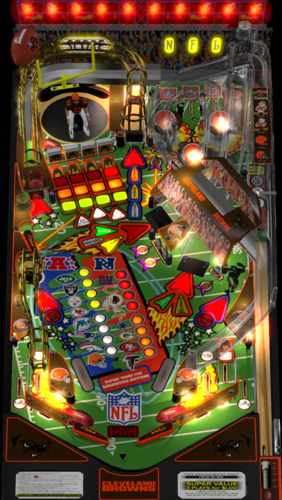
NFL (Stern 2001) Browns
By xenonph
NFL (Stern 2001) Browns v4.4 (VPX7.2 Required)
NFL table by Sliderpoint
Striker Xtreme rebuild by Kalavera3
Full code rebuild and alot more primitive and graphics updates and flashers added by 32assassin
Original NFL Playfield and Plastics Graphics Upgrade and Team Mods and Sounds by Xenonph
v4.4
Converted all pics to WebP format to reduce overall size of table.(VPX7.2 Required)
Table file size went from 69.2 MB's to 33.3 MB's!!!
v4.3
Added numbers to variables on all of the toggled options.
So they are all seperated now and do not conflict with other Team tables.
Added Option at top of Table Script to use altsound rom sound fx, and no music.
This option is for Pup Packs that have their own music.
v4.2
Allheart has found a fix so no new core.vbs file is needed. And no need for seperating NFL tables from your other tables.
He suggested I change the rom name to "nfl" right before the nvoffset command in table script, and then change back to alias rom name right after the nvoffset command. This works and solves all problems!! Thanks Allheart!!
v4.1
New core.vbs fix by Allheart that fixes error when using table with B2S Enabled.(Huge thanks!!)
New Instructions and I suggest you follow them!!
This new core.vbs file is not to be copied to your scripts folder.
All of these NFL tables need to be in one folder, and the new core.vbs file needs to be in that same folder.
If you previously downloaded table and overwrote old one in scripts folder, I suggest you download newest beta and copy that one back over the one I previously included with table!!
Sorry for this inconvenience!!
v4.0
32assassin shared all of the resources he had for this NFL table.(Huge Thanks!!)
If you are looking for just the Original table with no team mod or music, then you will have to wait for 32assassin's version to be released.
He is waiting for High Definition scans of the plastics and playfield, before he will release it. (It will be worth the wait!!)
He sent me a new table based off of his work on Striker X-Treme table that he had helped work on with Kalavera3.
He made all new primitives,(Including the Football Primitive!!).
He added fluppers Flashers 2.0.
He added the Apron, Stadium Crowd, Drop Target, Flippers, and Back Wall Flags artwork, and many script changes.
I added Original Plastics.
(The whole reason for me wanting to update was to add the original plastics.)
(And to fix the sound mods, as I didn't know how to add timers back then.)
Upgraded playfield pic with new logos, wood inlays, and much more.
(Compare this playfield pic next to the old playfield pic and you will see exactly what all I have done!!)
I added original Plunger Cover art, Spinner art, and Back Wall Crowd Art.
I made the Goal Post primitive,(Thanks to 32assassin for teaching me how to use blender!!), and made the primitive behind the red flasher.
I also changed the "GOAL" light art behind the Linebacker to "SCORE", and added yellow rim like the original NFL table.
I also added Original Linebacker art.
Added Many Options that are saved and loaded on next table run!!
The Team Plastics can be toggled with Left Magna-Save when game is not in play.
(Original Plastics are on by default.)
Plastics change goes as follows..
Original, Home, Away, Color Rush.
(ALL TABLES WILL AT THE VERY LEAST HAVE HOME, AWAY, AND COLOR RUSH PLASTICS.)
The Back Wall Lights can be toggled with Right Magna-Save when game is not in play.
(Original Lights are on by default.)
Transparent Plastics can be toggled with the L key.
Non-Transparent Plastics show the Team Colors better.
Linebacker Color can be toggled with the W key. Change from White or Black Linebacker.
(So if the star Linebacker on your team is white or black, you are covered!!)
Added JPSalas Lut Script,(Huge thanks JPSalas!!)
Luts are toggled with the Buy-In Key (2 Key)
All the choices you make, are saved and loaded on next table run.
(Thanks to a modified version of JP's Lut and STAT's Team Change script that I modified.)(Thanks JPSalas and STAT!!)
For the sounds, I switched from MP3's to OGG format. Cuts down on file size tremendously!!
I have used the altsound method, combined with regular music method.
I found that some of the alt sounds were not being played, so I told Toxie about the situation.
Toxie looked through the PinMAME code and found the problem.
The PinMAME code didn't handle a special case of the whitestar sound command lists yet, so he added that to new version of VPinMAME!! (HUGE THANKS TOXIE!!!)
YOU WILL NEED THE NEWEST VERSION OF VPINMAME FOR ALL THE ALTSOUNDS TO WORK PROPERLY!!
I have muted all the music in the rom to a decibel level of 0.
This way we still get all the cool sound effects from the rom!!
I will only be adding Touchdown calls from radio announcer for each team in the altsound folder.
The SoundMod is on by default.
To turn off SoundMod, go to Line 20 and change SoundMod=1 to SoundMod=0
Also there is no reason to have to hit F1 and change to altsound, to use this altsound package!!
I have scripted it into table to automatically turn on the altsound, and it turns off on table exit.
There are 41 Main sounds that will be same for each team. There are 15 for the Browns.
These are kept in a folder named NFL STERN, that is inside your music folder.
(That way if you download all the tables, all the music for all Teams will be kept tidy in 1 folder!!)
1 of 10 NFL Films music is played on start of game, and continues randomly.
15 seconds after the last ball has drained, the Attract Mode starts.
1 of 20 John Facenda talking sound effects is played when in attract mode.
1 of 10 other Football sound effects is played after John Facenda in attract mode.
1 of 15 Browns Music is played after the second talking sound effect in attract mode.
There are 14 different rom Touchdown Calls, with 4 Radio TD calls divided between the 14 of them.
Also added random sounds on Coin Insert.
Each team will at least have...
Defense Chant, 3 different Football Grunts, Whistle, and TD call on Coin Insert.
ColorDMD is on by default.
To switch to normal DMD colors with the Original plastics, go to Line 16 and change CDMDWOP=1 to CDMDWOP=0
This can only be adjusted on the Original Plastics. They are defaulted ON for the Team Plastics.
This automatically turns off the Colorize DMD that you usually have to manually checkmark in rom options.
And it automatically turns on the Colorize DMD for the Team mods, so no need to checkmark in rom options.
NEW Special Thanks and Acknowledgements:
I first would like to thank 32assassin for ALL the work he did on this table, and for sending me all of his resources!!
I also would like to thank Kalavera3 for all the work he did on this table!!
I also would like to thank JPSalas and STAT, as I modified and combined parts of their script to save and load plastics, backwall lights, and more!!
I also would like to thank Kiwi for helping me with proper wording of script commands for the rom options!!
I also would like to thank iDigStuff for sending me the NFL rom in altsound format!!
I also would like to thank all of the current and former VPinMAME and VP Devs for all the work they have done to make these programs the best!!!
Also want to thank Toxie personally for fixing the altsound, and the nvoffset with alias name problem!!
Also want to thank Allheart for fixing the core.vbs problem for Cabinet users who have B2S enabled.
Prior Special Thanks and Acknowledgements:
v3.1
(BIG THANKS TO SLIDERPOINT FOR PERMISSION TO MOD HIS AMAZING TABLE, AND FOR HELP WIH SCRIPT!!)
(BIG THANKS TO TOXIE AND FUZZEL AND ALL INVOLVED!!) UPGRADED CORE VBS TO ALLOW FOR 32 TEAM CAPACITY NVRAM
(BIG THANKS TO STAT AND CARNY_PRIEST FOR HELP TEACHING ME COLOR DMD SCRIPT COMMANDS!!)
(BIG THANKS TO CARNY_PRIEST FOR UPDATED SCORE AND INSTRUCTION CARDS IN SWF FORMAT. SO PICS AREN'T DISTORTED OR STRETCHED WITH FRONTEND USAGE!!)
(BIG THANKS TO STEVE "Slydog43" FOR GRAPHICS CARD!! WITHOUT IT I WOULD NOT BE ABLE TO MAKE THESE MODS!!)
(BIG THANKS TO STAT FOR ADDING SCRIPT CHANGE TO MAKE TEAM COLOR CHANGES WITH MAGNA-SAVE!!)
(BIG THANKS TO SCOTTYVH FOR REDOING TEXT ON PLAYFIELD LIGHTS AND FITTING CORRECTLY!!)
(BIG THANKS TO GTXJOE FOR HELP WITH MUSIC AND SOUND COMMANDS!!)
(BIG THANKS TO SLIDERPOINT FOR UPGRADING ALOT OF THINGS FOR VERSION3.0!!!)
*******************************************************
MUSIC AND NVRAM
*******************************************************
You will find 2 music folders included with Download package:
altsound <------This is the Altsound music folder and needs to be placed in altsound folder.
The "nfl_cle" folder is inside the "altsound" folder.
NFL STERN <------This is the Regular music folder and needs to be placed in music folder.
SO YOU WILL HAVE A "nfl_cle" FOLDER INSIDE YOUR ALTSOUND FOLDER.
KEEP ALL THE MUSIC IN THE "nfl_cle" FOLDER.
(If you do not have an "altsound" folder located in your VPinMAME folder, just create a folder and name it "altsound")
Place the "NFL STERN" folder into the "Music" folder located in your Visual Pinball folder.
SO YOU WILL HAVE A "NFL STERN" FOLDER INSIDE YOUR MUSIC FOLDER.
KEEP ALL THE MUSIC IN THE "NFL STERN" FOLDER.
Place all NFL.nv files in the "nvram" folder located in VPinMAME folder.
This will start your team instead of Giants at beginning of game.
Just pull the plunger and your team is ready to go.
THESE MODS HAVE A COLOR-DMD WITH TEAM COLORS.
This is automatically activated in the table script, so you don't have to open rom options menu and checkmark Colorize DMD.
Altsound is setup the same way.
Just copy the music folders to their proper place and the altsound is activated automatically.
so no changing from 0 to 1 in sound mode rom options needed to get altsound working. It is done automatically.
Hope you enjoy!!
All Pictures, Sounds, Logos and Trademarks are Property of their respective owners.
I just found the pics on Google, and found the sound files on Google.
I am a NFL FAN!!!
This table should be considered as fan art, and therefore should be covered under the fair usage act.
STRICTLY FOR PERSONAL USE AND NOT FOR COMMERCIAL SALE OR DISTRIBUTION. PLEASE DO NOT RE-DISTRIBUTE.
BY DOWNLOADING THIS FILE; YOU AGREE TO NOT RE-HOST, RE-PACKAGE OR RE-DISTRIBUTE IN ANY FORM THE ZIP FILE, OR THE CONTENTS OF THE ZIP FILE.
129 downloads
(0 reviews)0 comments
Submitted
-
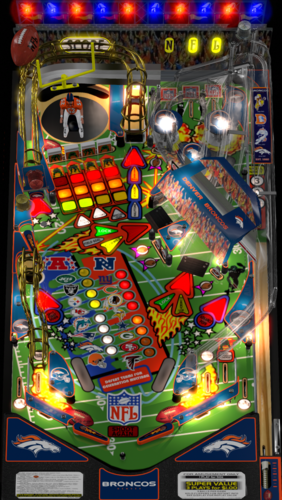
NFL (Stern 2001) Broncos
By xenonph
NFL (Stern 2001) Broncos v4.4 (VPX7.2 Required)
NFL table by Sliderpoint
Striker Xtreme rebuild by Kalavera3
Full code rebuild and alot more primitive and graphics updates and flashers added by 32assassin
Original NFL Playfield and Plastics Graphics Upgrade and Team Mods and Sounds by Xenonph
v4.4
Converted all pics to WebP format to reduce overall size of table.(VPX7.2 Required)
Table file size went from 68.8 MB's to 32.9 MB's!!!
v4.3
Added numbers to variables on all of the toggled options.
So they are all seperated now and do not conflict with other Team tables.
Added Option at top of Table Script to use altsound rom sound fx, and no music.
This option is for Pup Packs that have their own music.
v4.2
Allheart has found a fix so no new core.vbs file is needed. And no need for seperating NFL tables from your other tables.
He suggested I change the rom name to "nfl" right before the nvoffset command in table script, and then change back to alias rom name right after the nvoffset command. This works and solves all problems!! Thanks Allheart!!
v4.1
New core.vbs fix by Allheart that fixes error when using table with B2S Enabled.(Huge thanks!!)
New Instructions and I suggest you follow them!!
This new core.vbs file is not to be copied to your scripts folder.
All of these NFL tables need to be in one folder, and the new core.vbs file needs to be in that same folder.
If you previously downloaded table and overwrote old one in scripts folder, I suggest you download newest beta and copy that one back over the one I previously included with table!!
Sorry for this inconvenience!!
v4.0
32assassin shared all of the resources he had for this NFL table.(Huge Thanks!!)
If you are looking for just the Original table with no team mod or music, then you will have to wait for 32assassin's version to be released.
He is waiting for High Definition scans of the plastics and playfield, before he will release it. (It will be worth the wait!!)
He sent me a new table based off of his work on Striker X-Treme table that he had helped work on with Kalavera3.
He made all new primitives,(Including the Football Primitive!!).
He added fluppers Flashers 2.0.
He added the Apron, Stadium Crowd, Drop Target, Flippers, and Back Wall Flags artwork, and many script changes.
I added Original Plastics.
(The whole reason for me wanting to update was to add the original plastics.)
(And to fix the sound mods, as I didn't know how to add timers back then.)
Upgraded playfield pic with new logos, wood inlays, and much more.
(Compare this playfield pic next to the old playfield pic and you will see exactly what all I have done!!)
I added original Plunger Cover art, Spinner art, and Back Wall Crowd Art.
I made the Goal Post primitive,(Thanks to 32assassin for teaching me how to use blender!!), and made the primitive behind the red flasher.
I also changed the "GOAL" light art behind the Linebacker to "SCORE", and added yellow rim like the original NFL table.
I also added Original Linebacker art.
Added Many Options that are saved and loaded on next table run!!
The Team Plastics can be toggled with Left Magna-Save when game is not in play.
(Original Plastics are on by default.)
Plastics change goes as follows..
Original, Home, Away, Color Rush.
(ALL TABLES WILL AT THE VERY LEAST HAVE HOME, AWAY, AND COLOR RUSH PLASTICS.)
The Back Wall Lights can be toggled with Right Magna-Save when game is not in play.
(Original Lights are on by default.)
Transparent Plastics can be toggled with the L key.
Non-Transparent Plastics show the Team Colors better.
Linebacker Color can be toggled with the W key. Change from White or Black Linebacker.
(So if the star Linebacker on your team is white or black, you are covered!!)
Added JPSalas Lut Script,(Huge thanks JPSalas!!)
Luts are toggled with the Buy-In Key (2 Key)
All the choices you make, are saved and loaded on next table run.
(Thanks to a modified version of JP's Lut and STAT's Team Change script that I modified.)(Thanks JPSalas and STAT!!)
For the sounds, I switched from MP3's to OGG format. Cuts down on file size tremendously!!
I have used the altsound method, combined with regular music method.
I found that some of the alt sounds were not being played, so I told Toxie about the situation.
Toxie looked through the PinMAME code and found the problem.
The PinMAME code didn't handle a special case of the whitestar sound command lists yet, so he added that to new version of VPinMAME!! (HUGE THANKS TOXIE!!!)
YOU WILL NEED THE NEWEST VERSION OF VPINMAME FOR ALL THE ALTSOUNDS TO WORK PROPERLY!!
I have muted all the music in the rom to a decibel level of 0.
This way we still get all the cool sound effects from the rom!!
I will only be adding Touchdown calls from radio announcer for each team in the altsound folder.
The SoundMod is on by default.
To turn off SoundMod, go to Line 20 and change SoundMod=1 to SoundMod=0
Also there is no reason to have to hit F1 and change to altsound, to use this altsound package!!
I have scripted it into table to automatically turn on the altsound, and it turns off on table exit.
There are 41 Main sounds that will be same for each team. There are 16 for the Broncos.
These are kept in a folder named NFL STERN, that is inside your music folder.
(That way if you download all the tables, all the music for all Teams will be kept tidy in 1 folder!!)
1 of 10 NFL Films music is played on start of game, and continues randomly.
15 seconds after the last ball has drained, the Attract Mode starts.
1 of 20 John Facenda talking sound effects is played when in attract mode.
1 of 10 other Football sound effects is played after John Facenda in attract mode.
1 of 16 Broncos Music is played after the second talking sound effect in attract mode.
There are 14 different rom Touchdown Calls, with 4 Radio TD calls divided between the 14 of them.
Also added random sounds on Coin Insert.
Each team will at least have...
Defense Chant, 3 different Football Grunts, Whistle, and TD call on Coin Insert.
ColorDMD is on by default.
To switch to normal DMD colors with the Original plastics, go to Line 16 and change CDMDWOP=1 to CDMDWOP=0
This can only be adjusted on the Original Plastics. They are defaulted ON for the Team Plastics.
This automatically turns off the Colorize DMD that you usually have to manually checkmark in rom options.
And it automatically turns on the Colorize DMD for the Team mods, so no need to checkmark in rom options.
NEW Special Thanks and Acknowledgements:
I first would like to thank 32assassin for ALL the work he did on this table, and for sending me all of his resources!!
I also would like to thank Kalavera3 for all the work he did on this table!!
I also would like to thank JPSalas and STAT, as I modified and combined parts of their script to save and load plastics, backwall lights, and more!!
I also would like to thank Kiwi for helping me with proper wording of script commands for the rom options!!
I also would like to thank iDigStuff for sending me the NFL rom in altsound format!!
I also would like to thank all of the current and former VPinMAME and VP Devs for all the work they have done to make these programs the best!!!
Also want to thank Toxie personally for fixing the altsound, and the nvoffset with alias name problem!!
Also want to thank Allheart for fixing the core.vbs problem for Cabinet users who have B2S enabled.
Prior Special Thanks and Acknowledgements:
v3.1
(BIG THANKS TO SLIDERPOINT FOR PERMISSION TO MOD HIS AMAZING TABLE, AND FOR HELP WIH SCRIPT!!)
(BIG THANKS TO TOXIE AND FUZZEL AND ALL INVOLVED!!) UPGRADED CORE VBS TO ALLOW FOR 32 TEAM CAPACITY NVRAM
(BIG THANKS TO STAT AND CARNY_PRIEST FOR HELP TEACHING ME COLOR DMD SCRIPT COMMANDS!!)
(BIG THANKS TO CARNY_PRIEST FOR UPDATED SCORE AND INSTRUCTION CARDS IN SWF FORMAT. SO PICS AREN'T DISTORTED OR STRETCHED WITH FRONTEND USAGE!!)
(BIG THANKS TO STEVE "Slydog43" FOR GRAPHICS CARD!! WITHOUT IT I WOULD NOT BE ABLE TO MAKE THESE MODS!!)
(BIG THANKS TO STAT FOR ADDING SCRIPT CHANGE TO MAKE TEAM COLOR CHANGES WITH MAGNA-SAVE!!)
(BIG THANKS TO SCOTTYVH FOR REDOING TEXT ON PLAYFIELD LIGHTS AND FITTING CORRECTLY!!)
(BIG THANKS TO GTXJOE FOR HELP WITH MUSIC AND SOUND COMMANDS!!)
(BIG THANKS TO SLIDERPOINT FOR UPGRADING ALOT OF THINGS FOR VERSION3.0!!!)
*******************************************************
MUSIC AND NVRAM
*******************************************************
You will find 2 music folders included with Download package:
altsound <------This is the Altsound music folder and needs to be placed in altsound folder.
The "nfl_den" folder is inside the "altsound" folder.
NFL STERN <------This is the Regular music folder and needs to be placed in music folder.
SO YOU WILL HAVE A "nfl_den" FOLDER INSIDE YOUR ALTSOUND FOLDER.
KEEP ALL THE MUSIC IN THE "nfl_den" FOLDER.
(If you do not have an "altsound" folder located in your VPinMAME folder, just create a folder and name it "altsound")
Place the "NFL STERN" folder into the "Music" folder located in your Visual Pinball folder.
SO YOU WILL HAVE A "NFL STERN" FOLDER INSIDE YOUR MUSIC FOLDER.
KEEP ALL THE MUSIC IN THE "NFL STERN" FOLDER.
Place all NFL.nv files in the "nvram" folder located in VPinMAME folder.
This will start your team instead of Giants at beginning of game.
Just pull the plunger and your team is ready to go.
THESE MODS HAVE A COLOR-DMD WITH TEAM COLORS.
This is automatically activated in the table script, so you don't have to open rom options menu and checkmark Colorize DMD.
Altsound is setup the same way.
Just copy the music folders to their proper place and the altsound is activated automatically.
so no changing from 0 to 1 in sound mode rom options needed to get altsound working. It is done automatically.
Hope you enjoy!!
All Pictures, Sounds, Logos and Trademarks are Property of their respective owners.
I just found the pics on Google, and found the sound files on Google.
I am a NFL FAN!!!
This table should be considered as fan art, and therefore should be covered under the fair usage act.
STRICTLY FOR PERSONAL USE AND NOT FOR COMMERCIAL SALE OR DISTRIBUTION. PLEASE DO NOT RE-DISTRIBUTE.
BY DOWNLOADING THIS FILE; YOU AGREE TO NOT RE-HOST, RE-PACKAGE OR RE-DISTRIBUTE IN ANY FORM THE ZIP FILE, OR THE CONTENTS OF THE ZIP FILE.
187 downloads
(0 reviews)0 comments
Submitted
-
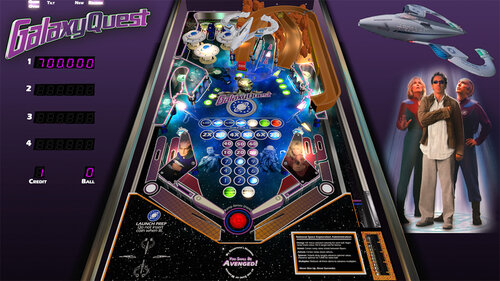
Galaxy Quest
By topper2k
This is a Galaxy Quest re-theme (created with permission) of JPSalas' Space Shuttle (Taito) table.
Credits:
Sound effects: https://www.zapsplat.com
Sarris image: DopePope on Art Station https://www.artstati...m/artwork/n0dJK
3D Rocks wireframe: Icekazim on https://3dexport.com...ocks-288240.htm
3D Protector wireframe: John Hoagland https://sketchfab.co...oWwcc9spH3U7FiU
Playfield image: Courtesy NASA
2109 downloads
-
![More information about "Magic City (Williams 1967) [mod]"](https://vpuniverse.com/screenshots/monthly_2023_02/MC_DT.thumb.jpg.da713d19ee3f0f888321b8673528ded9.jpg)
Magic City (Williams 1967) [mod]
By bord
The active gameplay, a center pop bumper, and wonderful artwork elevate Magic City to one of the great EMs.
Magic City is a collaborative project between armyaviation, mlager8, apophis, and myself. It is a top to bottom rebuild on top of Loserman's scripting. mlager8 and armyaviation were on asset development, I was on visuals and physics, and apophis was on scripting and light map implementation. Visuals utilize Niwak's Blender lightmapper for a more dynamic experience (requires 10.7+).
Line 12 of the script lets you adjust Room brightness (between 0 and 1).
2357 downloads
-
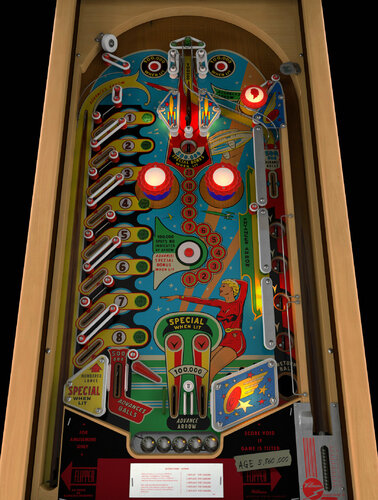
Skyway (Williams 1954)
By bord
This Harry Williams-designed woodrail from 1954 is unlike any other pinball game I've encountered. It has a single impulse flipper, a wildly asymmetrical design, a center wire ramp, and beautiful midcentury artwork.
This project was a joint effort between me (models, textures), @scottacus (script, sound, B2S), and @Onevox (full art redraw). We started it nearly a year ago and it came out better than I had hoped.
A couple quick notes
right magnasave or "1" key for ball lift game options menu appears by holding the left flipper before starting a game the actual game doesn't track balls played so don't expect a GAME OVER lamp
2566 downloads
-
VRRoom1.0.thumb.jpg.38feda8b89042cab729356487d2eb742.jpg)
Time Fantasy (Williams 1983)
By Goldchicco
A rebuilt of 32assassin table ver 1.1
Artwork by Mfuegemanns
Special thanks to Arestis for reworking the Playfield and the plastics
Special thanks to Rajo Joey for the VR Rooms and the LUT codes
Only 608 units made in real life of this machine, so enjoy this rare gem!!!!
It is a hybrid table. So you can play in VR, desktop or cabinet mode. VR headset is automatically detected. There are two VR rooms; the minimal room and a sphere. The default is the sphere. The room can be switched in line 17 of the script. I added the following things: VR rooms, artwork for cabinet, backbox, animations for buttons and plungers, LUT files (change with left magnasave button).
What's New:
' New lights, new lighting
' Added Flippers Shadows and Ball Shadows
' New table physics
' Added nFozzy flippers physics
' Added Fleep Sounds
' Correct few elements position and physics properties
' New script
' Playfield image reworked
' Plastics image reworked
' VR Added
' Reworked all the images, cleaned and upscaled
' Changed Targets physics
' Corrected Bumpers Height
' Repositioned Bumpers correctly
' Tuned Bumpers force
' Corrected metal wired items with correct materials
' Tuned Slingshots rubbers
' Added\Adjusted missing and existing mechanical sounds and replaced ball rolling sound
' Reworked the GI
' Tuned Slingshots force
' Corrected Rubbers Hit Height
' Added LUT code
' New instruction Cards in the apron
' Adjusted table elements physics
' Some other stuff I forgot since it was a project started long time ago
Hope you enjoy it and please leave constructive feedback or comments in the support topic and will try to make it better.
All Logos, Copyrights and Trademarks are property of their respective owners.
PROVIDED STRICTLY FOR PERSONAL / HOME USE AND NOT FOR COMMERCIAL SALE / RE-SALE OR DISTRIBUTION!
Permission to Mod: Ask the Author First (no light, lighting, layout and physics will be allowed - this is not mod to me but just personal tweaking of the table - so I am posting this table exclusively here on VPUniverse
A great tutorial about this machine can be found here:
PS: If you don't have analog nudging then Rajo Joey suggest to change the sensibility to 1 if you are use Digital Nudging:
Lines 311 to 313
If keycode = LeftTiltKey Then Nudge 90, 5:SoundNudgeLeft()
If keycode = RightTiltKey Then Nudge 270, 5:SoundNudgeRight()
If keycode = CenterTiltKey Then Nudge 0, 3:SoundNudgeCenter()
change to:
If keycode = LeftTiltKey Then Nudge 90, 1:SoundNudgeLeft()
If keycode = RightTiltKey Then Nudge 270, 1:SoundNudgeRight()
If keycode = CenterTiltKey Then Nudge 0, 1:SoundNudgeCenter()
Let us know
2250 downloads
-
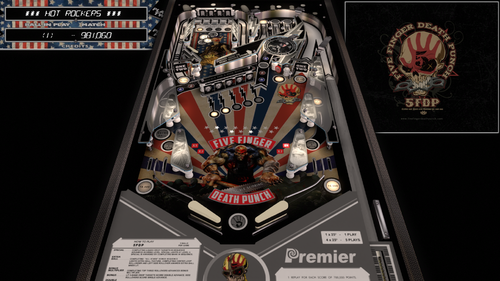
5FDP (Gottlieb 1985) DVL Mod
By Doivel
This is a graphics and sound mod of JPSalas "Rock" (Gottlieb 1985)
Version 1.0.3 use "Rock" Rom, VPMAlias is not required anymore
First I would like to thank JPSalas for allowing mods without permission & Thx HiRez00 for Music & Scutters for Flex DMD Mod
Instructions
1. move the Music Folder to your Music folder and replace Placeholder Mp3s with Songs you like, making sure to rename the files 1.mp3 2.mp3 3.mp3...
Then change the NumMusicTracks value in Scripts to the total number of songs in the folder without X- File!
2. Select Music Mode Options in Script ("1" - Default)
0 = Player controls songs manually with Right Magnasave (Jukebox Mode)
1 = Player controls songs with Right Magnasave + Song changes when ball drains
3. Select use Flex DMD, Backglass score display to a virtual or real DMD via flexDMD ("1" - Default)
881 downloads
-
Steelersv4_0b.thumb.PNG.0936a3bebca5341ab2d9d6bbcd413716.PNG)
NFL (Stern 2001) Steelers
By xenonph
NFL (Stern 2001) Steelers v4.4 (VPX7.2 Required)
THIS TABLE IS DEDICATED TO A GOOD FRIENDS SON JAKE HURLEY!!
NFL table by Sliderpoint
Striker Xtreme rebuild by Kalavera3
Full code rebuild and alot more primitive and graphics updates and flashers added by 32assassin
Original NFL Playfield and Plastics Graphics Upgrade and Team Mods and Sounds by Xenonph
v4.4
Converted all pics to WebP format to reduce overall size of table.(VPX7.2 Required)
Table file size went from 73.1 MB's to 36.4 MB's!!!
v4.3
Added numbers to variables on all of the toggled options.
So they are all seperated now and do not conflict with other Team tables.
Added Option at top of Table Script to use altsound rom sound fx, and no music.
This option is for Pup Packs that have their own music.
v4.2
Allheart has found a fix so no new core.vbs file is needed. And no need for seperating NFL tables from your other tables.
He suggested I change the rom name to "nfl" right before the nvoffset command in table script, and then change back to alias rom name right after the nvoffset command. This works and solves all problems!! Thanks Allheart!!
v4.1
New core.vbs fix by Allheart that fixes error when using table with B2S Enabled.(Huge thanks!!)
New Instructions and I suggest you follow them!!
This new core.vbs file is not to be copied to your scripts folder.
All of these NFL tables need to be in one folder, and the new core.vbs file needs to be in that same folder.
If you previously downloaded table and overwrote old one in scripts folder, I suggest you download newest beta and copy that one back over the one I previously included with table!!
Sorry for this inconvenience!!
v4.0
32assassin shared all of the resources he had for this NFL table.(Huge Thanks!!)
If you are looking for just the Original table with no team mod or music, then you will have to wait for 32assassin's version to be released.
He is waiting for High Definition scans of the plastics and playfield, before he will release it. (It will be worth the wait!!)
He sent me a new table based off of his work on Striker X-Treme table that he had helped work on with Kalavera3.
He made all new primitives,(Including the Football Primitive!!).
He added fluppers Flashers 2.0.
He added the Apron, Stadium Crowd, Drop Target, Flippers, and Back Wall Flags artwork, and many script changes.
I added Original Plastics.
(The whole reason for me wanting to update was to add the original plastics.)
(And to fix the sound mods, as I didn't know how to add timers back then.)
Upgraded playfield pic with new logos, wood inlays, and much more.
(Compare this playfield pic next to the old playfield pic and you will see exactly what all I have done!!)
I added original Plunger Cover art, Spinner art, and Back Wall Crowd Art.
I made the Goal Post primitive,(Thanks to 32assassin for teaching me how to use blender!!), and made the primitive behind the red flasher.
I also changed the "GOAL" light art behind the Linebacker to "SCORE", and added yellow rim like the original NFL table.
I also added Original Linebacker art.
Added Many Options that are saved and loaded on next table run!!
The Team Plastics can be toggled with Left Magna-Save when game is not in play.
(Original Plastics are on by default.)
Plastics change goes as follows..
Original, Home, Away, Color Rush.
(ALL TABLES WILL AT THE VERY LEAST HAVE HOME, AWAY, AND COLOR RUSH PLASTICS.)
The Back Wall Lights can be toggled with Right Magna-Save when game is not in play.
(Original Lights are on by default.)
Transparent Plastics can be toggled with the L key.
Non-Transparent Plastics show the Team Colors better.
Linebacker Color can be toggled with the W key. Change from White or Black Linebacker.
(So if the star Linebacker on your team is white or black, you are covered!!)
Added JPSalas Lut Script,(Huge thanks JPSalas!!)
Luts are toggled with the Buy-In Key (2 Key)
All the choices you make, are saved and loaded on next table run.
(Thanks to a modified version of JP's Lut and STAT's Team Change script that I modified.)(Thanks JPSalas and STAT!!)
For the sounds, I switched from MP3's to OGG format. Cuts down on file size tremendously!!
I have used the altsound method, combined with regular music method.
I found that some of the alt sounds were not being played, so I told Toxie about the situation.
Toxie looked through the PinMAME code and found the problem.
The PinMAME code didn't handle a special case of the whitestar sound command lists yet, so he added that to new version of VPinMAME!! (HUGE THANKS TOXIE!!!)
YOU WILL NEED THE NEWEST VERSION OF VPINMAME FOR ALL THE ALTSOUNDS TO WORK PROPERLY!!
I have muted all the music in the rom to a decibel level of 0.
This way we still get all the cool sound effects from the rom!!
I will only be adding Touchdown calls from radio announcer for each team in the altsound folder.
The SoundMod is on by default.
To turn off SoundMod, go to Line 20 and change SoundMod=1 to SoundMod=0
Also there is no reason to have to hit F1 and change to altsound, to use this altsound package!!
I have scripted it into table to automatically turn on the altsound, and it turns off on table exit.
There are 41 Main sounds that will be same for each team. There are 16 for the Steelers.
These are kept in a folder named NFL STERN, that is inside your music folder.
(That way if you download all the tables, all the music for all Teams will be kept tidy in 1 folder!!)
1 of 10 NFL Films music is played on start of game, and continues randomly.
15 seconds after the last ball has drained, the Attract Mode starts.
1 of 20 John Facenda talking sound effects is played when in attract mode.
1 of 10 other Football sound effects is played after John Facenda in attract mode.
1 of 16 Steelers Music is played after the second talking sound effect in attract mode.
2 versions of Football Polka.
Radio call play of "Immaculate Reception".
Ben's 12 TDs in 2 game span.
Lombardi trophy presentation with Mr.Rooney speaking in 1979.
There are 14 different rom Touchdown Calls, with 6 different Radio TD calls divided between the 14 of them.
Also added random sounds on Coin Insert.
Each team will at least have...
Defense Chant, 3 different Football Grunts, Whistle, and TD call on Coin Insert.
ColorDMD is on by default.
To switch to normal DMD colors with the Original plastics, go to Line 16 and change CDMDWOP=1 to CDMDWOP=0
This can only be adjusted on the Original Plastics. They are defaulted ON for the Team Plastics.
This automatically turns off the Colorize DMD that you usually have to manually checkmark in rom options.
And it automatically turns on the Colorize DMD for the Team mods, so no need to checkmark in rom options.
NEW Special Thanks and Acknowledgements:
I first would like to thank 32assassin for ALL the work he did on this table, and for sending me all of his resources!!
I also would like to thank Kalavera3 for all the work he did on this table!!
I also would like to thank JPSalas and STAT, as I modified and combined parts of their script to save and load plastics, backwall lights, and more!!
I also would like to thank Kiwi for helping me with proper wording of script commands for the rom options!!
I also would like to thank iDigStuff for sending me the NFL rom in altsound format!!
I also would like to thank all of the current and former VPinMAME and VP Devs for all the work they have done to make these programs the best!!!
Also want to thank Toxie personally for fixing the altsound, and the nvoffset with alias name problem!!
Also want to thank Allheart for fixing the core.vbs problem for Cabinet users who have B2S enabled.
Prior Special Thanks and Acknowledgements:
v3.1
(BIG THANKS TO SLIDERPOINT FOR PERMISSION TO MOD HIS AMAZING TABLE, AND FOR HELP WIH SCRIPT!!)
(BIG THANKS TO TOXIE AND FUZZEL AND ALL INVOLVED!!) UPGRADED CORE VBS TO ALLOW FOR 32 TEAM CAPACITY NVRAM
(BIG THANKS TO STAT AND CARNY_PRIEST FOR HELP TEACHING ME COLOR DMD SCRIPT COMMANDS!!)
(BIG THANKS TO CARNY_PRIEST FOR UPDATED SCORE AND INSTRUCTION CARDS IN SWF FORMAT. SO PICS AREN'T DISTORTED OR STRETCHED WITH FRONTEND USAGE!!)
(BIG THANKS TO STEVE "Slydog43" FOR GRAPHICS CARD!! WITHOUT IT I WOULD NOT BE ABLE TO MAKE THESE MODS!!)
(BIG THANKS TO STAT FOR ADDING SCRIPT CHANGE TO MAKE TEAM COLOR CHANGES WITH MAGNA-SAVE!!)
(BIG THANKS TO SCOTTYVH FOR REDOING TEXT ON PLAYFIELD LIGHTS AND FITTING CORRECTLY!!)
(BIG THANKS TO GTXJOE FOR HELP WITH MUSIC AND SOUND COMMANDS!!)
(BIG THANKS TO SLIDERPOINT FOR UPGRADING ALOT OF THINGS FOR VERSION3.0!!!)
*******************************************************
MUSIC AND NVRAM
*******************************************************
You will find 2 music folders included with Download package:
altsound <------This is the Altsound music folder and needs to be placed in altsound folder.
The "nfl_pit" folder is inside the "altsound" folder.
NFL STERN <------This is the Regular music folder and needs to be placed in music folder.
SO YOU WILL HAVE A "nfl_pit" FOLDER INSIDE YOUR ALTSOUND FOLDER.
KEEP ALL THE MUSIC IN THE "nfl_pit" FOLDER.
(If you do not have an "altsound" folder located in your VPinMAME folder, just create a folder and name it "altsound")
Place the "NFL STERN" folder into the "Music" folder located in your Visual Pinball folder.
SO YOU WILL HAVE A "NFL STERN" FOLDER INSIDE YOUR MUSIC FOLDER.
KEEP ALL THE MUSIC IN THE "NFL STERN" FOLDER.
Place all NFL.nv files in the "nvram" folder located in VPinMAME folder.
This will start your team instead of Giants at beginning of game.
Just pull the plunger and your team is ready to go.
THESE MODS HAVE A COLOR-DMD WITH TEAM COLORS.
This is automatically activated in the table script, so you don't have to open rom options menu and checkmark Colorize DMD.
Altsound is setup the same way.
Just copy the music folders to their proper place and the altsound is activated automatically.
so no changing from 0 to 1 in sound mode rom options needed to get altsound working. It is done automatically.
Hope you enjoy!!
All Pictures, Sounds, Logos and Trademarks are Property of their respective owners.
I just found the pics on Google, and found the sound files on Google.
I am a NFL FAN!!!
This table should be considered as fan art, and therefore should be covered under the fair usage act.
STRICTLY FOR PERSONAL USE AND NOT FOR COMMERCIAL SALE OR DISTRIBUTION. PLEASE DO NOT RE-DISTRIBUTE.
BY DOWNLOADING THIS FILE; YOU AGREE TO NOT RE-HOST, RE-PACKAGE OR RE-DISTRIBUTE IN ANY FORM THE ZIP FILE, OR THE CONTENTS OF THE ZIP FILE.
593 downloads
-
Seahawksv4_0b.thumb.PNG.82d5baf42ea910e14cd71cd1a7e5bf14.PNG)
NFL (Stern 2001) Seahawks
By xenonph
NFL (Stern 2001) Seahawks v4.4 (VPX7.2 Required)
THIS TABLE IS DEDICATED TO MY BROTHER DAN!! GO HAWKS!!
NFL table by Sliderpoint
Striker Xtreme rebuild by Kalavera3
Full code rebuild and alot more primitive and graphics updates and flashers added by 32assassin
Original NFL Playfield and Plastics Graphics Upgrade and Team Mods and Sounds by Xenonph
v4.4
Converted all pics to WebP format to reduce overall size of table.(VPX7.2 Required)
Table file size went from 82.5 MB's to 36.8 MB's!!!
v4.3
Added numbers to variables on all of the toggled options.
So they are all seperated now and do not conflict with other Team tables.
Added Option at top of Table Script to use altsound rom sound fx, and no music.
This option is for Pup Packs that have their own music.
v4.2
Allheart has found a fix so no new core.vbs file is needed. And no need for seperating NFL tables from your other tables.
He suggested I change the rom name to "nfl" right before the nvoffset command in table script, and then change back to alias rom name right after the nvoffset command. This works and solves all problems!! Thanks Allheart!!
v4.1
New core.vbs fix by Allheart that fixes error when using table with B2S Enabled.(Huge thanks!!)
New Instructions and I suggest you follow them!!
This new core.vbs file is not to be copied to your scripts folder.
All of these NFL tables need to be in one folder, and the new core.vbs file needs to be in that same folder.
If you previously downloaded table and overwrote old one in scripts folder, I suggest you download newest beta and copy that one back over the one I previously included with table!!
Sorry for this inconvenience!!
v4.0
32assassin shared all of the resources he had for this NFL table.(Huge Thanks!!)
If you are looking for just the Original table with no team mod or music, then you will have to wait for 32assassin's version to be released.
He is waiting for High Definition scans of the plastics and playfield, before he will release it. (It will be worth the wait!!)
He sent me a new table based off of his work on Striker X-Treme table that he had helped work on with Kalavera3.
He made all new primitives,(Including the Football Primitive!!).
He added fluppers Flashers 2.0.
He added the Apron, Stadium Crowd, Drop Target, Flippers, and Back Wall Flags artwork, and many script changes.
I added Original Plastics.
(The whole reason for me wanting to update was to add the original plastics.)
(And to fix the sound mods, as I didn't know how to add timers back then.)
Upgraded playfield pic with new logos, wood inlays, and much more.
(Compare this playfield pic next to the old playfield pic and you will see exactly what all I have done!!)
I added original Plunger Cover art, Spinner art, and Back Wall Crowd Art.
I made the Goal Post primitive,(Thanks to 32assassin for teaching me how to use blender!!), and made the primitive behind the red flasher.
I also changed the "GOAL" light art behind the Linebacker to "SCORE", and added yellow rim like the original NFL table.
I also added Original Linebacker art.
Added Many Options that are saved and loaded on next table run!!
The Team Plastics can be toggled with Left Magna-Save when game is not in play.
(Original Plastics are on by default.)
Plastics change goes as follows..
Original, Home, Away, Color Rush, Hasslebeck Era, Jim Zorn Era.
(ALL TABLES WILL AT THE VERY LEAST HAVE HOME, AWAY, AND COLOR RUSH PLASTICS.)
The Back Wall Lights can be toggled with Right Magna-Save when game is not in play.
(Original Lights are on by default.)
Transparent Plastics can be toggled with the L key.
Non-Transparent Plastics show the Team Colors better.
Linebacker Color can be toggled with the W key. Change from White or Black Linebacker.
(So if the star Linebacker on your team is white or black, you are covered!!)
Added JPSalas Lut Script,(Huge thanks JPSalas!!)
Luts are toggled with the Buy-In Key (2 Key)
All the choices you make, are saved and loaded on next table run.
(Thanks to a modified version of JP's Lut and STAT's Team Change script that I modified.)(Thanks JPSalas and STAT!!)
For the sounds, I switched from MP3's to OGG format. Cuts down on file size tremendously!!
I have used the altsound method, combined with regular music method.
I found that some of the alt sounds were not being played, so I told Toxie about the situation.
Toxie looked through the PinMAME code and found the problem.
The PinMAME code didn't handle a special case of the whitestar sound command lists yet, so he added that to new version of VPinMAME!! (HUGE THANKS TOXIE!!!)
YOU WILL NEED THE NEWEST VERSION OF VPINMAME FOR ALL THE ALTSOUNDS TO WORK PROPERLY!!
I have muted all the music in the rom to a decibel level of 0.
This way we still get all the cool sound effects from the rom!!
I will only be adding Touchdown calls from radio announcer for each team in the altsound folder.
The SoundMod is on by default.
To turn off SoundMod, go to Line 20 and change SoundMod=1 to SoundMod=0
Also there is no reason to have to hit F1 and change to altsound, to use this altsound package!!
I have scripted it into table to automatically turn on the altsound, and it turns off on table exit.
There are 41 Main sounds that will be same for each team. There are 4 for the Seahawks.
These are kept in a folder named NFL STERN, that is inside your music folder.
(That way if you download all the tables, all the music for all Teams will be kept tidy in 1 folder!!)
1 of 10 NFL Films music is played on start of game, and continues randomly.
15 seconds after the last ball has drained, the Attract Mode starts.
1 of 20 John Facenda talking sound effects is played when in attract mode.
1 of 10 other Football sound effects is played after John Facenda in attract mode.
1 of 5 Seahawks Music is played after the second talking sound effect in attract mode.
1 of Seahawks sounds is a collage of the Superbowl year games all put together in one package, culminating in Richard Shermans rant!!
There are 14 different rom Touchdown Calls, with 4 different Radio TD calls divided between the 14 of them.
One is "Holy Catfish" TD call!!
Also added random sounds on Coin Insert.
Each team will at least have...
Defense Chant, 3 different Football Grunts, Whistle, and TD call on Coin Insert.
ColorDMD is on by default.
To switch to normal DMD colors with the Original plastics, go to Line 16 and change CDMDWOP=1 to CDMDWOP=0
This can only be adjusted on the Original Plastics. They are defaulted ON for the Team Plastics.
This automatically turns off the Colorize DMD that you usually have to manually checkmark in rom options.
And it automatically turns on the Colorize DMD for the Team mods, so no need to checkmark in rom options.
NEW Special Thanks and Acknowledgements:
I first would like to thank 32assassin for ALL the work he did on this table, and for sending me all of his resources!!
I also would like to thank Kalavera3 for all the work he did on this table!!
I also would like to thank JPSalas and STAT, as I modified and combined parts of their script to save and load plastics, backwall lights, and more!!
I also would like to thank Kiwi for helping me with proper wording of script commands for the rom options!!
I also would like to thank iDigStuff for sending me the NFL rom in altsound format!!
I also would like to thank all of the current and former VPinMAME and VP Devs for all the work they have done to make these programs the best!!!
Also want to thank Toxie personally for fixing the altsound, and the nvoffset with alias name problem!!
Also want to thank Allheart for fixing the core.vbs problem for Cabinet users who have B2S enabled.
Prior Special Thanks and Acknowledgements:
v3.1
(BIG THANKS TO SLIDERPOINT FOR PERMISSION TO MOD HIS AMAZING TABLE, AND FOR HELP WIH SCRIPT!!)
(BIG THANKS TO TOXIE AND FUZZEL AND ALL INVOLVED!!) UPGRADED CORE VBS TO ALLOW FOR 32 TEAM CAPACITY NVRAM
(BIG THANKS TO STAT AND CARNY_PRIEST FOR HELP TEACHING ME COLOR DMD SCRIPT COMMANDS!!)
(BIG THANKS TO CARNY_PRIEST FOR UPDATED SCORE AND INSTRUCTION CARDS IN SWF FORMAT. SO PICS AREN'T DISTORTED OR STRETCHED WITH FRONTEND USAGE!!)
(BIG THANKS TO STEVE "Slydog43" FOR GRAPHICS CARD!! WITHOUT IT I WOULD NOT BE ABLE TO MAKE THESE MODS!!)
(BIG THANKS TO STAT FOR ADDING SCRIPT CHANGE TO MAKE TEAM COLOR CHANGES WITH MAGNA-SAVE!!)
(BIG THANKS TO SCOTTYVH FOR REDOING TEXT ON PLAYFIELD LIGHTS AND FITTING CORRECTLY!!)
(BIG THANKS TO GTXJOE FOR HELP WITH MUSIC AND SOUND COMMANDS!!)
(BIG THANKS TO SLIDERPOINT FOR UPGRADING ALOT OF THINGS FOR VERSION3.0!!!)
*******************************************************
MUSIC AND NVRAM
*******************************************************
You will find 2 music folders included with Download package:
altsound <------This is the Altsound music folder and needs to be placed in altsound folder.
The "nfl_sea" folder is inside the "altsound" folder.
NFL STERN <------This is the Regular music folder and needs to be placed in music folder.
SO YOU WILL HAVE A "nfl_sea" FOLDER INSIDE YOUR ALTSOUND FOLDER.
KEEP ALL THE MUSIC IN THE "nfl_sea" FOLDER.
(If you do not have an "altsound" folder located in your VPinMAME folder, just create a folder and name it "altsound")
Place the "NFL STERN" folder into the "Music" folder located in your Visual Pinball folder.
SO YOU WILL HAVE A "NFL STERN" FOLDER INSIDE YOUR MUSIC FOLDER.
KEEP ALL THE MUSIC IN THE "NFL STERN" FOLDER.
Place all NFL.nv files in the "nvram" folder located in VPinMAME folder.
This will start your team instead of Giants at beginning of game.
Just pull the plunger and your team is ready to go.
THESE MODS HAVE A COLOR-DMD WITH TEAM COLORS.
This is automatically activated in the table script, so you don't have to open rom options menu and checkmark Colorize DMD.
Altsound is setup the same way.
Just copy the music folders to their proper place and the altsound is activated automatically.
so no changing from 0 to 1 in sound mode rom options needed to get altsound working. It is done automatically.
Hope you enjoy!!
All Pictures, Sounds, Logos and Trademarks are Property of their respective owners.
I just found the pics on Google, and found the sound files on Google.
I am a NFL FAN!!!
This table should be considered as fan art, and therefore should be covered under the fair usage act.
STRICTLY FOR PERSONAL USE AND NOT FOR COMMERCIAL SALE OR DISTRIBUTION. PLEASE DO NOT RE-DISTRIBUTE.
BY DOWNLOADING THIS FILE; YOU AGREE TO NOT RE-HOST, RE-PACKAGE OR RE-DISTRIBUTE IN ANY FORM THE ZIP FILE, OR THE CONTENTS OF THE ZIP FILE.
389 downloads
-
Ramsv4_0b.thumb.PNG.66d4119d61491eac5ff194c0a25b36b3.PNG)
NFL (Stern 2001) Rams
By xenonph
NFL (Stern 2001) Rams v4.4 (VPX7.2 Required)
NFL table by Sliderpoint
Striker Xtreme rebuild by Kalavera3
Full code rebuild and alot more primitive and graphics updates and flashers added by 32assassin
Original NFL Playfield and Plastics Graphics Upgrade and Team Mods and Sounds by Xenonph
v4.4
Converted all pics to WebP format to reduce overall size of table.(VPX7.2 Required)
Table file size went from 67.3 MB's to 32.1 MB's!!!
v4.3
Added numbers to variables on all of the toggled options.
So they are all seperated now and do not conflict with other Team tables.
Added Option at top of Table Script to use altsound rom sound fx, and no music.
This option is for Pup Packs that have their own music.
v4.2
Allheart has found a fix so no new core.vbs file is needed. And no need for seperating NFL tables from your other tables.
He suggested I change the rom name to "nfl" right before the nvoffset command in table script, and then change back to alias rom name right after the nvoffset command. This works and solves all problems!! Thanks Allheart!!
v4.1
New core.vbs fix by Allheart that fixes error when using table with B2S Enabled.(Huge thanks!!)
New Instructions and I suggest you follow them!!
This new core.vbs file is not to be copied to your scripts folder.
All of these NFL tables need to be in one folder, and the new core.vbs file needs to be in that same folder.
If you previously downloaded table and overwrote old one in scripts folder, I suggest you download newest beta and copy that one back over the one I previously included with table!!
Sorry for this inconvenience!!
v4.0
32assassin shared all of the resources he had for this NFL table.(Huge Thanks!!)
If you are looking for just the Original table with no team mod or music, then you will have to wait for 32assassin's version to be released.
He is waiting for High Definition scans of the plastics and playfield, before he will release it. (It will be worth the wait!!)
He sent me a new table based off of his work on Striker X-Treme table that he had helped work on with Kalavera3.
He made all new primitives,(Including the Football Primitive!!).
He added fluppers Flashers 2.0.
He added the Apron, Stadium Crowd, Drop Target, Flippers, and Back Wall Flags artwork, and many script changes.
I added Original Plastics.
(The whole reason for me wanting to update was to add the original plastics.)
(And to fix the sound mods, as I didn't know how to add timers back then.)
Upgraded playfield pic with new logos, wood inlays, and much more.
(Compare this playfield pic next to the old playfield pic and you will see exactly what all I have done!!)
I added original Plunger Cover art, Spinner art, and Back Wall Crowd Art.
I made the Goal Post primitive,(Thanks to 32assassin for teaching me how to use blender!!), and made the primitive behind the red flasher.
I also changed the "GOAL" light art behind the Linebacker to "SCORE", and added yellow rim like the original NFL table.
I also added Original Linebacker art.
Added Many Options that are saved and loaded on next table run!!
The Team Plastics can be toggled with Left Magna-Save when game is not in play.
(Original Plastics are on by default.)
Plastics change goes as follows..
Original, Home, Away, Color Rush.
(ALL TABLES WILL AT THE VERY LEAST HAVE HOME, AWAY, AND COLOR RUSH PLASTICS.)
The Back Wall Lights can be toggled with Right Magna-Save when game is not in play.
(Original Lights are on by default.)
Transparent Plastics can be toggled with the L key.
Non-Transparent Plastics show the Team Colors better.
Linebacker Color can be toggled with the W key. Change from White or Black Linebacker.
(So if the star Linebacker on your team is white or black, you are covered!!)
Added JPSalas Lut Script,(Huge thanks JPSalas!!)
Luts are toggled with the Buy-In Key (2 Key)
All the choices you make, are saved and loaded on next table run.
(Thanks to a modified version of JP's Lut and STAT's Team Change script that I modified.)(Thanks JPSalas and STAT!!)
For the sounds, I switched from MP3's to OGG format. Cuts down on file size tremendously!!
I have used the altsound method, combined with regular music method.
I found that some of the alt sounds were not being played, so I told Toxie about the situation.
Toxie looked through the PinMAME code and found the problem.
The PinMAME code didn't handle a special case of the whitestar sound command lists yet, so he added that to new version of VPinMAME!! (HUGE THANKS TOXIE!!!)
YOU WILL NEED THE NEWEST VERSION OF VPINMAME FOR ALL THE ALTSOUNDS TO WORK PROPERLY!!
I have muted all the music in the rom to a decibel level of 0.
This way we still get all the cool sound effects from the rom!!
I will only be adding Touchdown calls from radio announcer for each team in the altsound folder.
The SoundMod is on by default.
To turn off SoundMod, go to Line 20 and change SoundMod=1 to SoundMod=0
Also there is no reason to have to hit F1 and change to altsound, to use this altsound package!!
I have scripted it into table to automatically turn on the altsound, and it turns off on table exit.
There are 41 Main sounds that will be same for each team. There are 6 for the Rams.
These are kept in a folder named NFL STERN, that is inside your music folder.
(That way if you download all the tables, all the music for all Teams will be kept tidy in 1 folder!!)
1 of 10 NFL Films music is played on start of game, and continues randomly.
15 seconds after the last ball has drained, the Attract Mode starts.
1 of 20 John Facenda talking sound effects is played when in attract mode.
1 of 10 other Football sound effects is played after John Facenda in attract mode.
1 of 6 Rams Music is played after the second talking sound effect in attract mode.
1 of the Rams songs is a song sung by actual players back in the 80's.
There are 14 different rom Touchdown Calls, with 2 different Radio TD calls divided between the 14 of them.
Also added random sounds on Coin Insert.
Each team will at least have...
Defense Chant, 3 different Football Grunts, Whistle, and TD call on Coin Insert.
ColorDMD is on by default.
To switch to normal DMD colors with the Original plastics, go to Line 16 and change CDMDWOP=1 to CDMDWOP=0
This can only be adjusted on the Original Plastics. They are defaulted ON for the Team Plastics.
This automatically turns off the Colorize DMD that you usually have to manually checkmark in rom options.
And it automatically turns on the Colorize DMD for the Team mods, so no need to checkmark in rom options.
NEW Special Thanks and Acknowledgements:
I first would like to thank 32assassin for ALL the work he did on this table, and for sending me all of his resources!!
I also would like to thank Kalavera3 for all the work he did on this table!!
I also would like to thank JPSalas and STAT, as I modified and combined parts of their script to save and load plastics, backwall lights, and more!!
I also would like to thank Kiwi for helping me with proper wording of script commands for the rom options!!
I also would like to thank iDigStuff for sending me the NFL rom in altsound format!!
I also would like to thank all of the current and former VPinMAME and VP Devs for all the work they have done to make these programs the best!!!
Also want to thank Toxie personally for fixing the altsound, and the nvoffset with alias name problem!!
Also want to thank Allheart for fixing the core.vbs problem for Cabinet users who have B2S enabled.
Prior Special Thanks and Acknowledgements:
v3.1
(BIG THANKS TO SLIDERPOINT FOR PERMISSION TO MOD HIS AMAZING TABLE, AND FOR HELP WIH SCRIPT!!)
(BIG THANKS TO TOXIE AND FUZZEL AND ALL INVOLVED!!) UPGRADED CORE VBS TO ALLOW FOR 32 TEAM CAPACITY NVRAM
(BIG THANKS TO STAT AND CARNY_PRIEST FOR HELP TEACHING ME COLOR DMD SCRIPT COMMANDS!!)
(BIG THANKS TO CARNY_PRIEST FOR UPDATED SCORE AND INSTRUCTION CARDS IN SWF FORMAT. SO PICS AREN'T DISTORTED OR STRETCHED WITH FRONTEND USAGE!!)
(BIG THANKS TO STEVE "Slydog43" FOR GRAPHICS CARD!! WITHOUT IT I WOULD NOT BE ABLE TO MAKE THESE MODS!!)
(BIG THANKS TO STAT FOR ADDING SCRIPT CHANGE TO MAKE TEAM COLOR CHANGES WITH MAGNA-SAVE!!)
(BIG THANKS TO SCOTTYVH FOR REDOING TEXT ON PLAYFIELD LIGHTS AND FITTING CORRECTLY!!)
(BIG THANKS TO GTXJOE FOR HELP WITH MUSIC AND SOUND COMMANDS!!)
(BIG THANKS TO SLIDERPOINT FOR UPGRADING ALOT OF THINGS FOR VERSION3.0!!!)
*******************************************************
MUSIC AND NVRAM
*******************************************************
You will find 2 music folders included with Download package:
altsound <------This is the Altsound music folder and needs to be placed in altsound folder.
The "nfl_lar" folder is inside the "altsound" folder.
NFL STERN <------This is the Regular music folder and needs to be placed in music folder.
SO YOU WILL HAVE A "nfl_lar" FOLDER INSIDE YOUR ALTSOUND FOLDER.
KEEP ALL THE MUSIC IN THE "nfl_lar" FOLDER.
(If you do not have an "altsound" folder located in your VPinMAME folder, just create a folder and name it "altsound")
Place the "NFL STERN" folder into the "Music" folder located in your Visual Pinball folder.
SO YOU WILL HAVE A "NFL STERN" FOLDER INSIDE YOUR MUSIC FOLDER.
KEEP ALL THE MUSIC IN THE "NFL STERN" FOLDER.
Place all NFL.nv files in the "nvram" folder located in VPinMAME folder.
This will start your team instead of Giants at beginning of game.
Just pull the plunger and your team is ready to go.
THESE MODS HAVE A COLOR-DMD WITH TEAM COLORS.
This is automatically activated in the table script, so you don't have to open rom options menu and checkmark Colorize DMD.
Altsound is setup the same way.
Just copy the music folders to their proper place and the altsound is activated automatically.
so no changing from 0 to 1 in sound mode rom options needed to get altsound working. It is done automatically.
Hope you enjoy!!
All Pictures, Sounds, Logos and Trademarks are Property of their respective owners.
I just found the pics on Google, and found the sound files on Google.
I am a NFL FAN!!!
This table should be considered as fan art, and therefore should be covered under the fair usage act.
STRICTLY FOR PERSONAL USE AND NOT FOR COMMERCIAL SALE OR DISTRIBUTION. PLEASE DO NOT RE-DISTRIBUTE.
BY DOWNLOADING THIS FILE; YOU AGREE TO NOT RE-HOST, RE-PACKAGE OR RE-DISTRIBUTE IN ANY FORM THE ZIP FILE, OR THE CONTENTS OF THE ZIP FILE.
671 downloads
-
Buccaneersv4_0b.thumb.PNG.d87a50e014d108285bf7db3b5c37fa76.PNG)
NFL (Stern 2001) Buccaneers
By xenonph
NFL (Stern 2001) Buccaneers v4.4 (VPX7.2 Required)
NFL table by Sliderpoint
Striker Xtreme rebuild by Kalavera3
Full code rebuild and alot more primitive and graphics updates and flashers added by 32assassin
Original NFL Playfield and Plastics Graphics Upgrade and Team Mods and Sounds by Xenonph
v4.4
Converted all pics to WebP format to reduce overall size of table.(VPX7.2 Required)
Table file size went from 85.3 MB's to 40.9 MB's!!!
v4.3
Added numbers to variables on all of the toggled options.
So they are all seperated now and do not conflict with other Team tables.
Added Option at top of Table Script to use altsound rom sound fx, and no music.
This option is for Pup Packs that have their own music.
v4.2
Allheart has found a fix so no new core.vbs file is needed. And no need for seperating NFL tables from your other tables.
He suggested I change the rom name to "nfl" right before the nvoffset command in table script, and then change back to alias rom name right after the nvoffset command. This works and solves all problems!! Thanks Allheart!!
v4.1
New core.vbs fix by Allheart that fixes error when using table with B2S Enabled.(Huge thanks!!)
New Instructions and I suggest you follow them!!
This new core.vbs file is not to be copied to your scripts folder.
All of these NFL tables need to be in one folder, and the new core.vbs file needs to be in that same folder.
If you previously downloaded table and overwrote old one in scripts folder, I suggest you download newest beta and copy that one back over the one I previously included with table!!
Sorry for this inconvenience!!
v4.0
32assassin shared all of the resources he had for this NFL table.(Huge Thanks!!)
If you are looking for just the Original table with no team mod or music, then you will have to wait for 32assassin's version to be released.
He is waiting for High Definition scans of the plastics and playfield, before he will release it. (It will be worth the wait!!)
He sent me a new table based off of his work on Striker X-Treme table that he had helped work on with Kalavera3.
He made all new primitives,(Including the Football Primitive!!).
He added fluppers Flashers 2.0.
He added the Apron, Stadium Crowd, Drop Target, Flippers, and Back Wall Flags artwork, and many script changes.
I added Original Plastics.
(The whole reason for me wanting to update was to add the original plastics.)
(And to fix the sound mods, as I didn't know how to add timers back then.)
Upgraded playfield pic with new logos, wood inlays, and much more.
(Compare this playfield pic next to the old playfield pic and you will see exactly what all I have done!!)
I added original Plunger Cover art, Spinner art, and Back Wall Crowd Art.
I made the Goal Post primitive,(Thanks to 32assassin for teaching me how to use blender!!), and made the primitive behind the red flasher.
I also changed the "GOAL" light art behind the Linebacker to "SCORE", and added yellow rim like the original NFL table.
I also added Original Linebacker art.
Added Many Options that are saved and loaded on next table run!!
The Team Plastics can be toggled with Left Magna-Save when game is not in play.
(Original Plastics are on by default.)
Plastics change goes as follows..
Original, Home, Away, Color Rush, Warren Sapp Era, Classic Era.
(ALL TABLES WILL AT THE VERY LEAST HAVE HOME, AWAY, AND COLOR RUSH PLASTICS.)
The Back Wall Lights can be toggled with Right Magna-Save when game is not in play.
(Original Lights are on by default.)
Transparent Plastics can be toggled with the L key.
Non-Transparent Plastics show the Team Colors better.
Linebacker Color can be toggled with the W key. Change from White or Black Linebacker.
(So if the star Linebacker on your team is white or black, you are covered!!)
Added JPSalas Lut Script,(Huge thanks JPSalas!!)
Luts are toggled with the Buy-In Key (2 Key)
All the choices you make, are saved and loaded on next table run.
(Thanks to a modified version of JP's Lut and STAT's Team Change script that I modified.)(Thanks JPSalas and STAT!!)
For the sounds, I switched from MP3's to OGG format. Cuts down on file size tremendously!!
I have used the altsound method, combined with regular music method.
I found that some of the alt sounds were not being played, so I told Toxie about the situation.
Toxie looked through the PinMAME code and found the problem.
The PinMAME code didn't handle a special case of the whitestar sound command lists yet, so he added that to new version of VPinMAME!!!
(HUGE THANKS TOXIE!!!)
YOU WILL NEED THE NEWEST VERSION OF VPINMAME FOR ALL THE ALTSOUNDS TO WORK PROPERLY!! More info in IMPORTANT READ ME.txt
I have muted all the music in the rom to a decibel level of 0.
This way we still get all the cool sound effects from the rom!!
I will only be adding Touchdown calls from radio announcer for each team in the altsound folder.
The SoundMod is on by default.
To turn off SoundMod, go to Line 20 and change SoundMod=1 to SoundMod=0
Also there is no reason to have to hit F1 and change to altsound, to use this altsound package!!
I have scripted it into table to automatically turn on the altsound, and it turns off on table exit.
There are 41 Main sounds that will be same for each team. There are 12 for the Buccaneers.
These are kept in a folder named NFL STERN, that is inside your music folder.
(That way if you download all the tables, all the music for all Teams will be kept tidy in 1 folder!!)
1 of 10 NFL Films music is played on start of game, and continues randomly.
15 seconds after the last ball has drained, the Attract Mode starts.
1 of 20 John Facenda talking sound effects is played when in attract mode.
1 of 10 other Football sound effects is played after John Facenda in attract mode.
1 of 12 Buccaneers Music is played after the second talking sound effect in attract mode.
There are 14 different rom Touchdown Calls, with 5 different Radio TD calls divided between the 14 of them.
I added the cannon fire to all of them, but can barely hear the cannons!! (I will update this later, as the cannon fire volume is up as high as it can go!)
Also added random sounds on Coin Insert.
Added quite a few sounds to the coin insert on this table. 12 more besides the default ones listed below.
The firing of the cannons is one of them.
Each team will at least have...
Defense Chant, 3 different Football Grunts, Whistle, and TD call on Coin Insert.
ColorDMD is on by default.
To switch to normal DMD colors with the Original plastics, go to Line 16 and change CDMDWOP=1 to CDMDWOP=0
This can only be adjusted on the Original Plastics. They are defaulted ON for the Team Plastics.
This automatically turns off the Colorize DMD that you usually have to manually checkmark in rom options.
And it automatically turns on the Colorize DMD for the Team mods, so no need to checkmark in rom options.
NEW Special Thanks and Acknowledgements:
I first would like to thank 32assassin for ALL the work he did on this table, and for sending me all of his resources!!
I also would like to thank Kalavera3 for all the work he did on this table!!
I also would like to thank JPSalas and STAT, as I modified and combined parts of their script to save and load plastics, backwall lights, and more!!
I also would like to thank Kiwi for helping me with proper wording of script commands for the rom options!!
I also would like to thank iDigStuff for sending me the NFL rom in altsound format!!
I also would like to thank all of the current and former VPinMAME and VP Devs for all the work they have done to make these programs the best!!!
Also want to thank Toxie personally for fixing the altsound, and the nvoffset with alias name problem!!
Also want to thank Allheart for fixing the core.vbs problem for Cabinet users who have B2S enabled.
Prior Special Thanks and Acknowledgements:
v3.1
(BIG THANKS TO SLIDERPOINT FOR PERMISSION TO MOD HIS AMAZING TABLE, AND FOR HELP WIH SCRIPT!!)
(BIG THANKS TO TOXIE AND FUZZEL AND ALL INVOLVED!!) UPGRADED CORE VBS TO ALLOW FOR 32 TEAM CAPACITY NVRAM
(BIG THANKS TO STAT AND CARNY_PRIEST FOR HELP TEACHING ME COLOR DMD SCRIPT COMMANDS!!)
(BIG THANKS TO CARNY_PRIEST FOR UPDATED SCORE AND INSTRUCTION CARDS IN SWF FORMAT. SO PICS AREN'T DISTORTED OR STRETCHED WITH FRONTEND USAGE!!)
(BIG THANKS TO STEVE "Slydog43" FOR GRAPHICS CARD!! WITHOUT IT I WOULD NOT BE ABLE TO MAKE THESE MODS!!)
(BIG THANKS TO STAT FOR ADDING SCRIPT CHANGE TO MAKE TEAM COLOR CHANGES WITH MAGNA-SAVE!!)
(BIG THANKS TO SCOTTYVH FOR REDOING TEXT ON PLAYFIELD LIGHTS AND FITTING CORRECTLY!!)
(BIG THANKS TO GTXJOE FOR HELP WITH MUSIC AND SOUND COMMANDS!!)
(BIG THANKS TO SLIDERPOINT FOR UPGRADING ALOT OF THINGS FOR VERSION3.0!!!)
*******************************************************
MUSIC AND NVRAM
*******************************************************
You will find 2 music folders included with Download package:
altsound <------This is the Altsound music folder and needs to be placed in altsound folder.
The "nfl_tam" folder is inside the "altsound" folder.
NFL STERN <------This is the Regular music folder and needs to be placed in music folder.
SO YOU WILL HAVE A "nfl_tam" FOLDER INSIDE YOUR ALTSOUND FOLDER.
KEEP ALL THE MUSIC IN THE "nfl_tam" FOLDER.
(If you do not have an "altsound" folder located in your VPinMAME folder, just create a folder and name it "altsound")
Place the "NFL STERN" folder into the "Music" folder located in your Visual Pinball folder.
SO YOU WILL HAVE A "NFL STERN" FOLDER INSIDE YOUR MUSIC FOLDER.
KEEP ALL THE MUSIC IN THE "NFL STERN" FOLDER.
Place all NFL.nv files in the "nvram" folder located in VPinMAME folder.
This will start your team instead of Giants at beginning of game.
Just pull the plunger and your team is ready to go.
THESE MODS HAVE A COLOR-DMD WITH TEAM COLORS.
This is automatically activated in the table script, so you don't have to open rom options menu and checkmark Colorize DMD.
Altsound is setup the same way.
Just copy the music folders to their proper place and the altsound is activated automatically.
so no changing from 0 to 1 in sound mode rom options needed to get altsound working. It is done automatically.
Hope you enjoy!!
All Pictures, Sounds, Logos and Trademarks are Property of their respective owners.
I just found the pics on Google, and found the sound files on Google.
I am a NFL FAN!!!
This table should be considered as fan art, and therefore should be covered under the fair usage act.
STRICTLY FOR PERSONAL USE AND NOT FOR COMMERCIAL SALE OR DISTRIBUTION. PLEASE DO NOT RE-DISTRIBUTE.
BY DOWNLOADING THIS FILE; YOU AGREE TO NOT RE-HOST, RE-PACKAGE OR RE-DISTRIBUTE IN ANY FORM THE ZIP FILE, OR THE CONTENTS OF THE ZIP FILE.
419 downloads
-
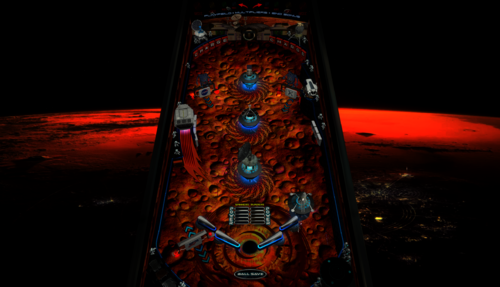
Inhabiting Mars
By JoePicasso
Directions:
"Place the 'Inhabitingmars.gif' in your ...DirectOutput/Config folder"
This table is very unique and works in a very odd way. If you never played orbiter 1 then you might get overwhelmed by its oddity.
Its uniqueness lies in the special gravity where the ball pushes and pulls away from pop bumpers and even goes all the way around the flippers.
Use the Magna save buttons to flip the flippers downwards. a reveres flip. this technique is crucial to keep in mind to get far in the game.
1531 downloads
-
Eaglesv4_0b.thumb.PNG.de35302c4f622991d4928c353fd4fa51.PNG)
NFL (Stern 2001) Eagles
By xenonph
NFL (Stern 2001) Eagles v4.4 (VPX7.2 Required)
NFL table by Sliderpoint
Striker Xtreme rebuild by Kalavera3
Full code rebuild and alot more primitive and graphics updates and flashers added by 32assassin
Original NFL Playfield and Plastics Graphics Upgrade and Team Mods and Sounds by Xenonph
v4.4
Converted all pics to WebP format to reduce overall size of table.(VPX7.2 Required)
Table file size went from 81.4 MB's to 39.3 MB's!!!
v4.3
Added numbers to variables on all of the toggled options.
So they are all seperated now and do not conflict with other Team tables.
Added Option at top of Table Script to use altsound rom sound fx, and no music.
This option is for Pup Packs that have their own music.
v4.2
Allheart has found a fix so no new core.vbs file is needed. And no need for seperating NFL tables from your other tables.
He suggested I change the rom name to "nfl" right before the nvoffset command in table script, and then change back to alias rom name right after the nvoffset command. This works and solves all problems!! Thanks Allheart!!
v4.1
New core.vbs fix by Allheart that fixes error when using table with B2S Enabled.(Huge thanks!!)
New Instructions and I suggest you follow them!!
This new core.vbs file is not to be copied to your scripts folder.
All of these NFL tables need to be in one folder, and the new core.vbs file needs to be in that same folder.
If you previously downloaded table and overwrote old one in scripts folder, I suggest you download newest beta and copy that one back over the one I previously included with table!!
Sorry for this inconvenience!!
v4.0
32assassin shared all of the resources he had for this NFL table.(Huge Thanks!!)
If you are looking for just the Original table with no team mod or music, then you will have to wait for 32assassin's version to be released.
He is waiting for High Definition scans of the plastics and playfield, before he will release it. (It will be worth the wait!!)
He sent me a new table based off of his work on Striker X-Treme table that he had helped work on with Kalavera3.
He made all new primitives,(Including the Football Primitive!!).
He added fluppers Flashers 2.0.
He added the Apron, Stadium Crowd, Drop Target, Flippers, and Back Wall Flags artwork, and many script changes.
I added Original Plastics.
(The whole reason for me wanting to update was to add the original plastics.)
(And to fix the sound mods, as I didn't know how to add timers back then.)
Upgraded playfield pic with new logos, wood inlays, and much more.
(Compare this playfield pic next to the old playfield pic and you will see exactly what all I have done!!)
I added original Plunger Cover art, Spinner art, and Back Wall Crowd Art.
I made the Goal Post primitive,(Thanks to 32assassin for teaching me how to use blender!!), and made the primitive behind the red flasher.
I also changed the "GOAL" light art behind the Linebacker to "SCORE", and added yellow rim like the original NFL table.
I also added Original Linebacker art.
Added Many Options that are saved and loaded on next table run!!
The Team Plastics can be toggled with Left Magna-Save when game is not in play.
(Original Plastics are on by default.)
Plastics change goes as follows..
Original, Home, Away, Color Rush.
(ALL TABLES WILL AT THE VERY LEAST HAVE HOME, AWAY, AND COLOR RUSH PLASTICS.)
The Back Wall Lights can be toggled with Right Magna-Save when game is not in play.
(Original Lights are on by default.)
Transparent Plastics can be toggled with the L key.
Non-Transparent Plastics show the Team Colors better.
Linebacker Color can be toggled with the W key. Change from White or Black Linebacker.
(So if the star Linebacker on your team is white or black, you are covered!!)
Added JPSalas Lut Script,(Huge thanks JPSalas!!)
Luts are toggled with the Buy-In Key (2 Key)
All the choices you make, are saved and loaded on next table run.
(Thanks to a modified version of JP's Lut and STAT's Team Change script that I modified.)(Thanks JPSalas and STAT!!)
For the sounds, I switched from MP3's to OGG format. Cuts down on file size tremendously!!
I have used the altsound method, combined with regular music method.
I found that some of the alt sounds were not being played, so I told Toxie about the situation.
Toxie looked through the PinMAME code and found the problem.
The PinMAME code didn't handle a special case of the whitestar sound command lists yet, so he added that to new version of VPinMAME!! (HUGE THANKS TOXIE!!!)
YOU WILL NEED THE NEWEST VERSION OF VPINMAME FOR ALL THE ALTSOUNDS TO WORK PROPERLY!!
I have muted all the music in the rom to a decibel level of 0.
This way we still get all the cool sound effects from the rom!!
I will only be adding Touchdown calls from radio announcer for each team in the altsound folder.
The SoundMod is on by default.
To turn off SoundMod, go to Line 20 and change SoundMod=1 to SoundMod=0
Also there is no reason to have to hit F1 and change to altsound, to use this altsound package!!
I have scripted it into table to automatically turn on the altsound, and it turns off on table exit.
There are 41 Main sounds that will be same for each team. There are 7 for the Eagles.
These are kept in a folder named NFL STERN, that is inside your music folder.
(That way if you download all the tables, all the music for all Teams will be kept tidy in 1 folder!!)
1 of 10 NFL Films music is played on start of game, and continues randomly.
15 seconds after the last ball has drained, the Attract Mode starts.
1 of 20 John Facenda talking sound effects is played when in attract mode.
1 of 10 other Football sound effects is played after John Facenda in attract mode.
1 of 7 Eagles Music is played after the second talking sound effect in attract mode.
2 versions of Eagles Fight Song "Fly EAGLES Fly". Regular and Marching Band.
There are 14 different rom Touchdown Calls, with 5 different Radio TD calls divided between the 14 of them.
Also added random sounds on Coin Insert.
Each team will at least have...
Defense Chant, 3 different Football Grunts, Whistle, and TD call on Coin Insert.
ColorDMD is on by default.
To switch to normal DMD colors with the Original plastics, go to Line 16 and change CDMDWOP=1 to CDMDWOP=0
This can only be adjusted on the Original Plastics. They are defaulted ON for the Team Plastics.
This automatically turns off the Colorize DMD that you usually have to manually checkmark in rom options.
And it automatically turns on the Colorize DMD for the Team mods, so no need to checkmark in rom options.
NEW Special Thanks and Acknowledgements:
I first would like to thank 32assassin for ALL the work he did on this table, and for sending me all of his resources!!
I also would like to thank Kalavera3 for all the work he did on this table!!
I also would like to thank JPSalas and STAT, as I modified and combined parts of their script to save and load plastics, backwall lights, and more!!
I also would like to thank Kiwi for helping me with proper wording of script commands for the rom options!!
I also would like to thank iDigStuff for sending me the NFL rom in altsound format!!
I also would like to thank all of the current and former VPinMAME and VP Devs for all the work they have done to make these programs the best!!!
Also want to thank Toxie personally for fixing the altsound, and the nvoffset with alias name problem!!
Also want to thank Allheart for fixing the core.vbs problem for Cabinet users who have B2S enabled.
Prior Special Thanks and Acknowledgements:
v3.1
(BIG THANKS TO SLIDERPOINT FOR PERMISSION TO MOD HIS AMAZING TABLE, AND FOR HELP WIH SCRIPT!!)
(BIG THANKS TO TOXIE AND FUZZEL AND ALL INVOLVED!!) UPGRADED CORE VBS TO ALLOW FOR 32 TEAM CAPACITY NVRAM
(BIG THANKS TO STAT AND CARNY_PRIEST FOR HELP TEACHING ME COLOR DMD SCRIPT COMMANDS!!)
(BIG THANKS TO CARNY_PRIEST FOR UPDATED SCORE AND INSTRUCTION CARDS IN SWF FORMAT. SO PICS AREN'T DISTORTED OR STRETCHED WITH FRONTEND USAGE!!)
(BIG THANKS TO STEVE "Slydog43" FOR GRAPHICS CARD!! WITHOUT IT I WOULD NOT BE ABLE TO MAKE THESE MODS!!)
(BIG THANKS TO STAT FOR ADDING SCRIPT CHANGE TO MAKE TEAM COLOR CHANGES WITH MAGNA-SAVE!!)
(BIG THANKS TO SCOTTYVH FOR REDOING TEXT ON PLAYFIELD LIGHTS AND FITTING CORRECTLY!!)
(BIG THANKS TO GTXJOE FOR HELP WITH MUSIC AND SOUND COMMANDS!!)
(BIG THANKS TO SLIDERPOINT FOR UPGRADING ALOT OF THINGS FOR VERSION3.0!!!)
502 downloads
-
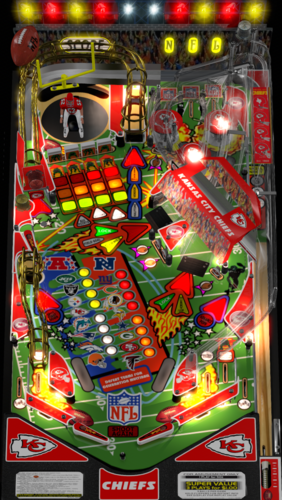
NFL (Stern 2001) Chiefs
By xenonph
NFL (Stern 2001) Chiefs v4.4 (VPX7.2 Required)
NFL table by Sliderpoint
Striker Xtreme rebuild by Kalavera3
Full code rebuild and alot more primitive and graphics updates and flashers added by 32assassin
Original NFL Playfield and Plastics Graphics Upgrade and Team Mods and Sounds by Xenonph
v4.4
Converted all pics to WebP format to reduce overall size of table.(VPX7.2 Required)
Table file size went from 72.8 MB's to 35.4 MB's!!!
v4.3
Added numbers to variables on all of the toggled options.
So they are all seperated now and do not conflict with other Team tables.
Added Option at top of Table Script to use altsound rom sound fx, and no music.
This option is for Pup Packs that have their own music.
v4.2
Allheart has found a fix so no new core.vbs file is needed. And no need for seperating NFL tables from your other tables.
He suggested I change the rom name to "nfl" right before the nvoffset command in table script, and then change back to alias rom name right after the nvoffset command. This works and solves all problems!! Thanks Allheart!!
v4.1
New core.vbs fix by Allheart that fixes error when using table with B2S Enabled.(Huge thanks!!)
New Instructions and I suggest you follow them!!
This new core.vbs file is not to be copied to your scripts folder.
All of these NFL tables need to be in one folder, and the new core.vbs file needs to be in that same folder.
If you previously downloaded table and overwrote old one in scripts folder, I suggest you download newest beta and copy that one back over the one I previously included with table!!
Sorry for this inconvenience!!
v4.0
32assassin shared all of the resources he had for this NFL table.(Huge Thanks!!)
If you are looking for just the Original table with no team mod or music, then you will have to wait for 32assassin's version to be released.
He is waiting for High Definition scans of the plastics and playfield, before he will release it. (It will be worth the wait!!)
He sent me a new table based off of his work on Striker X-Treme table that he had helped work on with Kalavera3.
He made all new primitives,(Including the Football Primitive!!).
He added fluppers Flashers 2.0.
He added the Apron, Stadium Crowd, Drop Target, Flippers, and Back Wall Flags artwork, and many script changes.
I added Original Plastics.
(The whole reason for me wanting to update was to add the original plastics.)
(And to fix the sound mods, as I didn't know how to add timers back then.)
Upgraded playfield pic with new logos, wood inlays, and much more.
(Compare this playfield pic next to the old playfield pic and you will see exactly what all I have done!!)
I added original Plunger Cover art, Spinner art, and Back Wall Crowd Art.
I made the Goal Post primitive,(Thanks to 32assassin for teaching me how to use blender!!), and made the primitive behind the red flasher.
I also changed the "GOAL" light art behind the Linebacker to "SCORE", and added yellow rim like the original NFL table.
I also added Original Linebacker art.
Added Many Options that are saved and loaded on next table run!!
The Team Plastics can be toggled with Left Magna-Save when game is not in play.
(Original Plastics are on by default.)
Plastics change goes as follows..
Original, Home, Away, Color Rush.
(ALL TABLES WILL AT THE VERY LEAST HAVE HOME, AWAY, AND COLOR RUSH PLASTICS.)
The Back Wall Lights can be toggled with Right Magna-Save when game is not in play.
(Original Lights are on by default.)
Transparent Plastics can be toggled with the L key.
Non-Transparent Plastics show the Team Colors better.
Linebacker Color can be toggled with the W key. Change from White or Black Linebacker.
(So if the star Linebacker on your team is white or black, you are covered!!)
Added JPSalas Lut Script,(Huge thanks JPSalas!!)
Luts are toggled with the Buy-In Key (2 Key)
All the choices you make, are saved and loaded on next table run.
(Thanks to a modified version of JP's Lut and STAT's Team Change script that I modified.)(Thanks JPSalas and STAT!!)
For the sounds, I switched from MP3's to OGG format. Cuts down on file size tremendously!!
I have used the altsound method, combined with regular music method.
I found that some of the alt sounds were not being played, so I told Toxie about the situation.
Toxie looked through the PinMAME code and found the problem.
The PinMAME code didn't handle a special case of the whitestar sound command lists yet, so he added that to new version of VPinMAME!! (HUGE THANKS TOXIE!!!)
YOU WILL NEED THE NEWEST VERSION OF VPINMAME FOR ALL THE ALTSOUNDS TO WORK PROPERLY!!
I have muted all the music in the rom to a decibel level of 0.
This way we still get all the cool sound effects from the rom!!
I will only be adding Touchdown calls from radio announcer for each team in the altsound folder.
The SoundMod is on by default.
To turn off SoundMod, go to Line 20 and change SoundMod=1 to SoundMod=0
Also there is no reason to have to hit F1 and change to altsound, to use this altsound package!!
I have scripted it into table to automatically turn on the altsound, and it turns off on table exit.
There are 41 Main sounds that will be same for each team. There are 8 for the Chiefs.
These are kept in a folder named NFL STERN, that is inside your music folder.
(That way if you download all the tables, all the music for all Teams will be kept tidy in 1 folder!!)
1 of 10 NFL Films music is played on start of game, and continues randomly.
15 seconds after the last ball has drained, the Attract Mode starts.
1 of 20 John Facenda talking sound effects is played when in attract mode.
1 of 10 other Football sound effects is played after John Facenda in attract mode.
1 of 8 Chiefs Music is played after the second talking sound effect in attract mode.
There are 14 different rom Touchdown Calls, with 2 different Radio TD calls divided between the 14 of them.
Also added random sounds on Coin Insert.
Each team will at least have...
Defense Chant, 3 different Football Grunts, Whistle, and TD call on Coin Insert.
ColorDMD is on by default.
To switch to normal DMD colors with the Original plastics, go to Line 16 and change CDMDWOP=1 to CDMDWOP=0
This can only be adjusted on the Original Plastics. They are defaulted ON for the Team Plastics.
This automatically turns off the Colorize DMD that you usually have to manually checkmark in rom options.
And it automatically turns on the Colorize DMD for the Team mods, so no need to checkmark in rom options.
NEW Special Thanks and Acknowledgements:
I first would like to thank 32assassin for ALL the work he did on this table, and for sending me all of his resources!!
I also would like to thank Kalavera3 for all the work he did on this table!!
I also would like to thank JPSalas and STAT, as I modified and combined parts of their script to save and load plastics, backwall lights, and more!!
I also would like to thank Kiwi for helping me with proper wording of script commands for the rom options!!
I also would like to thank iDigStuff for sending me the NFL rom in altsound format!!
I also would like to thank all of the current and former VPinMAME and VP Devs for all the work they have done to make these programs the best!!!
Also want to thank Toxie personally for fixing the altsound, and the nvoffset with alias name problem!!
Also want to thank Allheart for fixing the core.vbs problem for Cabinet users who have B2S enabled.
Prior Special Thanks and Acknowledgements:
v3.1
(BIG THANKS TO SLIDERPOINT FOR PERMISSION TO MOD HIS AMAZING TABLE, AND FOR HELP WIH SCRIPT!!)
(BIG THANKS TO TOXIE AND FUZZEL AND ALL INVOLVED!!) UPGRADED CORE VBS TO ALLOW FOR 32 TEAM CAPACITY NVRAM
(BIG THANKS TO STAT AND CARNY_PRIEST FOR HELP TEACHING ME COLOR DMD SCRIPT COMMANDS!!)
(BIG THANKS TO CARNY_PRIEST FOR UPDATED SCORE AND INSTRUCTION CARDS IN SWF FORMAT. SO PICS AREN'T DISTORTED OR STRETCHED WITH FRONTEND USAGE!!)
(BIG THANKS TO STEVE "Slydog43" FOR GRAPHICS CARD!! WITHOUT IT I WOULD NOT BE ABLE TO MAKE THESE MODS!!)
(BIG THANKS TO STAT FOR ADDING SCRIPT CHANGE TO MAKE TEAM COLOR CHANGES WITH MAGNA-SAVE!!)
(BIG THANKS TO SCOTTYVH FOR REDOING TEXT ON PLAYFIELD LIGHTS AND FITTING CORRECTLY!!)
(BIG THANKS TO GTXJOE FOR HELP WITH MUSIC AND SOUND COMMANDS!!)
(BIG THANKS TO SLIDERPOINT FOR UPGRADING ALOT OF THINGS FOR VERSION3.0!!!)
570 downloads
-
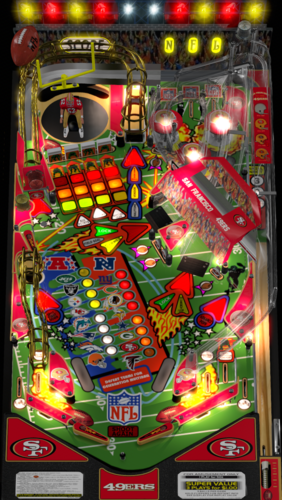
NFL (Stern 2001) 49ers
By xenonph
NFL (Stern 2001) 49ers v4.4 (VPX7.2 Required)
THIS TABLE IS DEDICATED TO MY SISTERS TERESA AND MARY!!
NFL table by Sliderpoint
Striker Xtreme rebuild by Kalavera3
Full code rebuild and alot more primitive and graphics updates and flashers added by 32assassin
Original NFL Playfield and Plastics Graphics Upgrade and Team Mods and Sounds by Xenonph
v4.4
Converted all pics to WebP format to reduce overall size of table.(VPX7.2 Required)
Table file size went from 68.4 MB's to 32.4 MB's!!!
v4.3
Added numbers to variables on all of the toggled options.
So they are all seperated now and do not conflict with other Team tables.
Added Option at top of Table Script to use altsound rom sound fx, and no music.
This option is for Pup Packs that have their own music.
v4.2
Allheart has found a fix so no new core.vbs file is needed. And no need for seperating NFL tables from your other tables.
He suggested I change the rom name to "nfl" right before the nvoffset command in table script, and then change back to alias rom name right after the nvoffset command. This works and solves all problems!! Thanks Allheart!!
v4.1
New core.vbs fix by Allheart that fixes error when using table with B2S Enabled.(Huge thanks!!)
New Instructions and I suggest you follow them!!
This new core.vbs file is not to be copied to your scripts folder.
All of these NFL tables need to be in one folder, and the new core.vbs file needs to be in that same folder.
If you previously downloaded table and overwrote old one in scripts folder, I suggest you download newest beta and copy that one back over the one I previously included with table!!
Sorry for this inconvenience!!
v4.0
32assassin shared all of the resources he had for this NFL table.(Huge Thanks!!)
If you are looking for just the Original table with no team mod or music, then you will have to wait for 32assassin's version to be released.
He is waiting for High Definition scans of the plastics and playfield, before he will release it. (It will be worth the wait!!)
He sent me a new table based off of his work on Striker X-Treme table that he had helped work on with Kalavera3.
He made all new primitives,(Including the Football Primitive!!).
He added fluppers Flashers 2.0.
He added the Apron, Stadium Crowd, Drop Target, Flippers, and Back Wall Flags artwork, and many script changes.
I added Original Plastics.
(The whole reason for me wanting to update was to add the original plastics.)
(And to fix the sound mods, as I didn't know how to add timers back then.)
Upgraded playfield pic with new logos, wood inlays, and much more.
(Compare this playfield pic next to the old playfield pic and you will see exactly what all I have done!!)
I added original Plunger Cover art, Spinner art, and Back Wall Crowd Art.
I made the Goal Post primitive,(Thanks to 32assassin for teaching me how to use blender!!), and made the primitive behind the red flasher.
I also changed the "GOAL" light art behind the Linebacker to "SCORE", and added yellow rim like the original NFL table.
I also added Original Linebacker art.
Added Many Options that are saved and loaded on next table run!!
The Team Plastics can be toggled with Left Magna-Save when game is not in play.
(Original Plastics are on by default.)
Plastics change goes as follows..
Original, Home, Away, Color Rush.
(ALL TABLES WILL AT THE VERY LEAST HAVE HOME, AWAY, AND COLOR RUSH PLASTICS.)
The Back Wall Lights can be toggled with Right Magna-Save when game is not in play.
(Original Lights are on by default.)
Transparent Plastics can be toggled with the L key.
Non-Transparent Plastics show the Team Colors better.
Linebacker Color can be toggled with the W key. Change from White or Black Linebacker.
(So if the star Linebacker on your team is white or black, you are covered!!)
Added JPSalas Lut Script,(Huge thanks JPSalas!!)
Luts are toggled with the Buy-In Key (2 Key)
All the choices you make, are saved and loaded on next table run.
(Thanks to a modified version of JP's Lut and STAT's Team Change script that I modified.)(Thanks JPSalas and STAT!!)
For the sounds, I switched from MP3's to OGG format. Cuts down on file size tremendously!!
I have used the altsound method, combined with regular music method.
I found that some of the alt sounds were not being played, so I told Toxie about the situation.
Toxie looked through the PinMAME code and found the problem.
The PinMAME code didn't handle a special case of the whitestar sound command lists yet, so he added that to new version of VPinMAME!!(HUGE THANKS TOXIE!!!)
YOU WILL NEED THE NEWEST VERSION OF VPINMAME FOR ALL THE ALTSOUNDS TO WORK PROPERLY!!
I have muted all the music in the rom to a decibel level of 0.
This way we still get all the cool sound effects from the rom!!
I will only be adding Touchdown calls from radio announcer for each team in the altsound folder.
The SoundMod is on by default.
To turn off SoundMod, go to Line 20 and change SoundMod=1 to SoundMod=0
Also there is no reason to have to hit F1 and change to altsound, to use this altsound package!!
I have scripted it into table to automatically turn on the altsound, and it turns off on table exit.
There are 41 Main sounds that will be same for each team. There are 5 for the 49ers.
These are kept in a folder named NFL STERN, that is inside your music folder.
(That way if you download all the tables, all the music for all Teams will be kept tidy in 1 folder!!)
1 of 10 NFL Films music is played on start of game, and continues randomly.
15 seconds after the last ball has drained, the Attract Mode starts.
1 of 20 John Facenda talking sound effects is played when in attract mode.
1 of 10 other Football sound effects is played after John Facenda in attract mode.
1 of 5 49ers Music is played after the second talking sound effect in attract mode.
There are 14 different rom Touchdown Calls, with 4 different Radio TD calls divided between the 14 of them.
Also added random sounds on Coin Insert.
Each team will at least have...
Defense Chant, 3 different Football Grunts, Whistle, and TD call on Coin Insert.
ColorDMD is on by default.
To switch to normal DMD colors with the Original plastics, go to Line 16 and change CDMDWOP=1 to CDMDWOP=0
This can only be adjusted on the Original Plastics. They are defaulted ON for the Team Plastics.
This automatically turns off the Colorize DMD that you usually have to manually checkmark in rom options.
And it automatically turns on the Colorize DMD for the Team mods, so no need to checkmark in rom options.
NEW Special Thanks and Acknowledgements:
I first would like to thank 32assassin for ALL the work he did on this table, and for sending me all of his resources!!
I also would like to thank Kalavera3 for all the work he did on this table!!
I also would like to thank JPSalas and STAT, as I modified and combined parts of their script to save and load plastics, backwall lights, and more!!
I also would like to thank Kiwi for helping me with proper wording of script commands for the rom options!!
I also would like to thank iDigStuff for sending me the NFL rom in altsound format!!
I also would like to thank all of the current and former VPinMAME and VP Devs for all the work they have done to make these programs the best!!!
Also want to thank Toxie personally for fixing the altsound, and the nvoffset with alias name problem!!
Also want to thank Allheart for fixing the core.vbs problem for Cabinet users who have B2S enabled.
Prior Special Thanks and Acknowledgements:
v3.1
(BIG THANKS TO SLIDERPOINT FOR PERMISSION TO MOD HIS AMAZING TABLE, AND FOR HELP WIH SCRIPT!!)
(BIG THANKS TO TOXIE AND FUZZEL AND ALL INVOLVED!!) UPGRADED CORE VBS TO ALLOW FOR 32 TEAM CAPACITY NVRAM
(BIG THANKS TO STAT AND CARNY_PRIEST FOR HELP TEACHING ME COLOR DMD SCRIPT COMMANDS!!)
(BIG THANKS TO CARNY_PRIEST FOR UPDATED SCORE AND INSTRUCTION CARDS IN SWF FORMAT. SO PICS AREN'T DISTORTED OR STRETCHED WITH FRONTEND USAGE!!)
(BIG THANKS TO STEVE "Slydog43" FOR GRAPHICS CARD!! WITHOUT IT I WOULD NOT BE ABLE TO MAKE THESE MODS!!)
(BIG THANKS TO STAT FOR ADDING SCRIPT CHANGE TO MAKE TEAM COLOR CHANGES WITH MAGNA-SAVE!!)
(BIG THANKS TO SCOTTYVH FOR REDOING TEXT ON PLAYFIELD LIGHTS AND FITTING CORRECTLY!!)
(BIG THANKS TO GTXJOE FOR HELP WITH MUSIC AND SOUND COMMANDS!!)
(BIG THANKS TO SLIDERPOINT FOR UPGRADING ALOT OF THINGS FOR VERSION3.0!!!)
750 downloads
-
VPU Staff's Top Picks
-
New & Updated Visual Pinball
-
New & Updated Future Pinball
-
New & Updated Backglasses
-
New & Updated DMD Colorizations
-
New & Updated Virtual Reality Enabled Tables
-
VPU Remix & Mods
-
New & Updated Popper Media
-
Updated Files
-
Download Statistics
30730
Files108282
Comments45212
Reviews
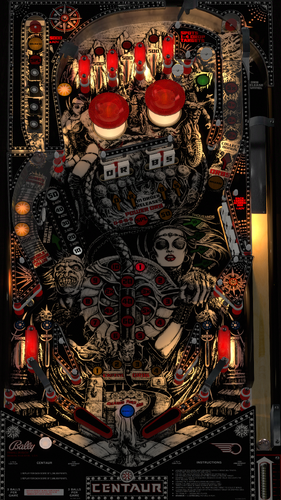
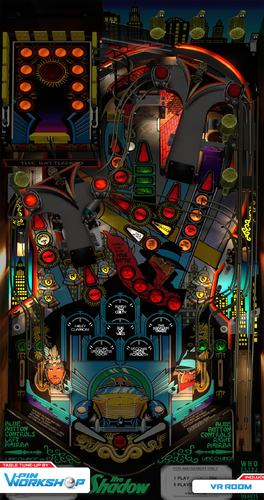
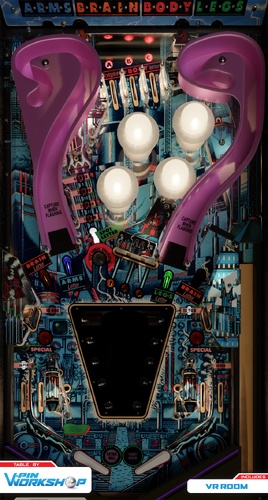
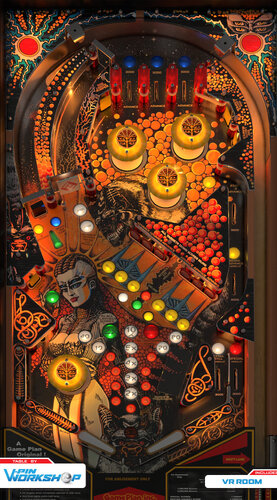
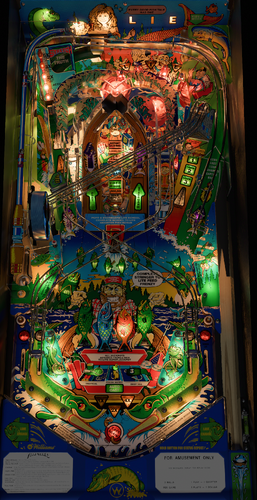
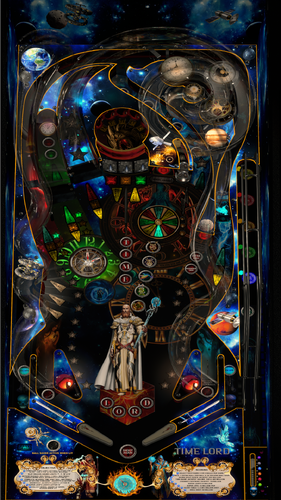
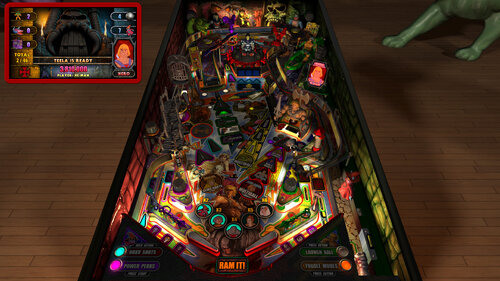
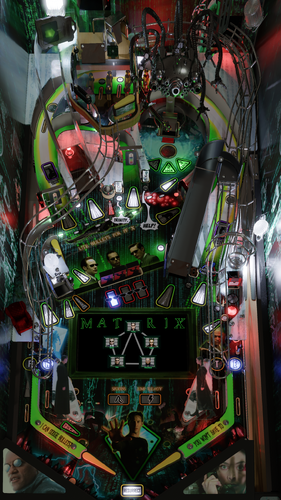
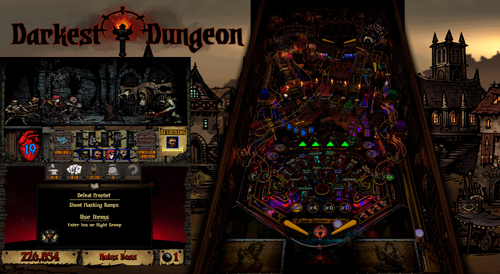
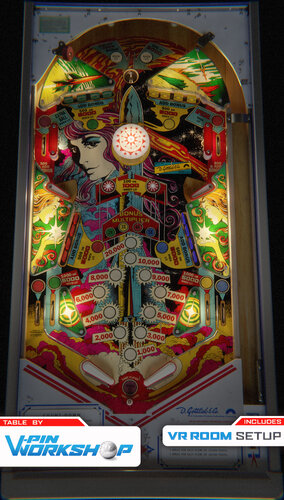
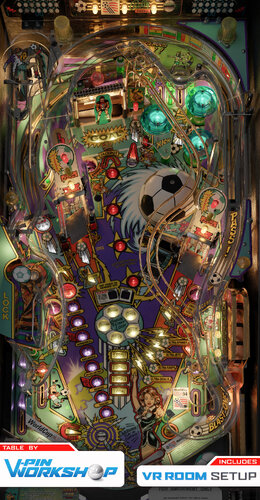
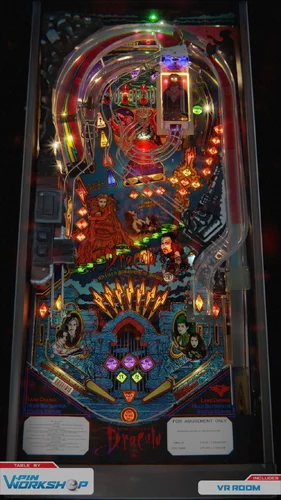
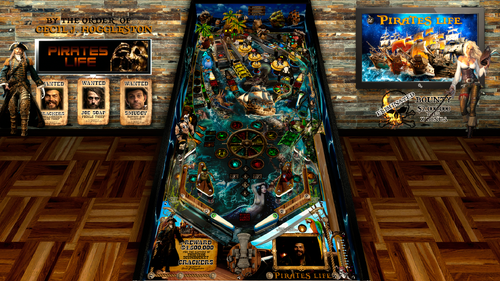
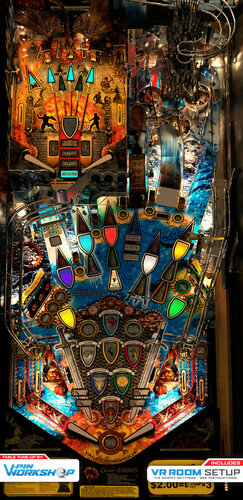
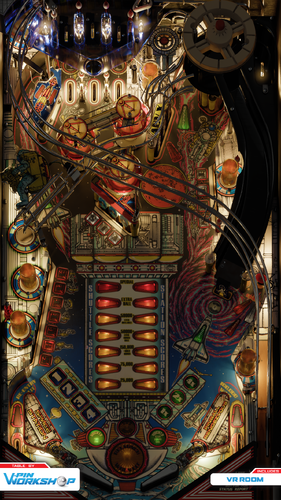
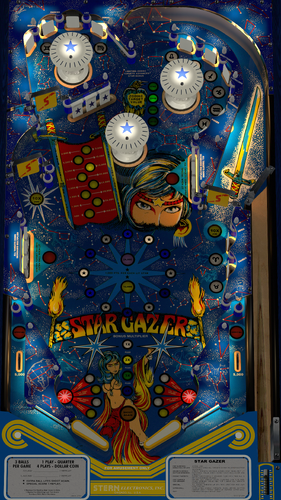
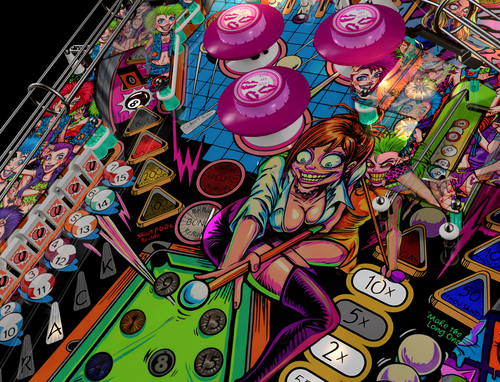
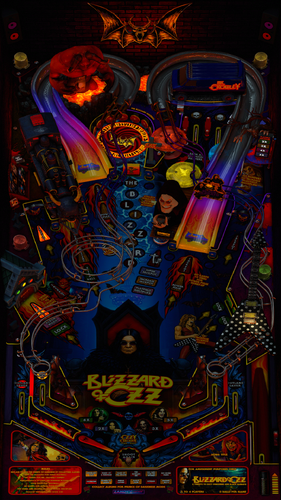
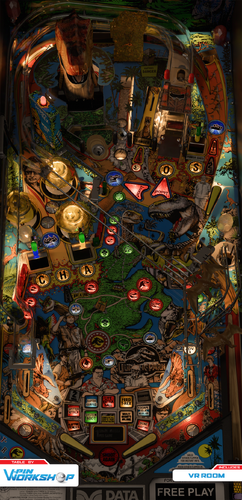
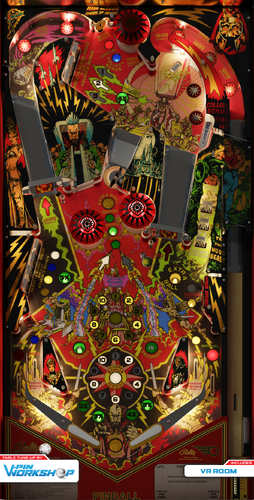
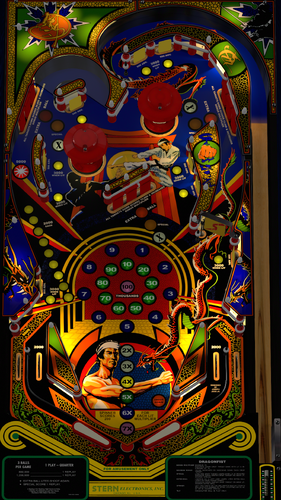
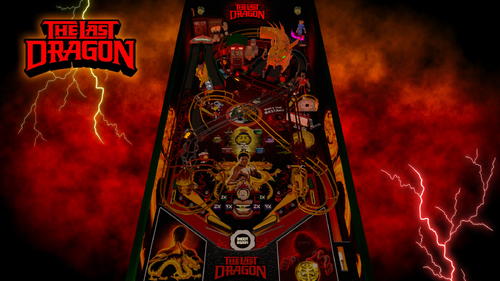
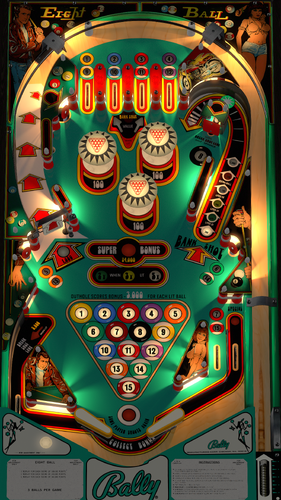

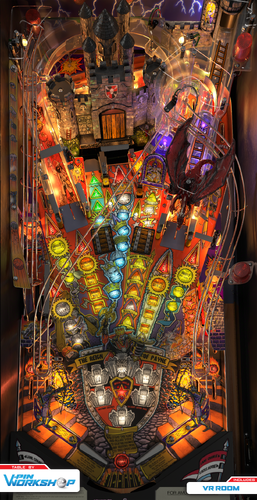
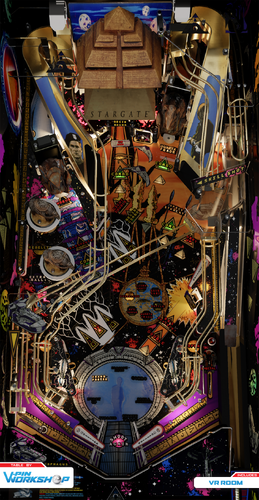
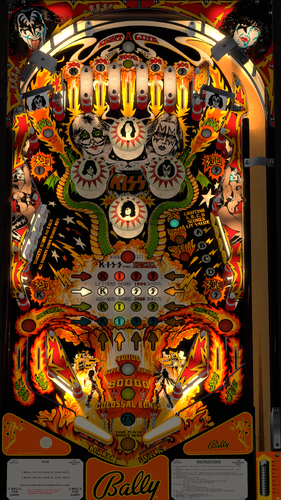
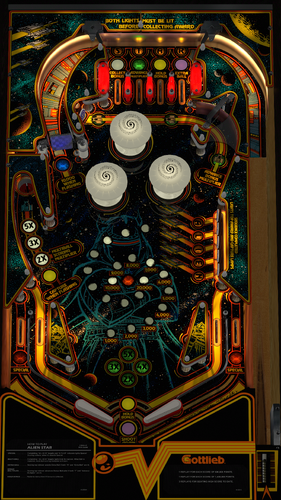
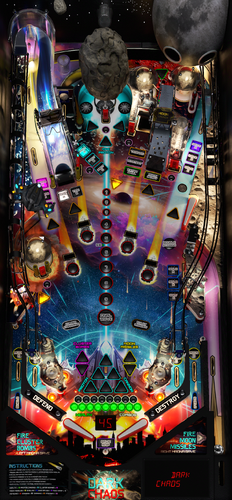
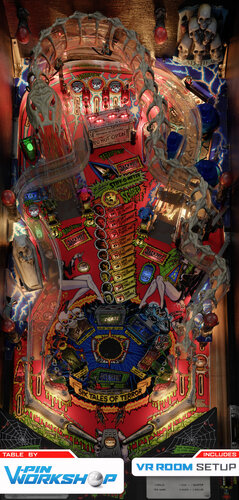
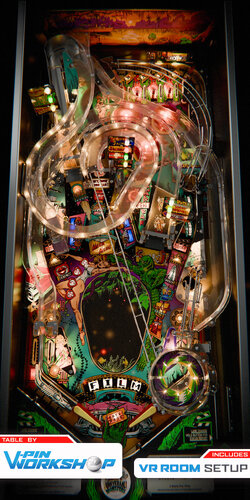
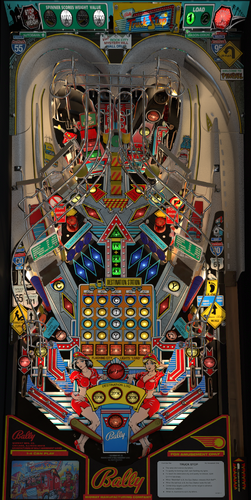


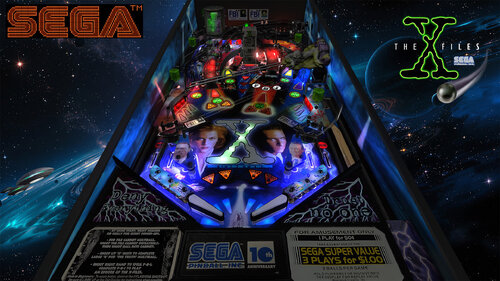
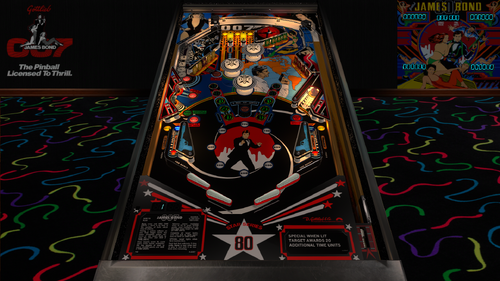
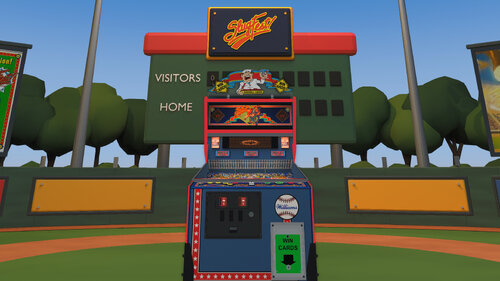
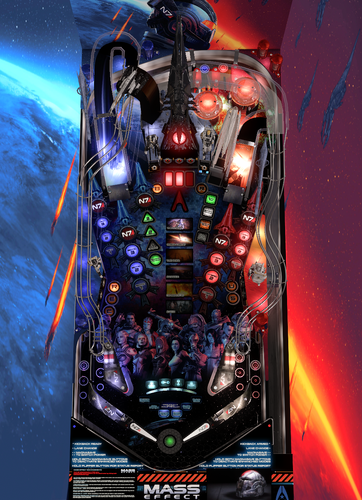
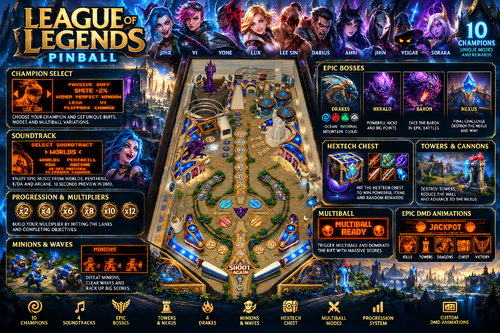
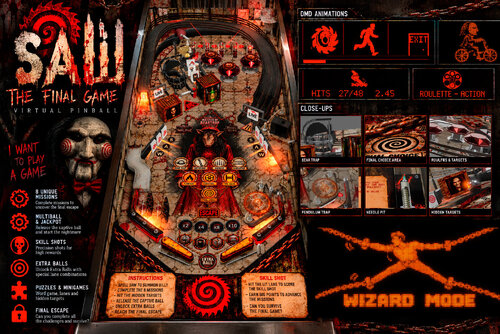
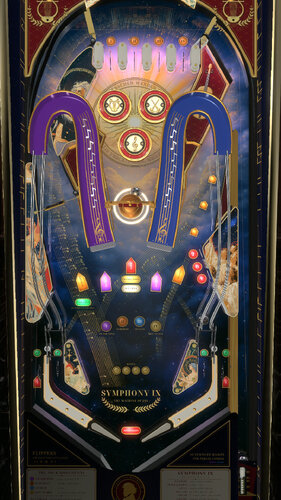
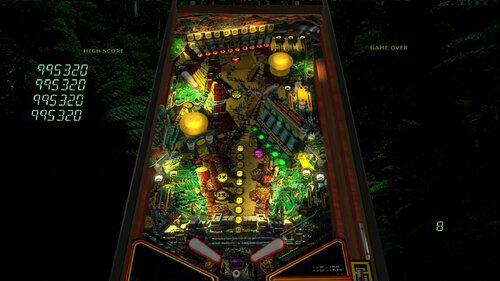
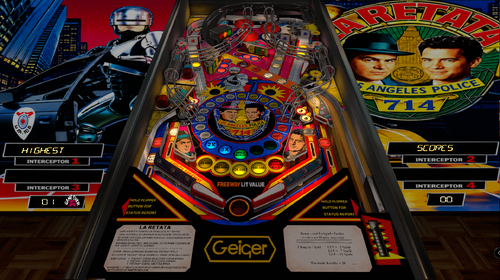
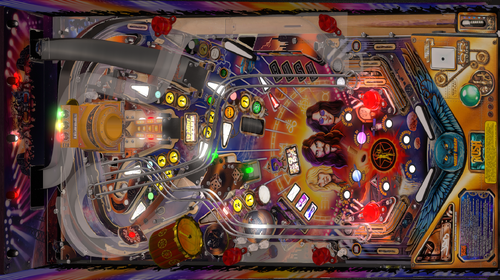
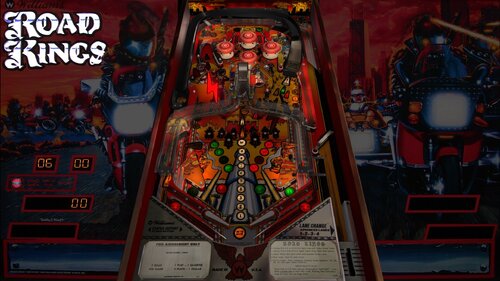
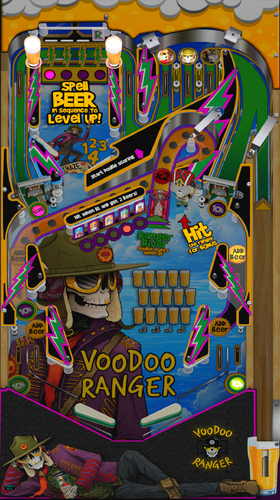
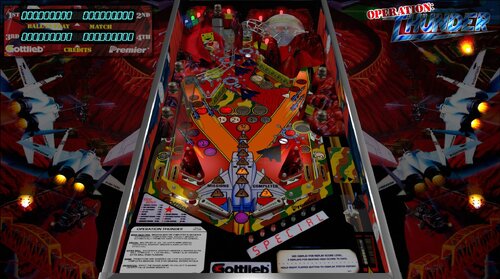
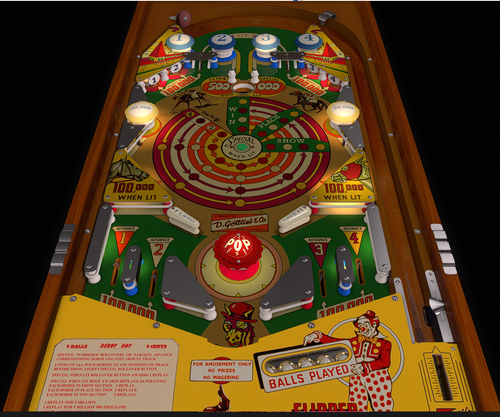
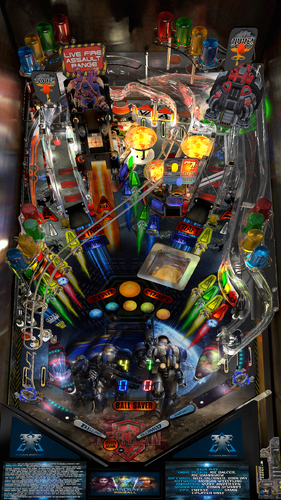
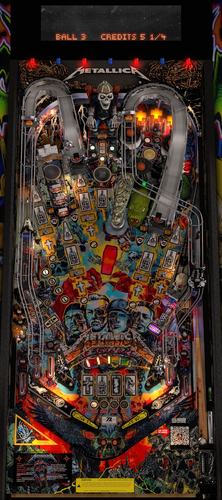
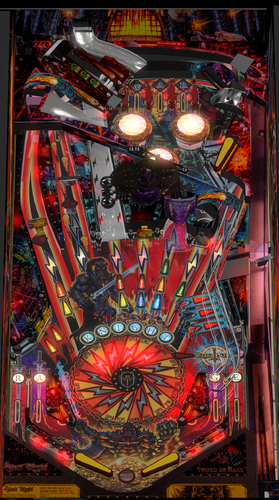
.thumb.png.557350d1c3d2c33f9858e4f7b4ca12ae.png)
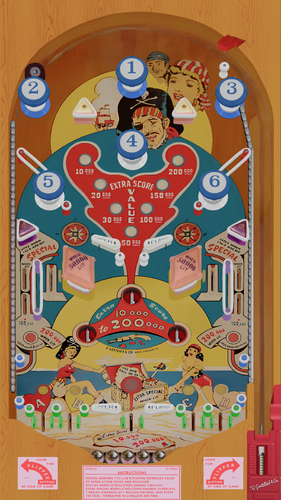
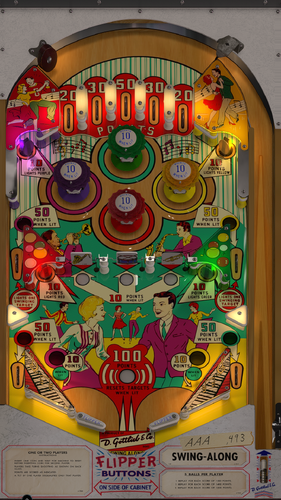
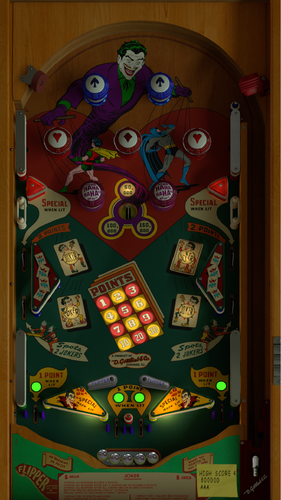
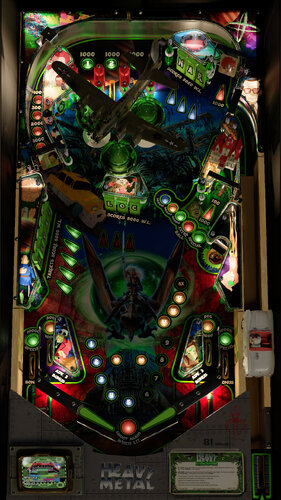
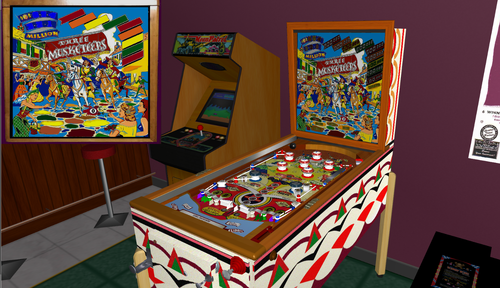
.thumb.png.559ffeefc18faf238c9a03f881e135dd.png)
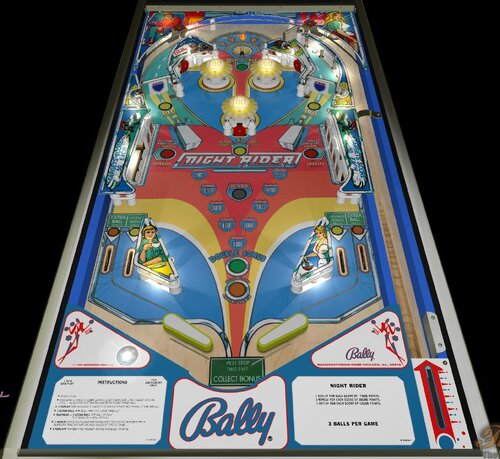
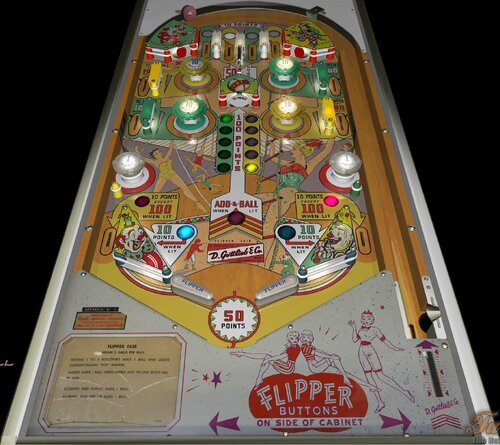
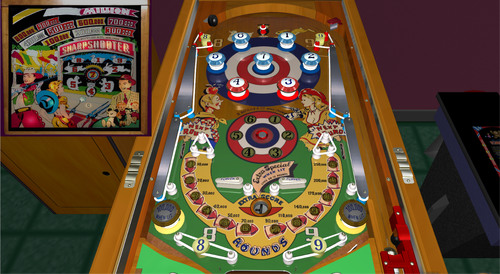
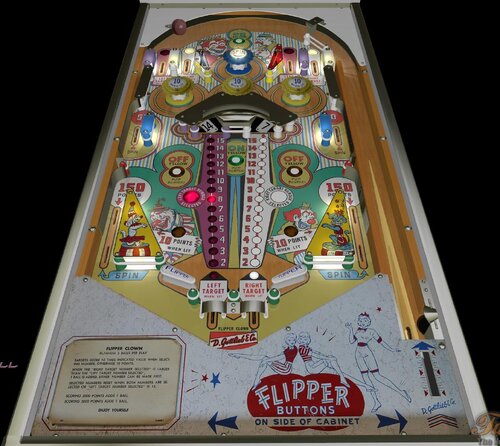
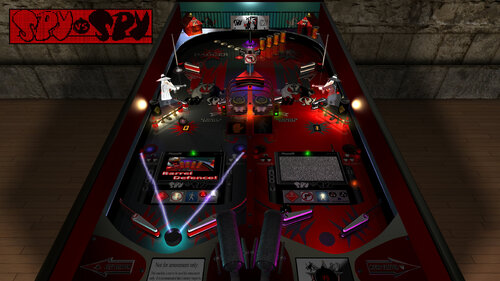
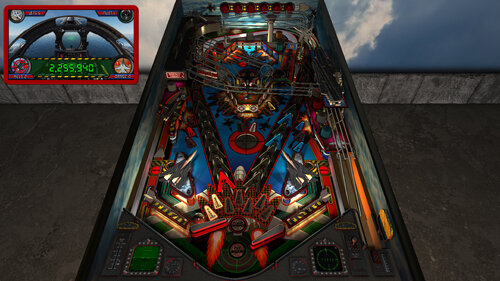
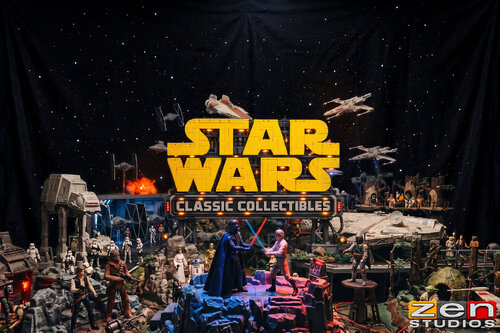
AltB2SwithFullDMDss.thumb.png.2c40717e6bdbbccab69ec7a207568de9.png)
.thumb.png.85033277c8e20968a765361789c8a6be.png)
.thumb.png.480ccd27eee863a689bbd5773712b451.png)
.thumb.png.ea3fee98572c2872208e177931efd7b5.png)
.thumb.png.5a990e5c323fd6164aa9885ea6b06665.png)

.thumb.png.f450a9ccd2cbf450b5b3aaf7663b19bd.png)

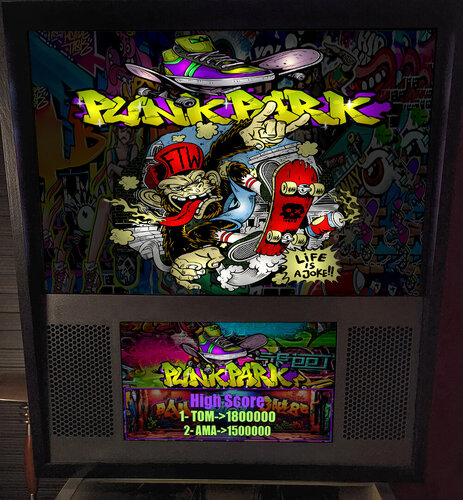

Illuminated.thumb.png.14480180d30f65f5cfe74edf577300de.png)
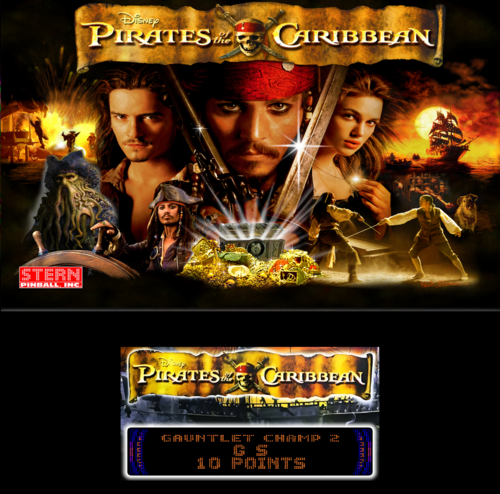
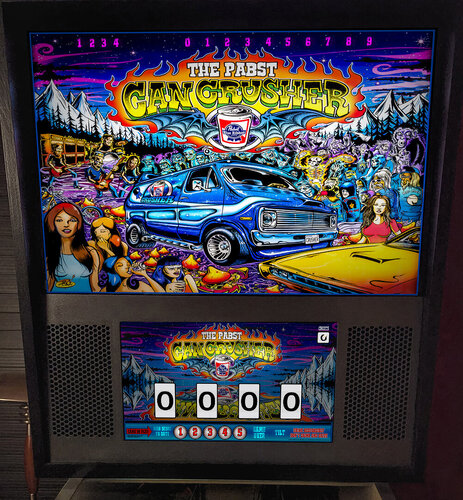

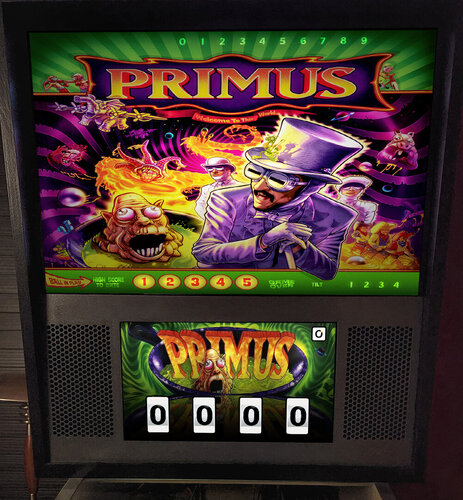


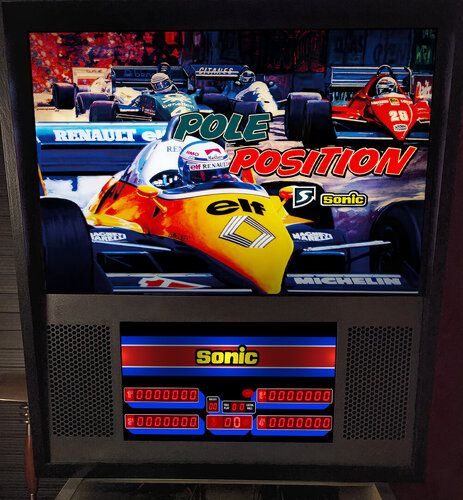

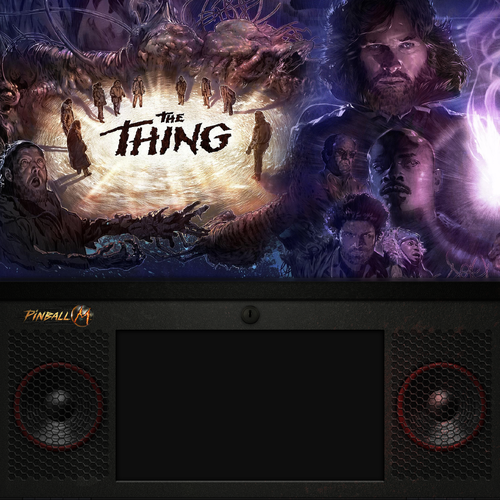


.thumb.jpg.c30c90acd2ee5e74325fc265b9aaebb7.jpg)
fullDMD.thumb.png.d5b7f53f18164ff93bcf624ccf220fe0.png)
.thumb.png.ffd24cbf13a91dbc73610e5f79b4962d.png)


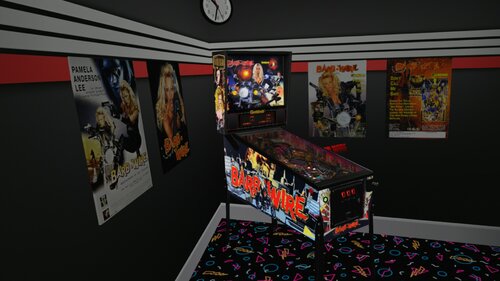
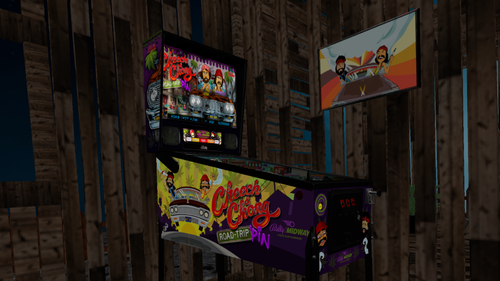
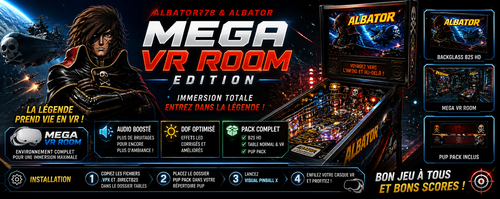
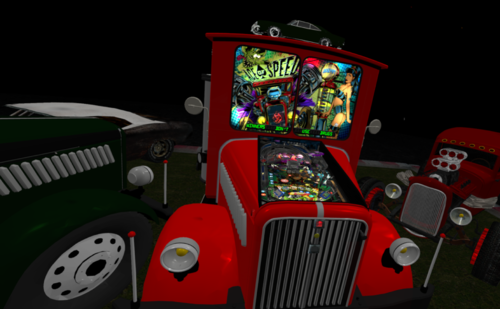
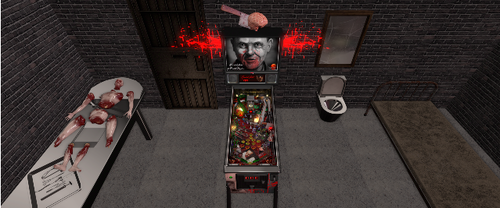
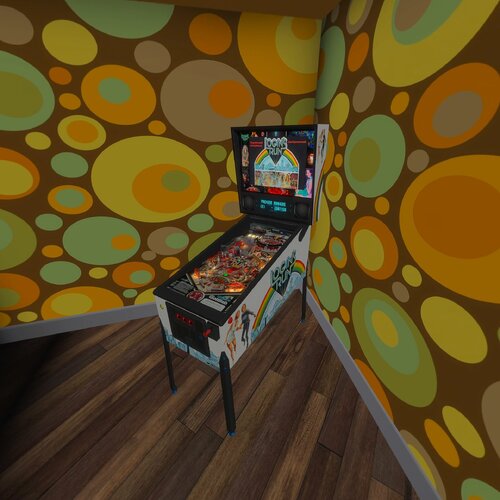
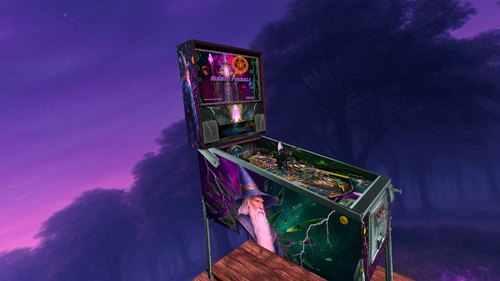
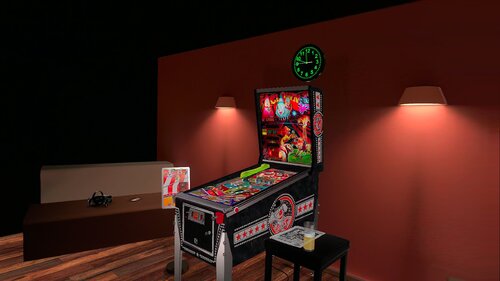
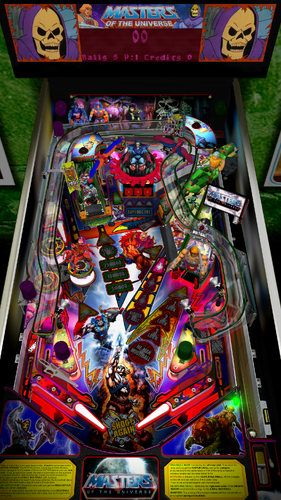
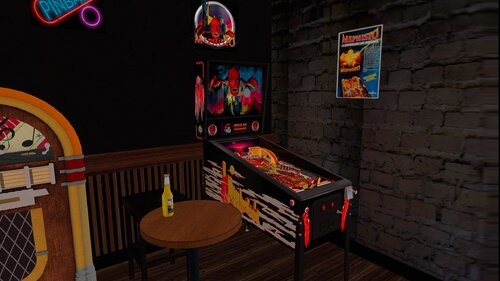
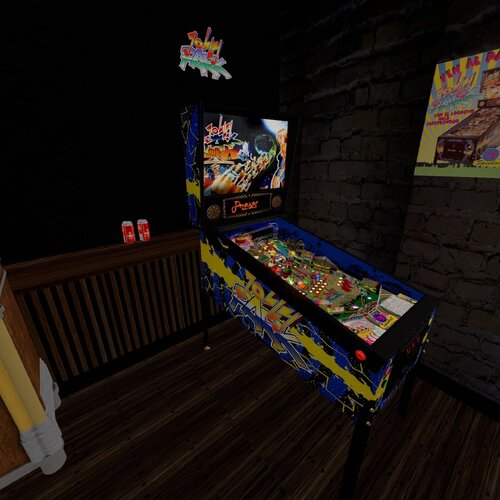
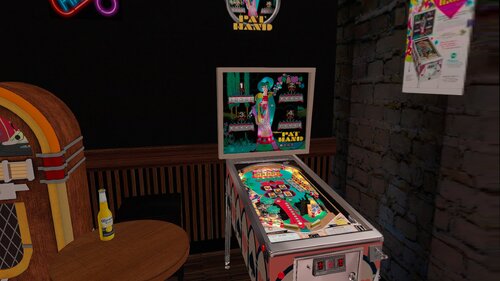
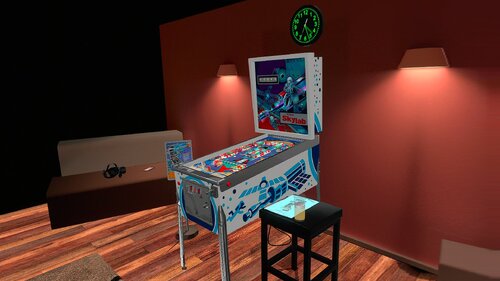
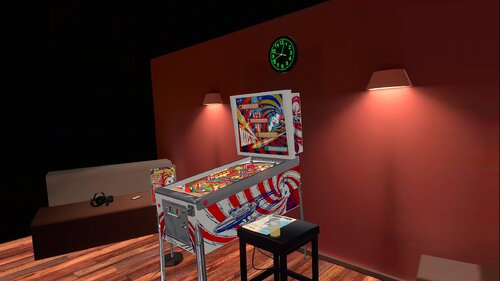
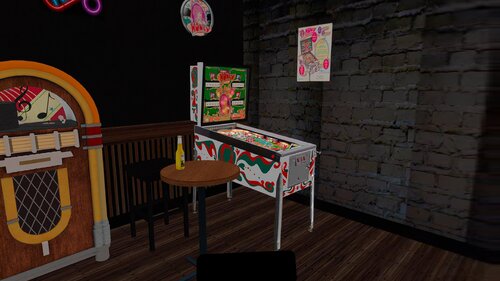
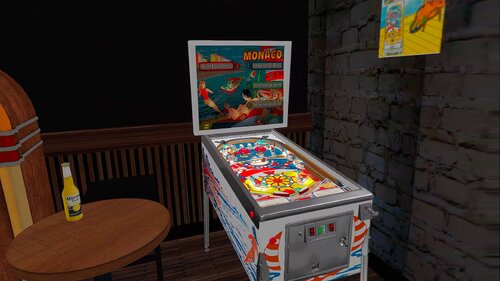
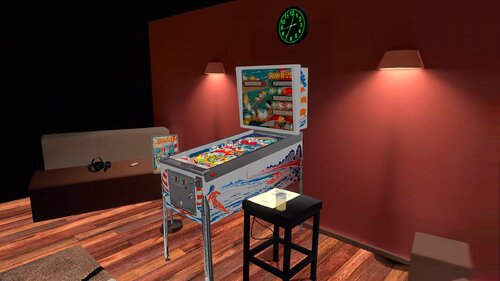
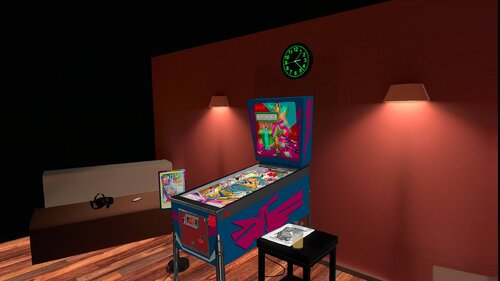
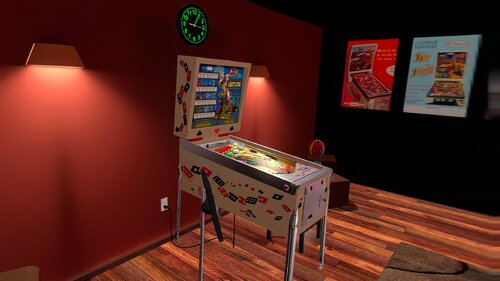
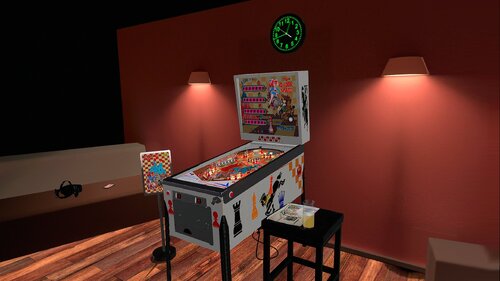
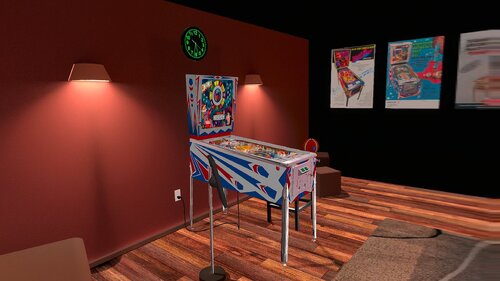
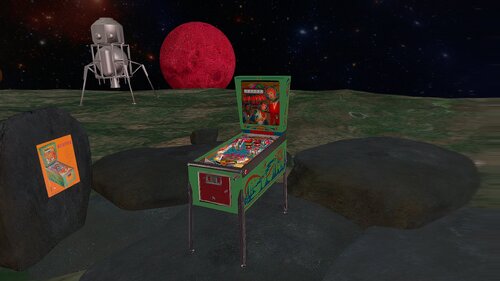
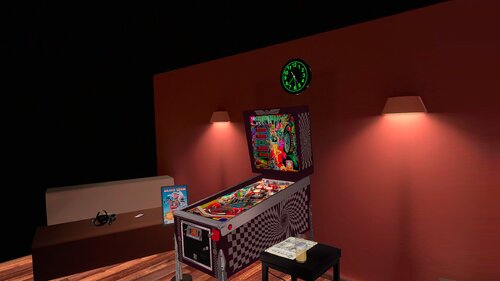
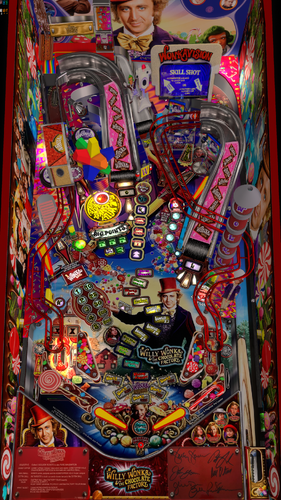

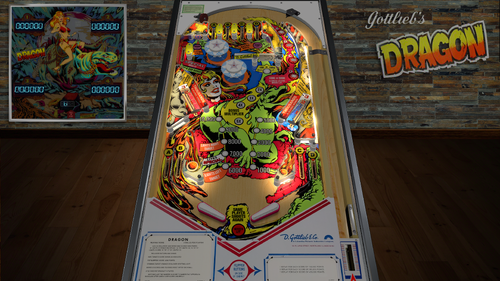
.thumb.png.9e2768ccc91095a59606f575abaab0fa.png)
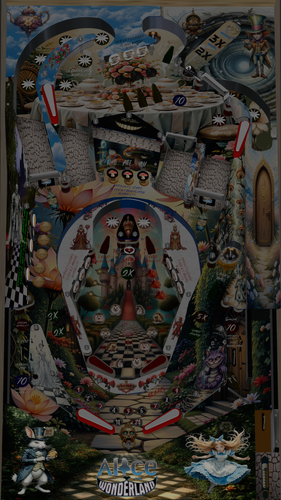
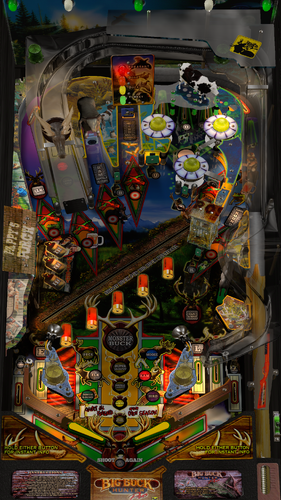
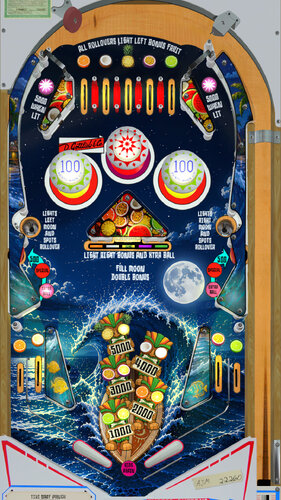
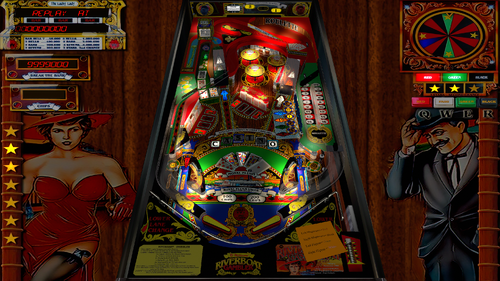
JGBMod.thumb.jpg.31636f935b2d3cd9bb24d4b84a750c80.jpg)

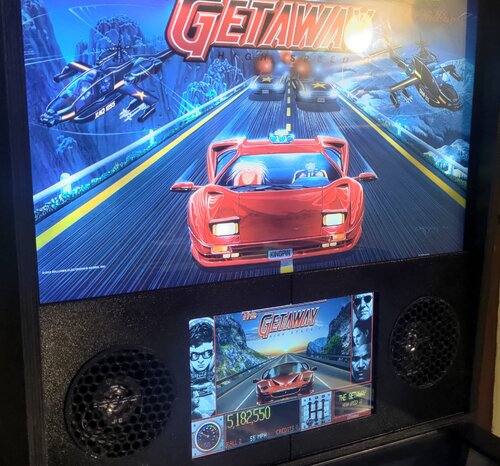
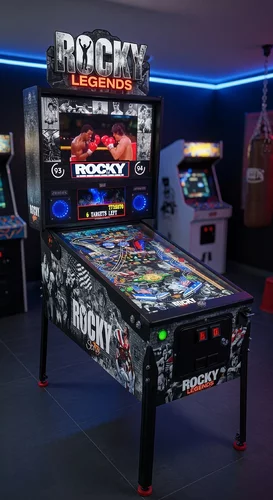

Rules.thumb.png.ab4cea71430daf8bfe6b7a24c77b4276.png)
Manbearpig-4K30FPSPlayfieldVideo.thumb.jpg.b01cc4a4b40d449d279c7641e5b0bb2c.jpg)
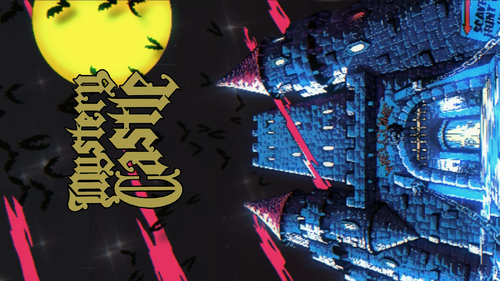
Rules.thumb.png.26f058d8fca7190f2538fcf1380d272f.png)