Future Pinball DOFLinx Tables
1 file
-
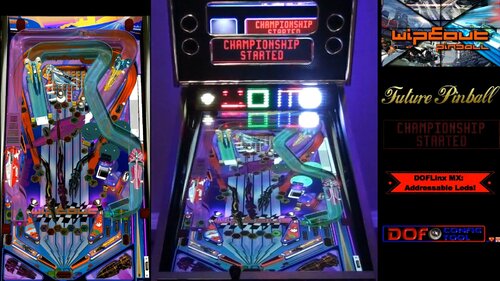
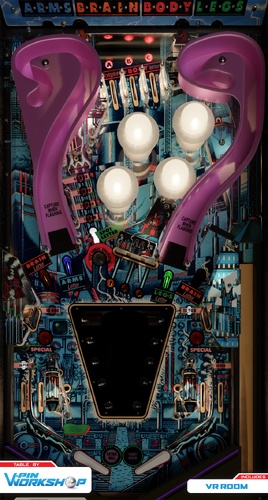
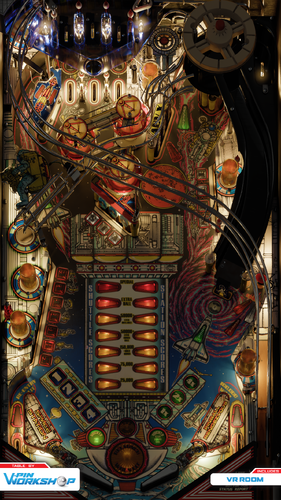
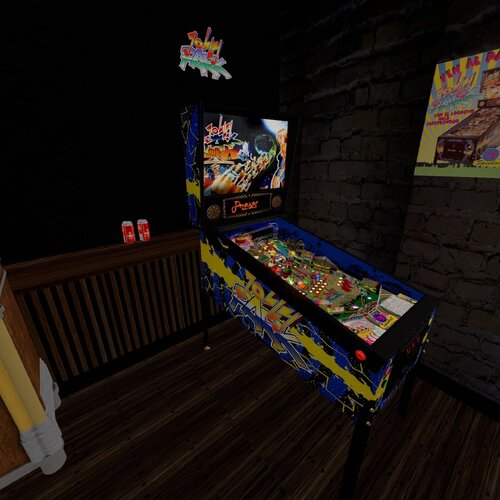
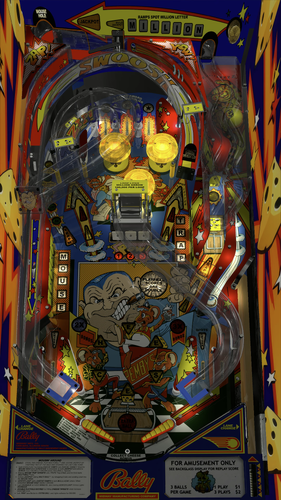
Wipeout: DOFLinx MX Cabinet Edition
By TerryRed
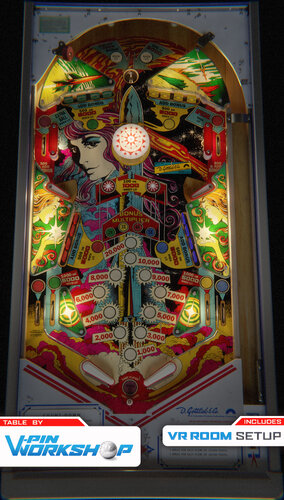
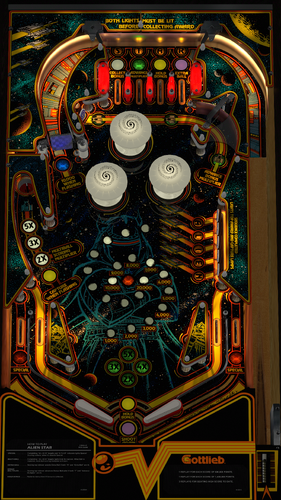
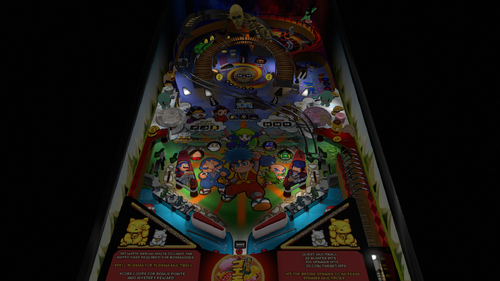
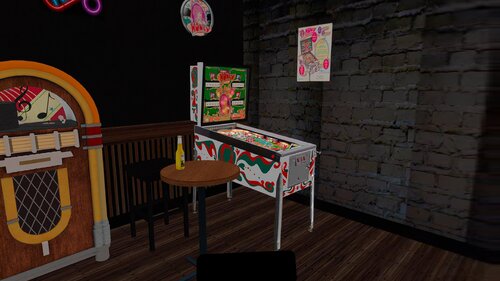
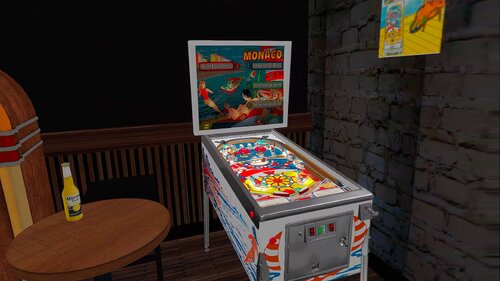
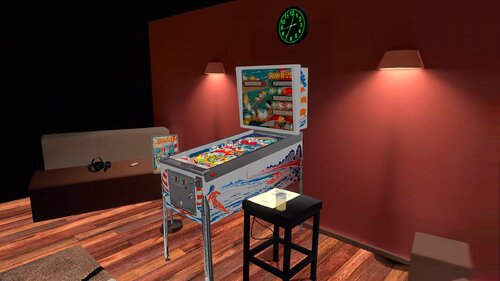
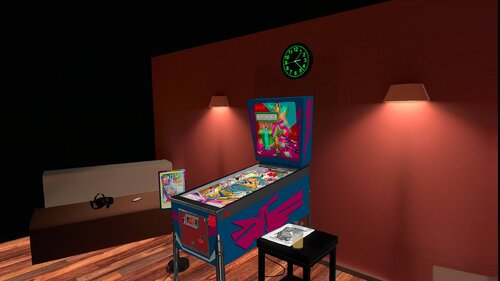
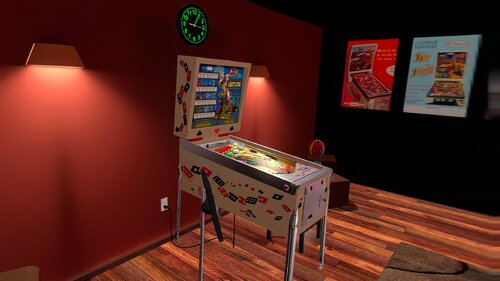
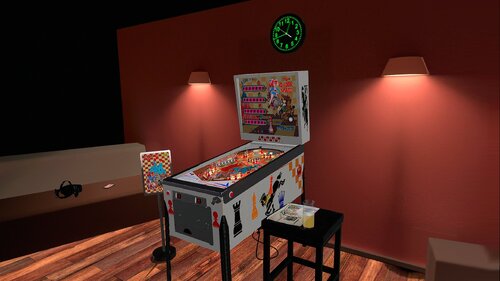
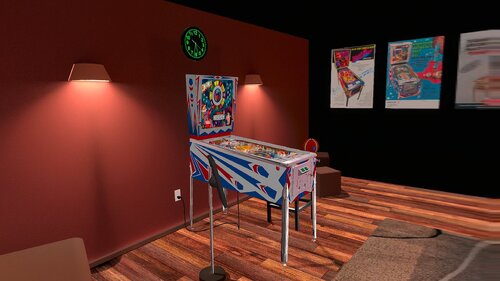
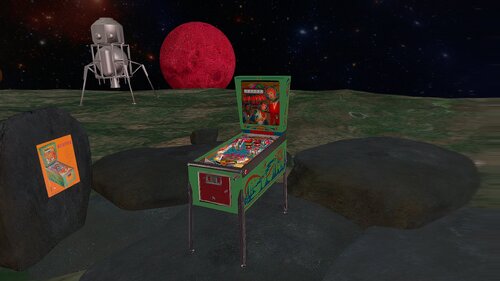
Wipeout: DOFLinx MX Cabinet Edition Witness a modern light show in a retro theme, thanks to the new DOF addressable led MX support in DOFLinx 5.20! A video demonstration in my cabinet can be seen here:
This table has the complete cabinet feedback and lighting support for the following:
- 10 solenoids for flipper, slingshots, bumpers, etc..
- 5 RGB flashers
- Blower Fan
- Shaker
- Gear motor
- Strobe
- Beacon
- Start button
- Coin button
- Launch Ball button
- RGB Undercab Lighting
- Addressable leds
Requirements:
- DOF R3 installed (for DOFLinx cabinet feedback and lighting) and addressable leds already setup and working (for MX led effects).
- DOFlinx 5.20 or higher is REQUIRED, even if you don't have addressable leds.
- addressable leds are NOT required to play this table, but they are HIGHLY recommended.
- to use the addressable leds with this table you must have your DOF "config" files updated by using DOF Config Tool! (just like you would for Visual Pinball)
To play a Future Pinball table with addressable leds support (DOFLinx MX):
- update DOFLinx as per normal (must be 5.20 or higher). Make sure you copy over the new DOFLinx.vbs to "Future Pinball \ Scripts".
- add DIRECTOUTPUTGLOBAL=c:\DirectOuput\Config\GLobalConfig_b2sServer.xml (assuming you have it there) to your DOFLinx.ini file.
- download the awesomeness of a Future Pinball DOFLinx MX table
- check DOF Config Tool to see if support for that table has been added to it yet (you will see FP tables start with "FP:") If there are no DOF commands showing for that table, its not supported yet.
- "Generate" a new Config File (containing directoutputconfig30.ini in the zip) and copy the new files to your "DirectOutput \ Configs" folder.
- play the epicness that is Future Pinball with DOFLinx cabinet feedback and addressable leds!
DOFLinx 5.20+ download link:
http://www.vpforums.org/index.php?app=downloads&showfile=12318 Consult the DOFLinx guide included in the donwload link for more information on setting up DOFLinx.
826 downloads
(0 reviews)0 comments
Updated
-
VPU Staff's Top Picks
-
New & Updated Visual Pinball
-
New & Updated Future Pinball
-
New & Updated Backglasses
-
New & Updated DMD Colorizations
-
New & Updated Virtual Reality Enabled Tables
-
VPU Remix & Mods
-
New & Updated Popper Media
-
Updated Files
-
Download Statistics
30720
Files108233
Comments45194
Reviews

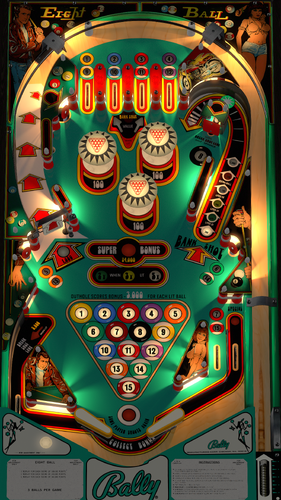

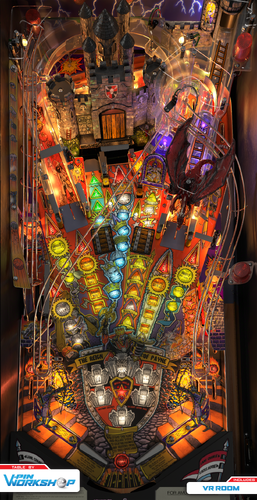
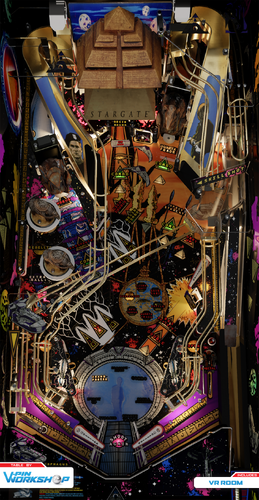
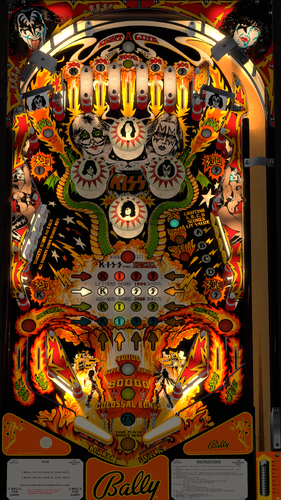


.thumb.png.ba90a34949ce509b954f8e4cb6c59a6d.png)
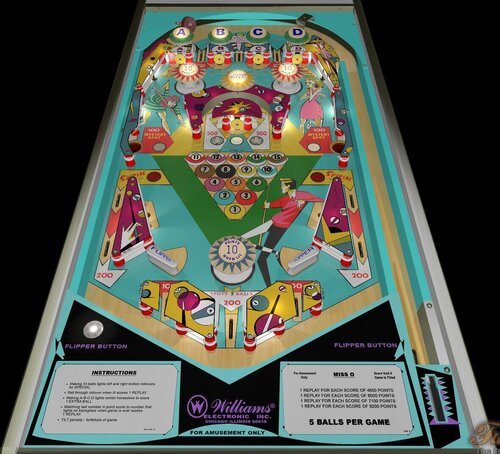
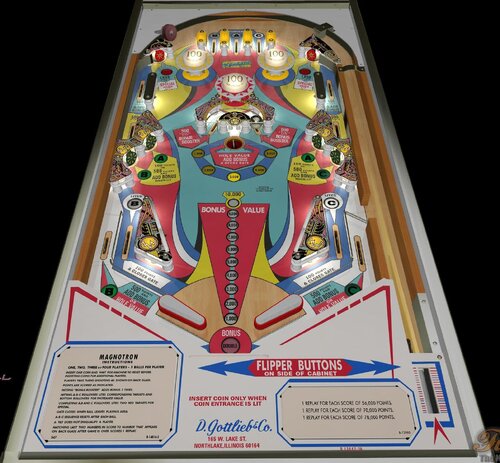
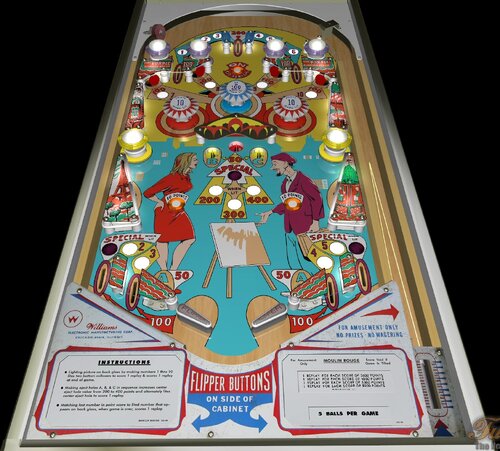
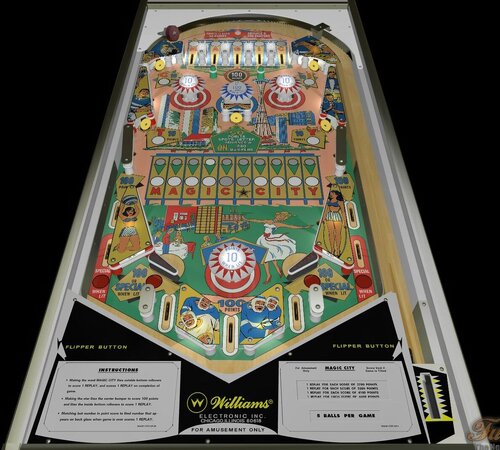
(v1.07)RightSide.thumb.png.2649c5d14cfcd0c22978cb8460673f59.png)


BG.thumb.jpg.5e84d0f816e85020ad7543d8bb54ff5f.jpg)





.thumb.png.9bc1581a861a04426f0a94b68479125f.png)
.thumb.png.bb378995463054d65cfb4e3f362df376.png)


Illuminated1480x1080.thumb.png.f1c4d6c4c2cd7090020e36d19e1220cb.png)



_ver2.1Illuminated.thumb.jpg.966206f2f9f85596605e78920eb10dd6.jpg)

backglass.thumb.jpg.800b495b2efccfed1b36f7618f947890.jpg)

_screenshot_backglass_Light.thumb.png.80c1cd100169844b3c4216889b35832d.png)
altfulldmd.thumb.jpg.c40865cdca4f5f71125bb254759ea001.jpg)







![More information about "Metallica [Pro + Premium]"](https://vpuniverse.com/screenshots/monthly_2023_08/5.thumb.gif.472d8feb5e95702beb61483527f5b50c.gif)

.thumb.jpg.ba656a703d0bb22ba01fa322675ea6b9.jpg)
v2.1.0-frameat0m1s.thumb.jpg.296d08c438be1b39e9971e42f920bdd5.jpg)
-frameat0m14s.thumb.jpg.1ec0c0c516968d809d1fae2e03226d00.jpg)

FullDMD.thumb.jpg.7572f8acb1ded2553ddaf16f281330a4.jpg)

FullDMD.thumb.jpg.e2497ef780e5fd06303515b9796d3987.jpg)


FullDMD.thumb.jpg.130b928ff5b8c8d0e6bc0dfb3022d8fb.jpg)
PuPPackFullDMD.thumb.jpg.d0f4451abb0a7da66806e1b762329c13.jpg)
FullDMD.thumb.jpg.ee9a41db28291ef1a9f6dee41178647e.jpg)




.thumb.png.a8cc4560b1d1d1802d2cb48571c221a2.png)






EM.thumb.png.6e71c0a5c086c9b2f83668d8434cff5d.png)

Rules.thumb.png.7e30062954df731c52a7124de50d3a35.png)