-
SYSTEM SEARCH
System Scanners Online:
Username: Guest
>> System Scan?
>> The Universe >
Incoming Message:
Due to system limitations searching with words of 3 or less characters will not return results. For instance; Doctor Who. This will not return results as the system is trying to search for both Doctor AND Who in which Who will not be found as it's a 3 character word. To find Doctor Who; you'd search for either Doctor or "Doctor Who".
Search Tips:
For specific searches; enclose your search with quotes. Example: "Doctor Who" or "Addams Family".
Search the Community
Showing results for tags 'video'.
-

Version 1.0.0
33 downloads
Hi all, Today a fresh topper for another great pinball table, i hope you like it. Leave a 🫶 if you like it. Thanks! 👍 -=[ AnTiBoDy ]=-- 1 review
-
- 4
-

-
- avengers pro
- avengers
- (and 6 more)
-

Version 1.0.0
47 downloads
Hi all, Today a fresh topper for the Medieval madness table, the art of the Troll and Dragon is done by Brian Allen (Flyland Designs) special effects done with Filmora. Leave a 🫶 if you like it. Thanks! 👍 -=[ AnTiBoDy ]=-- 2 reviews
-
- 7
-
-
- medieval madness (williams 1997)
- williams
- (and 7 more)
-

Version 1.0.0
47 downloads
Hi all! New week, new video topper! This time, I went with Diner. Hope you like it! Leave a 🫶 if you grab it. Thanks! [ AnTiBoDy ] -
Version 1.0.0
47 downloads
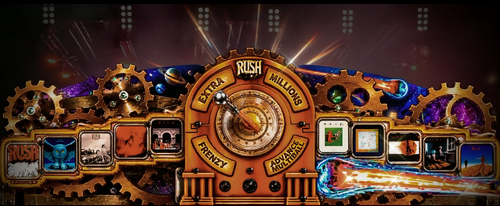
Hey everyone! I noticed the Rush pinball table was missing a topper, so I made one! Hope you like it. Inspired by the original real-life topper, with a little extra flair Leave a thumbs-up if you grab it. Thanks! 👍 -=[ AnTiBoDy ]=-- 2 comments
-
- 5
-
-
- rush
- toppervideo
- (and 4 more)
-

Version 1.0.0
51 downloads
Hi all! Today’s topper video is for Road Kings! The table was recently updated by @burger so check that one out for sure. I noticed there wasn’t a topper for this one yet, so... here we go! 😉 Cheers, AnTiBoDy- 1 comment
-
- 6
-
-
- road kings
- ipd 1970
- (and 5 more)
-

Version 1.1.0
73 downloads
Hi all! The all-time classic Attack from Mars already has plenty of toppers, but I decided to use Brian Allen’s artwork from Flyland Designs for this one. I’ve added some extra effects to spice things up even more! 🙂 Leave a like and drop a comment if you grab it. Thanks! 👍 AnTiBoDy- 2 comments
-
- 5
-
-
- attack from mars
- bally
- (and 5 more)
-

Version 1.0.0
49 downloads
Hi all, This one is a request by @reco I tried to make the topper fit in with the pup pack a bit. Leave a like if you take it.. Thanks! 👍 Cheers, AnTiBoDy -

Version 1.0.0
51 downloads
Hi all, A new topper video for the alltime classic pinball table "Cactus Canyon", The art is based on the design from Flyland designs. Leave a like if you take it.. Thanks! 👍 Cheers, AnTiBoDy- 4 comments
- 1 review
-
- 8
-
-
- ipd 4445
- cactus canyon
- (and 4 more)
-

Version 1.0.0
74 downloads
Hi folks, Here a topper for the awesome Creature from the black lagoon table. Enjoy.. AnTiBoDy- 2 comments
- 1 review
-
- 10
-
-
- ipd 588
- creature from black lagoon
- (and 3 more)
-

Neekzz2.5-4K30FPSPlayfieldVideo.thumb.jpg.1adaa6a8981204763351779c5c26b665.jpg)
Version 1.0.0
8 downloads
Here is a 4K 30FPS video for your frontend. I didn't see one available in PinUpMenu so I thought I'd upload this. I'm pretty sure PinUp can auto create these but I'm not that smart yet. I hope this helps others. A big thanks to all in the community that create the games and B2S backglasses. They are the heroes! -

Version 1.0.0
37 downloads
Hey everyone! Here’s another topper video for a really fun pinball table! Hope you guys like it.. If you do, don’t forget to leave a thumbs-up! Cheers, AnTiBoDy- 1 review
-
- 5
-
-
- ripleys believe it or not!
- ripley
- (and 3 more)
-
Version 1.0.0
47 downloads
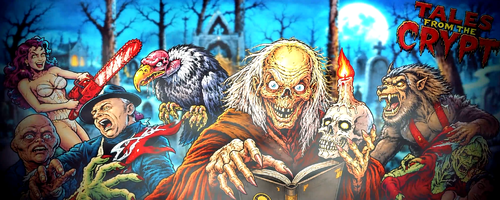
Hi all, Another topper for a classic pinball, this time, Tales from the crypt by Data East Like it? Drop a 👍Thanks! AnTiBoDy- 2 comments
-
- 9
-
-
- tales from the crypt
- crypt
- (and 5 more)
-
Version 1.0.0
62 downloads
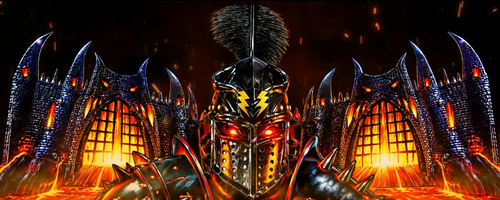
Hi all, Today a topper for the Black Knight Sword of Rage table, this one is also based on the real topper.. Have fun! AnTiBoDy-
- 9
-
-
- black knight
- sword of rage
- (and 4 more)
-

Version 1.0.0
50 downloads
Hi all, A topper video, based on the real pinball topper. Enjoy.. AnTiBoDy -
Version 1.0.0
430 downloads
Hi! here you have a 27 sec startup video Full HD (1080x1920) I made grabbing some footage from YouTube, I hope no one gets mad about this... If some one consider it inappropriate I will delete it ASAP. Two versions here: No Audio The Who's Tommy Pinball Wizard To get it running: http://mjrnet.org/pinscape/PinballY.php Startup audio/video: You can make PinballY play a custom video and/or audio file each time the program starts up. To show a custom startup video, place a file called Startup Video.mp4 in the Media folder within your main PinballY install folder. It has to have exactly that base file name, including the space, but you can use any of the other supported video format suffixes instead of .mp4 (.mpg, .f4v, .mkv, .wmv, .m4v, .avi). If this video file is present, PinballY will play it back in the main playfield window at startup, then display the selected game as usual. To by pass it, just press Enter key... Enjoy!! -
Version 1.0.0
28 downloads
Full Cinematic 2k attract intro video-
- 2
-
-
- video
- backglass video
- (and 1 more)
-

Version 1.0.0
36 downloads
Diablo 2 Attract Intro Video - Short version with diablo voice-
- 2
-
-
- attract backglass
- attract
- (and 1 more)
-
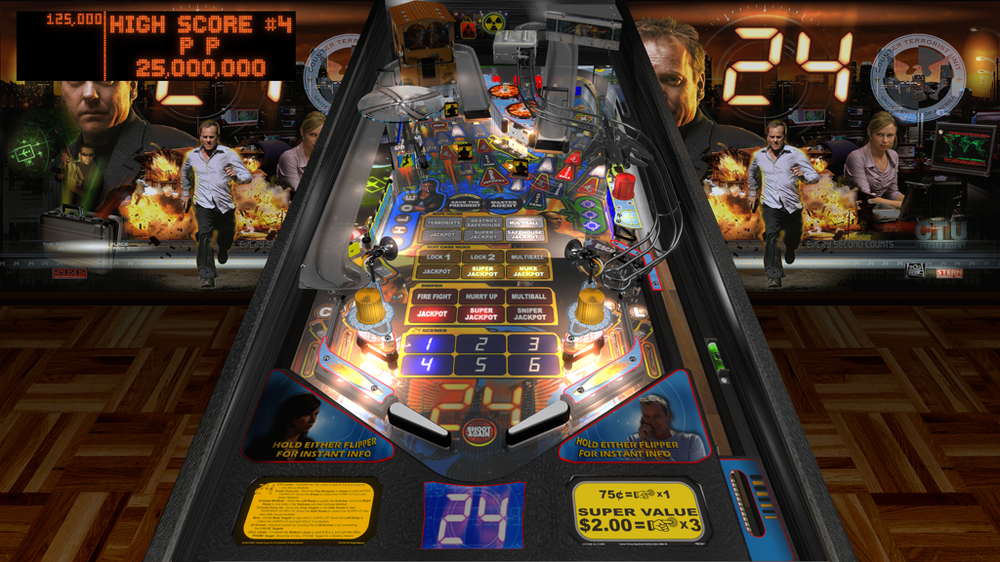
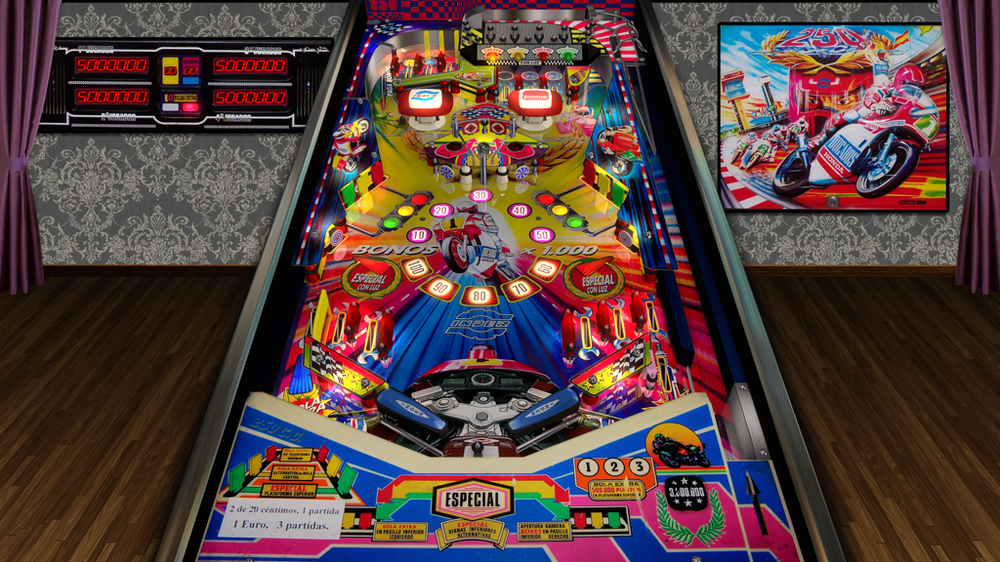
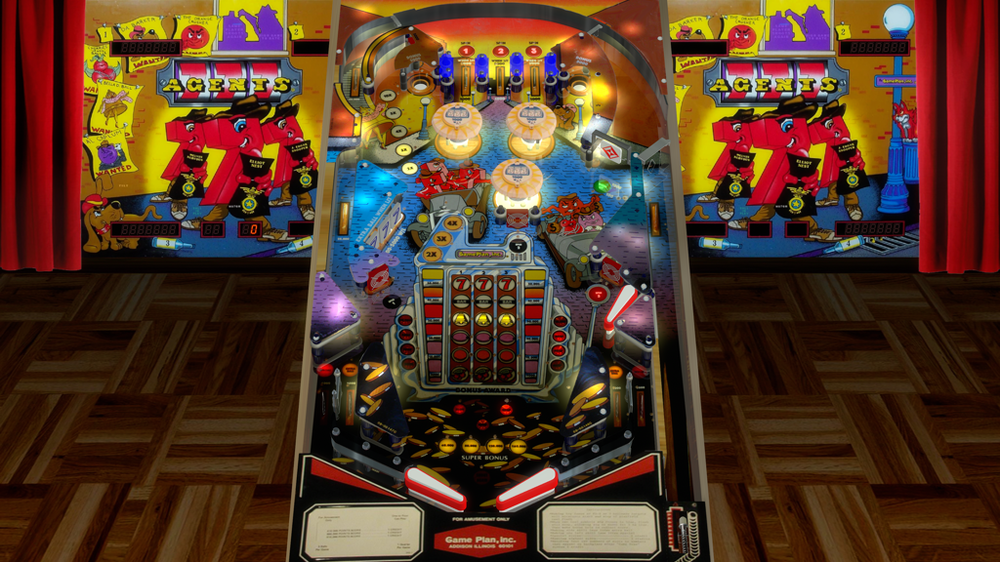
Hi, I'm Aaron Bewza and am currently working on an automatic screenshot tool: Aaron's Automatic Image and Video Snaps Utility It will be available totally free for everyone soon. This is a very brief overview so far: - finds all your VPX tables in your "tables" folder (assignable) - opens them automatically one-by-one - waits ten seconds for the table/rom to be active - saves a fullscreen image to your "snaps" folder (assignable) and/or a fullscreen video to your "videos" folder. - scales output image/video up or down to your preferred resolution and filetype, with quality/compression controls I'm getting 1.5 MB snapshots and 4 MB clear videos which still look decent after scaling down substantially from 4k (files attached) Right now it takes approximately 25 seconds to cycle through each game with the ten-second buffer then the ten second video recording happening. This translates as 3 1/2 hours to process 500 tables. I still need to make it user-friendly but I will return soon. Thanks very much for having me on your site Here is my AHK v1.1 code for you to check out yourselves, please remember I'm still working on it and this is only the start of it. #SingleInstance, Ignore ; only one instance of program may be run #NoEnv ; no system variables ; Automatic Screenshots ; by Aaron Bewza ; December 2025 ; written in AHK v1.1 Loop, Files, %A_ScriptDir%\tables\*.vpx { Run, VPinballX64.exe -play "%A_LoopFileFullPath%" -Minimized -exit ; otherwise chosen game is run SplitPath, A_LoopFileFullPath,,,, OutNameNoExt ; gets game name WinWaitActive, ahk_class VPPlayer ; waits for pinball window to be active Sleep, 10000 ; waits for table to be fully operational SavedScreenshot = %A_ScriptDir%\snap\%OutNameNoExt%.png ; <-- makes variable name from this Runwait, ffmpeg.exe -f gdigrab -framerate 1 -y -i desktop -frames:v 1 -compression_level 10 -vf scale=1024:-1 "%SavedScreenshot%",, Hide ; grabs a fullscreen screenshot and saves it Soundplay, %A_ScriptDir%\click.mp3, Wait ; plays camera click sound WinClose, ahk_class VPPlayer ; close pinball window WinWaitClose, ahk_class VPPlayer ; waits for pinball window to close } return #IfWinNotActive ahk_class VPPlayer ; if pinball window is not active Esc::ExitApp ; "Esc" exits program (otherwise exits pinball window) #IfWinActive /* LShift:: Gui, Submit, NoHide ; submits fresh variables SavedScreenshot = %A_ScriptDir%\snap\%OutNameNoExt%.png Runwait, ffmpeg.exe -f gdigrab -framerate 1 -y -i desktop -frames:v 1 -compression_level 10 -vf scale=1024:-1 "%SavedScreenshot%",, Hide return */ ; end script
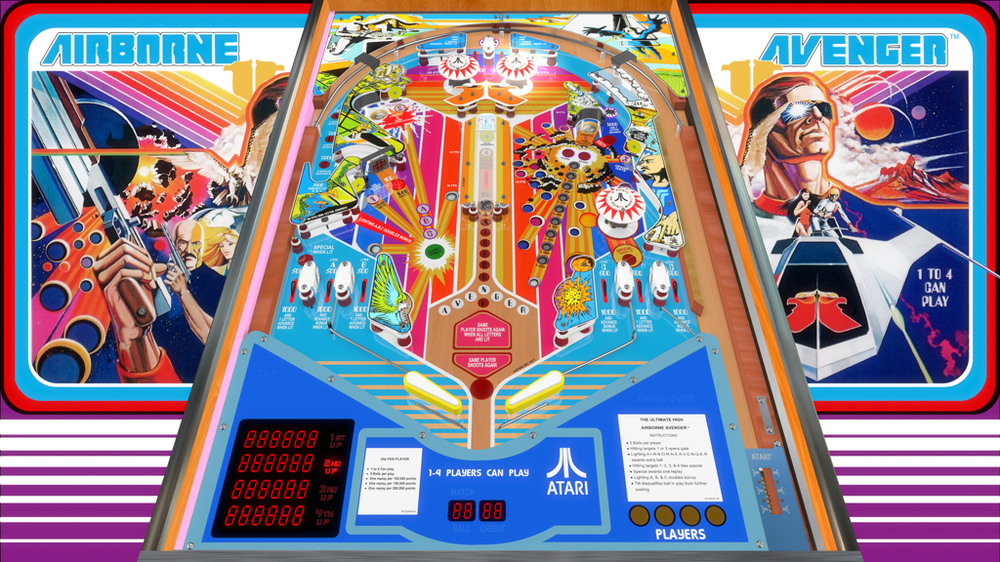
-
 The videos remain frozen on the backglass and topper if I run them through the Pinup Popper front end. However, if I run them directly from VPinballX, they work perfectly. I have 3 monitors in the cabinet. I don’t know what else to do. Los videos se quedan congelados en el backglass y topper si los ejecuto a traves de Pinup Propper frond end. En cambio si los ejecuto directo de Vpinballx funcionan perfectamente. Tengo 3 monitores en la cabina. Ya no se que hacer
 -
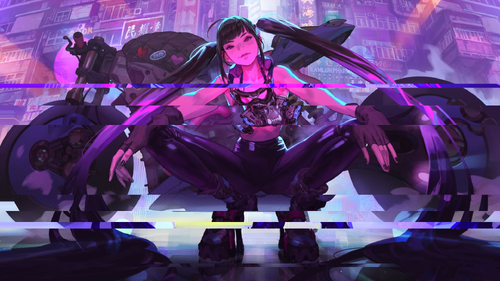
Version 1.0.1
242 downloads
2 versions of this slideshow, the first is only a simple zoom and fade transition, the other also has a glitch effect on the video as seen in the screenshot. I made the slideshow with assorted anime girl / bike / cyberpunk imagery meant to accompany the original table Raygun Runner by CrimsonTurtle8. There is nudity involved, so if you're not interested in something NSFW or containing AI art, this will not be your cup of tea. Also check out my Backglass / FullDMD music videos for Raygun Runner: And Fullscreen Loading Video: PROVIDED STRICTLY FOR PERSONAL / HOME USE AND NOT FOR COMMERCIAL SALE / RE-SALE OR DISTRIBUTION! If you're going to reuse these assets in your own work, make sure to link back to this download and credit me. -
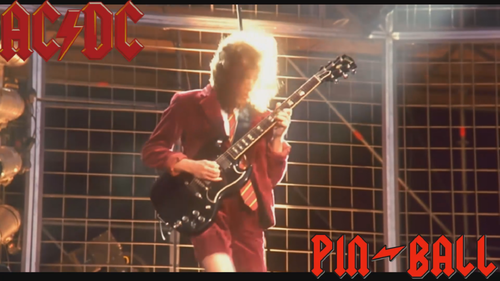
Version 1.0.0
98 downloads
I added some text and light effects to this live concert video. 1080p. There's a full version and a short version. -
Version 1.4
3541 downloads
Hi guys, Here is a pack of videos for your playlists backglass or screen of your choice 😁 You can also download playfield videos here : Presentation-v2.mp4 Presentation.mp4 -

Version 1.0.0
82 downloads
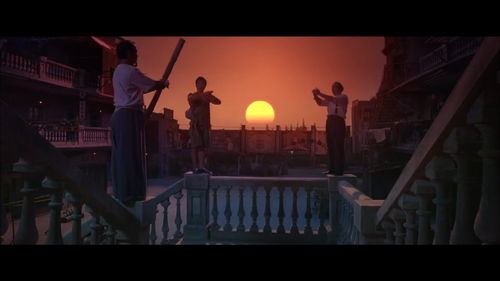
1080p trailer for the Kung Fu Hustle movie, great as a FullDMD or Topper asset for your front-end to go along with the Kung Fu Hustle table by Balutito below. Preview: https://rumble.com/v52kid0-kung-fu-hustle-fulldmd-video-trailer-1080p-w-audio.html For those who want to silence the audio and aren't aware: Simply right click the video after you've added it to the Pinup Popper Media Manager, choose Convert, choose the option to mute the volume. This will simply cut the audio so you are left with video and can use whatever other audio you want. PROVIDED STRICTLY FOR PERSONAL / HOME USE AND NOT FOR COMMERCIAL SALE / RE-SALE OR DISTRIBUTION! -
Version 1.0.0
414 downloads
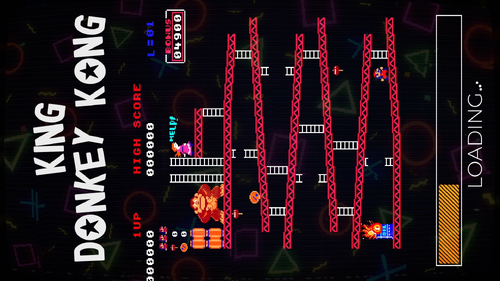
Loading FHD for King Donkey Kong -
LoadingVideo.thumb.jpg.6baac972fe4ef28994a4fff6c72b7ef1.jpg)
Version 1.0.0
163 downloads
Hi everyone, here is a Tenacious Loading Video I created done in 2K for Zandy Arcade's amazing Tenacious D table. WARNING: THIS LOADING VIDEO CONTAINS EXPLICIT LANGUAGE! Have fun everyone!- 1 comment
- 2 reviews
-
- 15
-
-
- tenacious d
- loading
- (and 2 more)