-
SYSTEM SEARCH
System Scanners Online:
Username: Guest
>> System Scan?
>> The Universe >
Incoming Message:
Due to system limitations searching with words of 3 or less characters will not return results. For instance; Doctor Who. This will not return results as the system is trying to search for both Doctor AND Who in which Who will not be found as it's a 3 character word. To find Doctor Who; you'd search for either Doctor or "Doctor Who".
Search Tips:
For specific searches; enclose your search with quotes. Example: "Doctor Who" or "Addams Family".
Search the Community
Showing results for tags 'snaps'.
Found 1 result
-
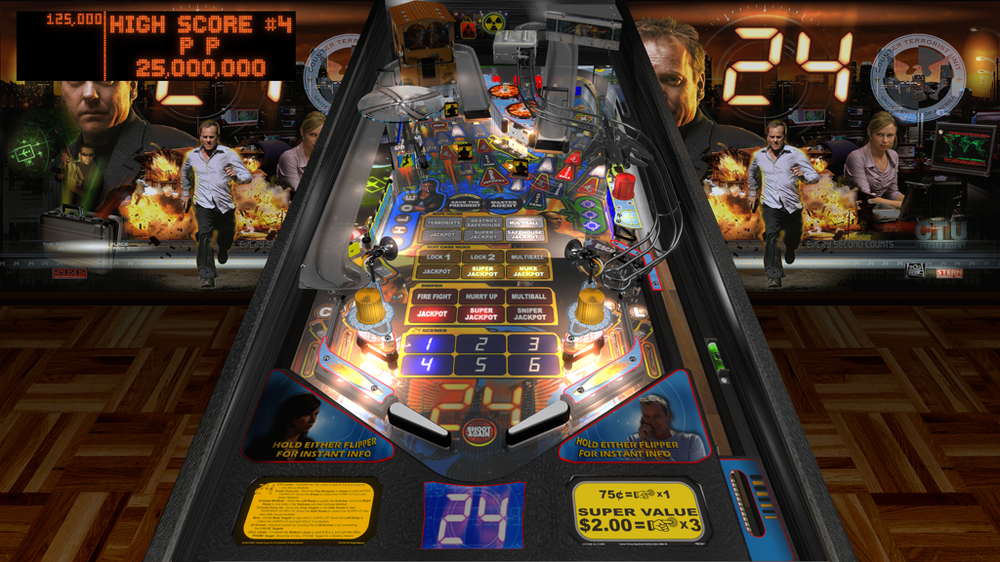
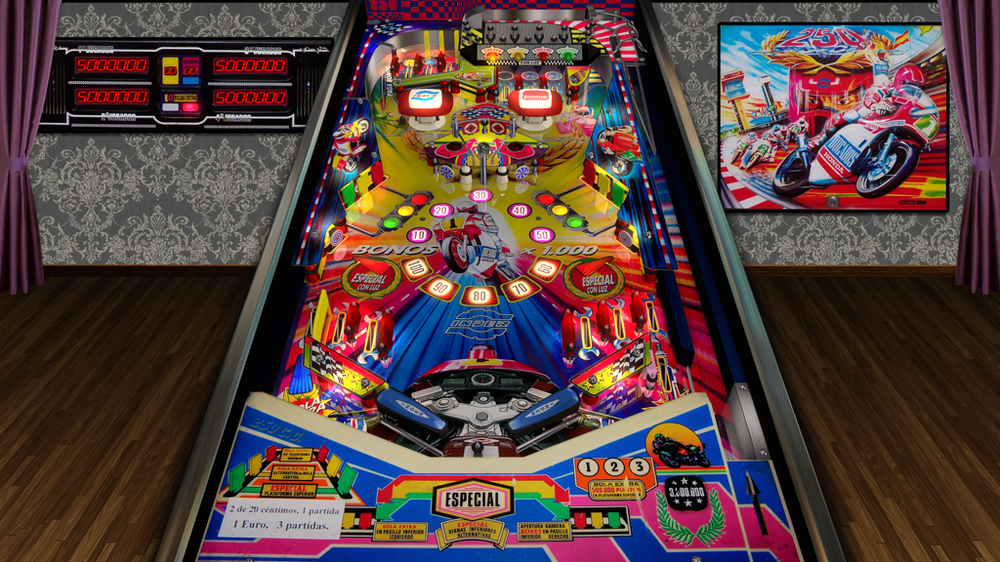
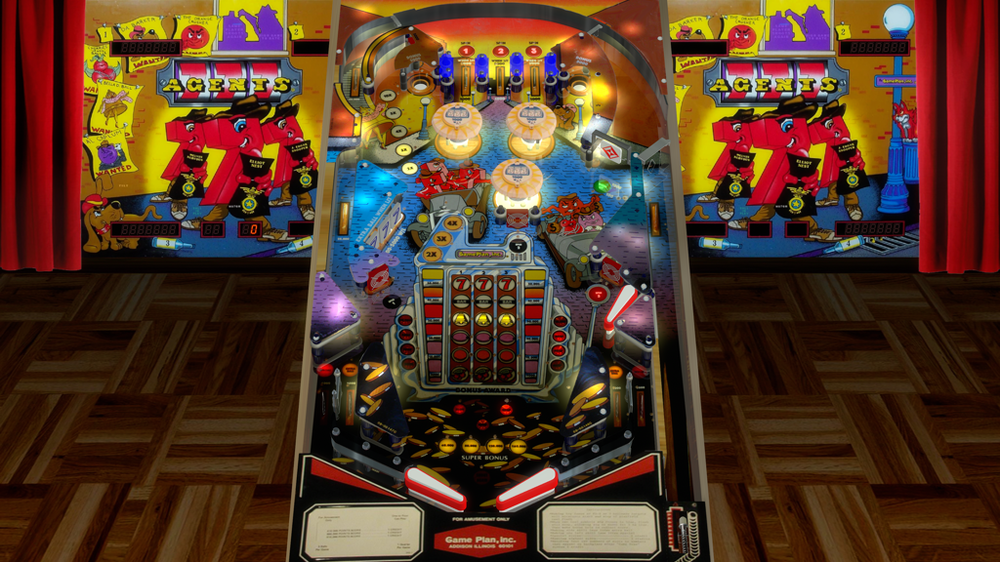
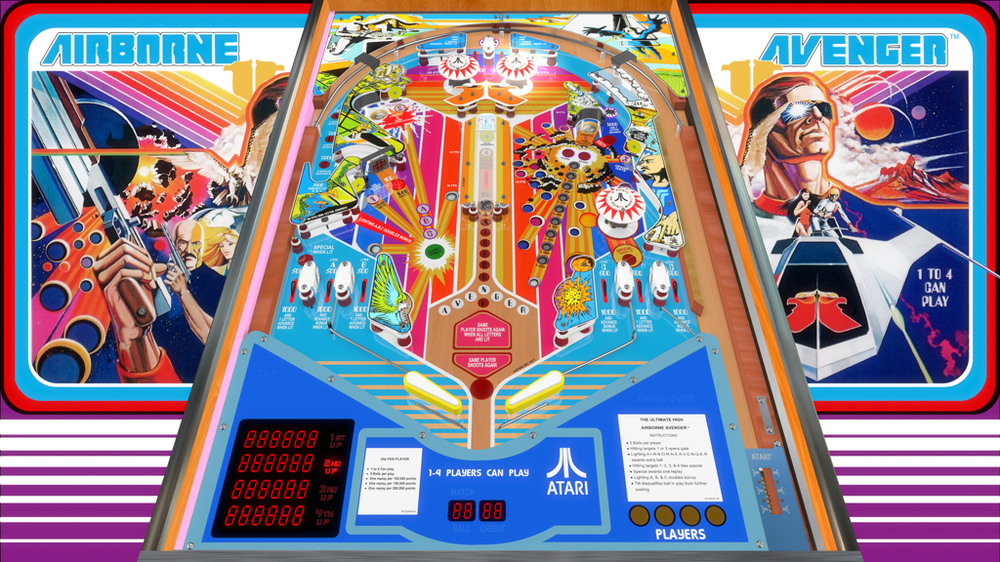
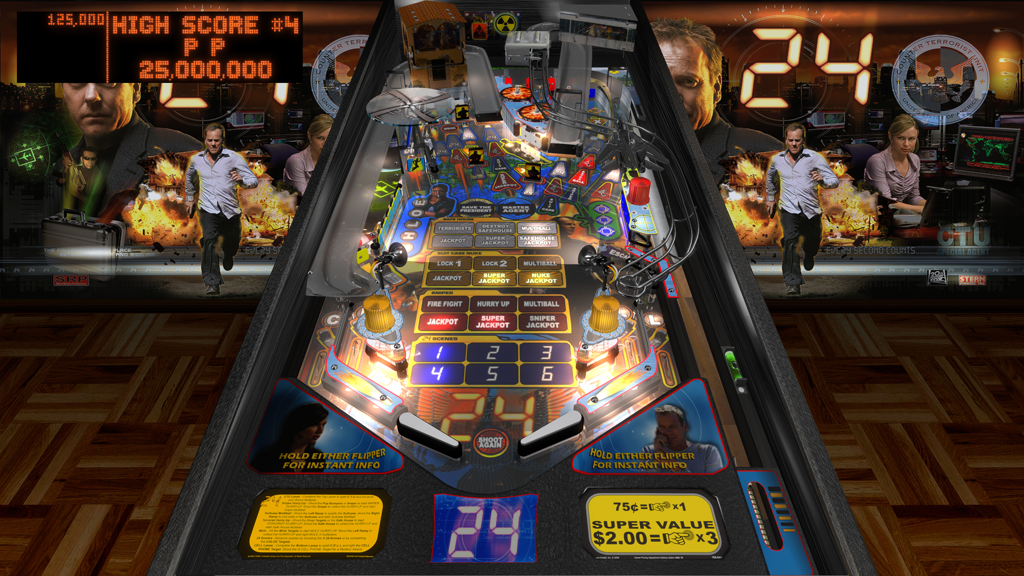
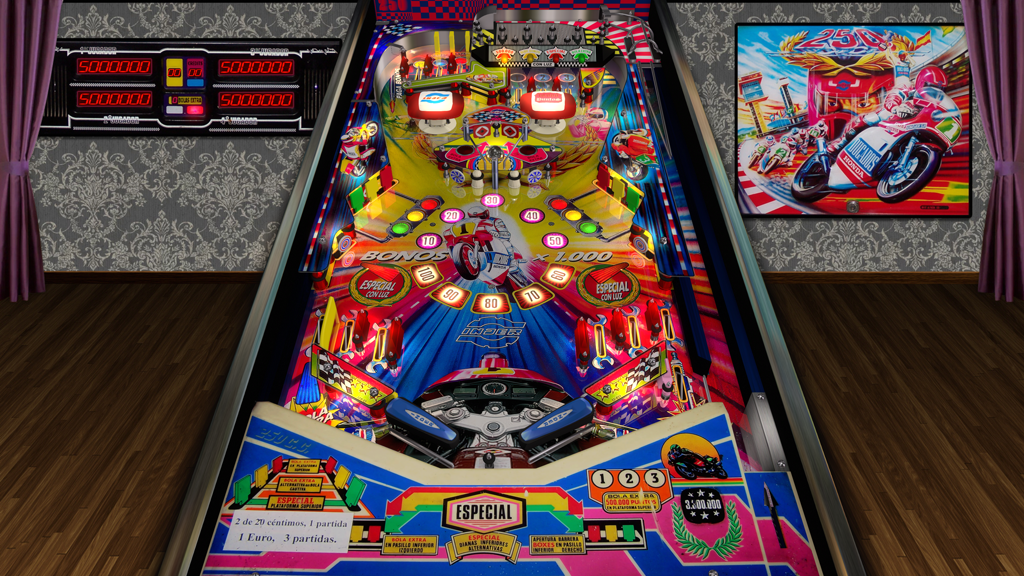
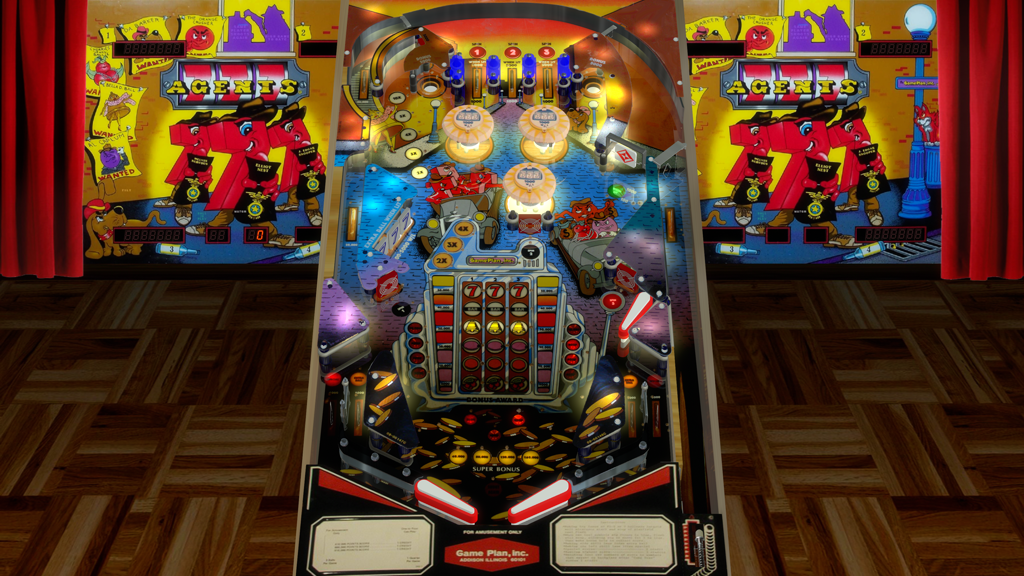
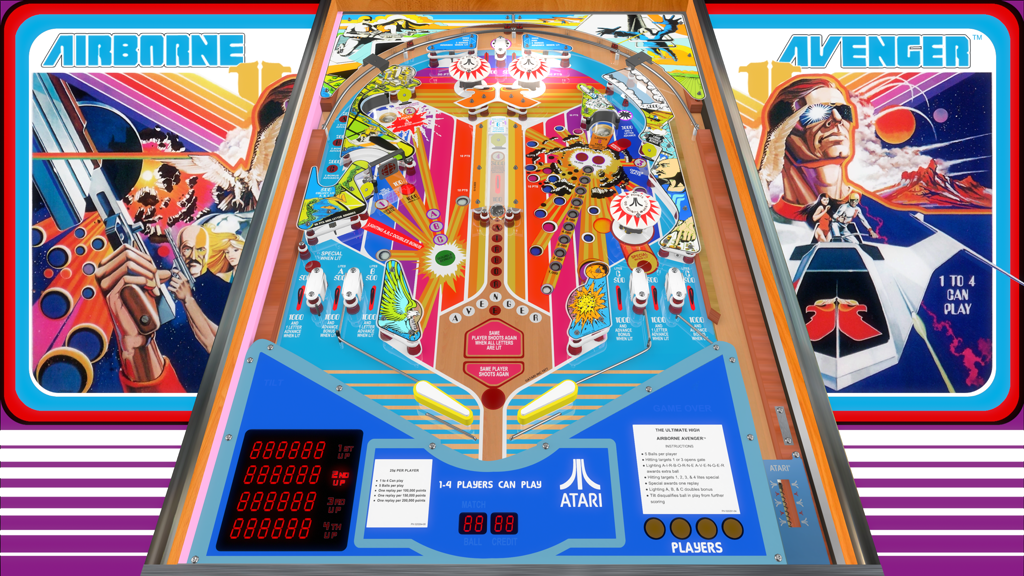
Hi, I'm Aaron Bewza and am currently working on an automatic screenshot tool: Aaron's Automatic Image and Video Snaps Utility It will be available totally free for everyone soon. This is a very brief overview so far: - finds all your VPX tables in your "tables" folder (assignable) - opens them automatically one-by-one - waits ten seconds for the table/rom to be active - saves a fullscreen image to your "snaps" folder (assignable) and/or a fullscreen video to your "videos" folder. - scales output image/video up or down to your preferred resolution and filetype, with quality/compression controls I'm getting 1.5 MB snapshots and 4 MB clear videos which still look decent after scaling down substantially from 4k (files attached) Right now it takes approximately 25 seconds to cycle through each game with the ten-second buffer then the ten second video recording happening. This translates as 3 1/2 hours to process 500 tables. I still need to make it user-friendly but I will return soon. Thanks very much for having me on your site Here is my AHK v1.1 code for you to check out yourselves, please remember I'm still working on it and this is only the start of it. #SingleInstance, Ignore ; only one instance of program may be run #NoEnv ; no system variables ; Automatic Screenshots ; by Aaron Bewza ; December 2025 ; written in AHK v1.1 Loop, Files, %A_ScriptDir%\tables\*.vpx { Run, VPinballX64.exe -play "%A_LoopFileFullPath%" -Minimized -exit ; otherwise chosen game is run SplitPath, A_LoopFileFullPath,,,, OutNameNoExt ; gets game name WinWaitActive, ahk_class VPPlayer ; waits for pinball window to be active Sleep, 10000 ; waits for table to be fully operational SavedScreenshot = %A_ScriptDir%\snap\%OutNameNoExt%.png ; <-- makes variable name from this Runwait, ffmpeg.exe -f gdigrab -framerate 1 -y -i desktop -frames:v 1 -compression_level 10 -vf scale=1024:-1 "%SavedScreenshot%",, Hide ; grabs a fullscreen screenshot and saves it Soundplay, %A_ScriptDir%\click.mp3, Wait ; plays camera click sound WinClose, ahk_class VPPlayer ; close pinball window WinWaitClose, ahk_class VPPlayer ; waits for pinball window to close } return #IfWinNotActive ahk_class VPPlayer ; if pinball window is not active Esc::ExitApp ; "Esc" exits program (otherwise exits pinball window) #IfWinActive /* LShift:: Gui, Submit, NoHide ; submits fresh variables SavedScreenshot = %A_ScriptDir%\snap\%OutNameNoExt%.png Runwait, ffmpeg.exe -f gdigrab -framerate 1 -y -i desktop -frames:v 1 -compression_level 10 -vf scale=1024:-1 "%SavedScreenshot%",, Hide return */ ; end script