Jump to content
  • Download Now!

    big_trouble.jpg


Pinball Frontend Downloads

Sub Category  

Pinball Frontend Downloads

No files in this category yet.

  1. All
  2. A
  3. B
  4. C
  5. D
  6. E
  7. F
  8. G
  9. H
  10. I
  11. J
  12. K
  13. L
  14. M
  15. N
  16. O
  17. P
  18. Q
  19. R
  20. S
  21. T
  22. U
  23. V
  24. W
  25. X
  26. Y
  27. Z
  28. #

Files From Subcategories

  1. Tristan (LittleWing 1991) Media Files & Cabinet Instructions

    Tonight, on a very special
    Let's Put Things On Cabinets That Were Never Meant To Be On Cabinets!
     
    we're still tackling the pinball games of Japanese studio LittleWing. Having already dragged both Crystal Caliburn and Golden Logres kicking and screaming onto my cabinet, I felt it only fair, for completeness' sake, to go all the way back and round out LittleWing's Arthurian trilogy with Tristan, their very first game.
     
    Now Tristan was released in 1991, which means the PC version ran under MS-DOS, which makes it both easier and harder to run on a modern cabinet.
    Easier, because we don't need to worry about compatibility modes, obsolete graphics drivers and such - and harder, because we're going to need DOSBox, which can be a bit of a hurdle to set up. I've done my best to make things as easy as possible for you though. You'll find details below under "How to run it".
     
    I'll be honest: Tristan is not much fun to play these days. I can handle the spartan graphics, but the near-absent sound and especially the wonky physics make it a chore. Back in 1991, it won accolades all over the place, but you have to remember that this was just before Pinball Dreams and the like kicked off a wave of more advanced pinball sims with better physics and more flashy presentation. Competition was still very rare, especially on the action-game-starved Mac. (I've seen videos of the Macintosh versions of the game, and it does run a little bit smoother that the MS-DOS version, but not much.) Anyway, take it for what it is.
     
    The included AutoHotKey script rotates the playfield to portrait mode, lowers the resolution to 1024x1280, fills the backglass and DMD screens with decorative images, launches DOSBox (and thus Tristan) and maps the keys to standard cabinet buttons.
     
    I've included
    the AutoHotKey launch script, fully annotated (please go through it and adapt the variables to your system before running it!) a DOSBox CONF file for configuration - see further below under "How to run it" Tristan's CFG file for sound and graphics configuration - see further below under "How to run it" a DMD filler image for in-game purposes a backglass image (also usable for your frontend of choice), in both 4:3 and 16:9 formats  
    Also, tons of frontend media:
    4 flyer images (images of the packaging and two ad pages from PC magazines of the time - courtesy of MobyGames) 10 instruction cards (taken from a scan of the manual) table audio (recorded directly from the game) table image (an upscale of the playfield) company logo (taken from Crystal Caliburn's official PDF guide) two wheel logos - pick the one you like better.  
    Share and enjoy!

    SOME MORE NOTES:

    Where to get it:
    This is the only LittleWing game that's not available on their website. A quick Google search should point you towards the usual suspects, though. If your version demands an unlock code at the beginning, just browse any Archive that's reasonably well Organized. If it's not there, it's nowhere, man 😉

    How to run it:
    Here's where it gets technical, but only a little.
    Get DOSBox Staging at https://www.dosbox-staging.org/releases/windows/, download and install it anywhere. You don't need to setup anything else, all the rest should be configured by the CONF file included in this media pack. Drop the file "TRISTAN.CFG" into the folder where your MS-DOS copy of Tristan is. There is likely already a TRISTAN.CFG in there - just copy over it. (It's Tristan's native MS-DOS configuration that tells the game to run in 256 colors with SoundBlaster sound, with Shift keys for flippers, Enter to Launch and Space to nudge.) Test it to see if Tristan runs. Simply start DOSBox and type "mount c [whatever folder you put Tristan in]", for example "mount c c:\games\Tristan". This will tell DOSBox to handle the folder as if it were the C-drive. Then type "c:" to change to the mounted drive and type "Tristan" to run the game. You should see the LittleWing Logo and hear a fanfare. Wait until the game loads, press a key to show the menu, select the ESC icon to the left and press Enter. The game should quit and you can type "exit" to leave DOSBox.  Drop the file "dosbox-staging-Tristan.conf" into the same Tristan folder. The included AutoHotKey script will later launch DOSBox with the configuration in that CONF file. If you look at the end of the file, you will see that it does pretty much what we just did in step 3. NOTE: If you put your MS-DOS files for Tristan in another folder than c:\games\Tristan, you will need to change the line "mount c c:\Games\Tristan" near the end of the CONF file to match your own folder! In the AutoHotKey script, please make sure to also adapt the folders under the "Game folder and name" heading. The values for name_of_dosbox_exe and name_of_dosbox_conf probably don't need to be changed; the values for folder_of_game and folder_of_dosbox almost certainly will.  If you look through the AutoHotKey script, you will see that it also relies on three small helper applications to rotate the screen, to set the resolution, and to display the Backglass and DMD image. Download links are in the script. Please note that their locations also need to be set, under the "Helper apps folders" heading. If the game should appear on the wrong screen (i.e. not the playfield) after launching the AHK script, you need to change the monitor number in the dosbox-staging-Tristan.conf. Where it says "display = 0", change the number. Once everything is running, compile the AHK script and add it to your frontend of choice. Please let me know in the comments section if something isn't working.  
    Fun nerdy discovery:
    All other LittleWing games credit programmer Yoshikatsu Fujita and artist Reiko F. Nojima, but for some reason, Tristan's manual has the programmer as "G. Snowman" and the artist as "Luna Frost".
    At first I was disappointed, thinking that I stumbled across the only game not made by the the husband-and-wife LittleWing founders. But then... hang on a minute, Snowman and Frost - that's a bit conspicuous, isn't it?
    Then I realized that I'd come across the name "Luna" a lot recently: It was one of the default names in every highscore table when I tested Crystal Caliburn, Loony Labyrinth, Angel Egg and Golden Logres!
    Also, the player's guide for one of LittleWing's later games, 2004's Monster Fair, includes the credit "Voices: Snowman & Luna". And finally: Guess who can be found at the very bottom of the online highscore table for 2002's Jinni Zeala on the orphaned LittleWing website, both with a measly 5 million points? Yep, "G. Snowman" and "Luna Frost".
    I think it's safe to say that "Luna Frost" is Reiko F. Nojima and "G. Snowman" is Yoshikatsu Fujita, and for whatever reason their first game was not released under their real names. Whether it was by choice or whether Tristan's publisher Amtex felt the American market might not accept games with Japanese origins remains unclear, but it's obvious their nomes de plume stuck around and got reused afterwards for years to come.
     
    AI use disclaimer:
    No AI used for this one. I decided to lean into the pixelly goodness this time and didn't smooth out anything.

    32 downloads

       (0 reviews)

    0 comments

    Updated

  2. The Beatles - VR Wheel Collection

    The Beatles - VR Wheel Collection

    7 downloads

       (0 reviews)

    0 comments

    Updated

  3. The Matrix (Original 2026) Topper Video

    The Matrix (Original 2026) Topper Video by @Migs
     
    Available in 16x9 and Ultrawide flavors.
     
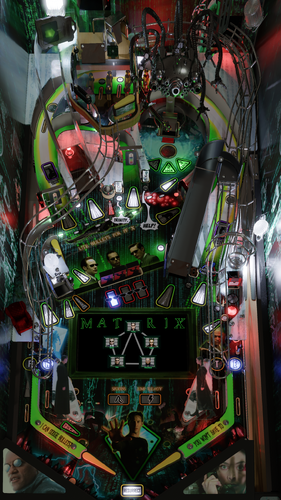
    This topper video is based on the VR Room for the amazing Matrix collaboration between The Pincredibles and VPW, with a "transparent-OLED style" code rain effect and advanced lighting. It's just a looping video, no PUP pack necessary.

    Special Thanks:
    @DaRdog81 for allowing me to use their Matrix VR Room assets (alarm clock, dojo background) Everyone involved in building this Stern-quality masterpiece of a table  
    Enjoy and please let me know if you have any feedback or ideas for improvement!
     
    DISCLAIMER:
     
    ** FOR PERSONAL USE ONLY. DO NOT RESELL. ** This fan recreation contains unlicensed art assets. All IP is property of its respective owners and rights holders. Unauthorized monetization of these assets or any other commercial use may be in violation of copyright laws.

    136 downloads

       (1 review)

    0 comments

    Submitted
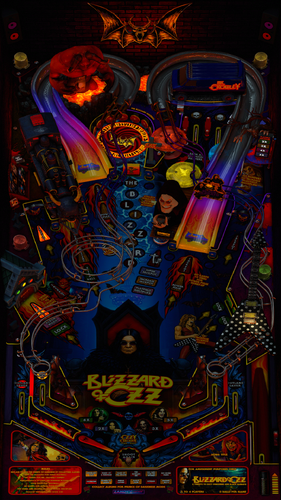
  4. Truck Stop - VR Wheel Collection

    Truck Stop - VR Wheel Collection

    3 downloads

       (0 reviews)

    0 comments

    Submitted
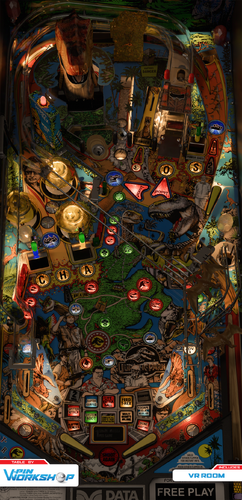
  5. Tron Legacy - VR Wheel Collection

    Tron Legacy - VR Wheel Collection

    5 downloads

       (0 reviews)

    0 comments

    Submitted
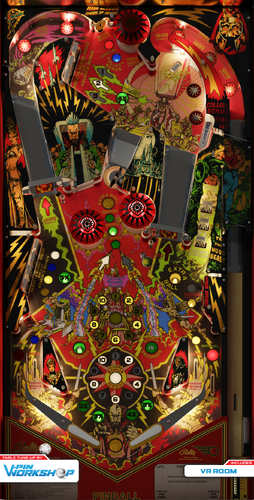
  6. Tommy Pinball Wizard - VR Wheel Collection

    Tommy Pinball Wizard - VR Wheel Collection

    5 downloads

       (0 reviews)

    0 comments

    Submitted
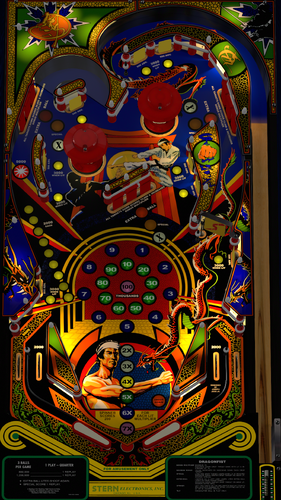
  7. The Munsters - VR Wheel Collection

    The Munsters - VR Wheel Collection

    6 downloads

       (0 reviews)

    0 comments

    Submitted
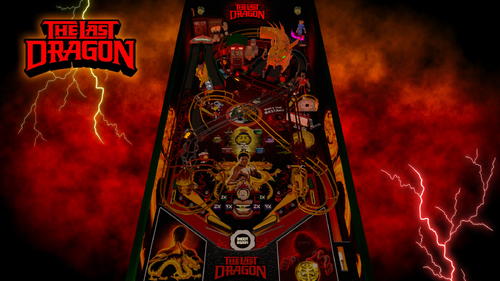
  8. Thunderball (Williams 1981) clear wheel logo 4K

    Logo taken from backglass, upscaled and restored for high resolution and cleaned up, optimized for 2K/4K frontends
    Providing files optimized for 1440p cabinet mode in PinballX and maximum available resolution. 
    PinballX is using 70% of the respective screen width for the logo display at a 1.66 aspect ratio, so the provided optimized version is set at 1008px max width / 605px max height to avoid internal downscaling/upscaling of the frontend that might introduce unwanted artifacts, moiree or aliasing effects. 

    DOWNLOAD ALL LOGOS (2000+) at this link: https://mega.nz/folder/22pRyY6K#t9cVLDbWaIlyDflG_QVTjw

    7 downloads

       (0 reviews)

    1 comment

    Submitted

  9. Total Recall (Data East 1990) clear wheel logo 4K

    Logo taken from backglass, upscaled and restored for high resolution and cleaned up, optimized for 2K/4K frontends
    Providing files optimized for 1440p cabinet mode in PinballX and maximum available resolution. 
    PinballX is using 70% of the respective screen width for the logo display at a 1.66 aspect ratio, so the provided optimized version is set at 1008px max width / 605px max height to avoid internal downscaling/upscaling of the frontend that might introduce unwanted artifacts, moiree or aliasing effects. 

    DOWNLOAD ALL LOGOS (2000+) at this link: https://mega.nz/folder/22pRyY6K#t9cVLDbWaIlyDflG_QVTjw

    8 downloads

       (0 reviews)

    1 comment

    Submitted

  10. Time Lord - VR Wheel Collection

    Time Lord - VR Wheel Collection

    6 downloads

       (0 reviews)

    0 comments

    Submitted
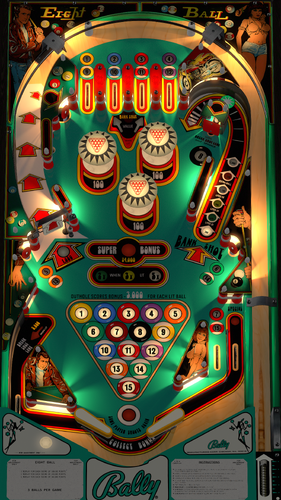
  11. The Matrix - VR Wheel Collection

    The Matrix - VR Wheel Collection

    22 downloads

       (0 reviews)

    0 comments

    Submitted

  12. Tropic Isle (Gottlieb 1962) Instruction Card

    Instruction card for Tropic Isle by JPSalas

    37 downloads

       (0 reviews)

    0 comments

    Submitted
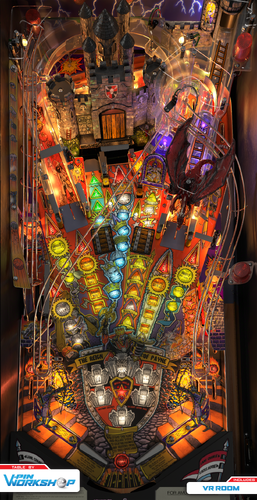
  13. Tomb Raider (Original 2025) clear wheel logos 4k

    Logo taken from backglass, upscaled and restored for high resolution and cleaned up, optimized for 4K/2K frontends
    Download the 4K version if you use a frontend like PinballX or Pinup Popper on a 4K monitor, or the regular version if you have a 1440p resolution or less. Logos are optimized for each resolution since the internal downscaling/upscaling of the frontends might introduce unwanted artifacts, moiree or aliasing effects. 

    24 downloads

       (0 reviews)

    0 comments

    Updated

  14. Tornado Rally (Original 2024) clear wheel logo 4k

    Logo taken from backglass, upscaled and restored for high resolution and cleaned up, optimized for 4K/2K frontends
    Download the 4K version if you use a frontend like PinballX or Pinup Popper on a 4K monitor, or the regular version if you have a 1440p resolution or less. Logos are optimized for each resolution since the internal downscaling/upscaling of the frontends might introduce unwanted artifacts, moiree or aliasing effects. 

    25 downloads

       (0 reviews)

    0 comments

    Updated

  15. Triple Action (Williams 1973) clear wheel logo 4K

    Logo taken from backglass, upscaled and restored for high resolution and cleaned up, optimized for 4K/2K frontends
    Download the 4K version if you use a frontend like PinballX or Pinup Popper on a 4K monitor, or the regular version if you have a 1440p resolution or less. The logos are optimized for each resolution since the internal downscaling/upscaling of the frontends might introduce unwanted artifacts, moiree or aliasing effects. 

    35 downloads

       (0 reviews)

    0 comments

    Updated

  16. Triple Strike (Williams 1975) clear wheel logos 4K

    Logo taken from flyer/backglass, upscaled and restored for high resolution and cleaned up, optimized for 2K/4K frontends
    Providing files optimized for 1440p cabinet mode in PinballX and maximum available resolution. 
    PinballX is using 70% of the respective screen width for the logo display at a 1.66 aspect ratio, so the provided optimized version is set at 1008px max width / 605px max height to avoid internal downscaling/upscaling of the frontend that might introduce unwanted artifacts, moiree or aliasing effects. 

    DOWNLOAD ALL LOGOS (2000+) at this link: https://mega.nz/folder/22pRyY6K#t9cVLDbWaIlyDflG_QVTjw

    19 downloads

       (0 reviews)

    0 comments

    Submitted
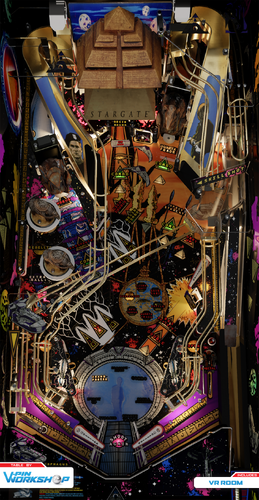
  17. The Rolling Stones (Stern 2011) clear wheel logo 4K

    Logo taken from backglass, upscaled and restored for high resolution and cleaned up, optimized for 4K/2K frontends
    Download the 4K version if you use a frontend like PinballX or Pinup Popper on a 4K monitor, or the regular version if you have a 1440p resolution or less. Logos are optimized for each resolution since the internal downscaling/upscaling of the frontends might introduce unwanted artifacts, moiree or aliasing effects. 

    48 downloads

       (0 reviews)

    0 comments

    Updated

  18. The Mandalorian (Original 2023) clear wheel logo 4K

    Logo taken from backglass, upscaled and restored for high resolution and cleaned up, optimized for 4K/2K frontends
    Download the 4K version if you use a frontend like PinballX or Pinup Popper on a 4K monitor, or the regular version if you have a 1440p resolution or less. Logos are optimized for each resolution since the internal downscaling/upscaling of the frontends might introduce unwanted artifacts, moiree or aliasing effects. 

    37 downloads

       (0 reviews)

    0 comments

    Updated

  19. The Raid (Playmatic 1984) clear wheel logos 4K

    Logo taken from backglass, upscaled and restored for high resolution and cleaned up, optimized for 2K/4K frontends
    Providing files optimized for 1440p cabinet mode in PinballX and maximum available resolution. 
    PinballX is using 70% of the respective screen width for the logo display at a 1.66 aspect ratio, so the provided optimized version is set at 1008px max width / 605px max height to avoid internal downscaling/upscaling of the frontend that might introduce unwanted artifacts, moiree or aliasing effects. 

    DOWNLOAD ALL LOGOS (2000+) at this link: https://mega.nz/folder/22pRyY6K#t9cVLDbWaIlyDflG_QVTjw

    12 downloads

       (0 reviews)

    0 comments

    Submitted
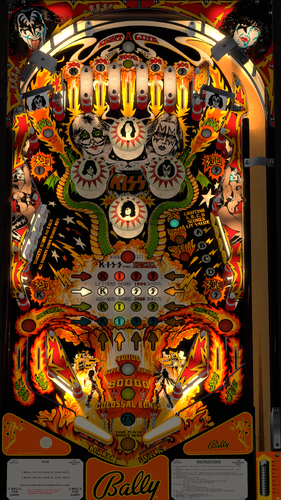
  20. Tiger (Gottlieb 1975) clear wheel logo 4K

    Logo taken from backglass, upscaled and restored for high resolution and cleaned up, optimized for 2K/4K frontends
    Providing files optimized for 1440p cabinet mode in PinballX and maximum available resolution. 
    PinballX is using 70% of the respective screen width for the logo display at a 1.66 aspect ratio, so the provided optimized version is set at 1008px max width / 605px max height to avoid internal downscaling/upscaling of the frontend that might introduce unwanted artifacts, moiree or aliasing effects. 

    DOWNLOAD ALL LOGOS (2000+) at this link: https://mega.nz/folder/22pRyY6K#t9cVLDbWaIlyDflG_QVTjw

    14 downloads

       (0 reviews)

    0 comments

    Submitted
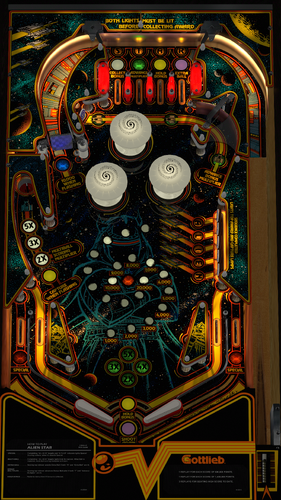
  21. The Matrix (Wheels)

    "The Matrix" vpx wheels and dmd picture
     
    if you appreciate the work, then thank you for not forgetting a "like" or a "review" , it's nice!
     
    Personal, non-commercial use only. Please contact me if you would like to use it in another way.
     
    All Logos, Copyrights and Trademarks are property of their respective owners.
     PROVIDED STRICTLY FOR PERSONAL / HOME USE AND NOT FOR COMMERCIAL SALE / RE-SALE OR DISTRIBUTION!

    148 downloads

       (1 review)

    1 comment

    Submitted
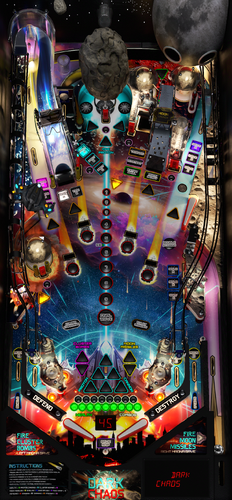
  22. The Matrix Topper Video

    158 downloads

       (2 reviews)

    0 comments

    Submitted
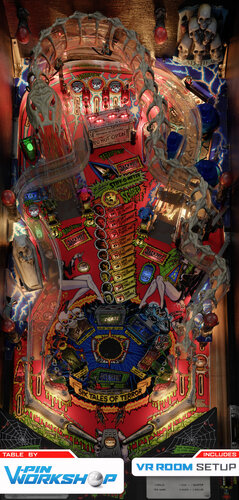
       (1 review)

    0 comments

    Submitted
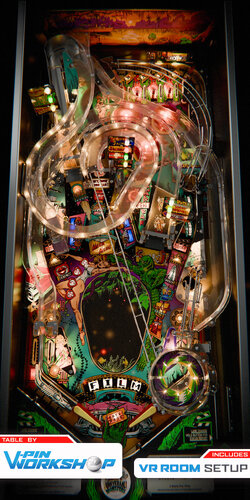
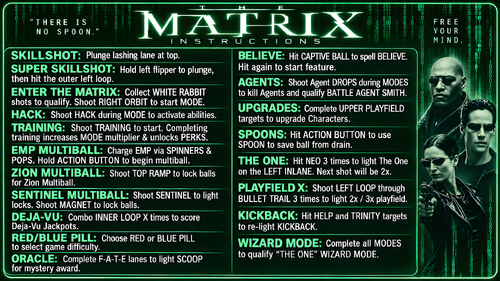
  23. The Matrix (Original 2026) Instruction Card

    Instruction Card for The Matrix (Original 2026) by Pincredibles and VPW

    571 downloads

       (2 reviews)

    3 comments

    Updated
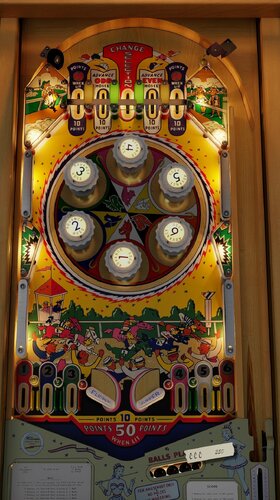
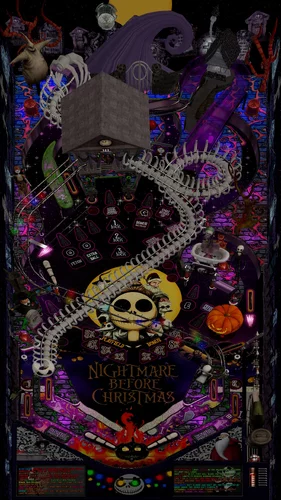
  24. The Matrix Topper Videos 1280x390

    Some topper videos for use with the Matrix.  Rendered for a 1280x390 topper screen
    228 downloads

       (0 reviews)

    0 comments

    Updated

×
  • Create New...