-
SYSTEM SEARCH
System Scanners Online:
Username: Guest
>> System Scan?
>> The Universe >
Incoming Message:
Due to system limitations searching with words of 3 or less characters will not return results. For instance; Doctor Who. This will not return results as the system is trying to search for both Doctor AND Who in which Who will not be found as it's a 3 character word. To find Doctor Who; you'd search for either Doctor or "Doctor Who".
Search Tips:
For specific searches; enclose your search with quotes. Example: "Doctor Who" or "Addams Family".
Search the Community
Showing results for tags 'mr'.
-


Version 3.0
368 downloads
This file is based on JP Salas table version 6.0.0 https://www.vpforums.org/index.php?app=downloads&showfile=16703# This table works in DT-FS-VR-MR This file requires B2S Added Minimal/Basti Room/PoolBar and Mixed Reality VRRoom on menu New Inder Cab New Inder Backbox Turn on/off music ambience on F12 Menu New feature on music: Download Media80.zip and extract to your Visual Pinball music folder (If you have downloaded yet its not necessary to download again) Download Media80 here: https://mega.nz/file/ojVABI7Q#ah8A9gxcdyc4mUAkv0yWaKpIOS4sl3ogoh7OSXSyyJw The name of the songs are: Song1 Song2 Song3 Until Song40 You can replace these MP3 files with your favorite music files until song40. I will to use these feature in some of my future conversions If you have it downloaded, you don't need to download again To change to next song press Right Magnasave To change to previous song press Left Magnasave Virtual Desktop Settings Chromakey for Mixed Reality: Color RGB = 255,255,255 Similarity: 2 Smoothness: 2 JPSalas 6.0.0 Updated September 2025 - Moved LUT to User Options (F12) - Added some extra options to the User Options (F12) - Updated physics to my latest rev 4.3.1. mostly bouncier rubbers and harder flippers. -
 The Problem: You're running VPX Mixed Reality tables on Quest 3. Virtual Desktop makes it work — the chroma key passthrough is chef's kiss. Your real room shows through where the VR room sphere color was. But if you've got Wi-Fi interference (and who doesn't), wireless MR is basically unplayable. Dropped frames, stuttering, passthrough lag. You know. Wired would fix all of it. But nobody had a documented wired MR solution for VPX. Until now! The Solution: ALVR is a free, open-source PCVR streaming tool. You probably know it as a wireless Virtual Desktop alternative. But v20.12 added something nobody talks about: #1.Wired USB support #2. Built-in chroma key passthrough After you install: Plug your Quest 3 in, Go thru all the tabs. Make sure to enable Wireless, enable chroma key in ALVR (RGB Chroma Key, set RGB to 255 ((most tables))) , launch VPX. Done. MR tables work fully wired. What You Actually Need: Quest 3 (you need color passthrough) USB cable (Link cable or good USB 3) ALVR (free, latest release) Developer Mode on your headset The Setup (5 minutes) Step 1: Meta Quest Link Settings Open Meta Quest Link app on PC Settings → Developer Turn ON: Developer Runtime Features Passthrough over Meta Horizon Link Passthrough Camera API permissions Restart the app Step 2: Install ALVR Download latest from ALVR GitHub (https://github.com/alvr-org/ALVR/releases/tag/v20.14.1) Install server on PC Sideload client to Quest 3 (ALVR launcher handles this) Step 3: Enable Wired Mode ALVR dashboard → Devices Toggle "Wired Connection" Plug in headset via USB Accept USB debugging prompt on headset Step 4: Enable Chroma Key ALVR dashboard → Passthrough Enable chroma key mode Set key color to match your table's sphere (usually green - 0, 177, 64 or white- 255) Step 5: Launch VPX Fire up your MR table Real room shows through the keyed color No Wi-Fi, no interference! Cheers!
- 1 reply
-
- 2
-

-
- virtual desktp
- mixed reality
- (and 2 more)
-
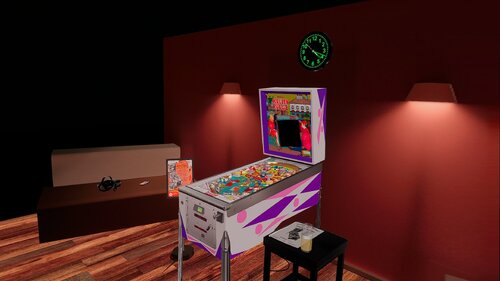
Version 3.0
308 downloads
This file is based on JPSalas Table version 6.0.0 https://www.vpforums.org/index.php?app=downloads&showfile=17924 New VR Cab New VR Backbox New VR CoinDoor (Thanks to Jarski3094 for the CoinDoor Images) Added Flipper Buttons animation This table Works in DT/FS/VR and MR This table requires B2S to work (See link) Enable on F12 Music or Ambience Added Minimal Room, Pool Bar and Mixed Reality Virtual Desktop Settings Chromakey: Color RGB = 255,255,255 Similarity: 2 Smoothness: 2 About JPSalas version 6.0.0 Updated September 2025 - Moved LUT to User Options (F12) - Added some extra options to the User Options (F12) - Updated physics to my latest rev 4.3.1. mostly bouncier rubbers and harder flippers. -
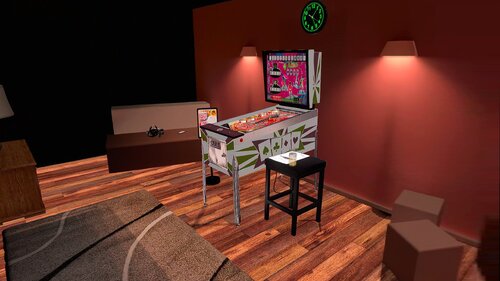
Version 1.0.0
337 downloads
This file is based on JPSalas Table version 5.5 https://www.vpforums.org/index.php?app=downloads&showfile=17632 Now table works in DT-FS-VR and MR Added Basti VRRoom and Mixed Reality This table requires B2S to work. Redraw cab arts by me. Menu F12 options for music (no copyright), ambience and you can select you coin spanish/usa Added flippers/start button animation for VR Virtual Desktop Settings Chromakey for Mixed Reality: Color RGB = 255,255,255 Similarity: 2 Smoothness: 2 Enjoy! -
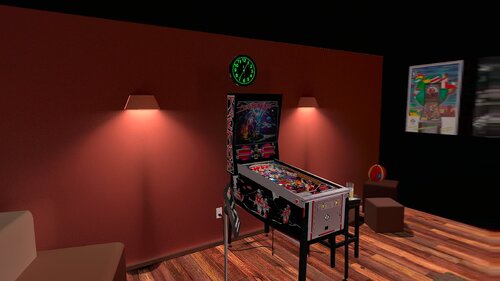
Version 2.0
605 downloads
This Table is based on original table from JPSalas https://www.vpforums.org/index.php?app=downloads&showfile=13706 This table Works in DT/FS/VR and MR New adapted Backbox by Rascal New adapted Coindoor by Ext2k Thanks to all people sent me the pictures of the original cab. Thanks to Gwyllion for sent the original sizes of the backbox. Change Line 54 in the Script to 0 for Desktop or FullScreen Mode, is in 1 by default VRRoom = 1 '0=Desktop/FS 1=PoolHallRoom 2=Mixed Reality I just added VR ROOMs PoolBar and Mixed Reality too. You can change VR Room to MR with right magnasave. Virtual Desktop Settings Chromakey: Color RGB = 255,255,255 Similarity: 2 Smoothness: 2 This table requires B2S Backglass Original Backglass by Lighthouse and Wildman You can enable ambience ROOM at the end of the scpit. -
View File Mr. and Mrs. Pac-Man (Bally 1982) Goldchicco 1.0 DT-FS-VR-MR Ext2k Conversion This file is based on GoldChicco Table Thanks to @DGrimmReaper to add leds on the backbox, and some adjust in lighting. New Backbox like real Pac-Man Table Table works in DT-FS-VR and MR Added Pac-Man VRRoom, Pool Bar and Mixed Reality This table don't require B2S to work, but you can download it at b2s link Menu F12 options for music (no copyright) and ambience. Added flippers/start button animation for VR Virtual Desktop Settings Chromakey for Mixed Reality: Color RGB = 255,255,255 Similarity: 2 Submitter Ext2k Submitted 06/13/25 Category VPX - Pinball Tables VPX Standalone No
-
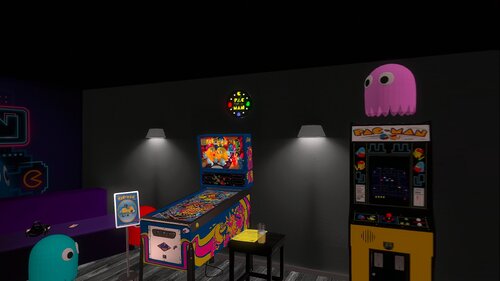
Version 1.0.0
898 downloads
This file is based on GoldChicco Table Thanks to @DGrimmReaper to add leds on the backbox, and some adjust in lighting. New Backbox like real Pac-Man Table Table works in DT-FS-VR and MR Added Pac-Man VRRoom, Pool Bar and Mixed Reality This table don't require B2S to work, but you can download it at b2s link Menu F12 options for music (no copyright) and ambience. Added flippers/start button animation for VR Virtual Desktop Settings Chromakey for Mixed Reality: Color RGB = 255,255,255 Similarity: 2 -

Version 1.0.0
1258 downloads
This table is based on table from Drakkon mod, but the original table are from Javier15 I just Added VR Room and changed some elements: This table can be used with B2S or not, you can choose in F12 menu, I preffer B2S. Now table works in DT-FS-VR and MR Added Pool Bar, Minimal Room and Mixed Reality Upscaled cab arts by Ext2k. Upscaled apron arts by Ext2k Added Williams Plunger Housing with logo. Adjusted some lighting elements. Added flipper button animations for VR Menu F12 options for music and ambience. Virtual Desktop Settings Chromakey for Mixed Reality: Color RGB = 255,255,255 Similarity: 2 Smoothness: 2 Thanks to Ahr1man for first conversion. Thanks to Drakkon to give me his permision for the conversion. -
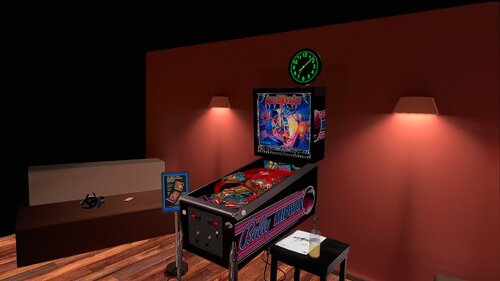
Version 3.0
760 downloads
This file is Based on JPSalas Table new version 6.0.0 https://www.vpforums.org/index.php?app=downloads&showfile=16993 This table Works in DT/FS/VR and MR This table requires B2S to work Enable on F12 Music or Ambience Added Minimal Room, Pool Bar and Mixed Reality Virtual Desktop Settings Chromakey: Color RGB = 255,255,255 Similarity: 2 Smoothness: 2 -
View File Galaxy (Sega 1973) JP v5.5 DT-FS-VR-MR Ext2k Conversion This file is based on JPSalas Table version 5.5 https://www.vpforums.org/index.php?app=downloads&showfile=17238 I redraw all cab arts. New Sega Coin Dorr Tryed to make the Flippers like Galaxy I tryed to make the cabe more acurate like real pincab Table works in DT-FS-VR and MR Added Basti VRRoom, Pool Bar and Mixed Reality This table requires B2S to work. Menu F12 options for music (no copyright) and ambience. Added flippers/start button animation for VR Virtual Desktop Settings Chromakey for Mixed Reality: Color RGB = 255,255,255 Similarity: 2 Submitter Ext2k Submitted 05/26/25 Category VPX - Pinball Tables VPX Standalone No
-
View File JAWS 50Th Anniversary (Original 2025) Marty02 v3.2 DT-FS-VR-MR Ext2k Conversion This file is based on original table from @marty02 I just tryed to make the cab based on 50th Anniversary Edition Table works in DT-FS-VR and MR Added Underwater VR ROOM by @michel757 Added Basti Room, Pool Bar and Mixed Reality Menu F12 options for music (no copyright) and ambience. Added flippers/start button animation for VR Virtual Desktop Settings Chromakey for Mixed Reality: Color RGB = 255,255,255 Similarity: 2 Submitter Ext2k Submitted 07/05/25 Category VPX - Pinball Tables VPX Standalone No
-
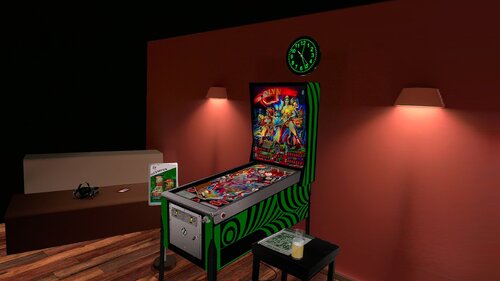
Version 3.0
322 downloads
This file is based on JP Salas table version 6.0.0 https://www.vpforums.org/index.php?app=downloads&showfile=18005 This table works in DT-FS-VR-MR This file requires B2S Added Minimal/Basti Room/PoolBar and Mixed Reality VRRoom on menu Turn on/off music ambience on F12 Menu New feature on music: Download Media80.zip and extract to your Visual Pinball music folder Download Media80 here: https://mega.nz/file/ojVABI7Q#ah8A9gxcdyc4mUAkv0yWaKpIOS4sl3ogoh7OSXSyyJw The name of the songs are: Song1 Song2 Song3 Until Song40 You can replace these MP3 files with your favorite music files until song40. I will to use these feature in some of my future conversions If you have it downloaded, you don't need to download again To change to next song press Right Magnasave To change to previous song press Left Magnasave Virtual Desktop Settings Chromakey for Mixed Reality: Color RGB = 255,255,255 Similarity: 2 Smoothness: 2 JPSalas 6.0.0 Updated September 2025 - Moved LUT to User Options (F12) - Added some extra options to the User Options (F12) - Updated physics to my latest rev 4.3.1. mostly bouncier rubbers and harder flippers. -
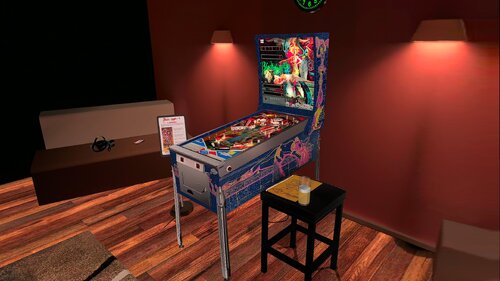
Version 3.0
454 downloads
This file is based on JP Salas table version 6.0.0 https://www.vpforums.org/index.php?app=downloads&showfile=19044 This table works in DT-FS-VR-MR This file requires B2S Added Minimal/Basti Room/PoolBar and Mixed Reality VRRoom on menu Turn on/off music ambience on F12 Menu New feature on music: Download Media80.zip and extract to your Visual Pinball music folder Download Media80 here: https://mega.nz/file/ojVABI7Q#ah8A9gxcdyc4mUAkv0yWaKpIOS4sl3ogoh7OSXSyyJw The name of the songs are: Song1 Song2 Song3 Until Song40 You can replace these MP3 files with your favorite music files until song40. I will to use these feature in some of my future conversions To change to next song press Right Magnasave To change to previous song press Left Magnasave thanks to @Romknight for the script code. Virtual Desktop Settings Chromakey for Mixed Reality: Color RGB = 255,255,255 Similarity: 2 Smoothness: 2 JPSalas 6.0.0 Updated September 2025 - Moved LUT to User Options (F12) - Added some extra options to the User Options (F12) - Updated physics to my latest rev 4.3.1. mostly bouncier rubbers and harder flippers. -
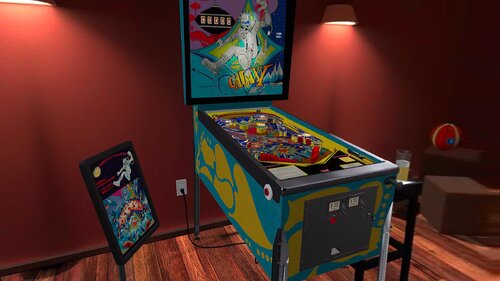
Version 2.0
368 downloads
This file is based on JPSalas Table version 5.5 https://www.vpforums.org/index.php?app=downloads&showfile=17238 I redraw all cab arts. New Sega Coin Dorr Tryed to make the Flippers like Galaxy I tryed to make the cabe more acurate like real pincab Table works in DT-FS-VR and MR Added Basti VRRoom, Pool Bar and Mixed Reality This table requires B2S to work. Menu F12 options for music (no copyright) and ambience. Added flippers/start button animation for VR Virtual Desktop Settings Chromakey for Mixed Reality: Color RGB = 255,255,255 Similarity: 2 -
Version 2.0
481 downloads
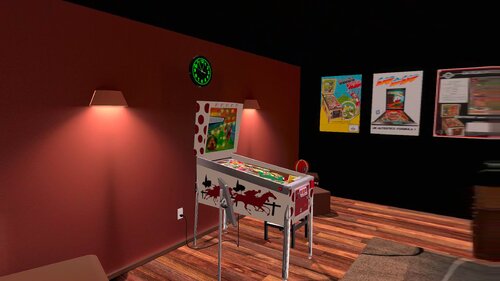
This Table is based on original table from JPSalas,Akiles and Pedator https://www.vpforums.org/index.php?app=downloads&showfile=16751 This table Works in DT/FS/VR and MR New Inder 1976 Backbox by Ext2k and Rascal New adapted Coindoor by Ext2k most similar at Inder Coindoor New Vector art by me. Original Backglass by Akiles and Pedator Change Line 102 in the Script to 0 for Desktop or FullScreen Mode, is in 1 by default VRRoom = 1 '0=Desktop/FS 1=PoolHallRoom 2=Mixed Reality You can change VR Room to MR with right magnasave. Virtual Desktop Settings Chromakey: Color RGB = 255,255,255 Similarity: 2 Smoothness: 2 You can enable ambience ROOM at the end of the scpit. -
Version 1.1
419 downloads
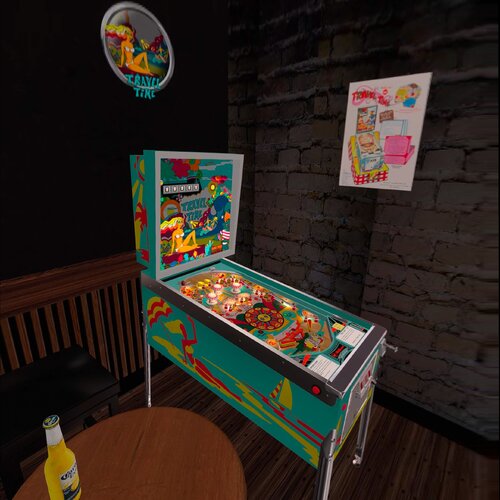
This Table is based on original table from JPSalas,s and Halen https://www.vpforums.org/index.php?app=downloads&showfile=18651 This Table requires B2S This table Works in DT/FS/VR and MR Now you can Enable Ambience Sound in F12 Menu To change VRRoom press F12 and change mode, Pool Room, Minimal Room or Mixed Reality. Virtual Desktop Settings Chromakey: Color RGB = 255,255,255 Similarity: 2 Smoothness: 2- 2 comments
-
- 25
-
-
Version 1.0.0
557 downloads
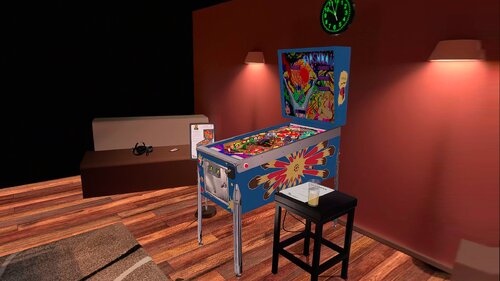
This file is based on JPSalas Table version 5.5 https://www.vpforums.org/index.php?app=downloads&showfile=16517 Now table works in DT-FS-VR and MR Added Basti VRRoom, Pool Bar and Mixed Reality This table requires B2S to work. Redraw Playfield and Backglass by @Shannon Redraw cab arts by me @Ext2k Menu F12 options for music (no copyright), ambience and you can select you coin spanish/usa Added flippers/start button animation for VR Virtual Desktop Settings Chromakey for Mixed Reality: Color RGB = 255,255,255 Similarity: 2 Smoothness: 2 -
Version 1.0.1
394 downloads
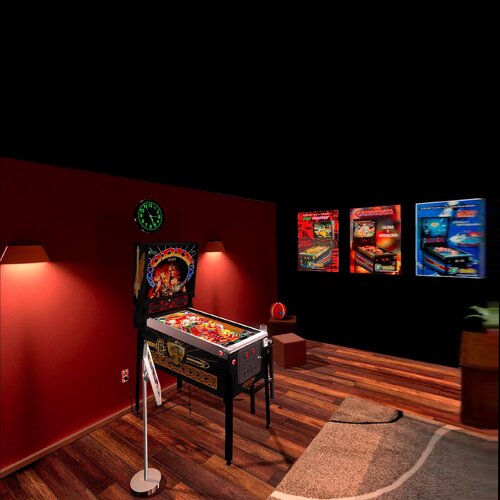
This file is based on Nestorgian table https://www.vpforums.org/index.php?app=downloads&showfile=15254 I added some new elements on VR and F12 options This table requires B2S to work. B2S File by Nestorgian, included in file I just arranged some elements for VR, for desktop o Cabinet mode please download this: https://www.vpforums.org/index.php?app=downloads&showfile=15278 VRRoom by Ext2k and Basti's ROOM and Mixed Reality Menu F12 options for music (no copyright), ambience and you can select you coin spanish/usa Added flippers/start button animation for VR Enjoy! -
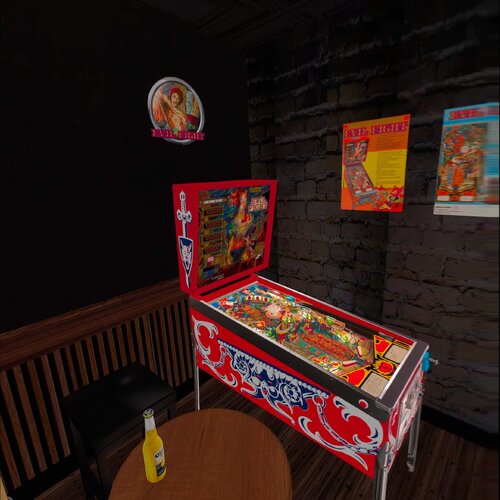
Version 1.1
578 downloads
This file is based on Pedator Table https://www.vpforums.org/index.php?app=downloads&showfile=18762# This file works in DT-FS-VR and Mixed Reality I added some new elements on VR and F12 options This table requires B2S to work, included in file. VRRoom by Ext2k and Basti's ROOM and Mixed Reality New Cabinet art redraw by Pedator Menu F12 options for music (no copyright), ambience and you can select you coin spanish/usa Added flippers/start button animation for VR Virtual Desktop Settings Chromakey for Mixed Reality: Color RGB = 255,255,255 Similarity: 2 Smoothness: 2 Enjoy! -
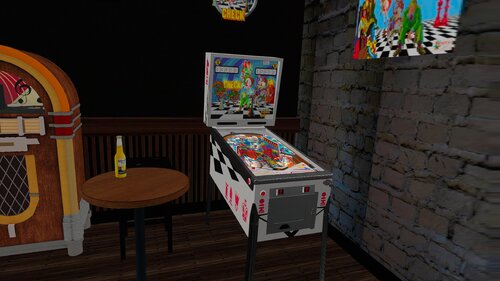
Version 2.0
422 downloads
This file is Based on JPSalas Table https://www.vpforums.org/index.php?app=downloads&showfile=18619 Check: 2 players, replay and/or extra ball Options in the script Apron card in English or Spanish, 3 or 5 balls, Special or Extra Ball As default the tables are configured like this: Check 3 balls, Spanish cards, Extra Ball There are some differences in the rules: Check & Check Mate: bumpers turn on with the central target and the upper lane Check & Check Mate: drop targets reset after each new ball. Check & Check Mate: tilt penalize just the ball Check & Check Mate: the KING is a normal drop target. Special is on the upper lane (and outlanes too like in Jake Mate) This table requires B2S to play in VR. This table Works in DT/FS/VR and MR, but specially in VR. To change VR Room (pool/minimal) or Mixed Reality, press F12 and change Room in the menu Virtual Desktop Settings Chromakey: Color RGB = 255,255,255 Similarity: 2 Smoothness: 2 You can enable Ambience ROOM at the end of the scpit. Enable it to True -
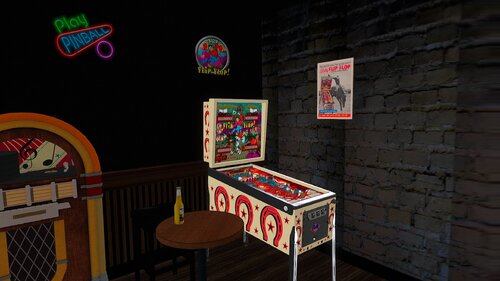
Version 2.0.1
492 downloads
This file is based on JPSalas Table version 5.5 https://www.vpforums.org/index.php?app=downloads&showfile=17097 I redraw all cab arts. Table works in DT-FS-VR and MR Added Basti VRRoom, Pool Bar and Mixed Reality This table requires B2S to work. See B2S Link Menu F12 options for music (no copyright) and ambience. Added flippers/start button animation for VR Virtual Desktop Settings Chromakey for Mixed Reality: Color RGB = 255,255,255 Similarity: 2 -
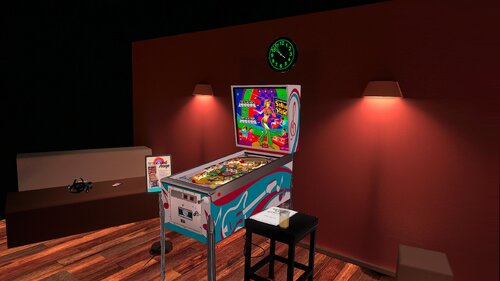
Version 1.0.0
339 downloads
This file is based on JPSalas Table version 1.0.1 https://www.vpforums.org/index.php?app=downloads&showfile=19033 Table works in DT-FS-VR and MR Added Basti VRRoom, Pool Bar and Mixed Reality This table requires B2S to work. Menu F12 options for music (no copyright) and ambience. Added flippers/start button animation for VR Virtual Desktop Settings Chromakey for Mixed Reality: Color RGB = 255,255,255 Similarity: 2 Smoothness: 2 -
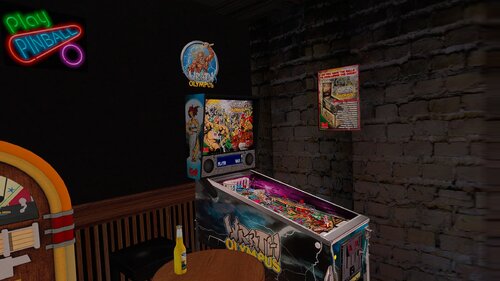
Version 2.0
737 downloads
This file is based on JPSalas Table version 5.5.1 https://www.vpforums.org/index.php?app=downloads&showfile=16457 Now table works in DT-FS-VR and MR Added Basti VRRoom, Pool Bar and Mixed Reality Redraw cab arts by @Ext2k Menu F12 options for music (no copyright), ambience and you can select you coin spanish/usa Added flippers/start button animation for VR Virtual Desktop Settings Chromakey for Mixed Reality: Color RGB = 255,255,255 Similarity: 2 Smoothness: 2 -
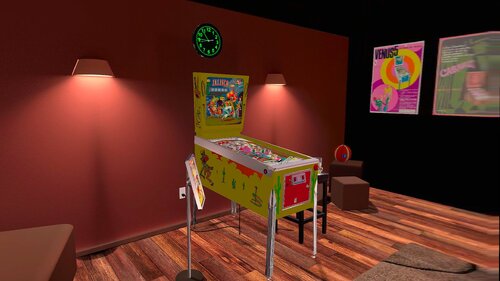
Version 1.0.1
369 downloads
This file is based on JPSalas Table version 5.5 https://www.vpforums.org/index.php?app=downloads&showfile=18887 Now table works in DT-FS-VR and MR Added Basti VRRoom, Pool Bar and Mixed Reality Press F6 to change diferent rom options. This table requires B2S to work. Upscaled cab arts by me. Menu F12 options for music (no copyright), ambience and you can select you coin spanish/usa Added flippers/start button animation for VR Virtual Desktop Settings Chromakey for Mixed Reality: Color RGB = 255,255,255 Similarity: 2 Smoothness: 2 -
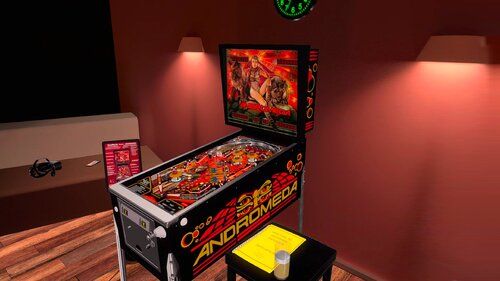
Version 1.0.0
712 downloads
This file is based on JPSalas Table version 5.5 https://www.vpforums.org/index.php?app=downloads&showfile=14871 Now table works in DT-FS-VR and MR Added Basti VRRoom and Mixed Reality Press F6 to change diferent rom options. This table requires B2S to work. Upscaled cab arts by me. Menu F12 options for music (no copyright), ambience and you can select you coin spanish/usa Added flippers/start button animation for VR Virtual Desktop Settings Chromakey for Mixed Reality: Color RGB = 255,255,255 Similarity: 2 Smoothness: 2
