-
SYSTEM SEARCH
System Scanners Online:
Username: Guest
>> System Scan?
>> The Universe >
Incoming Message:
Due to system limitations searching with words of 3 or less characters will not return results. For instance; Doctor Who. This will not return results as the system is trying to search for both Doctor AND Who in which Who will not be found as it's a 3 character word. To find Doctor Who; you'd search for either Doctor or "Doctor Who".
Search Tips:
For specific searches; enclose your search with quotes. Example: "Doctor Who" or "Addams Family".
Search the Community
Showing results for tags 'ext2k'.
-

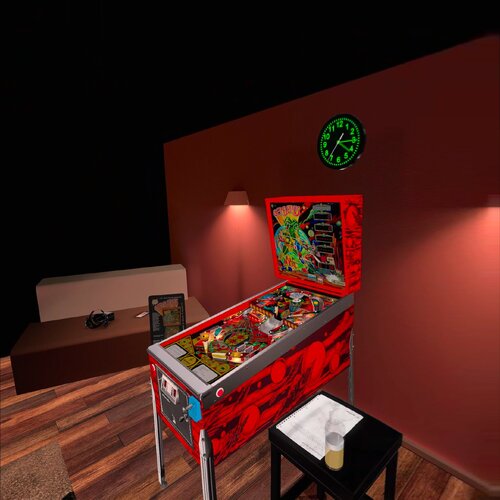
Version 2.0
523 downloads
This file is based on JPSalas table https://www.vpforums.org/index.php?app=downloads&showfile=18717 New Playmatic Plunger Changed some elements on VR Cab in blender Added flippers/start button animation for VR This table requires B2S to work included in file VRRoom by Ext2k and Basti's ROOM and Mixed Reality Menu F12 options for music (no copyright), ambience and you can select you coin spanish/usa Enjoy! -
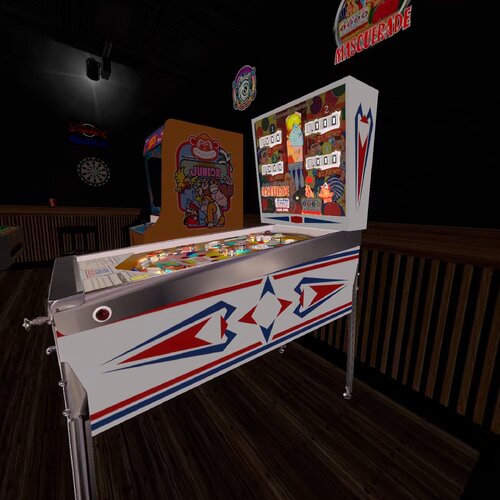
Version 1.0.0
265 downloads
Hi again, This amazing table is made by JPS Salas I only added the VR ROOM. This table contains Music and Ambience sounds, you can disable it at the end of the Script This table requires B2S made by Halen. The table is set for manual feeding of the ball, using the Right CTRL (right magnasave button), but if you prefer the ball to be fed to the plunger automatically then change the Const AutoBallLoading = False to True. Thanks to all people involved. -
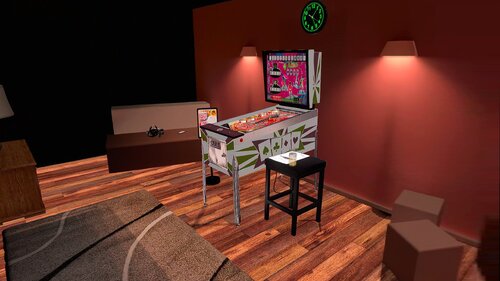
Version 1.0.0
334 downloads
This file is based on JPSalas Table version 5.5 https://www.vpforums.org/index.php?app=downloads&showfile=17632 Now table works in DT-FS-VR and MR Added Basti VRRoom and Mixed Reality This table requires B2S to work. Redraw cab arts by me. Menu F12 options for music (no copyright), ambience and you can select you coin spanish/usa Added flippers/start button animation for VR Virtual Desktop Settings Chromakey for Mixed Reality: Color RGB = 255,255,255 Similarity: 2 Smoothness: 2 Enjoy! -
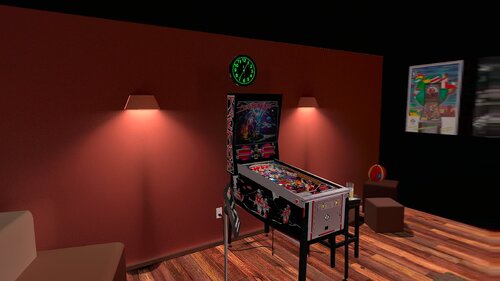
Version 2.0
603 downloads
This Table is based on original table from JPSalas https://www.vpforums.org/index.php?app=downloads&showfile=13706 This table Works in DT/FS/VR and MR New adapted Backbox by Rascal New adapted Coindoor by Ext2k Thanks to all people sent me the pictures of the original cab. Thanks to Gwyllion for sent the original sizes of the backbox. Change Line 54 in the Script to 0 for Desktop or FullScreen Mode, is in 1 by default VRRoom = 1 '0=Desktop/FS 1=PoolHallRoom 2=Mixed Reality I just added VR ROOMs PoolBar and Mixed Reality too. You can change VR Room to MR with right magnasave. Virtual Desktop Settings Chromakey: Color RGB = 255,255,255 Similarity: 2 Smoothness: 2 This table requires B2S Backglass Original Backglass by Lighthouse and Wildman You can enable ambience ROOM at the end of the scpit. -
Version 1.0.0
373 downloads
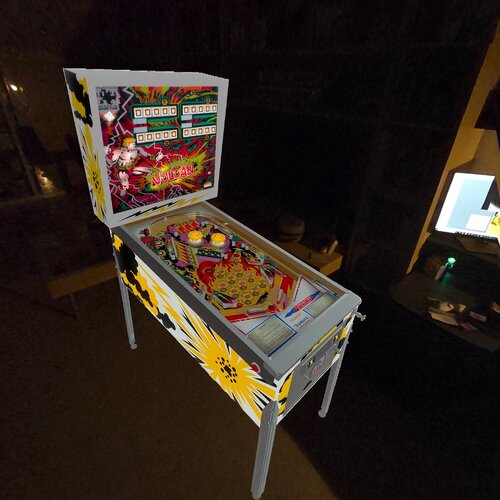
The original table was created by BorgDog,hauntfreaks,sliderpoint, and hmueck, but I used part of Vulcan IV table made by Halen for make this conversion. I only added The VRROOM and Mixed Reality too. You can change VR Room to MR with right magnasave. Virtual Desktop Settings Chromakey: Color RGB = 255,255,255 Similarity: 2 Smoothness: 2 You can enable ambience ROOM at the end of the scpit. This table requires B2S. I used Wildman Backglass Enjoy -

Version 1.0.0
1256 downloads
This table is based on table from Drakkon mod, but the original table are from Javier15 I just Added VR Room and changed some elements: This table can be used with B2S or not, you can choose in F12 menu, I preffer B2S. Now table works in DT-FS-VR and MR Added Pool Bar, Minimal Room and Mixed Reality Upscaled cab arts by Ext2k. Upscaled apron arts by Ext2k Added Williams Plunger Housing with logo. Adjusted some lighting elements. Added flipper button animations for VR Menu F12 options for music and ambience. Virtual Desktop Settings Chromakey for Mixed Reality: Color RGB = 255,255,255 Similarity: 2 Smoothness: 2 Thanks to Ahr1man for first conversion. Thanks to Drakkon to give me his permision for the conversion. -
View File Galaxy (Sega 1973) JP v5.5 DT-FS-VR-MR Ext2k Conversion This file is based on JPSalas Table version 5.5 https://www.vpforums.org/index.php?app=downloads&showfile=17238 I redraw all cab arts. New Sega Coin Dorr Tryed to make the Flippers like Galaxy I tryed to make the cabe more acurate like real pincab Table works in DT-FS-VR and MR Added Basti VRRoom, Pool Bar and Mixed Reality This table requires B2S to work. Menu F12 options for music (no copyright) and ambience. Added flippers/start button animation for VR Virtual Desktop Settings Chromakey for Mixed Reality: Color RGB = 255,255,255 Similarity: 2 Submitter Ext2k Submitted 05/26/25 Category VPX - Pinball Tables VPX Standalone No
-
Version 2.0
365 downloads
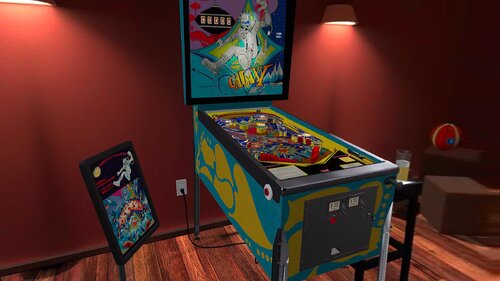
This file is based on JPSalas Table version 5.5 https://www.vpforums.org/index.php?app=downloads&showfile=17238 I redraw all cab arts. New Sega Coin Dorr Tryed to make the Flippers like Galaxy I tryed to make the cabe more acurate like real pincab Table works in DT-FS-VR and MR Added Basti VRRoom, Pool Bar and Mixed Reality This table requires B2S to work. Menu F12 options for music (no copyright) and ambience. Added flippers/start button animation for VR Virtual Desktop Settings Chromakey for Mixed Reality: Color RGB = 255,255,255 Similarity: 2 -
Version 1.0.0
484 downloads
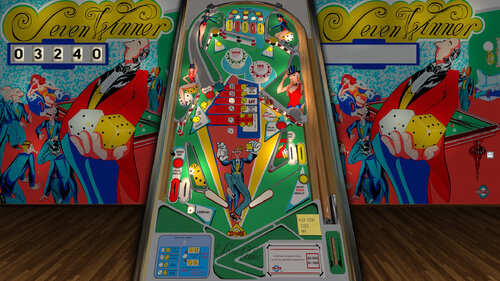
This Table is based on original table from JPSalas,Akiles and Loserman76 https://www.vpforums.org/index.php?app=downloads&showfile=16263 Cab Decals Redraw, and adjusted some lights to see it better in Mixed Reality This table Works in DT/FS/VR and MR To change VRRoom press F12 and change mode, Pool Room, Minimal Room or Mixed Reality. Virtual Desktop Settings Chromakey: Color RGB = 255,255,255 Similarity: 2 Smoothness: 2 You can enable ambience ROOM at the end of the scpit. Set PlayAmbience=True -
Version 2.0
480 downloads
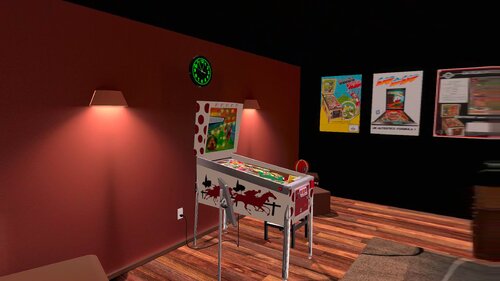
This Table is based on original table from JPSalas,Akiles and Pedator https://www.vpforums.org/index.php?app=downloads&showfile=16751 This table Works in DT/FS/VR and MR New Inder 1976 Backbox by Ext2k and Rascal New adapted Coindoor by Ext2k most similar at Inder Coindoor New Vector art by me. Original Backglass by Akiles and Pedator Change Line 102 in the Script to 0 for Desktop or FullScreen Mode, is in 1 by default VRRoom = 1 '0=Desktop/FS 1=PoolHallRoom 2=Mixed Reality You can change VR Room to MR with right magnasave. Virtual Desktop Settings Chromakey: Color RGB = 255,255,255 Similarity: 2 Smoothness: 2 You can enable ambience ROOM at the end of the scpit. -
Version 1.1
416 downloads
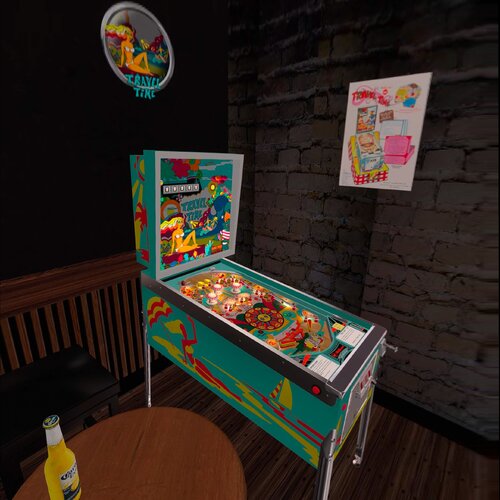
This Table is based on original table from JPSalas,s and Halen https://www.vpforums.org/index.php?app=downloads&showfile=18651 This Table requires B2S This table Works in DT/FS/VR and MR Now you can Enable Ambience Sound in F12 Menu To change VRRoom press F12 and change mode, Pool Room, Minimal Room or Mixed Reality. Virtual Desktop Settings Chromakey: Color RGB = 255,255,255 Similarity: 2 Smoothness: 2- 2 comments
-
- 25
-

-
Version 1.0.0
553 downloads
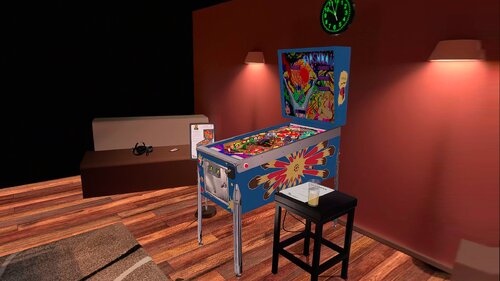
This file is based on JPSalas Table version 5.5 https://www.vpforums.org/index.php?app=downloads&showfile=16517 Now table works in DT-FS-VR and MR Added Basti VRRoom, Pool Bar and Mixed Reality This table requires B2S to work. Redraw Playfield and Backglass by @Shannon Redraw cab arts by me @Ext2k Menu F12 options for music (no copyright), ambience and you can select you coin spanish/usa Added flippers/start button animation for VR Virtual Desktop Settings Chromakey for Mixed Reality: Color RGB = 255,255,255 Similarity: 2 Smoothness: 2 -
Version 1.0.1
391 downloads
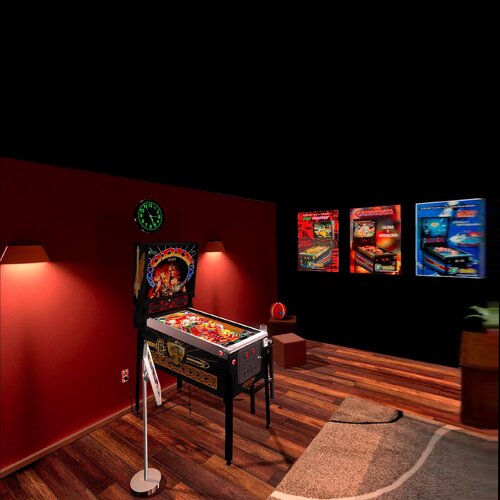
This file is based on Nestorgian table https://www.vpforums.org/index.php?app=downloads&showfile=15254 I added some new elements on VR and F12 options This table requires B2S to work. B2S File by Nestorgian, included in file I just arranged some elements for VR, for desktop o Cabinet mode please download this: https://www.vpforums.org/index.php?app=downloads&showfile=15278 VRRoom by Ext2k and Basti's ROOM and Mixed Reality Menu F12 options for music (no copyright), ambience and you can select you coin spanish/usa Added flippers/start button animation for VR Enjoy! -
Version 2.0
422 downloads
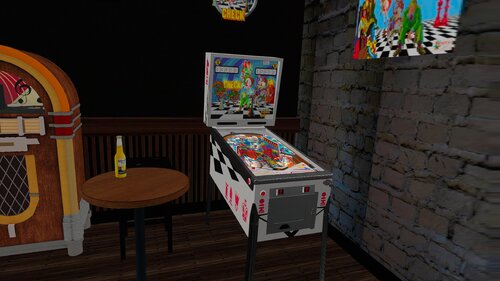
This file is Based on JPSalas Table https://www.vpforums.org/index.php?app=downloads&showfile=18619 Check: 2 players, replay and/or extra ball Options in the script Apron card in English or Spanish, 3 or 5 balls, Special or Extra Ball As default the tables are configured like this: Check 3 balls, Spanish cards, Extra Ball There are some differences in the rules: Check & Check Mate: bumpers turn on with the central target and the upper lane Check & Check Mate: drop targets reset after each new ball. Check & Check Mate: tilt penalize just the ball Check & Check Mate: the KING is a normal drop target. Special is on the upper lane (and outlanes too like in Jake Mate) This table requires B2S to play in VR. This table Works in DT/FS/VR and MR, but specially in VR. To change VR Room (pool/minimal) or Mixed Reality, press F12 and change Room in the menu Virtual Desktop Settings Chromakey: Color RGB = 255,255,255 Similarity: 2 Smoothness: 2 You can enable Ambience ROOM at the end of the scpit. Enable it to True -
Version 2.0.1
489 downloads
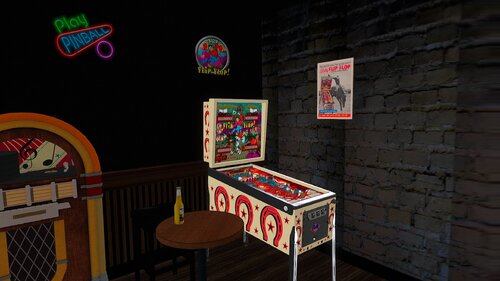
This file is based on JPSalas Table version 5.5 https://www.vpforums.org/index.php?app=downloads&showfile=17097 I redraw all cab arts. Table works in DT-FS-VR and MR Added Basti VRRoom, Pool Bar and Mixed Reality This table requires B2S to work. See B2S Link Menu F12 options for music (no copyright) and ambience. Added flippers/start button animation for VR Virtual Desktop Settings Chromakey for Mixed Reality: Color RGB = 255,255,255 Similarity: 2 -
Version 1.0.0
337 downloads
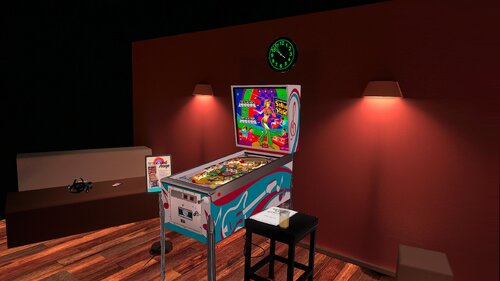
This file is based on JPSalas Table version 1.0.1 https://www.vpforums.org/index.php?app=downloads&showfile=19033 Table works in DT-FS-VR and MR Added Basti VRRoom, Pool Bar and Mixed Reality This table requires B2S to work. Menu F12 options for music (no copyright) and ambience. Added flippers/start button animation for VR Virtual Desktop Settings Chromakey for Mixed Reality: Color RGB = 255,255,255 Similarity: 2 Smoothness: 2 -
Version 2.0
731 downloads
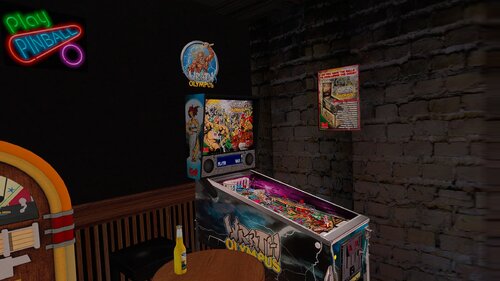
This file is based on JPSalas Table version 5.5.1 https://www.vpforums.org/index.php?app=downloads&showfile=16457 Now table works in DT-FS-VR and MR Added Basti VRRoom, Pool Bar and Mixed Reality Redraw cab arts by @Ext2k Menu F12 options for music (no copyright), ambience and you can select you coin spanish/usa Added flippers/start button animation for VR Virtual Desktop Settings Chromakey for Mixed Reality: Color RGB = 255,255,255 Similarity: 2 Smoothness: 2 -
Version 1.0.1
369 downloads
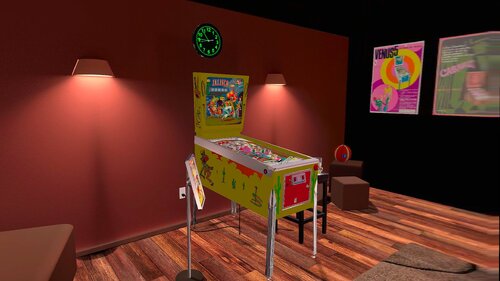
This file is based on JPSalas Table version 5.5 https://www.vpforums.org/index.php?app=downloads&showfile=18887 Now table works in DT-FS-VR and MR Added Basti VRRoom, Pool Bar and Mixed Reality Press F6 to change diferent rom options. This table requires B2S to work. Upscaled cab arts by me. Menu F12 options for music (no copyright), ambience and you can select you coin spanish/usa Added flippers/start button animation for VR Virtual Desktop Settings Chromakey for Mixed Reality: Color RGB = 255,255,255 Similarity: 2 Smoothness: 2 -
Version 1.0.0
711 downloads
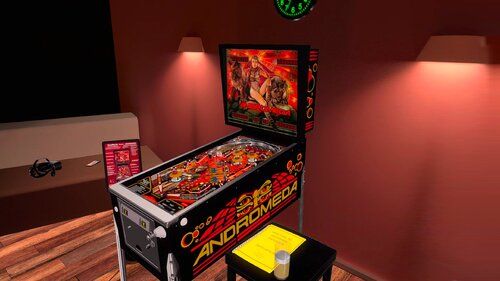
This file is based on JPSalas Table version 5.5 https://www.vpforums.org/index.php?app=downloads&showfile=14871 Now table works in DT-FS-VR and MR Added Basti VRRoom and Mixed Reality Press F6 to change diferent rom options. This table requires B2S to work. Upscaled cab arts by me. Menu F12 options for music (no copyright), ambience and you can select you coin spanish/usa Added flippers/start button animation for VR Virtual Desktop Settings Chromakey for Mixed Reality: Color RGB = 255,255,255 Similarity: 2 Smoothness: 2 -
Version 1.0.0
376 downloads
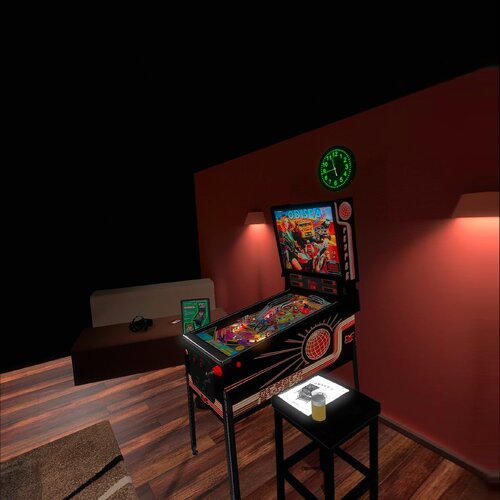
This file is based on Gooldchicco table. Desktop/Fullscreen VR/Mixed Reality. Added flippers/start button animation for VR This table requires B2S to work included in file, upscaled backglass. VRRoom by Ext2k and Basti's ROOM and Mixed Reality Used some artwork from DarthVito and Topper Menu F12 options for music (no copyright), ambience and you can select you coin spanish/usa Virtual Desktop Settings Chromakey for Mixed Reality: Color RGB = 255,255,255 Similarity: 2 Smoothness: 2 Enjoy! -
Version 1.0.0
420 downloads
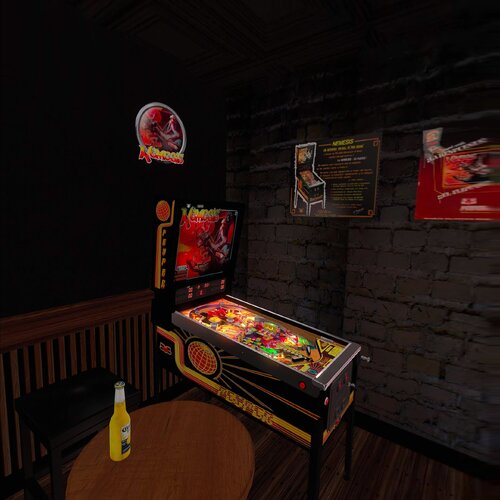
This file is based on Batch table. Support Desktop/Fullscreen/VR and Mixed Reality. Added flippers/start button animation for VR This table requires B2S to work included in file VRRoom by Ext2k and Basti's ROOM and Mixed Reality Used some artwork from DarthVito and Topper Menu F12 options for music (no copyright), ambience and you can select you coin spanish/usa Enjoy! -
Wheel.thumb.png.31f0f391427e453e4a040dc2754d4139.png)
Version 1.0.0
101 downloads
This is my first Wheel uploaded- 1 comment
- 1 review
-
- 13
-
-
- jalisco
- recreativos franco
- (and 3 more)
-
Version 1.0.0
335 downloads
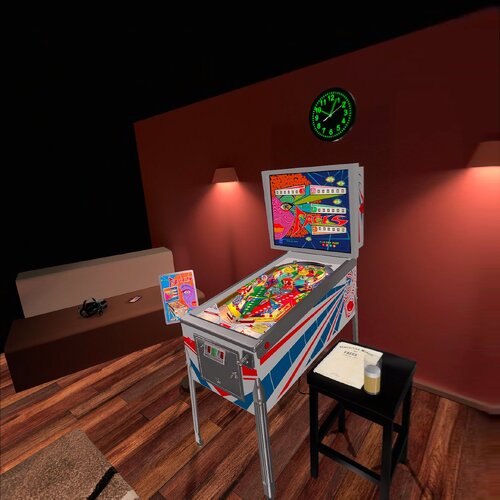
This file is based on Nestorgian table. I added some new elements on VR and F12 options This table requires B2S to work. B2S File by Nestorgian and Editoy, check Link to B2S VRRoom by Ext2k and Basti's ROOM and Mixed Reality New Cabinet art redraw. Menu F12 options for music (no copyright), ambience and you can select you coin spanish/usa Added flippers/start button animation for VR Virtual Desktop Settings Chromakey for Mixed Reality: Color RGB = 255,255,255 Similarity: 2 Smoothness: 2 Enjoy! -
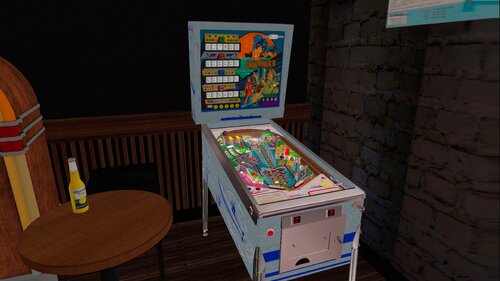
Version 2.0
314 downloads
This Table is based on original table from JPSalas,Akiles I only added The VRROOM and Mixed Reality too. You can change VR Room to MR with right magnasave. Virtual Desktop Settings Chromakey: Color RGB = 255,255,255 Similarity: 2 Smoothness: 2 You can enable ambience ROOM at the end of the scpit. This table requires B2S.- 2 comments
-
- 24
-
-
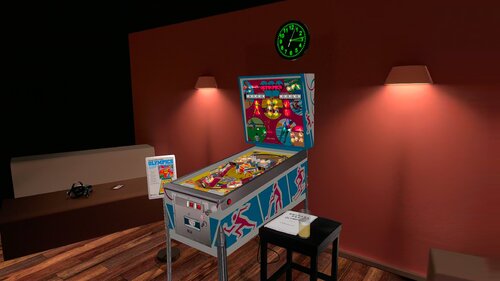
Version 3.0
604 downloads
This Table is based on original table from JPSalas,s and Halen https://www.vpforums.org/index.php?app=downloads&showfile=18648 This Table requires B2S This table Works in DT/FS/VR and MR F12 Options Menu added some options: Backbox Frame: Black/White version CoinSlots: Spain/USA Ambience Sounds: ON/OFF (OFF by Default) Music: ON/OFF (compilation of copyright free acoustic rock music) (OFF by Default) Change VRRoom mode, Pool Room, Basti's Room or Mixed Reality. Virtual Desktop Settings Chromakey: Color RGB = 255,255,255 Similarity: 2 Smoothness: 2
