
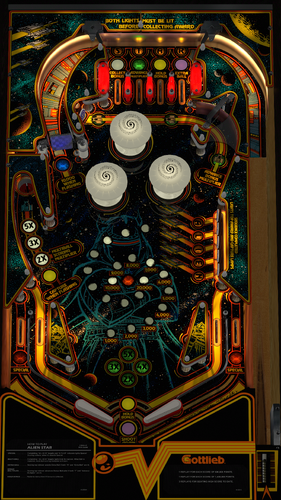
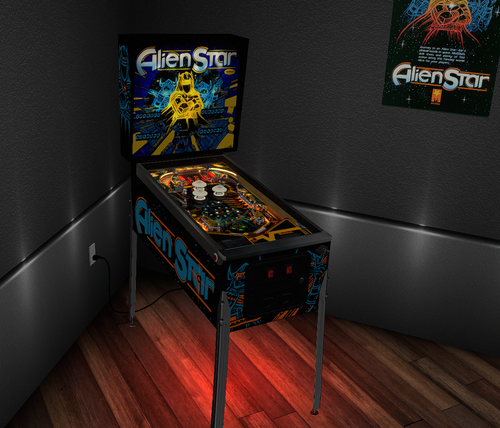
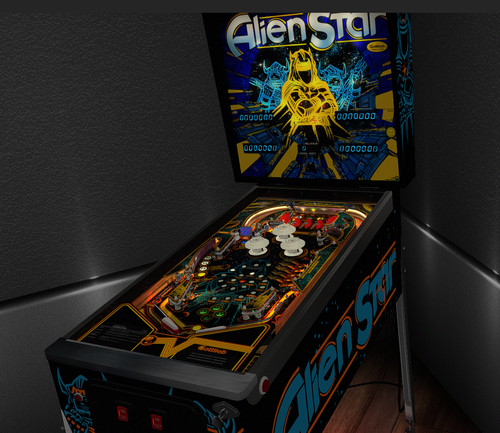
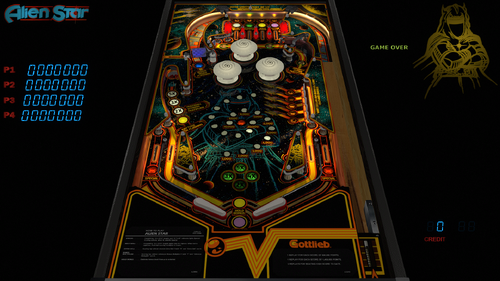
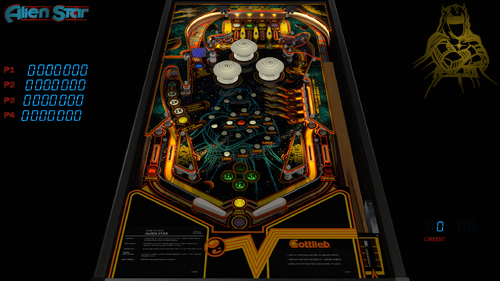
Gottlieb's 1984 Alien Star! Journey to an Alien Star for a pinball battle in space! Multiball, skill shots, and plenty of fast action! So much fun to play! Thanks to Borgdog for providing original playfield and plastic scans, cabinet stencils, and physical measurements of his actual table. He also had lots of authentic Gottlieb primitives to use, and did a tremendous amount of testing!
Thanks also to @redbone who took those scans of the playfield and plastics and did a tremendous amount of work to get them to look so good! He also spent a ton of time with all the other graphics on the table as well as a ton of testing! Hauntfreaks provided the higher resolution VR backglass. DarthVito did the VR wall environment.
In Version 3.0.0 (May 2025), I started the table over completely from scratch, as the prior version had incorrect table dimensions, wrong VR cab size, and lots of other things that needed updating. I updated to the latest VPW (2025) standards, physics, alllamps and 3D inserts, backglass for desktop, roth standup targets, standalone compatibility, sling corrections, optional DIP adjustments, updated flipper physics, VR and fully hybrid, Flupper style bumpers and lighting. I baked the GI, AND the metal walls, interior wood walls, spinner, plastic posts, and the reflections on them. Redbone further updated the playfield, the plastics, apron, and other images. Thanks to Borgdog for original playfield scans, image assets, and cab stencils.
Dozens and dozens of hours were spent studying gameplay videos, many of which were done by Borgdog, to match the table skill shots and action.
This table is loaded with options in the F12; including various balls, room brightness, flippers, tents, screw caps, plastic edge colors, LUTs, Dip settings, side wall colors, special Mother of Pearl solid inserts, and plenty of other VR stuff, including LED undercab lighting.
The ROM can be found at pinballnirvana.com... alienstr.zip). Please NOTE there are several items to consider on the ROM settings: The default settings for the ROM options are hard coded into the script and are based on the recommended values from Gottlieb for 3 balls. If you want to change the ROM settings themselves, you need to change the "SetDIPSwitches to 1" in the script, and then use the F6 menu to change. However... I am not able to hard code the ROM menu options. Typically, there are levels of score achievements that award a free play. The default ROM has that set to off. I've included an nvram file you can use that sets that to match the instruction/score cards and Gottlieb's recommendation (600,000 and 1,400,000). Also, there are settings in the menu to set replays, sound, and HSTD. All this has been done for you in the included nvram file. I also have instructions in the script on how to change that if you wish to do yourself.
There's also an option for "Tourney Mode". In that mode it'll play a little harder with different DIP settings, which excludes extra ball... and only allows for points on 3 balls. Tourney mode also sets colors and rainbow'ed LEDs on plastics. NOTE: you'll have to start and restart the first time in that mode for the DIP changes to take effect.
If you want to change the DIPs... you will need to go into the script options and change SetDIPSwitches to 1, then open the table, hit F6 (that'll load the default DIPS and display them). You can then select various ROM options. Once entered, you can exit out, and restart. That will then set the new ROM settings.
These are the default DIPS that are and set at original table launch:
1=Coin Chute same
0=3rd coin chute no effect
0=Game mode of replay for hitting threshold
1=Number of balls = 3
0=Unlimited number of replays can be earned per game
1=Playfield Special of extra ball (Tourney mode this is zero)
0=Novelty of normal game mode (Tourney mode this set to 1)
1=Match feature
1=Background Sound
Thanks again to Borgdog and Redbone for the playfield and plastic images, the stencils, the testing, and all the feedback! Also thanks to Hauntfreaks for the updated Backglass images. Also thanks to everyone else from the VPW team that provided testing and feedback!
Required Software (64-bit versions):
VPX 10.8.0 final release or later: https://github.com/vpinball/vpinball/releases
VPinMame v3.6.0-1227 or later: https://github.com/vpinball/pinmame/releases
B2S Server 2.1.3 or later (if B2S used): https://github.com/vpinball/b2s-backglass/releases

User Feedback
You may only provide a review once you have downloaded the file.
There are no reviews to display.