PinJuke - Jukebox for your pincab
1 file
-
PinJuke - a music player for pinball cabinets
By Turnbull
Here it is – your first music player for Cabs
Because a pinball machine is not a jukebox, it doesn't even try to emulate one. This app is different; it gives your machine new and significant added value. Play the music of your choice with thousands of visual effects that will mesmerize you. The player is designed specifically for pinball cabs. The control is optimized for cabinet buttons and the player can be elegantly integrated into front ends such as Pinup Popper.
=> see it in action here:
=> read the HOWTO.
PinJuke is the first real Jukebox for cabs that let you setup your playlist and styles all the way you want it.
Features:
PinJuke works completely offline. Copy your mp3 collection to your local hard drive or connect your collection via a USB device PinJuke delivers the charm of the 90s! The popular Milkdrop visualization from Winamp and other well-known mp3 players provides entertainment for the eyes. PinJuke comes with 9.860 different effects, randomly picked per track. Multiple monitors are supported in selectable resolutions (backglass, playfield, DMD) Operation is optimized for typical pinball buttons DOF is supported supported playback formats: mp3, m3u, flac, ogg and (soon)more it displays embedded album covers videos (mp4, mpg, mpeg) are supported (yes, your cab is a karaoke machine, too) multiple libraries (=playlists) can be defined so that each person or each occasion can enjoy their perfect music. Each playlist can appear in it’s own style. Pinjuke is highly configurable; all media and displays can be changed via a configurator or an INI file full Popper integration: each playlist is called up as a “table” runs on Win10 and Win11
Pinjuke is available as an application for Windows. The ZIP package includes numerous media files to get you started right away. All you need is your own music collection on a HDD or stick.
This project was realized by @Kickback (coding) and @Turnbull (idea, concepts). Thanks to @Smaug for his help promoting the player.
HOWTO update
Save your Configs-Folder first, to keep your setup and playlists. Then extract and replace the whole PinJuke folder and move back the "Configs"-Folder into the new PinJuke-Folder.
Feel free to create and spread your own images, wheels, media files for this player to make it look even cooler.
1249 downloads
-
VPU Staff's Top Picks
-
New & Updated Visual Pinball
-
New & Updated Future Pinball
-
New & Updated Backglasses
-
New & Updated DMD Colorizations
-
New & Updated Virtual Reality Enabled Tables
-
VPU Remix & Mods
-
New & Updated Popper Media
-
Updated Files
-
Download Statistics
30287
Files106898
Comments44556
Reviews

Remasteredplayfield.thumb.png.ad4e9d2d88d9d878058f2f563f871904.png)

PF.thumb.jpg.c7d3a89b0763c92a5f3da6a72e2be6a4.jpg)
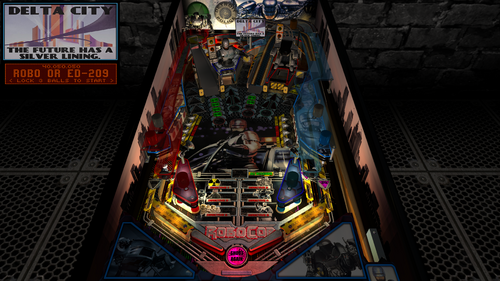
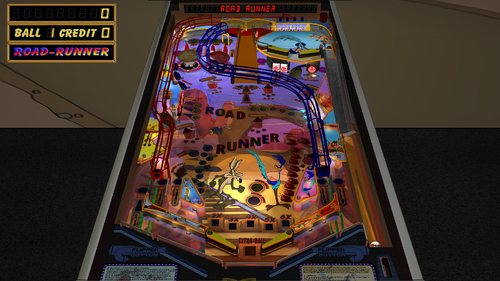
GameRoom.thumb.png.b1f3f729b454c521a30399fa5092f6d5.png)
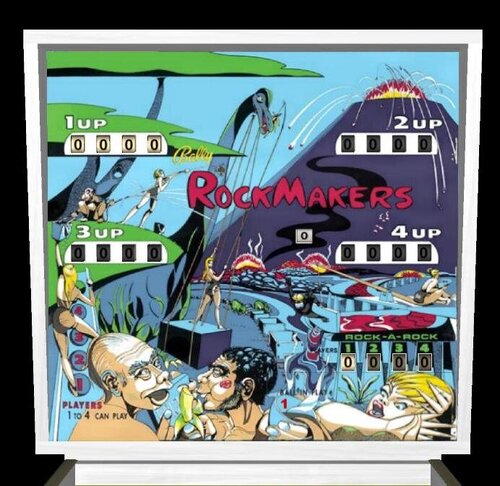
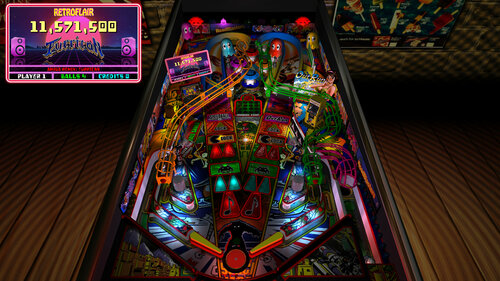



Screenshot.thumb.jpg.8acdcddadad40fe53df26460fb902dd6.jpg)
Screenshot.thumb.jpg.308f753b3d3ed4035b39ef2c53ff1065.jpg)
.thumb.png.fb5d6eb110b8c105f859cf677e3a9401.png)
.thumb.png.e44c7b5e8c78044ab6e5607d220d6614.png)
.thumb.png.00c0257e48462effbe302f16a2d64f5b.png)

Dark.thumb.jpg.5a0fc9363ea0c00a62d7835dcf742738.jpg)




.thumb.png.c4a8292b540edbb4555bc533ff240424.png)

Illuminated.thumb.png.af85fe9e4be9ffd1bfe67fb9f695fac4.png)





.thumb.png.a669a848975377335ad5326dd9ad6758.png)
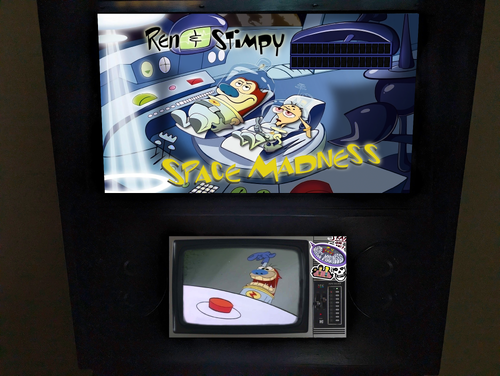


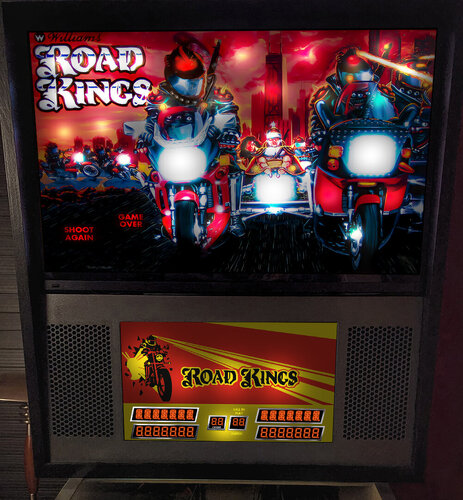

.thumb.png.2eb554ee148885455f395157a15de308.png)
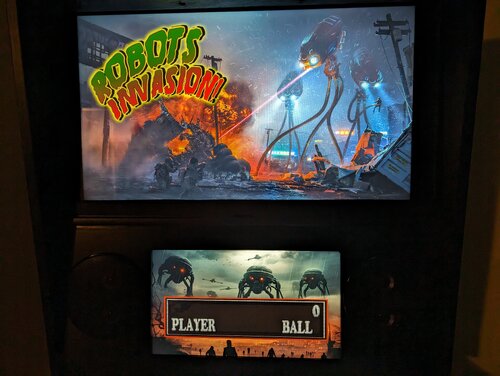
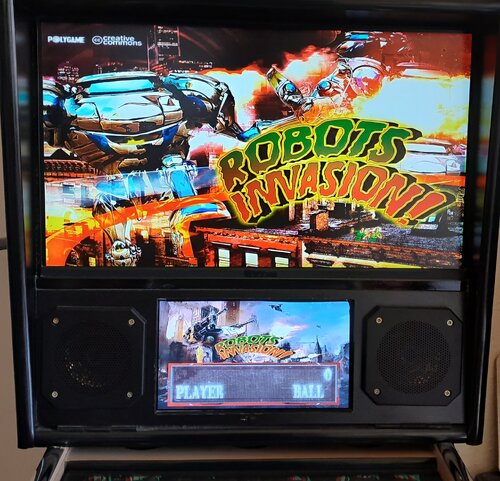
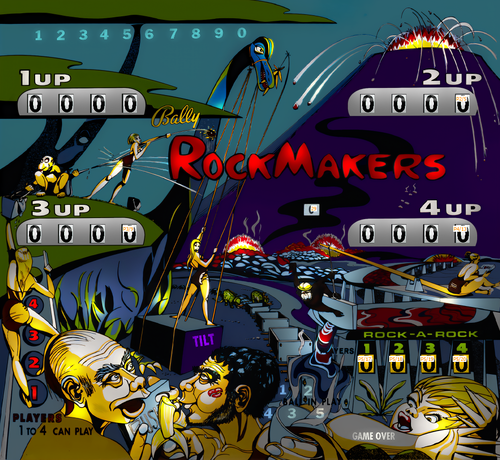
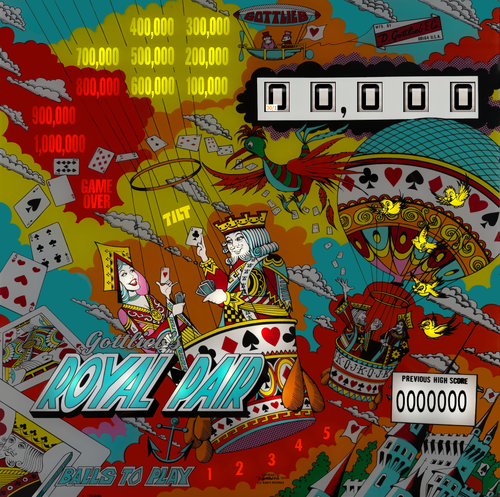
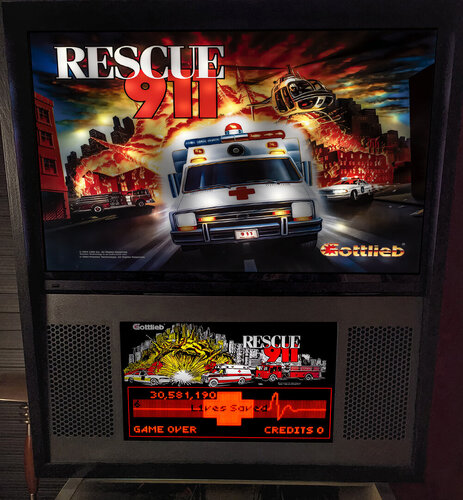
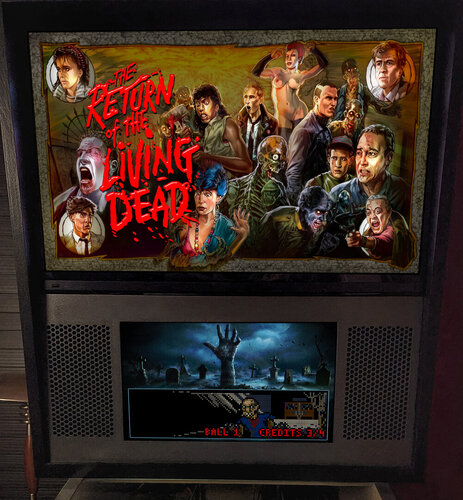





Remastered.thumb.png.241a9e3f9aba03127b423831ba4331c6.png)
.thumb.png.c28167bd9fa75cc901a124aae26f9aa6.png)
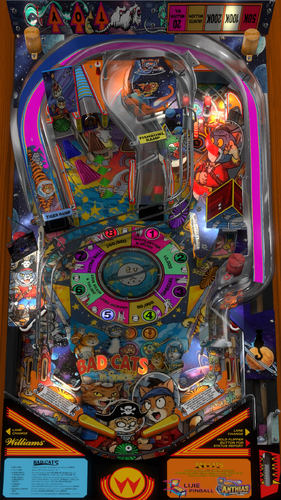
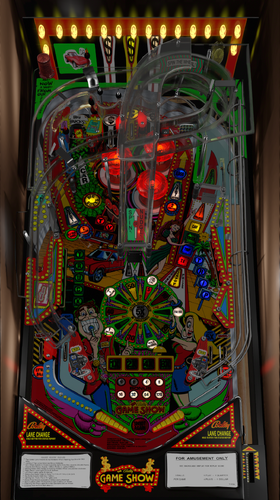
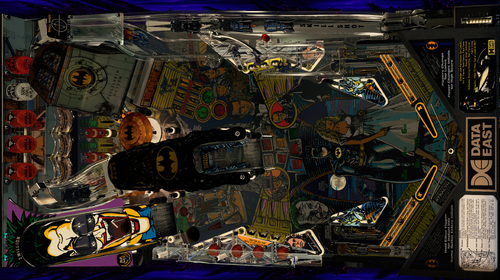
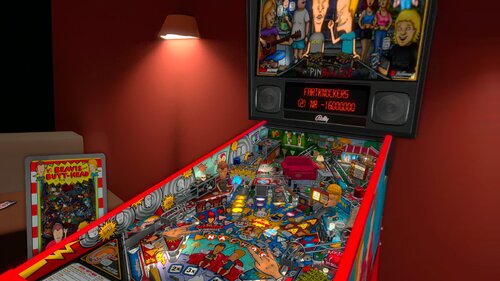
.thumb.png.7e34a8d00698d63e1620726792f48bda.png)
FullDMD.thumb.jpg.8f287e15d4752d287bc30ea9e9f0862f.jpg)


FullDMD.thumb.jpg.c71f17baf11ce6b38bde45eaa5bf0c46.jpg)
PuPPackOverlay.thumb.png.49159321dd66b769678b690265fc99cc.png)
PuPPackFullDMD.thumb.jpg.56154656ae2a1a72ebd641519736ee95.jpg)
FullDMD.thumb.png.526962a74f38fd3ca061f38d9631546d.png)
FullDMD.thumb.jpg.48db4b8bd4c41291e0f83f902aae1db5.jpg)
.thumb.jpg.c449a2738dd95e812e105db2a8225273.jpg)
PuPPackFullDMD.thumb.jpg.beb7d6243600b09f213964c42b9b1ef8.jpg)



1.thumb.png.af8ba175dc22df0d6be122a668a5a749.png)

1.0.0.thumb.png.74731c60a10f932288b30278f2b4e639.png)
ComfyUI.thumb.jpg.ec11a7bd7e54eca7bc77f3182057b969.jpg)
.thumb.jpg.8308735f4b0478336ffafc3db9325e9d.jpg)






_4k.thumb.jpg.6cf79e30e37584aa9495f6e1081d0f9d.jpg)
_4k.thumb.jpg.d6c3d9c6674a209ca5caa3972222b417.jpg)
-1.2_4k_4k.thumb.jpg.083b3aff5db673de92d0d1642359c230.jpg)

(2).thumb.png.c424668e5a5b53c0ec46a52d3853a4b1.png)
(1).thumb.png.69f356ad982093321d60471e04bd8ddb.png)

.thumb.png.5436f34b31da395c472f89defbbf23f3.png)