-
SYSTEM SEARCH
System Scanners Online:
Username: Guest
>> System Scan?
>> The Universe >
Incoming Message:
Due to system limitations searching with words of 3 or less characters will not return results. For instance; Doctor Who. This will not return results as the system is trying to search for both Doctor AND Who in which Who will not be found as it's a 3 character word. To find Doctor Who; you'd search for either Doctor or "Doctor Who".
Search Tips:
For specific searches; enclose your search with quotes. Example: "Doctor Who" or "Addams Family".
Search the Community
Showing results for tags 'png'.
Found 13 results
-
Version 129
350 downloads
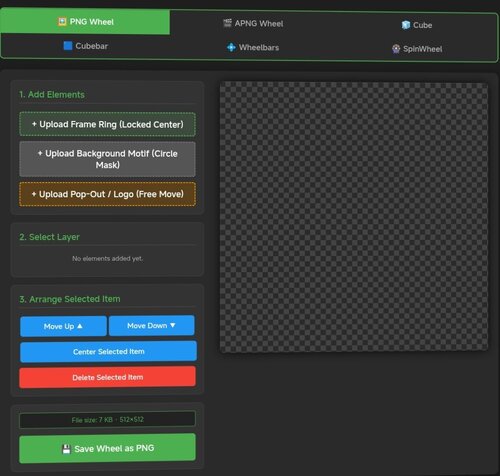
# Pinup Popper Media Creator A free, browser-based tool to create wheel art, animated wheels, 3D cube animations, wheelbars, spinning wheel animations and animated full-screen media (loading / attract screens) for Pinup Popper / virtual pinball frontends. Runs entirely offline in your browser — nothing is uploaded, no install needed. Just open the HTML file. **Seven tools in one:** 🖼️ **PNG Tab** — Design static wheel images with frame rings, motifs, pop-out effects, curved/straight text overlays, glow, scaling and masking. The background motif is freely positionable — drag and scale it under the fixed circular window to frame the image exactly how you want. Shows the exact file size before you save. 🎞️ **APNG Tab** — Build animated wheels. Add animated layers (GIF/MP4), per-layer speed and boomerang, plus ready-made animation presets (spin, pulse, glitch, hue-shift and more). Animated layers can be masked to the wheel circle, so portrait clips stay neatly inside the wheel instead of poking out. 🧊 **Cube Tab** — Create a rotating 3D cube. Put text, images, GIFs or MP4s on each of the 6 faces with Fill / Fit / Stretch options, set a custom rotation sequence, adjust speed/hold/easing, choose edge color & thickness, metallic/gloss finish, and pick from multiple presets. 🟦 **Cubebar Tab and Wheelbar Tab** — Design Pinup Popper cubebars. Choose a T-Bar (straight) or T-Arc (curved) shape, set the fill color, and add an upper and a lower image — each freely positionable with scale, opacity and rotation. Add straight or curved text labels (curved text bends along the arc) with engrave / emboss / glow effects. Exports a transparent 32-bit PNG at 1080×2160 — exactly what Popper's wheelbar accepts. 🎡 **SpinWheel Tab** — Animate the base wheel as a spinning coin or medal. Compose each side (front/back) from multiple image layers (GIF/MP4 supported, with per-layer opacity, frame range and boomerang ping-pong) and multiple text layers (curved or straight, engrave/emboss effects). Layers can sit inside the chrome ring or on top of it. Adjust spin tempo, hold time per side, axis and direction. Export as animated APNG or GIF — transparency preserved in both. ✂️ **Cutout Tab** — Cut a subject out of an image and remove its background to a transparent PNG — handy for prepping motifs, logos or character art for the other tabs. Erase areas by clicking with the Magic Wand or Chroma Key (adjustable tolerance), or draw a selection with Lasso / Polygon / Rectangle / Ellipse and choose to keep or remove what's inside. Fine-tune with an eraser brush, feathered/soft edges and edge smoothing; restore, pan and zoom as you work. Optionally trims empty borders on export. Saves a transparent PNG. 🖥️ **Screen Creator Tab** — Build animated full-screen media for any Pinup Popper display — loading screens, attract videos, backglass / DMD / topper graphics. Layer a background freely: a base color or gradient, a still image, an MP4 video and one of several animated presets (starfield, aurora, synthwave grid, rain, bokeh, rings, glitch and more) — all combinable. On top, add text, image and video layers, each freely positioned, scaled, rotated and individually animated (fade, slide, zoom, pulse, float, spin…). Edit straight on the canvas — drag to move, corner handles to scale, top handle to rotate, tap to select. Add a progress bar and a spinner (each positionable in X/Y and rotatable in 90° steps), plus scanline / vignette / glow / grain overlays and an audio track. Pick any output resolution (HD / 2K / 4K or custom), rotate the whole output 90° for portrait/rotated displays, key out a green screen on image/video layers (chroma key), and save / load your setups with full undo / redo. Exports an MP4 with audio. **Export & convert:** - Save wheels, cubes and SpinWheels as APNG (full quality) or GIF (with dithering for smooth gradients) - All exports are transparent at original dimensions - Tap "Calculate exact size" to see the real file size for both formats before exporting - Built-in converter: load any existing APNG or GIF and turn it into the other format — shows both output sizes first - Screen Creator exports an MP4 (with audio) at your chosen resolution -
Version 1.0.0
100 downloads
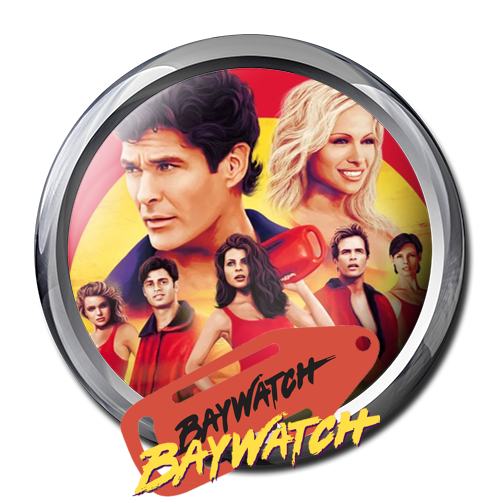
Baywatch Rescue Wheel for you Baywatch Table It is one of my favorite tables and for many I hope so too. Marketing Slogans for table were: ""Baywatch! It's Summer year round when this pinball's in town!" "Bigger than the Rest!" "A machine that's gonna resuscitate your pinball collections!" "We've got something that's gonna make some waves... Baywatch" https://www.ipdb.org/machine.cgi?id=2848 Thanks God Bless. Sister .apng Wheel is available here: -
.thumb.png.460f197c6023bf4728e58702ad5645e7.png)
Version 1.0.0
61 downloads
Frankenstein png- 1 review
-
- 4
-

-
- frankenstein
- png
- (and 1 more)
-
Version 1.0.0
232 downloads
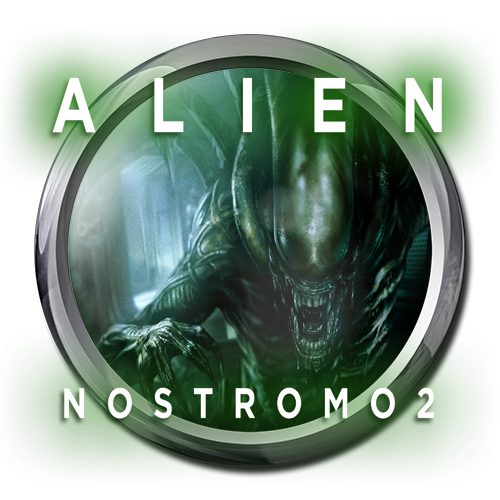
I created two wheels for the Alien Nostromo 2 original table created by @bombaj344 -
Version Final
605 downloads
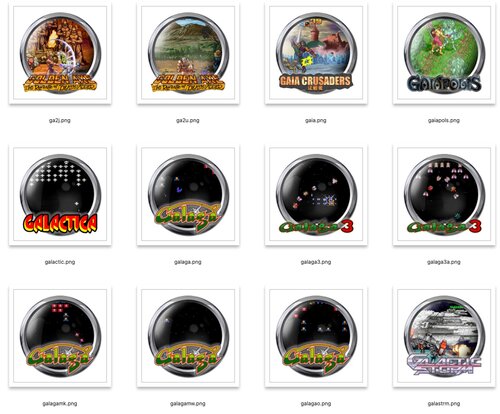
PSDs https://mega.nz/folder/AWdWjJrC#edQNsut-y6EI6C3mvPYbSQ After an exhaustive search for MAME wheels and getting tired of scrolling a ton of default wheel mame games, I decided to write a script to go through all my logos and screenshots for MAME and combine them using the Wheel_500x500.psd template. All PNGs and PSDs are named to match the MAME rom name. I've included rom variants since the logos and screenshots can vary for the "same" game and, while I use merged, there are probably peeps that are running a variant rom or two. Should be able to just match the roms you have and drop the wheels in your POPMedia directory for MAME. Having the variants also means if the PNG that matches your rom isn't great and there's a better one as a variant, you can just rename the variant and drop it in. Note that these are everything that had matching logos and screenshots, so mature games and (ugh) slot machines aren't filtered out - some of you may like that stuff. Since MAME screenshots vary wildly in size, the script just doubled the screenshot and slipped it under the wheel mask. This is great for small screenshots, less ideal for large. You can open up the PSD and rescale, move or even replace the screenshot if it's just garbage (005 I'm looking at you). The screenshot layer is the selected layer in all of these. You still gain the game logo floating over everything. As to the logo, it's got a 1px black stroke and a white screen outer glow. This seems to be good for the majority of the wheel to separate the logo and the wheel, but there's sure to be some here and there that just don't work. Layer effect is live (not flattened) in the PSD so you can easily adjust if needed. None of the assets used to make these were created by me (except for the scripting required to build all these): Wheel_500x500.psd is included in a wheel template pack from Rajo Joey's excellent mega wheel pack - Logos and screenshots are just acquired here and there from MAME extras downloads and scrapes from Retropie, Hyperspin, etc. These are all of course free to be used/modded however. tldr; MAME wheels =D -
Version 1.0.0
51 downloads
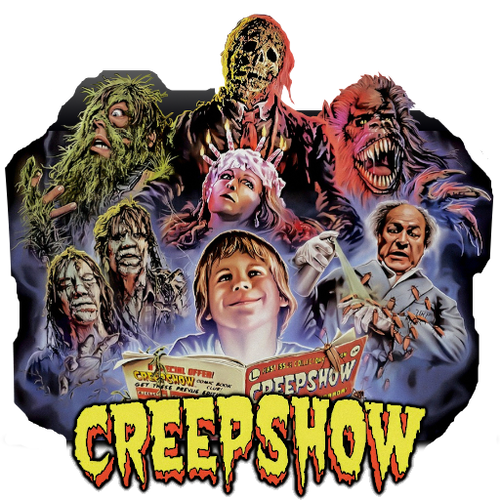
Creepshow png -
.thumb.png.79914f522d0e2809797606b85bf49648.png)
Version 1.0.0
41 downloads
Tron png -
Version 1.0.0
36 downloads
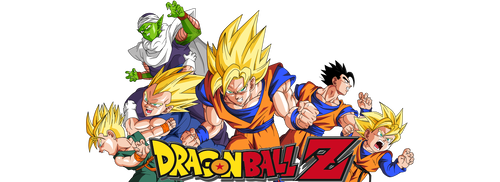
Dragon Ball Z png -

Version 1.0.0
44 downloads
Minions png -
Version 1.0.0
41 downloads
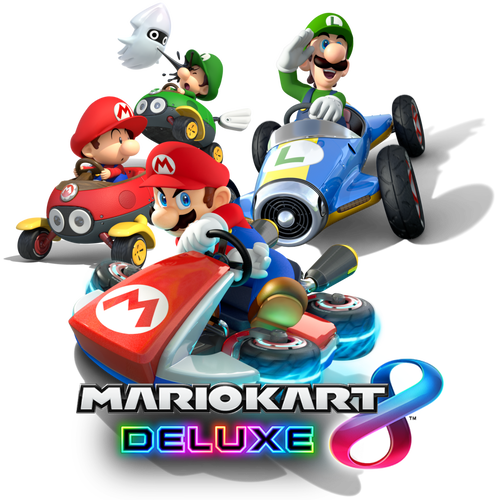
Mario Kart png -

Version 1.0.0
86 downloads
Wacky Races png- 1 review
-
- 5
-
-
- wacky races
- png
- (and 1 more)
-
.thumb.png.61bd35a080e0886b87133143a0b5eae8.png)
Version 1.0.0
50 downloads
Batman The Dark Knight PNG -
.thumb.gif.85e4ed74825c0545c87b7ea463530b3c.gif)
Version 1.0.0
583 downloads
APNG wheels More to come Enjoy if you want to create your own, watch this video : Thanks to NailBuster