


htamas
-
Posts
224 -
Joined
-
Last visited



.thumb.jpg.8c6e39a51ccc56302faf864635a4e8a5.jpg)

htamas's Achievements






-
Show Boat (Gottlieb 1961)
htamas commented on PinRich's file in VPX - Full Single Screen Tables (FSS)
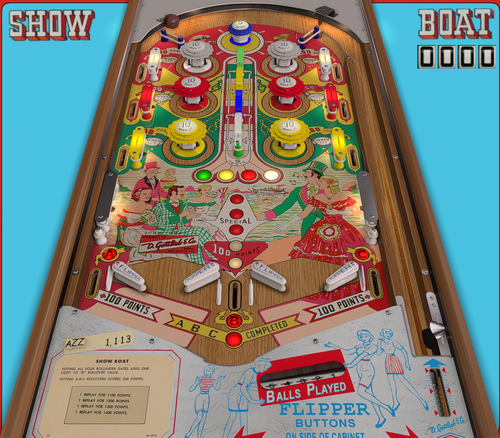 Nice work, thanks for sharing. Unfortunately, those flippers being fired simultaneously like a first time player kid would do make this table a no-go... at least for me.
 -
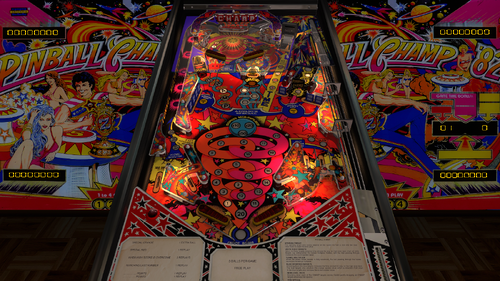 Thank you very much for this update. It is a great improvement over the previous one, which was not bad, but this is certainly a lot better. I played the real machine a lot in my late teens, and consider it one of the best Zaccaria tables. I feel that the flipper physics on this version could still use a little tweaking (some shots seem too strong and occasionally unexpected ball direction, especially from the tip of the flippers), but all in all, an excellent effort. 👍
 -
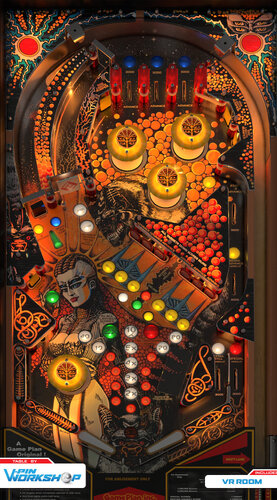 Awesome improvement over the previous versions of this table, looks great. Thank you very much. I found the flippers to be a little too strong, and it seemed the table plays a smidge too fast, so I decreased flipper strength to 2000 and increased playfield friction to 0.3 for a quick fix. I'm sure there is more to tuning than this, but for now it seems to play more realistic - at least to me.
 -
 Great table, plays very well. Thank you very much. Could you please add an option in the F12 menu to disable the side rails in cabinet mode? I managed to do it in the first version with some script change, but I forgot what exactly I did 🙂 I wish this was an F12 option for EVERY table...
 -
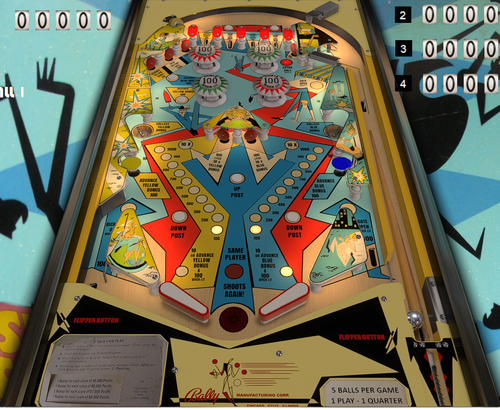 Thank you, a fun table. I added this in the table init section, to hide the rails and lockbar in cabinet mode: For each item in cRails If Table1.ShowDT then item.Visible = 1 Else item.Visible = 0 End If Next I also set the FS Image to "Black" in the backglass view, so the background is all black when the table POV is set to not be stretched sideways.
 -
 😀
😀 -
Expressway from Bally (1971)
htamas commented on PinRich's file in VPX - Full Single Screen Tables (FSS)
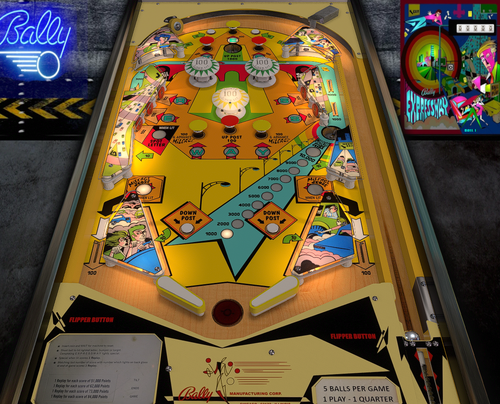 Thank you. It would be nice to have an option in the F12 menu to hide the side rails for cabinet users. In fact, that should be a default option for all tables... or even better, hiding them automatically in cabinet mode.
 -
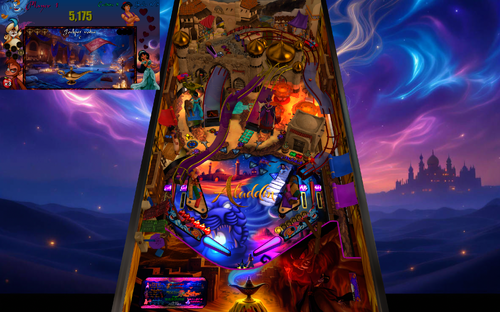 I can't get the PuP working either. Not sure what am I missing, because every other PuP pack works fine. I'm running the latest PuP Player 64-bit beta version (but using only the Player, not the entire PuP System setup if that matters).
 -
Egg Head (Gottlieb 1961) EMU v 2.1.1 Hybrid
htamas commented on EMUnderdogs's file in VPX - Pinball Tables
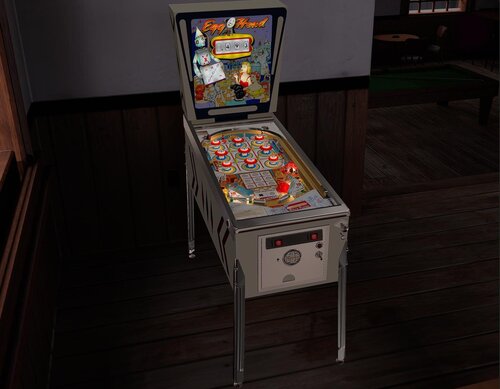 Very nice update, thank you - however, how can I get rid of the rails in cabinet mode (no VR)?
- 26 comments
-
- 1
-

-
- https://www.ipdb.org/machine.cgi?id=758
- em
- (and 3 more)
-
.thumb.png.c5639b74fdcf73cdfdd508e018ae07c7.png) Thank you for the update. Latest version (1.1) still has the wrong left flipper friction value (0) 🙂 To me, value 1 (instead of the suggested 0.9 for both) seems to work better. Easy fix - thanks to XVector for the tip -, just wanted to mention it so this could perhaps be fixed in the next upload (if there will be any). Also, it would be nice to have an F12 option to hide the cabinet rails in non-VR mode. I just replaced those rail images with a black one, but the option control would be welcome for all tables, not just this one.
Thank you for the update. Latest version (1.1) still has the wrong left flipper friction value (0) 🙂 To me, value 1 (instead of the suggested 0.9 for both) seems to work better. Easy fix - thanks to XVector for the tip -, just wanted to mention it so this could perhaps be fixed in the next upload (if there will be any). Also, it would be nice to have an F12 option to hide the cabinet rails in non-VR mode. I just replaced those rail images with a black one, but the option control would be welcome for all tables, not just this one. -
Gold Wings (Gottlieb 1986) b2s with full dmd
htamas commented on hauntfreaks's file in B2S Backglass Downloads
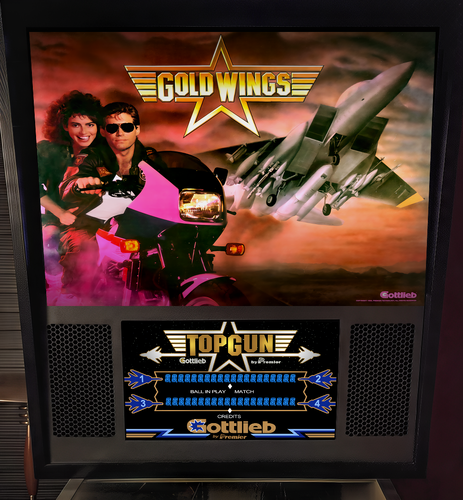 It looks great, thank you. However, for the sake of authenticity, would it be possible to get the cab art say 'Gold Wings' like on the real table?
 -
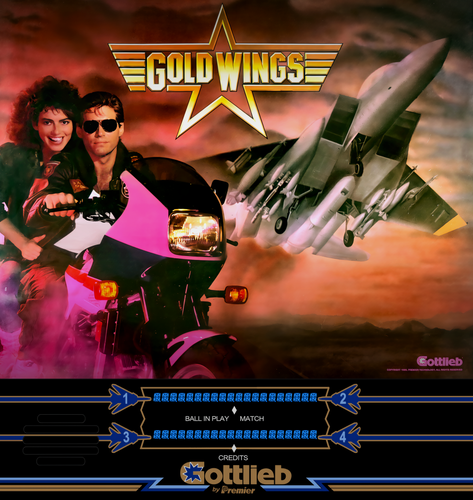 It looks great, thank you. However, for the sake of authenticity, would it be possible to get the cab art say 'Gold Wings' like on the real table?
 -
Thank you for the update, it's appreciated. However, I somehow find the flipper physics to be off... it's, how should I say it, Future Pinball-like? At any rate, I'm having a harder time than usual to make certain shots, especially ones starting close to the tip of flippers. The scatter seems to be too big or something, I cannot quite put my finger on it. Also, the flippers seem to be a little too strong to me or the playfield friction is too low, something along these lines. Other tables with nfozzy physics don't behave like that. Or is it just me who feels this way?
-
 What a great table, thank you very much. I enjoy this a lot, and it plays very well. Physics are great. The only thing I changed was setting the top kicker hole's hit accuracy to 0.26 to avoid the "magnet pull" feel when the ball was dropping into the kicker. Now it's much more realistic. Another thing I noticed is that most VR elements (such as cabinet legs, rails, backbox and so on) are defined as collidable, many even have a hit event . Now, I'm not a VR user or table developer and don't know if this is needed for VR, but wouldn't it be better to define these as non-collidable or toy, to get better performance? (not that I really experience any performance hit with this table, but still... maybe this is more of a general question about tables).
