Other Digital Pinball
3 files
-
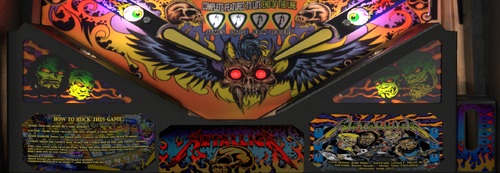
Metallica Premium Monsters (Stern 2013) Apron/Instructions mod
By cheese3075
Greetings-
More apron mods today. This file is specifically designed to replace the apron inserts on VPW's Metallica table. Installing is super easy, see below. If you are just looking for the cards, they are here:
To install: download files, load up table in editor mode, go to image manager, find file ''VLM.Nestmap 0" select reimport from, point to new downloaded file, test and then save. Done.
30 downloads
(0 reviews)0 comments
Updated
-
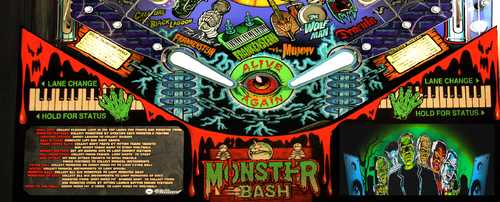
Monster Bash (Williams1998) VPW Apron/instruction MOD
By cheese3075
I modded the apron to look a bit cleaner, I also sharpened as it looked blurry on my CAB. This is a modified version of @Frank_Enstein Monster Bash Instruction card, which is cropped and modded to match the apron. See screenshots for before and after. This is designed for VPW table, I doubt the apron will work on other tables, the instruction card replacement may.
To install: download files, load up table in editor mode, go to image manager, find file apron file (mbx_apron_textmap), select reimport from, point to new downloaded file. Repeat for instruction card (mb_card1). Test and then save.
81 downloads
(1 review)0 comments
Submitted
-
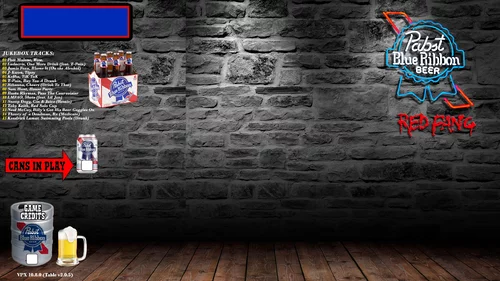
Mr J's PBR Jukebox Beer Drinkin' Song Pack
By cheese3075
Hey all-
This is a beer drinking song pack for Mr J's Pabst Can Crusher (Stern 2016) table. It's designed to replace the existing songs in Mr J's original release. Everyone has their own taste in music, this is just mine, if you like new mainstream music, you'll like it. If not, don't use it. 😛
To install:
1. Drag and drop the music folder (with the contained folder structure) to your music folder on your computer.
2. Load up table in editor mode, go to image manager, find the original desktop backdrop file (PBR BG), select "reimport from", point to new downloaded file (Desktop Backdrop.webp). NOTE: If you use the ALT version you will need to shift the game credits and ball number text boxes to match the backdrop (SEE STEP 6).
3. Also from within image manager, find the original apron record image files (TrackXX), select "reimport from", point to new downloaded file of the same track name. NOTE: There is two versions, black or white background, use whichever you like the best.
4. Repeat step 3 for all tracks.
5. Test and then save. Enjoy!
6. ONLY NEEDED if you are using ALT backdrop file. In table editor mode, select 'toggle backglass view'. Select reel from the main window, right click and unlock, then drag or use keyboard arrows to move. This is a guessing game :). Run table to test to see if it lines up, if not repeat.
I've change the functions on my jukebox magna keys to just simply do next and previous track. If you would like to match this functionality grab the code snippet from text file (included) Jukebox function change.txt. Edit script, at line 540 to 586, replace the code with mine.
Here is a link to Mr J's PBR table: Great table @mrjcrane but we need an update to it! Let’s do it!
Thanks to MachWon for the use of his wonderful alterate backdrop!
34 downloads
(0 reviews)0 comments
Submitted
.thumb.png.de5c87bfcfd48bcb8bbf046bcfe11c33.png)
Remastered.thumb.png.241a9e3f9aba03127b423831ba4331c6.png)
.thumb.png.c28167bd9fa75cc901a124aae26f9aa6.png)
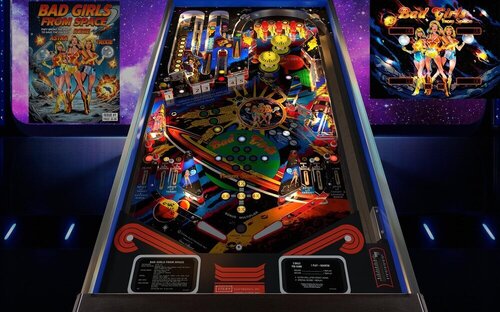
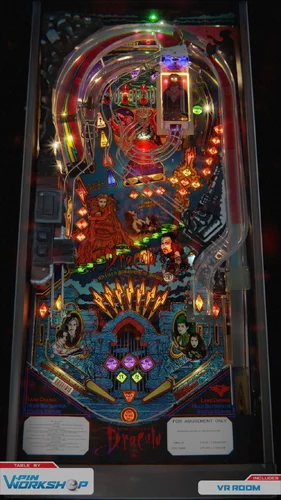
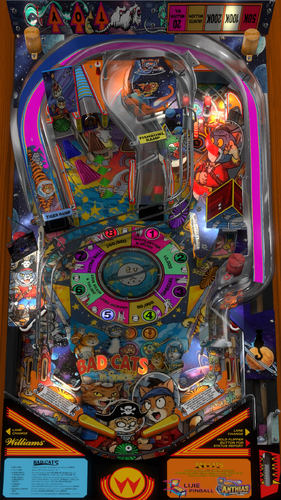
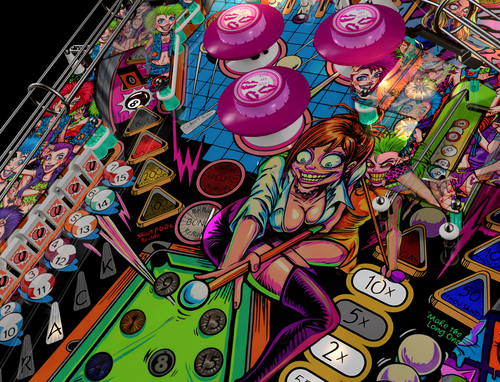
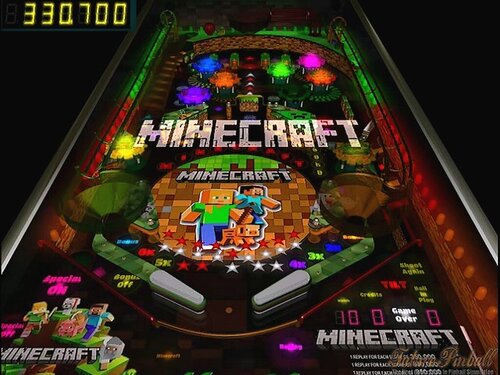
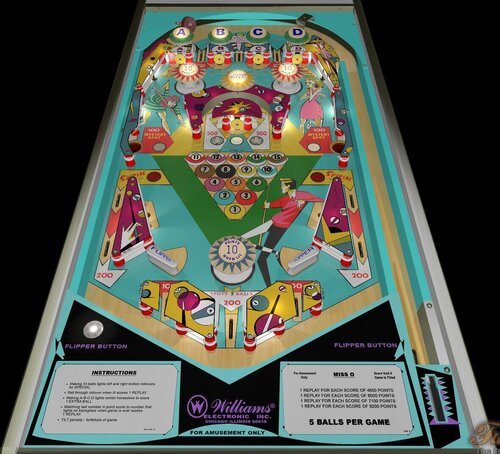
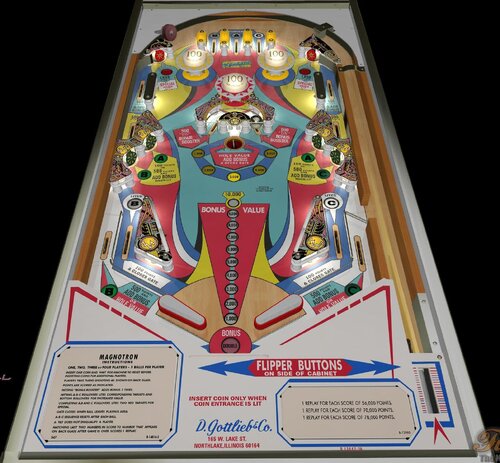
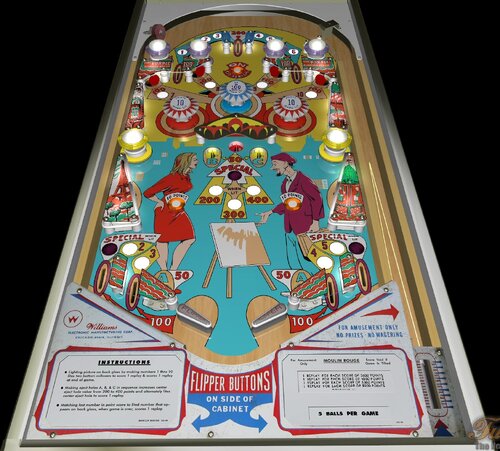
(v1.07)RightSide.thumb.png.2649c5d14cfcd0c22978cb8460673f59.png)

.thumb.png.27564f777caad0af04fe834c104c3226.png)
.thumb.png.8f904276103fc7c3111b552d8e86d543.png)
.thumb.png.89115dca334abf5a45967284a9d2f545.png)
Illuminated.thumb.png.7acb63d5784742624b1d123487923912.png)
.thumb.png.7b1bb56453e4e66a8085febd3023aa36.png)
(Custom).thumb.png.1dc16e3eb6c2ad5a1c56639a3f00822c.png)
-desktop.thumb.jpg.a300795f140d70be59eefbd55349faaa.jpg)
_desktop_1.2.thumb.jpg.a61fd30e7894522b34177002211c8ca4.jpg)
.thumb.png.96e3f853e89c966ccc5f57dcf5912302.png)
FullDMD.thumb.jpg.57bd916be3211a38ab3a754fb8548e8d.jpg)
FullDMD.thumb.jpg.e81dbfb895eb2e70c1f14eab16a7e73e.jpg)
FullDMD.thumb.jpg.30bc6bd0a9a5ea3ce3a4d3106c1ec768.jpg)
DMDUnderlay.thumb.jpg.d2b1b86792dd601b3f72d5155e9e4376.jpg)


.thumb.jpg.9a2e3c4143f02109c99ec0a15dafddfc.jpg)
.thumb.jpg.bc579cd85996167c94d92b0282f9fa2d.jpg)
-v55_VPX8.thumb.jpg.e0b0baad1a90ed05ecf8d12504553547.jpg)


_4k.thumb.jpg.ee41541e3c82e58b114913a6bc5b14a4.jpg)
_4k_4k.thumb.jpg.eefe6c8341ded8884667e5af86c03cfe.jpg)
-v55_VPX8_4k.thumb.jpg.05d435708983421a706c29a7388cbd65.jpg)
_VPUMod.thumb.jpg.034a0ad78f78ac96863fa2b117ac9525.jpg)
-1.2.thumb.jpg.ebc2c9f37a401fca4d340a170eb789ec.jpg)
-Nestorigian1.3.1-DTFSVRMR-Ext2k-Conversion.thumb.jpg.5fa5754b5823ca7aec1d0e1d181a7e19.jpg)
.thumb.jpg.fd858803708e54793b626bb93bd1274c.jpg)
_4k_4k.thumb.jpg.f3ac68cd776e66760638efbb7b79c652.jpg)
-(10.8)-1.4---19-02-2026-20-01-17_4k_4k.thumb.jpg.dd942205ffa09670540a3c4b999e537e.jpg)
-v55_VPX8_4k.thumb.jpg.ca23879d4bd3aabd5ad2dacc57e95b6b.jpg)

PuPPackWheel.thumb.png.9b2c9c6250dd8d6a13a04a9cc8a79a8a.png)
_4k.thumb.jpg.2c864479163ef0c92db6e1a222988dab.jpg)