-
SYSTEM SEARCH
System Scanners Online:
Username: Guest
>> System Scan?
>> The Universe >
Incoming Message:
Due to system limitations searching with words of 3 or less characters will not return results. For instance; Doctor Who. This will not return results as the system is trying to search for both Doctor AND Who in which Who will not be found as it's a 3 character word. To find Doctor Who; you'd search for either Doctor or "Doctor Who".
Search Tips:
For specific searches; enclose your search with quotes. Example: "Doctor Who" or "Addams Family".
Search the Community
Showing results for tags 'popper media'.
Found 6 results
-

Version 1.9.436
86 downloads
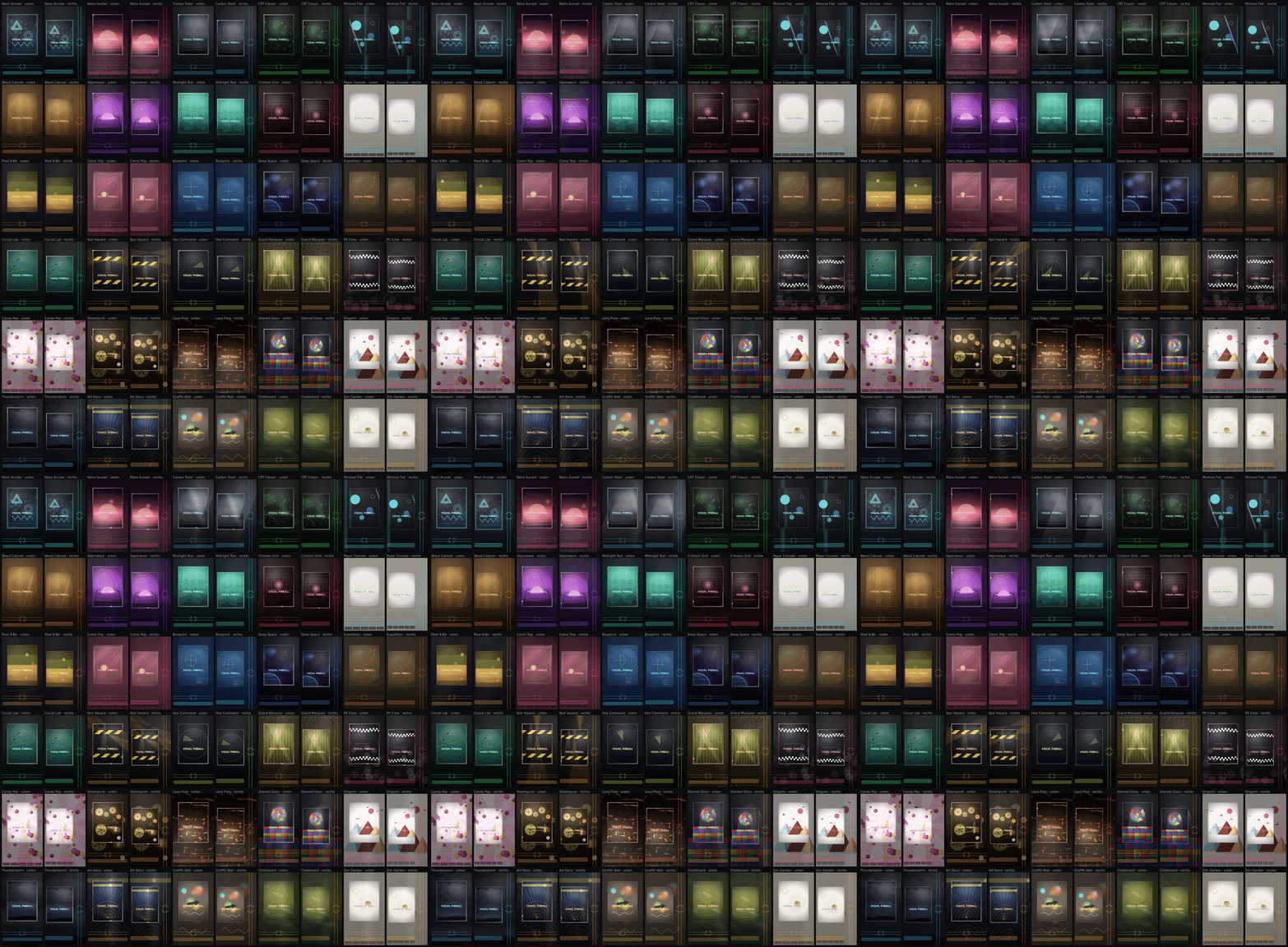
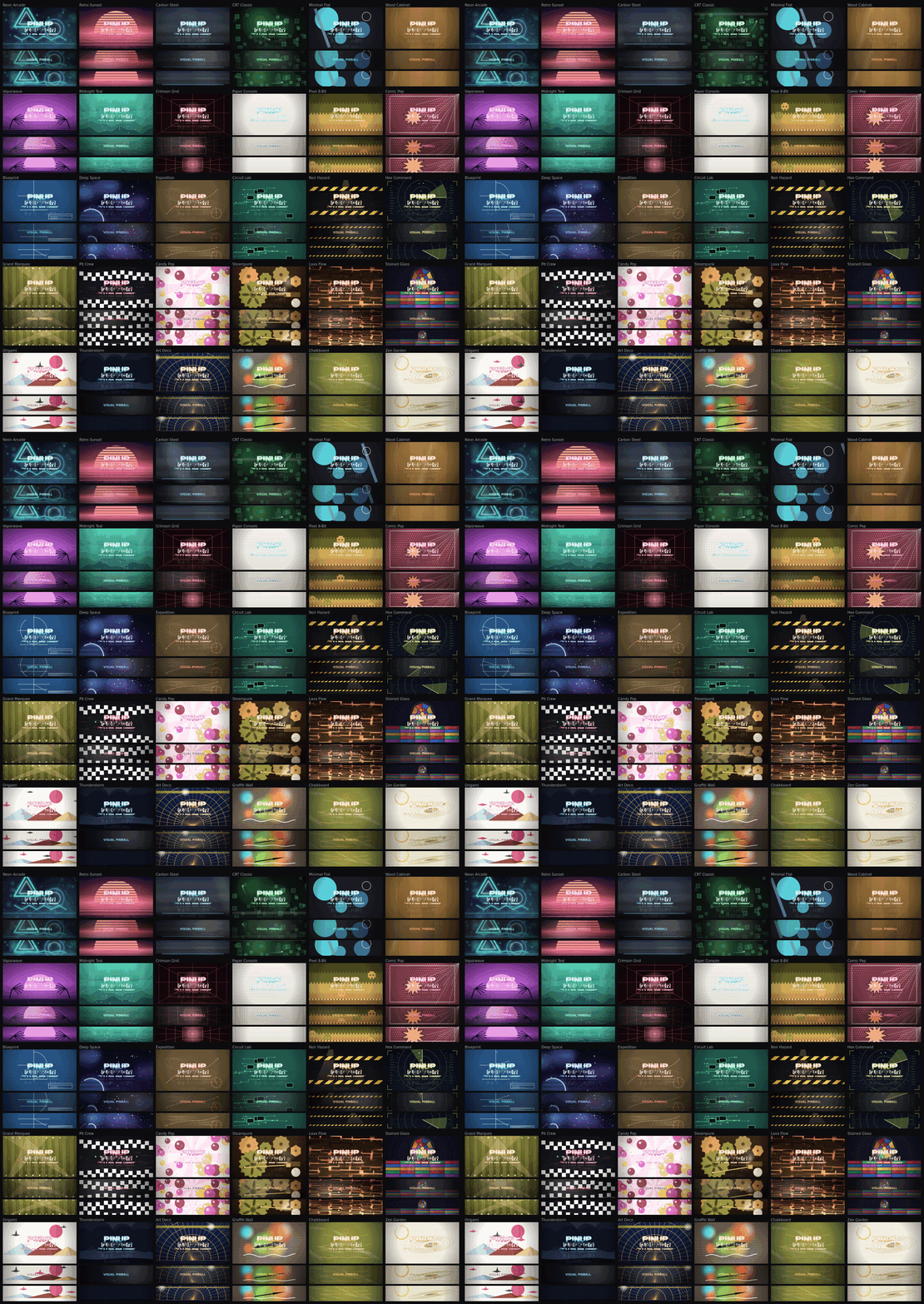
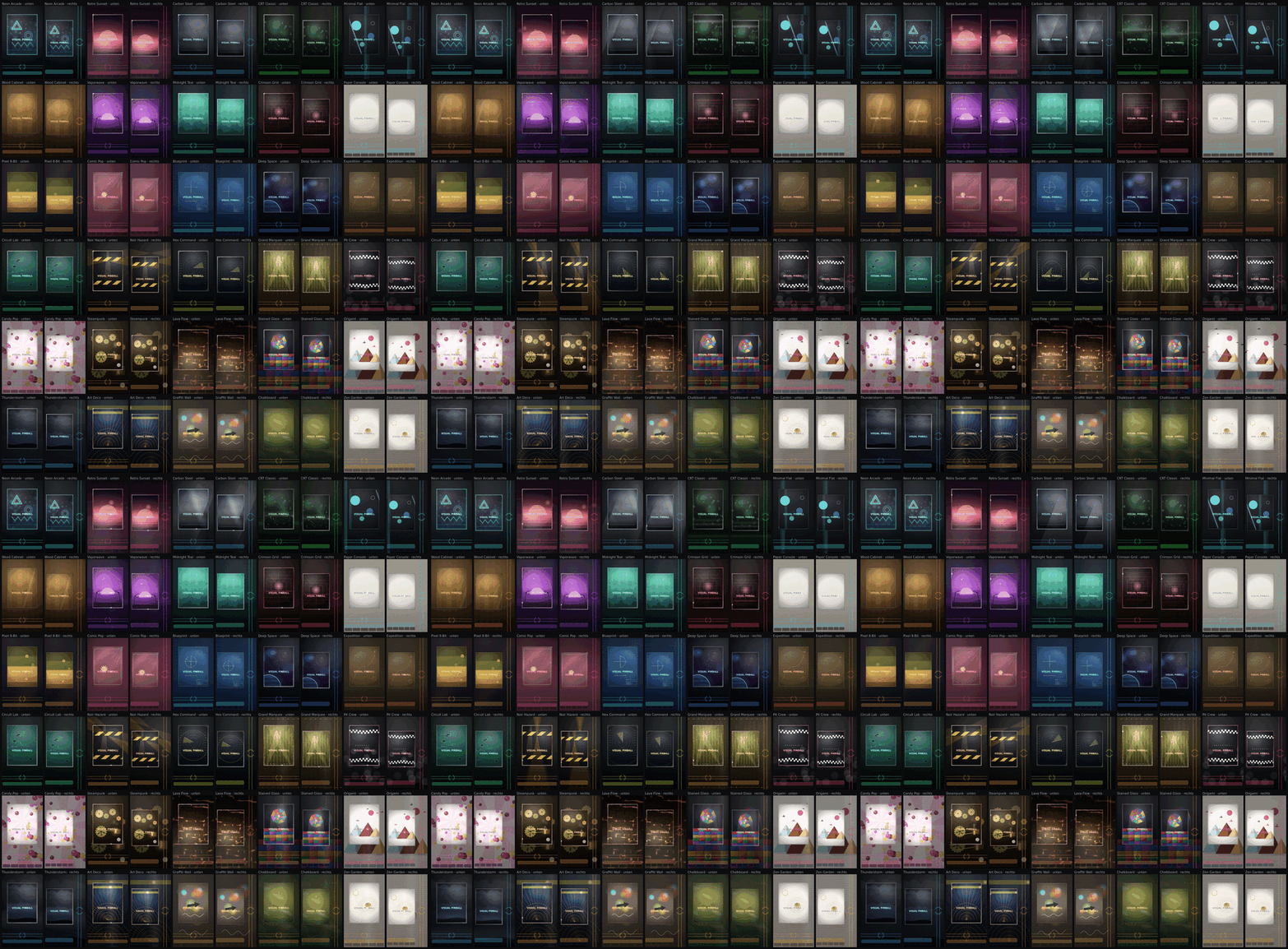
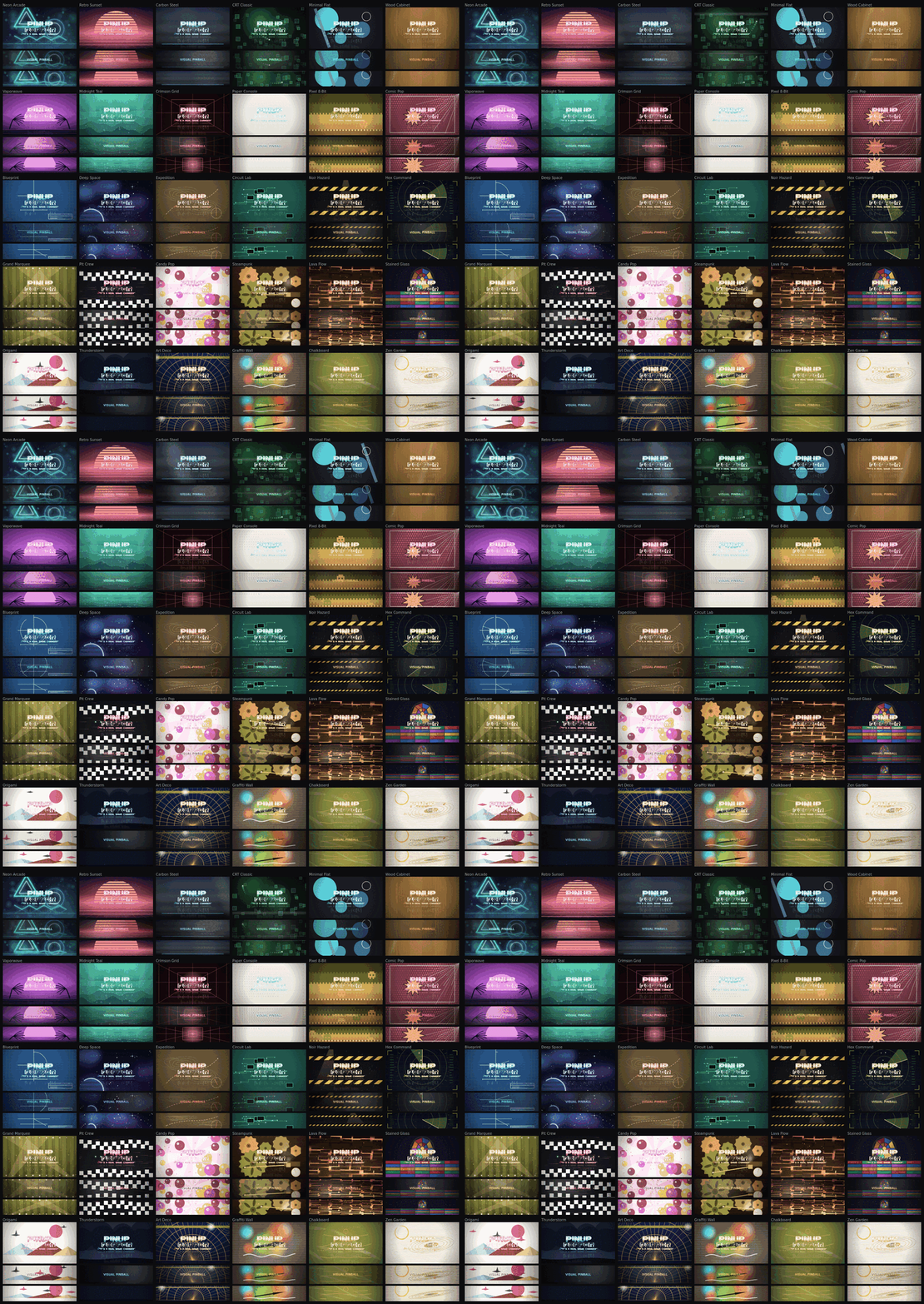
PinUP Popper Theme Studio What it is for Your Popper frontend looks like whatever media you collected over the years — a background from here, a wheel bar from there, nothing quite matching. This makes the whole frontend one design, in one go. Your wheels and table videos are untouched. What it does You pick a theme and a bar style, tell it your screen sizes, and press Install. It draws everything, encodes the videos, and puts it in place. No image editor, no video editor, no editing Popper's settings by hand. What it installs Background for every screen (1-4 Screens supported cabinet only)— PlayField, BackGlass, DMD, Topper The wheel bar your games sit on, in the style you picked An animated intro that plays when Popper starts, on every screen, with sound 30 themes, 40 bar styles, and the bar can sit along the bottom, down the right edge, or curved in an arc. Before it writes anything It makes a backup. Your own Popper settings stay as they are. I don't have any problems, but it's always good to have your own backup. You should really always have one. About GPU encoding in this tool The startup intros, playlist and the background are videos. Every screen gets an clip, and that has to be encoded before it can be installed. This is the slowest part of the job, and it is where your graphics card does most of the work. You don't have to choose anything: The app checks what your machine can do and takes the strongest encoder your card actually runs. It tests it before trusting it — an encoder that is listed but fails is not used. The Render quality card reports what it found: your card's name, the encoder that will run. What it looks for, in order: AV1 — best quality for the file size. Newer NVIDIA, AMD and Intel cards. HEVC (H.265) — almost as good, supported by most cards from the last several years. H.264 — works everywhere. No ffmpeg, or no usable encoder: The app falls back to encoding in software. Everything still works and the result looks the same — it just takes considerably longer, because the processor is doing what the card would have done. If the card says "software" and you have a modern GPU, ffmpeg is probably missing or not being found. How long it takes: A full install is roughly 5-15 minutes on a machine with hardware encoding. Most of that is the video. CPU very slow. Examples right edge, bottom and arc: 2026-09-06 17-35-15.mp4 2026-09-06 17-58-12.mp4 2026-09-06 19-10-22.mp4 Theme Overview (gifs): Playfield: Backglass, DMD, Topper:- 1 review
-
- 8
-

-
- pinup
- pinuppopper
- (and 4 more)
-
I've been working on an automatic theme installer for Pinup Popper for weeks. I wanted ready made, quick to use themes that go well together. In my opinion, there aren't enough complete themes. Here are the themes as GIFs. One is the playfield, and the other includes the backglass, DMD, and topper. The box in the middle always displays the playlist name, and that's where you can see the table videos as well. It's a GIF, so it might not be quite as sharp. You select your theme and the path to Pinup Popper. You can choose whether you want the bar on the right or at the bottom. System icons are adjusted to match the theme color. You can also choose to disable this if you prefer not to have it. I've also included different bars to suit different tastes. Works in cabinet mode with 1–4 screens. You can select the number of screens. Screens are detected correctly and automatically. You then select which monitor is the playfield, backglass, DMD, and topper. The graphics card is also detected automatically, and the media files are created using FFmpeg via the GPU. A backup function is also included. Everything the tool overwrites is restored exactly as it was from the backup. I hope I didn't forget anything 🤔
-
Version 1.0.0
91 downloads
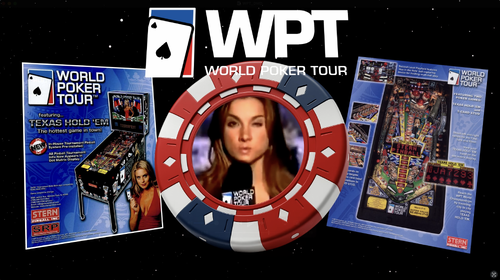
I was remembering this WPT host Shana Hiatt blooper video and I thought it might make a nice DMD popper video for the WPT table. Just a fun little project that I thought some other folks might get a kick out of.- 2 comments
-
- 8
-
-
- world poker tour
- dmd
- (and 1 more)
-
Version 1.0.0
94 downloads
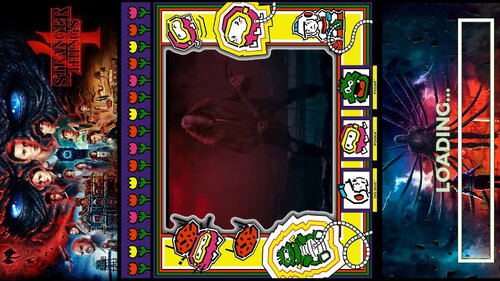
2K Resolution Loading Video for the fabulous Stranger Things 4-
- 7
-
-
- stranger things 4
- loading
- (and 1 more)
-
Version 1.0.0
63 downloads
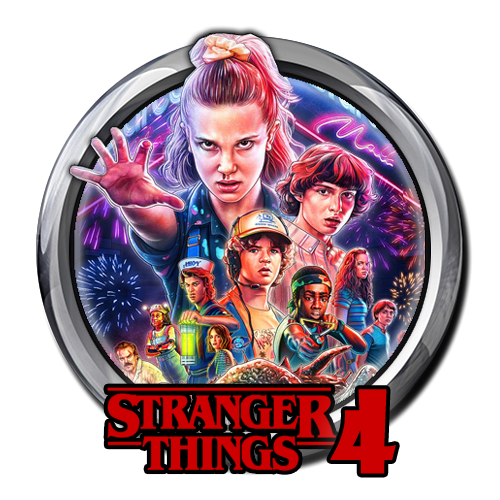
Stranger Things 4 Wheel for Popper I designed.-
- 7
-
-
- wheel
- stranger things 4
- (and 1 more)
-
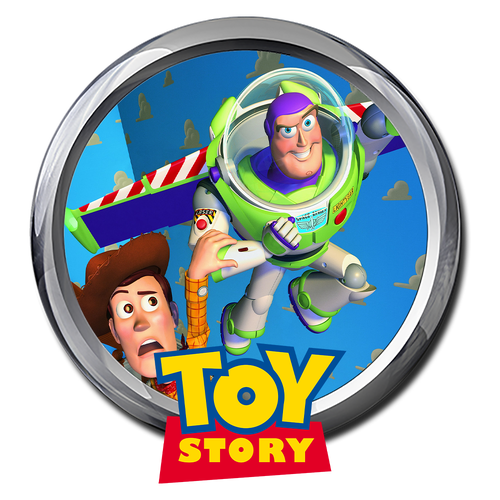
Version 1.0.0
112 downloads
Toy Story Wheel, Had some time at break so thought I would make one for you guys for the new table release which looks fun. Enjoy.