-
SYSTEM SEARCH
System Scanners Online:
Username: Guest
>> System Scan?
>> The Universe >
Incoming Message:
Due to system limitations searching with words of 3 or less characters will not return results. For instance; Doctor Who. This will not return results as the system is trying to search for both Doctor AND Who in which Who will not be found as it's a 3 character word. To find Doctor Who; you'd search for either Doctor or "Doctor Who".
Search Tips:
For specific searches; enclose your search with quotes. Example: "Doctor Who" or "Addams Family".
Search the Community
Showing results for tags 'pinballfx3'.
Found 5 results
-
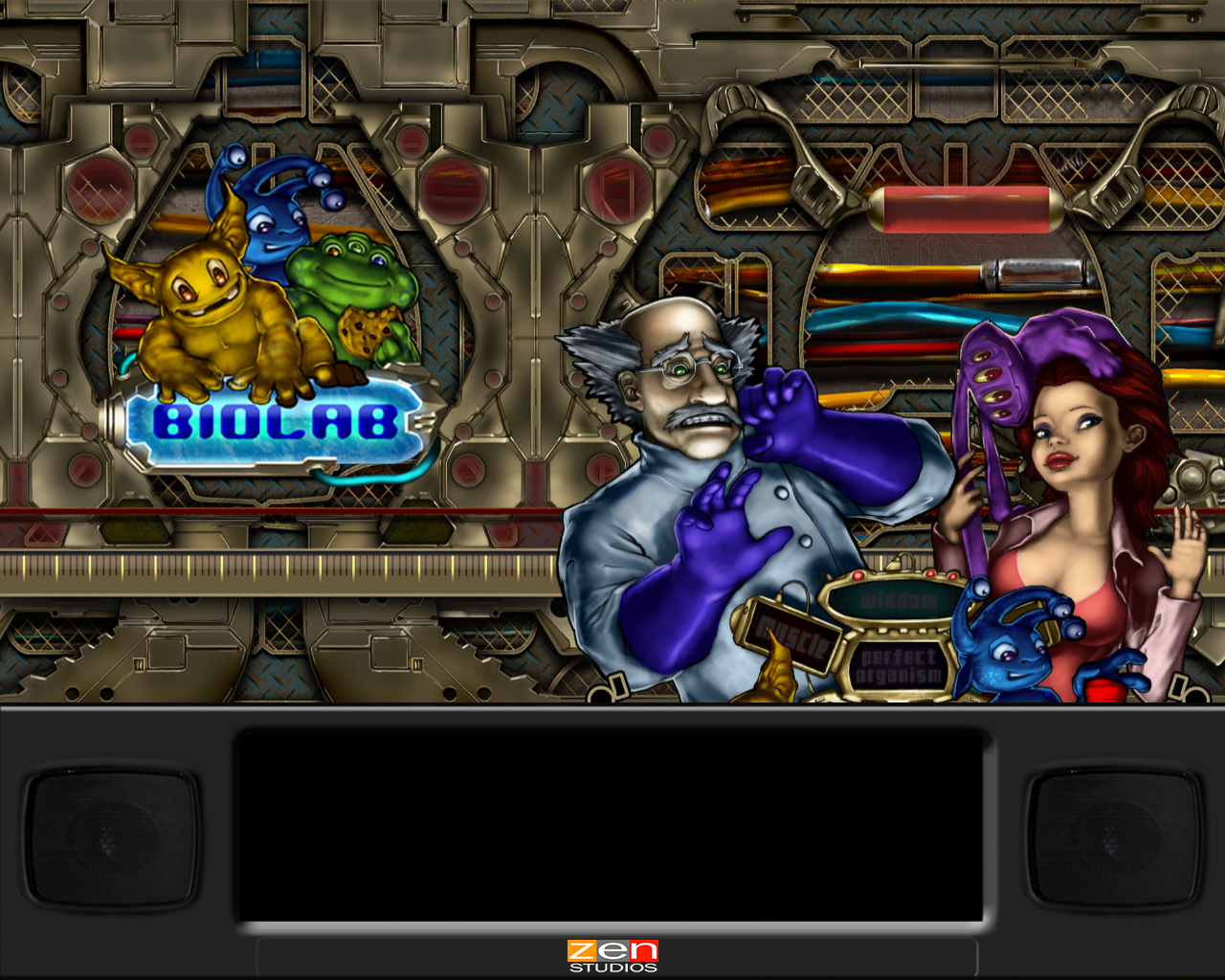
![More information about "[ZEN] BioLab Colorization - Serum v2"](https://vpuniverse.com/screenshots/monthly_2025_03/biolab.thumb.gif.fa5b38df28b153a7653705f666d6033a.gif)
Version 1.0.0
371 downloads
BioLab for Pinball FX. I'm a huge fan of Zen studios and their original tables and have decided to give some color love to some of them.. Now I present BioLab. To use: Set Pinball FX to cabinet mode and set use external DMD device. Language English. Colorization Installation location: BioLab "27.CRZ" goes in "vpinmame\altcolor\27" folder Requires: DMDextensions v2.3.0 + and setting system environment variable if Visual PinMAME not installed: see https://github.com/freezy/dmd-extensions?tab=readme-ov-file#pinball-fx for detailed instructions getting dmdext to work with PinballFX ** While I used frame dumps from both FX and FX3 to create the crz and have created unique sprites to handle both game engines.. It currently appears that dmdext command line (used for FX3 mirroring/memory grabbing to display) DOES NOT support Serum2 colorizations yet (Serum2 crz's just result in a black screen in FX3, but Serum1 and other color formats do appear to work in FX3/2.3.0).. Hopefully we can get a fix/patch for dmdext command line / Serum2 use in FX3 in the future ** IF/When dmdext supports Serum2/FX3 - the file can be copied/renamed "biolab.crz" and placed in a "vpinmame\altcolor\biolab" folder Once running, you should be able to drag the virtual DMDext window to your desired location, right click save position for 27 ( or manually add/edit an entry [27] to your table list in the dmddevice.ini You can then set scaletohd=true to enable the HD version for the virtual Example: (use your own values) [27] ;biolab virtualdmd left = 0 virtualdmd top = 0 virtualdmd width = 1024 virtualdmd height = 256 scaletohd = true If you have a zedmdHD configured, it should detect/use the HD frames.. *** It likely will need an S3 (esp32) version of zedmdHD *** the non-S3 zedmdHD while it works ( I do need to update my test non-S3 zedmdHD version so it may be better now), but what i tested could not handle the animated fullscreen backgrounds very well. That said, If non-S3 zedmdHD, I recommend setting the scaletohd value to false under [27] in the dmddevice.ini Donation/Beer me: (if you feel like it) https://www.paypal.com/paypalme/Boroka1 BioLab Test.mp4 -
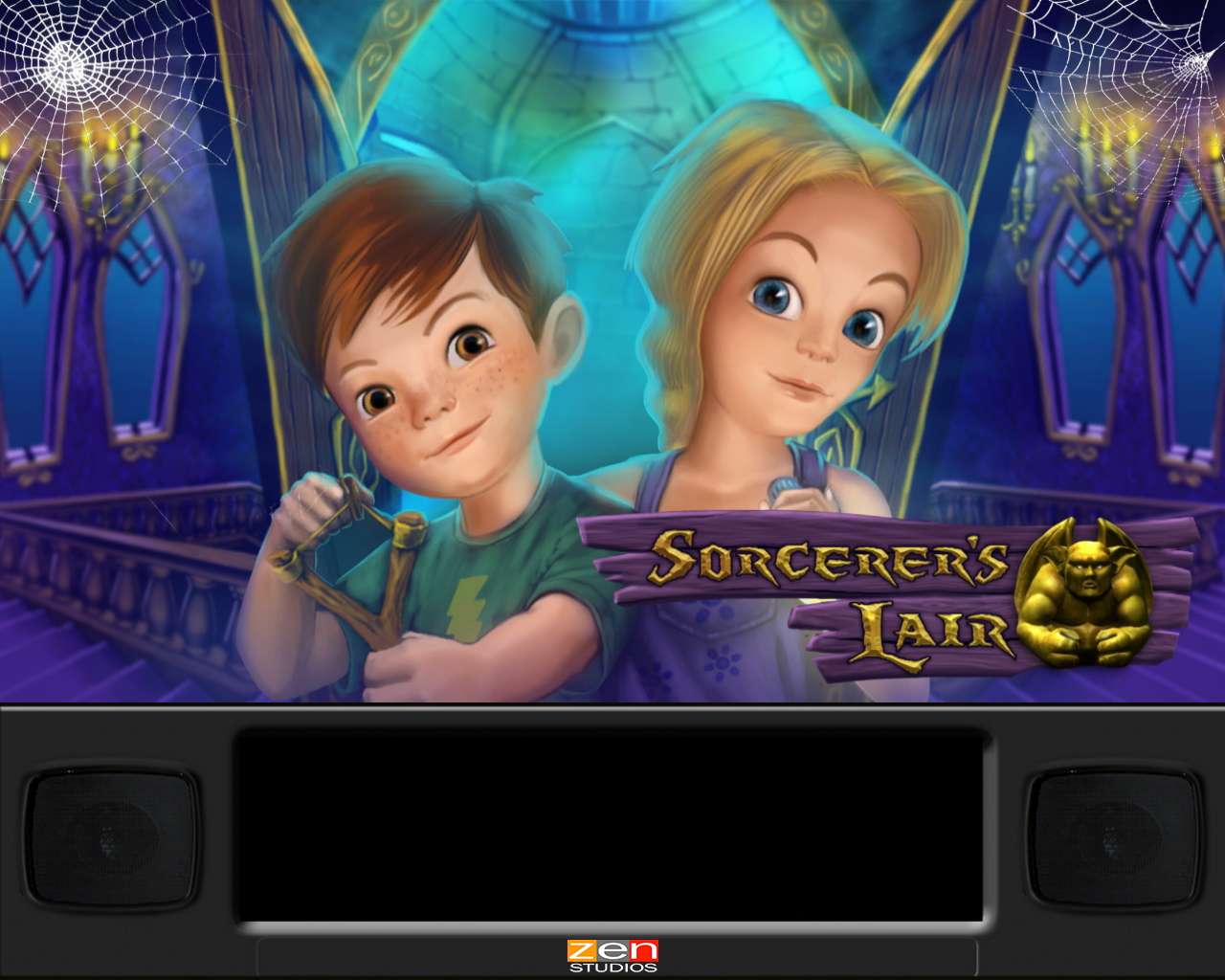
![More information about "[ZEN] Sorcerer's Lair Colorization - Serum v2"](https://vpuniverse.com/screenshots/monthly_2024_12/sorc.thumb.jpg.d2ef9e80d43523c642d44b6b3837eb30.jpg)
Version 1.0.0
608 downloads
Sorcerer's Lair colorization for Pinball FX. I'm a huge fan of Zen studios and their original tables and wanted to attempt to give some color love to some of them.. I present Sorcerer's Lair.. To use: Set Pinball FX to cabinet mode and set use external DMD device. Language English. Colorization Installation location: Sorcerer's Lair "33.CRZ" goes in "vpinmame\altcolor\33" folder Requires: DMDextensions v2.3.0 + and setting system environment variable if Visual PinMAME not installed: see https://github.com/freezy/dmd-extensions?tab=readme-ov-file#pinball-fx for detailed instructions getting dmdext to work with PinballFX ** While I used frame dumps from both FX and FX3 to create the crz and have created unique sprites to handle both game engines.. It currently appears that dmdext command line (used for FX3 mirroring/memory grabbing to display) DOES NOT support Serum2 colorizations yet (Serum2 crz's just result in a black screen in FX3, but Serum1 and other color formats do appear to work in FX3/2.3.0).. Hopefully we can get a fix/patch for dmdext command line / Serum2 use in FX3 in the future ** IF/When dmdext supports Serum2/FX3 - the file can be copied/renamed "citadel.crz" and placed in a "vpinmame\altcolor\citadel" folder Once running, you should be able to drag the virtual DMDext window to your desired location, right click save position for 33 ( or manually add/edit an entry [33] to your table list in the dmddevice.ini You can then set scaletohd=true to enable the HD version for the virtual Example: (use your own values) [33] ;citadel virtualdmd left = 0 virtualdmd top = 0 virtualdmd width = 1024 virtualdmd height = 256 scaletohd = true If you have a zedmdHD configured, it should detect/use the HD frames.. *** It likely will need an S3 (esp32) version of zedmdHD *** the non-S3 zedmdHD while it works ( I do need to update my test non-S3 zedmdHD version so it may be better now), but what i tested could not handle the animated fullscreen backgrounds very well. That said, If non-S3 zedmdHD, I recommend setting the scaletohd value to false under [33] in the dmddevice.ini Donation/Beer me: (if you feel like it) https://www.paypal.com/paypalme/Boroka1 -

Version 1.0.0
261 downloads
Enjoy!- 1 comment
- 1 review
-
- 20
-

-
- pinballfx3
- fx3
- (and 5 more)
-
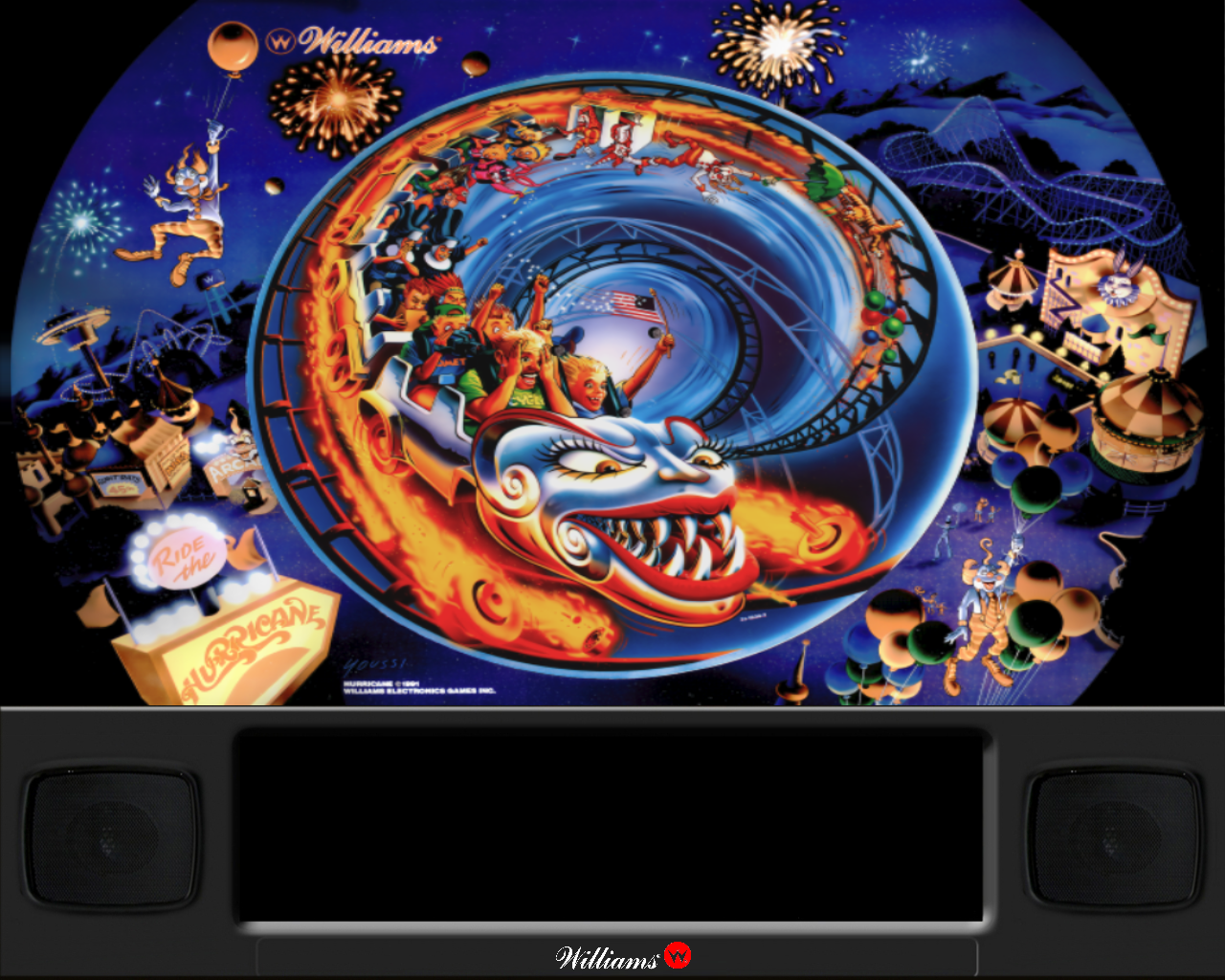
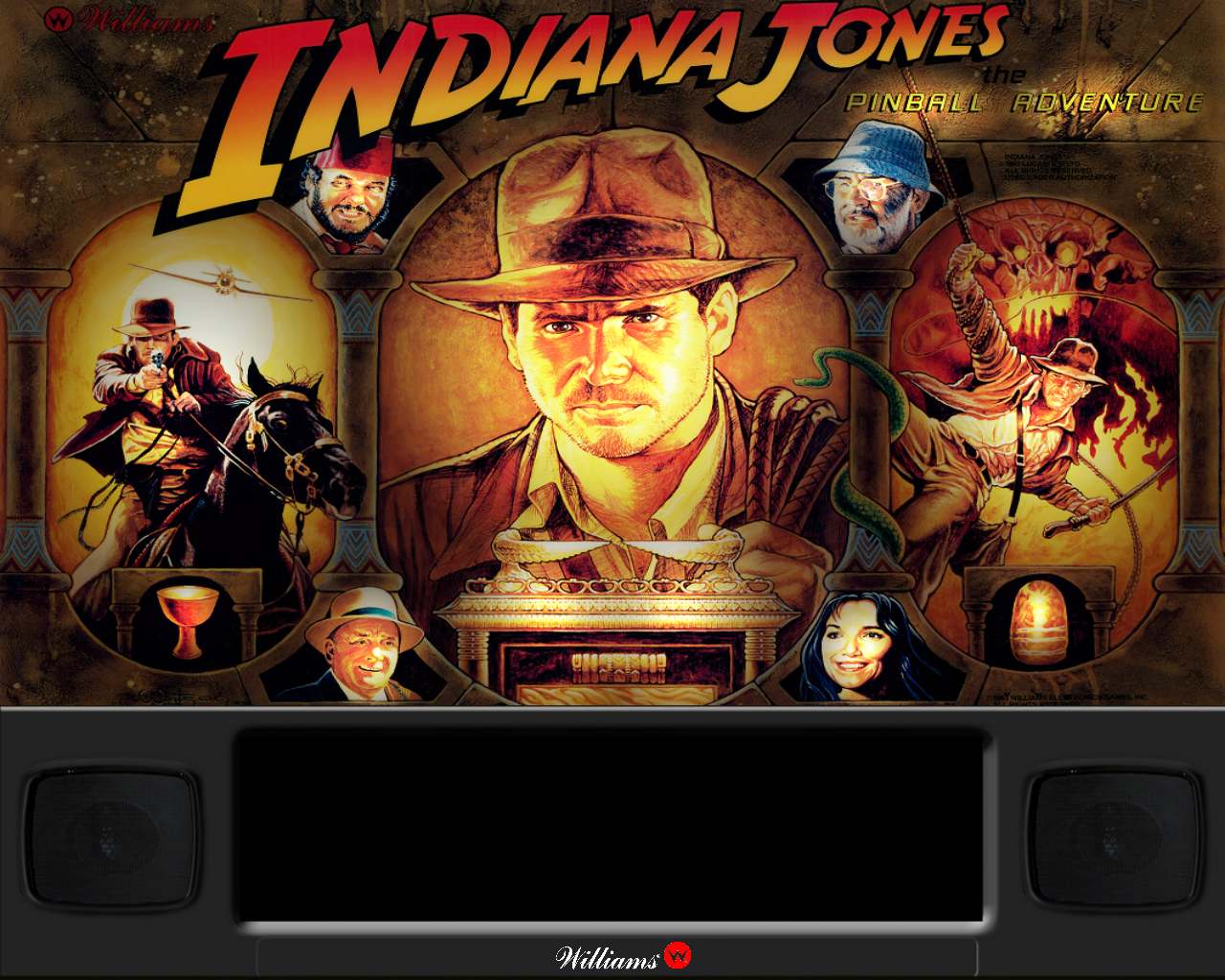
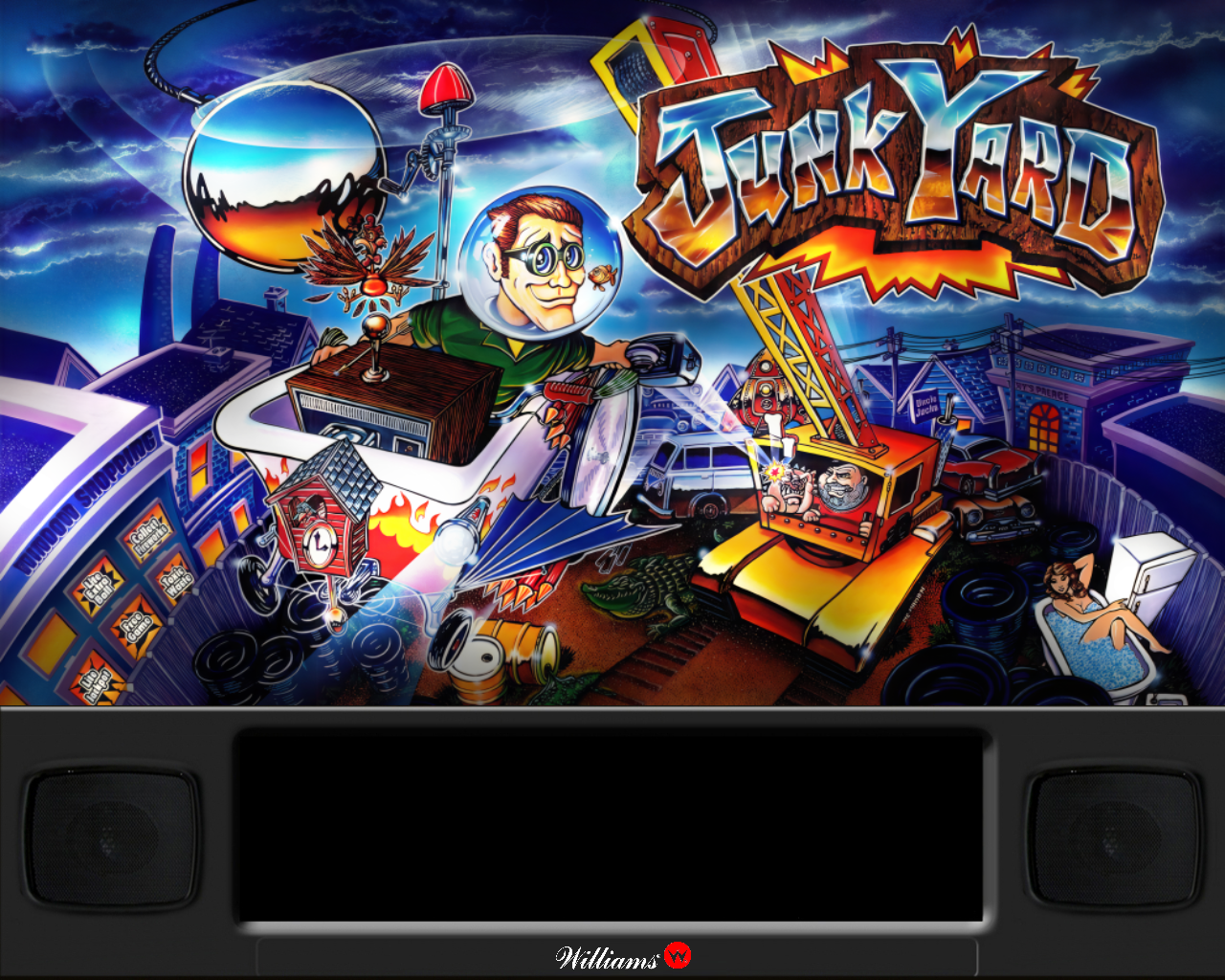
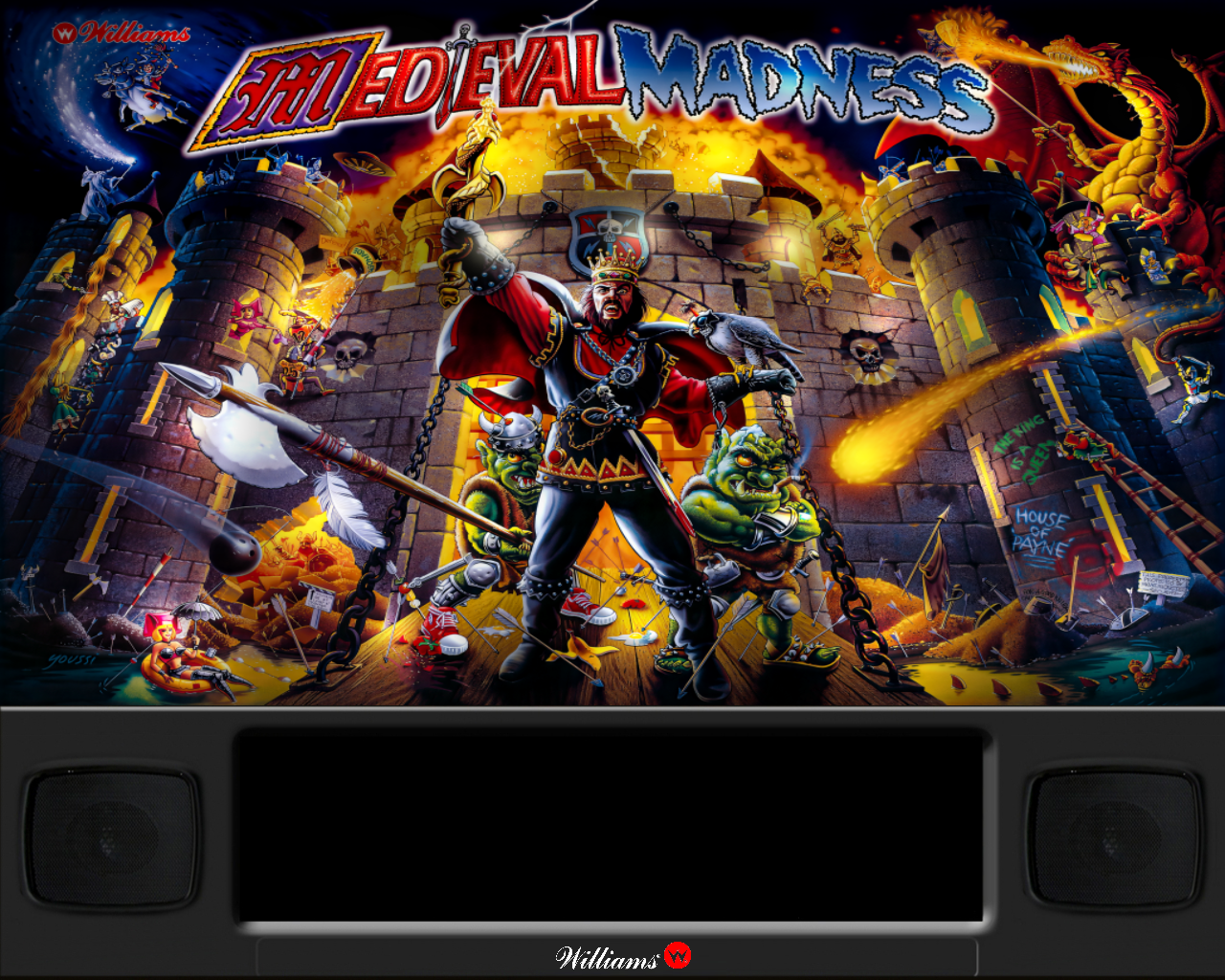
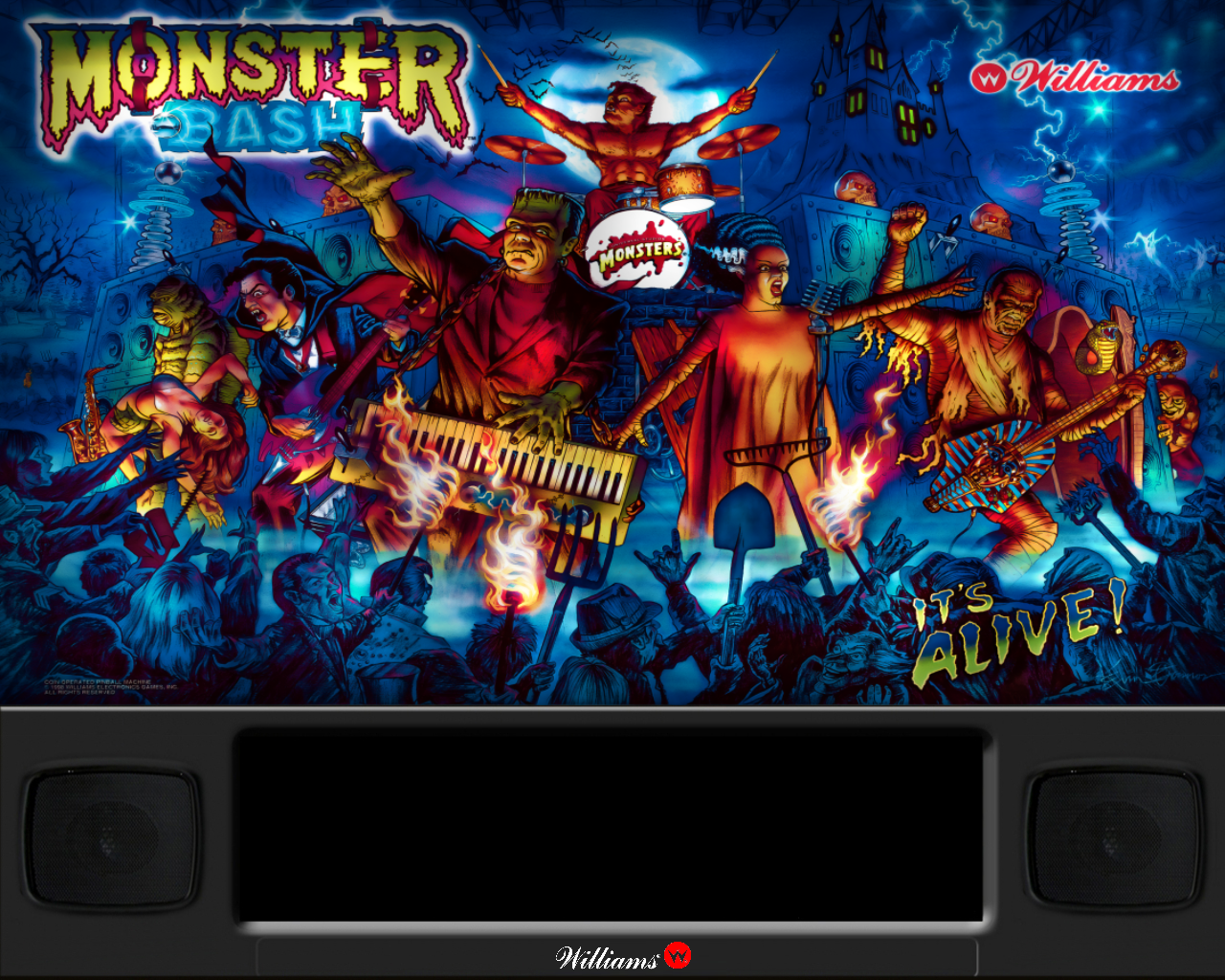
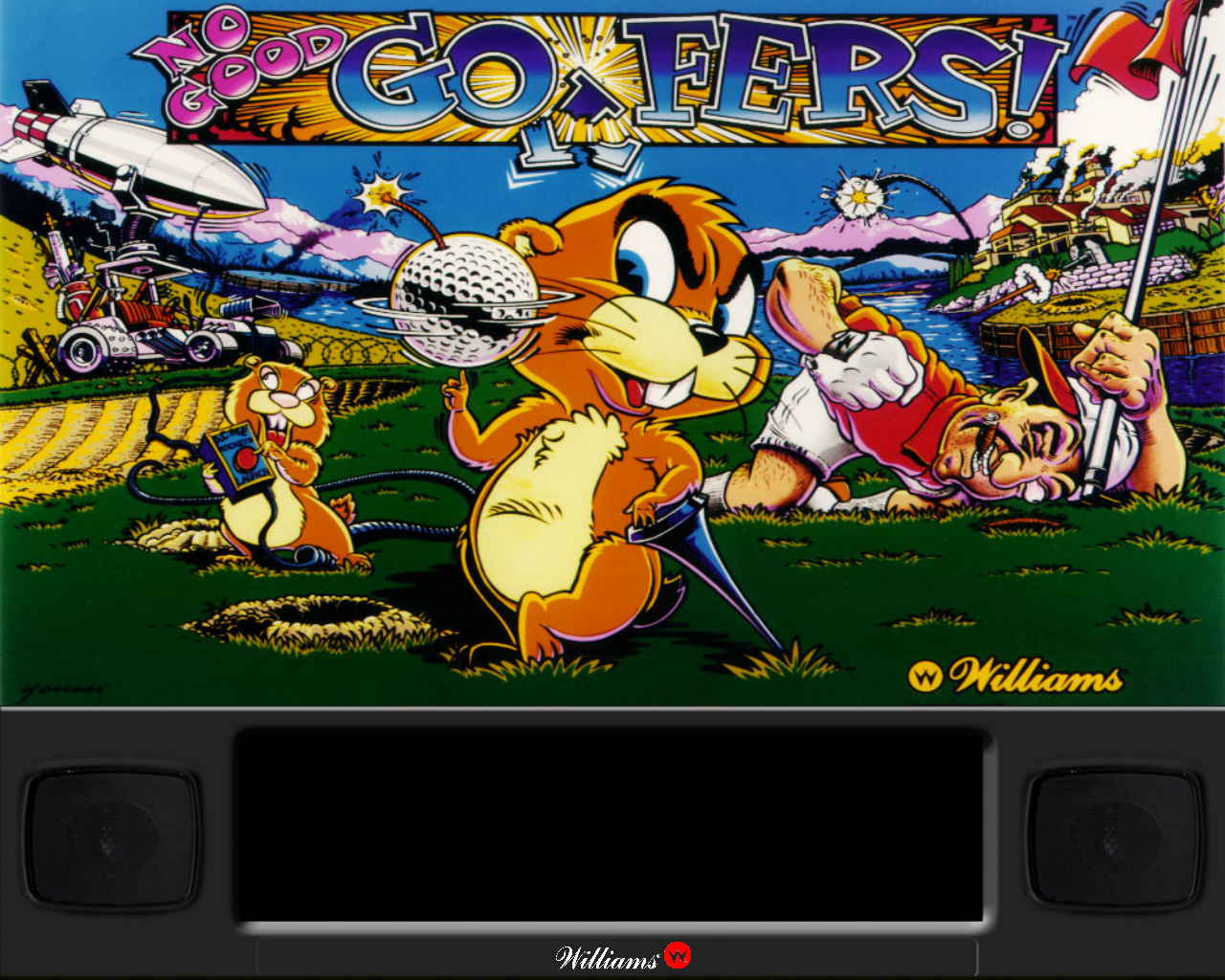
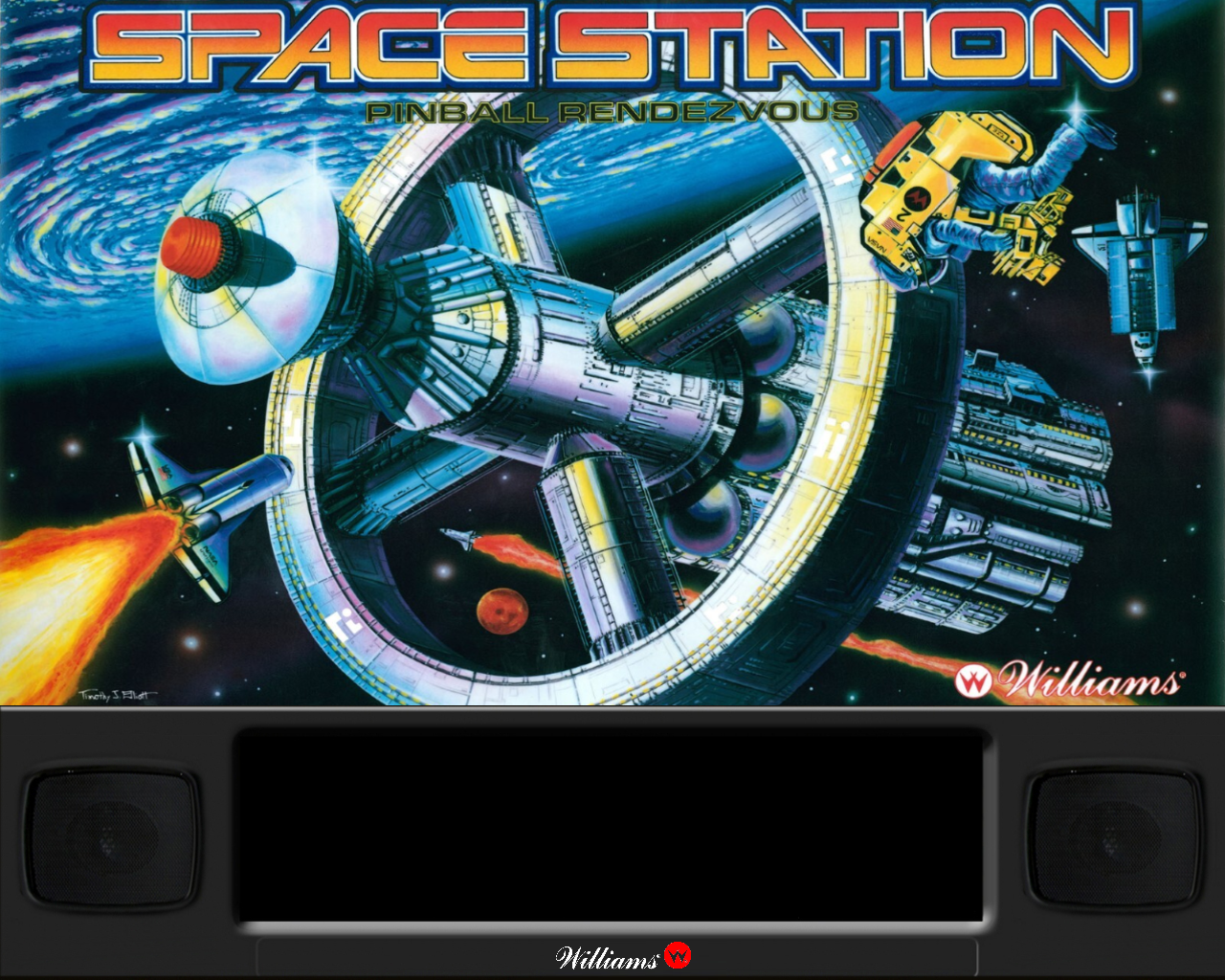
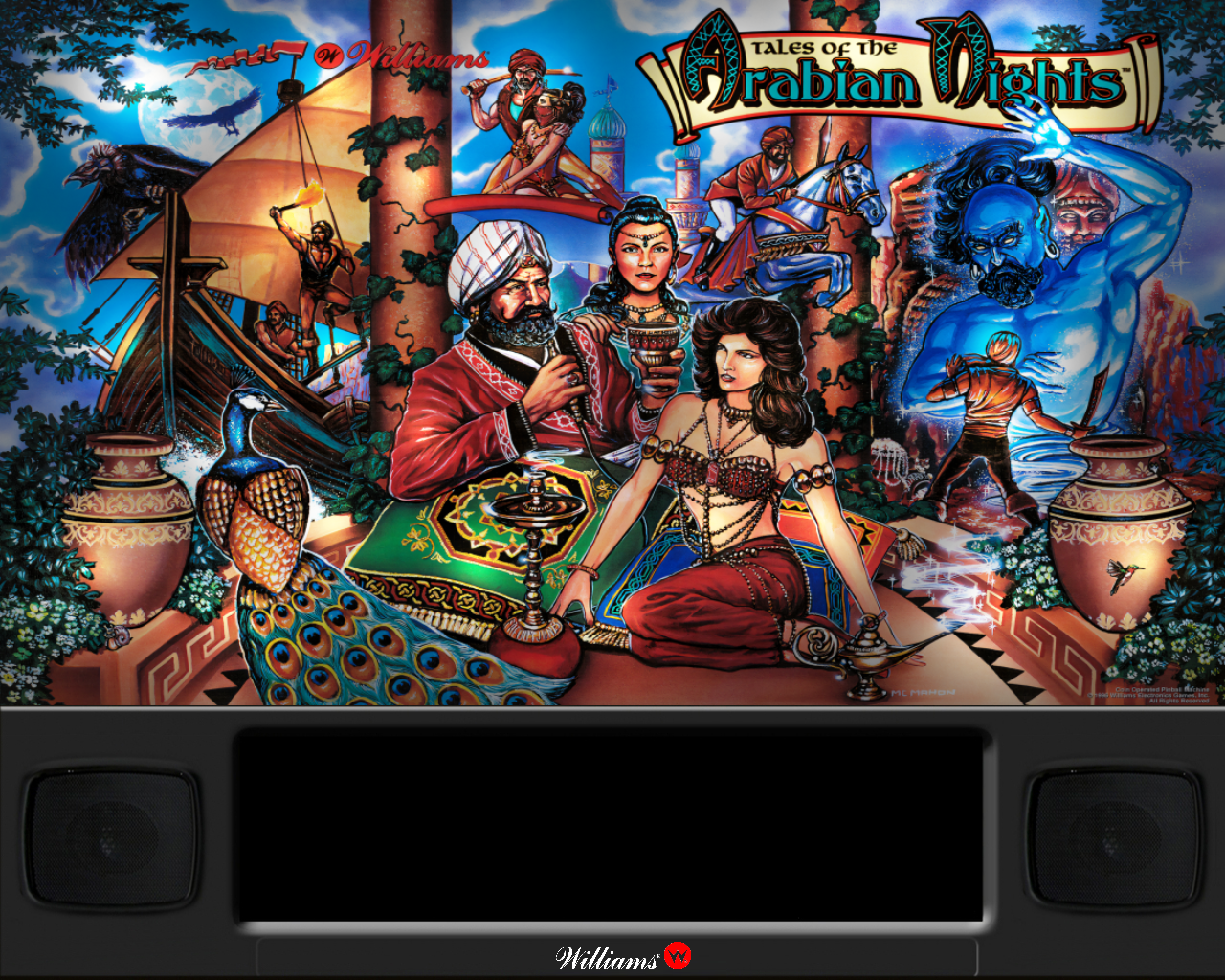
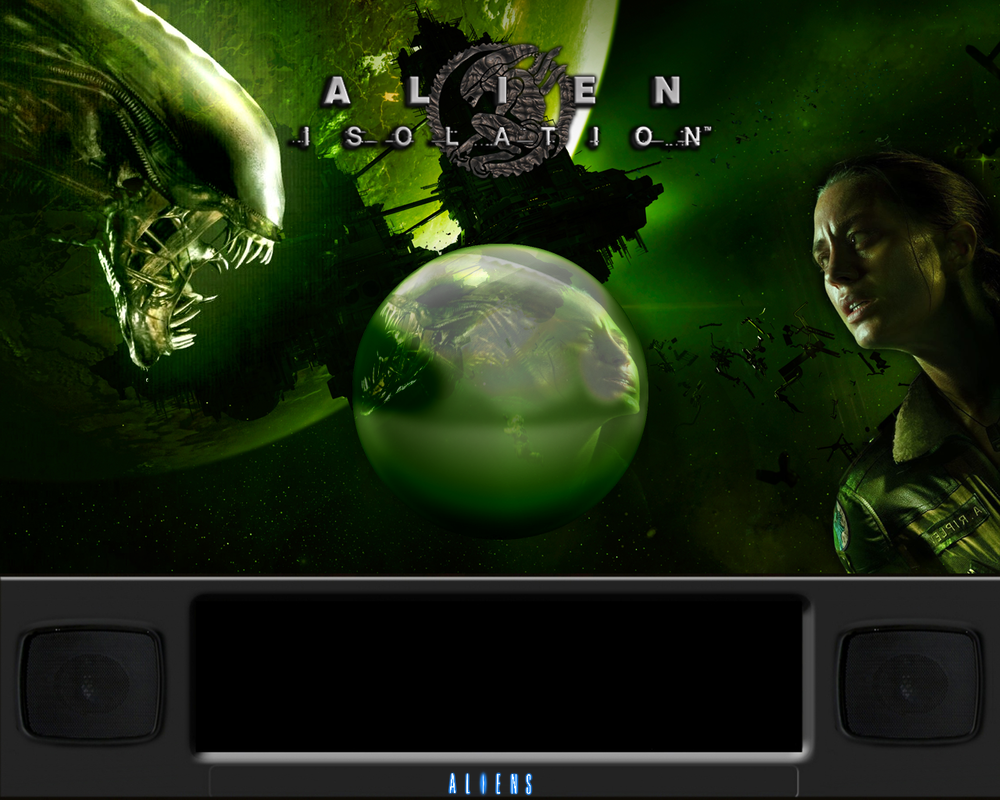
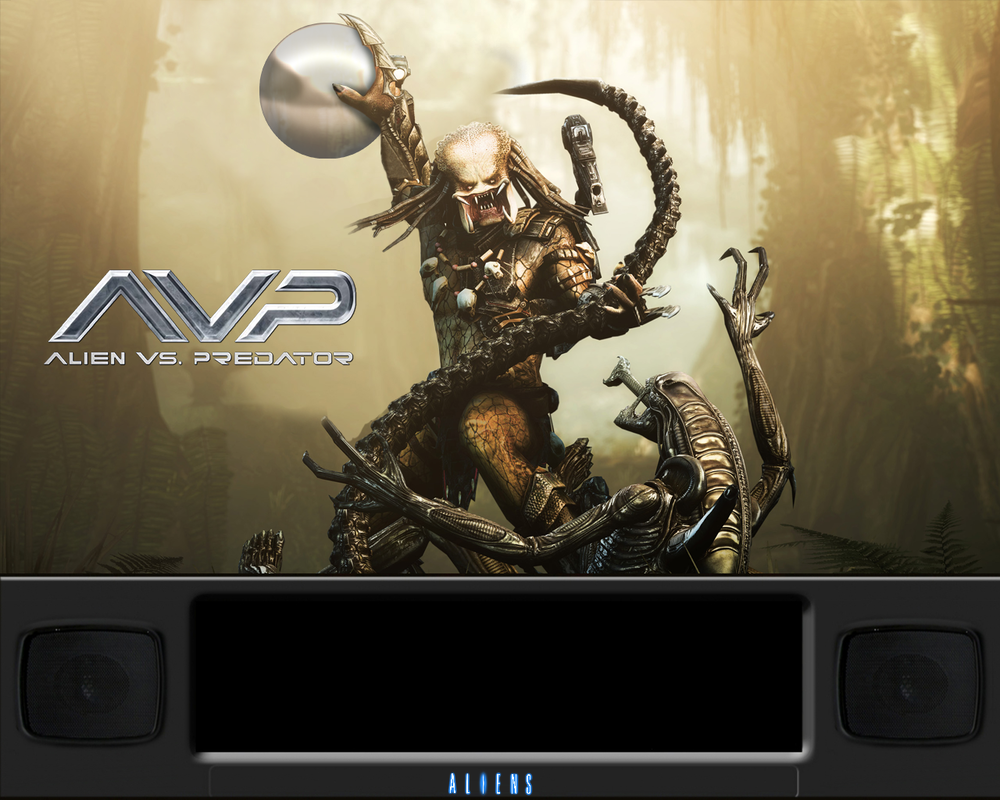
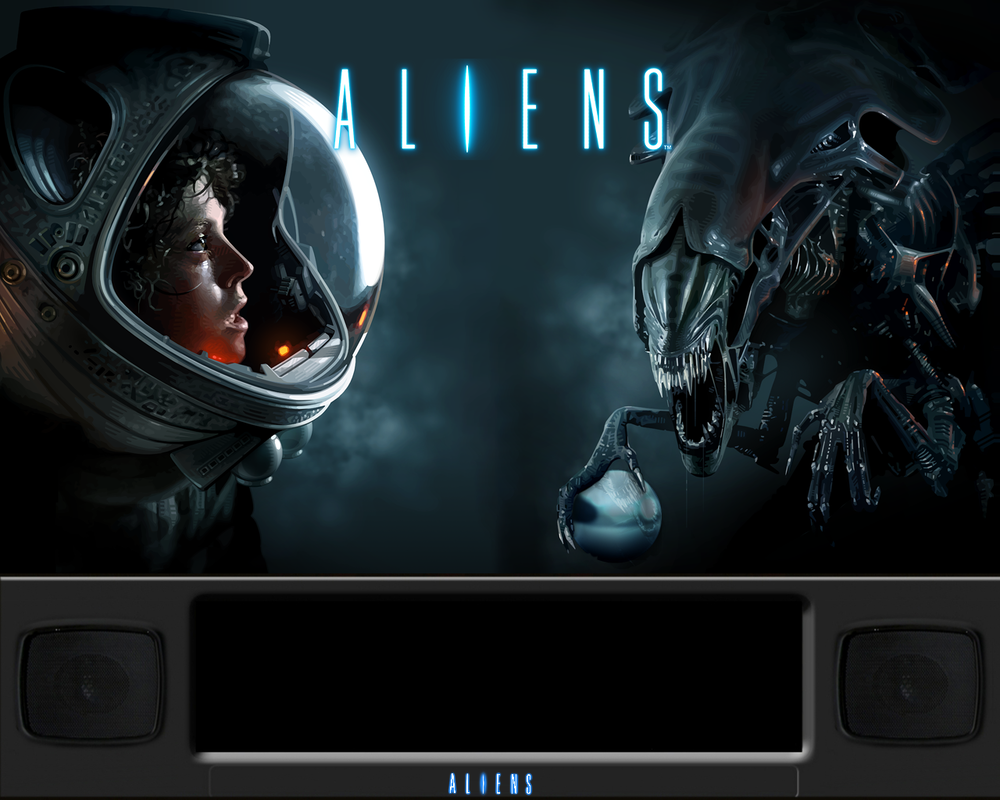
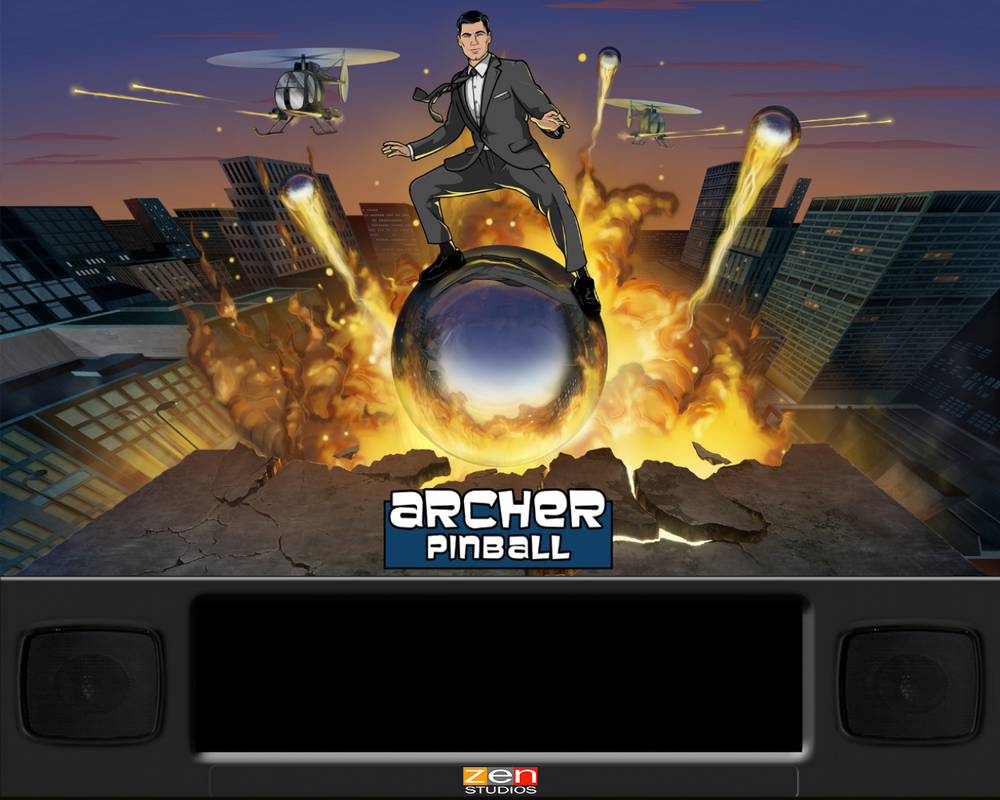
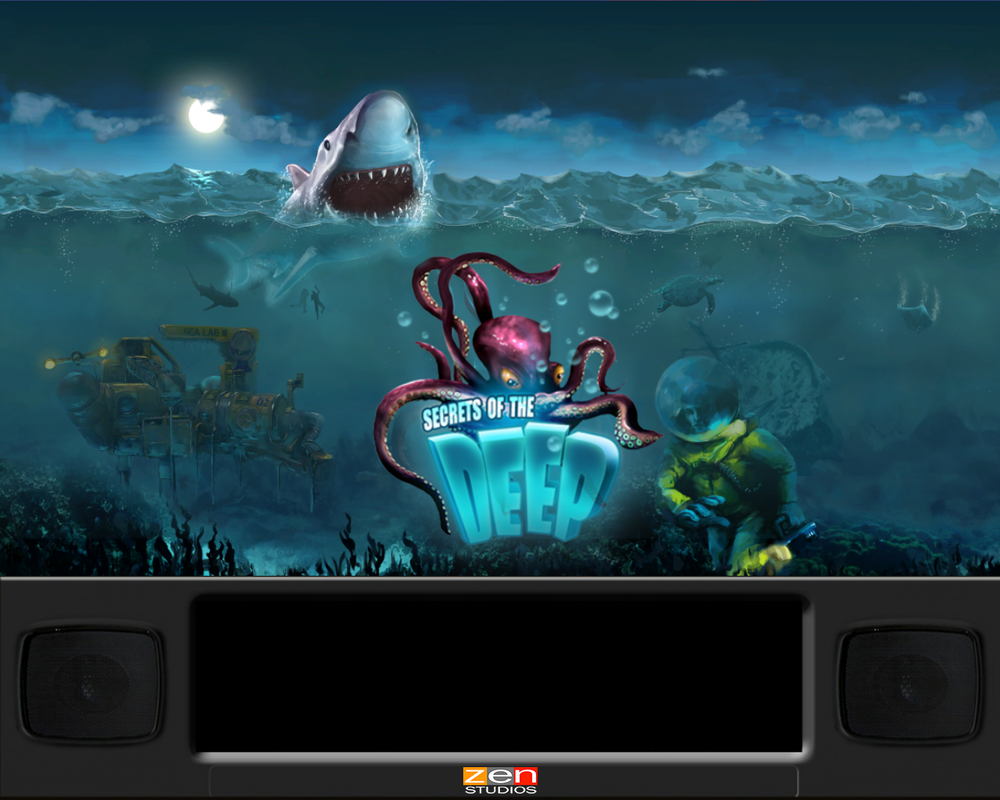
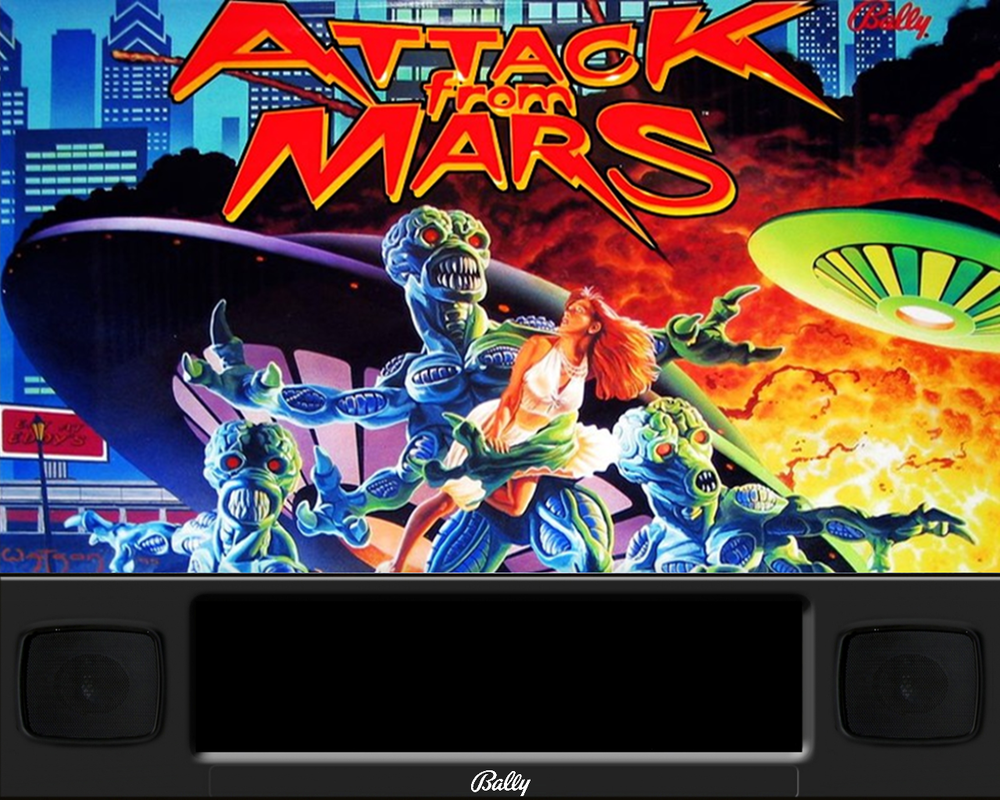
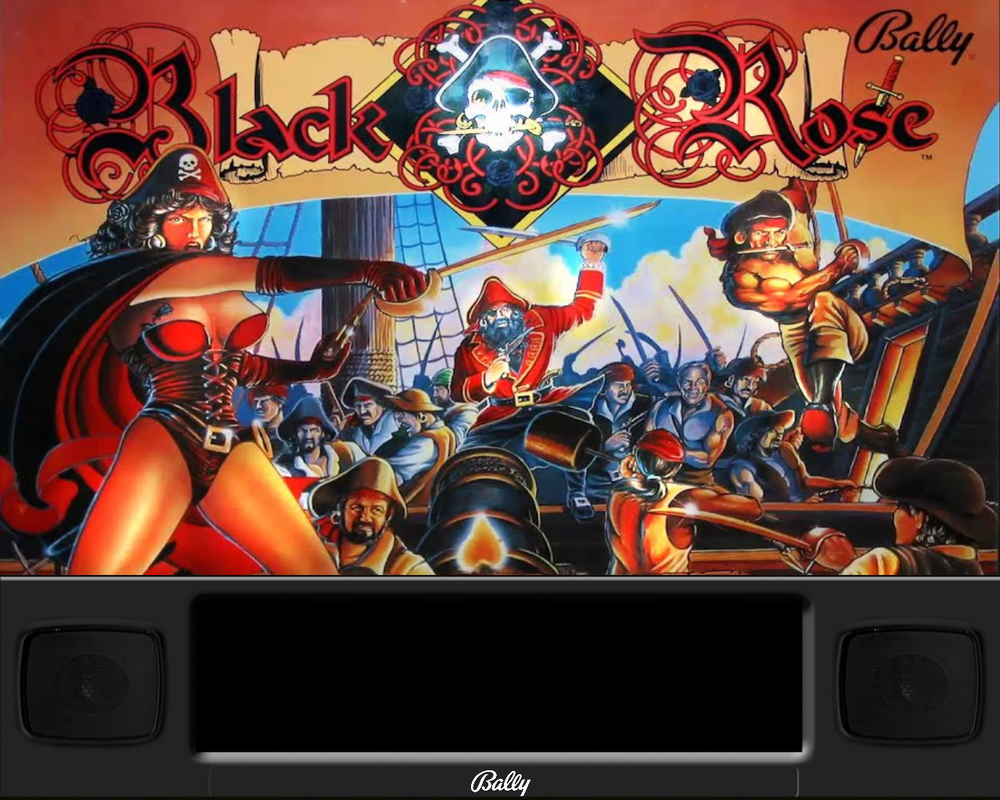
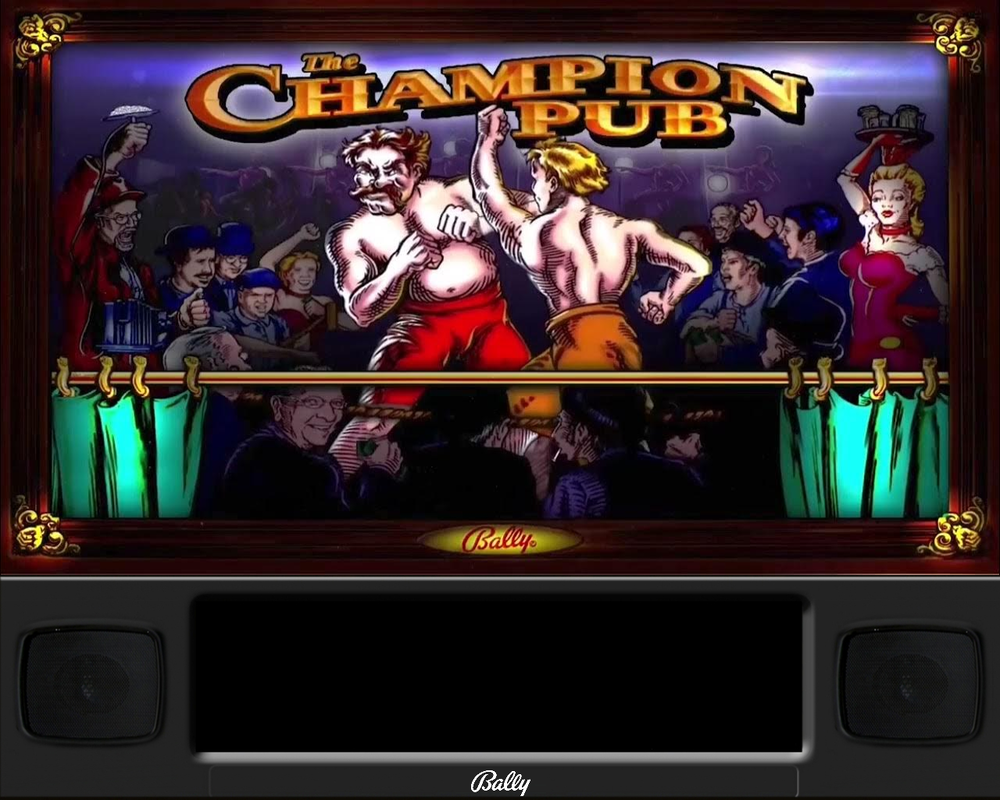
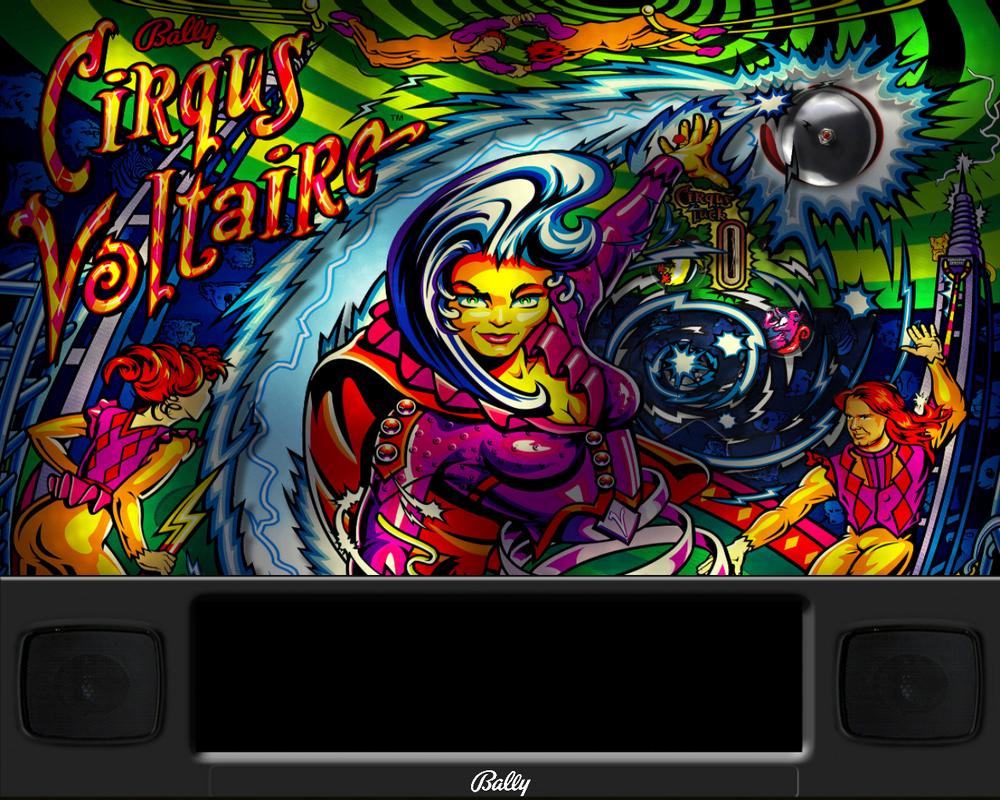
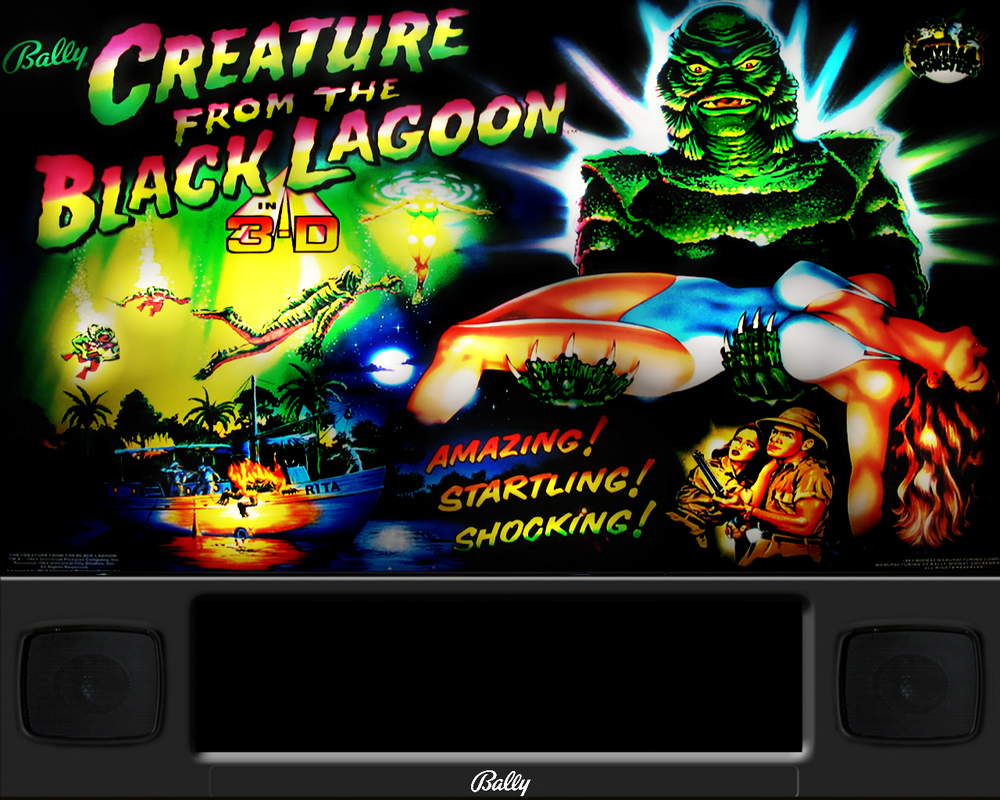
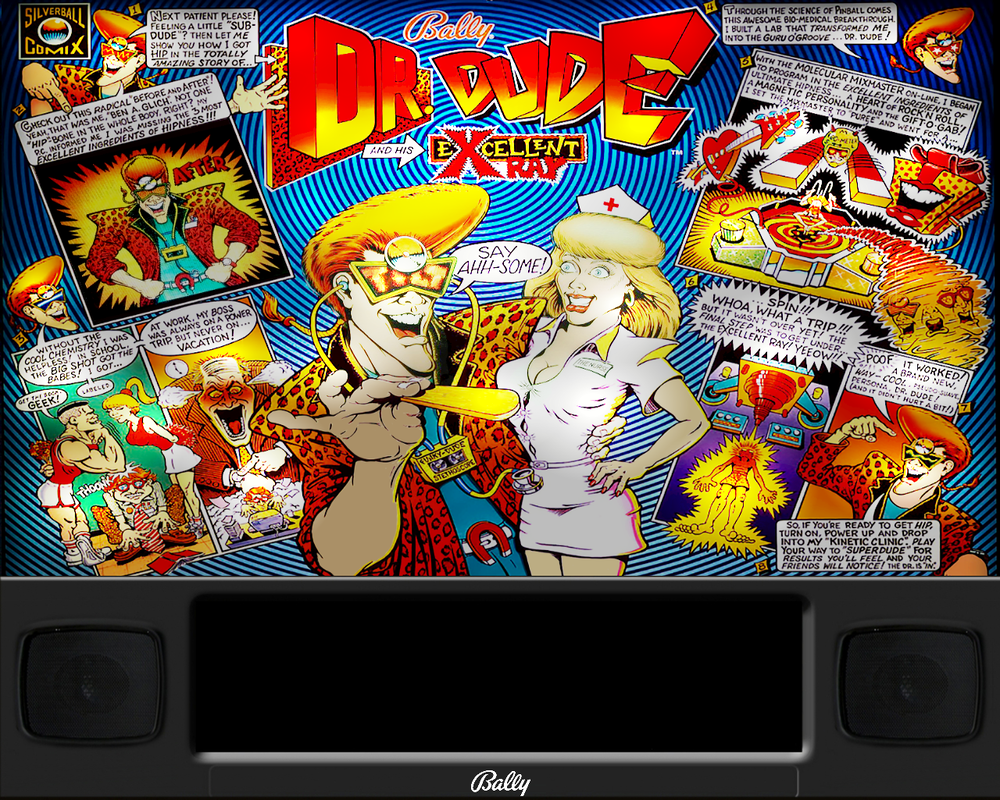
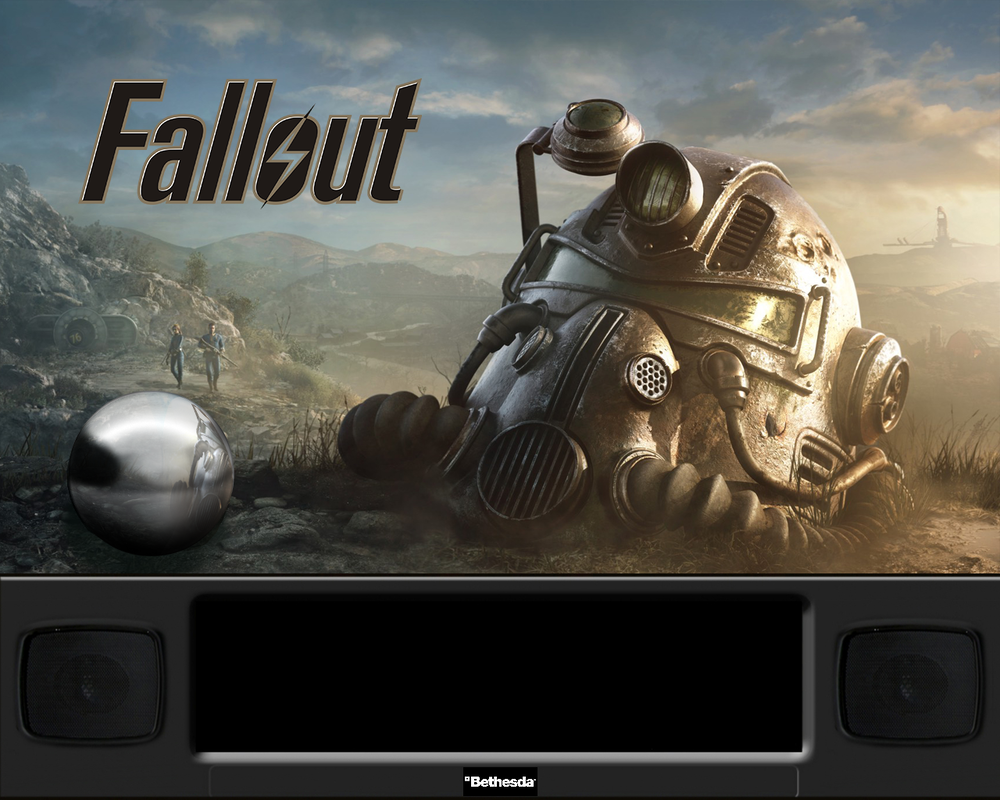
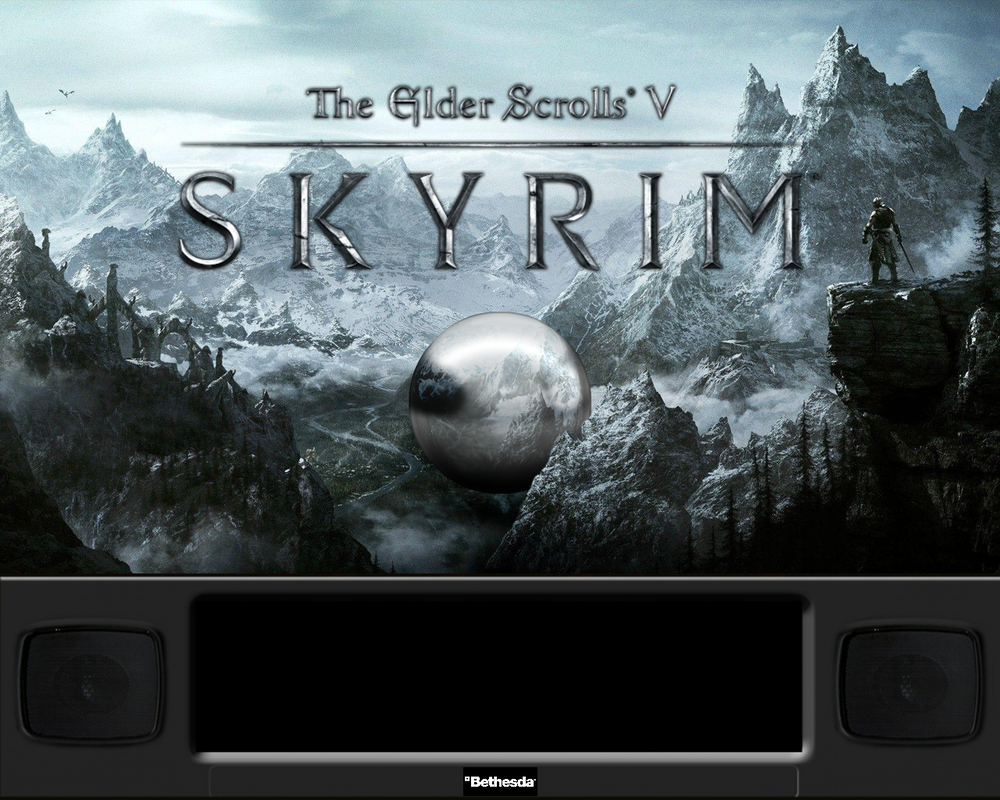
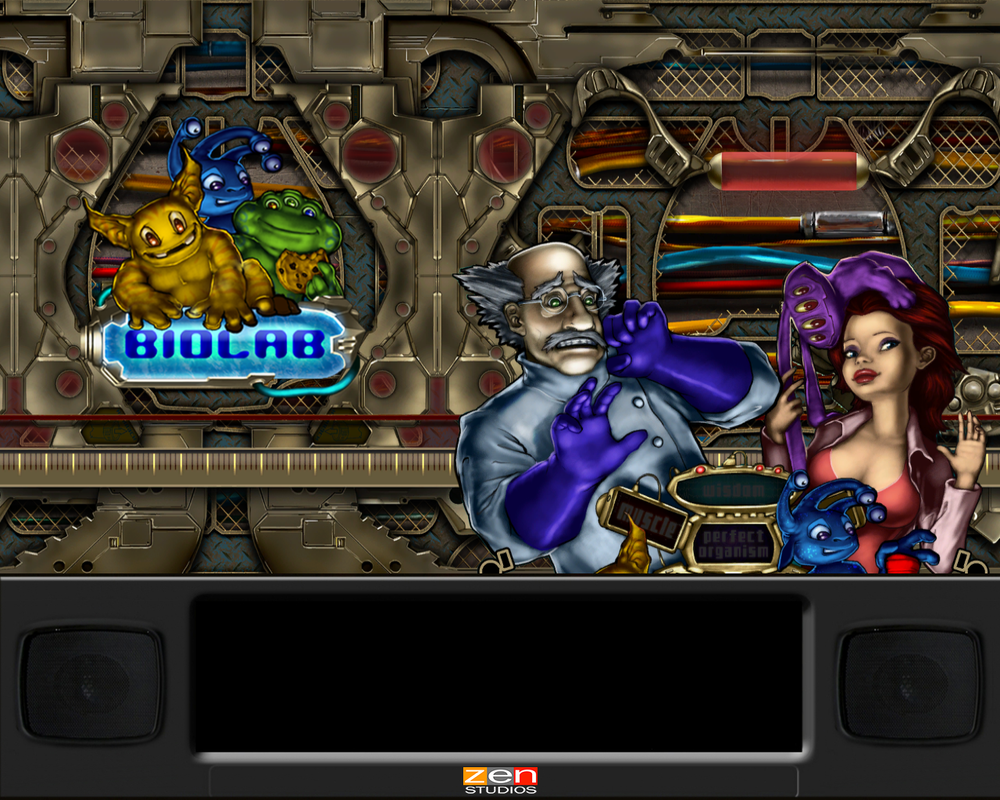
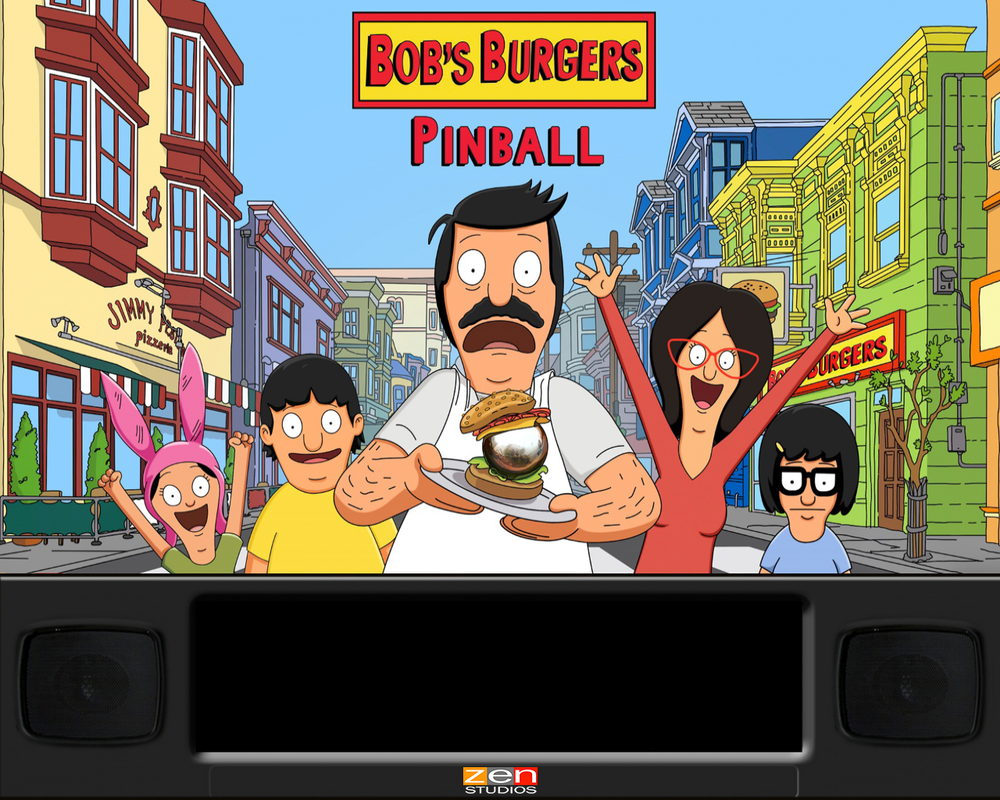
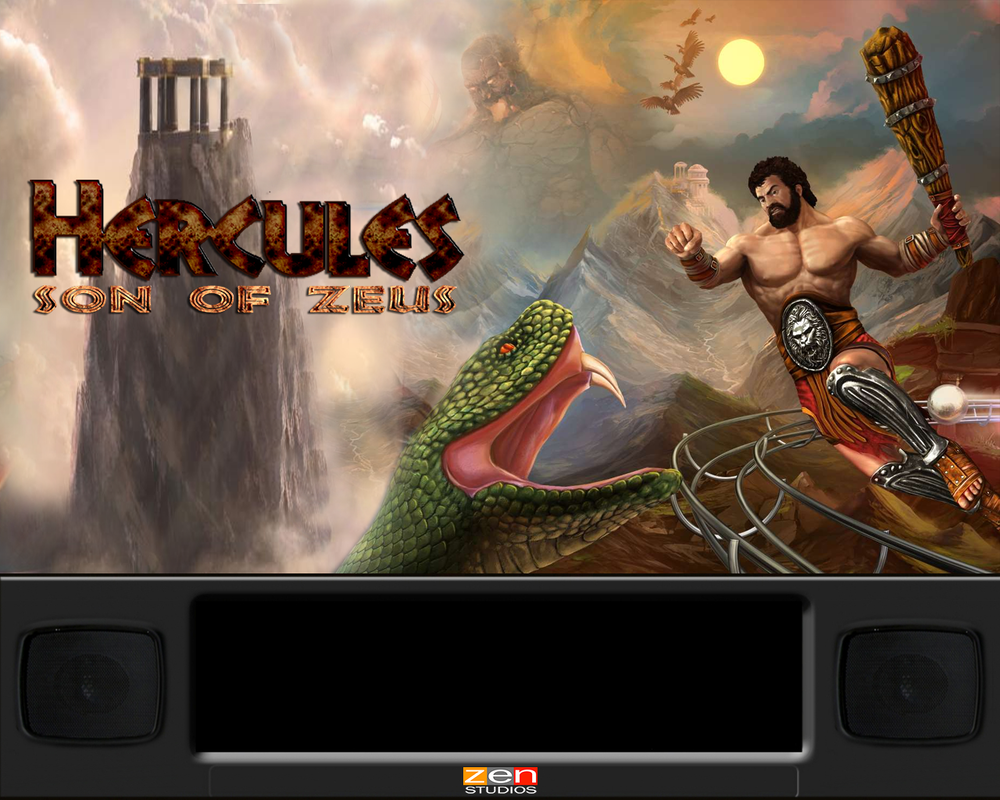
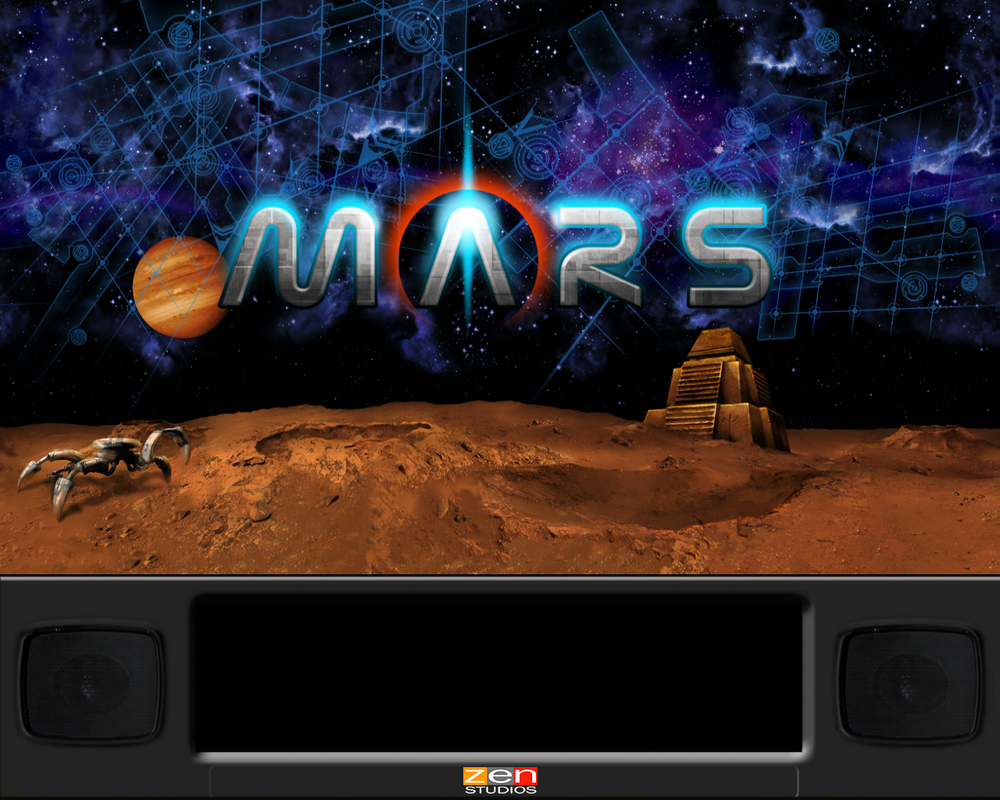
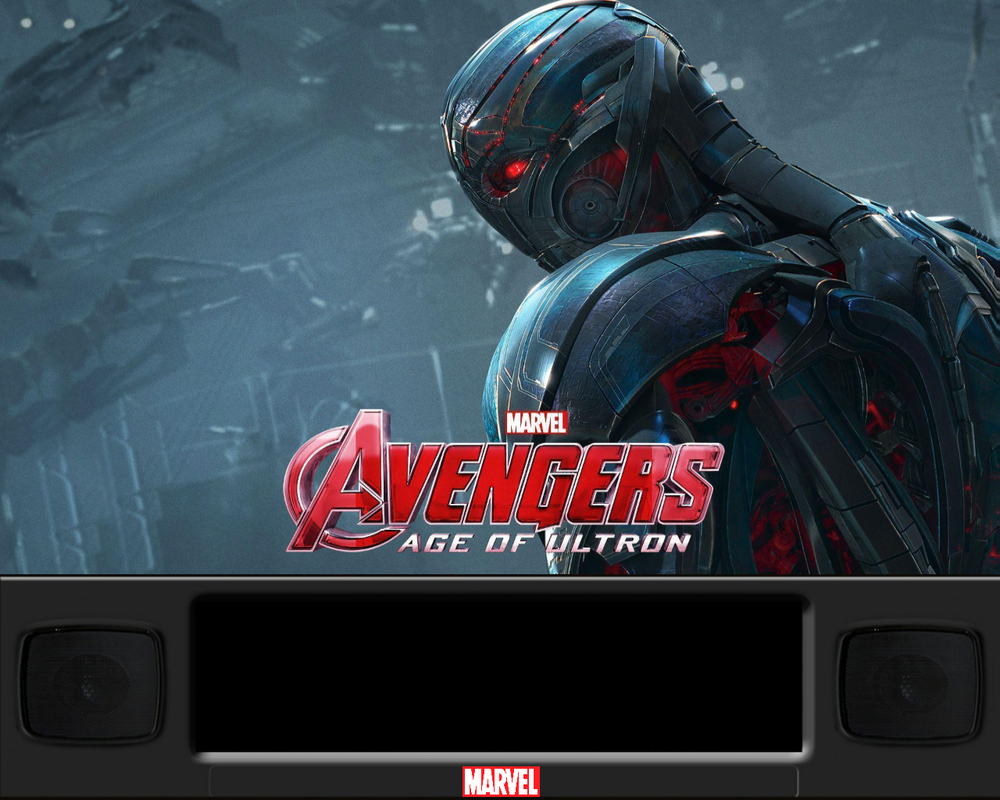
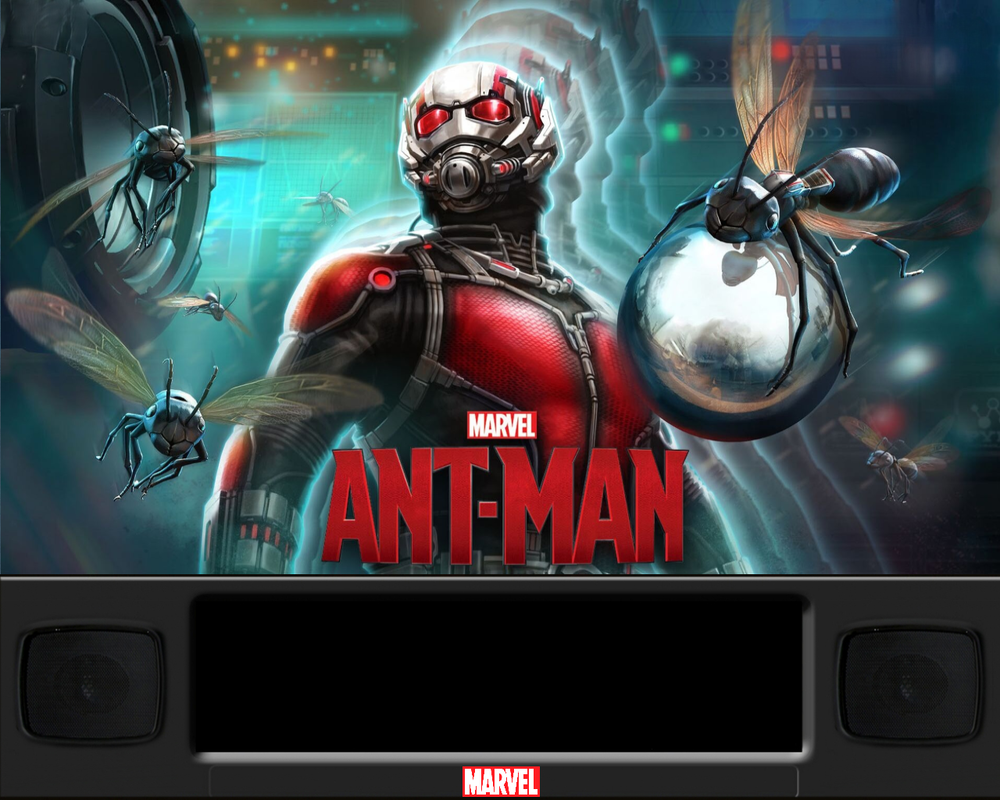
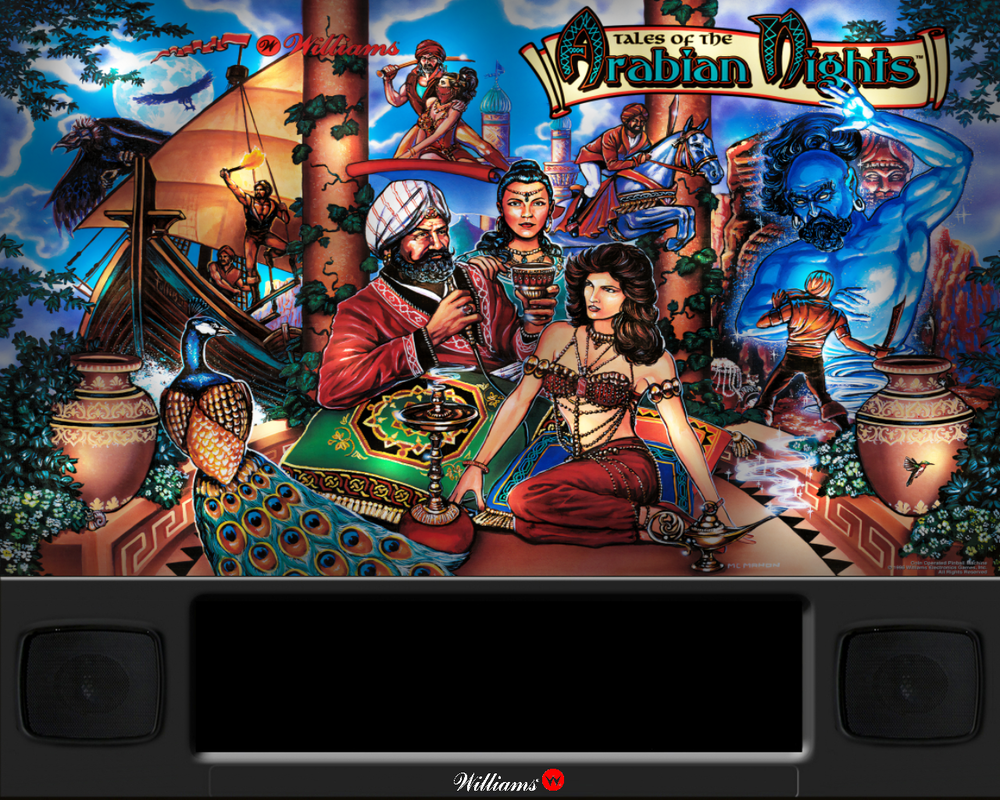
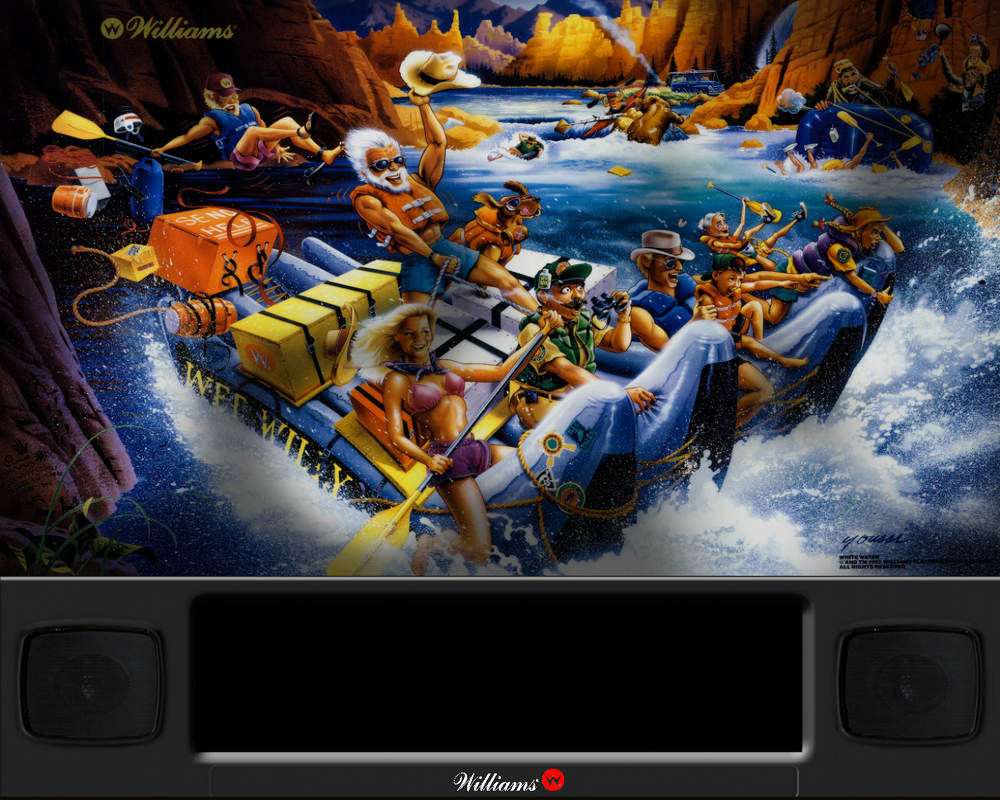
Disclaimer: None of these artworks were made by me - but I wasn't able to find a DMD-integrated version of the backglasses... so - here they are! For: Pinball FX2 / Pinball FX3 / Pinball FX Classic



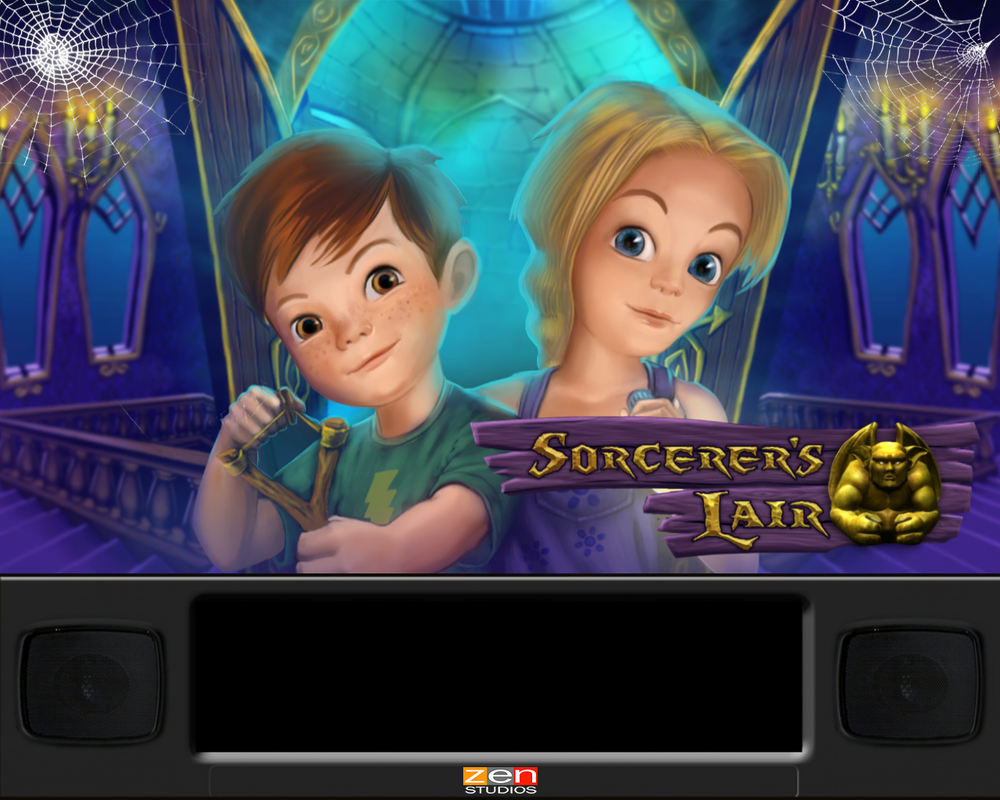

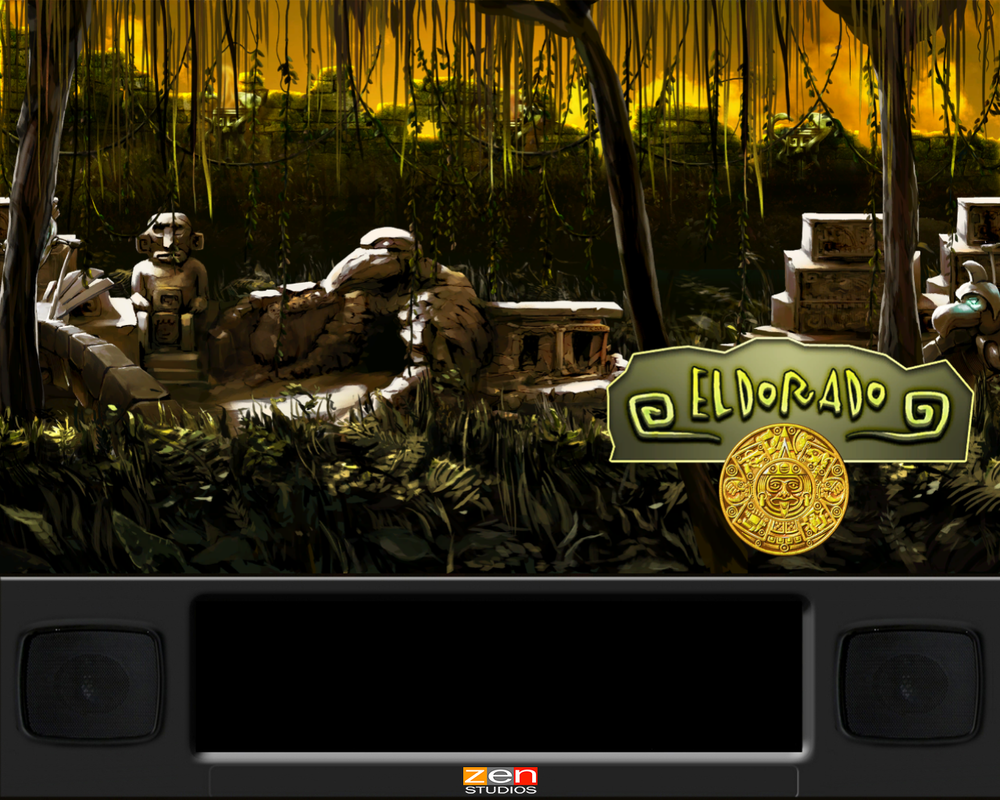
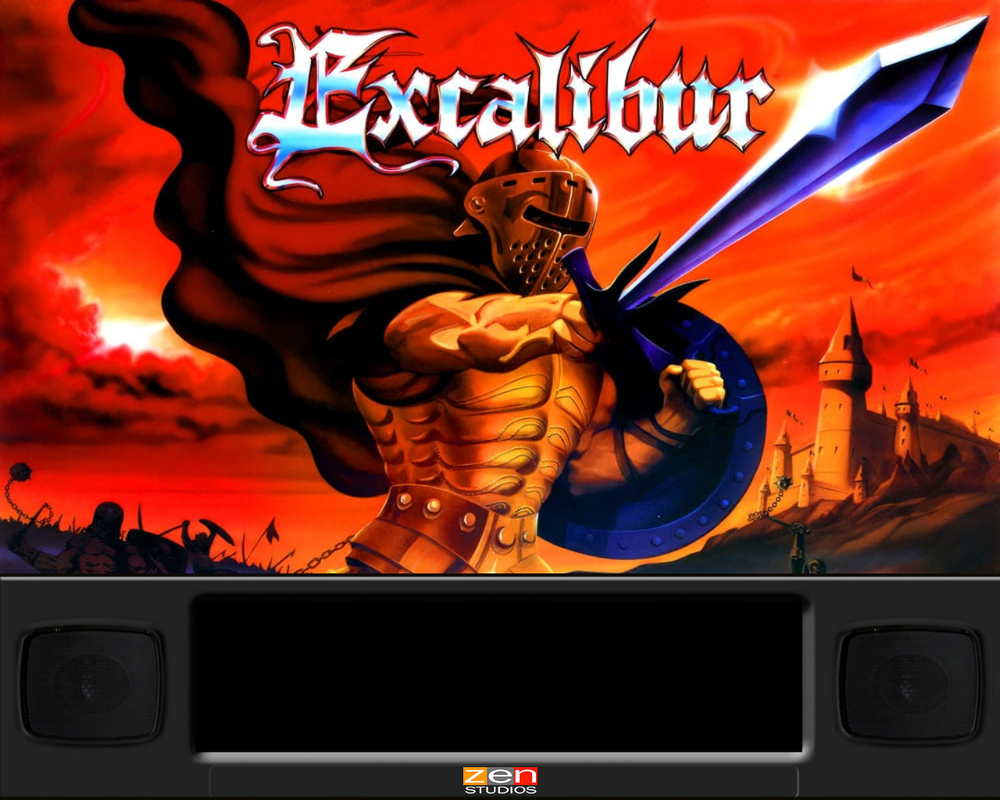
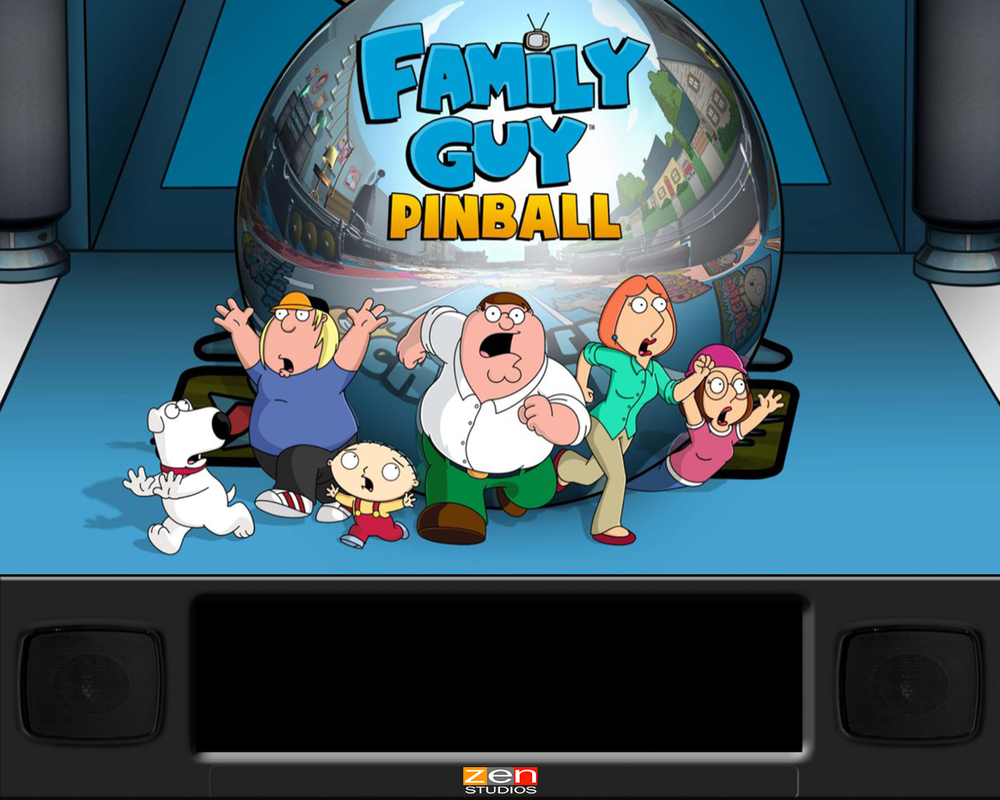


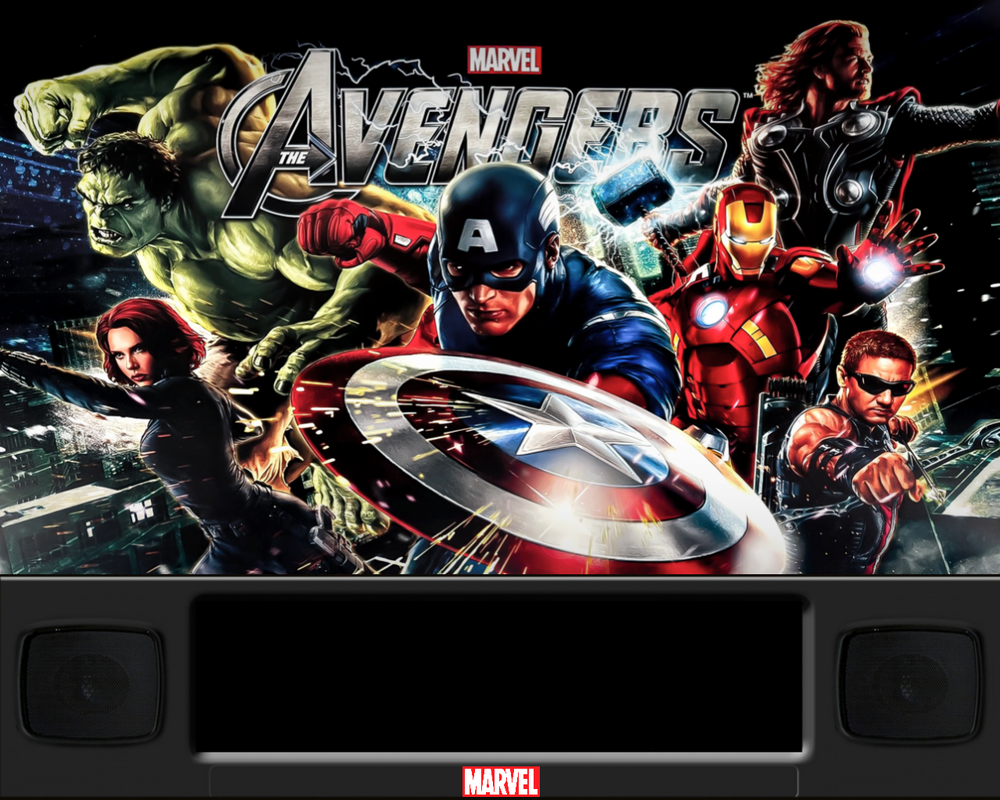
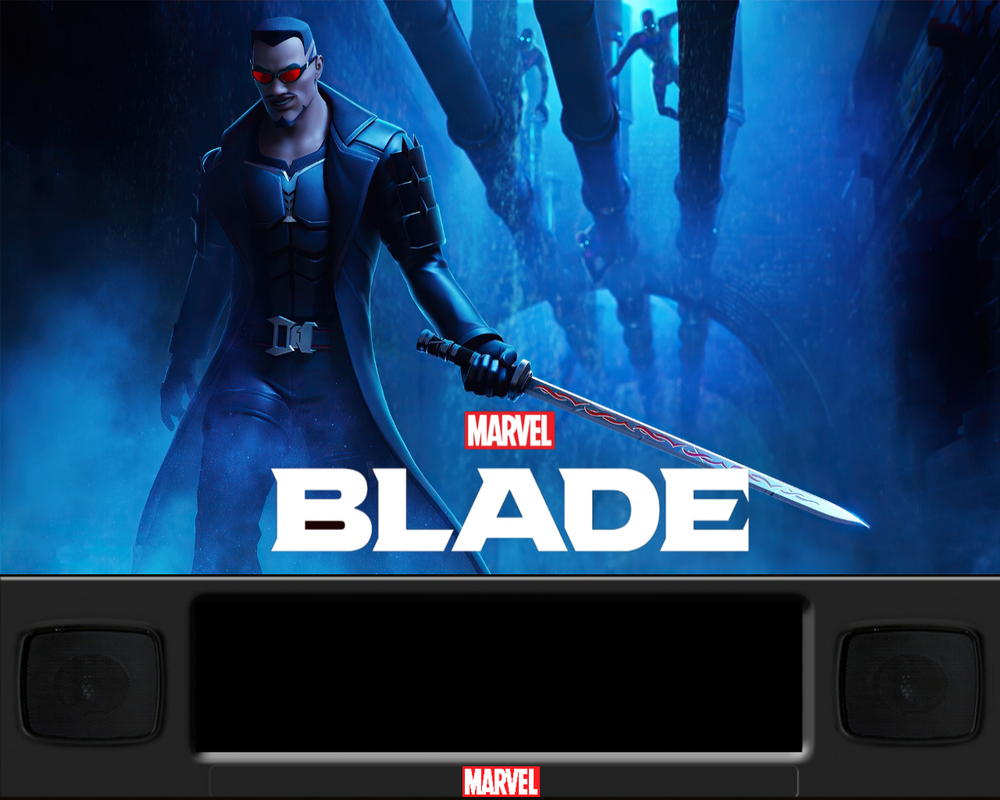

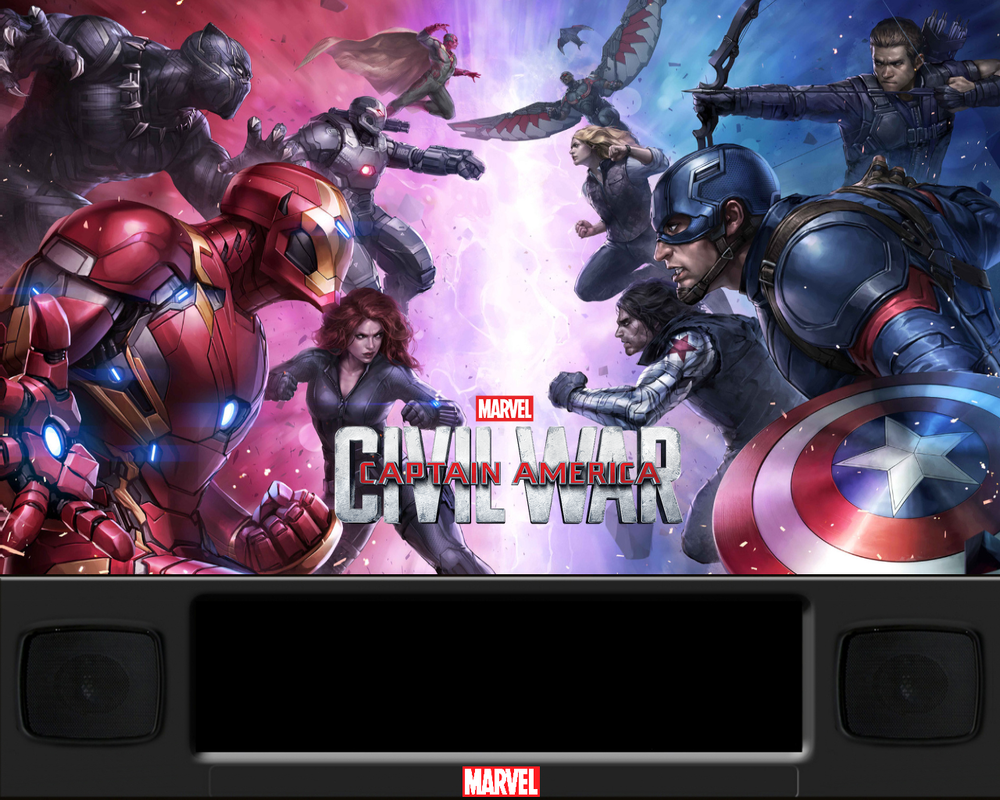
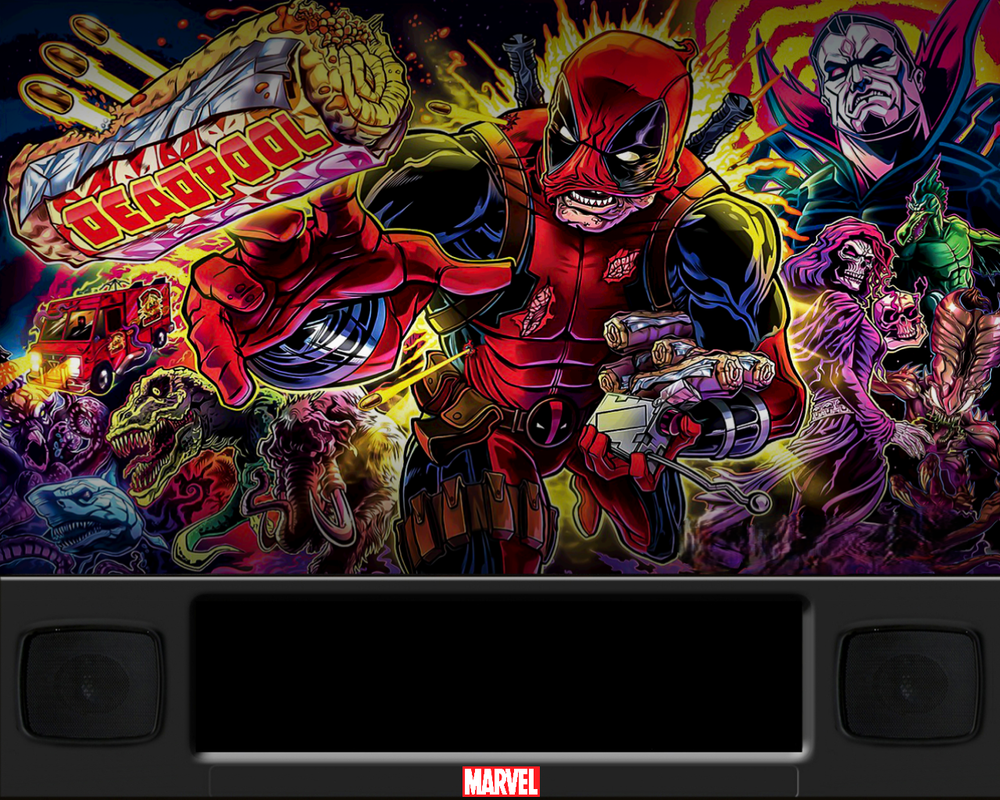
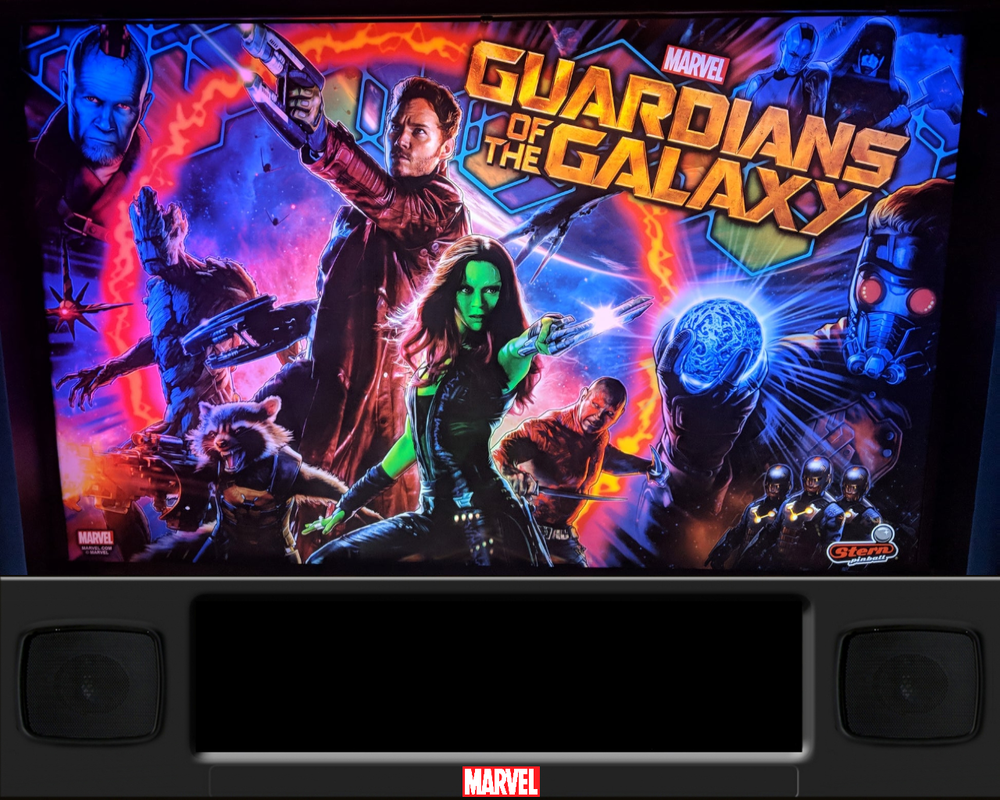

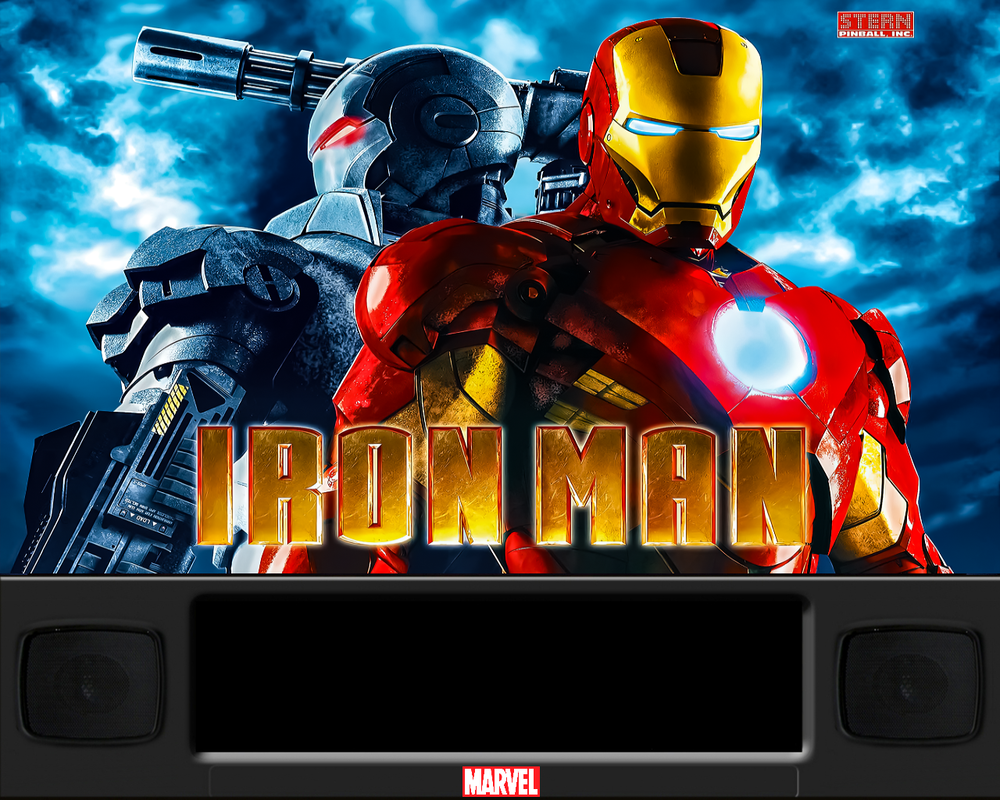
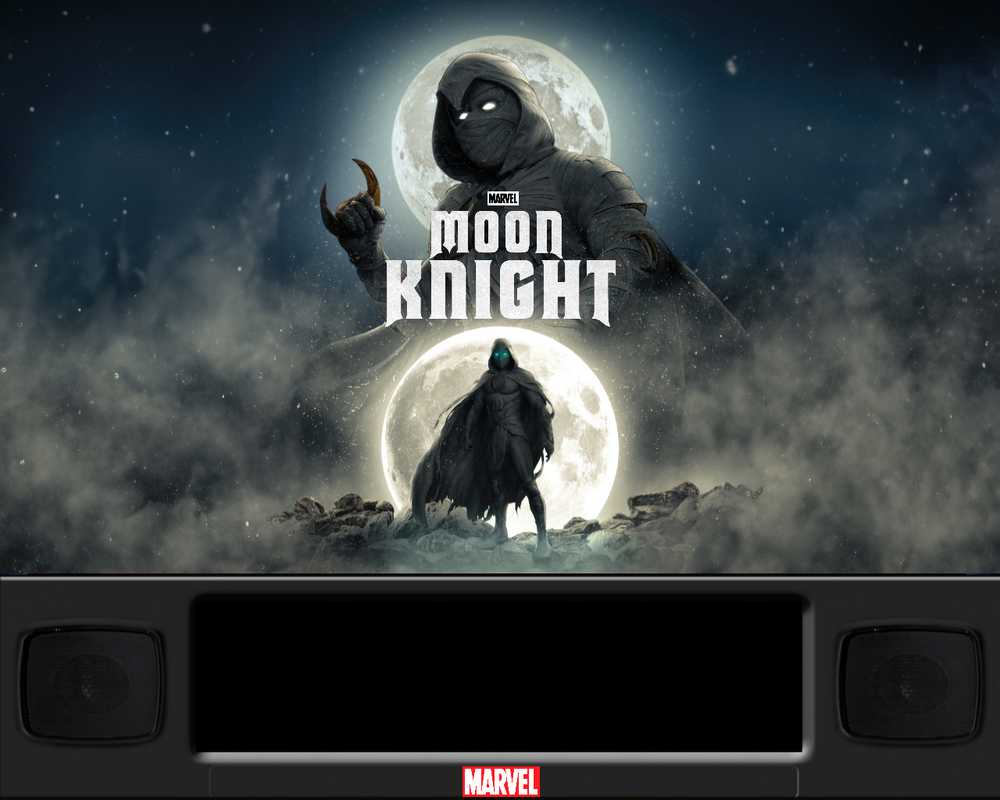
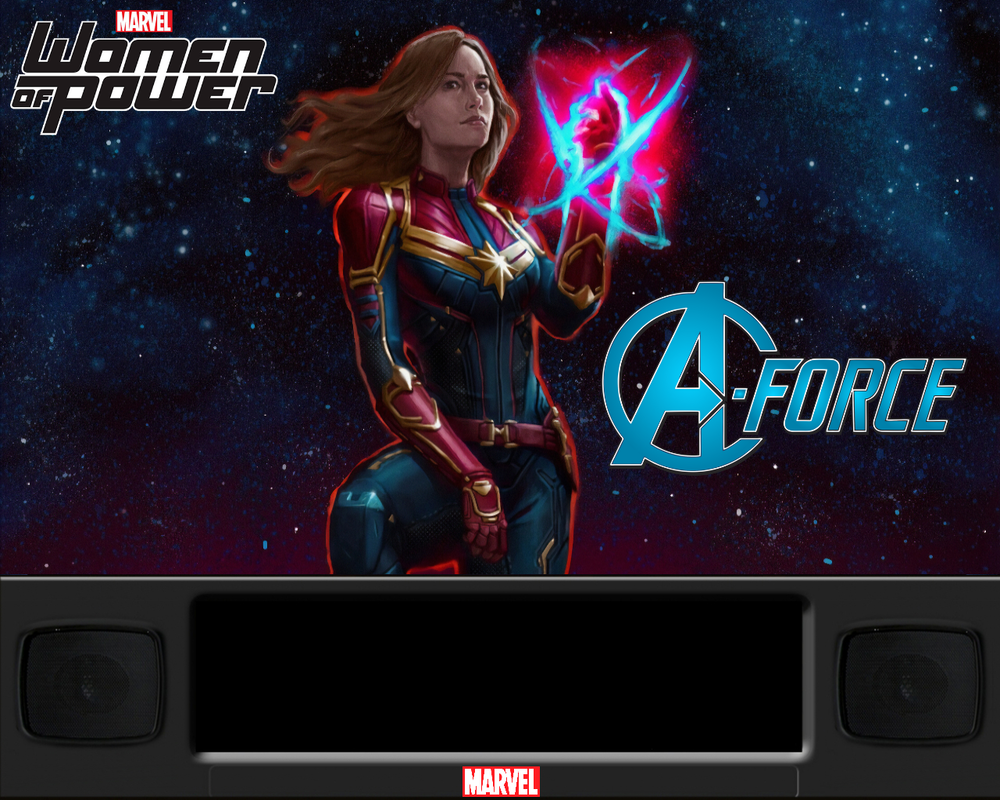
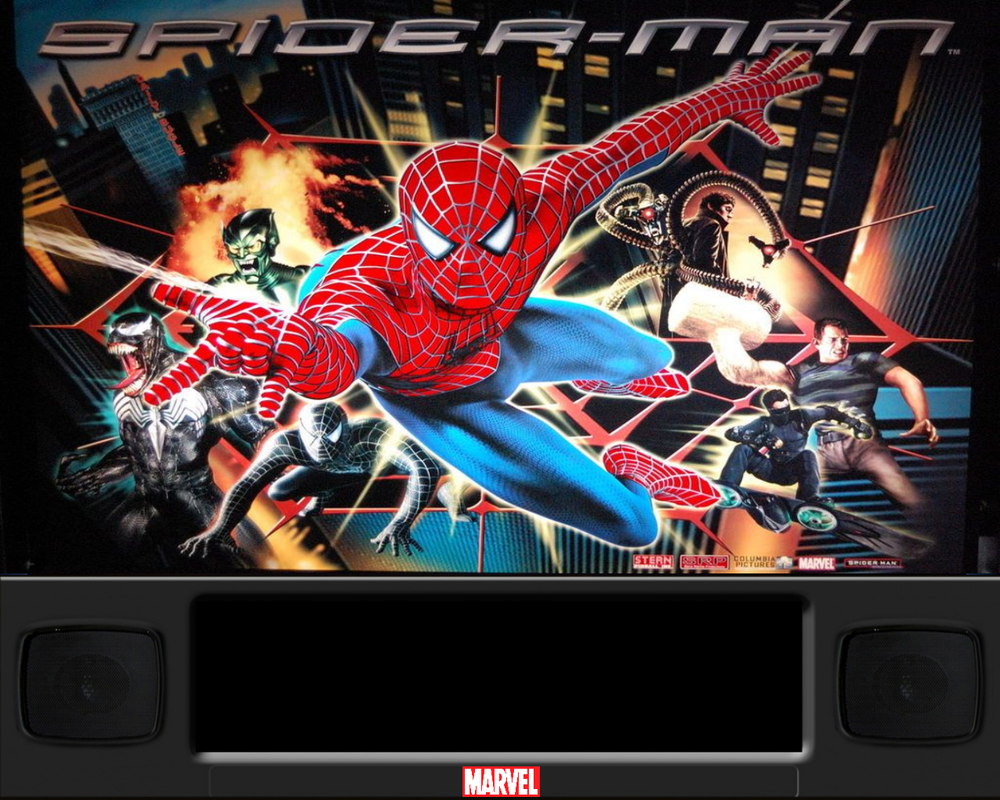

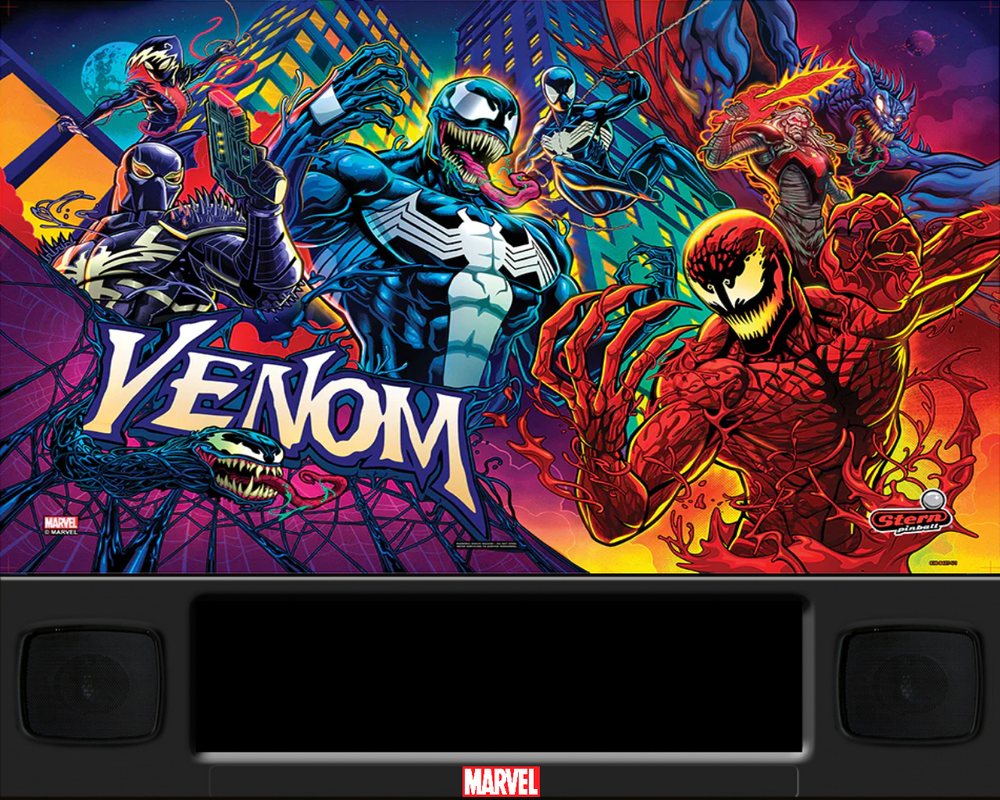
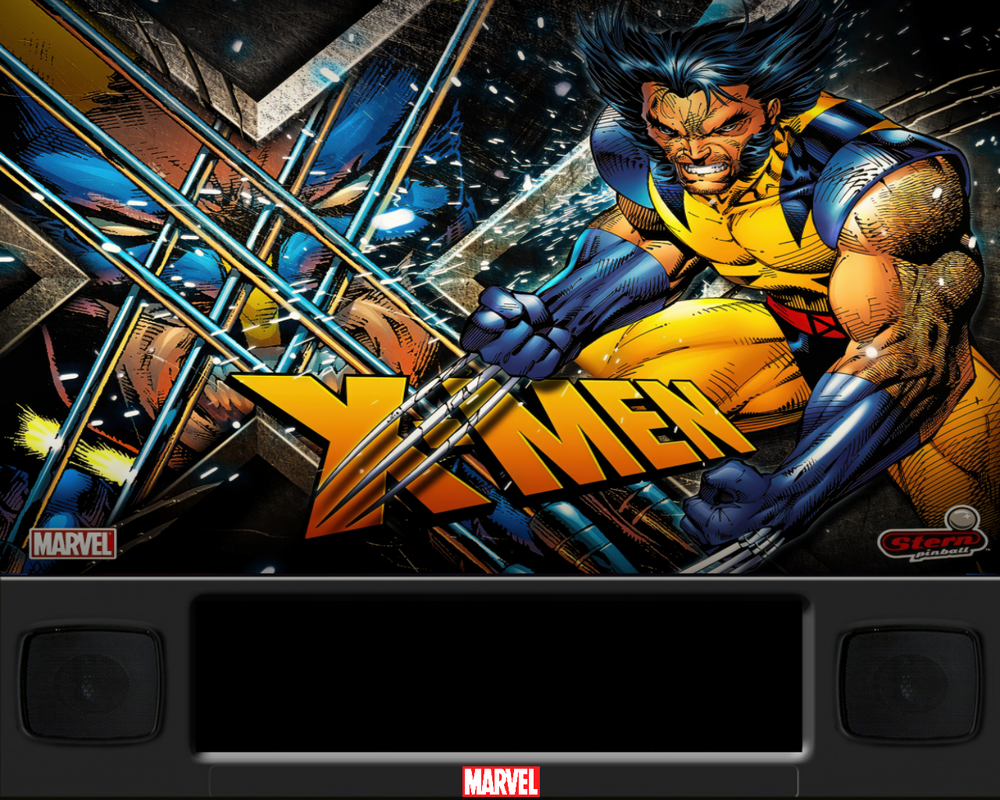

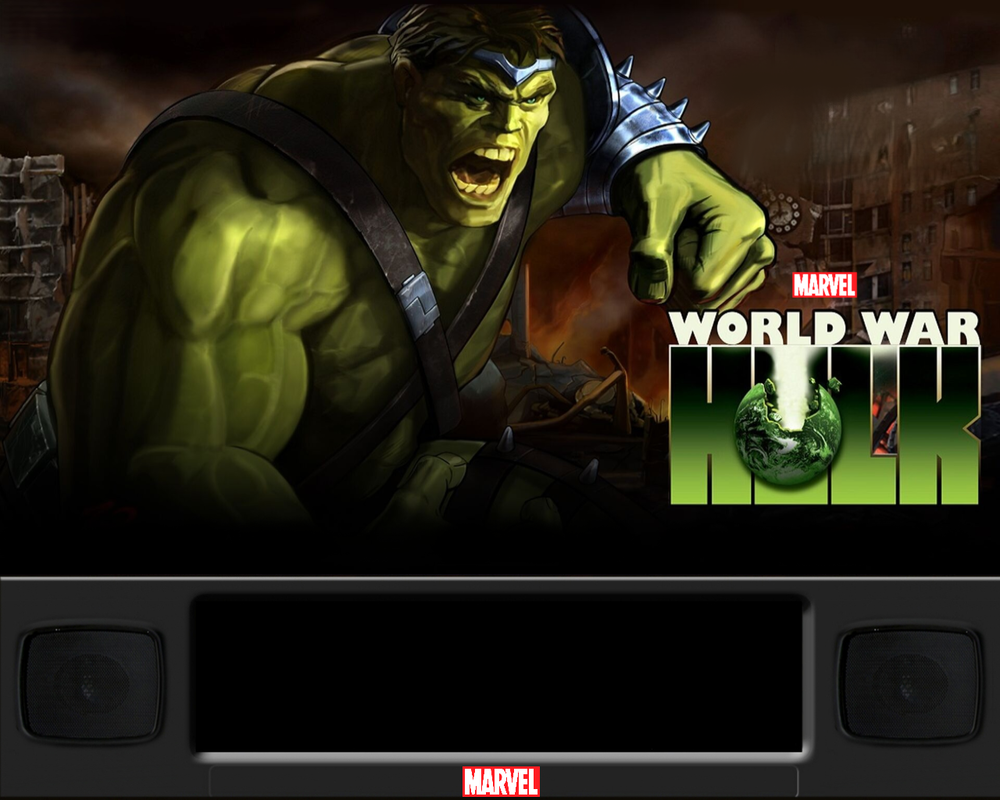

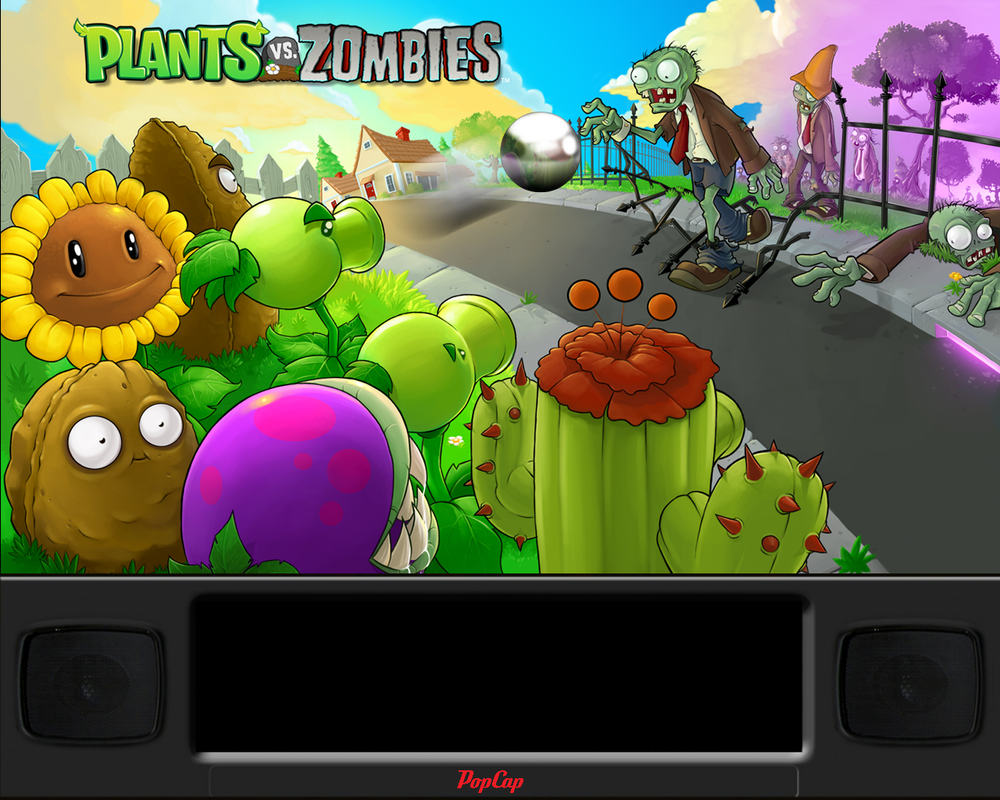


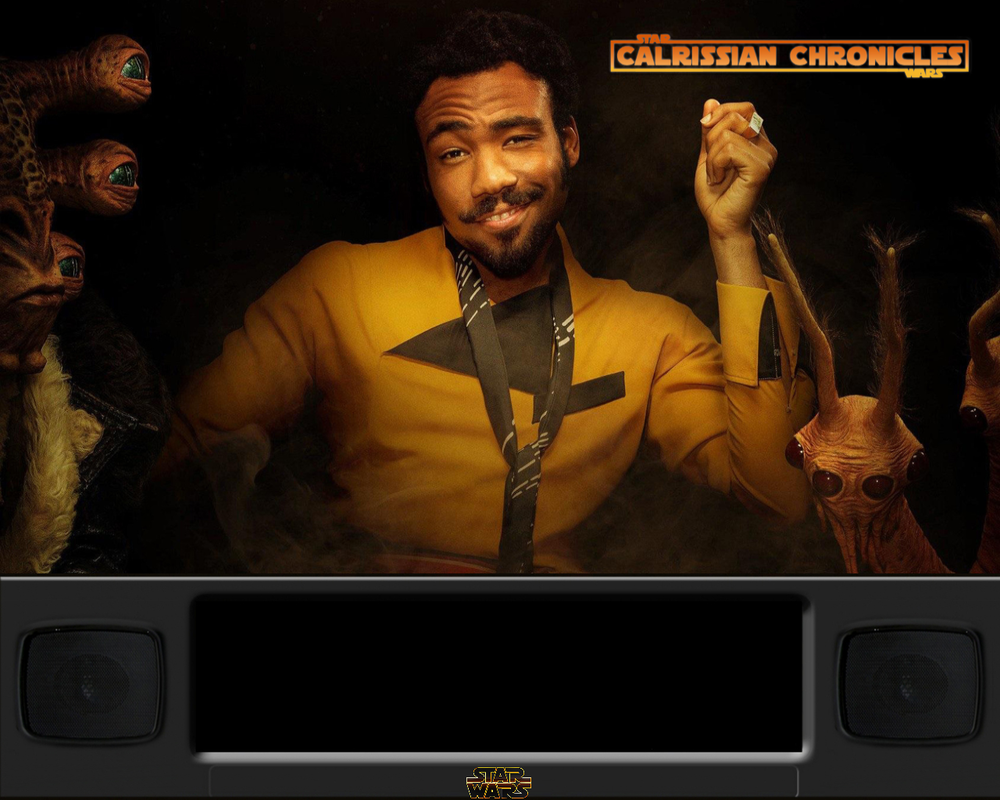
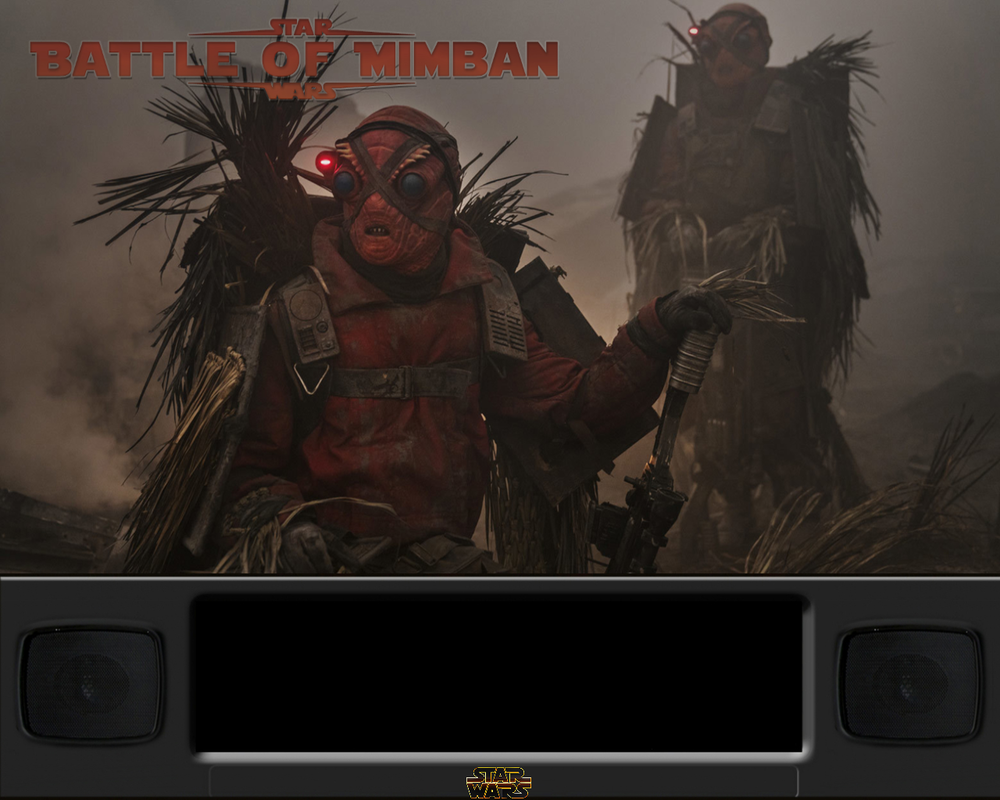

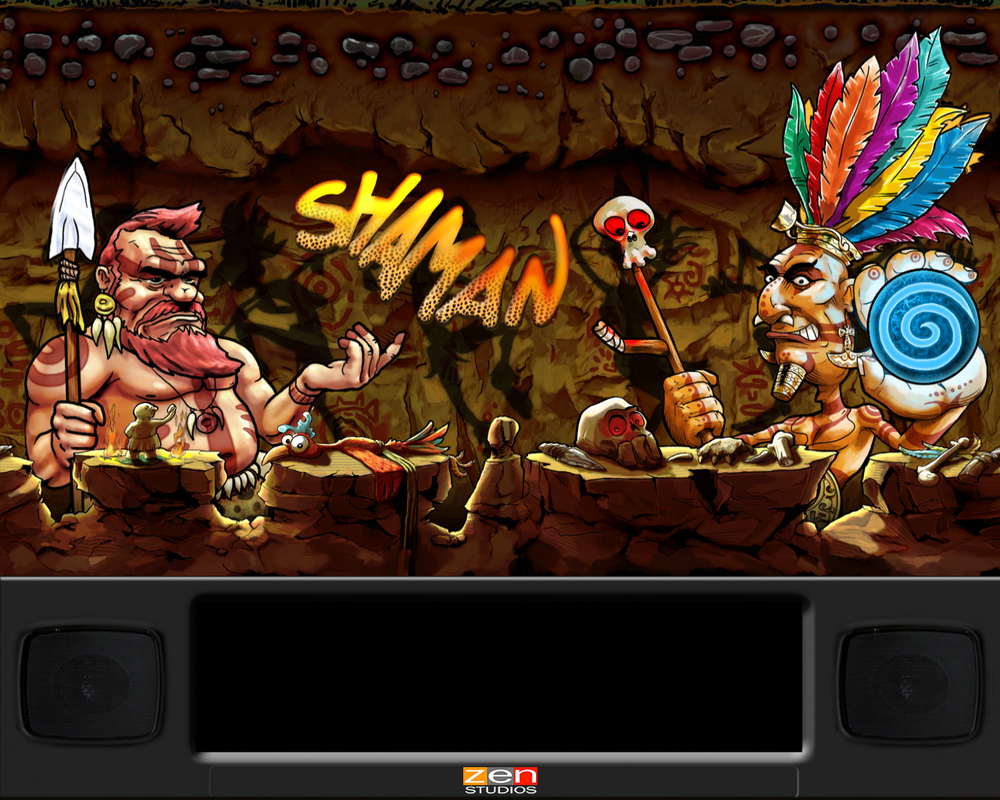





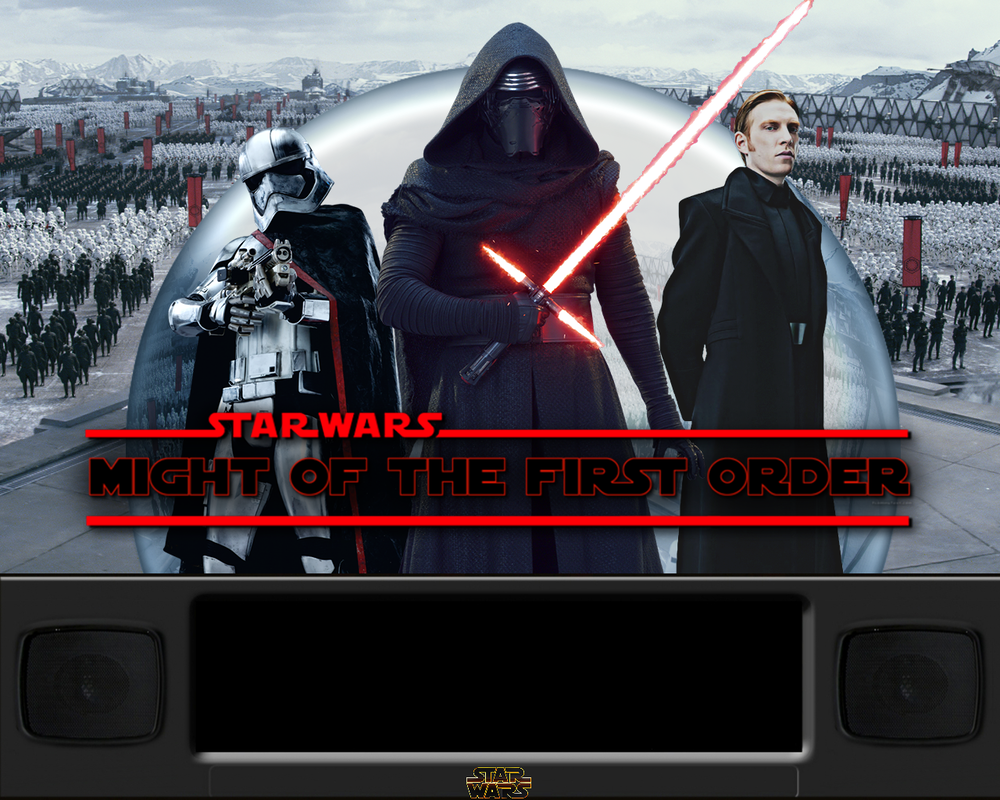

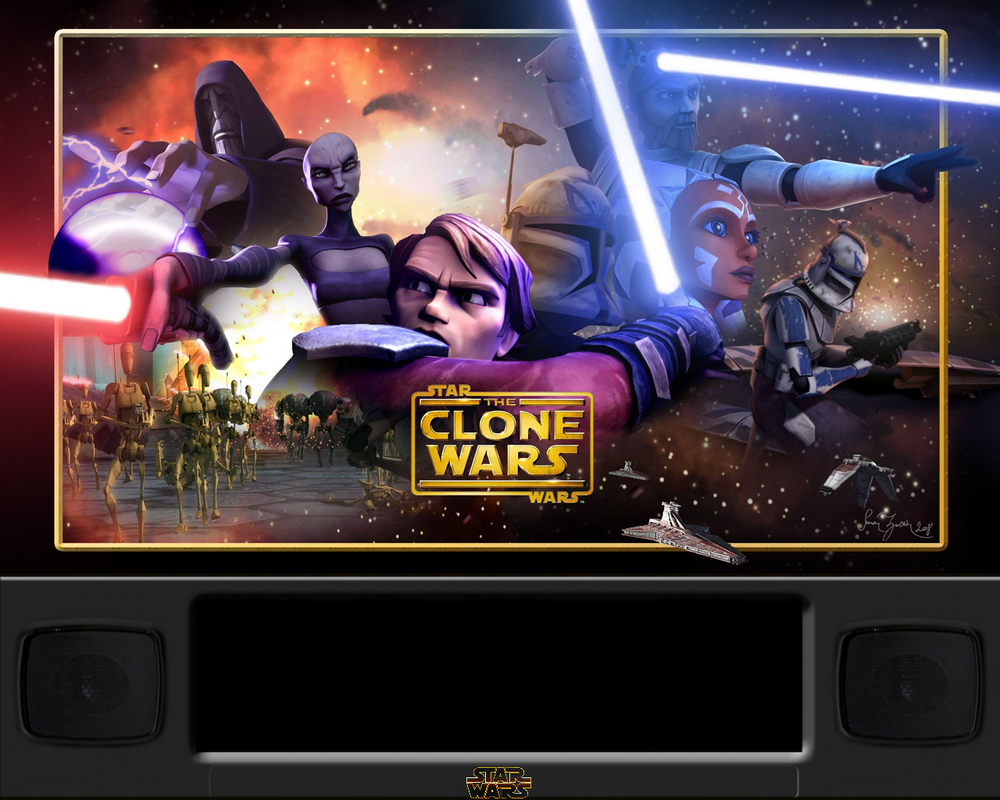
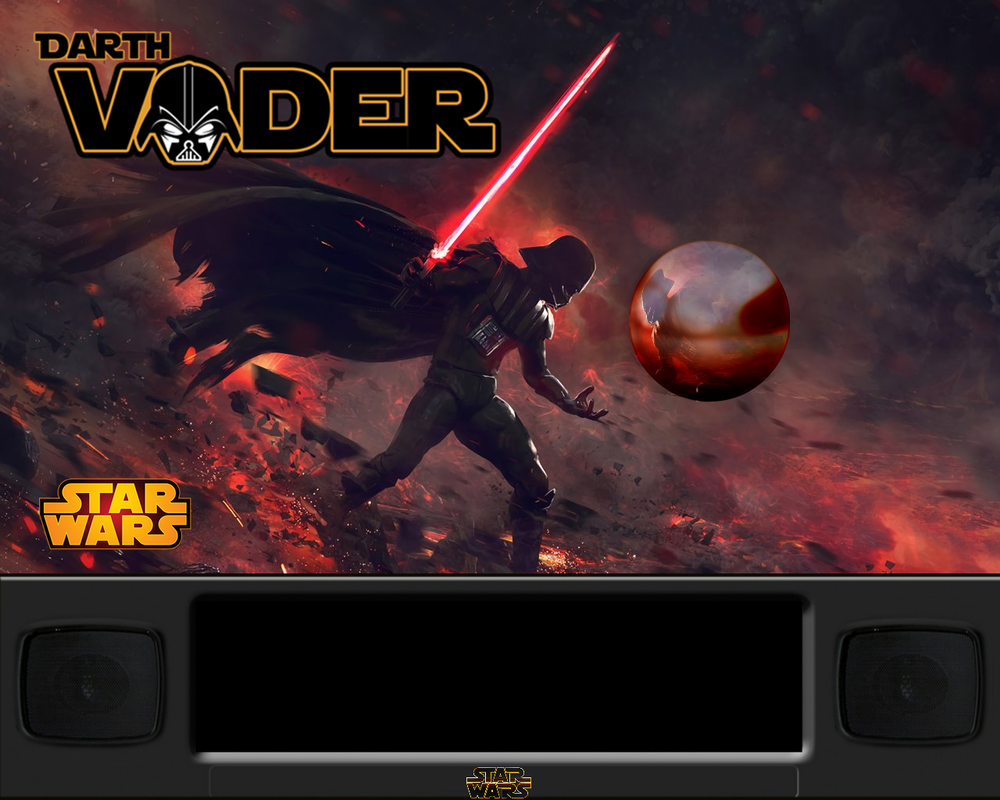

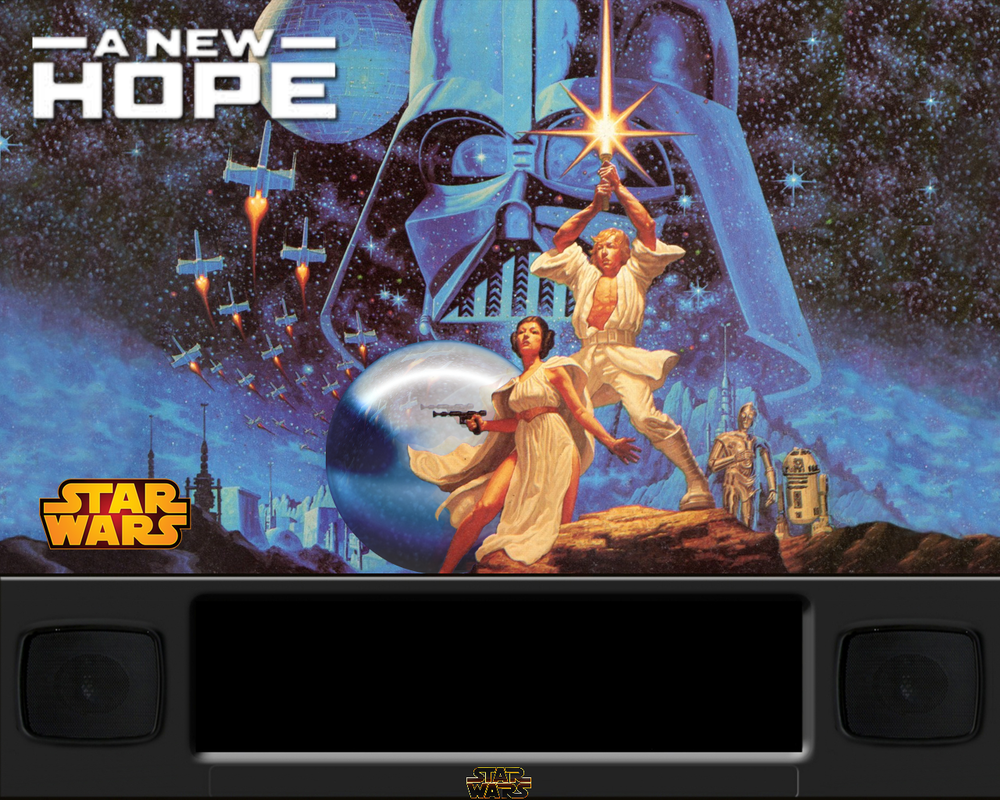
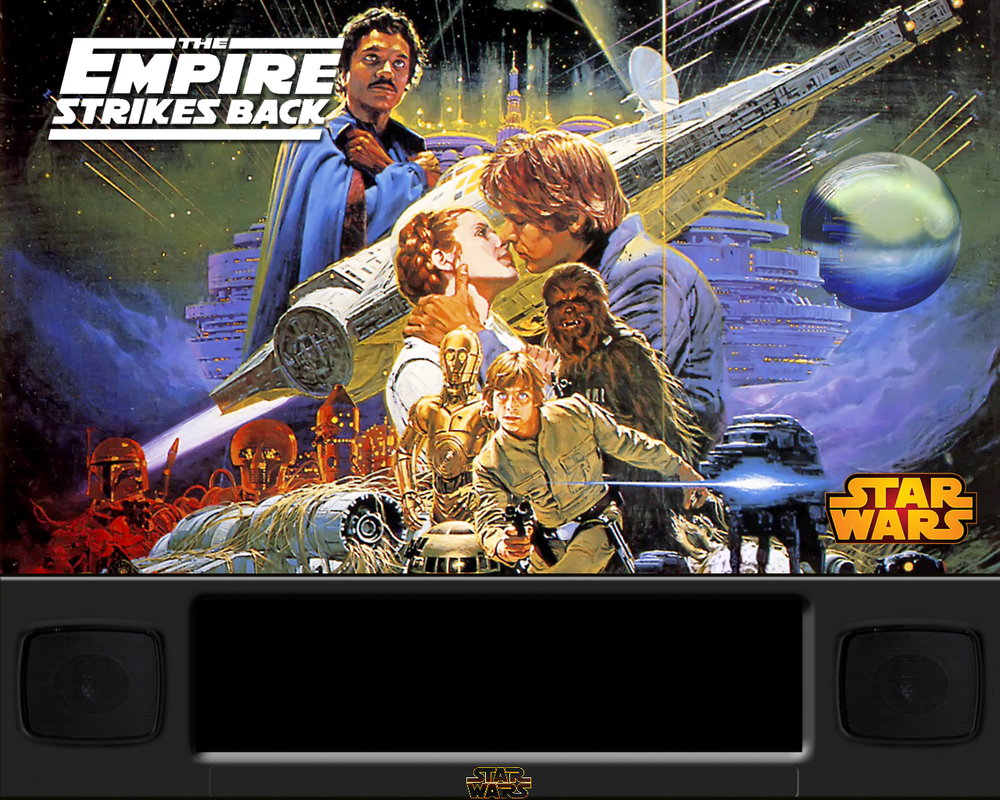
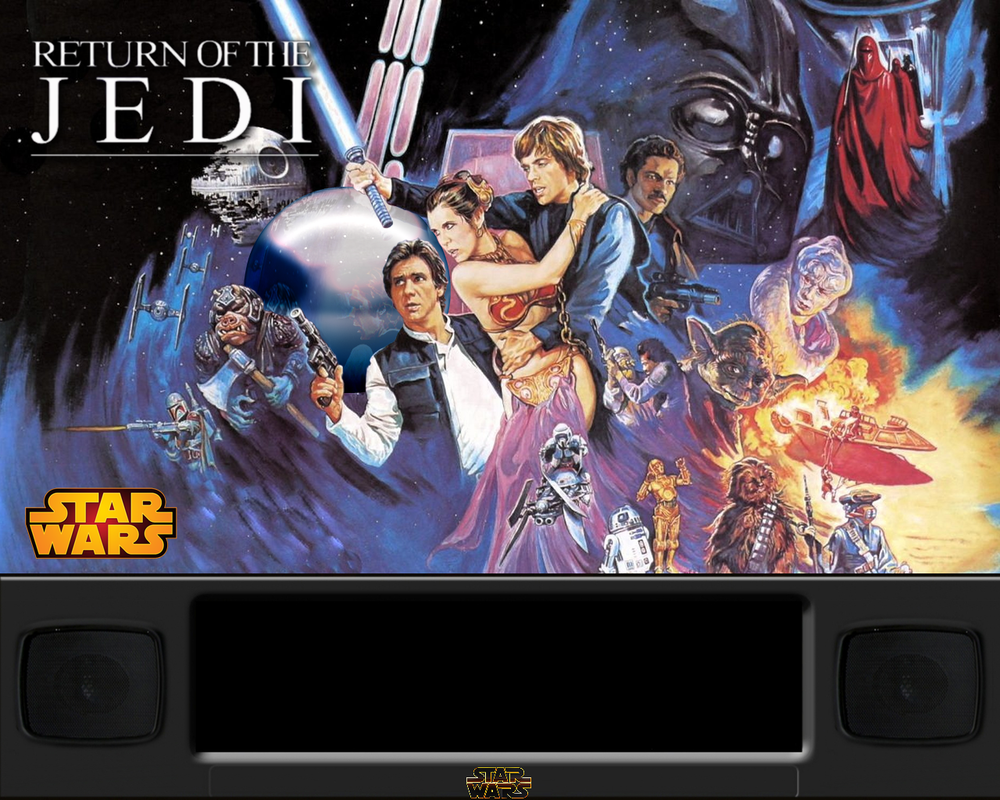




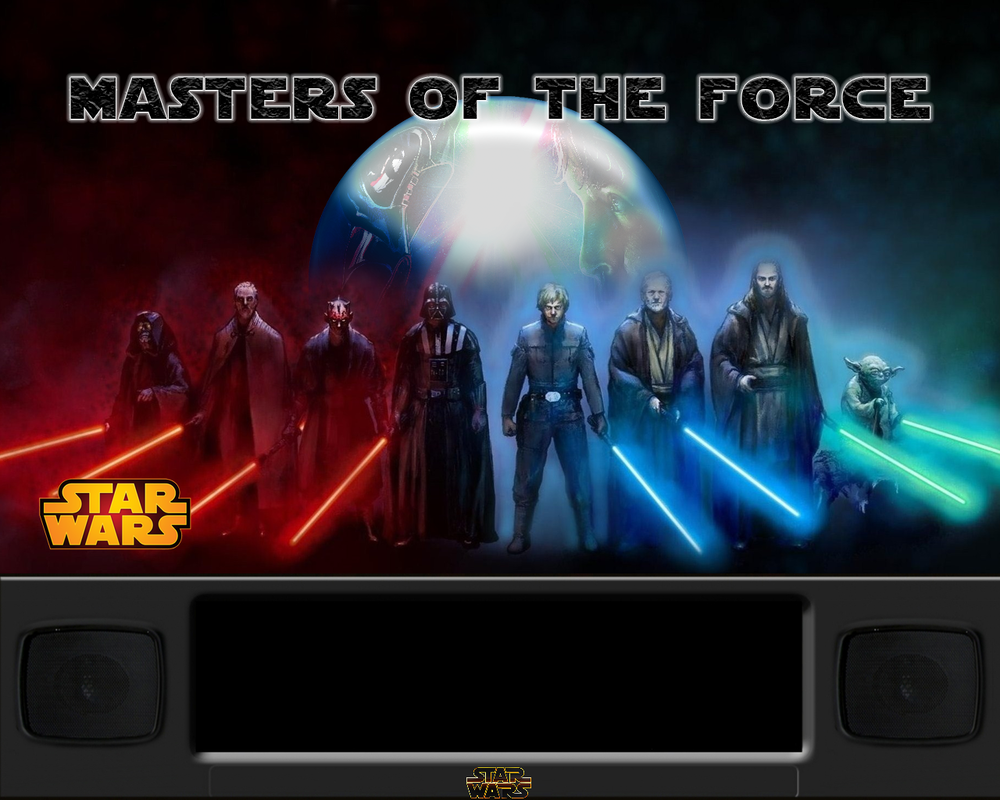
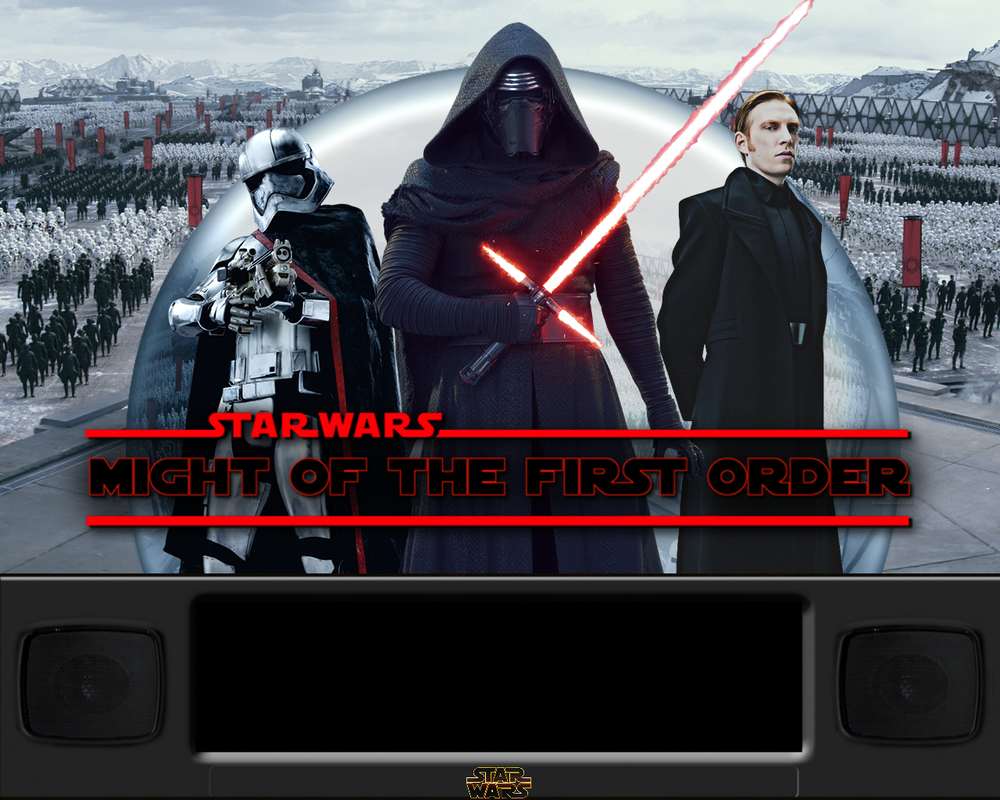



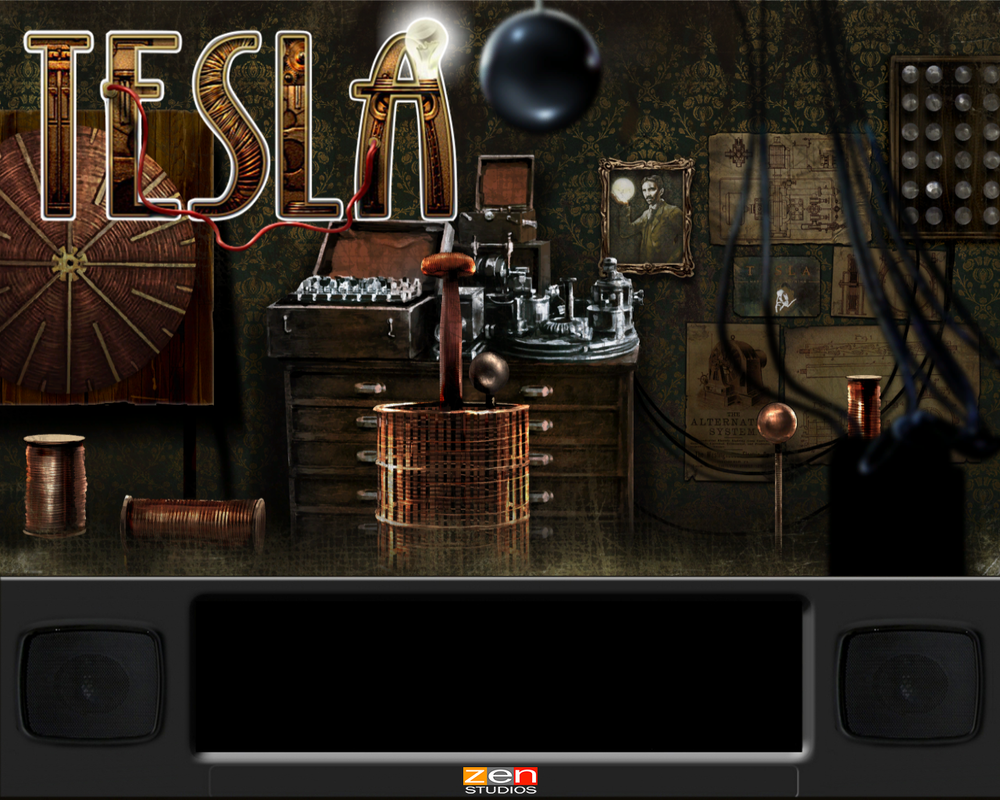
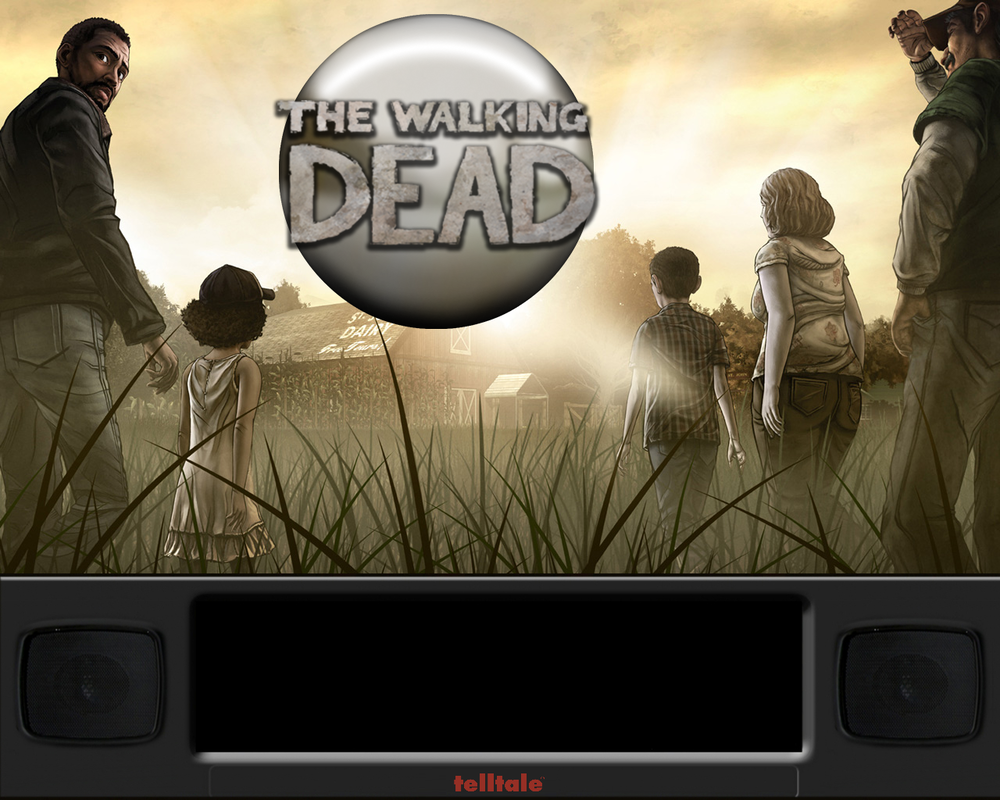

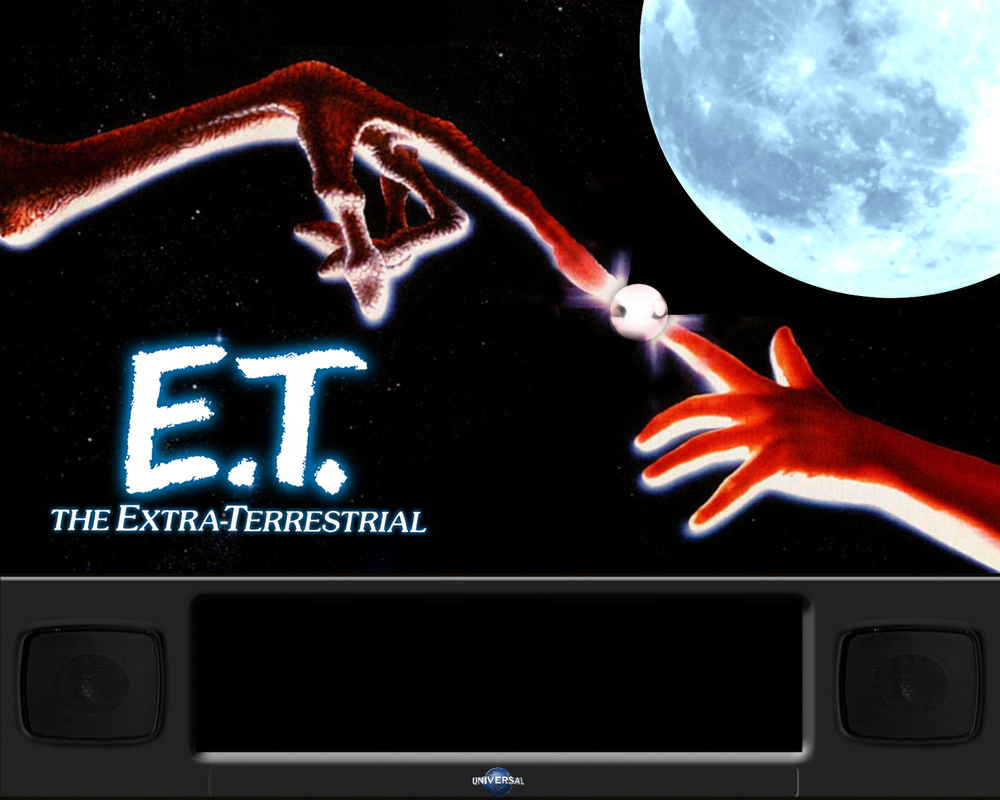

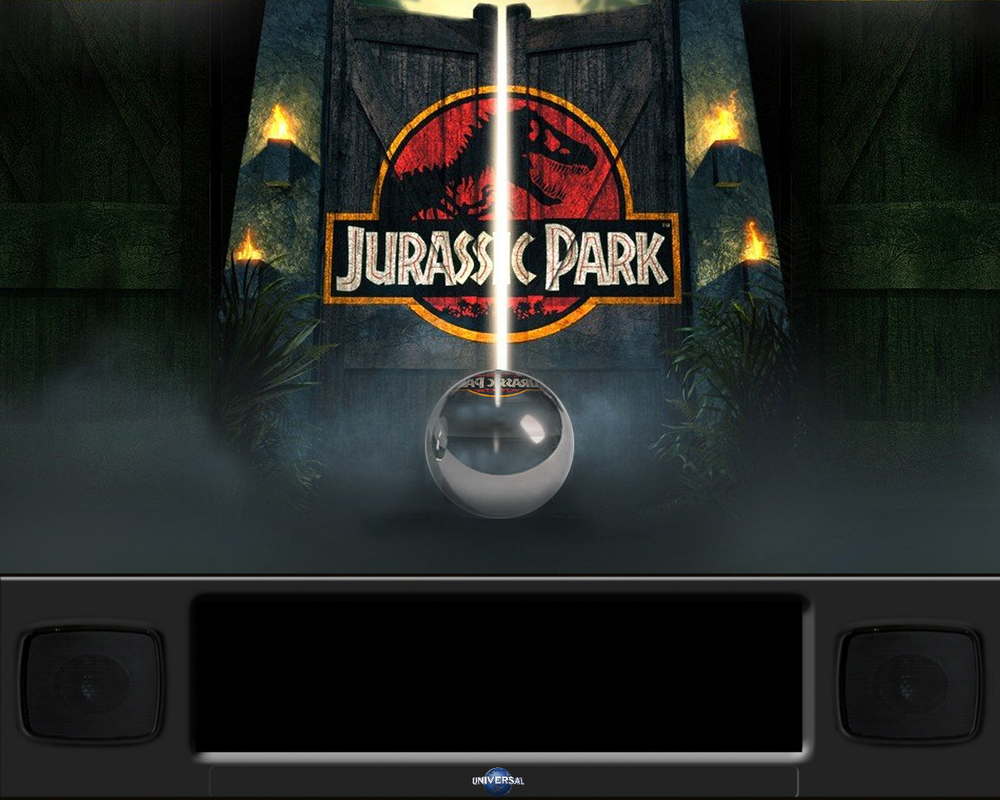
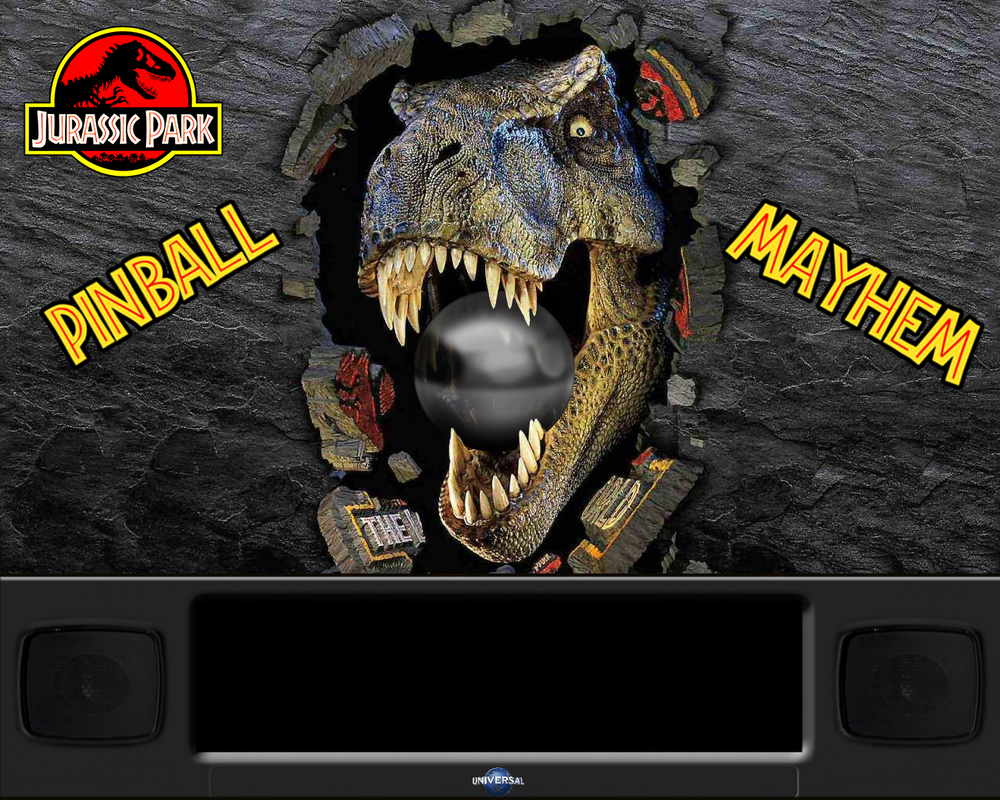

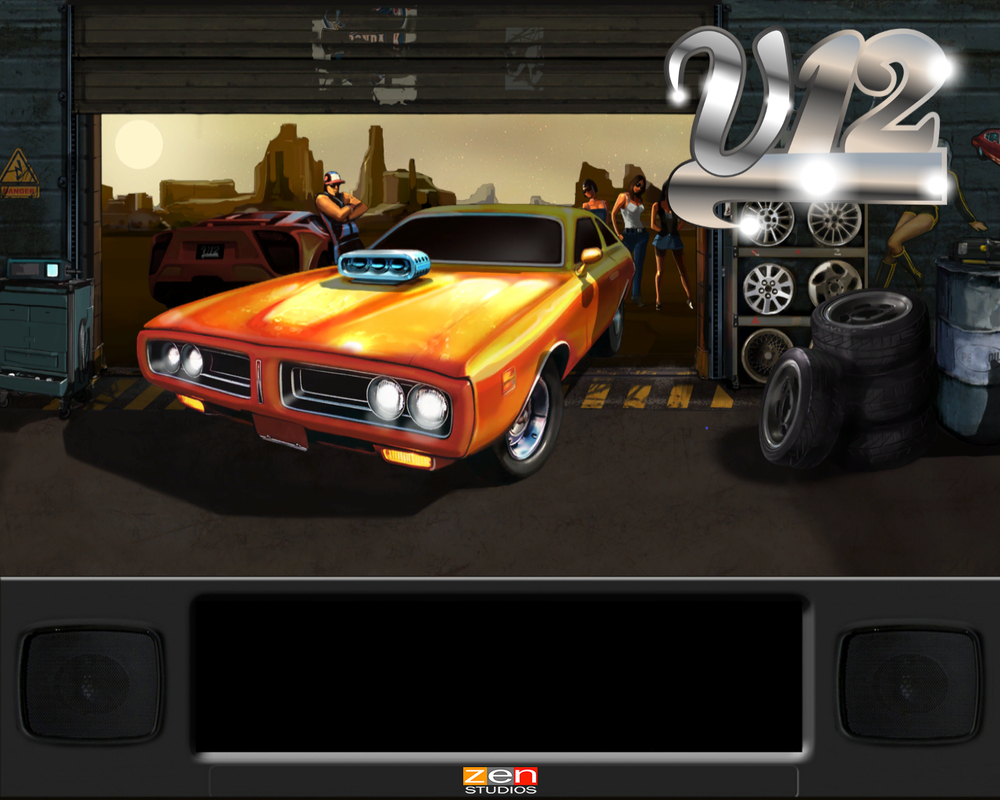

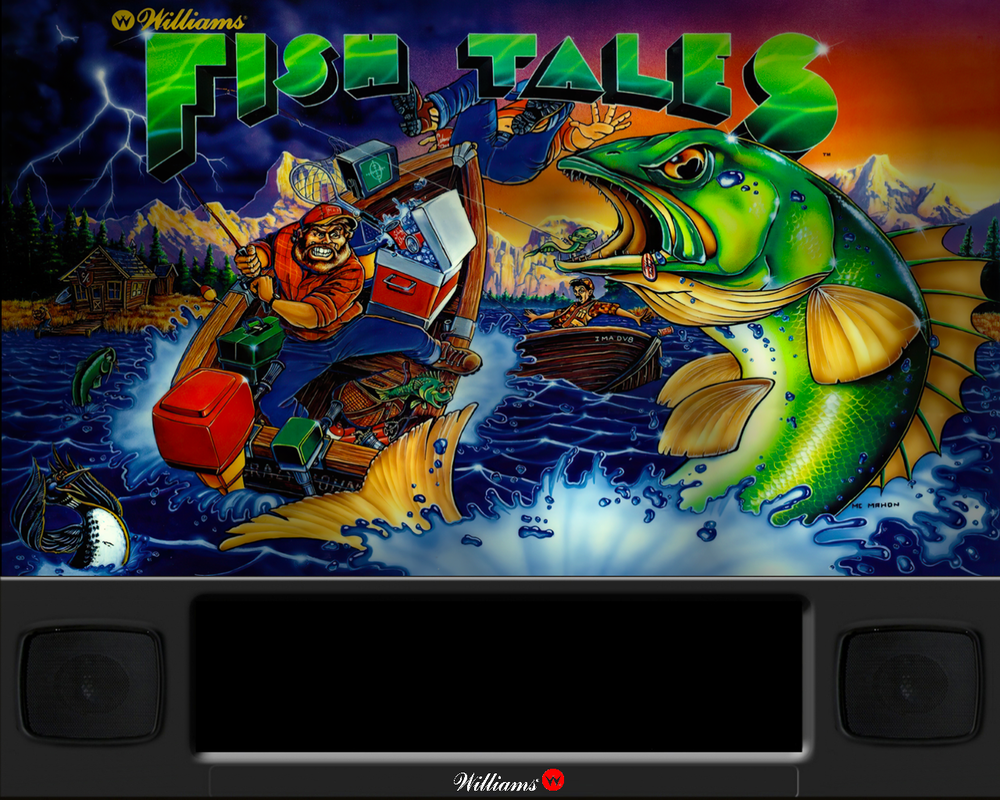
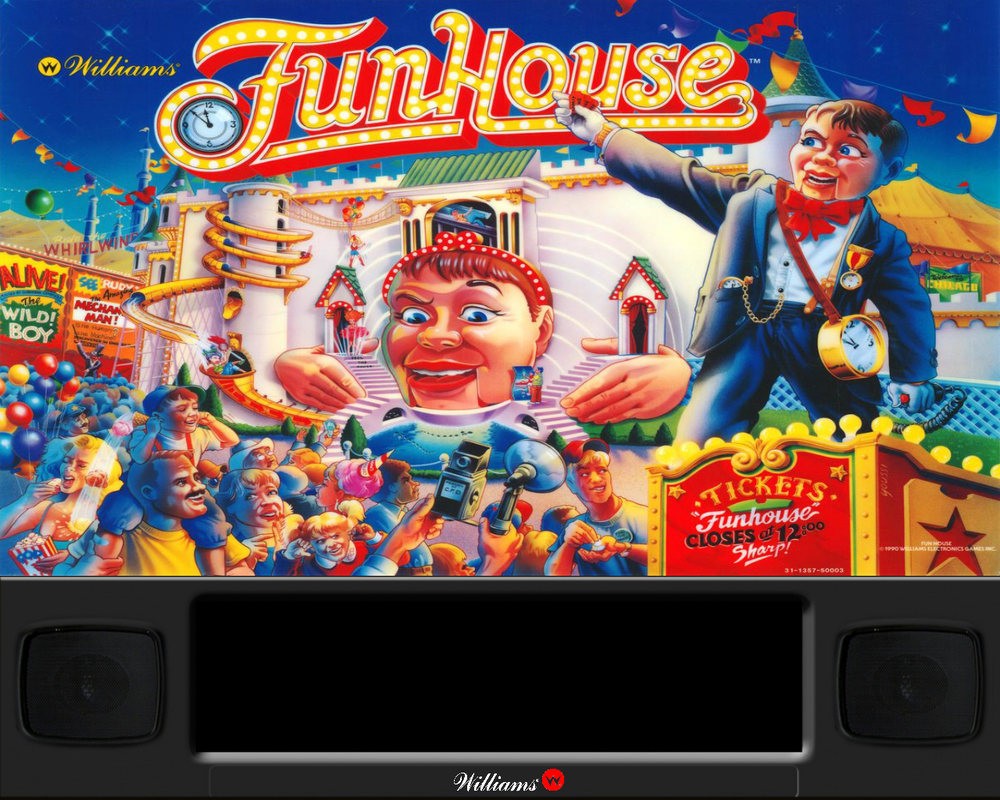
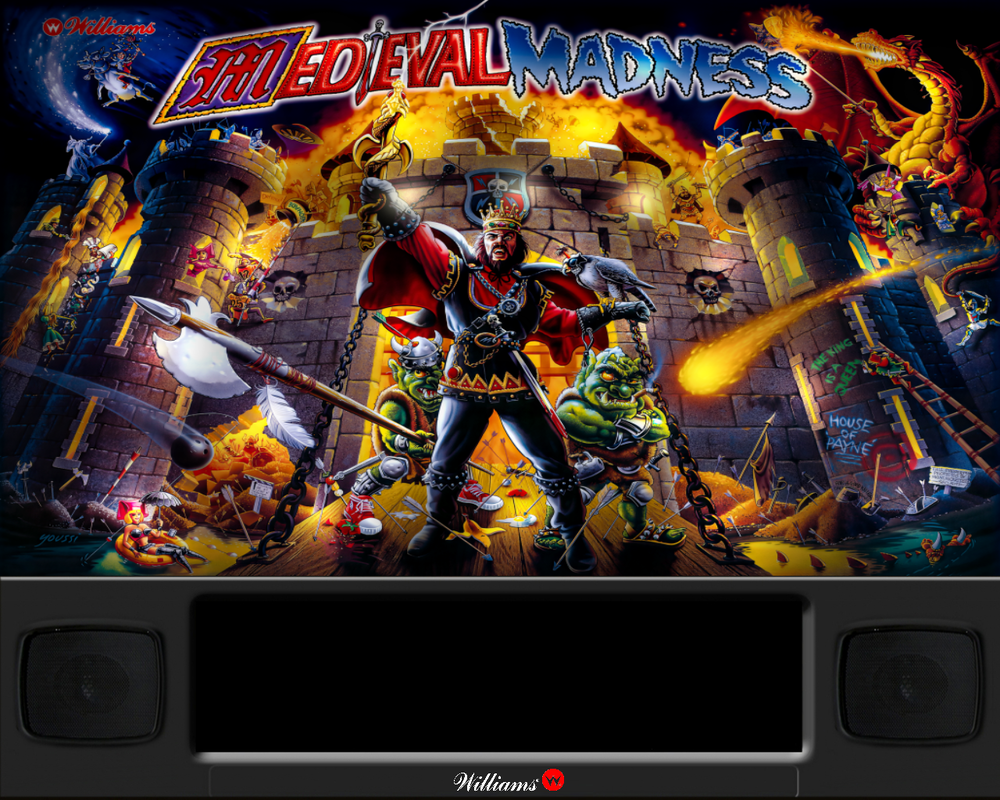
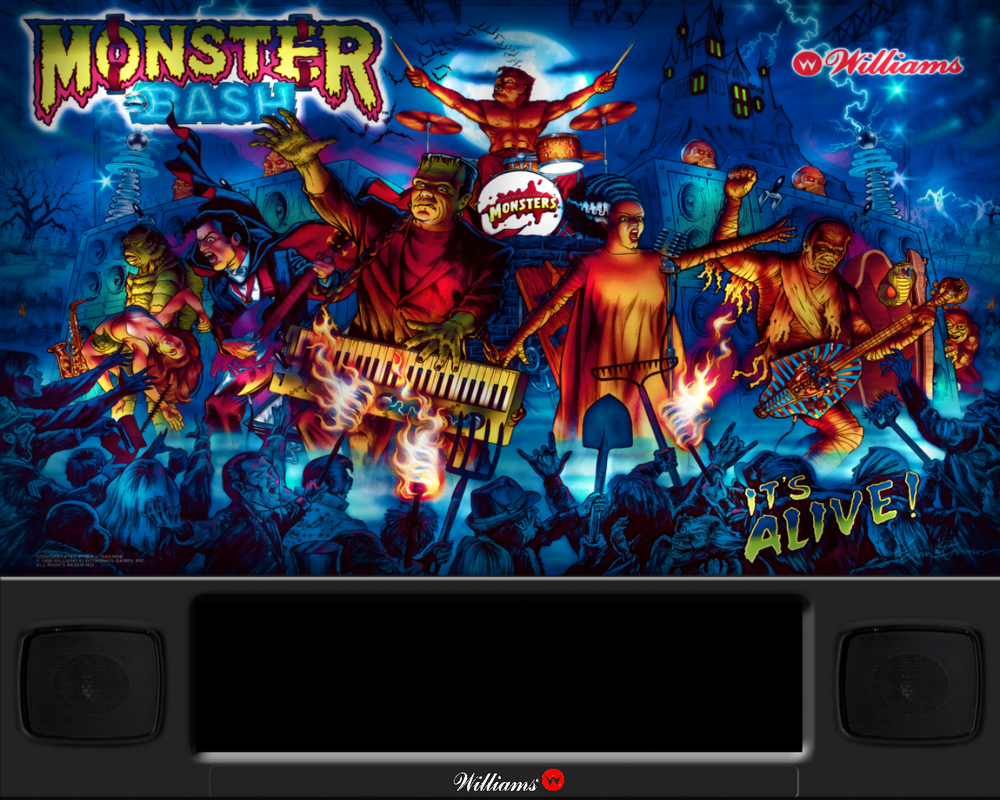
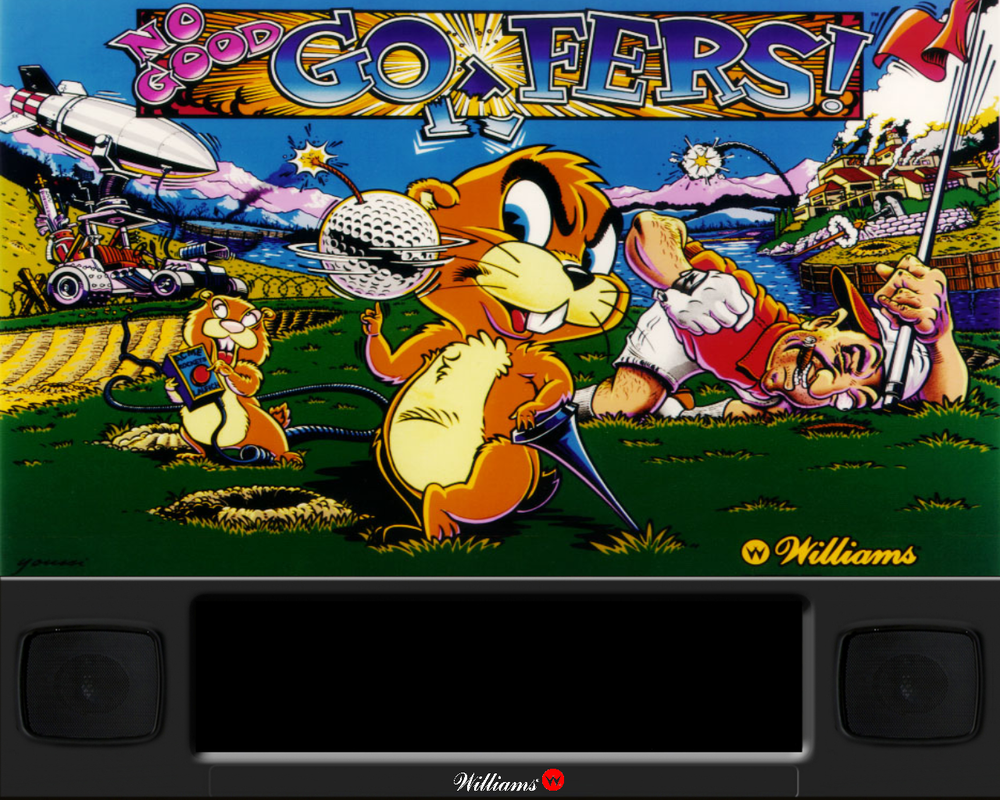

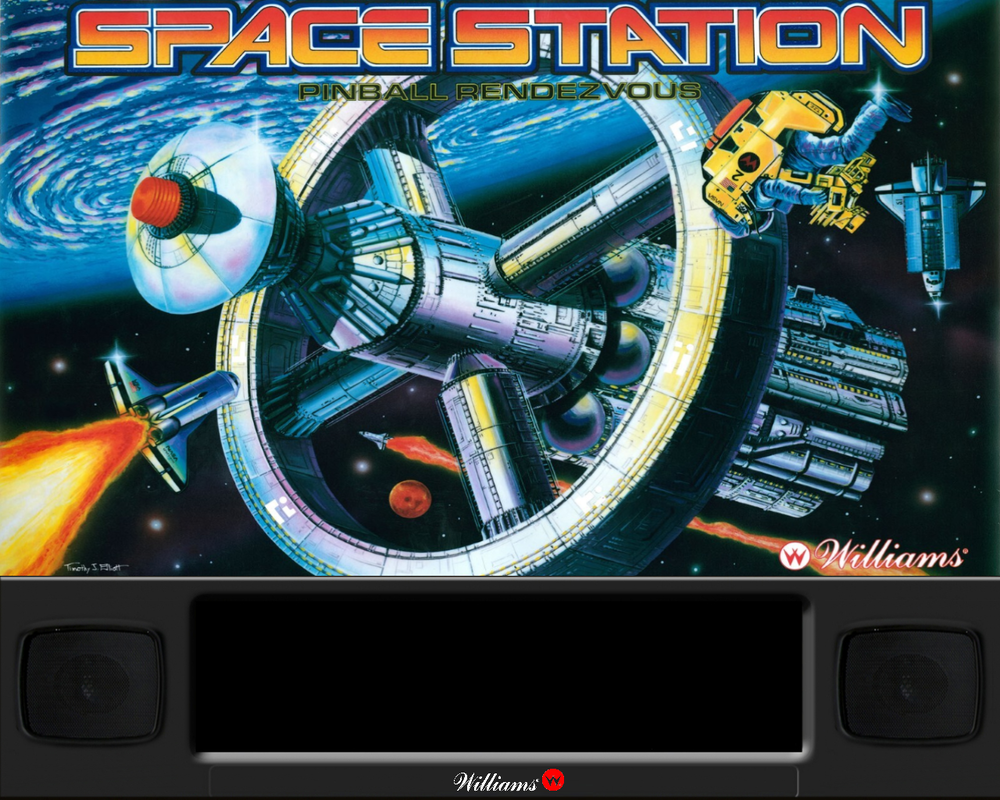
-
Version 1.0.0
3844 downloads
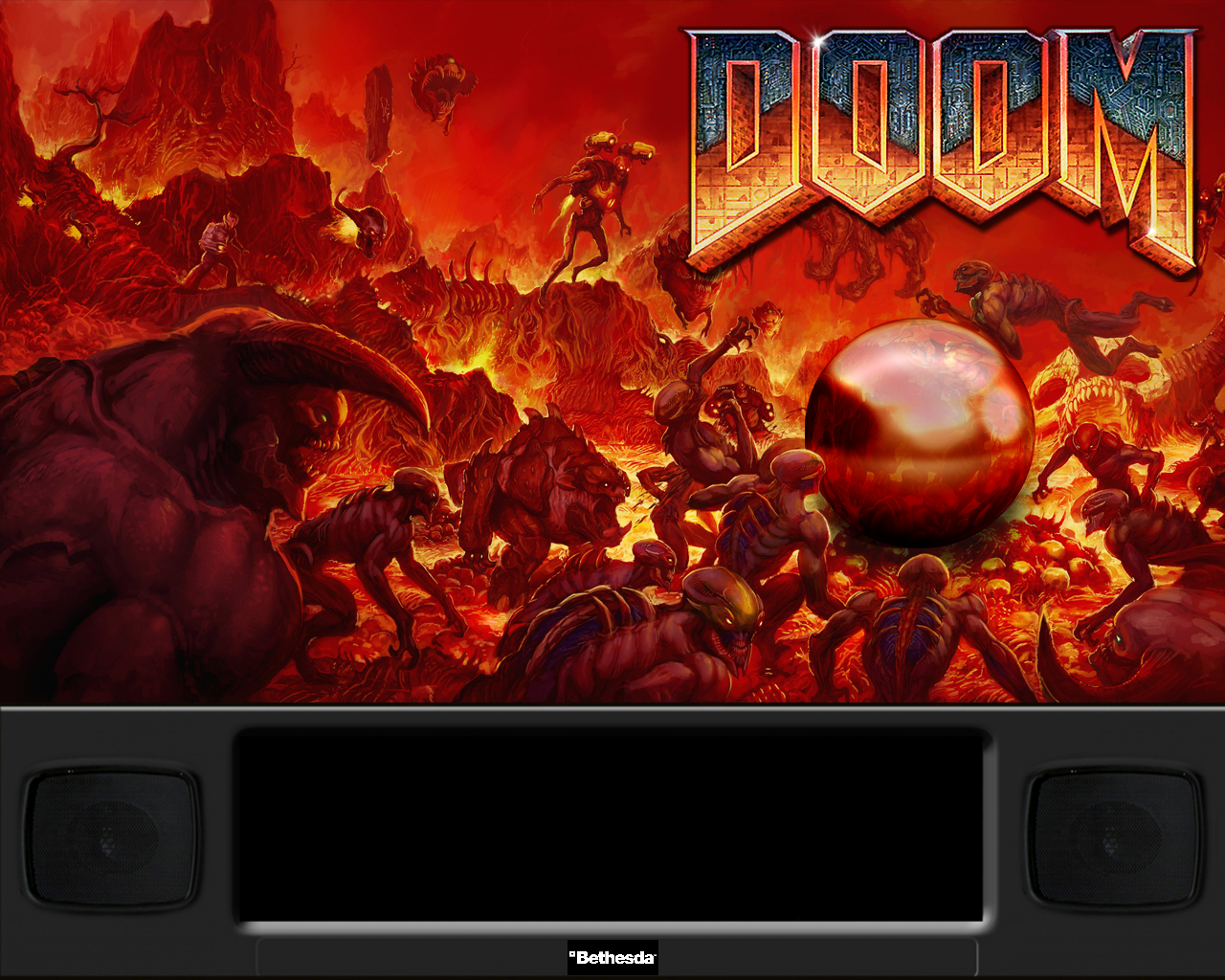
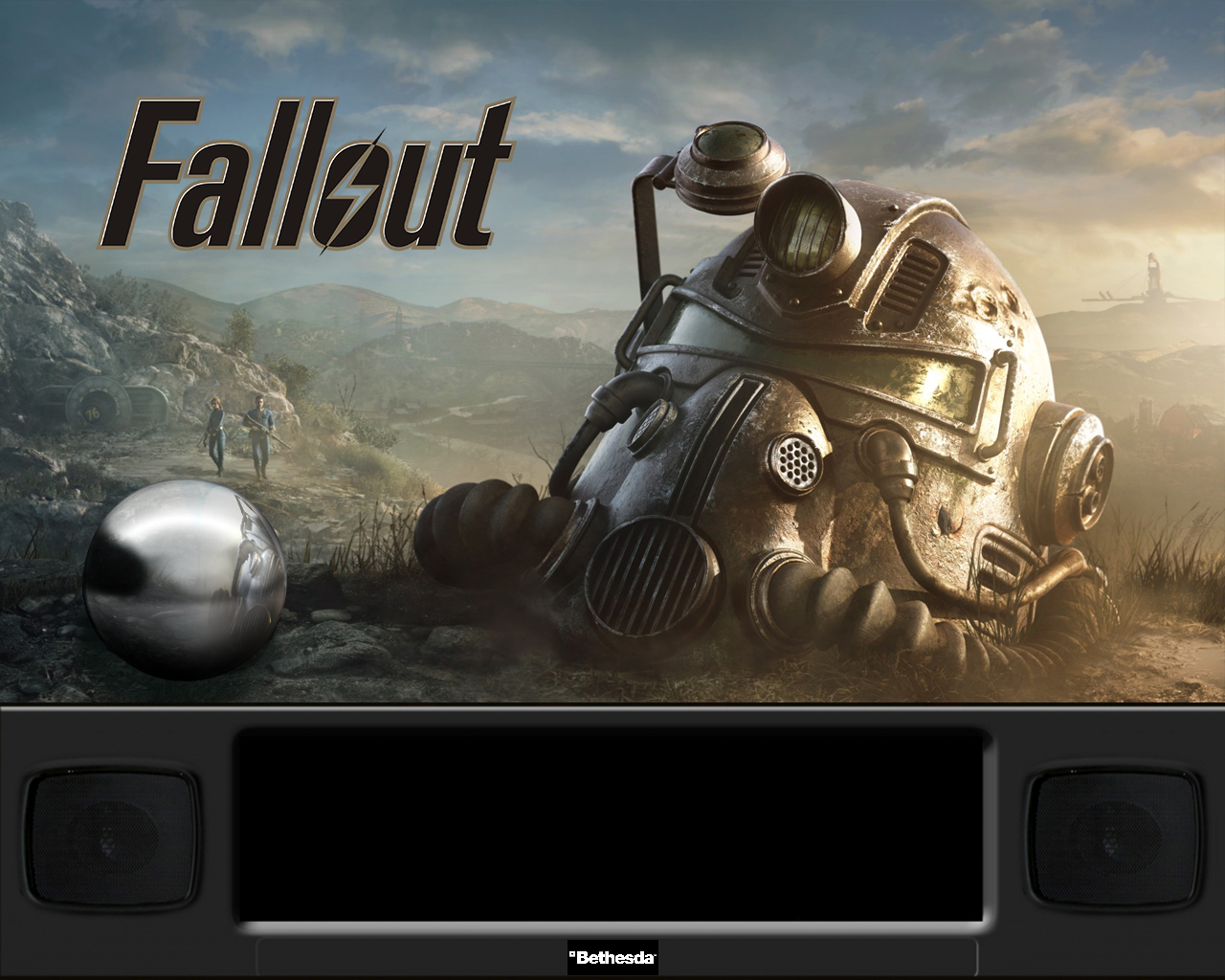
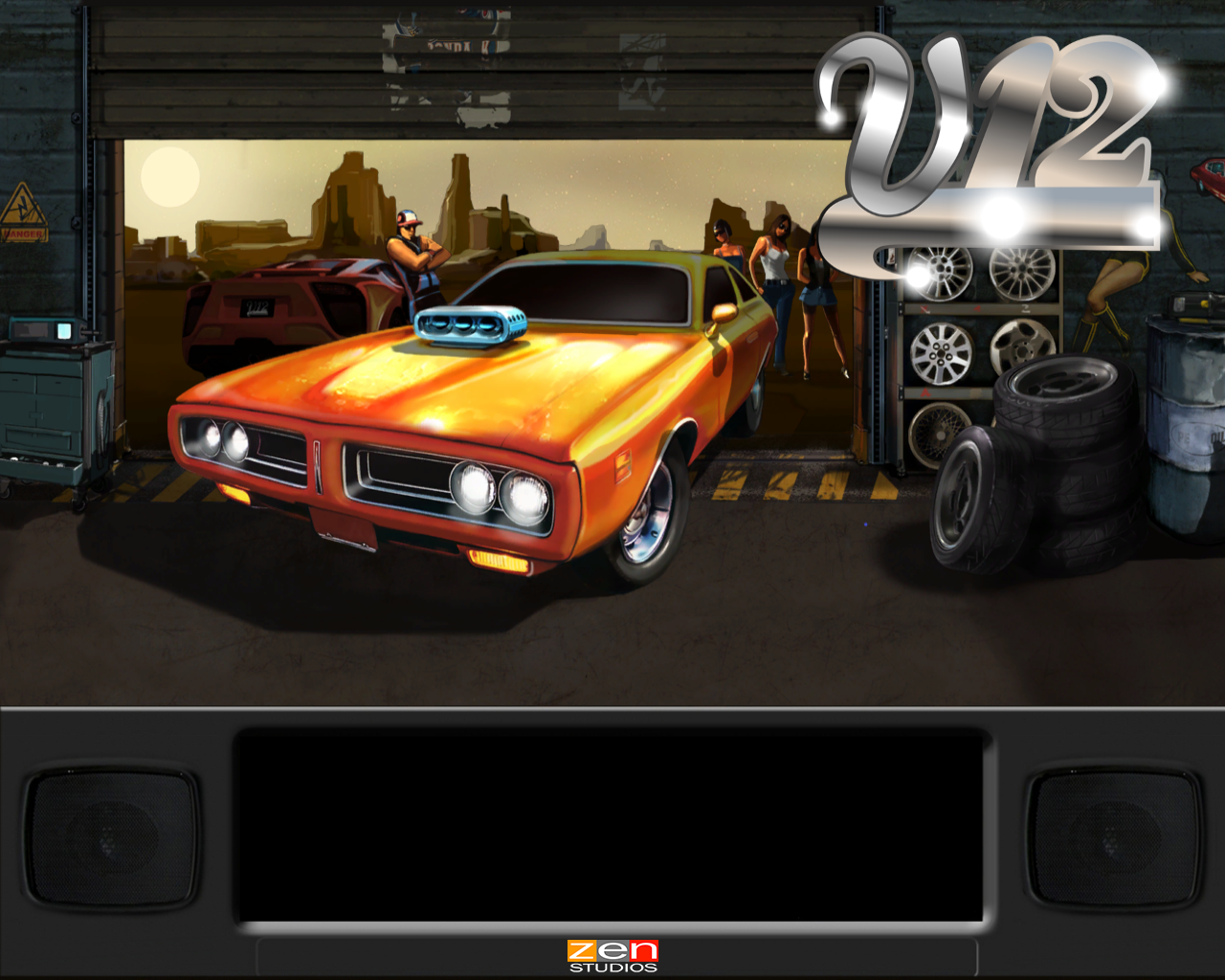
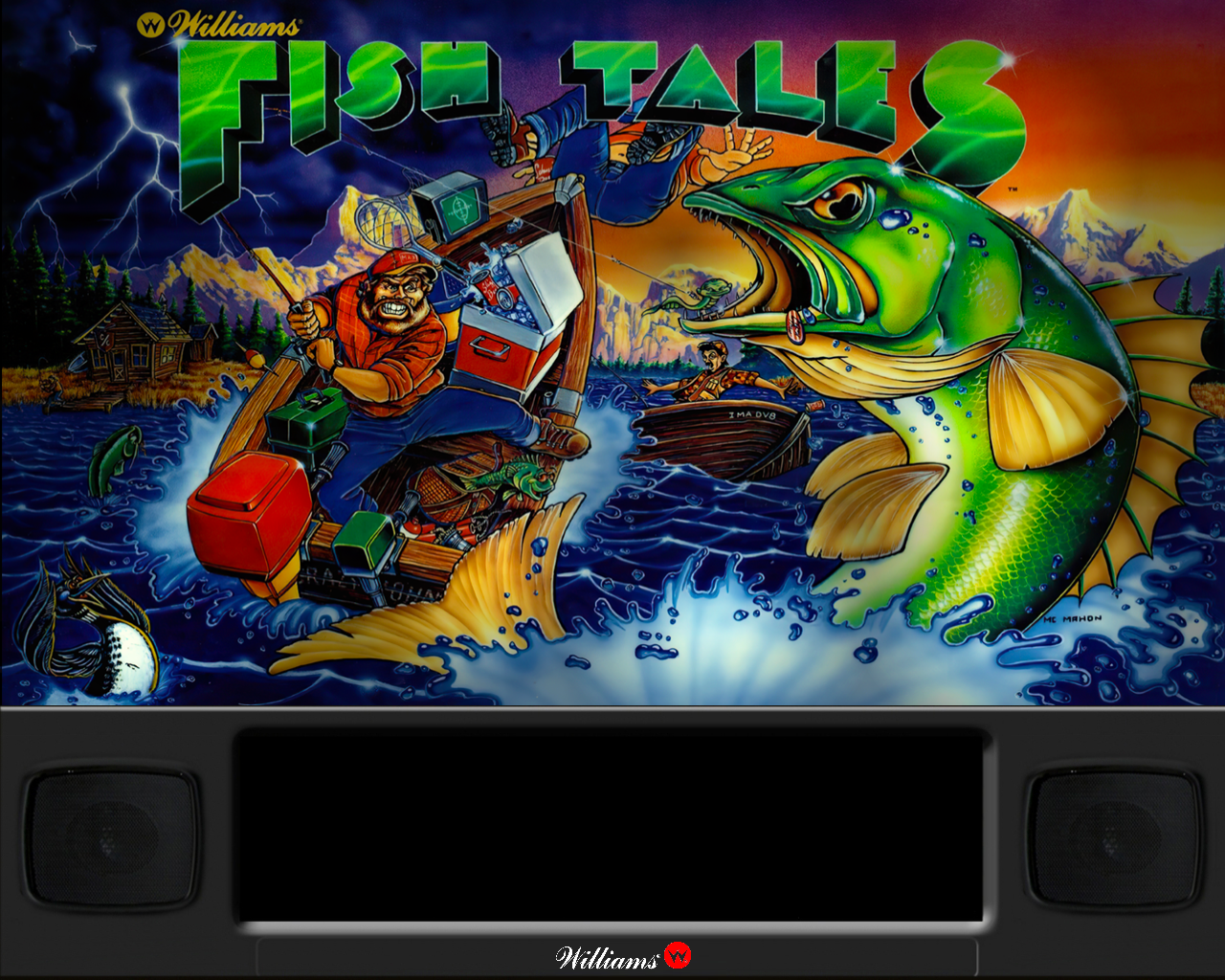
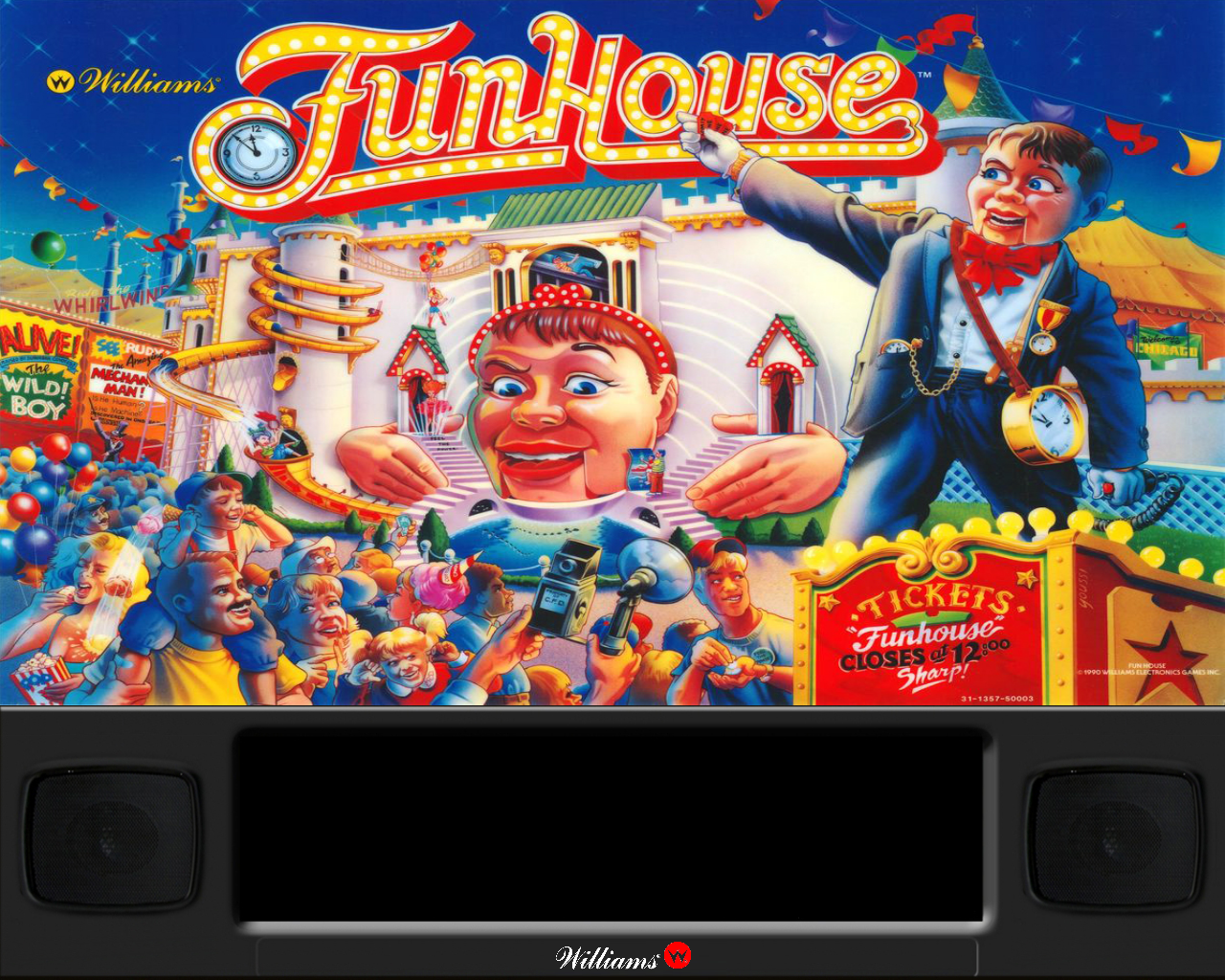
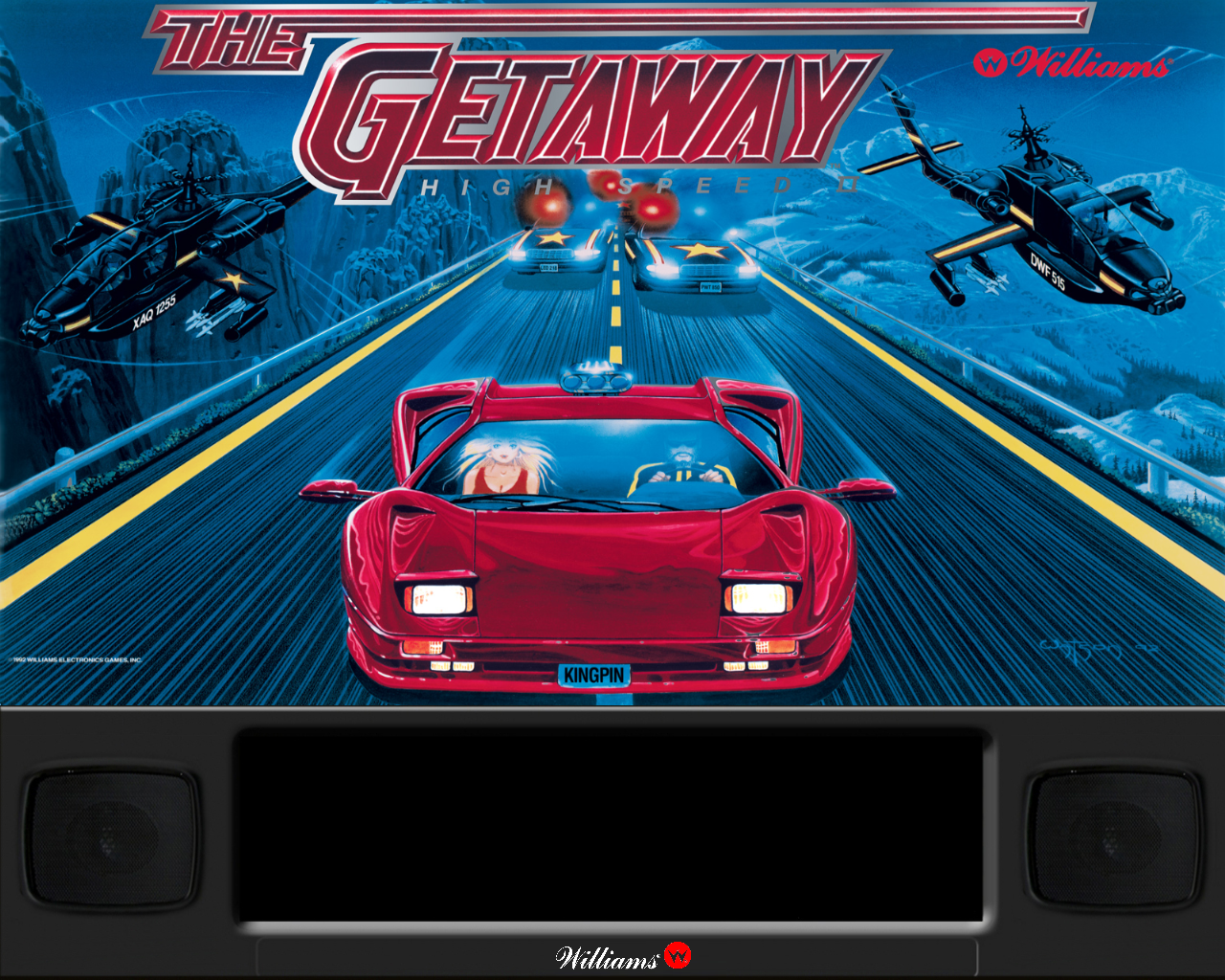
Pinball FX 3 Animated Backglass 2 Options provided Without FX3 Logo With FX3 Logo Contains the following: Aliens vs Pinball Balls of Glory Pinball Bethesda Pinball Carnivals and Legends Core Pack Iron and Steel Pack Jurassic World Pinball Marvel Pinball Pinball Fx2 Portal South Park Pinball Star Wars Pinball Star Wars Pinball Balance of the Force Star Wars Pinball Heroes Within Star Wars Pinball Rogue One Star Wars Pinball Solo Pack Star Wars Pinball The Force Awakens Pack Star Wars Pinball The last Jedi The Walking Dead Universal Classics Pinball Williams Pinball UMP Williams Pinball Volume 1 Williams Pinball Volume 2 Williams Pinball Volume 3 Williams Pinball Volume 4 Williams Pinball Volume 5 Williams Pinball Volume 6 Zen Classics Installation: To be used with Pinup Popper (Follow appropriate instructions to get that configured) Open Pinball FX3 and access the cabinet mode settings Turn off Backglass Repositioning, Save settings and Exit Pinball FX3 Open PinUp Popper Setup Select the Popper Setup Tab Select Emulators Use the arrow to navigate the emulators until you arrive at Pinball FX3 Look for setting called "Keep Displays Open" and enter the number 2 in the field (If you have another number in here already simply use a comma to separate the numbers e.g 0,2) Save Settings and close Popper Setup Copy your chosen Pinball FX3 animated backglass videos to folder POPMedia\Pinball FX3\Backglass Videos PLEASE NOTE the file names for the backglass have not yet been renamed to match the Pinball FX3 table names, until this is done you will not be able to see the animated backglass videos. I have attached an image that I hope you will all find helpful to rename your files.- 6 comments
- 7 reviews
-
- 60
-
-
- pinballfx3
- fx3
- (and 2 more)