Jump to content

Pinup Popper Theme Studio

    Create an account or sign in to download this
download_no_perm
783 Views
78 Downloads
5 From 1 review
485.09 MB File Size
Solters Created by
Solters Artwork by

5 Screenshots

About This File

PinUP Popper Theme Studio


What it is for

Your Popper frontend looks like whatever media you collected over the years — a background from here, a wheel bar from there, nothing quite matching.

This makes the whole frontend one design, in one go. Your wheels and table videos are untouched.


What it does

You pick a theme and a bar style, tell it your screen sizes, and press Install. It draws everything, encodes the videos, and puts it in place.

No image editor, no video editor, no editing Popper's settings by hand.


What it installs

Background for every screen (1-4 Screens supported cabinet only)— PlayField, BackGlass, DMD, Topper

The wheel bar your games sit on, in the style you picked

An animated intro that plays when Popper starts, on every screen, with sound

30 themes, 40 bar styles, and the bar can sit along the bottom, down the right edge, or curved in an arc.


Before it writes anything

It makes a backup. Your own Popper settings stay as they are. 

I don't have any problems, but it's always good to have your own backup. You should really always have one.


About GPU encoding in this tool

The startup intros, playlist and the background are videos. Every screen gets an clip, and that has to be encoded before it can be installed.

This is the slowest part of the job, and it is where your graphics card does most of the work.


You don't have to choose anything:

The app checks what your machine can do and takes the strongest encoder your card actually runs. It tests it before trusting it — an encoder that is listed but fails is not used.

The Render quality card reports what it found: your card's name, the encoder that will run.


What it looks for, in order:

AV1 — best quality for the file size. Newer NVIDIA, AMD and Intel cards.

HEVC (H.265) — almost as good, supported by most cards from the last several years.

H.264 — works everywhere.


No ffmpeg, or no usable encoder:

The app falls back to encoding in software. Everything still works and the result looks the same — it just takes considerably longer, because the processor is doing what the card would have done.

If the card says "software" and you have a modern GPU, ffmpeg is probably missing or not being found.


How long it takes:

A full install is roughly 5-15 minutes on a machine with hardware encoding. Most of that is the video. CPU very slow.


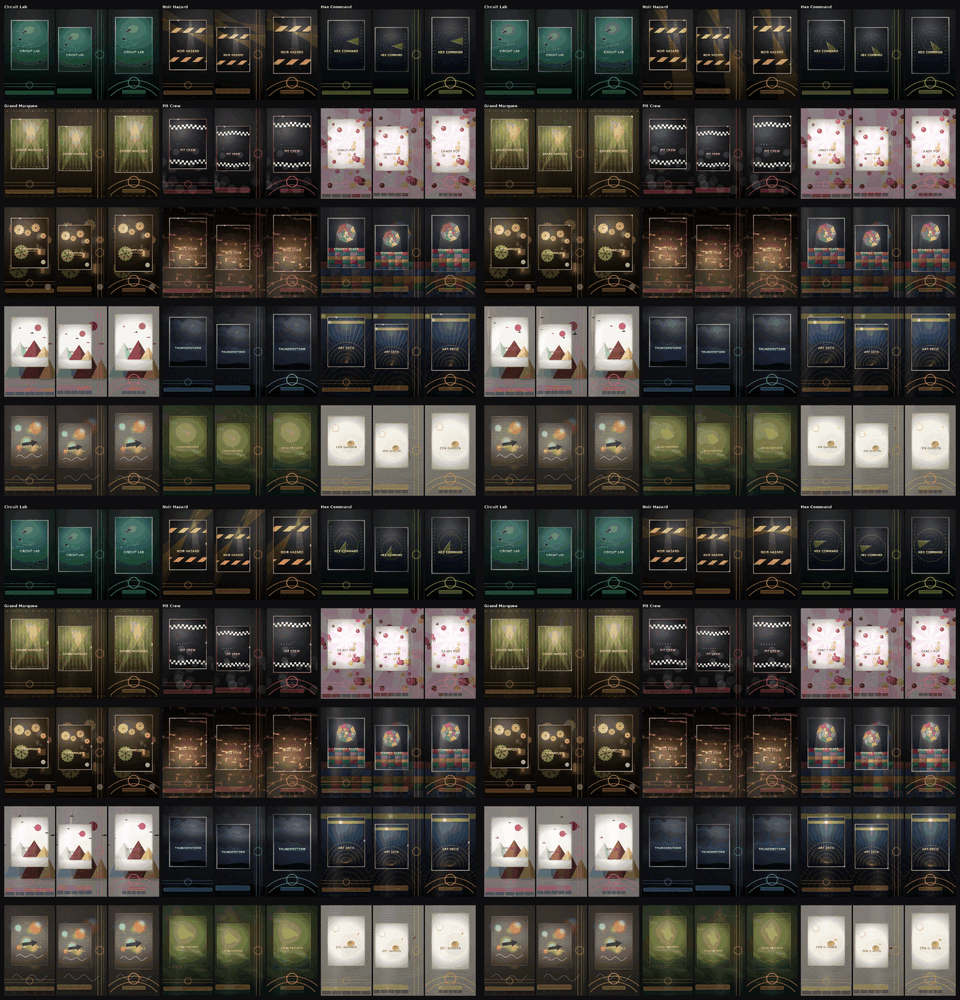
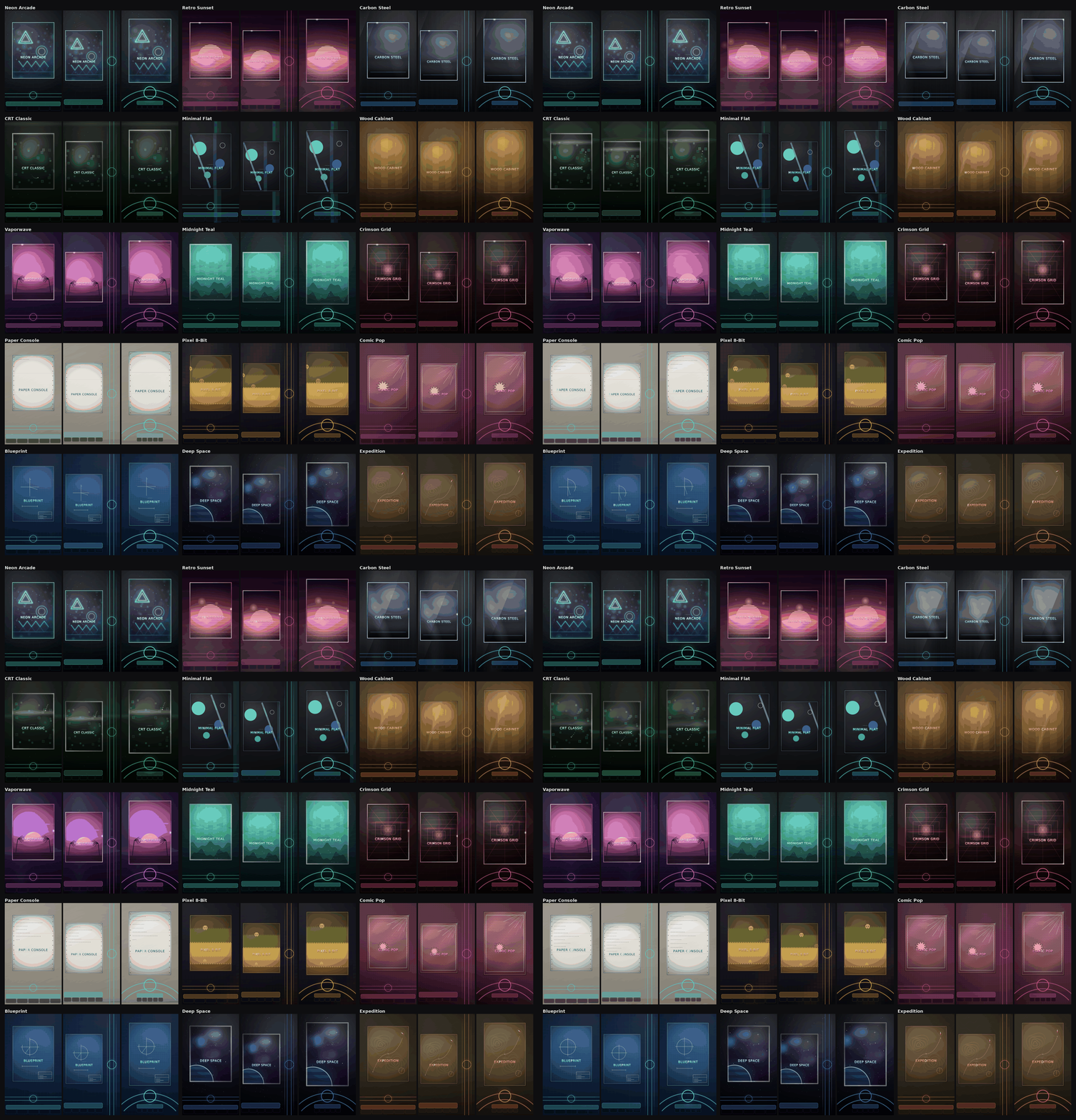
Examples right edge, bottom and arc:


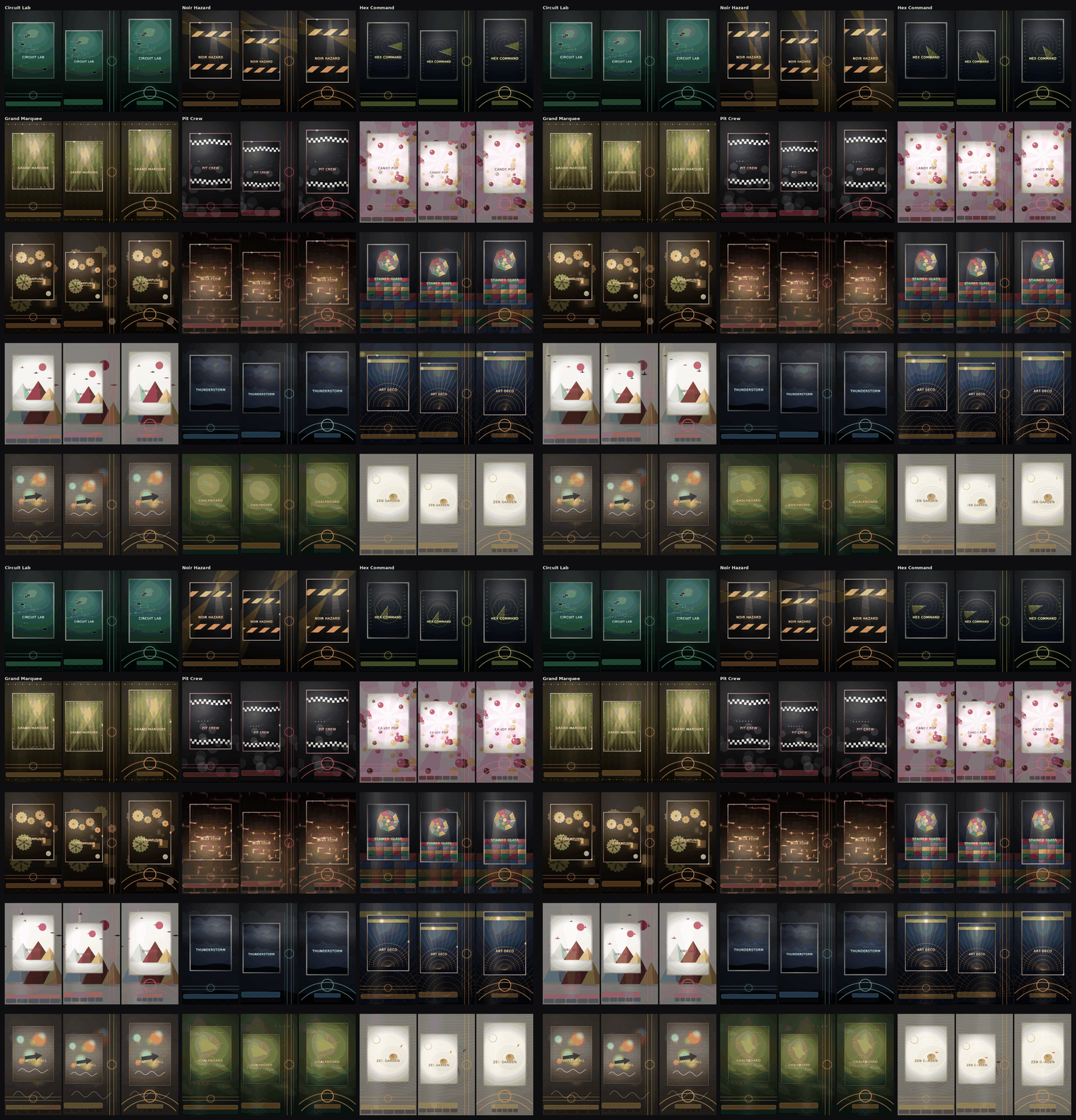
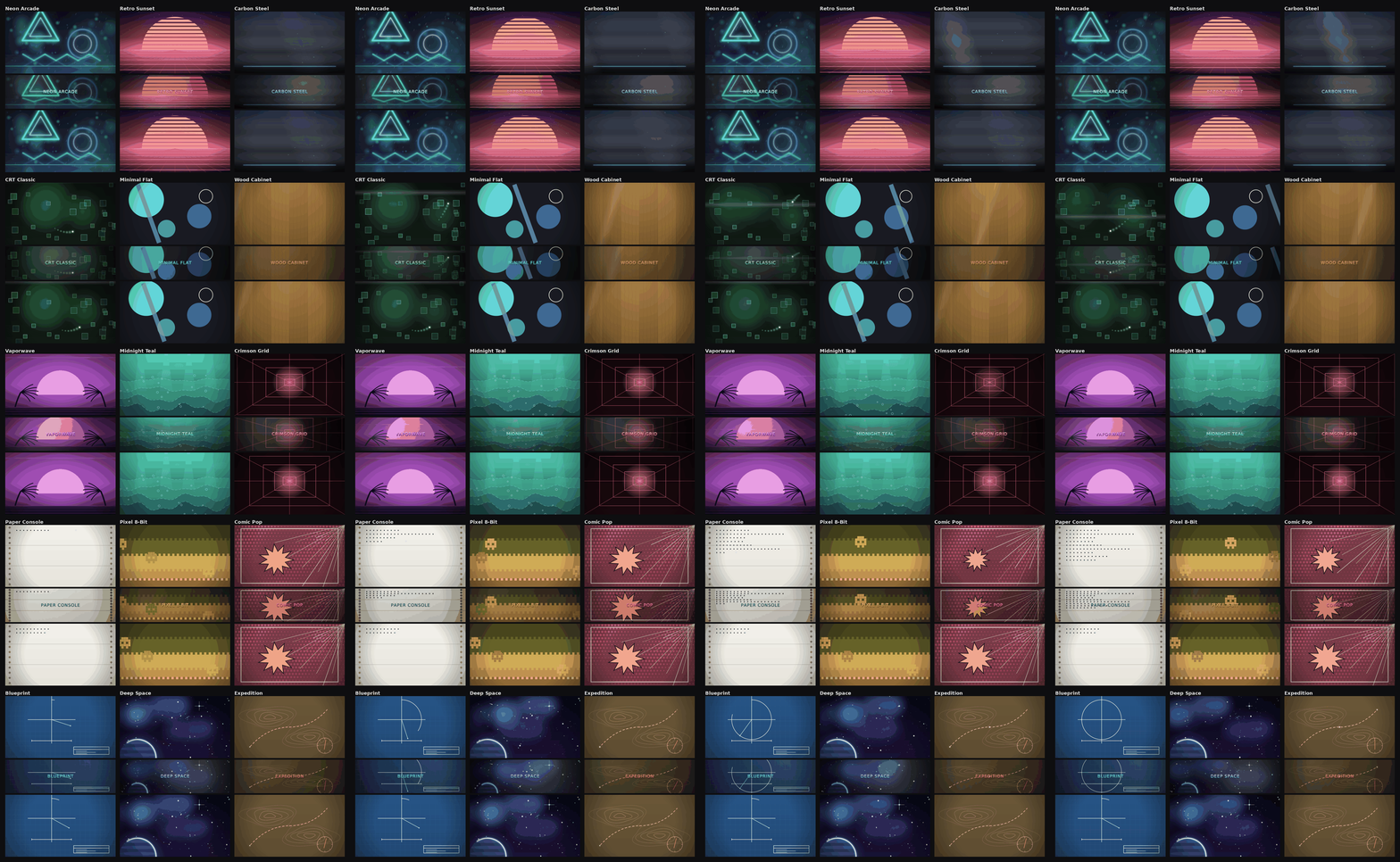
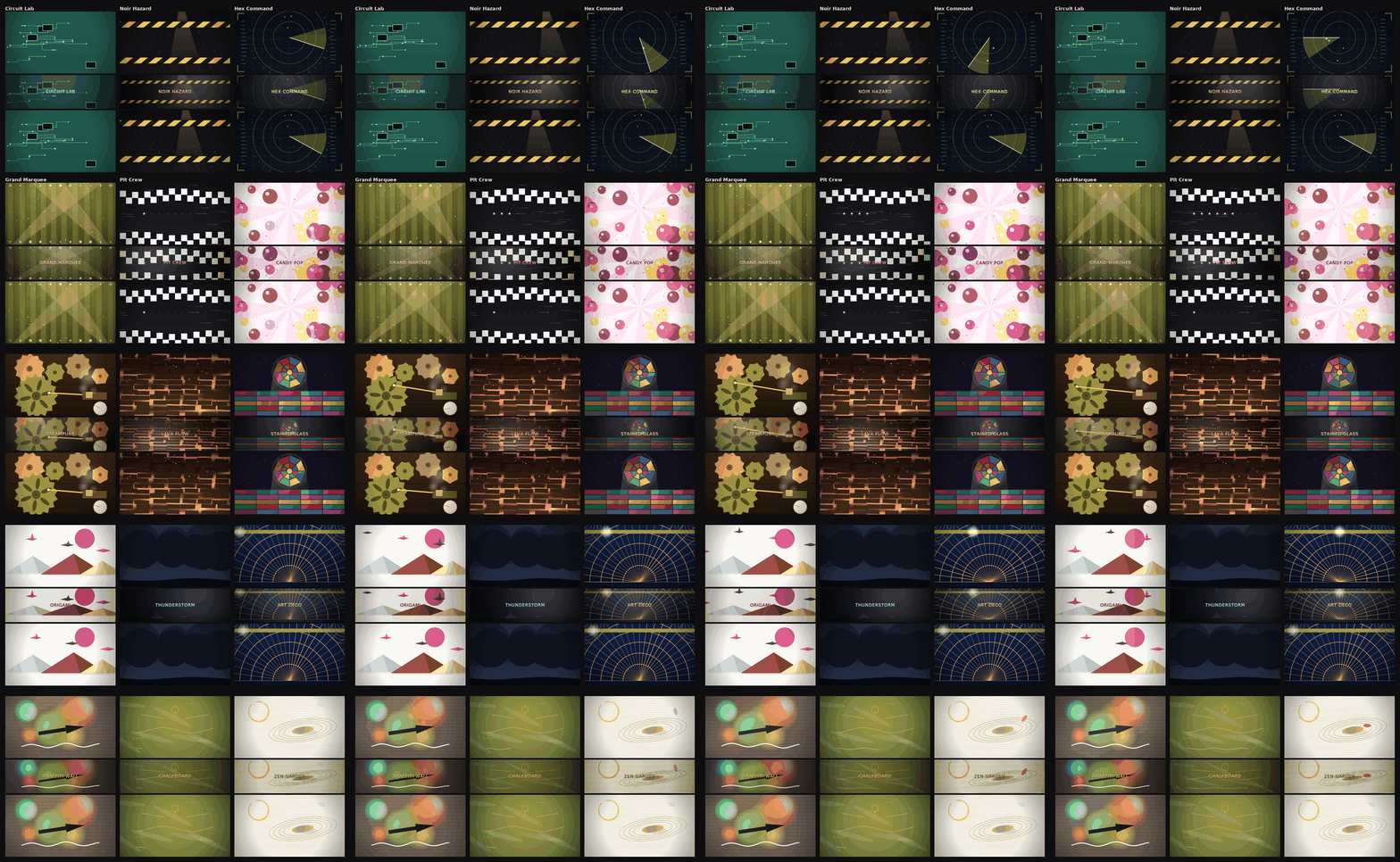
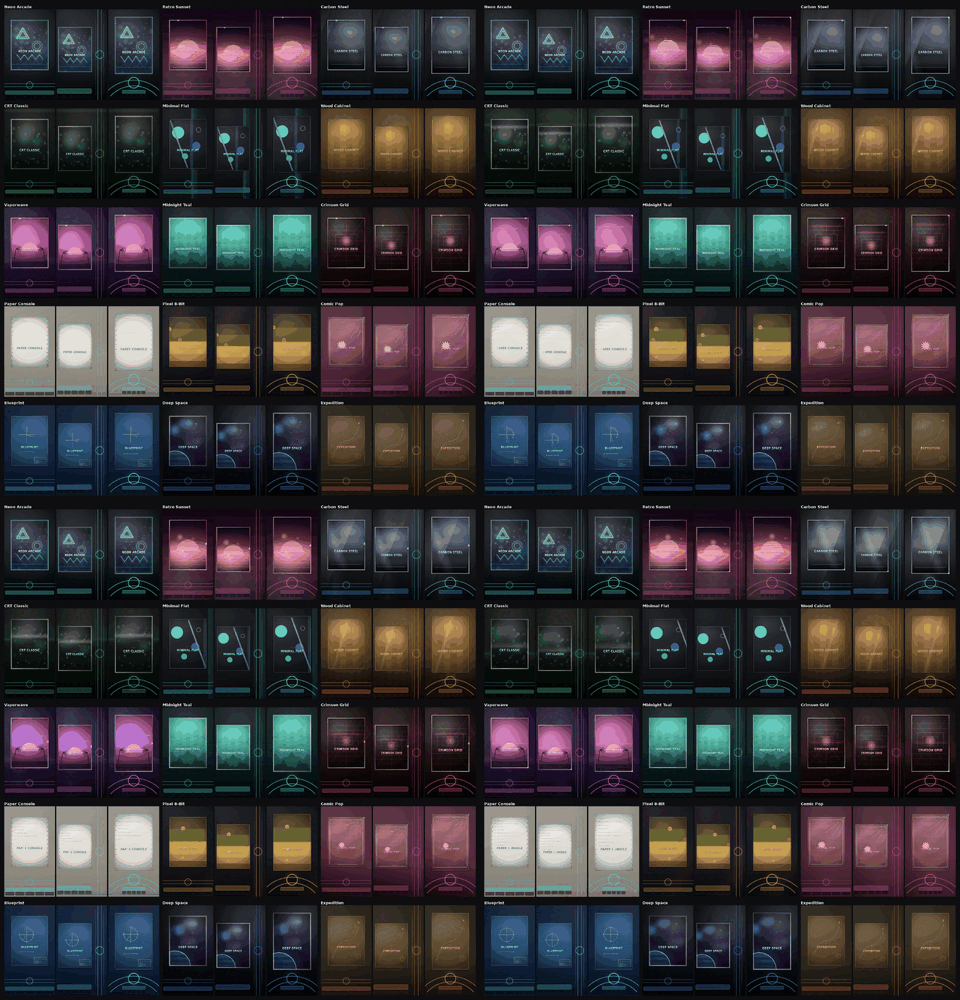
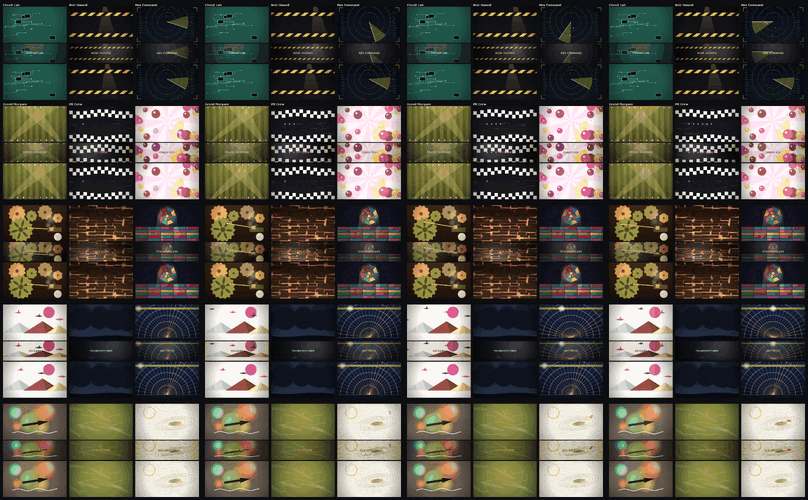
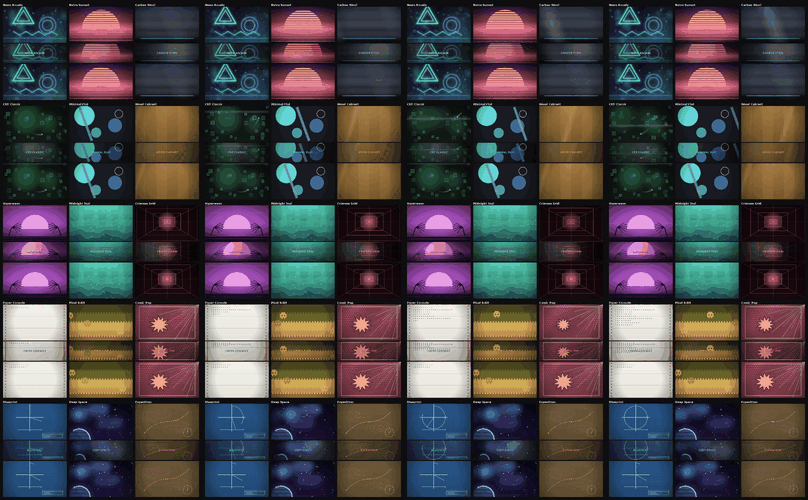
Theme Overview (gifs):


Playfield:
 

playfield-grid-themes-01-15.thumb.gif.64d397009d500346840d07ca142a9402.gifplayfield-grid-themes-16-30.thumb.gif.f3484126d5d8379d3cc34c6db99ccc00.gif


Backglass, DMD, Topper:


backglass-dmd-topper-grid-themes-01-15.thumb.gif.1401a1678b4a5ebb48046cd9a9f12b76.gifbackglass-dmd-topper-grid-themes-16-30.thumb.gif.4945b4e4fddf4b3378acbbbeb38fae02.gif


What's New in Version 1.9.419   See changelog

Released

TLtr:  Graphical redesign of the themes. UI adjustments. Encoder adjustments. Revamped installation process.


INSTALL
  361  Keep own media: a box per screen (BackGlass, DMD, Topper). The pl_*
       files are always written; the box only decides about the emulator
       folders
  362  PlayField locked to "always theme"
  363  Backup list sorted by time, not name
  390  Never 4:4:4 chroma again
       Default is H.264 4:2:0 8-bit High with faststart
  395  Parallel rendering: the playlist clips draw in Web Workers
  400  The result box leaves when an install starts
  402  "Replace tables' media" instead of "Keep own media" — ticked = empty
  408  Parallel rendering always on, switch removed
  414  No blank frame is ever encoded; worker count bounded by memory; the
       pool shrinks instead of respawning
  415  Every tab but "5. Install" greyed out while an install runs
  416  "Reopen this tab to continue" removed
  417  False "text zone colours were not applied" warning removed
  418  A still is never written under an .mp4 name (the Topper was a PNG)
  419  Restore backup locked while an install runs


TITLES
  363  DMD title larger
  365  Height brake — no title runs off the strip
  366  PlayField title takes the DMD's size rule
  367  Every layer from one fit; titleScale 3 -> 2
  368  DMD title drawn flat, no shadow or specular
  369  Title draws opaque and last
  370  Dark ink on light themes
  376-378  Title colours per theme: Expedition brown, Pit Crew grey,
       Crimson Grid red
  384  Oversample band bounded from the size arithmetic — it had been cutting
       the tops off the letters
  413  No white letter any more — the travelling light band is gone


BAR
  364  Cinema finish no longer on the socket pass (two guide lines)
  366  Straight theme bar under the bow removed
  372  Socket glow fades out instead of ending at an edge
  396  WheelFadeTime; arc body type at least 2 %
  397  Dark ink in the zones on light themes
  398/399  Two windows: title 24-76 %, the five boxes 10-90 %, 14 characters
  402  The bar fades again (WheelFadeTime 15)
  409  No glow behind the bar or behind the selected wheel
  419  The tile gets the sheen the installer puts on a plain bar


PICTURE
  379-381  Topper animated, without the wordmark; the tile moves with it
  382/383  Material on every screen and in the StartUp (12 surfaces)
  385  Travelling light bands off (Carbon, Wood, chrome intro)
  386  Depth: far plane, dust, flicker
  387  Ambient light sweeps restored
  388  Contact shadows, motion blur, glints
  389  Glass reflex, roll-off, bloom per theme, zone boxes per theme
  391-394  Speed: cheaper far plane, playlist clips without it
  403  Far plane off entirely (milky veil); dust in the theme's colour
  404  Key light off — the lamp that seemed to shine from above
  405  Frozen border as one sharp frame instead of an averaged haze
  406/407  Bloom only on highlights, without ctx.filter
  409  Halation streaks and glints off (the brief white flicker)
  411  BackGlass and Topper get relight and grade like the DMD
  412  No bloom anywhere

User Feedback

Create an account or sign in to leave a review

You need to be a member in order to leave a review

Create an account

Sign up for a new account in our community. It's easy!

Register a new account

Sign in

Already have an account? Sign in here.

Sign In Now

MrMeem


I’ve been playing with this and I have to say it’s been a very smooth experience. The author did a great job of integrating backup/restore so it’s easy to change things up  and not worry about torching your config. And I definitely appreciate the jazzing up of my Popper interface! 
 

Thanks for a cool addition to the vpin toolset. 

×
  • Create New...