
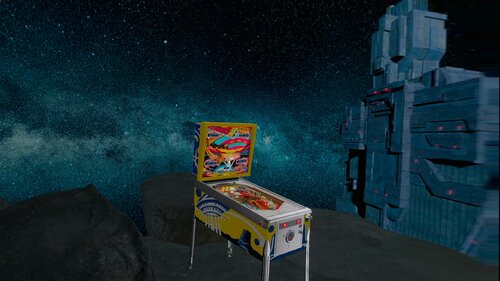
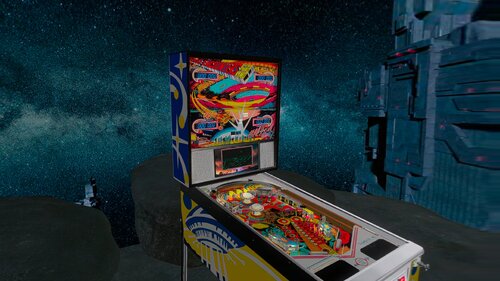
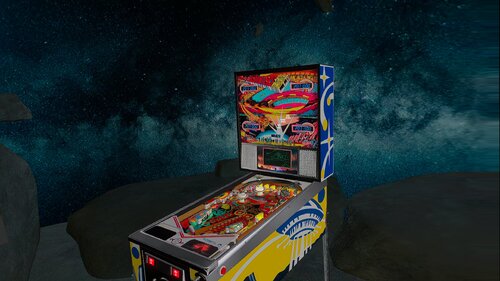
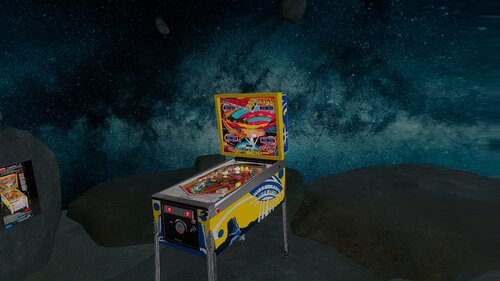
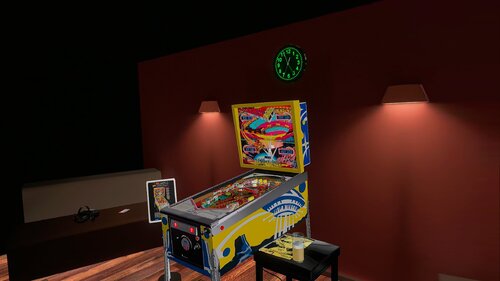
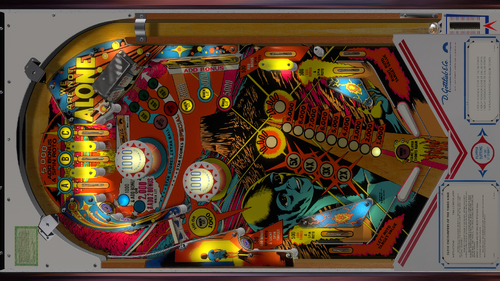
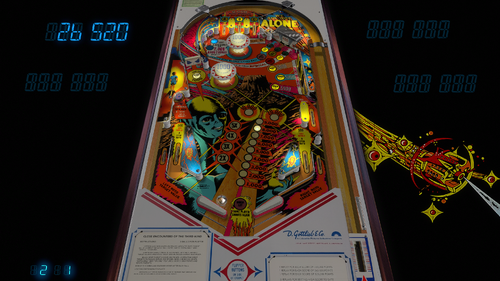
This file is based on @LoadedWeapon table, many thanks to @BorgDog for the original table.
The table now work in Hybrid mode, DT-FS-VR-MR and also with Pup-Pack.
If you want to use PUP-Pack change USEPUP to 1 on line 10 from the script, by defaut is on 0
New features added:
Added digits for desktop version,table can work in DT-FS-VR and MR
Added Space Space Music Ambient turn on/off in F12 menu
Added Decals on Backbox for Pup-Pack version
Added Background Music
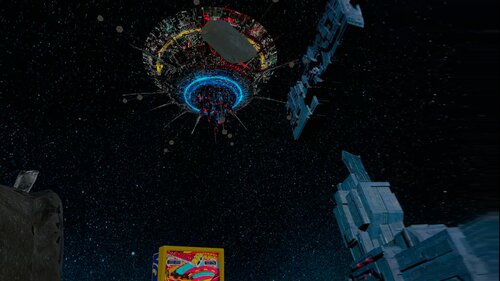
Added some elements on space room like UFO Starhip
Added JP's LUT on F12
Updated Cabinet Decals
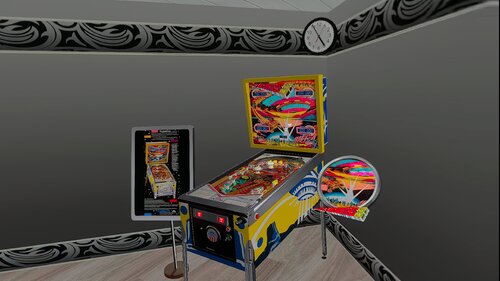
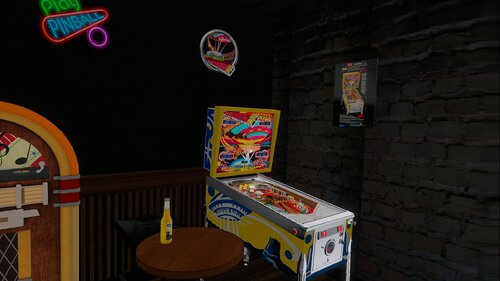
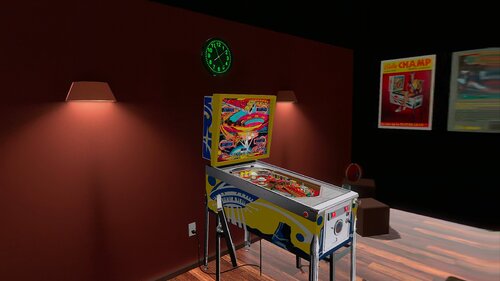
Added 2 more VR Rooms
Download Media70.zip and extract to your Visual Pinball music folder
Download Media70 here: https://mega.nz/file/gqkEWKzD#QZsmdKXdxkSfymBZ0umbwPTETvpFUH8OapztLTX1Zh8
The name of the songs are:
Song1
Song2
Song3
Until Song200
You can replace these MP3 files with your favorite music files until song200.
I will to use these feature in some of my future conversions
To change to next song press Right Magnasave
To change to previous song press Left Magnasave
You can download the Pup-Pack here:
Thanks to @Panasony to adapt che Code for the VR Version and @GtecArcade for the PUP-Pack
If you need the B2S you can use the amazin b2s from @hauntfreaks see B2S link
If you are a VR user and you want to use PUP-Pack, download pupfiles.zip and unzip in your PUPVideo/closeenc folder.
Permission from ORIGINAL Author(s)?
written permission received.

User Feedback
You may only provide a review once you have downloaded the file.