Jump to content

Masters of the Universe - Collector's Edition (PinEvent V2, FizX 3.3)

  • Get Support
  • Create an account or sign in to download this
download_no_perm
86376 Views
16798 Downloads
5 From 106 reviews
3.47 GB File Size
TerryRed, Rom Created by
TerryRed, Rom Artwork by
TerryRed Scripting by
Original Manufacturer
2025 Year

20 Screenshots

Masters of the Universe - Collector's Edition (PinEvent V2 - FizX 3.3)


Created by TerryRed

Version 1.41 (April 2026)
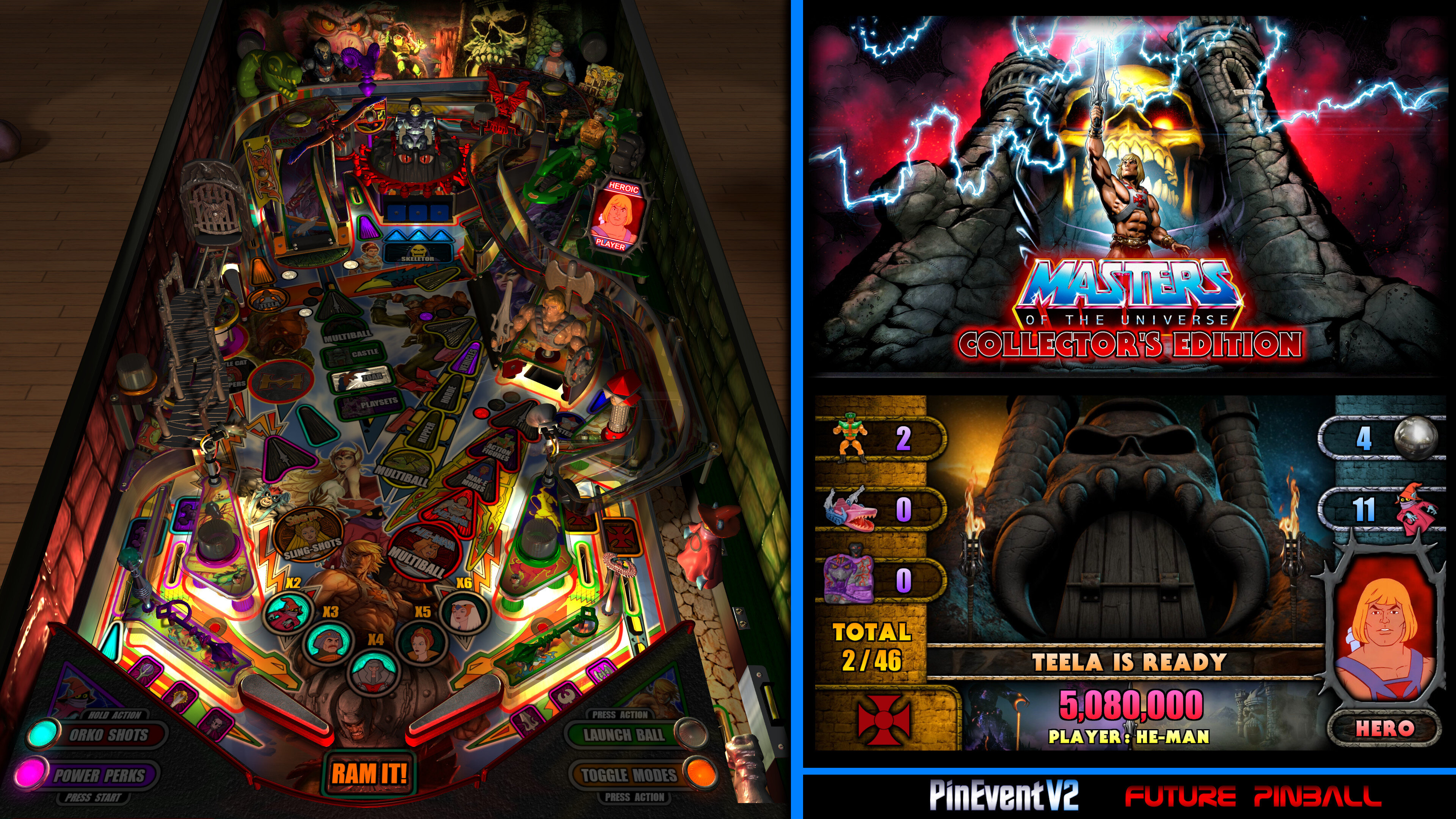
 

MOTUCE-AIO.thumb.jpg.bfee767789833f141544ebc706d755d0.jpg


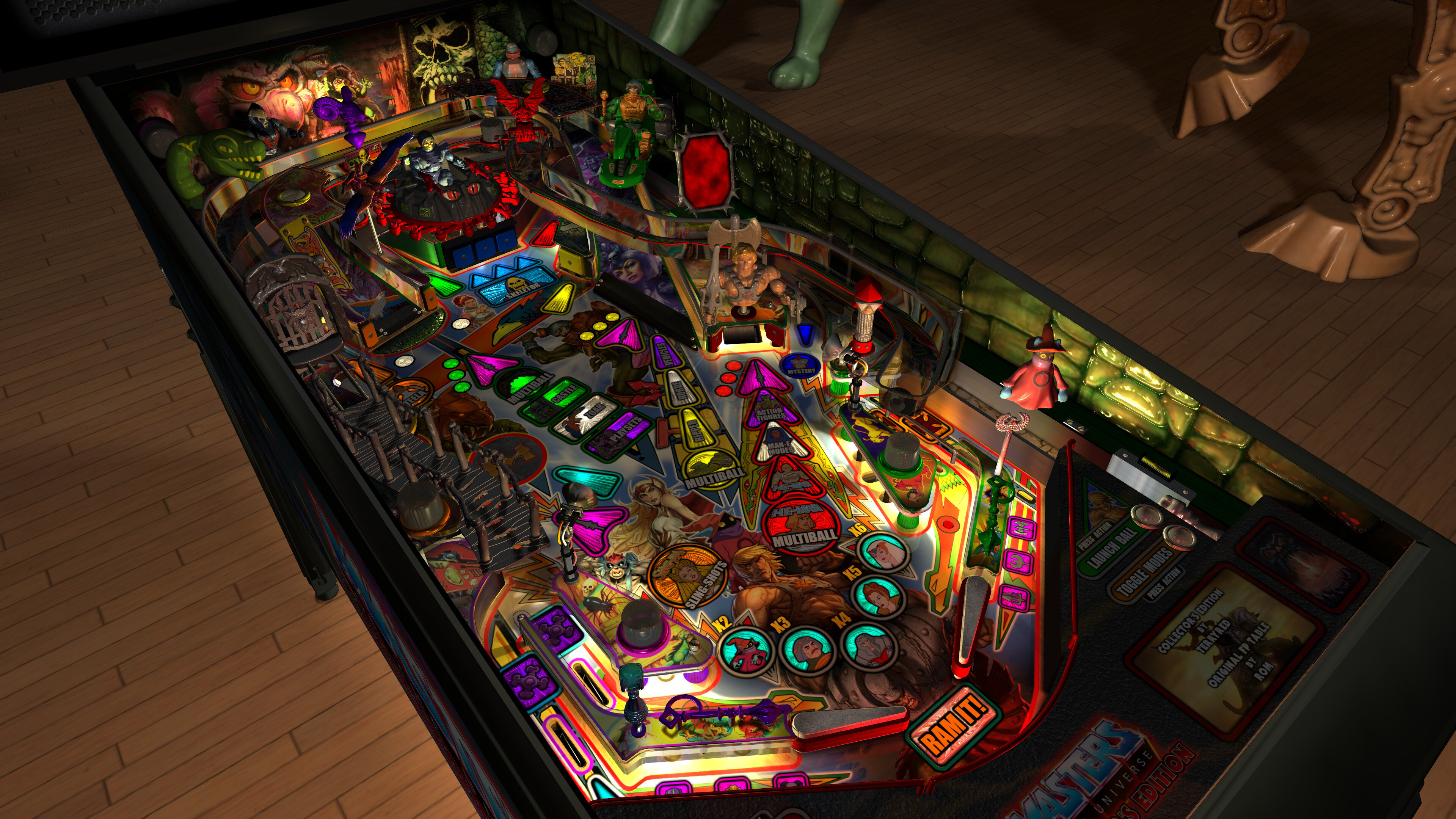
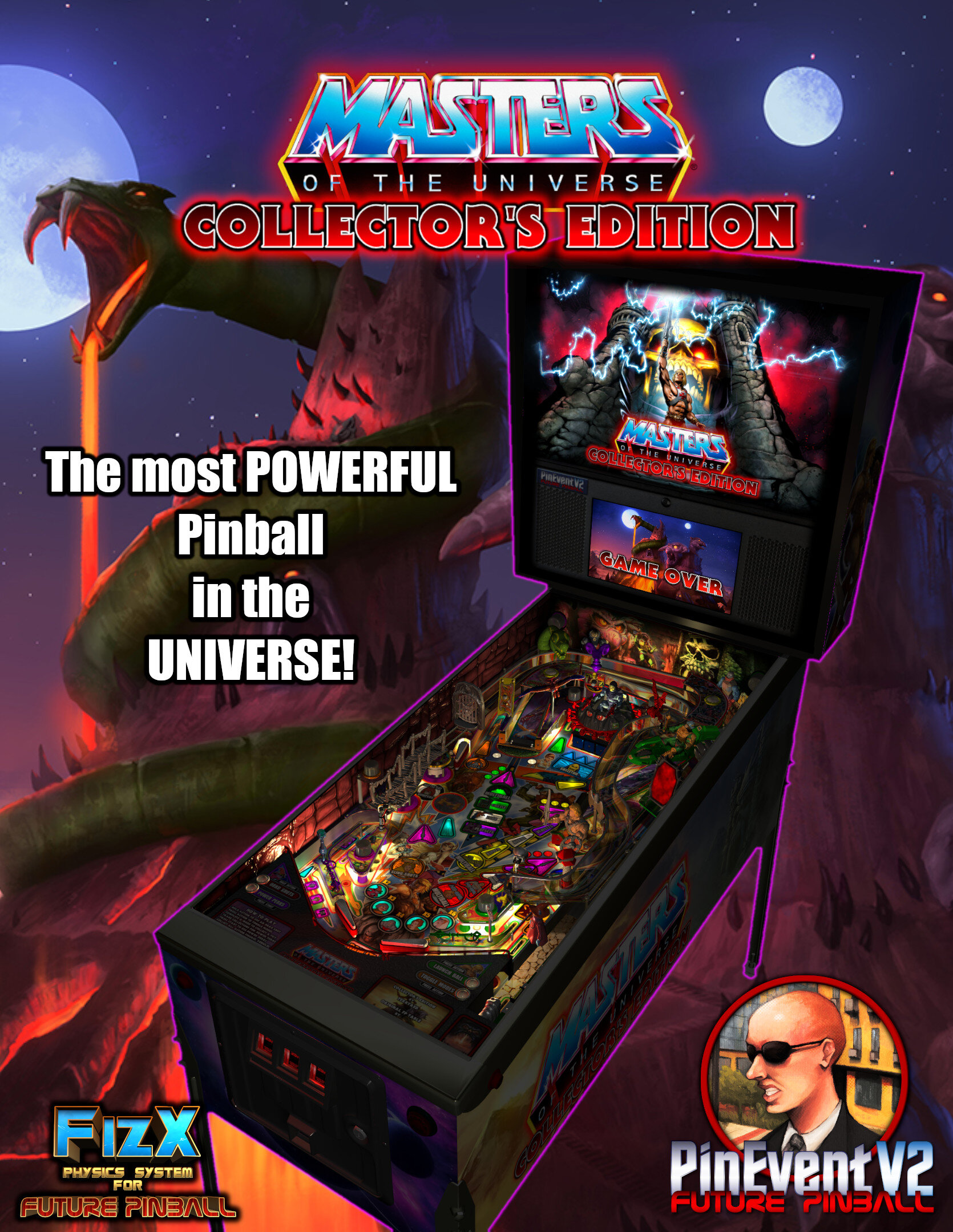
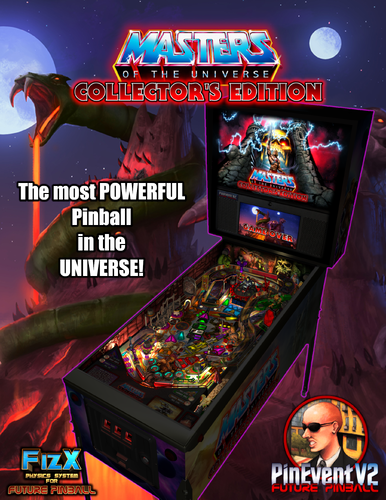
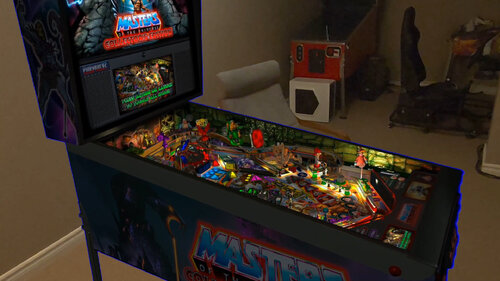
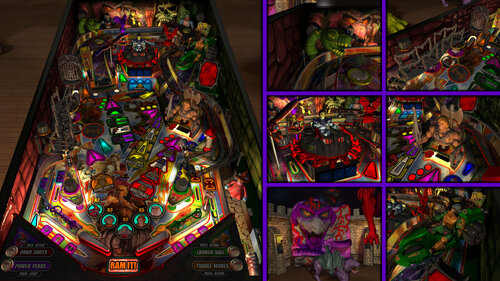
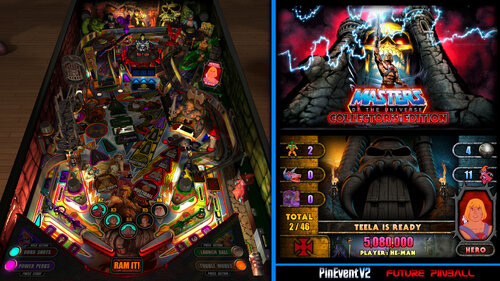
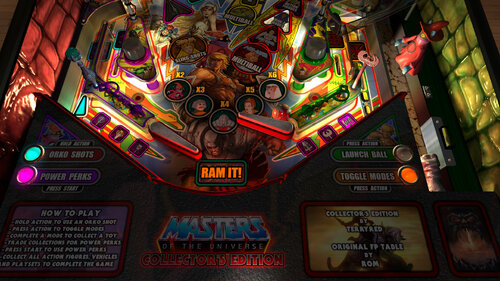
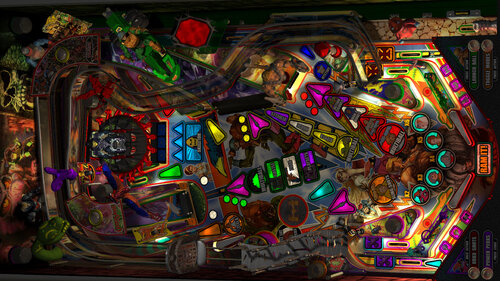
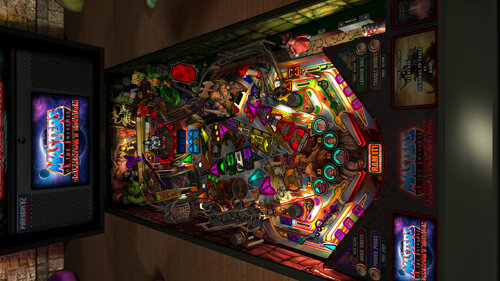
Masters of the Universe - Collector's Edition" has been a passion project of mine for a good 18 months. I started with Rom's classic table from 2013, and then proceeded to do a complete table rebuild with all-new code with the intent to make The Most POWERFUL Pinball game in the UNIVERSE! This is virtual pinball at a scale like you've never seen before!


First, I rebuilt it for modern FizX physics, BAM lighting, shadows and PinEvent features. With updated FizX physics, I needed to rebuild much of the layout with significant changes to how this table plays. From there I proceeded to make a completely new and massive game that lives up to the potential of MOTU and what is possible with FP-BAM in 2024! To give you an idea, the old MOTU table was 70 MB while the new MOTU CE is 846 MB just for the table file!


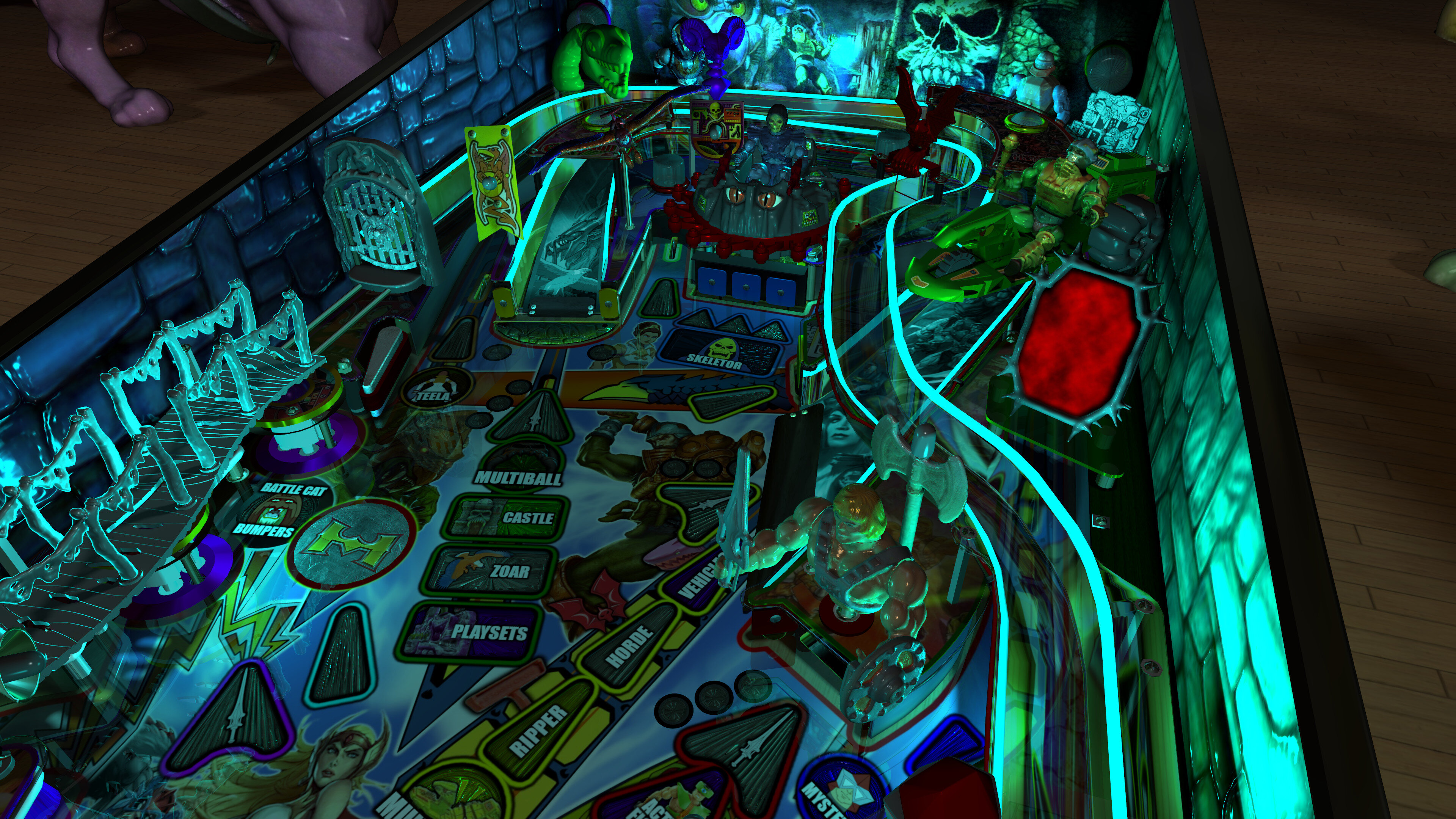
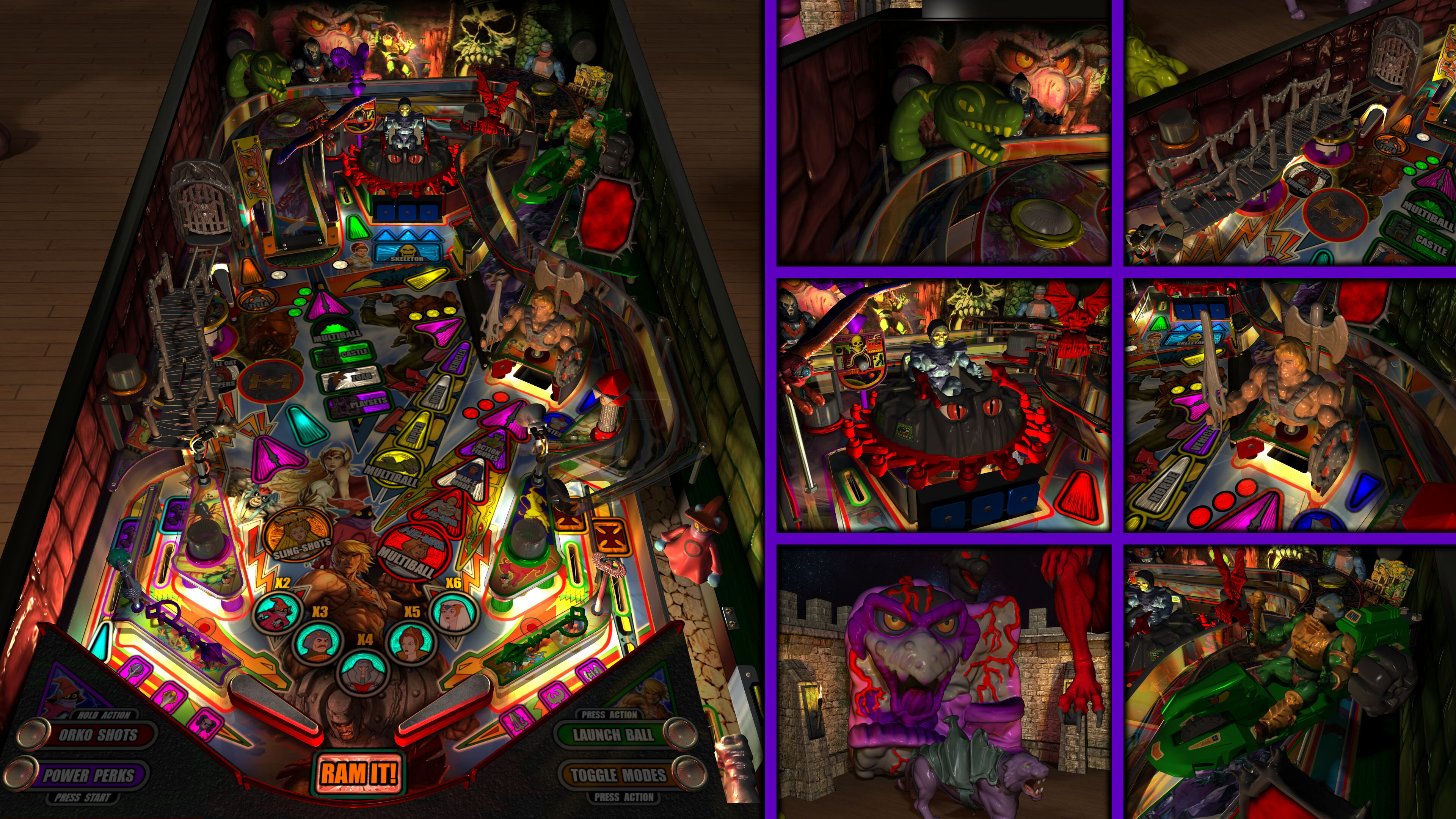
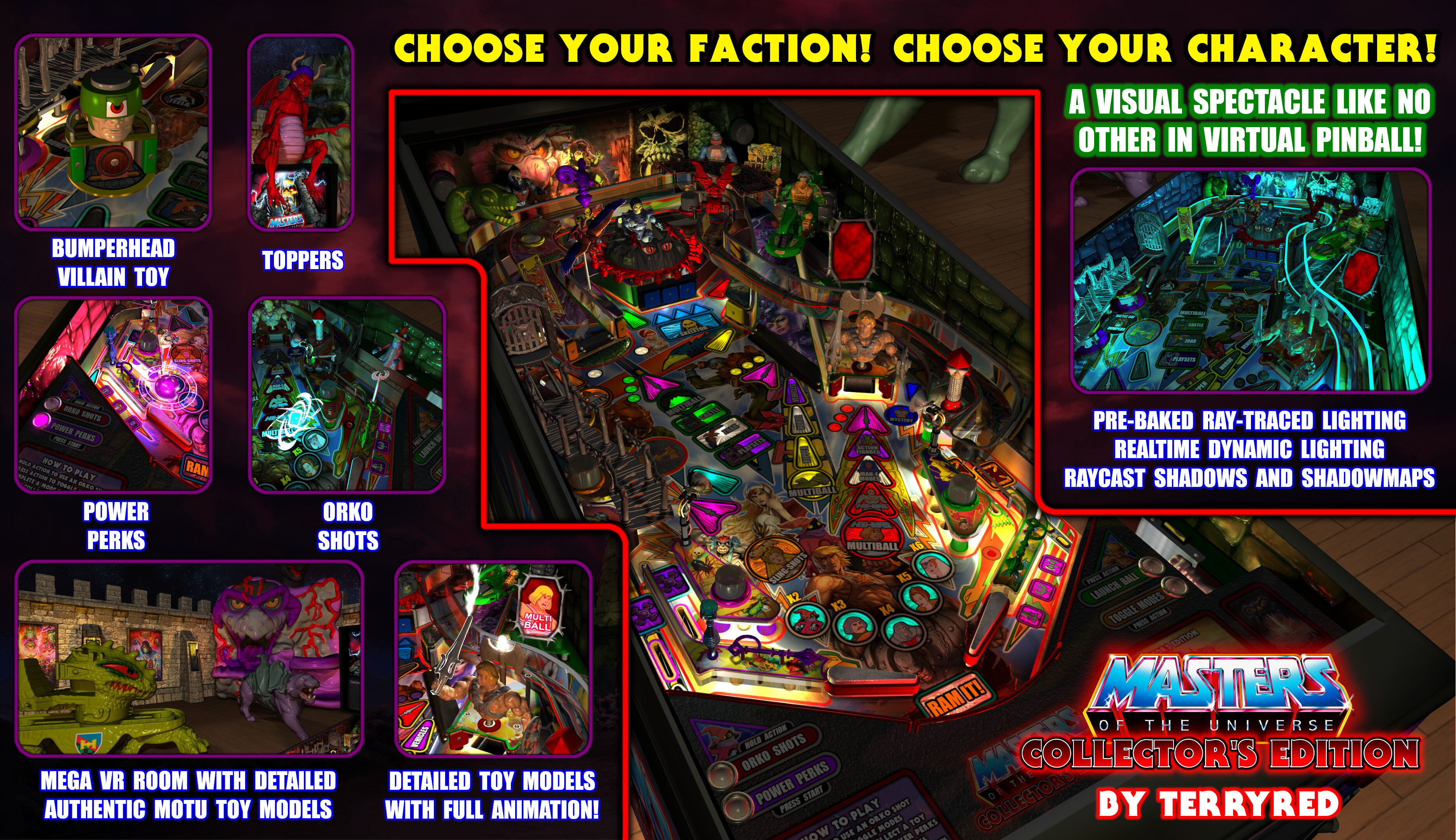
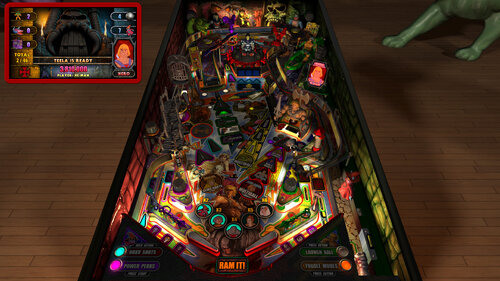
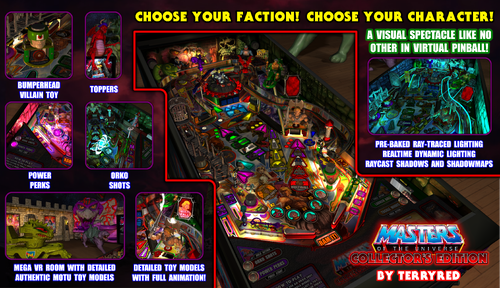
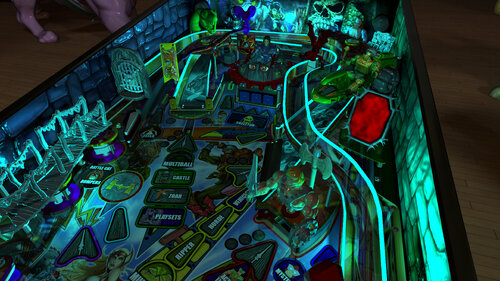
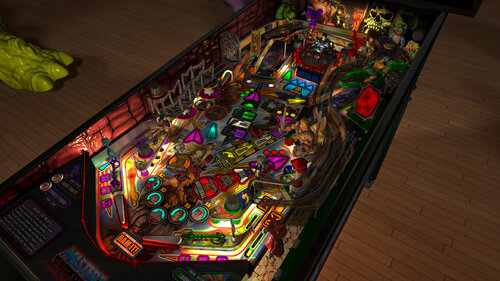
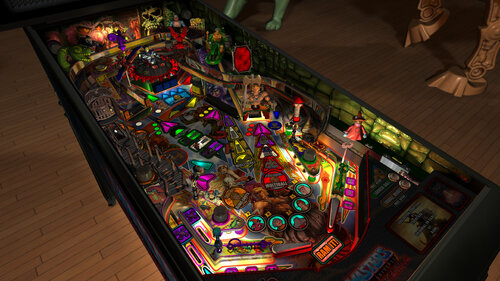
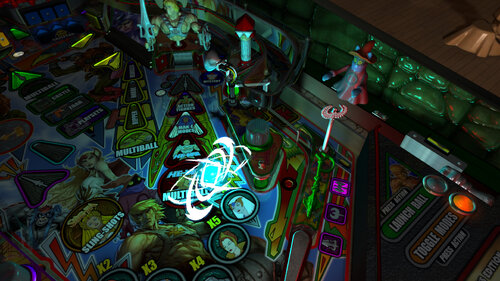
New Blender raytraced baked lighting and shadows combined with FP's dynamic lighting / shadowmaps / lightmaps and ray cast shadows creates a unique and gorgeous visual spectacle like no other!


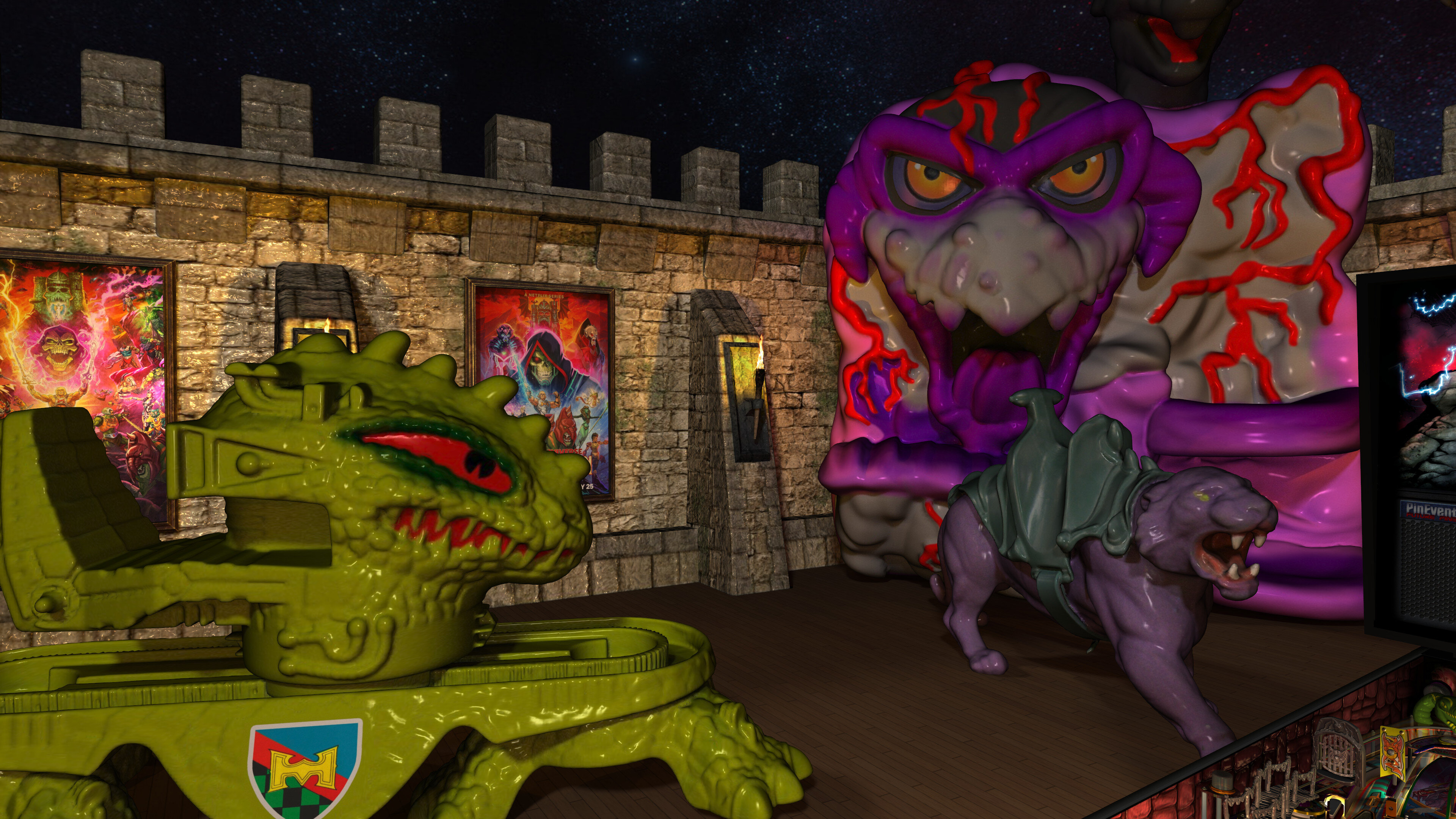
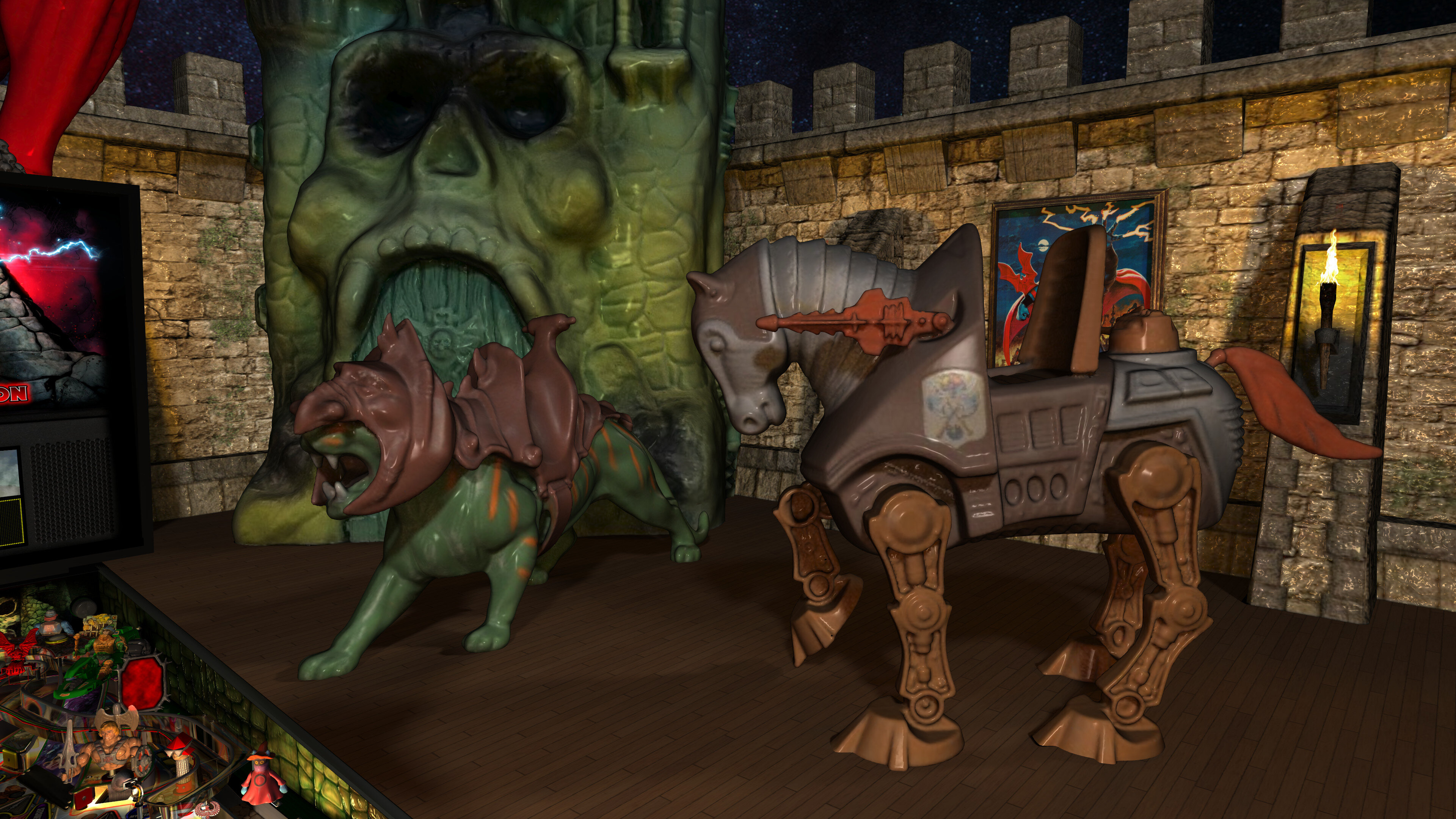
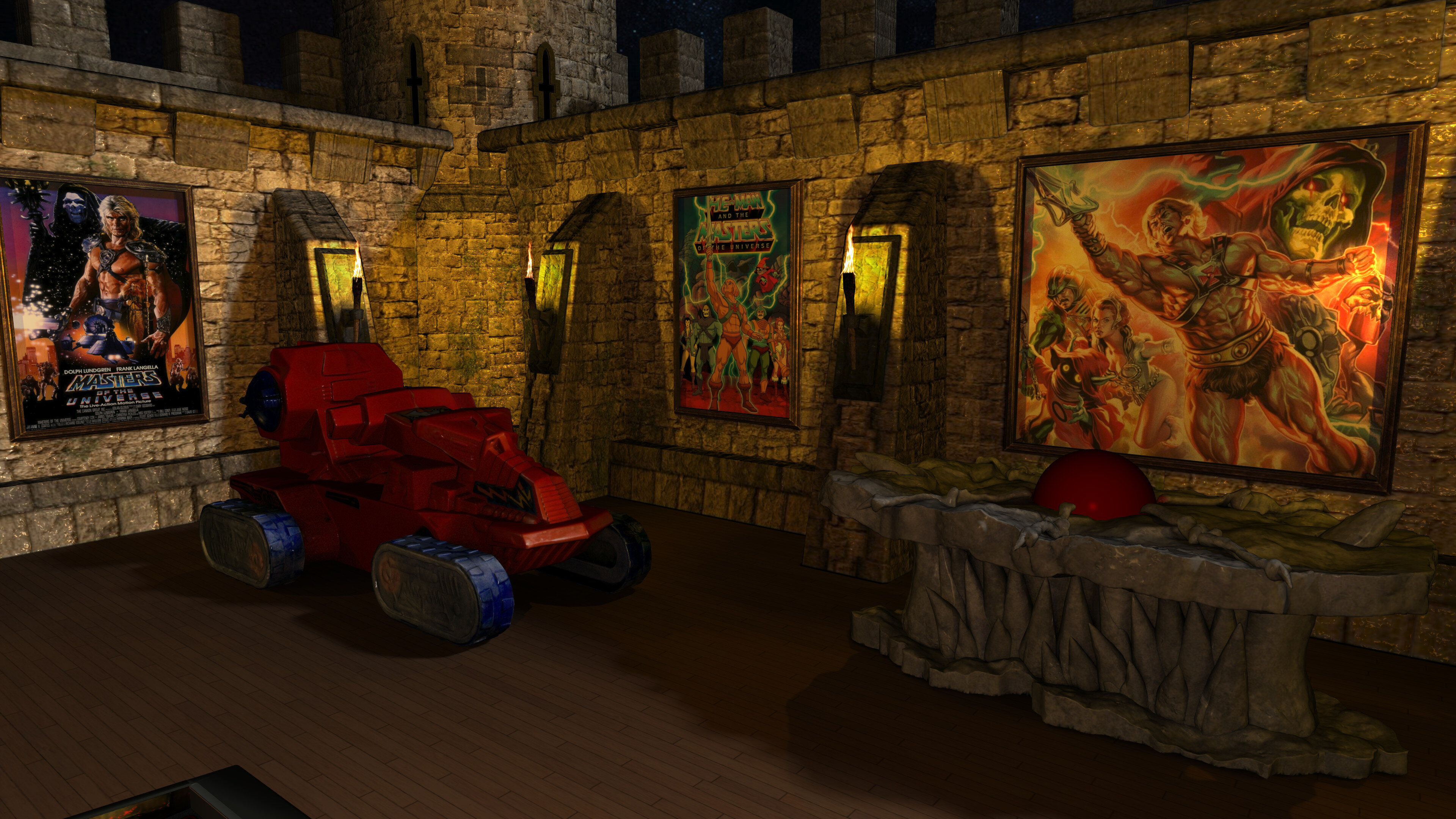
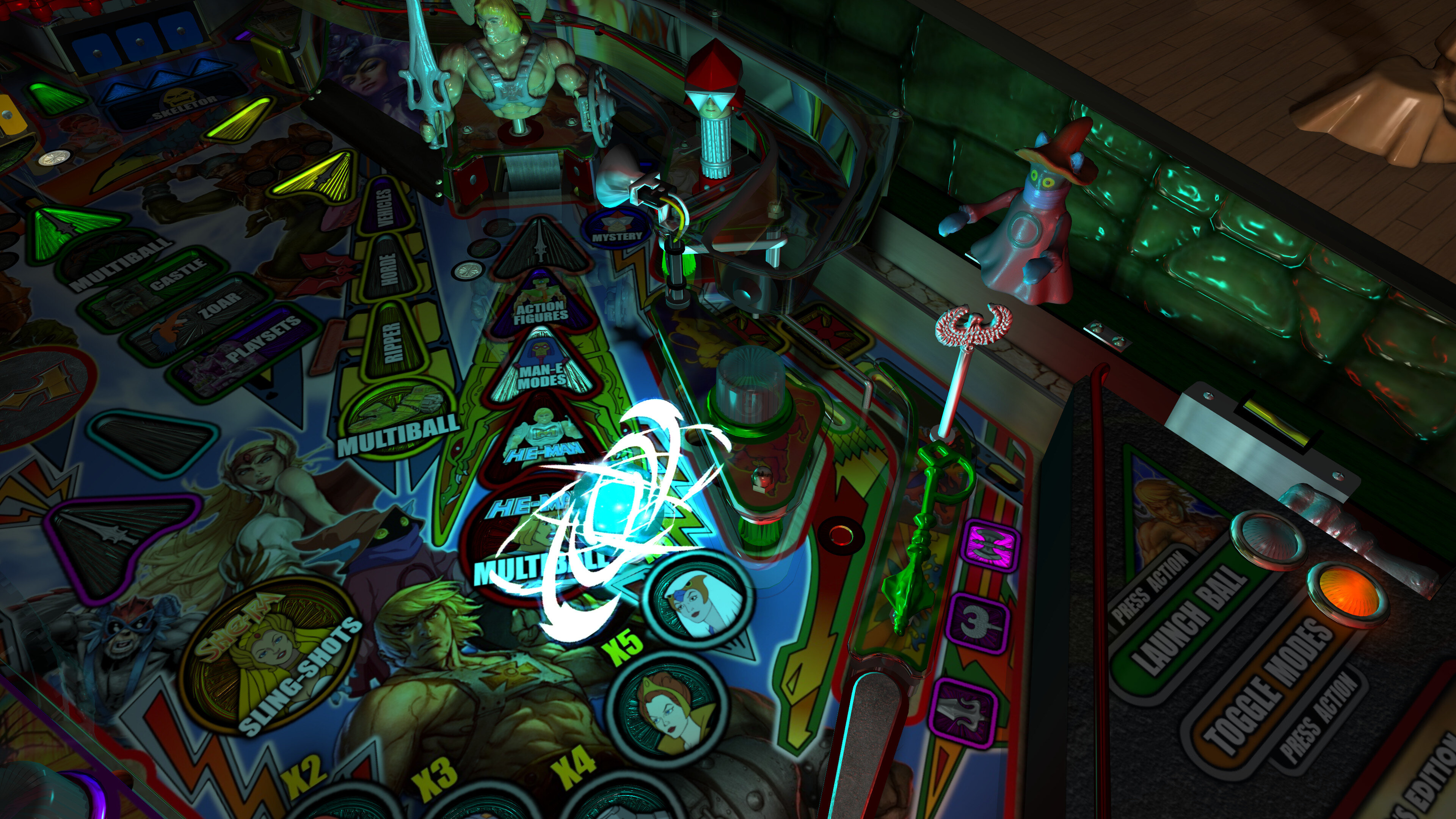
All new detailed and painted models scanned from actual 80's MOTU toys are brought to life with my new custom animation code made just for this table! You've never seen pinball toys look and move like this!


The objective of the game is to complete each of the new 16 modes and get all collectables (action figures, vehicles, playsets) to become the Master of the Universe!


TerryRed


For the Epic Preview Trailer video, watch here:


For a preview of Virtual Reality and Mixed Reality options and features, watch here:
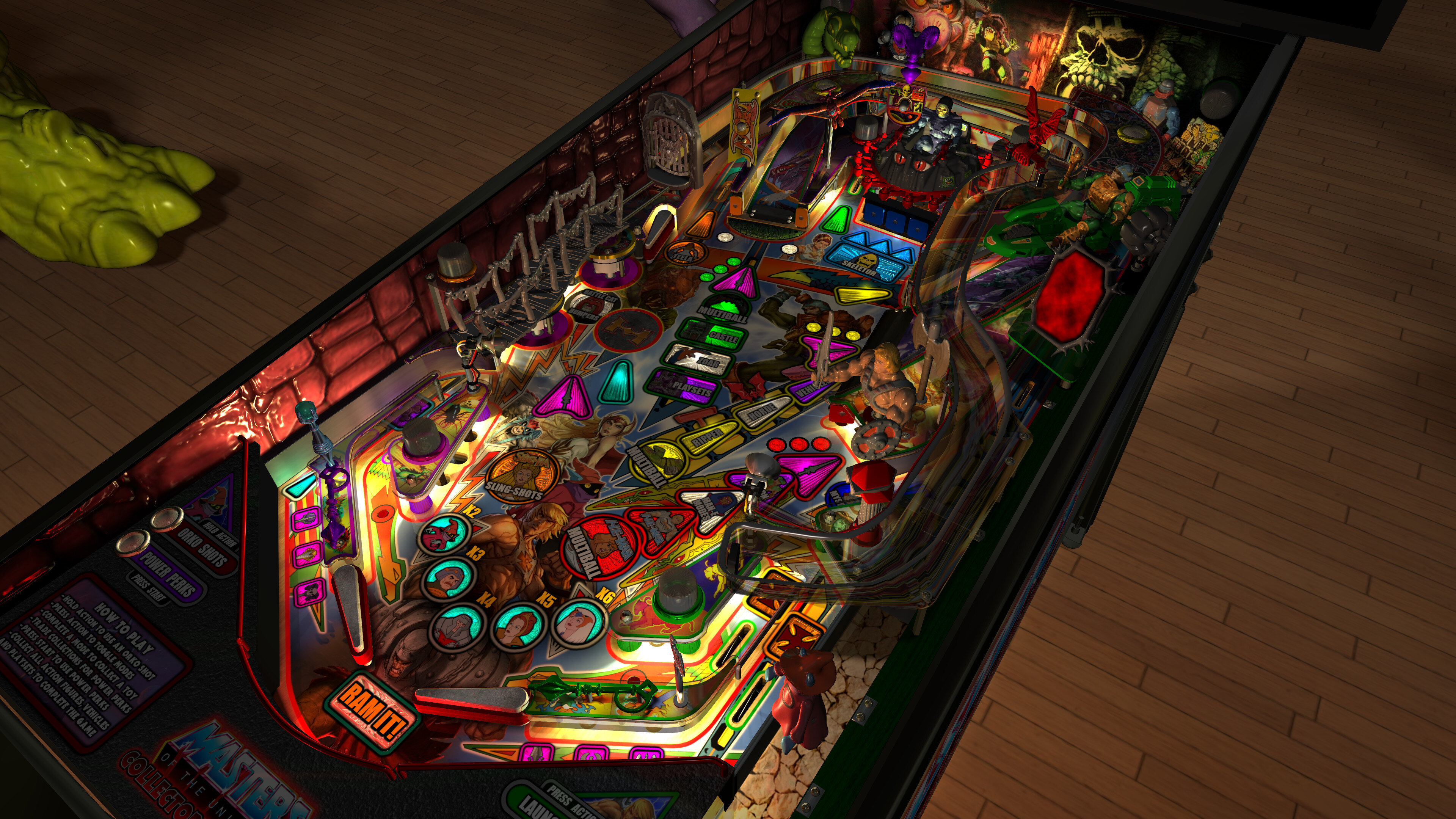


View1.thumb.jpg.fb8a822347e15549b71020442dd26514.jpg


View2.thumb.jpg.c5abea8a74e54c700085044a04703783.jpg


====================================================================


Who Created it?


TerryRed : Masters of the Universe - Collector’s Edition (2024)

ROM : The original MOTU table (2013)


Thanks to:


Rom : for building the classic MOTU table so long ago!

Schlabber34 : pre-rendered insert images

FLEEP : mechanical sounds

Joey Picasso : testing and providing some models

MPT3K : testing and feedback

LynnInDenver : mirror background images from old MOTU pup-pack

AstroNasty : pestered me to remove third bumper (this inspired me to create the BumperHead toy)

JLou : FizX and support

Nailbuster : Pinup Player and SSF support

Ravarcade : BAM and support

Chris Leathley : Future Pinball

Everyone at Pinball Nirvanna for ideas, examples, and support


====================================================================


DISCLAIMER:


This table is a fan-made work of passion, and is NOT intended for commercial usage or to be included in any part of a commercial sale!


====================================================================


There are TWO versions of this game you can download


- the normal complete game

- the "Minimal" version


Both are identical except for a couple of differences with the "Minimal" version


- this version of the table has the entire Mega Room and all Toppers removed

- this is intended for those with low vram on their GPU or for slower PCs

- cabinet users (who do not see the VR Room or Toppers at all) can use this version as well

- choosing any Mega Room or Topper options in the script will have no effect!

- this version of table is set to the Minimal Room by default


====================================================================


This game supports up to three players!


Each player chooses a faction and a character to play in the game!


====================================================================


Physics: FizX v3.3


====================================================================


TABLE REQUIREMENTS (very important!)


- all Visual C Runtime updates

- DirectX

- Future Pinball

- the latest BAM update

- FuturePinball.exe and FPLoader.exe patched for 4 GB access

- BAM Settings files installed

- FizX 1K ball model (for more accurate physics, default.zip in BAM folder)

- the REQUIRED “Video / Rendering Options” and “Editor Options” in Future Pinball video settings


NOT TO WORRY!


All of the above is included with the latest FP and BAM Essentials AIO package!


Super easy to use for a new install, or just to update your existing install. I recommend everyone install this package to ensure you have the latest required BAM updates and other files pre-installed!


https://vpuniverse.com/files/file/14807-future-pinball-and-bam-essentials-all-in-one-complete/


====================================================================


IMPORTANT! - UPDATE REQUIRED!


This table REQUIRES a newer beta version of BAM (1.5-401) that is not yet released on Ravarcade's site.


This BAM 1.5-401 update is included with the FP and BAM Essentials AIO package version 3.3 or higher!


EVERYONE needs this new update to run this table! Simply install the latest FP and BAM Essentials AIO, and you are good to go!


====================================================================


PC HARDWARE REQUIREMENTS


What options can you try if your GPU has less VRAM (around 4 GB)?


- use the "Minimal" version which uses alot less vram

- you can enable Texture Compression (in FP video settings) which greatly reduces how much vram is used

- if you use a "Start FP" bat file, then you will also need to enable Texture Compression in that file!

- enabling Texture Compression may take a little longer to load, but not much


Total VRAM usage on my PC (fresh boot of windows - only FP is running - 4K resolution)


1.4 Table = 4.5 GB

1.4 Table - Minimal = 3.8 GB


note: enabling Trilinear Filtering adds around 600 MB more vram usage)


Total VRAM usage after enabling Texture Compression in FP Video settings


1.4 Table = 3.4 GB

1.4 Table - Minimal = 2.7 GB


So as you can see, with the 1.4 update, users with a GPU with 4 GB vram now have options to play the table!


====================================================================


GUIDES INCLUDED WITH THE GAME


It's important that all players get to know the following docs, for their own benefit! They are VERY helpful and will save you lots of time!


INSTALL INSTRUCTIONS - read this guide to learn how to properly install and run this game!


TABLE MANUAL and INFO - read this guide for more information about this table and its features!


RULES - read this detailed guide to learn all the secrets of this game!


====================================================================


TABLE OPTIONS


- at the top of the table script, scroll down to the "TABLE OPTIONS" section
- this game has a MASSIVE number of features, options, and difficulty settings you can change!

- you can tailor this game to almost any way you want!

- there are some specific features that can only be enabled in this section!


====================================================================


INSTALL INSTRUCTIONS (REQUIRED)


- PLEASE read the Install Instructions (included with the table's zip file)

- it shows you how to install all the REQUIRED items

- it shows you how to easily setup FP and BAM with the REQUIRED settings


It's super easy, and only takes minutes to do!


====================================================================


HOW TO RUN FP AND PLAY A TABLE


Read the Install Instructions to know how to properly use FP and BAM


===================================================================


GAME NOT RUNNING SMOOTH?


Read the TABLE MANUAL and INFO guide for the solutions!


====================================================================


LOADING TIMES


With the 1.4 update of the table, I have highly optimized the table to drastically reduce load times. Combine this with the new BAM v401 update, and you see a massive difference in load times!


Load times : from "clicking play" to "ready to start playing" (Intel i5 13600K CPU)


1.3 Table (Trilinear Filtering) = 1 minute 3 seconds


1.4 Table (Trilinear Filtering) = 31 seconds

1.4 Table (Bilinear Filtering) = 20 seconds


====================================================================


PROBLEMS?


Read the Install Instructions included in the table's zip file. It tells you everything you need to know!


====================================================================


Table MODS


- please read the Disclaimer in the Install Instructions included with the table
- please ask me first, as I am still updating this table


====================================================================


v1.0 (18+ months of extensive work - phew!)


- new FizX physics

- playfield rebuild and layout adjustments

- 16 new modes (compared to the original game's 4 MB modes)
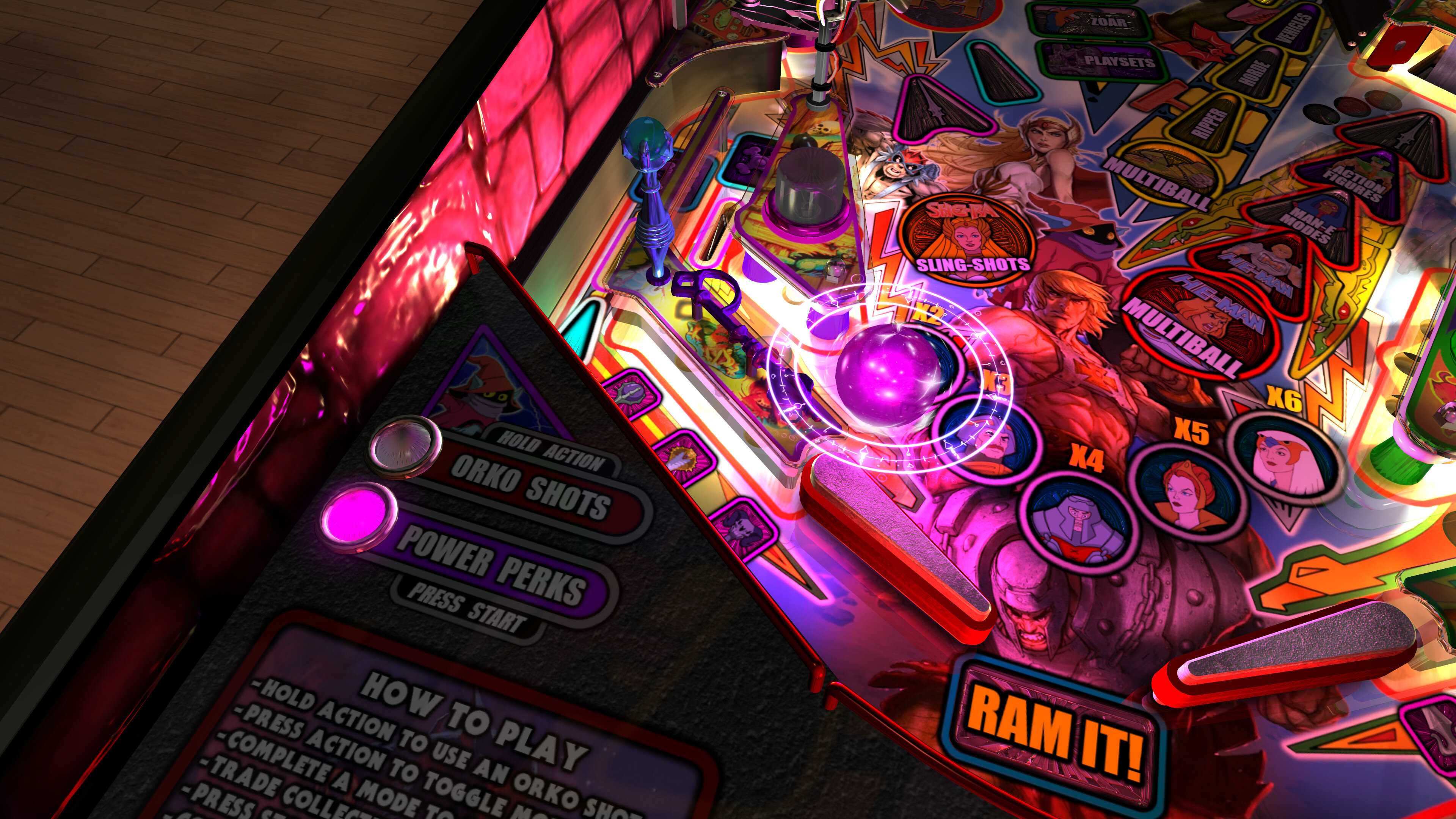
- Toggle Modes
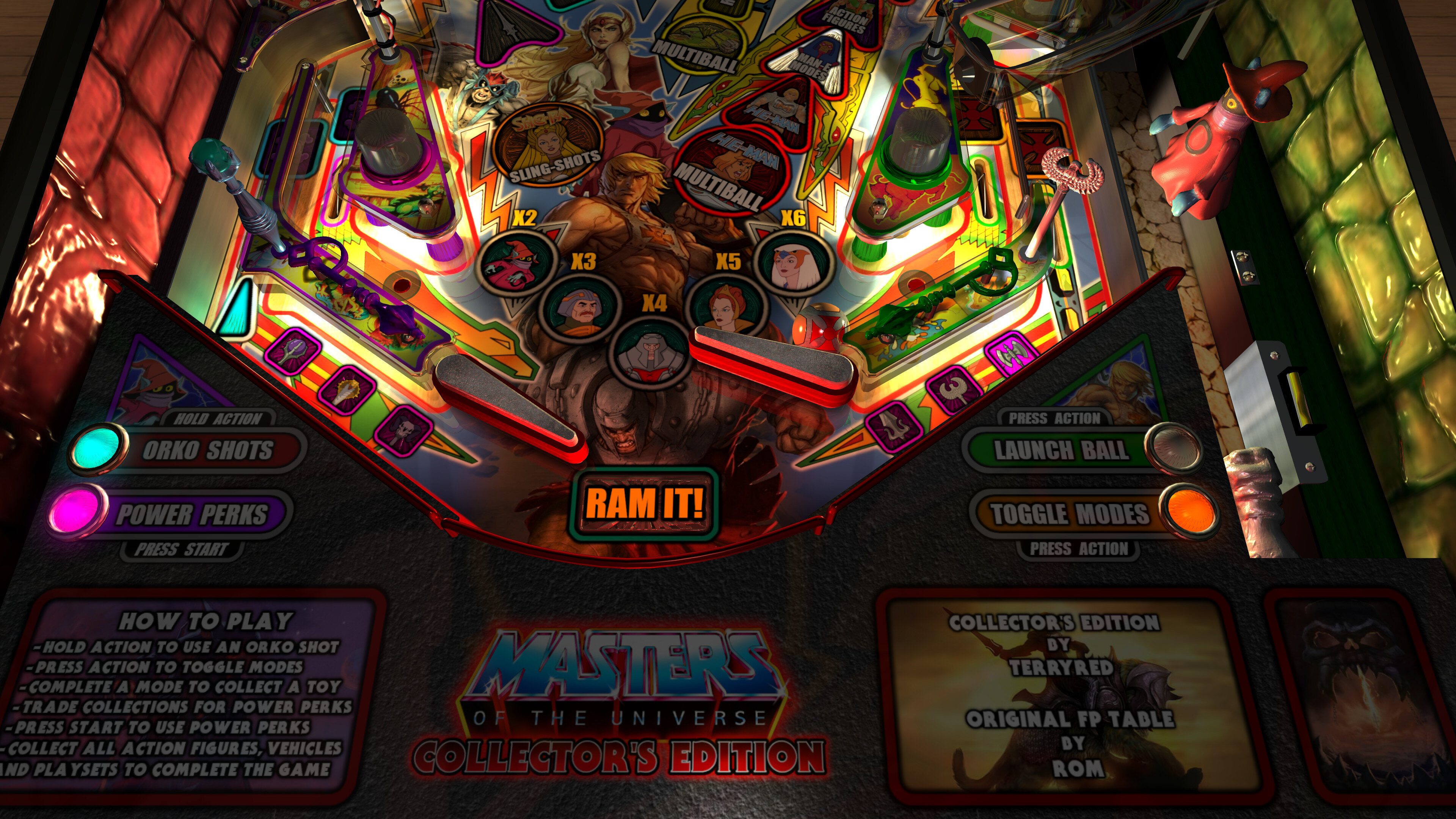
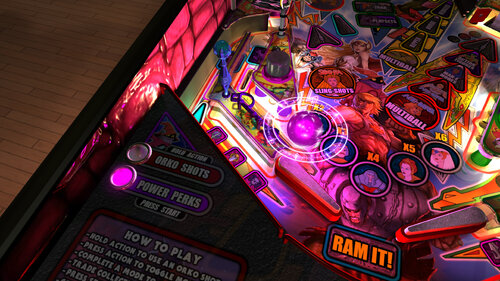
- Orko Shots
- Power Perks
- Power Points
- bonus multiplier
- end of ball bonuses
- skillshot
- combo shot
- Mekaneck Mystery
- collect action figure
- collect vehicle
- collect playset
- Choose Your Faction
- Choose Your Character
- complete multiplayer support for 3 players (each chooses a faction and character)
- all new playfield art, decals, autoplungers, and ball textures that changes with each player's faction!
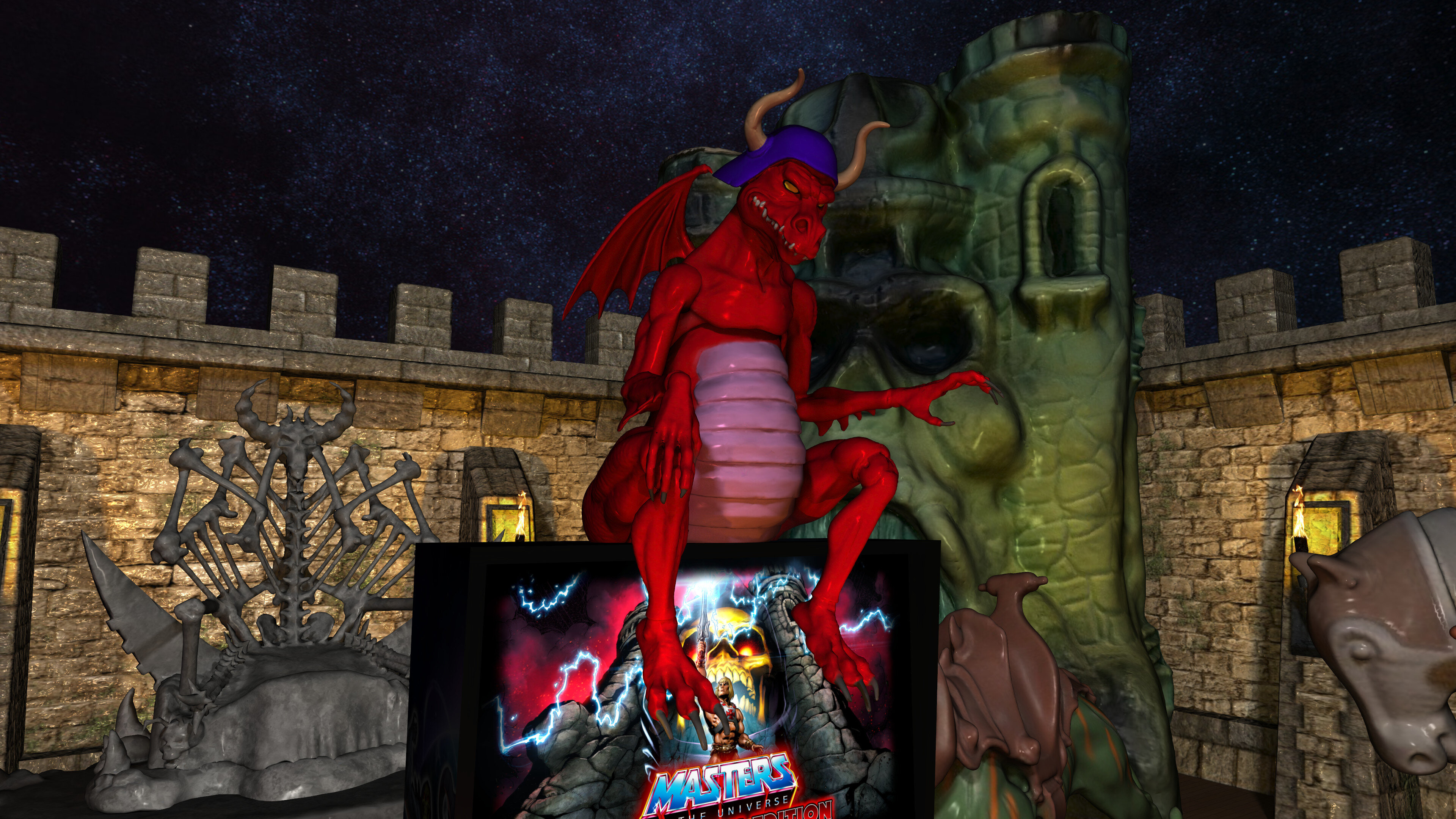
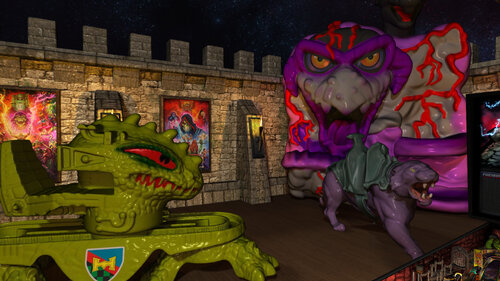
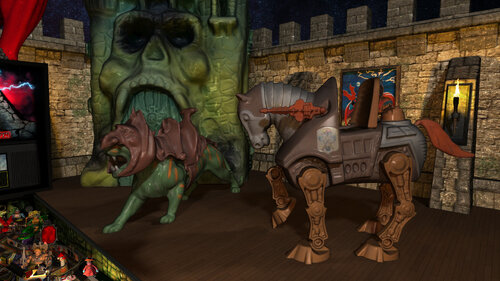
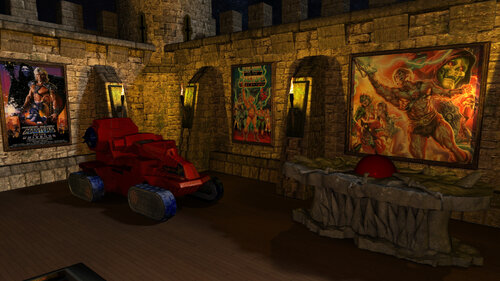
- new MEGA VR room with amazingly detailed MOTU vehicles and playsets and more!
- minimal VR Room
- mixed reality VR room
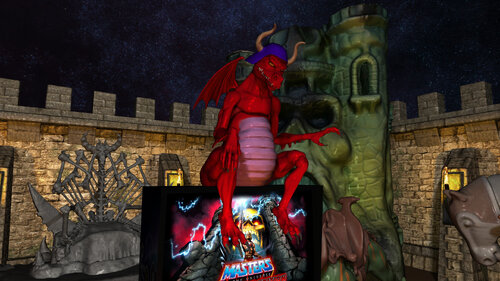
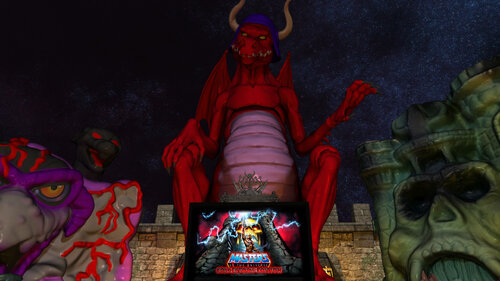
- Topper options (Granamyr dragon, Bone Throne)
- holographic Castle Grayskull mirror
- Battlecat Bumpers
- Man-E Modes
- new detailed toy models on the playfield and VR room
- new BumperHead Villain popup toy
- new Snake Mountain ramp models for Wolfhead Gate, snake, and bridge
- all new dynamic FP lighting for entire playfield (except inserts and apron)
- new insert mesh lights
- new ray traced baked lighting and shadows
- new shadowmaps, lightmaps, and dynamic raycast shadows
- many 100's of callouts from the 80's show
- 100's of custom new "evil villain" callouts
- massive new soundtrack from different MOTU series
- all PinEvent V2 features (SSF, Fleep, DOF, PUP DMD videos, PUP Stream, etc)


The original's multiball modes are kept, but have all new rules and gameplay


- Ripper MB (2 balls)
- Castle MB (3 balls)
- He-Man MB (4 balls)
- Skeletor MB (9 balls)
 
New main playfield modes in the game are:


- Sorceress Struggles
- Hordak is Horrible
- She-Ra Slingshots
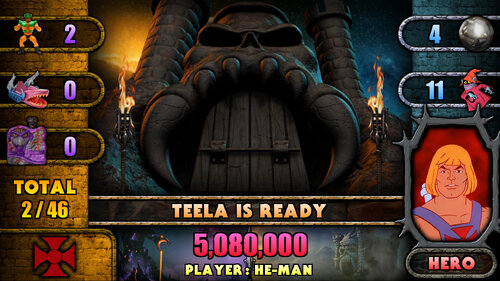
- Teela's Training


New Man-E Modes are:


- Orko is Outta Here
- Robot Roundup
- Glowing Getaway
- Jaw Breakers
- Tri Stop
- Khan Artist
- Diamond Ray Dilemma
- Skeletor is Stunning
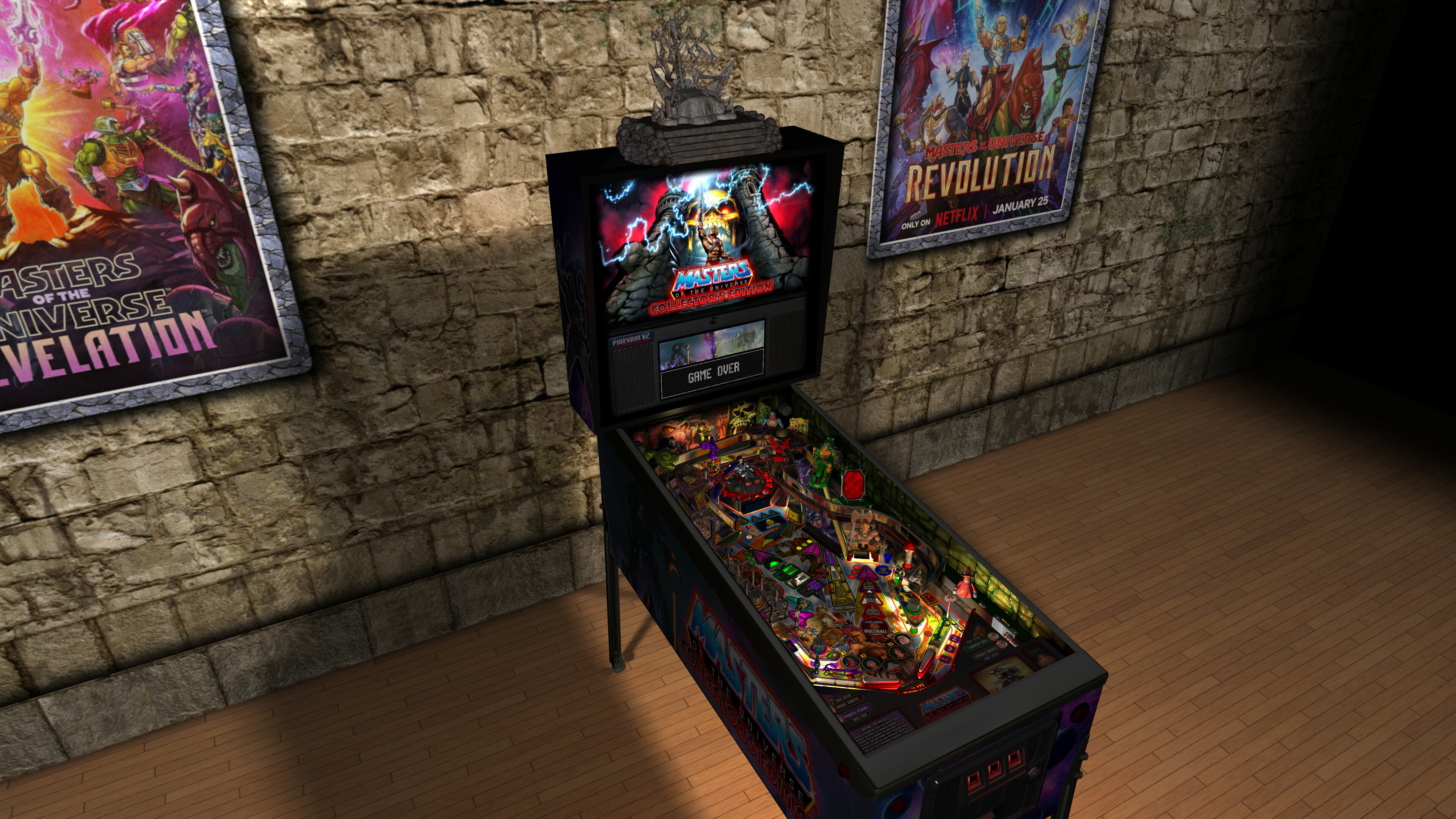
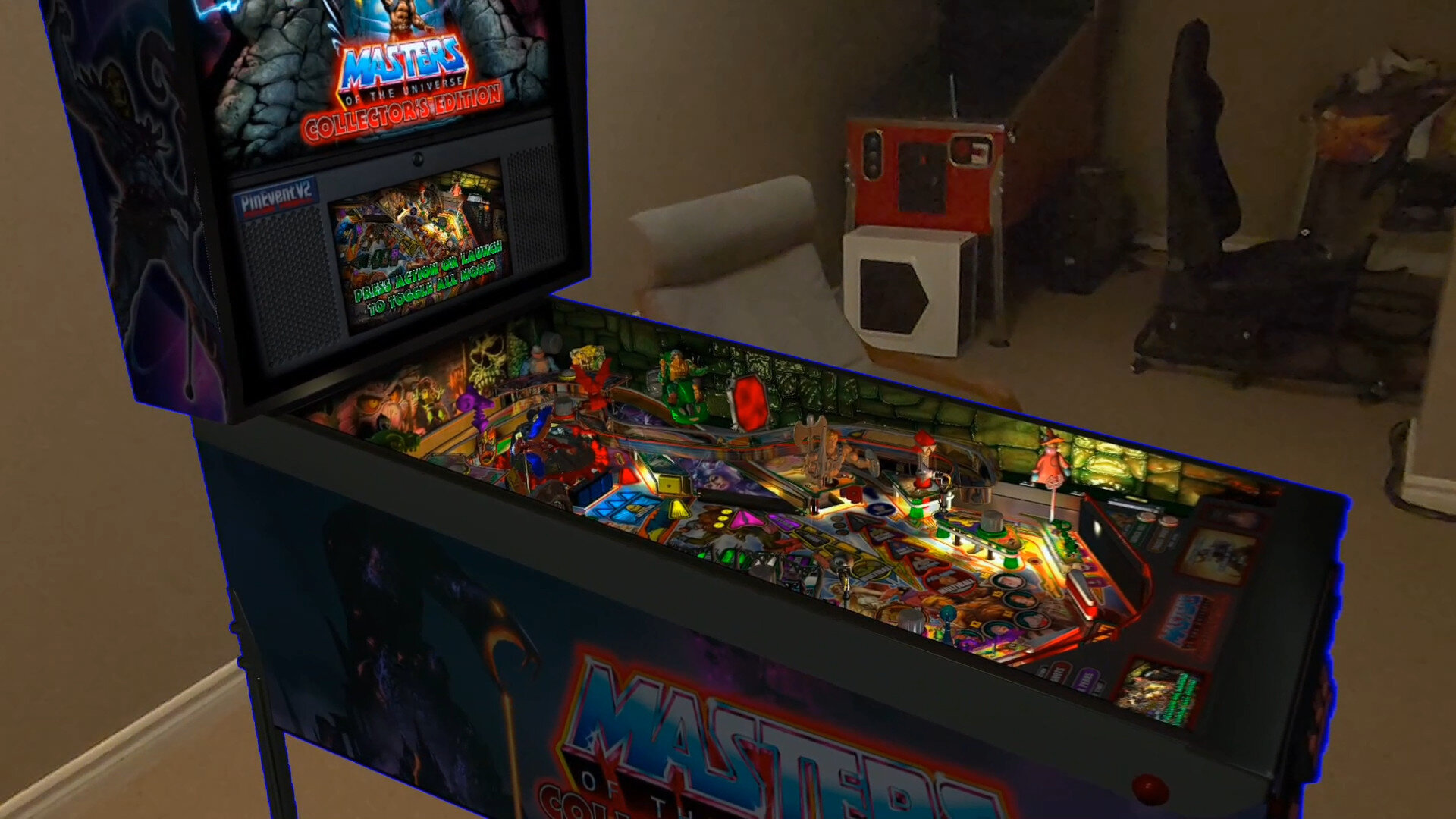
 

MinimalRoom.thumb.jpg.c86a60925118600b8f6087115305199d.jpg


MixedReality.thumb.jpg.f55631e4eab5e0de7228b6e8c37c7f5a.jpg


MegaRoom1.thumb.jpg.0cea0a87f0ab31177c87934cbec0495d.jpg


MegaRoom2.thumb.jpg.59c3ff673e95281b4cce0c1ebb7687cd.jpg


MegaRoom3.thumb.jpg.3c0d32a52e4dd81156627d1b54be39be.jpg


MegaRoom4.thumb.jpg.21c230395770beab90e5f58154f6ef10.jpg


OrkoShot.thumb.jpg.0e133c9348f1f62dd9a423abf7704d7d.jpg


PowerPerks.thumb.jpg.6c139b0d525eeaf7d24d7cff469ba2fd.jpg


RayTrace.thumb.jpg.36e97e292eb2670fe001cec29c0198a4.jpg


Topper.thumb.jpg.2b14836f8c2f545c3f2881fc44d25e93.jpg


MOTUCE.thumb.jpg.28b0889e0a002611777a187d4ae276e9.jpg


flyer.thumb.jpg.1df2b636715080435108b6f5b92a3bda.jpg


Poster-MOTUCE.thumb.jpg.47df1a2fa2dca0718639498a66a992a8.jpg


Apron.jpg

Edited by TerryRed
1.41 update for chrome ball texture


Use of A.I. Disclosure

No A.I. was used in the creation of this file
No

What's New in Version 1.41   See changelog

Released

v1.41 Update


- fixed corrupted chrome ball texture


v1.4 Update


- updated pup dmd and pup ssf code to work correctly with PUP v2.0 (now required for those features)
- updated startup checks for BAM / PUP / PuP-Pack version (will notify you if wrong version)
- new pup ssf v2.0 ball rolling updates - code / changing rolling sounds on ramps / tracking 10 balls
- new ball rolling sound mode options: OFF, FP, SSF (TABLE OPTIONS)
- new volume settings for ball rolling / FP Mech Sounds / PUP SSF (TABLE OPTIONS)
- new pup dmd v2.0 realtime shader effects and new alpha videos! (TABLE OPTIONS)
- new Cabinet_Mode_Preset setting, automatically hide items not needed for cabinet mode (TABLE OPTIONS)
- new Normal Map options for those who want them reduced in lower resolutions (TABLE OPTIONS)
- new HUD and Frame with correct aspect ratio (enable "Overlay Aspect Fix" in BAM menu)
- fix to (hopefully) release balls that get stuck under robots in Robot Roundup
- BattleCat Bumpers insert now flashes when reset, and will stay lit when activated
- new Snake Mountain gate sounds and other misc fixes
- updated startup code for BAM settings and PinEvent (PinEvent VR settings should apply correctly now)
- updated orbit geometry so launched balls will fall more towards left flipper and not the drain
- replaced some FP models with BAM models (faster "processing models")
- replaced textures with proper "power of two" textures (faster "injecting textures")
- rebuilt and rebaked / rendered Mega Room and models (much smaller in filesize)
- the new BAM models and new textures makes the table load MUCH faster and uses a lot less vram!
- NEW Attract mode flyby camera sequence (TABLE OPTIONS)
- NEW "Skeletor's Tips" at the end of the game - "Until We Meet Again!" (TABLE OPTIONS)


This 1.4 update is a large and significant update. It's important to know about the details for some new features, and what is required to use them.


======================================


=== Future Pinball-BAM ===


This table REQUIRES the newest FP and BAM Essentials AIO update (3.3). This has the newest BAM beta 401 which is required! This update will also allow MOTU CE to load MUCH faster due to the newest BAM being rebuilt to process BAM stuff much quicker on loading / startup!


For Baller Installer users, you can use the PinUPdater app to update your FP-BAM. Be sure to choose "Future Pinball and BAM Latest" in the drop down menu to get the new FP-BAM updates!


For everyone else...


Manual install / update for FP-BAM:


https://vpuniverse.com/files/file/14807-future-pinball-and-bam-essentials-all-in-one-complete/


Guides


I have updated my latest "PinEvent V2 Guide" and "Popper and Baller Installer Tips" with new information regarding PUP v2.0 and the new PUP SSF v2.0 which MOTU CE 1.4 is the first table to make use of. If you use a second audio device for your SSF, then give the PUP SSF sections a read. (important!)


======================================


=== Pinup Player v2.0 ===


NEW! PUP v2.0 support for Shader Effects, Alpha Videos, PUP SSF 2.0, hardware acceleration


- new pupdmd shader effects that show realtime animated effects for lighting, fire, fog, fireworks, shaking, and more
- new pupdmd fullscreen animated alpha videos that splash on the screen! Full support for alpha blending effects!
- new pup ssf 2.0 sound engine! Positional Ball Rolling sounds now supports up to 10 balls, multiple materials, and each ball changes sound on ramps now!


MOTU CE 1.4 makes use of all these new features of PUP v2.0. If you wish to use "any" pupdmd or pup ssf features you MUST install the latest pup v2.0 update!


For Baller Installer users, you can use the PinUPdater app to update your PuP to the latest v2.0 Beta. Be sure to choose "Pinup Baller v2.0 Beta" in the drop down menu to get the new PUP v2 updates!


For everyone else...


Manual install of PUP:


https://www.nailbuster.com/wikipinup/doku.php?id=pinup_player_install


Update to latest 1.52 beta 3:


https://www.nailbuster.com/wikipinup/doku.php?id=pinup_upgrade_v15


Pup v2.0 beta files (install AFTER you have a proper working PUP 1.52 install):


https://www.nailbuster.com/wikipinup/doku.php?id=beta2026


If you use SSF with a second audio device, then you require setting your audio device ID for pup v2 (which uses its own settings). Read the included "Install Instructions" (the SSF section) to learn how to properly setup PUP SSF v2.0 for your setup!


======================================


=== NEW Pup-Pack for 1.4 ===


This new table updates REQUIRES the use of the updated pup-pack for pup dmd and pup ssf 2.0 features!

REMOVE any previous pup-pack and only install the new pup-pack (and run the Option xx BAT for your setup). DO NOT mix old and new pup-pack files!

If the incorrect pup-pack is installed (and you have pup features set to true), you will be told on table startup its wrong, and pup features will be disabled!


======================================


=== New 1.4 features in TABLE OPTIONS ===


Take a moment to look at some of the new features in TABLE OPTIONS (at top of the table script), such as:


- ball rolling sound mode options: OFF, FP, SSF
- volume settings for ball rolling / FP Mech Sounds / PUP SSF
- pup dmd v2.0 realtime shader effects and new alpha videos
- Cabinet_Mode_Preset
- Normal Map options
- Attract mode flyby camera sequence (desktop mode only)
- "Skeletor's Tips" at the end of the game (Until We Meet Again!)


There are MANY settings in TABLE OPTIONS you can change for your preference! Take a look!


======================================


=== Layout ===


I updated the left orbit to flow nicer for when the ball launches (to keep the ball falling to the left flipper more instead of towards the drain)


======================================


=== Startup Cleanup ===


I completely updated the table's startup code for BAM and PinEvent, which allows BAM proper detection of modes (in VR especially), which allows both BAM and PinEvent to apply settings correctly


======================================


=== Massive Table Optimizations ===


- replaced some FP models with BAM models (faster "processing models")
- replaced textures with proper "power of two" textures (faster "injecting textures")
- rebuilt and rebaked / rendered Mega Room and models (much smaller in filesize)


This has resulted in the table loading MUCH faster (especially with BAM v401) and using a lot less vram!


Filesize:


1.3 Table = 846 MB
1.4 Table = 672 MB
1.4 Table - Minimal = 450 MB


Load times : from "clicking play" to "ready to start playing" (Intel i5 13600K CPU)


1.3 Table (Trilinear Filtering) = 1 minute 3 seconds


1.4 Table (Trilinear Filtering) = 31 seconds
1.4 Table (Bilinear Filtering) = 20 seconds


1.4 Table - Minimal (Trilinear Filtering) = 29 seconds
1.4 Table - Minimal (Bilinear Filtering) = 18 seconds

User Feedback

Create an account or sign in to leave a review

You need to be a member in order to leave a review

Create an account

Sign up for a new account in our community. It's easy!

Register a new account

Sign in

Already have an account? Sign in here.

Sign In Now

jshanon

   1 of 1 member found this review helpful 1 / 1 member

5 star no brainer. As far as I am concerned the best virtual pinball game made. Worth the wait! Absolutely proves the right person can make a great game on Future Pinball in 2024.

Dicentim

   1 of 1 member found this review helpful 1 / 1 member

Great table with a ton of game modes. I love the pup-pack with all the videos from 80's (TV ads, end of episodes...)

kevnniq

   1 of 1 member found this review helpful 1 / 1 member

Great table!! It has more options than I can keep track of. Will keep me busy figuring out and playing for hours. Thanks Terry. Great job on this one as always.

Logan_V

   1 of 1 member found this review helpful 1 / 1 member

Just finished my first game and gotta say this game's incredible!  Fantastic art, sound, pup, layout and intricate rules set -- it'll keep the player immersed for hours on end. Great job, Terry and thank you for creating such a wonderful table to keep us busy playing for years to come! Such a fun Christmas present for the VP community :)

Thurman8tr

· Edited by Thurman8tr

   1 of 1 member found this review helpful 1 / 1 member

Truly, truly amazing to think that you conceived, sourced, designed, rendered, and programmed this table.


Your labor of love is an amazing accomplishment, and to think that you (and so many others in this community) donate all of your time and efforts to the hobby is so gracious.

Thank you again for your efforts, technical prowess, and love for this table.


It is phenomenal.

daidavel

   1 of 1 member found this review helpful 1 / 1 member

I'm 52 and was like a kid on Christmas waiting for this to drop ... it didn't disappoint, an astounding effort, thanks so much for all the love you put into this and for sharing with the community!!!  I've only got one game under my belt ... needed to stop to submit this review, now can't wait to get back to it to see what else I can discover!

LoadedWeapon

   1 of 1 member found this review helpful 1 / 1 member

Man just played my 1st game and that multiball at the start was crazy I can't wait to see the rest. Just the amount of player options is amazing! 10 star Terry! Looks and plays Amazing!

djbootleggah

   1 of 1 member found this review helpful 1 / 1 member

The Eagle has landed!!! What a spectacular display of work!!! Thank you very much again you never disappoint!!! 

Smackx

   1 of 1 member found this review helpful 1 / 1 member

Congrats buddy!  I know how much you have invested in this baby and "thank you" seems so small.  You're in a class by yourself and the community knows just how lucky we are 👍

ZandysArcade

   1 of 1 member found this review helpful 1 / 1 member

Simply Incredible!!!!

Yoda

   0 of 1 member found this review helpful 0 / 1 member

I got a Script Error: Line 8953

               Object needed: MiniPlayField_4

Can you help me?

How can i fix it?

Desktop player.

Thanks in advance

Response from the author:

This is the review section. Install the newest FP and BAM Essentials AIO 2.7 and follow included Install Guide on how to properly set things up and use it. The link is in the table's description on the download page and the included Install Instructions, which you should also be using if you are new to using FP-BAM.

Fred-Pinball

· Edited by Fred-Pinball

   0 of 1 member found this review helpful 0 / 1 member

One can only admire the work that went into this table - respect. Terry Red's tables are the only reason I still have Future Pinball installed. I wanted to uninstall this crap years ago, but dont want to loose his work. There used to be great tables from Slamt1lt too, but he has stopped and/or doesn't share them anymore. 

I think FP is a dead game and to be honest, I would have been much happier if this table had been released as a VPX version. I could also live without all these 3D animations because I prefer realism. Most FP tables play more like video games but if you're really looking for that, there is already Pinball-fx3. The loading times for FP-Tables are often more than 2 minutes per table, which is why I usually think twice before starting FP. If I want to have a real pinball experience in my cabinet, then I usually end up playing VPX tables. That's why I would be very, very, very (!!!) happy if a great creator like Terry Red could develop tables for vpx from time to time in the future.


Edit: 

Regarding Terry's answer, all I can say is this: There is no reason for such aggressive behavior. I praised your work very much and never criticized you for a moment. Unfortunately, the fact is that you are the only one who still creates tables for FP. That's why I wrote that this platform is dead. The fact that you overreact in such a way to criticism that doesn't even concern the table, but only the software, is very disappointing.

Response from the author:

Well then, you will be very sad... as that won't ever happen for the games I want to make. Your lack of wisdom or knowledge regarding what VPX is capable of.... or should I say is NOT capable of... won't make your wishes come true. This table (and other projects I work on) are simply NOT possible on VPX. I'm pretty sure (since I've created on both FP-BAM and VP) I'm more qualified in the knowledge of this than you. I don't care what the name of an editor is called... I care about the end results... and VP is not even close to being to do what I want... and have done on FP-BAM.


So by all means Fred... go back to whatever "realism" brings you joy. You wont find it in anything I'll ever make. I left creating content on VP long ago... and years later, there still isn't any reason for me to go back (but I do watch its progress, as I said... if the app does what I want, I'll use it). That's not changing anytime soon (but I certainly look forward to VPE in the future)... and certainly not because entitled Fred stomps his feet because he isn't getting what he wants in this "review".


Talk (and typing) is cheap. I do my talking with what I make... and you can't get it on VPX. So other words... suck it Fred. :)


brightav4444


This is seriously the ultimate table, its soooo good!

NotMe420


WOW!  Best table I've played!  I watched YouTube as this was developed and I am amazed how special this truly is  :)

Fun.

JRVirtual34


A huge thank you for creating this amazing table for Future Pinball. The amount of work and passion behind it truly shows, and it’s an absolute pleasure to play. Tables like this are rare and greatly appreciated by the community. Thank you again for sharing your incredible work with us!

cherok

· Edited by cherok


Hi @TerryRed your table is absolutly amazing i could fix all my problems now (my backbox changed with the updates...)

i have less lags than before i think.

great job this table is one of the most impressive VPX included.

Keep up the good work buddy


mreman74


Wow! Just wow. This table has become the family favorite in our house. IMO this has to be the best table of them all. Terry Red you are my hero! Thank you, thank you, thank you for being generous enough to share this work of art with the rest of us.  

VPFiends


Outstanding! 10 year-old me who could only afford MOTU coloring books that we'd cut out and paste on cardboard to use as action figures was giddy AF playing this table! The attention to detail and overall passion that was put into this is just mind blowing! Every game is a new discovery, new challenge...I feel like I could play this a thousand times and get something new each time. Lighting, Physics, Toys, Fonts, Graphics...all TOP NOTCH and like something you'd pay $12K+ for an LE Stern pinball cab. This table is exactly why Future Pinball and BAM need to be on every VP hobbyist's radar! For those struggling to get it working properly, use Baller Installer and the AiO Terry released...super easy to use and VERY impressive results! Mad respect to Terry and everyone else who had a part in building this passion project over the years, this is Virtual Pinball at it's FINEST! 

neosean99

· Edited by neosean99


As if this table wasn't already the COOLEST entry in all of Vpin... This latest rendition is amazing!!! If you are an 80's kid, you will freak out playing this table. Period. Just download, and enjoy. No details needed. It's absolutely incredible. Now the updates, TerryRed has already listed all the changes and has a great youtube vid up of the changes with the latest Future Pinball, and Bam. This table, and all other TerryRed releases are the sole reason I fought my butt off to get Future Pinball correctly configured on my cab. BOOKMARK THIS MAN! SEND BEER! LOVE THIS ART!!! :)

PS NO MORE VLC BOG DOWN!!! ❤️

stezoid

· Edited by stezoid


Hi terry, i have updated everything, got the new table running, but i cant start a new game. I can add a credit and select a character, i ran another table (robocop) to check my control settings and its all good so i dont know why i cant stat a game with masters of the universe. Im playing in vr with a pin one mini. All your other tables and masters 1.3 was fine i just cant start a game with 1.4 when i press the button on the pin one (thats mapped to number1) nothing happens

Response from the author:

This is the review section. Post questions in the comments.


Nothing has changed regarding controls from 1.3.


Be sure you have the FP window in focus (click into the window with your mouse if needed). Make sure you are using the digital plunger button or the special 2 button to select your players / faction / characters... NOT the start button.


Start button is only used to start the game, or to go back from your selection of players / faction / characters if you changed your mind.

ary


Nota 100, perfeita!!

FuturePinball com uma fisica muito boa.

 agradecimentos ao autor pelo grande trabalho!!!

niliang74


Table is simply amazing !

Rules very deep, a lot of special features never seen in other pinball machines.

Graphics is insane, also Physics is very good although I think the nudge effect is too strong (I'm playing desktop version, the ball literally changes completely trajectory when I press Z or /...there is a way to fix it ? anyway 6 stars for me!

Response from the author:

Digital nudge on FP will always move the ball a bit, even if its in the middle of the playfield.


You can reduce the digital nudge if you want in the PHYSICS XML section by adjusting the nudge impulse value.


image.thumb.png.97325d185bd2aa4dc0fc4f8c68d6e827.png

nappis


Awesome piece of art!

silentkat


Beautiful and fun table! Thank you! Cant wait for silent hill!

jcat


Drop dead amazing, as usual! When I see Terry's name on any table he creates or is involved with, I always know it's going to be a special time! The toys, the extensive VR Room, the sounds, the game-play, the everything!

×
  • Create New...