
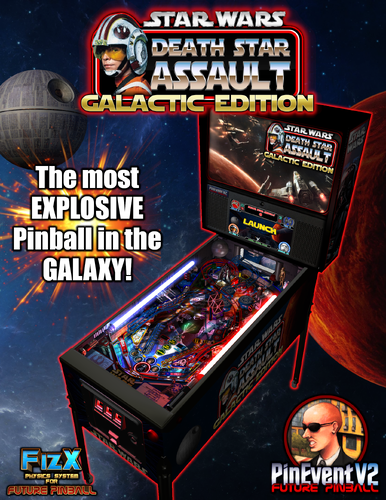
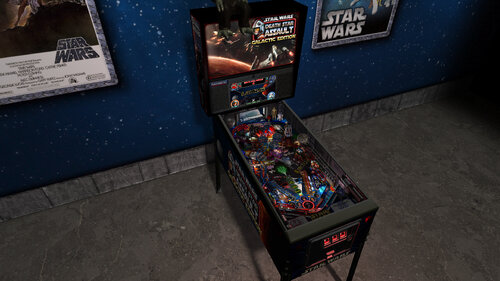
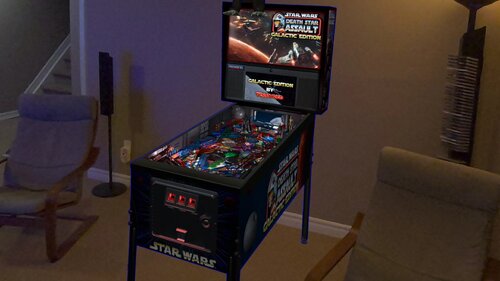
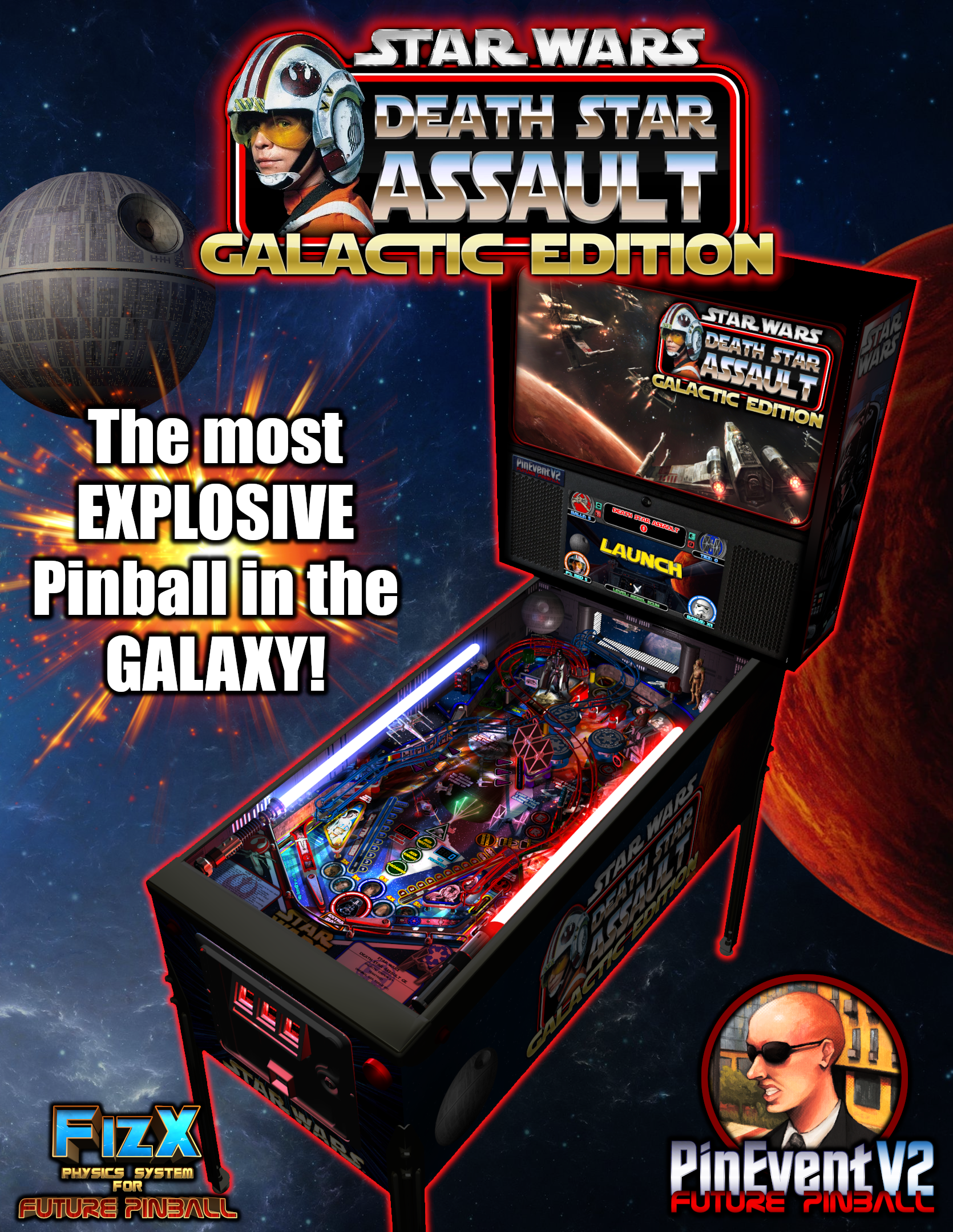
Star Wars: Death Star Assault - GALACTIC EDITION
Table version: 2.0 (May 2026)
PuP-Pack version: 2.0 (May 2026)
A long time ago (2005) on a pinball editor far, far away... this table started its long journey.
It started as the Sci-Fi Classic example table in 2005. Then SLAMT1LT created his Star Wars mod in 2010, which then evolved over the years to his Ultimate Pro version in 2020. I updated that table with my Epic Space Battles mod in 2021, and then for PinEvent afterward. As there were no more updates being shared by SLAM, I proceeded on my own. This resulted in a massive overhaul and update to the entire table which became my GALACTIC EDITION!
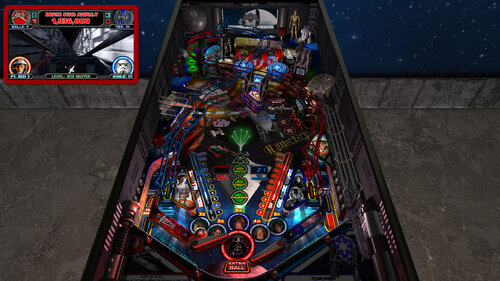
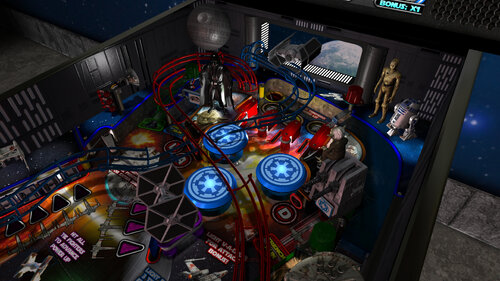
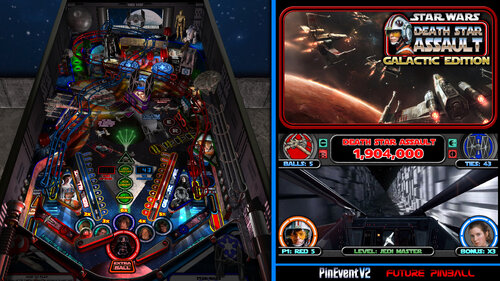
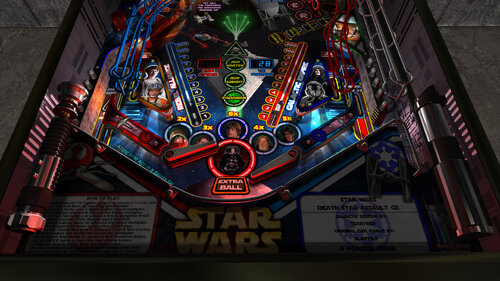
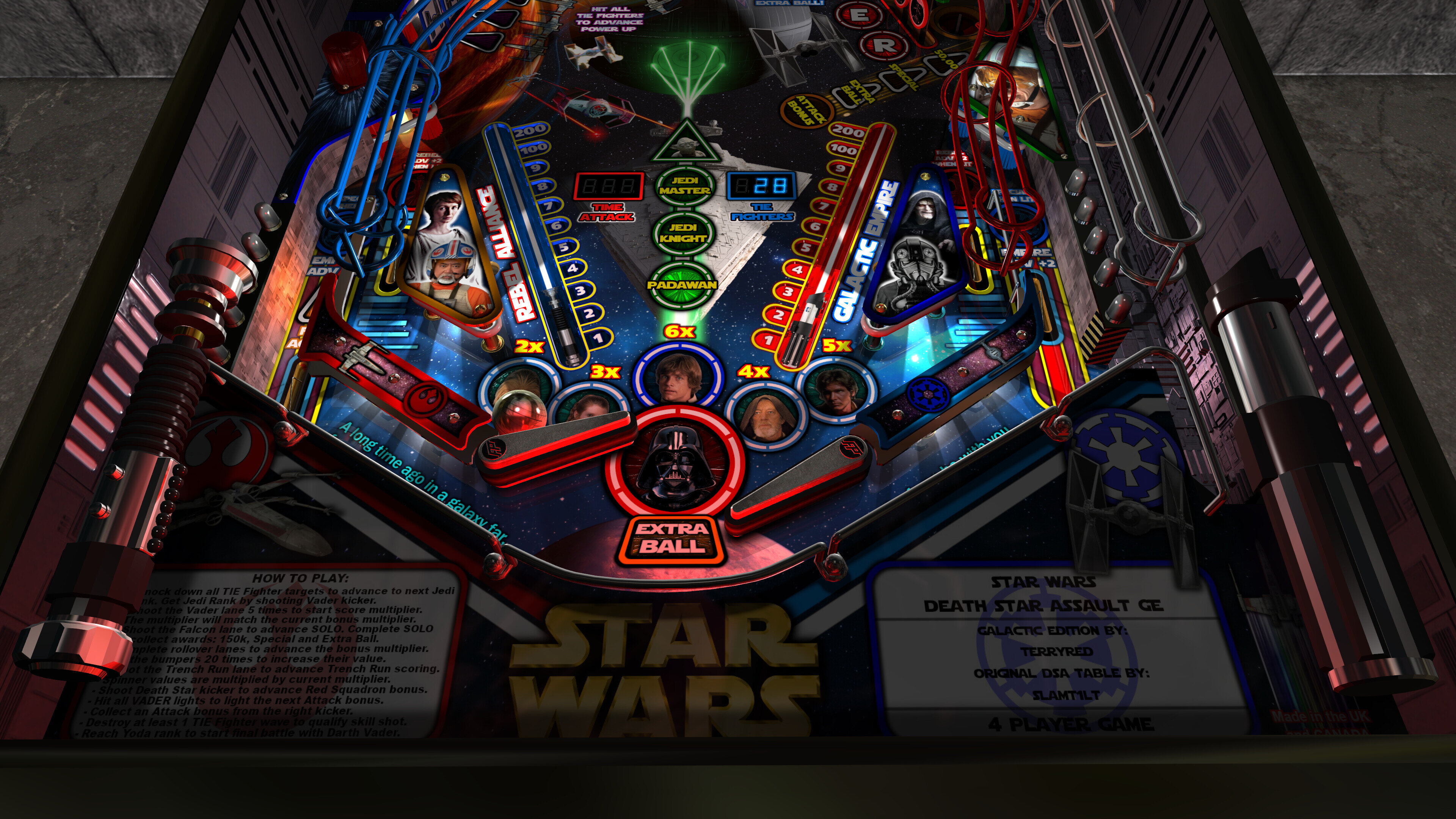
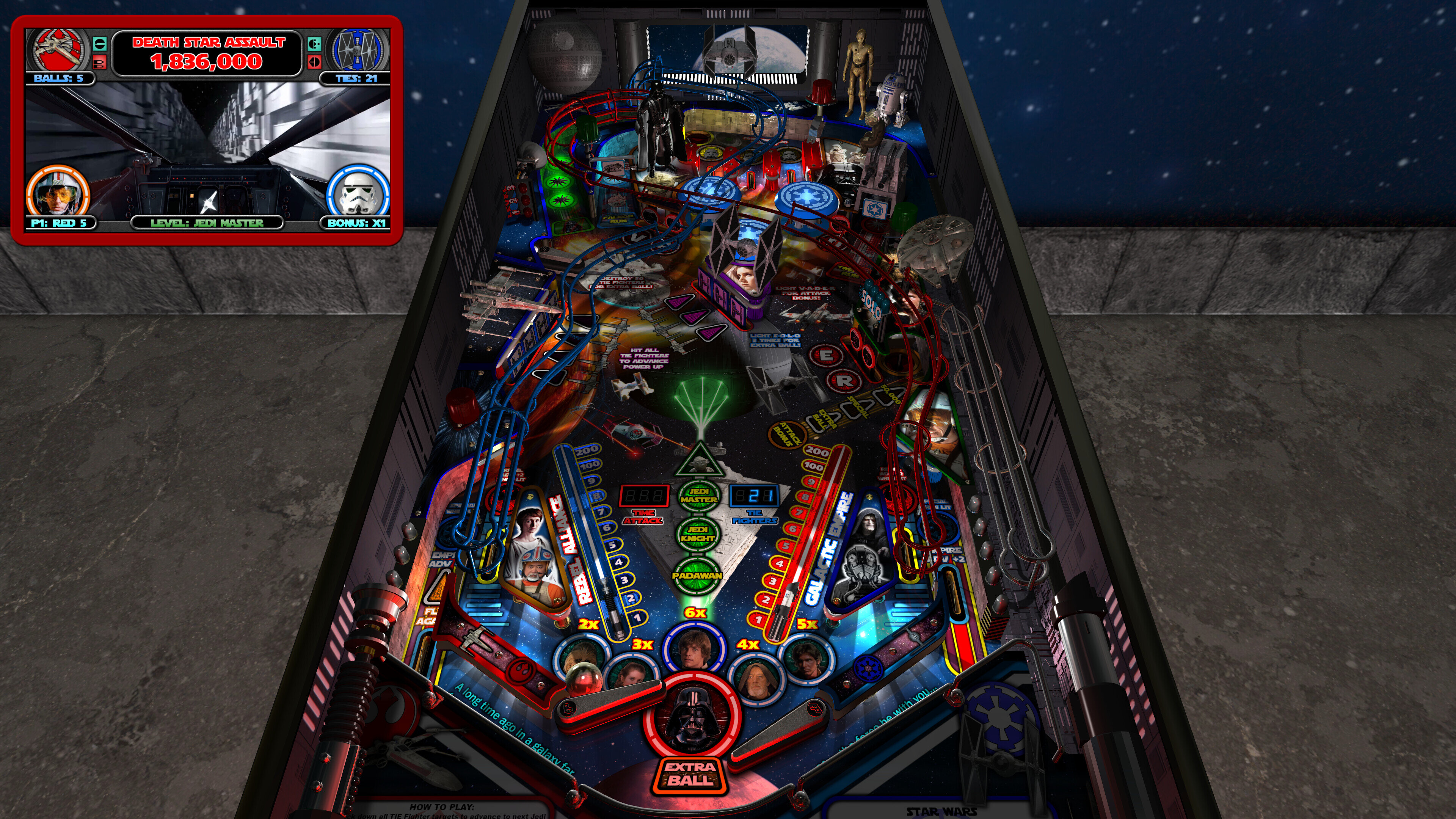
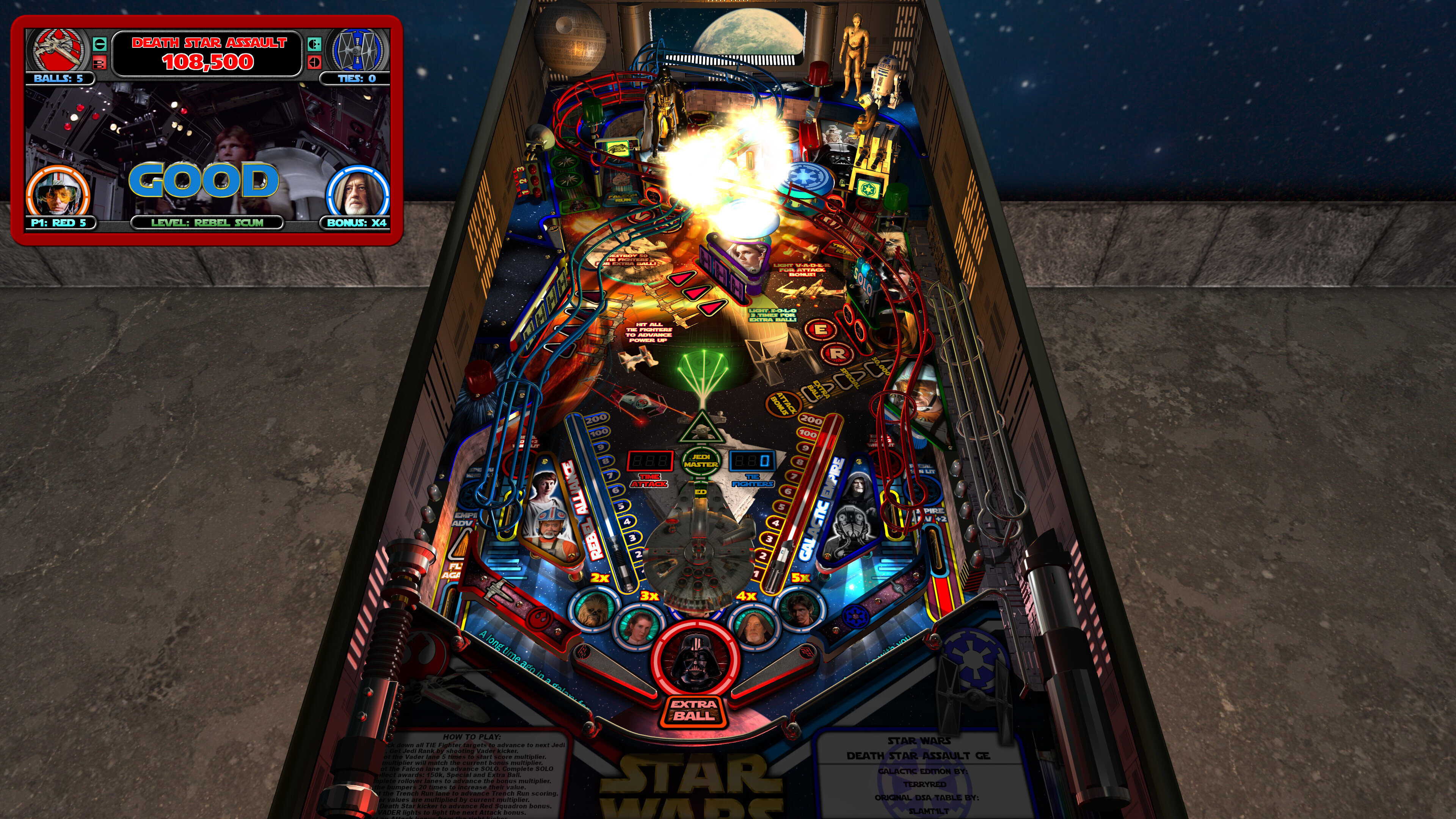
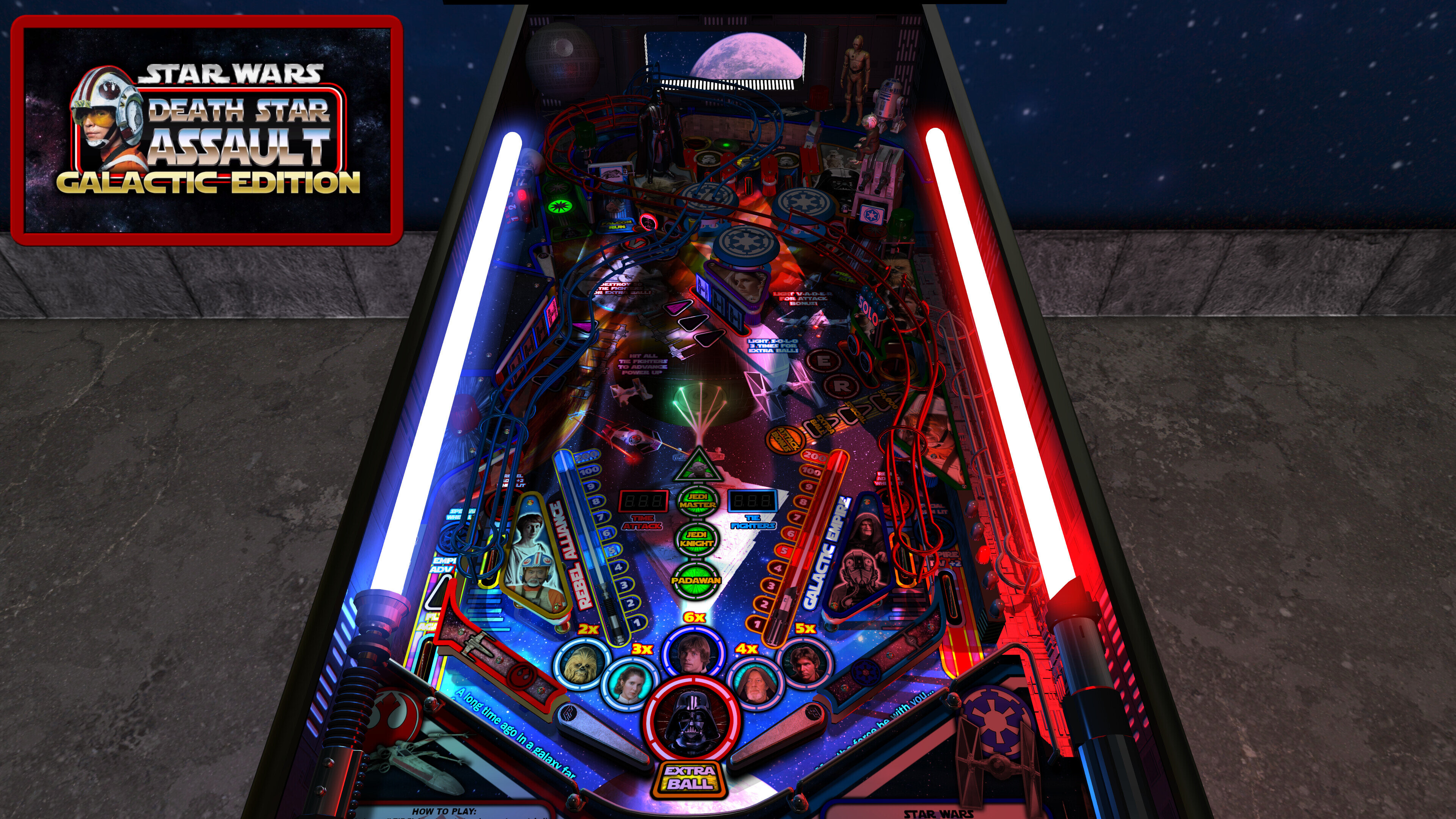
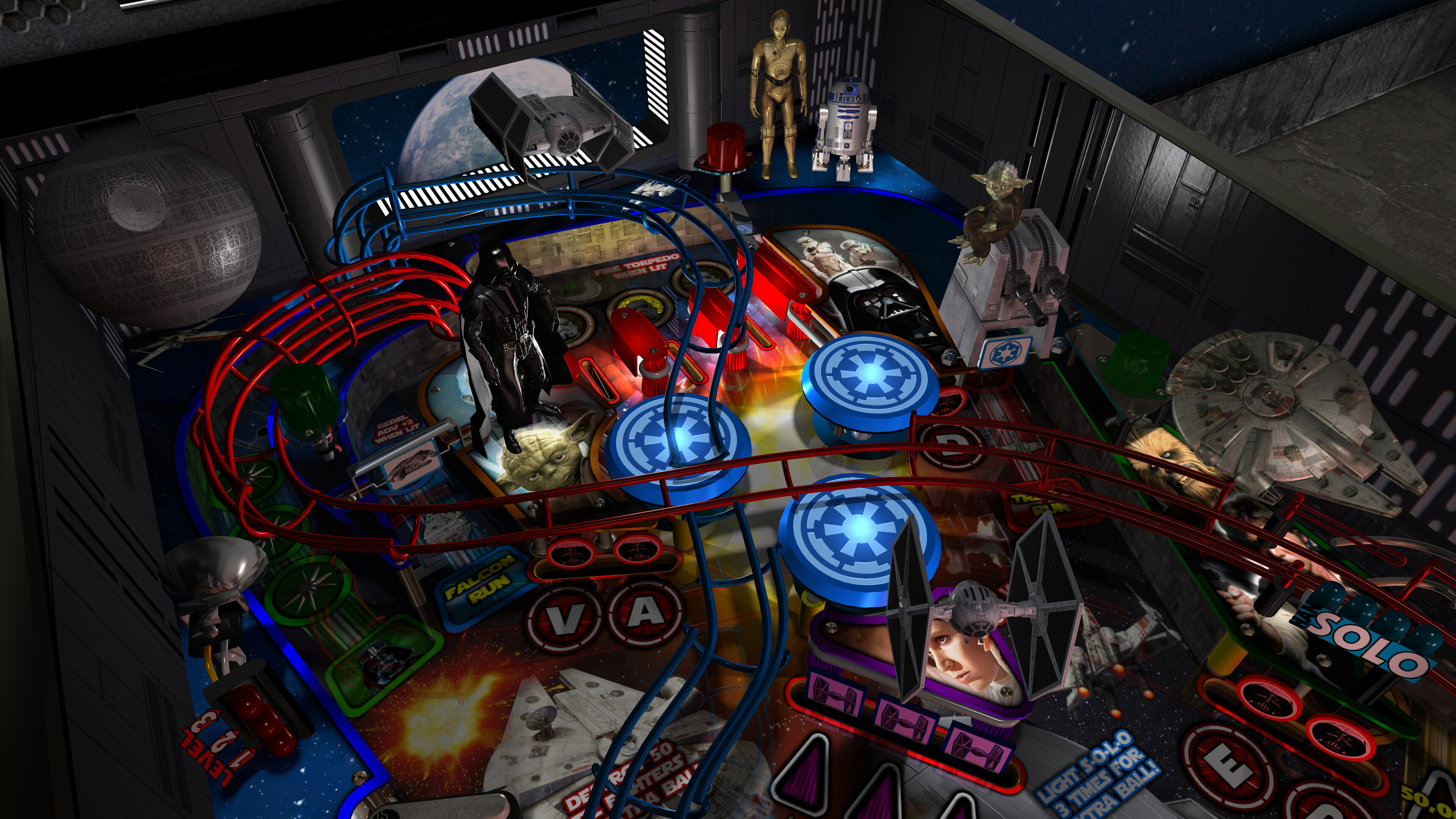
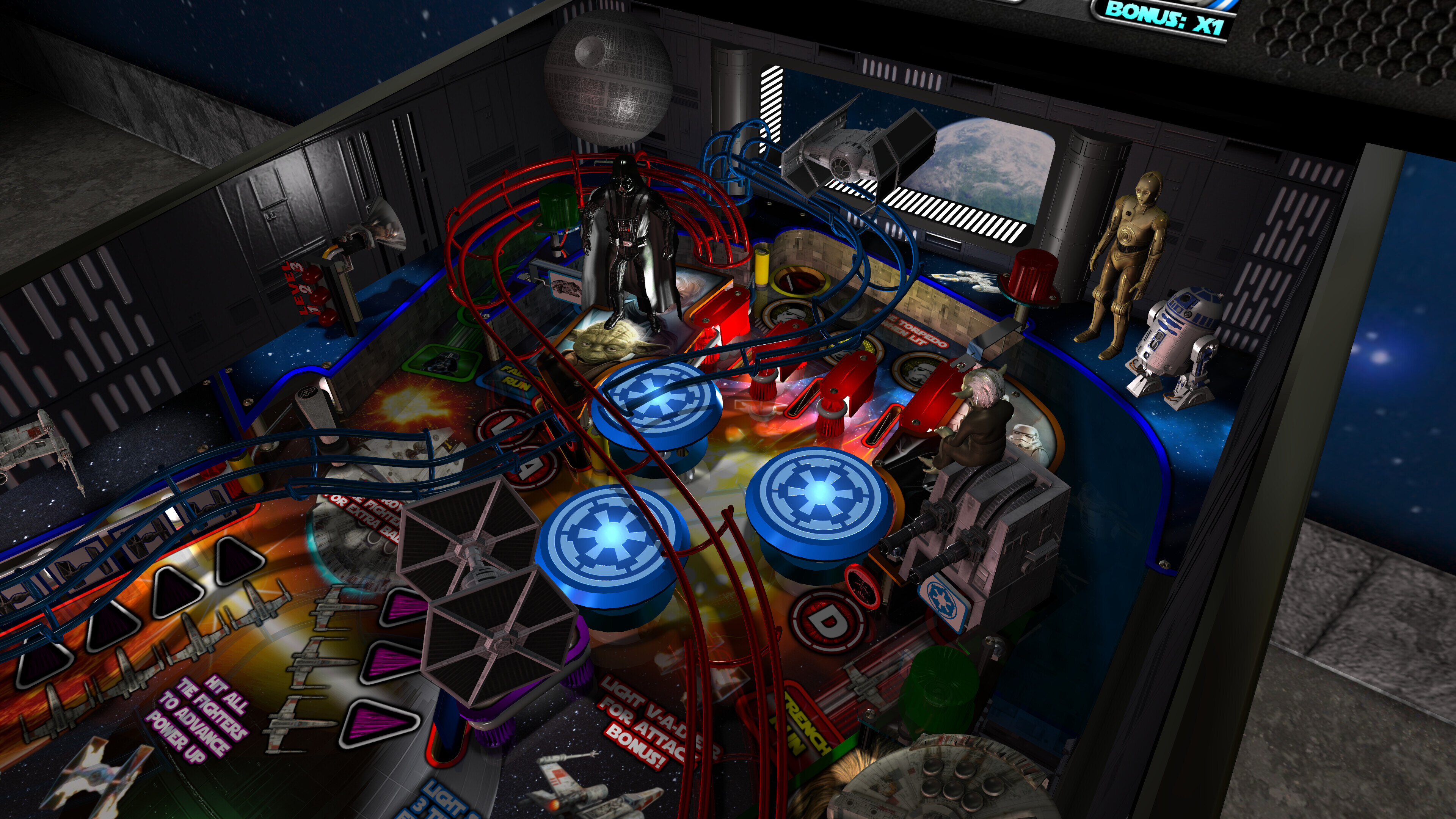
This table has been completely updated and modernized to use the newest BAM features to create an amazing real-time visual treat that will blow you away! Everything has been updated to the max and many cool new features have been added!
I've also added FizX for game changing new physics on Future Pinball. FizX uses techniques similar to nFozzy on VPX to completely change the physics for the flippers, slings, rubbers, targets, ball behavior and the entire table. This allows the table play much more realistically than anyone ever thought was possible on Future Pinball. You will be amazed at the difference!
====================================================
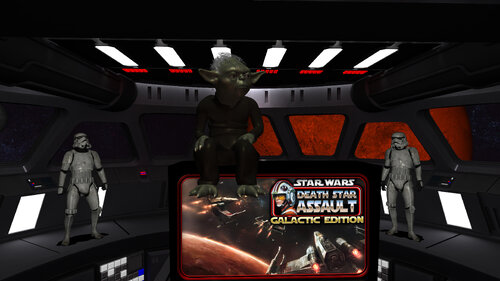
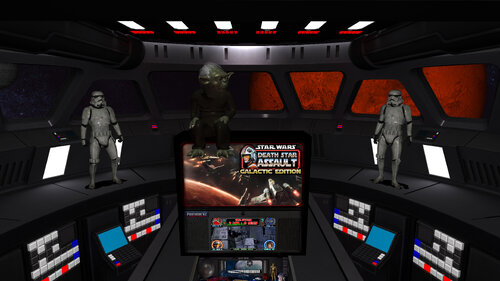
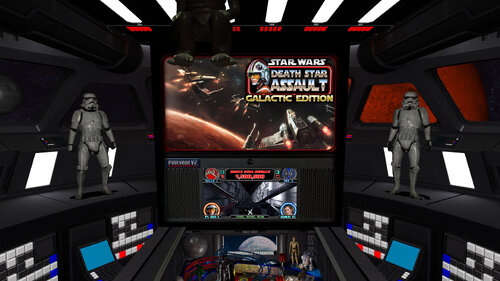
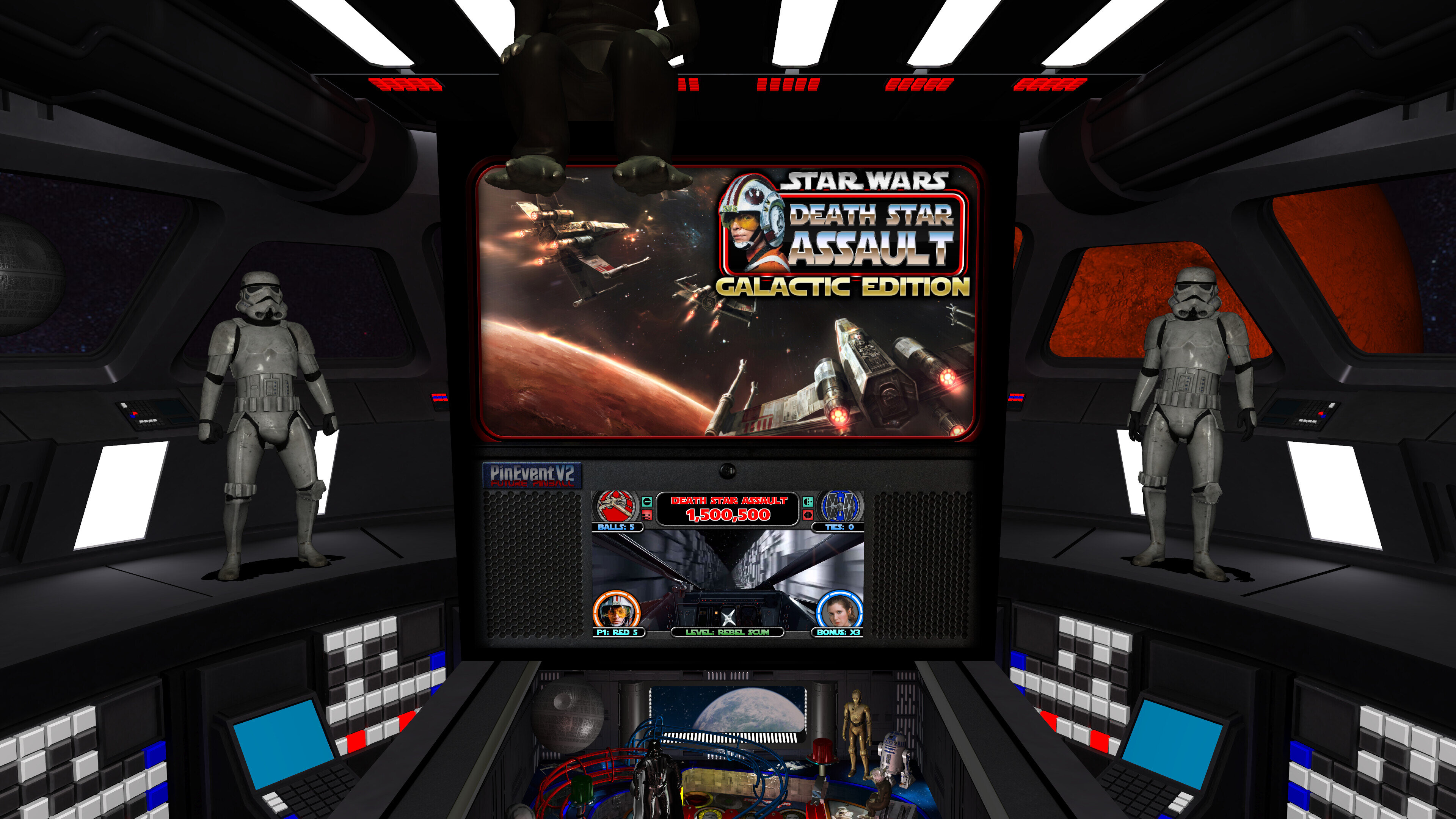
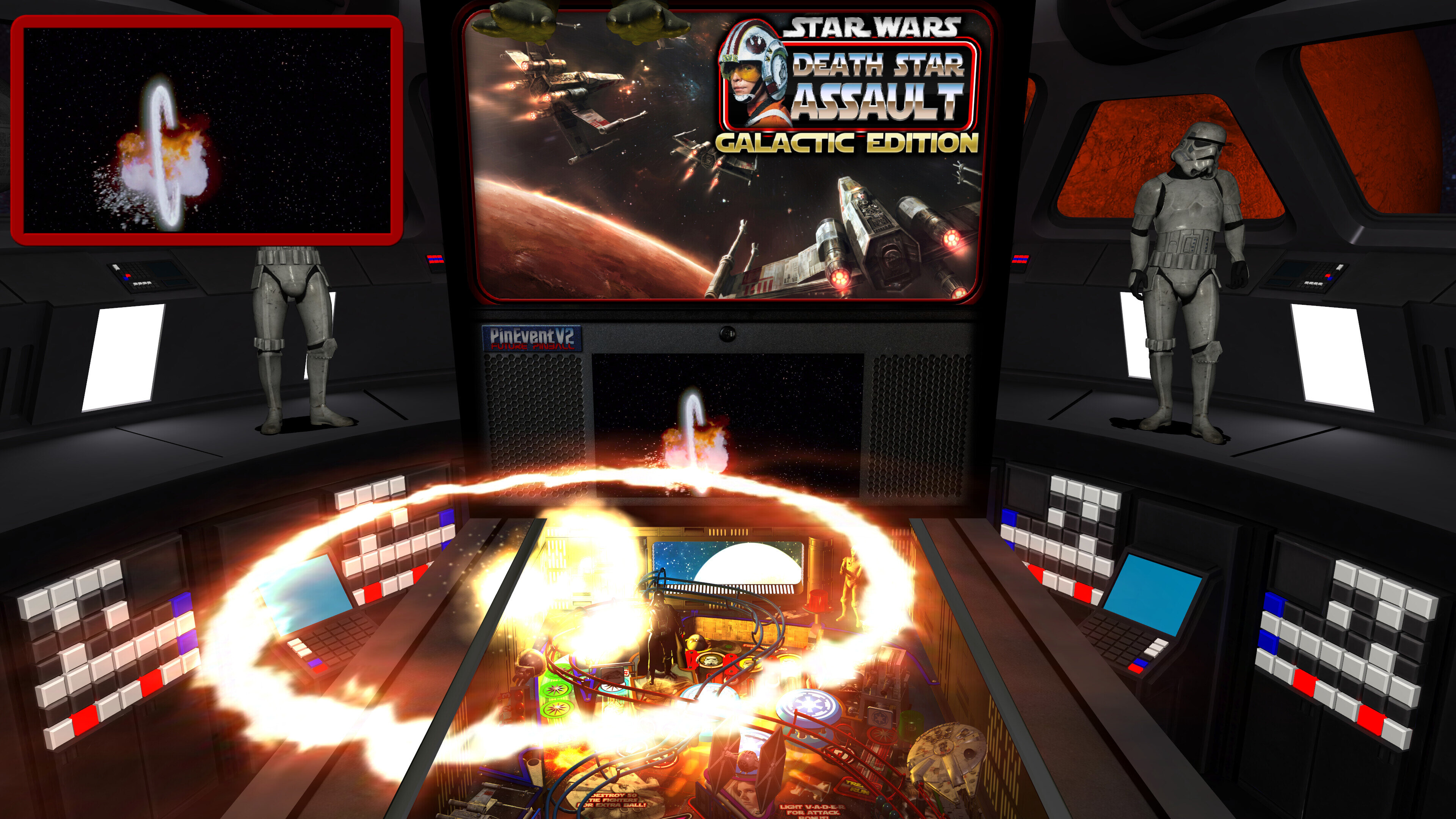
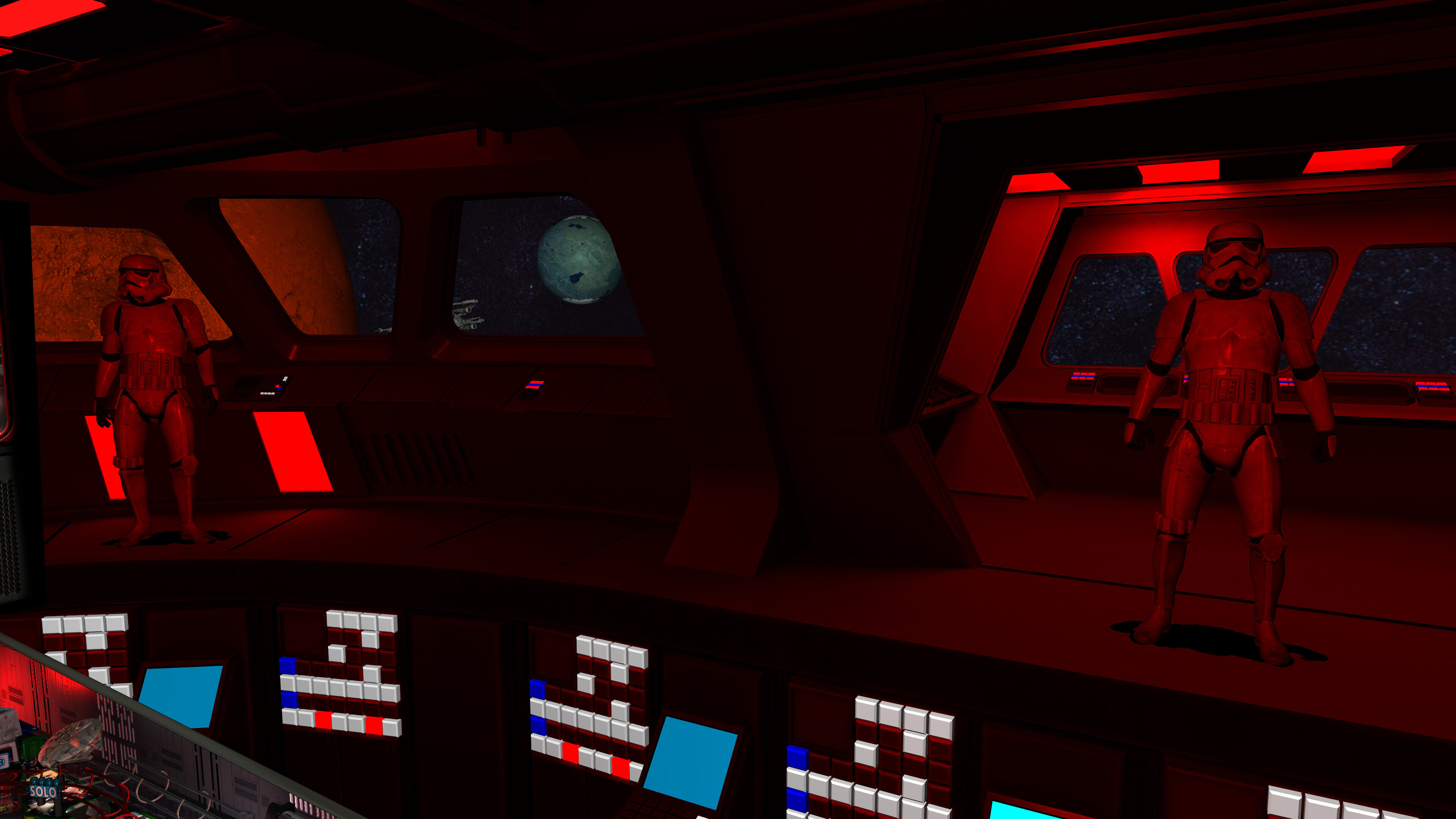
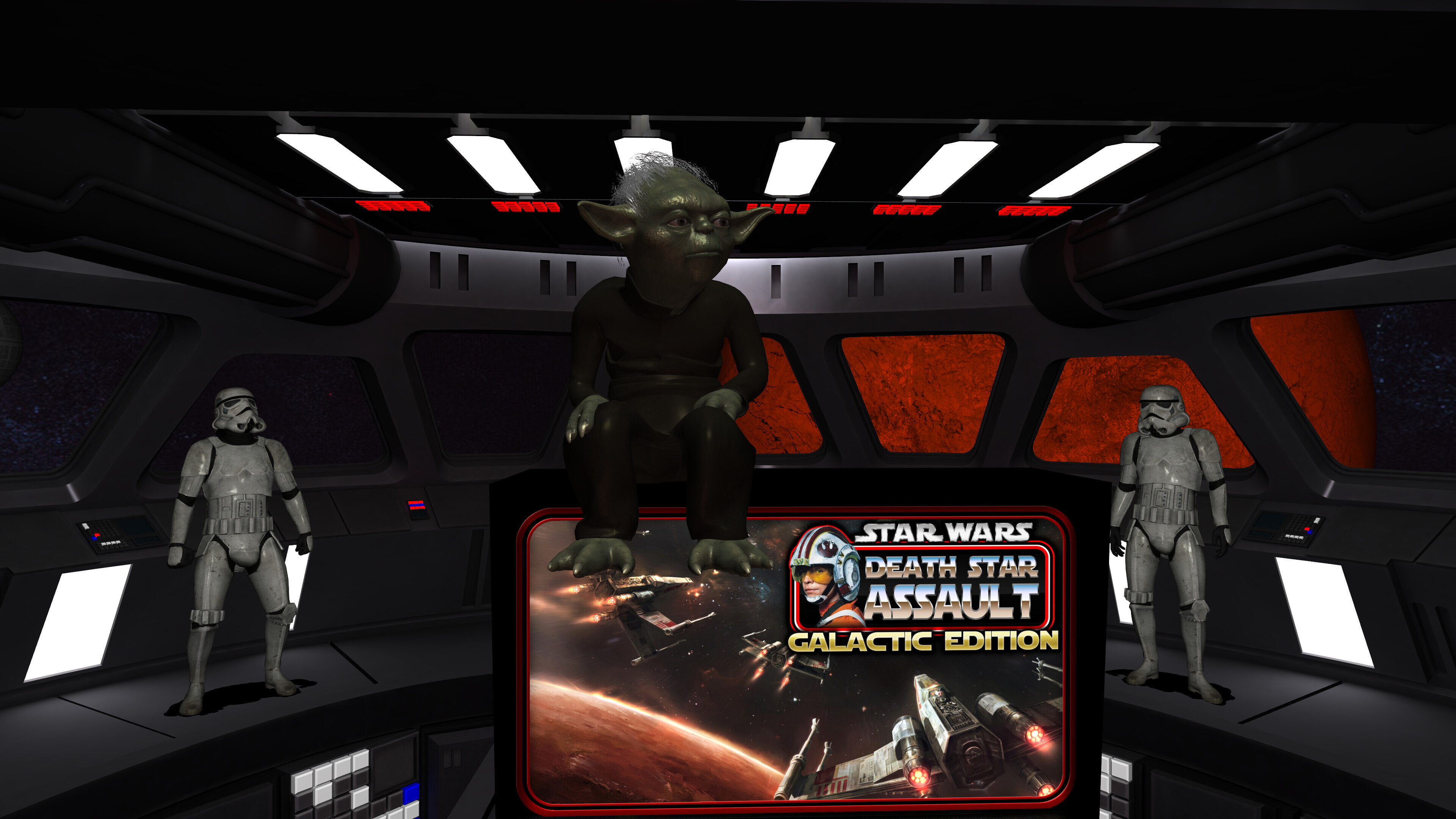
A preview of the 2.0 update's new Attract Mode and all new Mega Room!
A preview of the 2.0 update's many new features!
====================================================
Some of the new features and updates:
- complete overhaul of the table to both modernize it and removal of older unused items
- new light inserts models with normal maps
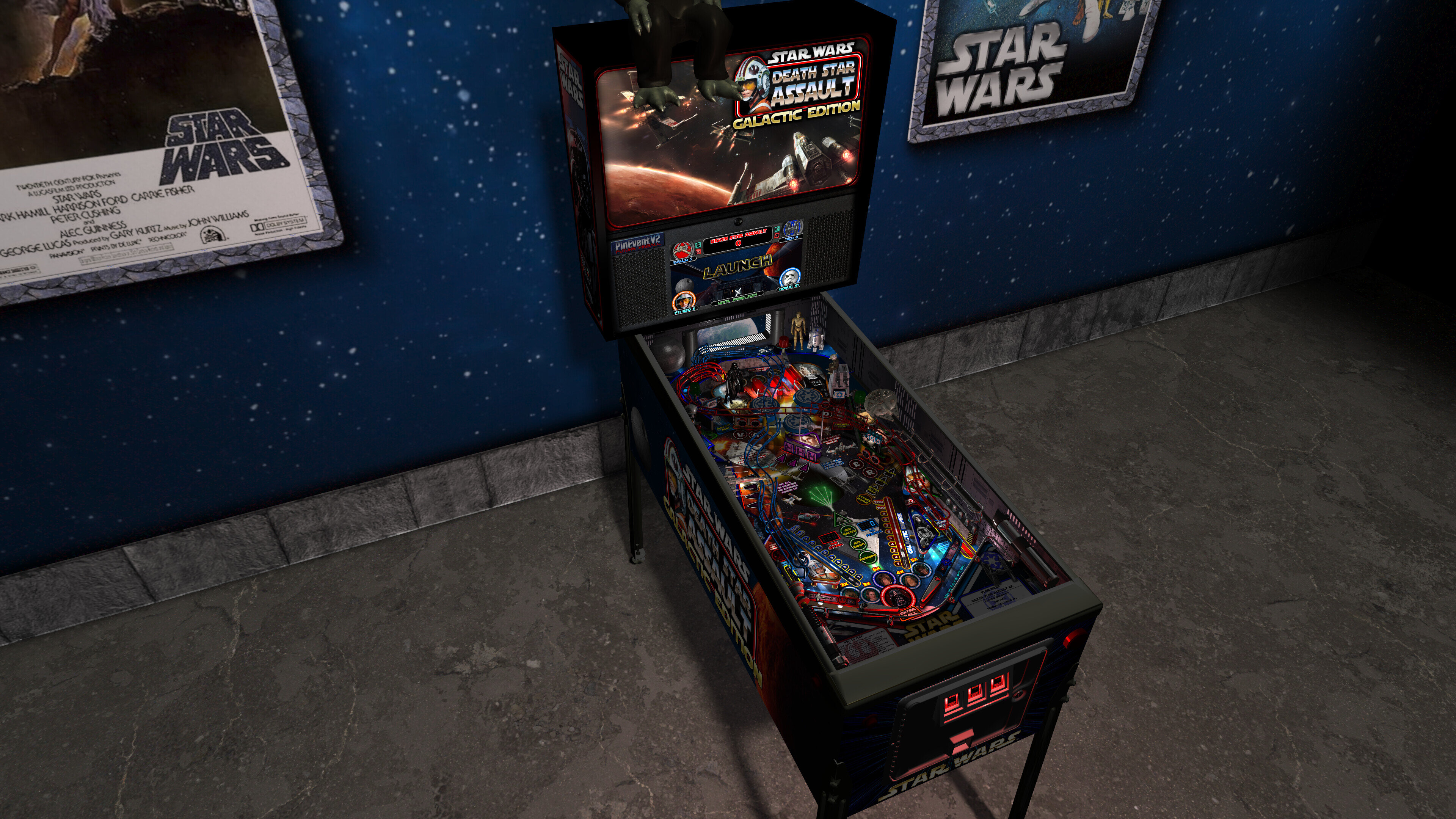
- new 4K art for playfield, plastics, decals, apron, backbox, cabinet, etc
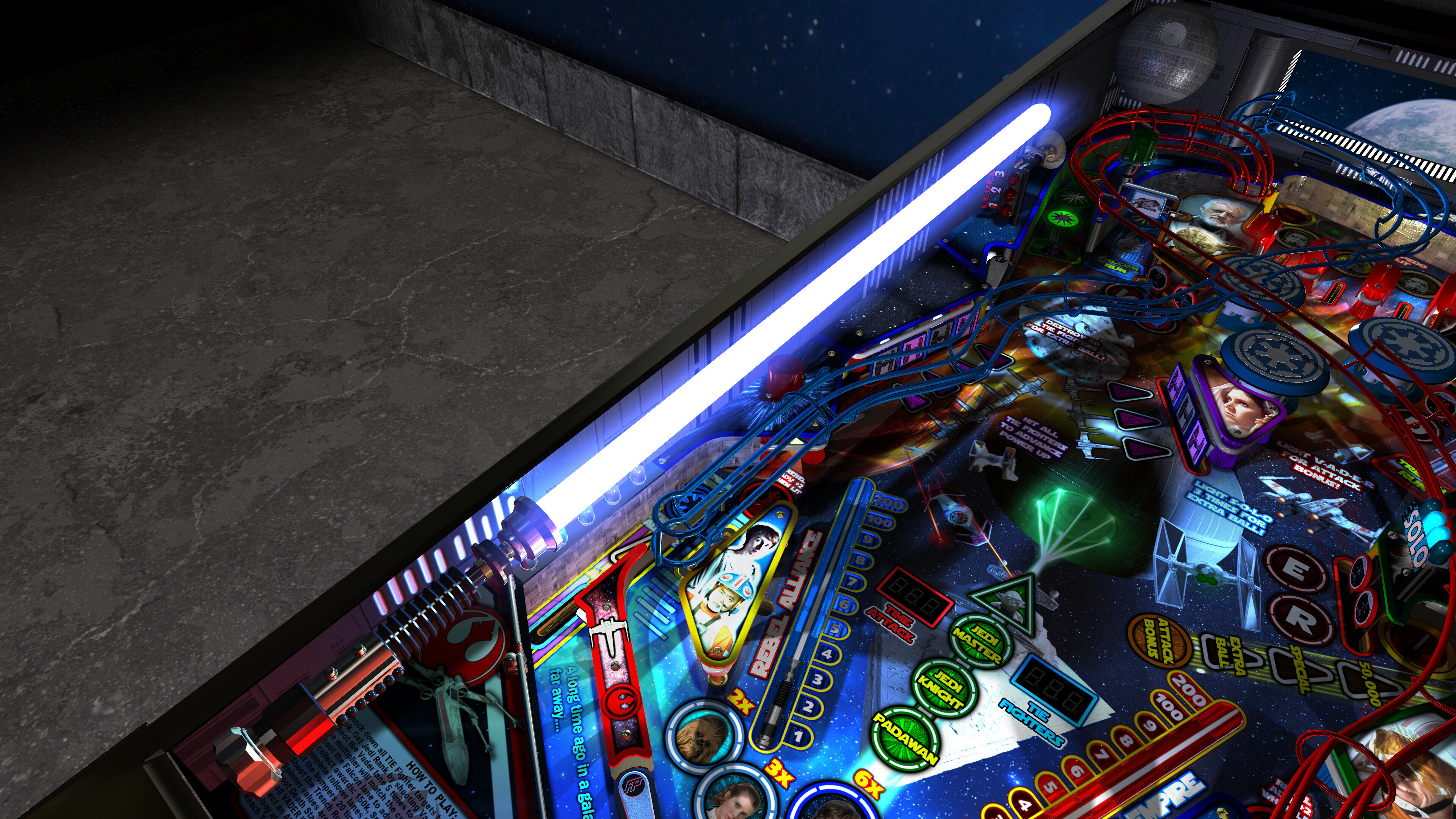
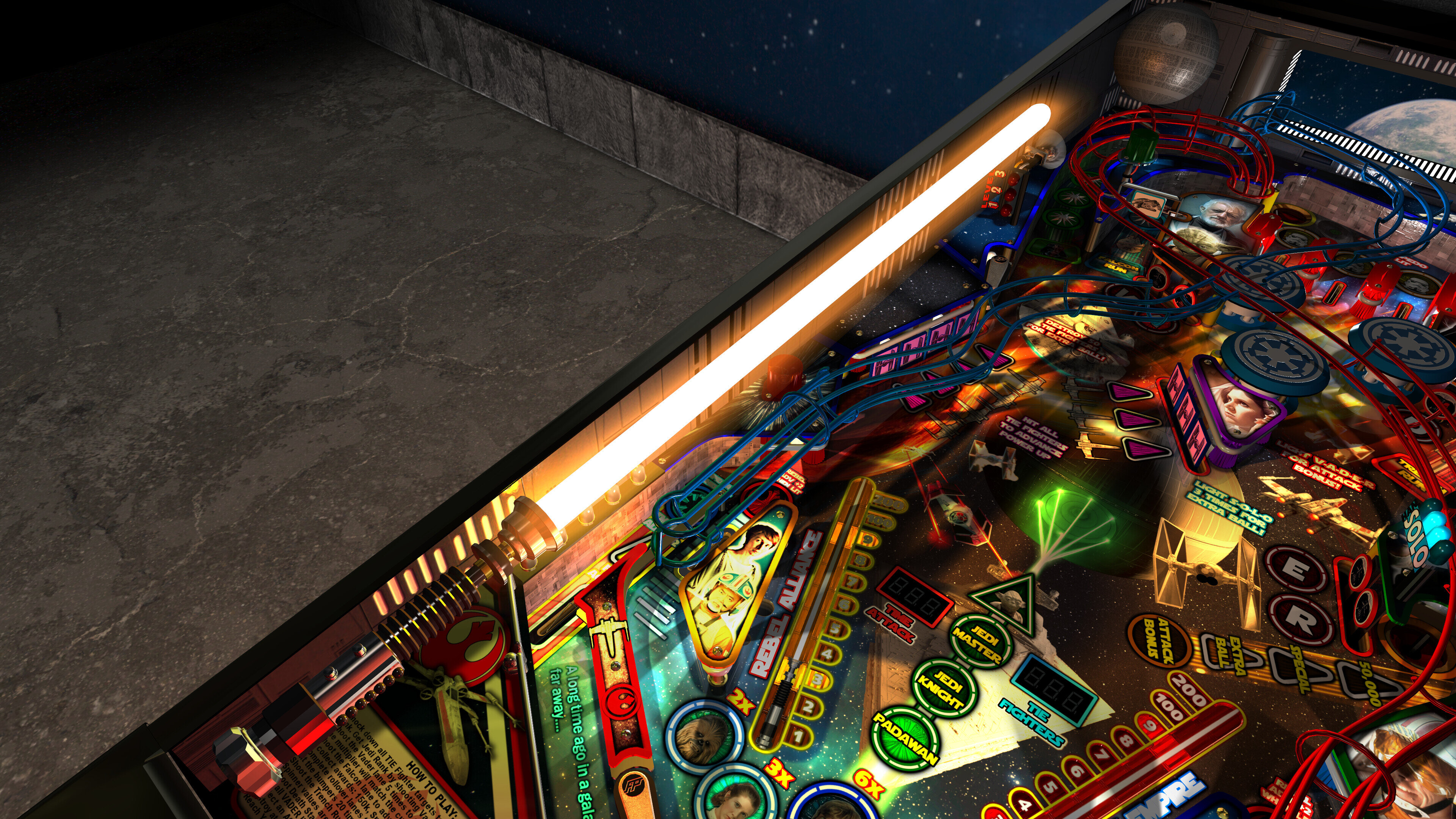
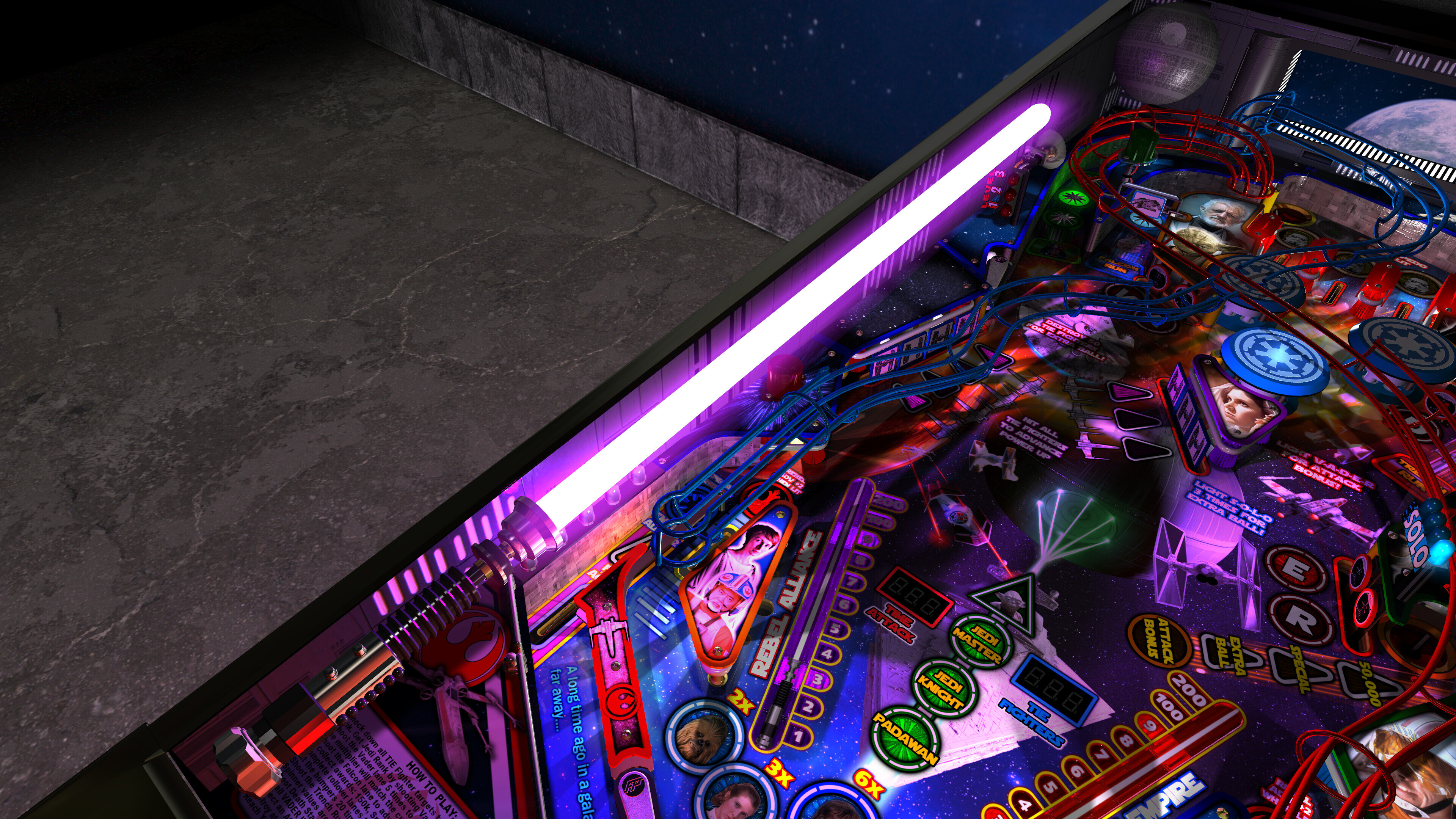
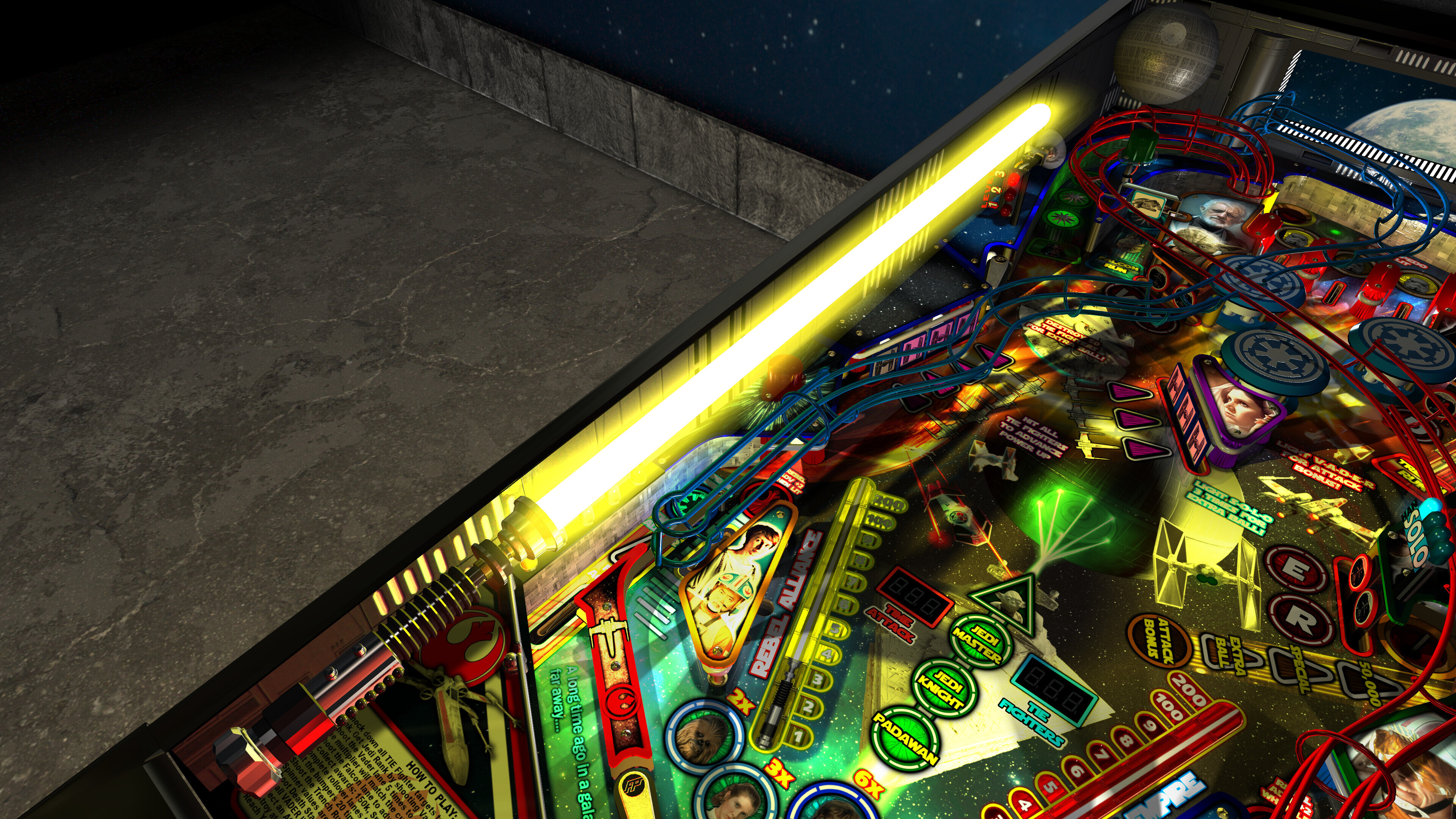
- new updated shadowmaps for GI, flashers, lightsabers
- new shadow layer overlays that appears over decals, but not over openings on the pf
- new ambient shadows on the pf and plastics
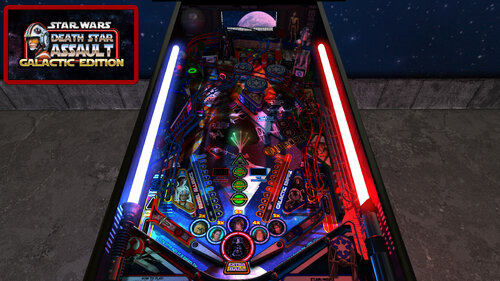
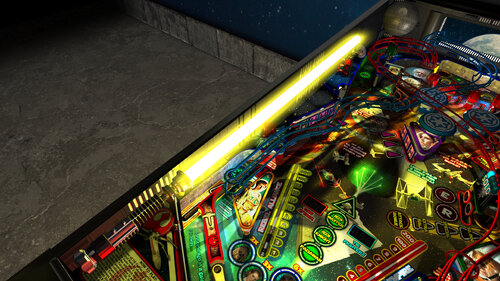
- new fully updated lighting
- new beacon flasher
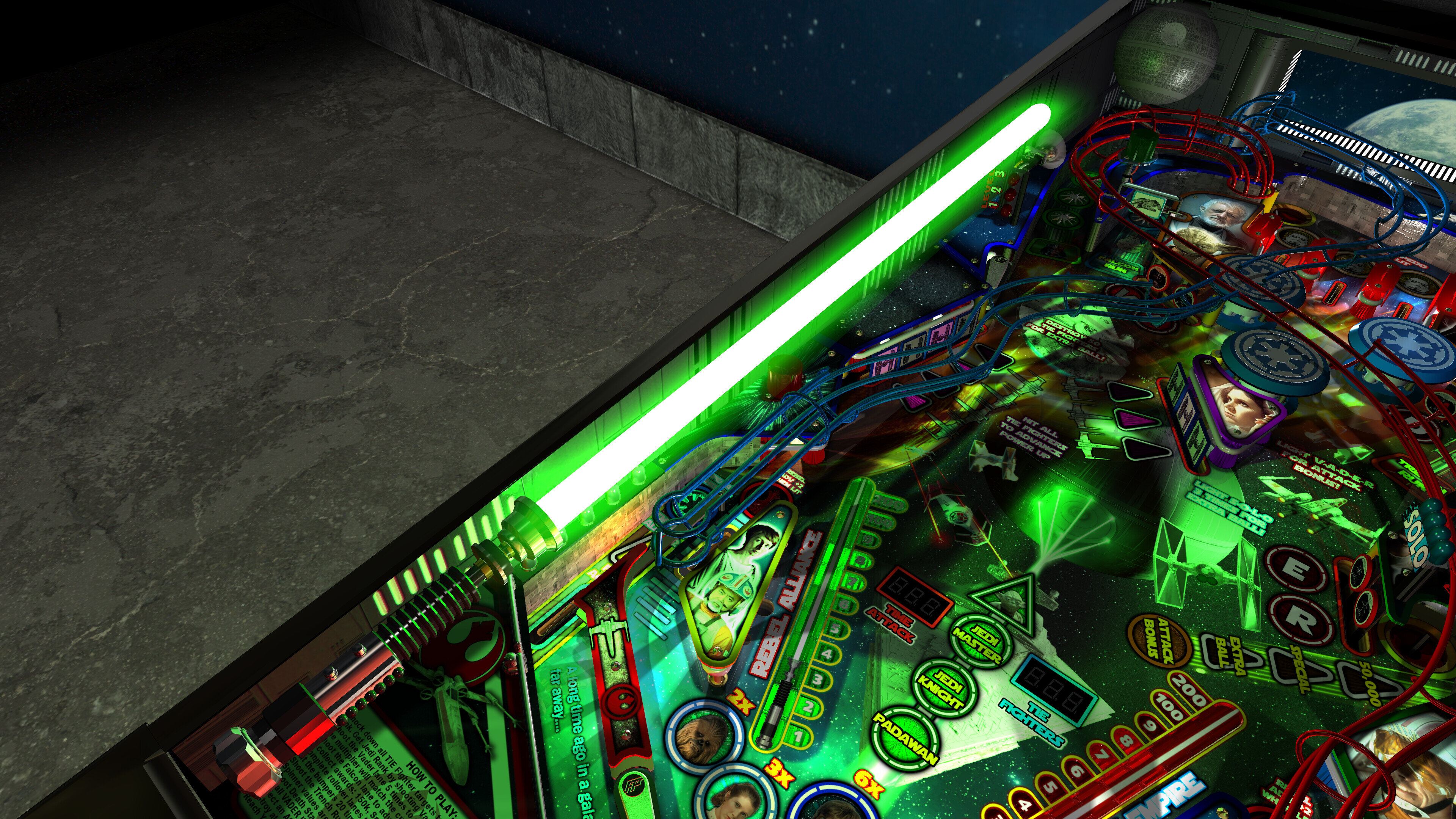
- new colour changeable wireramps
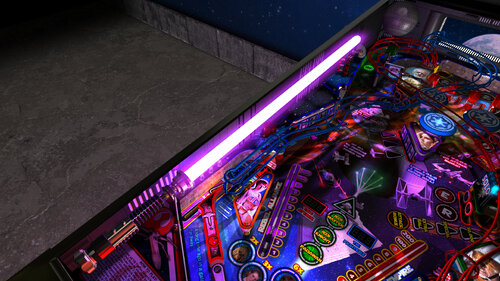
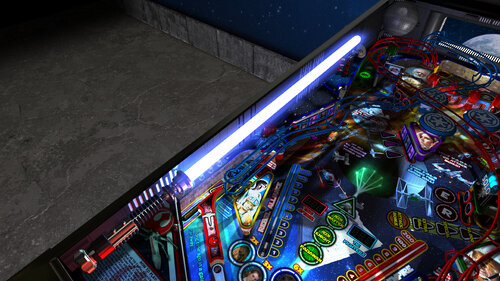
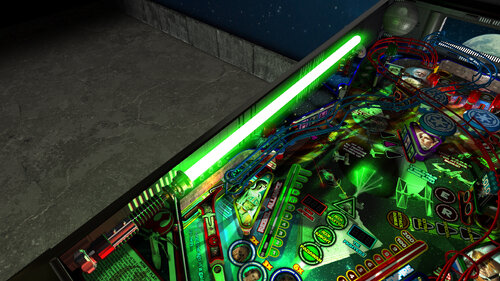
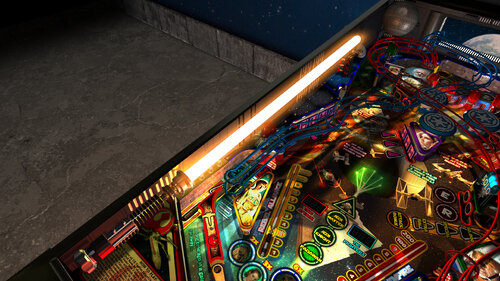
- new lightsaber models, and updated glow and lighting effects
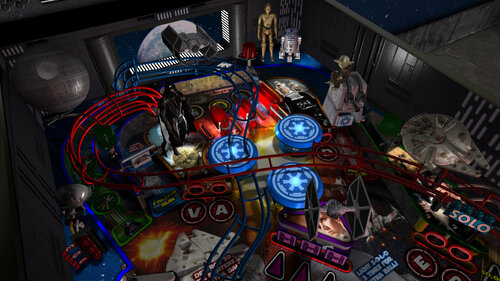
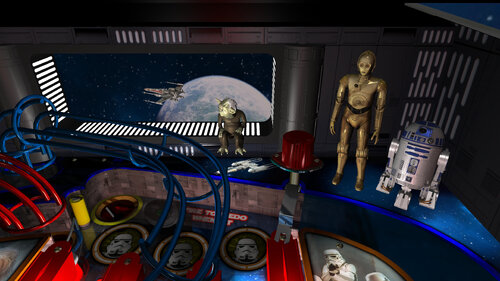
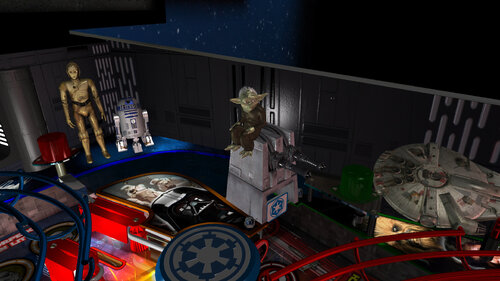
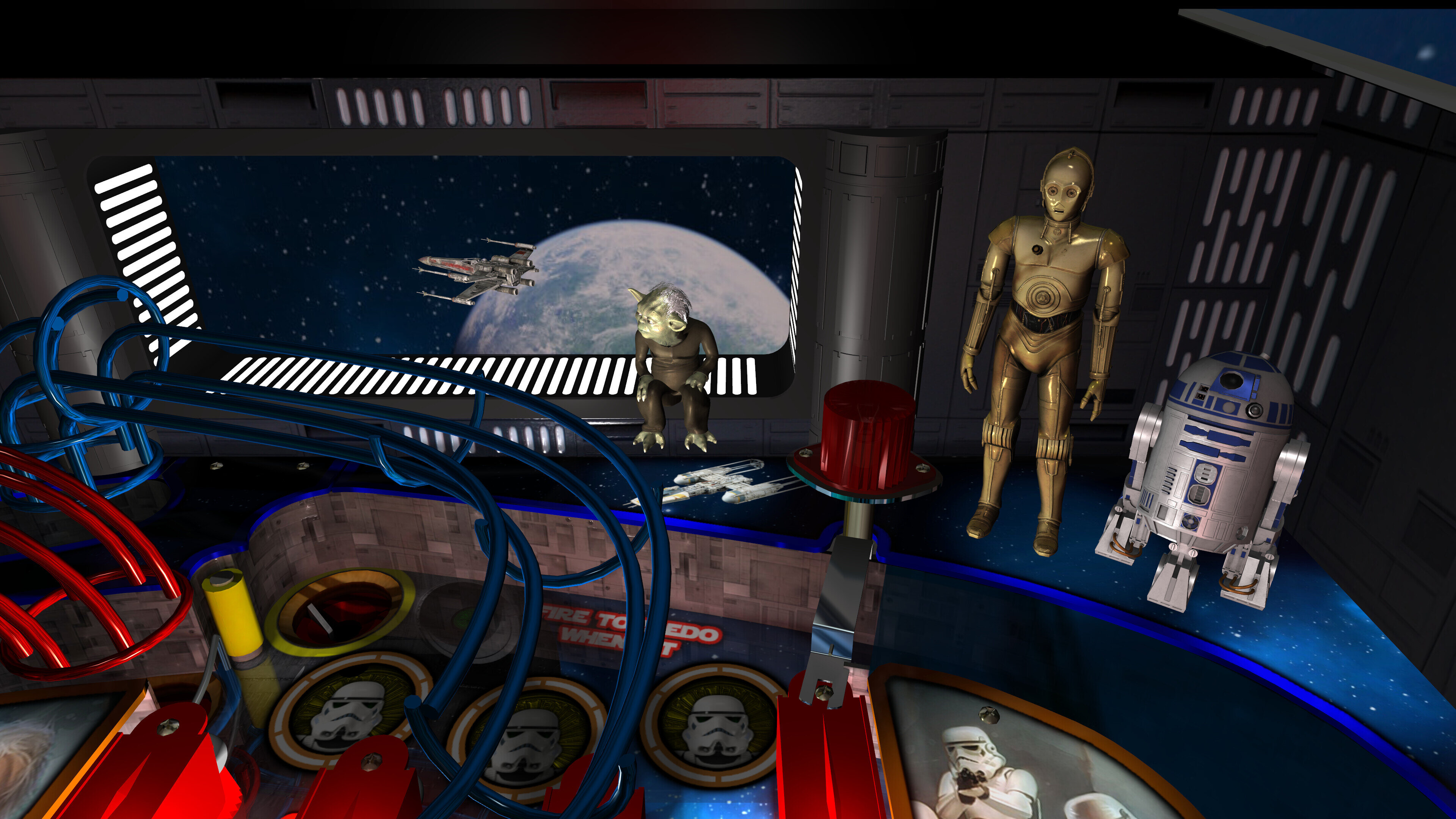
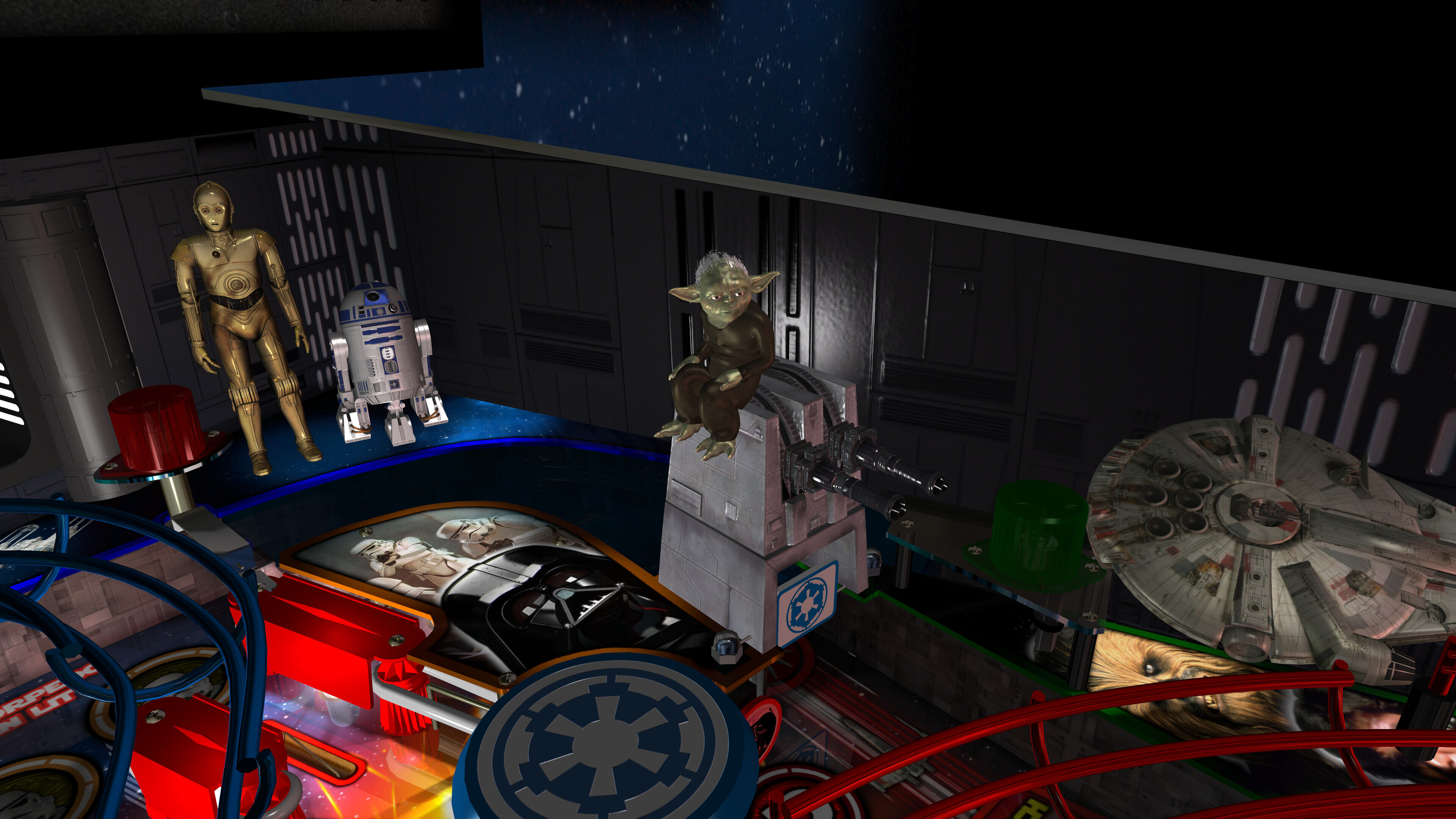
- new models for Death Star, R2-D2, Millenium Falcon
- new updated R2-D2 hologram
- trench run plungerlane model
- new 3d docking bay window on the backwall with flyby space ships
- new fully animated turbo laser cannon that track flyby ships and fires at them when the bumpers are hit (or the player presses buttons)
- x-wing, tie fighter, vader tie fighter, y-wing ships that fly by
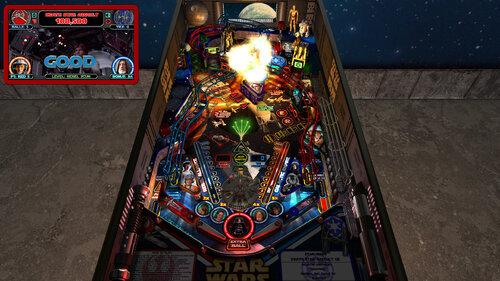
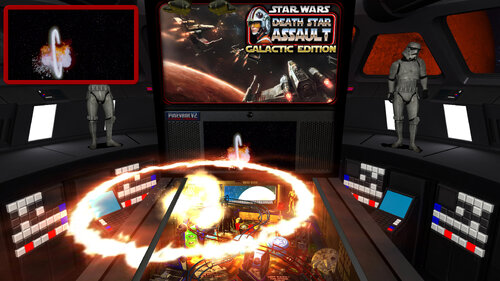
- space battles that have x-wings / tie fighters / laser blasts / explosions flying all around the game
- epic Death Star explosion effect!
- animated characters for Darth Vader, Yoda, C3PO, Stormtroopers
- BB-8 animated ball option (thanks Gimli)
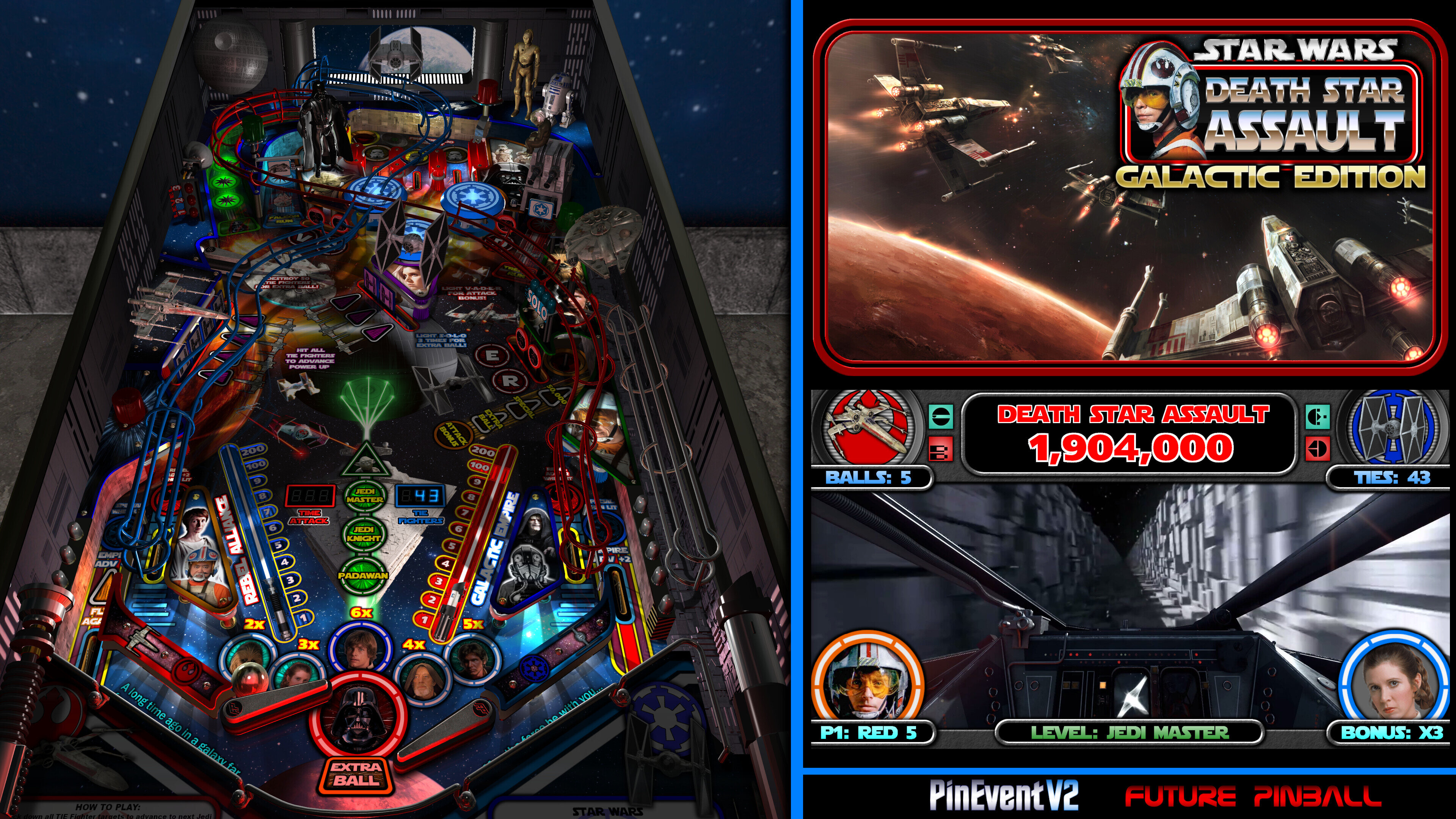
- new 128x32 FP DMD with different color options
- new attract mode with Darth Vader's DISCO-RAMA, animated colour changing spotlights, new remastered Star Wars Disco theme music
- new attract mode flyby camera (desktop mode only)
- new Yoda Topper and Yoda Playfield options!
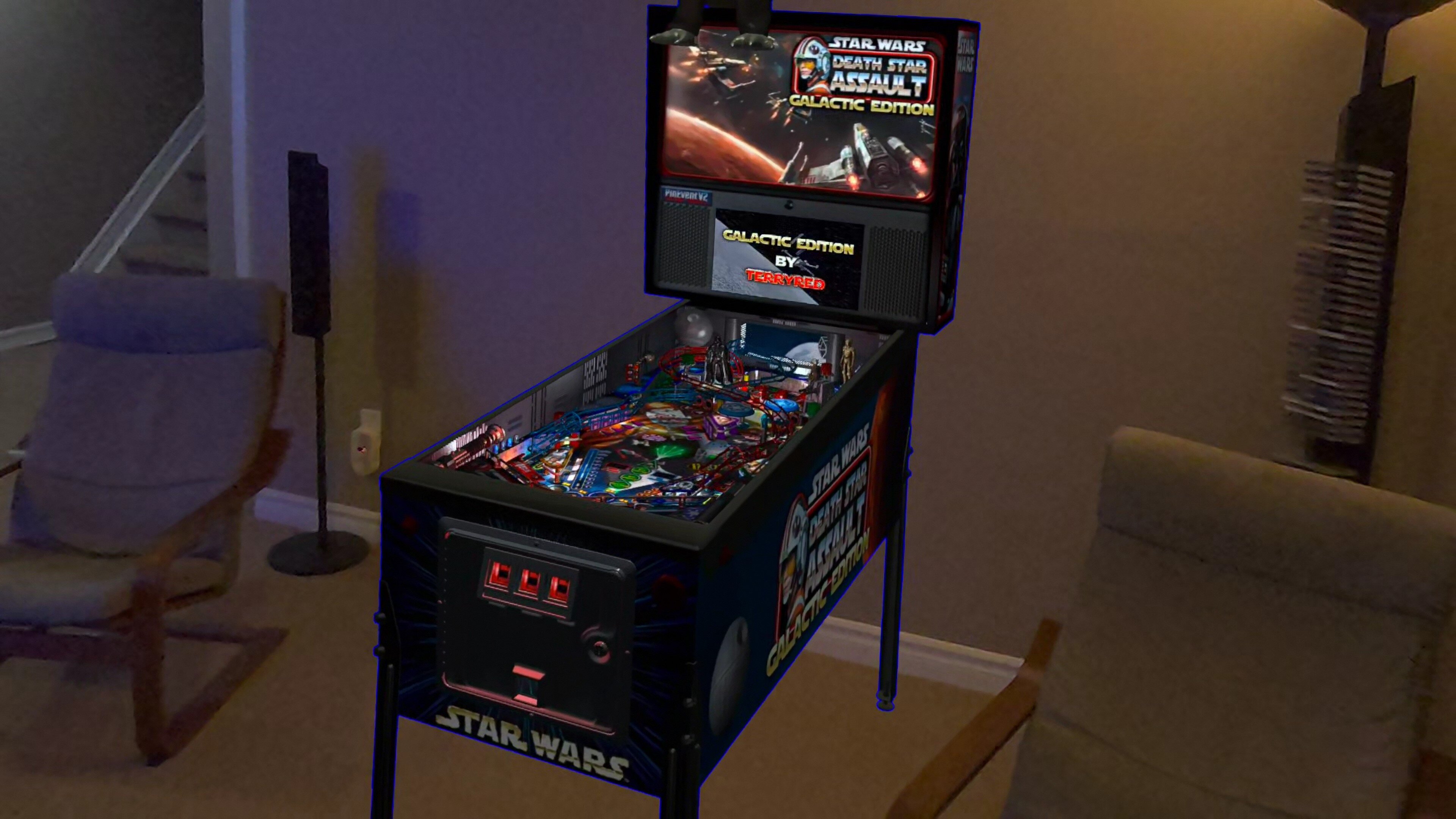
- new VR Room options for Attract mode and Gameplay
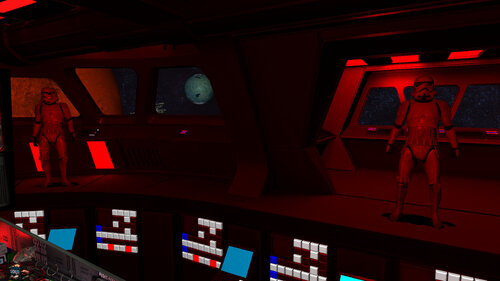
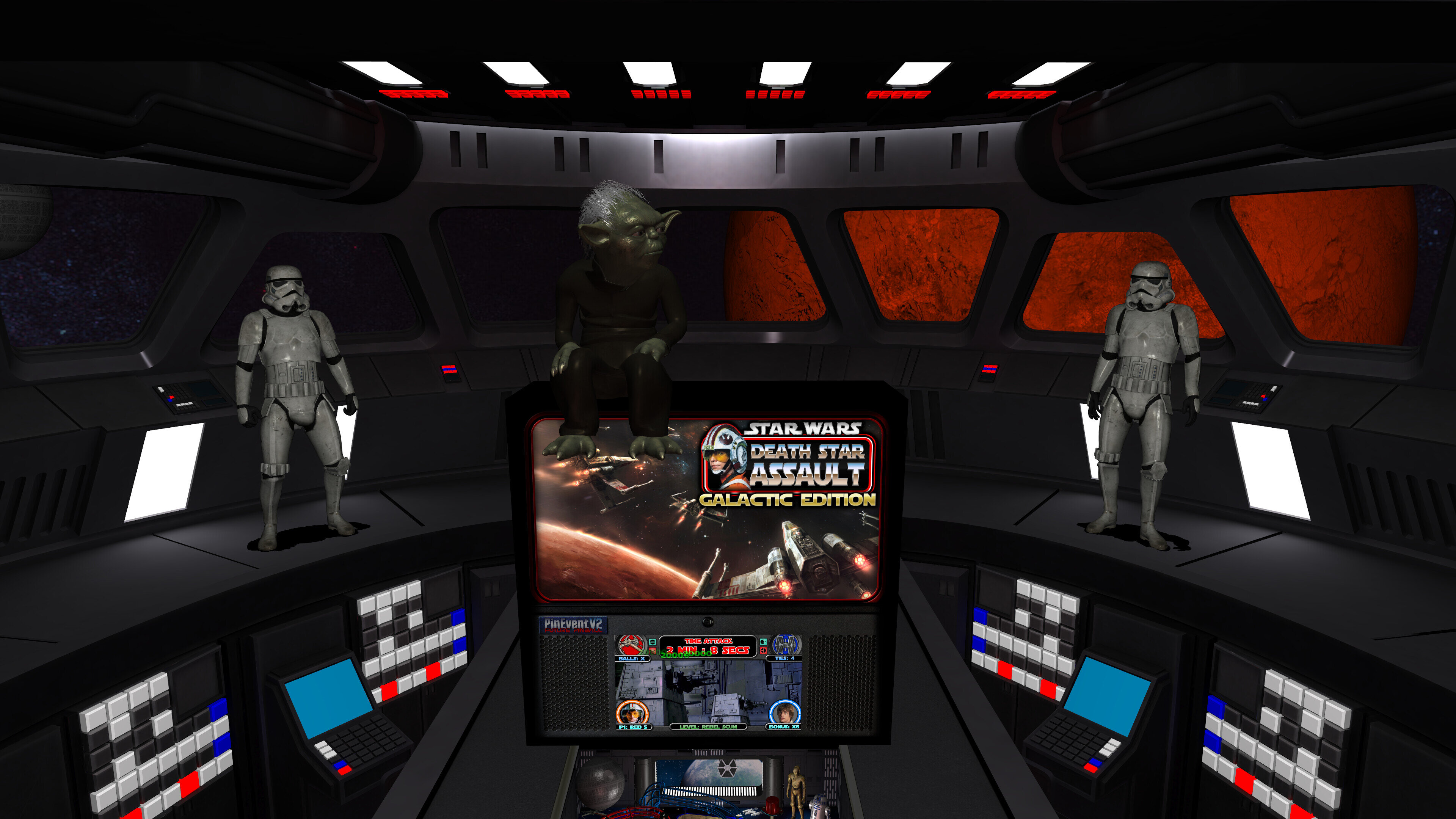
- all new Mega Room with Star Destroyer Bridge, baked lighting, animated ships, stormtroppers
- new Mega / MR (mixed reality) / Minimal choices for VR room (TABLE OPTIONS)
- new Mega and Minimal room will change lighting to red for alarms, beacons, events (TABLE OPTIONS)
- new pre-rendered ray-baked textures from inserts lighting, and other items
- new GI_Color options of normal, warm, cool
- new gas segment displays on playfield for Time Attack and Tie Fighters
- new PinEvent V2 support for DOF, PUP SSF 2.0, PUP DMD 2.0, PUP Stream, etc
- loads of other fixes, new details and other things I've lost track of...
All this combined makes for a visually stunning Star Wars pinball experience!
The WIP thread for the table can be seen here:
====================================================================
Created by:
TerryRed - Star Wars DSA: GALACTIC EDITION
SLAMT1LT - the original Star Wars DSA table
Thanks to these other contributors:
Matt Ellis - table layout (Sci-Fi Classic - 2005)
Fuzzel - models (X-Wing, Vader Tie Fighter, Turbo Laser Cannon)
Fleep - mechanical sounds
Schlabber34 - insert jewel images
Gimli - BB-8 animated ball code, TILT recharge code, some model animations
JLou - FizX physics code and support
Nailbuster - PUP and SSF support
ravarcade - BAM and support
Chris Leathley - Future Pinball
====================================================================
DISCLAIMER:
This table is a fan-made work of passion, and is NOT intended for commercial usage or to be included in any part of a commercial sale!
====================================================================
This game supports up to four players!
====================================================================
Physics: FizX v3.3
====================================================================
TABLE REQUIREMENTS (very important!)
- all Visual C Runtime updates
- DirectX
- Future Pinball
- the latest BAM update
- FuturePinball.exe and FPLoader.exe patched for 4 GB access
- BAM Settings files installed
- FizX 1K ball model (for more accurate physics, default.zip in BAM folder)
- the REQUIRED “Video / Rendering Options” and “Editor Options” in Future Pinball video settings
NOT TO WORRY!
All of the above is included with the latest FP and BAM Essentials AIO package!
Super easy to use for a new install, or just to update your existing install. I recommend everyone install this package to ensure you have the latest required BAM updates and other files installed!
https://vpuniverse.com/files/file/14807-future-pinball-and-bam-essentials-all-in-one-complete/
====================================================================
IMPORTANT! - UPDATE REQUIRED!
This table REQUIRES a newer version of BAM (1.5-408 or higher)
This is included with the FP and BAM Essentials AIO package version 3.6 or higher!
EVERYONE needs this new update to run this table! Simply install the latest FP and BAM Essentials AIO, and you are good to go!
====================================================================
What options can you try if your GPU has less VRAM (less than 6 GB)?
- you can enable Texture Compression (in FP video settings) which greatly reduces how much vram is used
- if you use a "Start FP" bat file, then you will also need to enable Texture Compression in that file!
- enabling Texture Compression may take a little longer to load, but not much
====================================================================
GUIDES INCLUDED WITH THE GAME
It's important that all players get to know the following docs, for their own benefit! They are VERY helpful and will save you lots of time!
INSTALL INSTRUCTIONS - read this guide to learn how to properly install and run this game!
TABLE MANUAL - read this guide for more information about this table and its features!
RULES - read this detailed guide to learn all the secrets of this game!
====================================================================
TABLE OPTIONS
- at the top of the table script, scroll down to the "TABLE OPTIONS" section
- this game has a MASSIVE number of features, options, and difficulty settings you can change!
- you can tailor this game to almost any way you want!
- there are some specific features that can only be enabled in this section!
====================================================================
INSTALL INSTRUCTIONS (REQUIRED)
- PLEASE read the Install Instructions (included with the table's zip file)
- it shows you how to install all the REQUIRED items
- it shows you how to easily setup FP and BAM with the REQUIRED settings
It's super easy, and only takes minutes to do!
====================================================================
HOW TO RUN FP AND PLAY A TABLE
Read the Install Instructions to know how to properly use FP and BAM
===================================================================
GAME NOT RUNNING SMOOTH?
Read the TABLE MANUAL for the solutions!
====================================================================
LOADING TIMES
With the 2.0 update of the table, I have highly optimized the table to drastically reduce load times. Combine this with the new BAM v408 update, and you see a massive difference in load times!
Load times : from "clicking play" to "ready to start playing" (Intel i5 13600K CPU)
1.7 Table (Trilinear Filtering) = 55 seconds
2.0 Table (Trilinear Filtering) = 28 seconds
2.0 Table (Bilinear Filtering) = 16 seconds
====================================================================
PROBLEMS?
Read the Install Instructions included in the table's zip file. It tells you everything you need to know!
====================================================================
Table MODS
- please read the Disclaimer in the Install Instructions included with the table
- please ask me first, as I am still updating this table
====================================================================
 With version 1.5:
User Feedback
Create an account or sign in to leave a review
You need to be a member in order to leave a review
Create an account
Sign up for a new account in our community. It's easy!
Register a new accountSign in
Already have an account? Sign in here.
Sign In Now