Jump to content

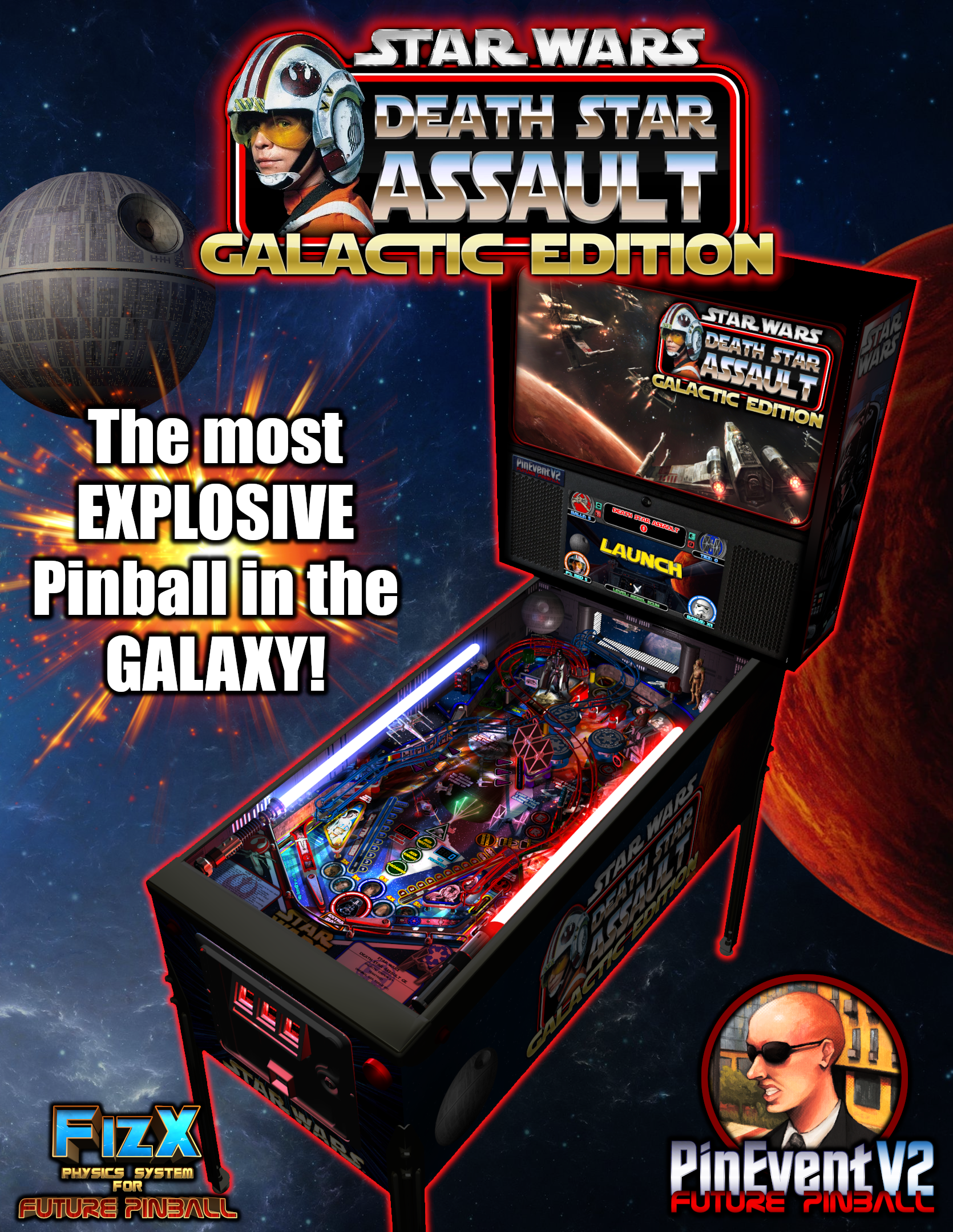
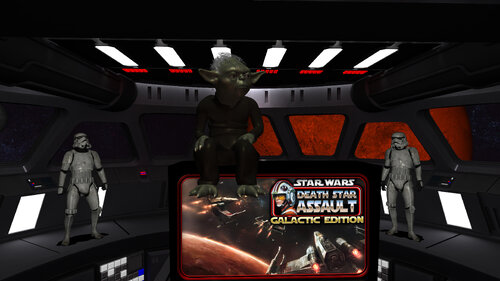
Star Wars: Death Star Assault - GALACTIC EDITION (PinEvent V2 - FizX 3.3)

  • Get Support
  • Create an account or sign in to download this
download_no_perm
102296 Views
18394 Downloads
5 From 55 reviews
1.29 GB File Size
TerryRed, SLAMT1LT, Matt Ellis, Gimli, JLou Created by
TerryRed, SLAMT1LT Artwork by
SLAMT1LT, TerryRed Scripting by
Original Manufacturer
2026 Year

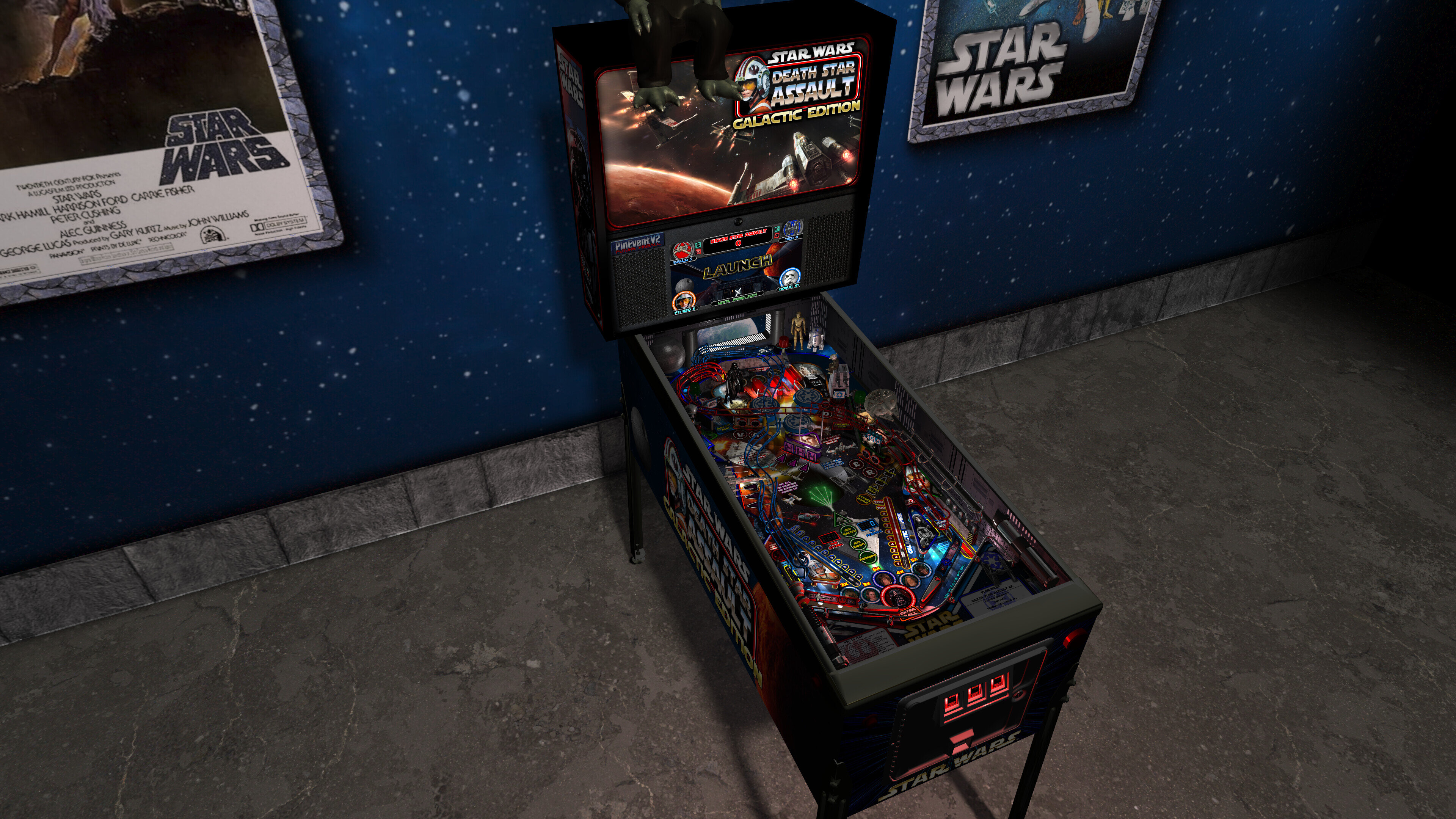
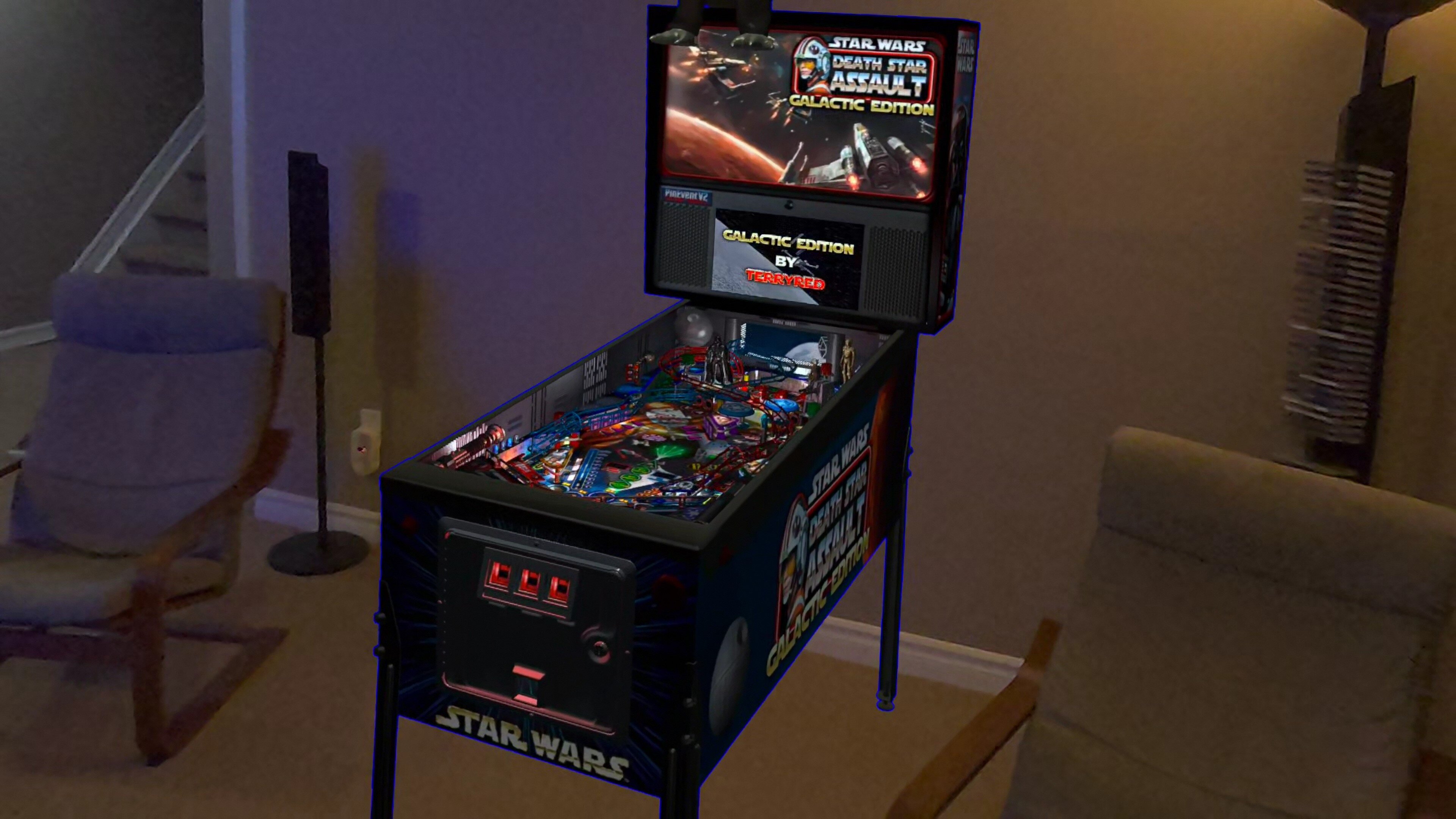
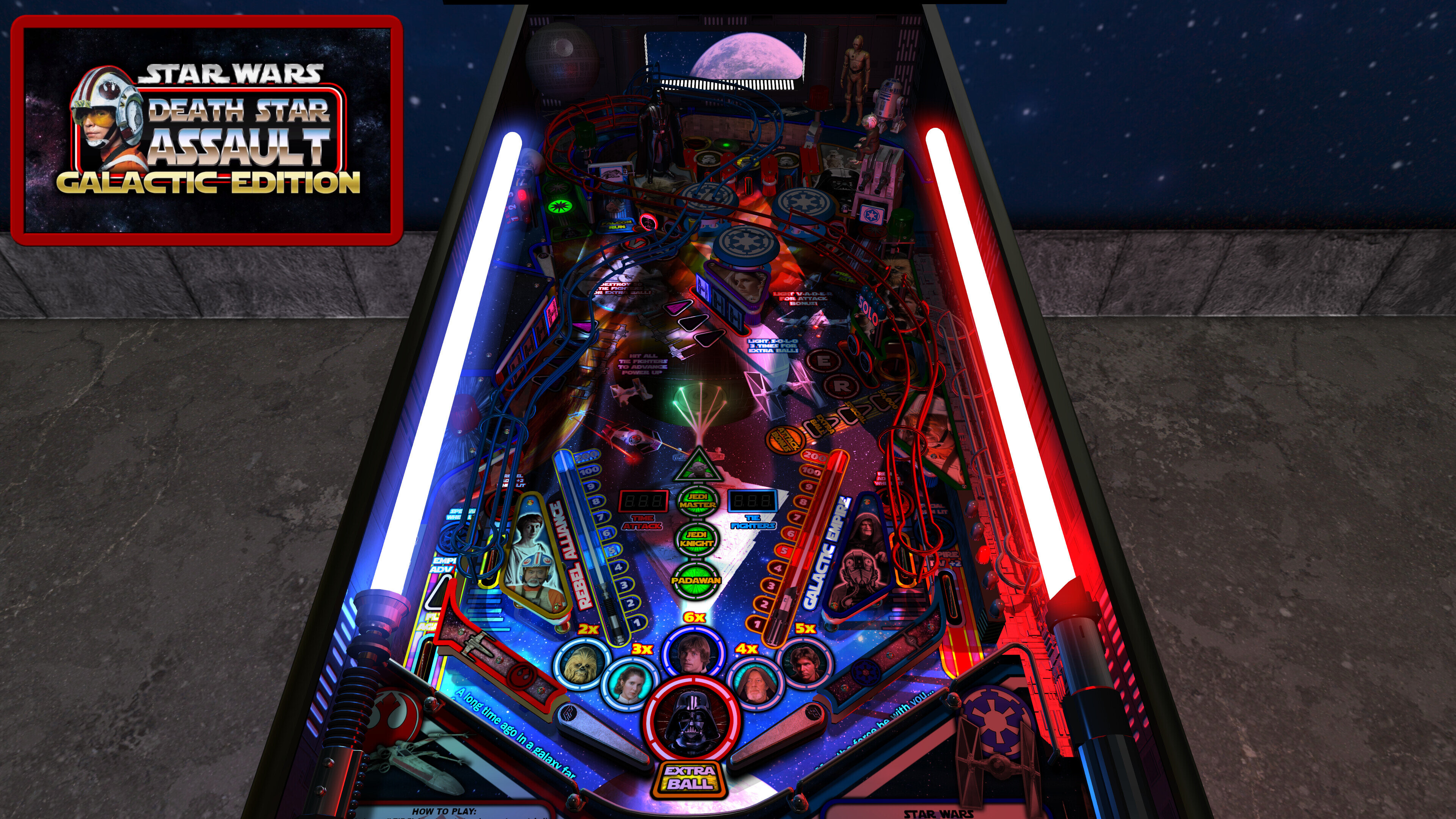
22 Screenshots

Star Wars: Death Star Assault - GALACTIC EDITION


Table version: 2.0 (May 2026)

PuP-Pack version: 2.0 (May 2026)


A long time ago (2005) on a pinball editor far, far away... this table started its long journey.


It started as the Sci-Fi Classic example table in 2005. Then SLAMT1LT created his Star Wars mod in 2010, which then evolved over the years to his Ultimate Pro version in 2020. I updated that table with my Epic Space Battles mod in 2021, and then for PinEvent afterward. As there were no more updates being shared by SLAM, I proceeded on my own. This resulted in a massive overhaul and update to the entire table which became my GALACTIC EDITION!


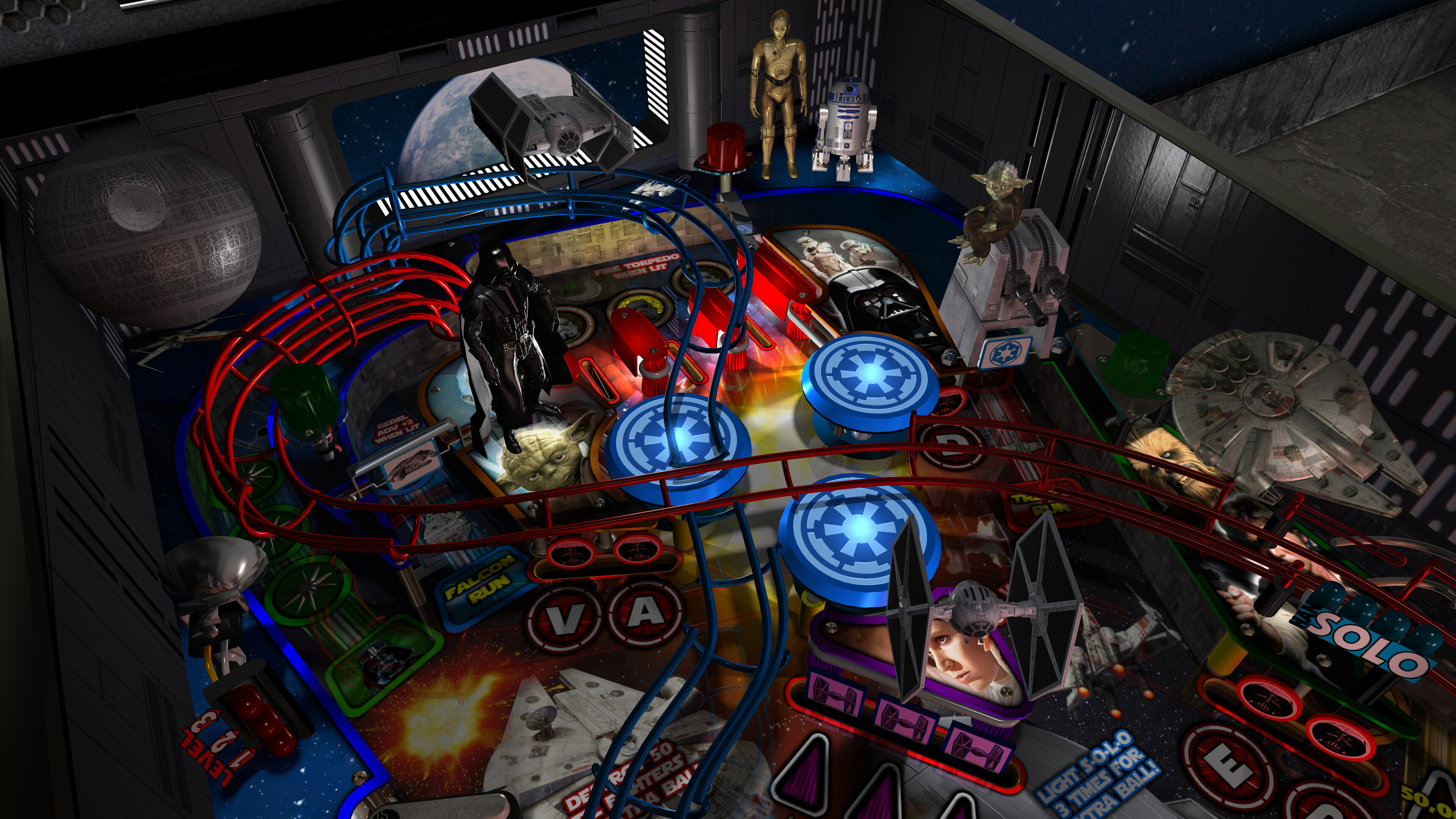
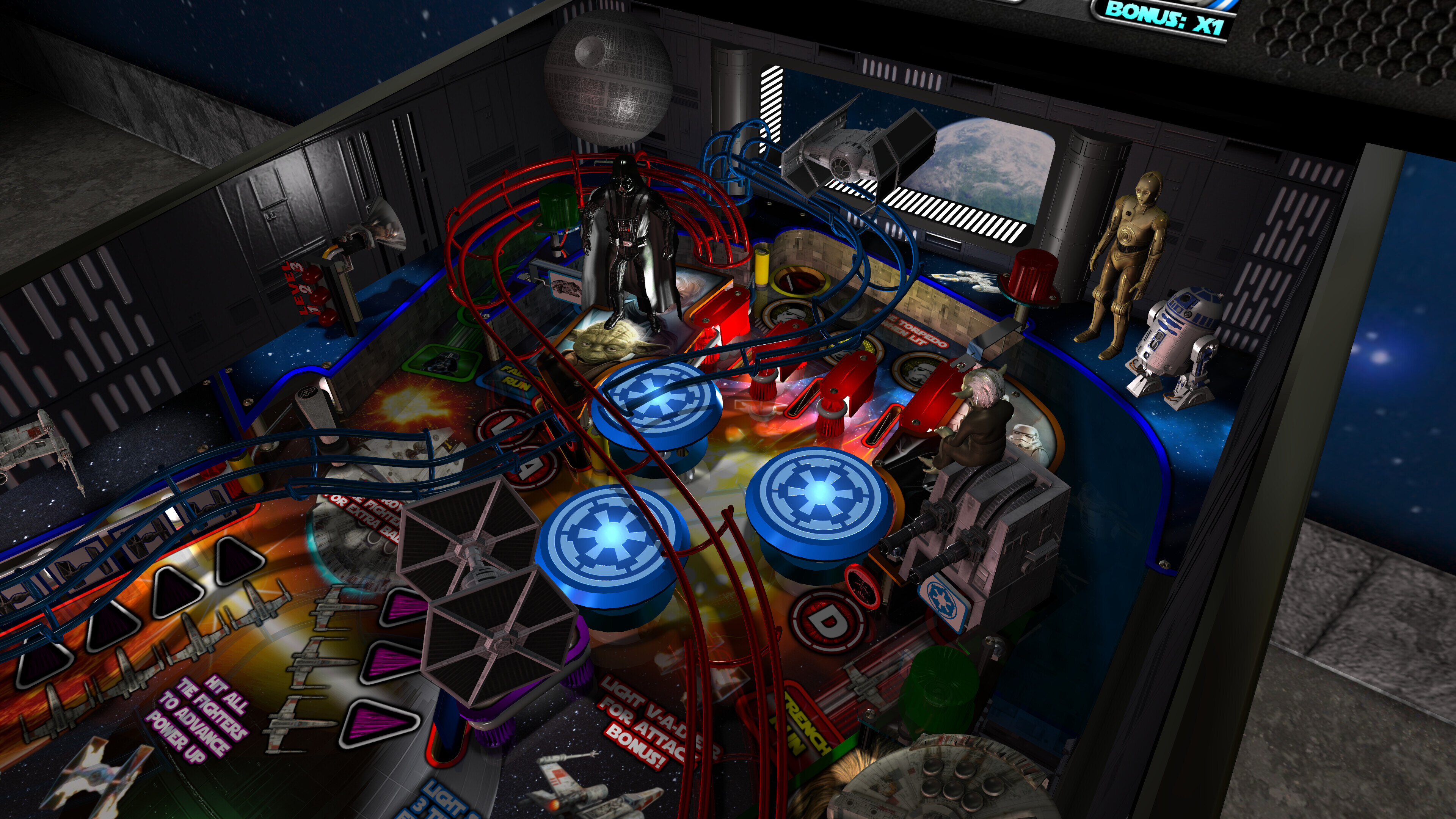
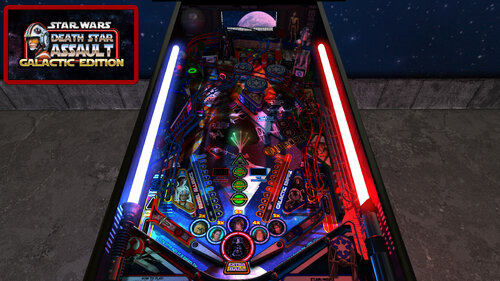
This table has been completely updated and modernized to use the newest BAM features to create an amazing real-time visual treat that will blow you away! Everything has been updated to the max and many cool new features have been added!


I've also added FizX for game changing new physics on Future Pinball. FizX uses techniques similar to nFozzy on VPX to completely change the physics for the flippers, slings, rubbers, targets, ball behavior and the entire table. This allows the table play much more realistically than anyone ever thought was possible on Future Pinball. You will be amazed at the difference!


====================================================


 A preview of the 2.0 update's new Attract Mode and all new Mega Room!


A preview of the 2.0 update's many new features!


====================================================


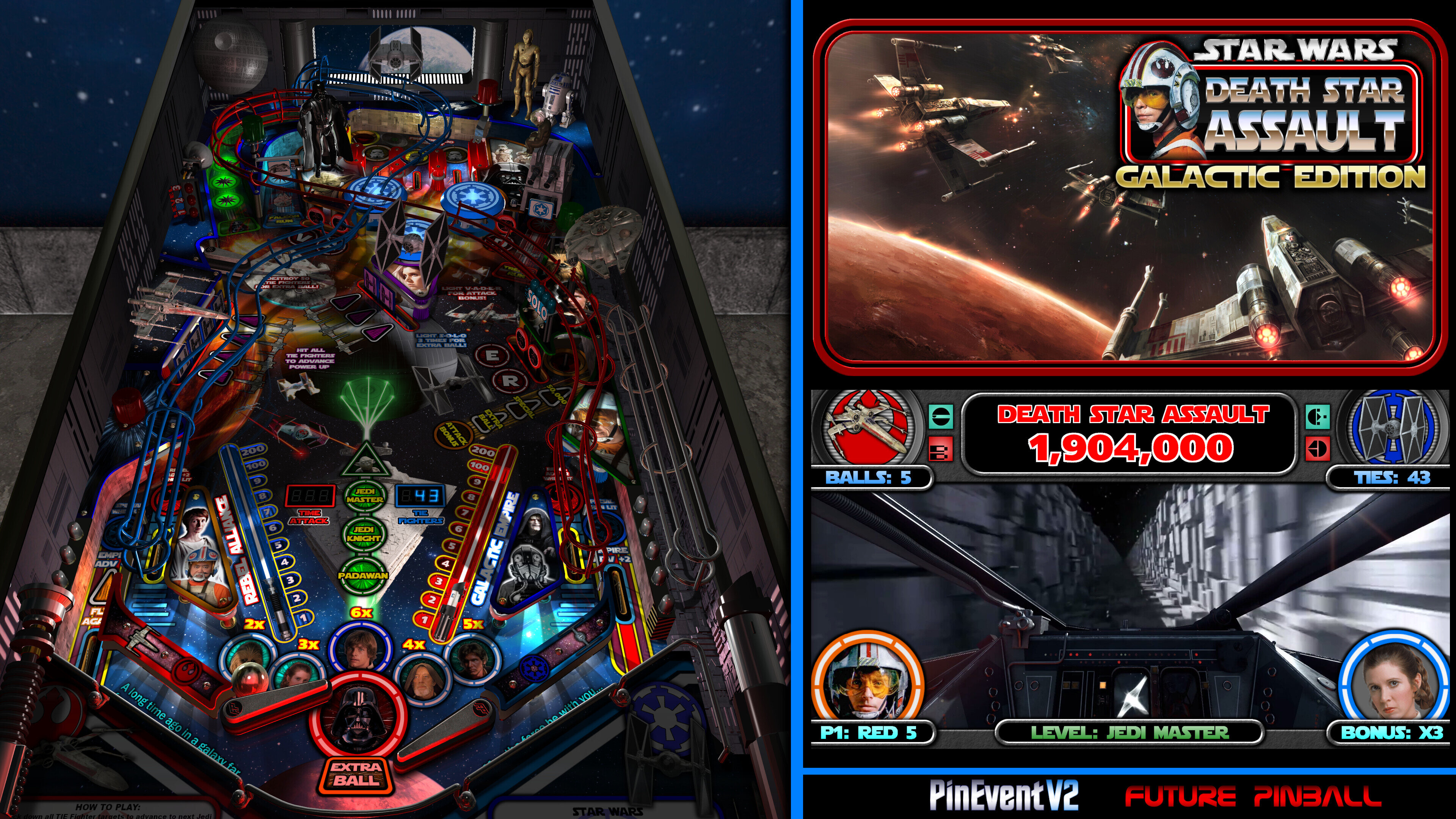
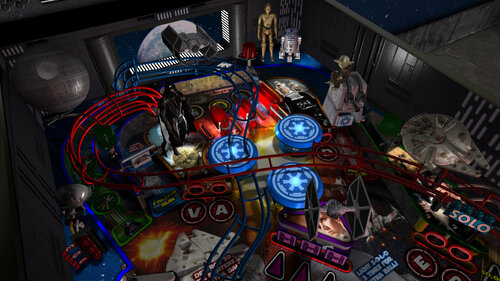
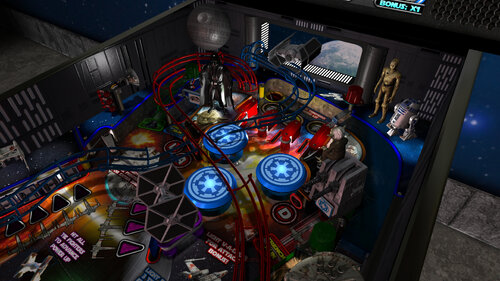
Some of the new features and updates:


- complete overhaul of the table to both modernize it and removal of older unused items

- new light inserts models with normal maps

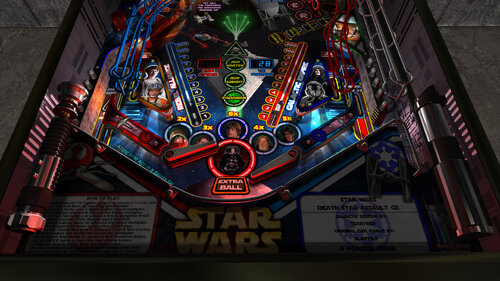
- new 4K art for playfield, plastics, decals, apron, backbox, cabinet, etc

- new updated shadowmaps for GI, flashers, lightsabers

- new shadow layer overlays that appears over decals, but not over openings on the pf

- new ambient shadows on the pf and plastics

- new fully updated lighting

- new beacon flasher

- new colour changeable wireramps

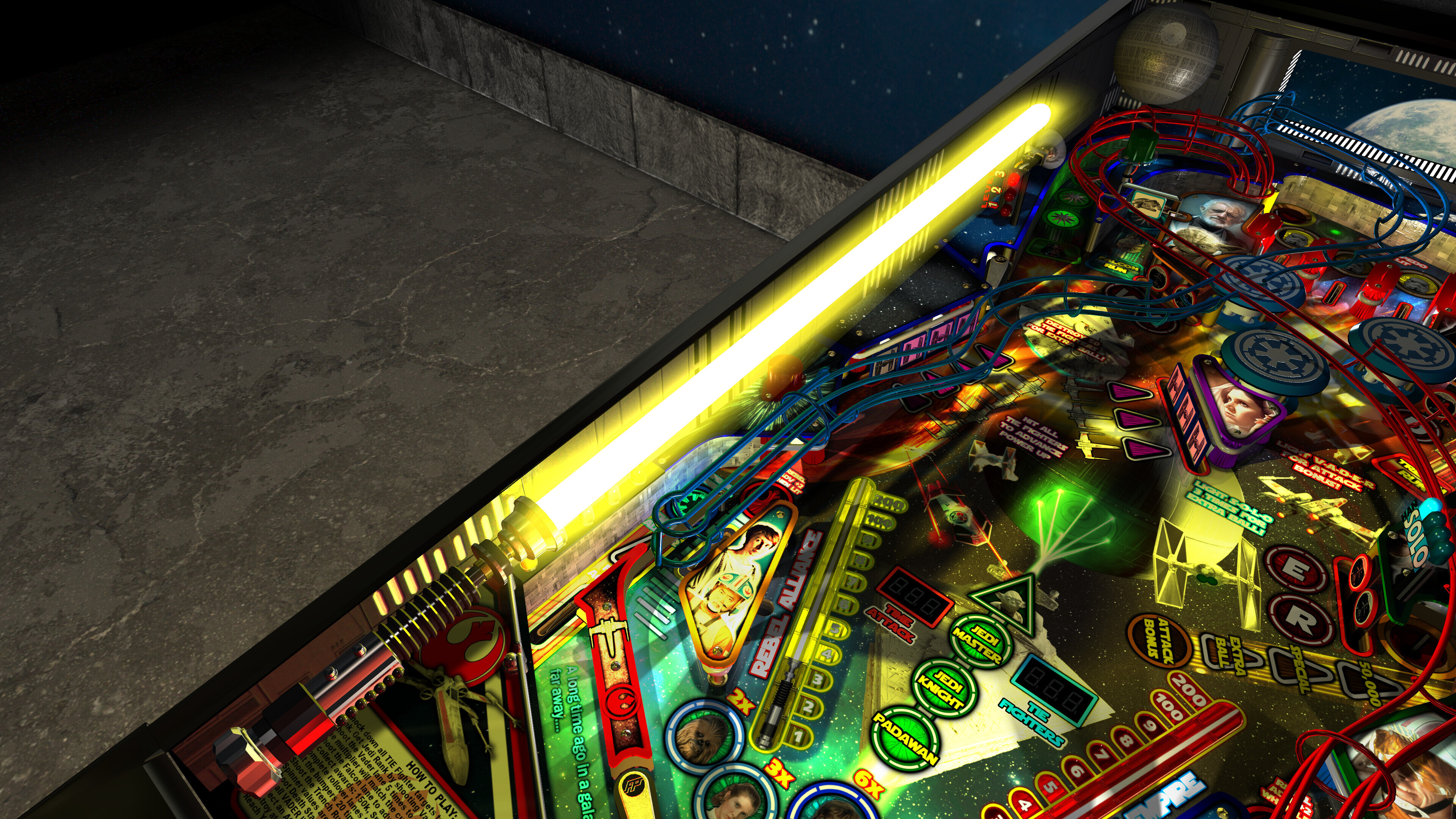
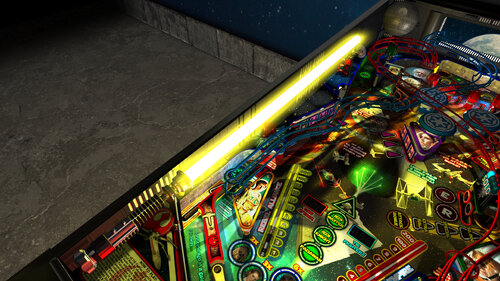
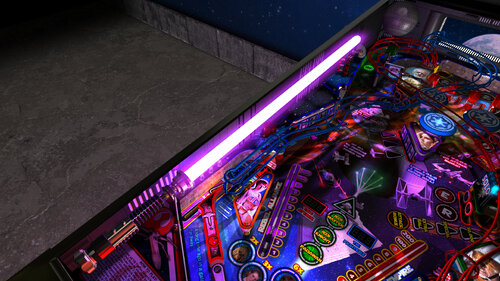
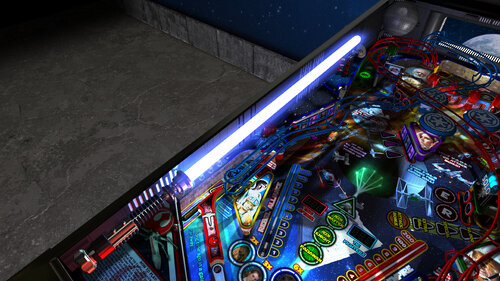
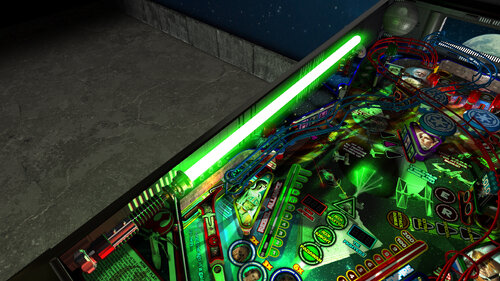
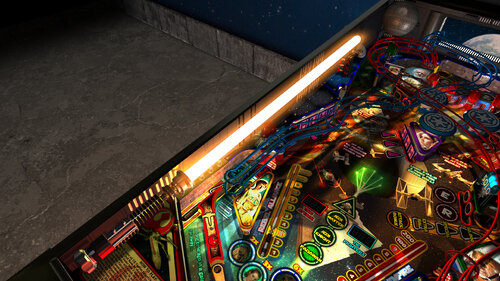
- new lightsaber models, and updated glow and lighting effects

- new models for Death Star, R2-D2, Millenium Falcon

- new updated R2-D2 hologram

- trench run plungerlane model

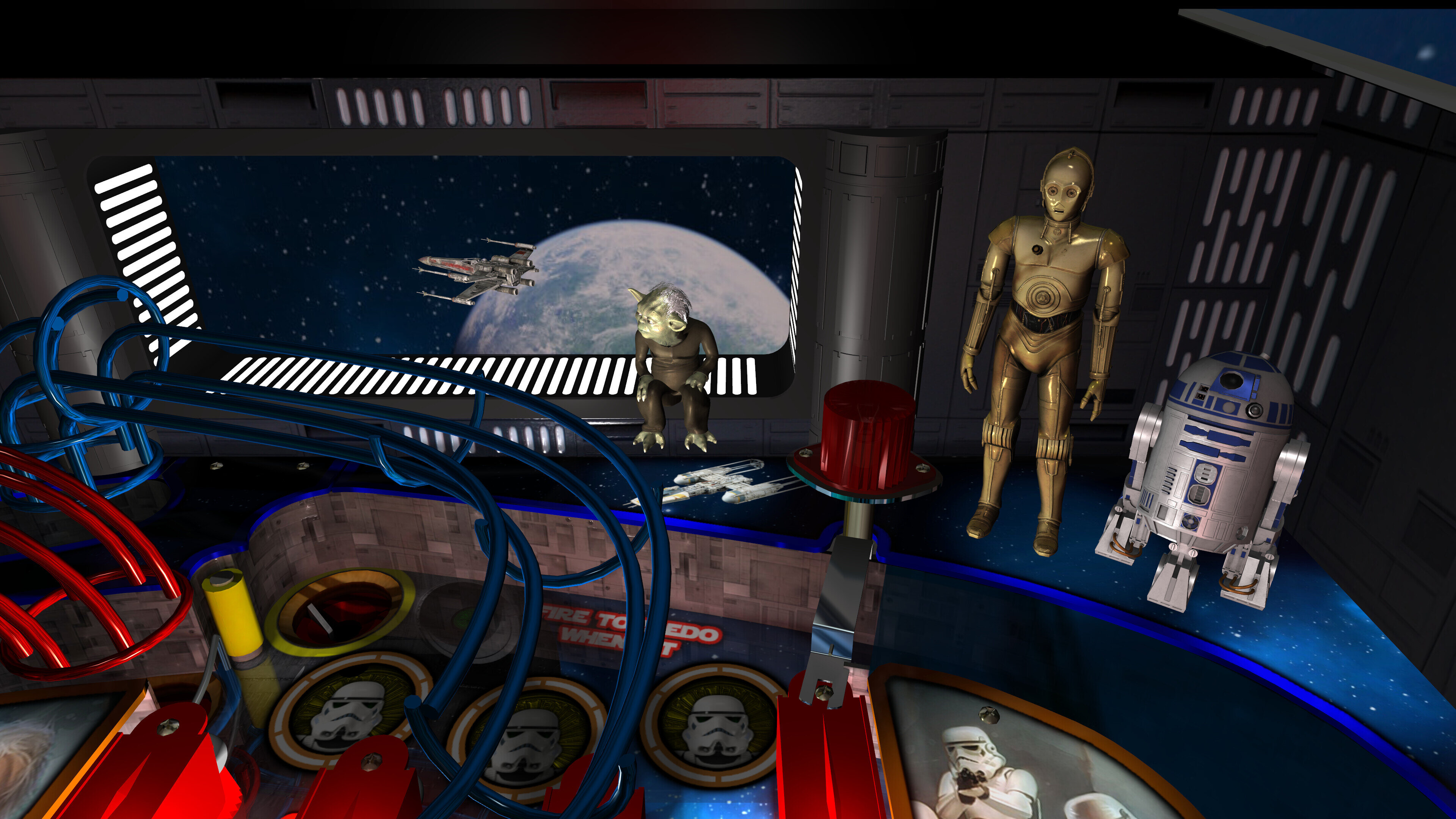
- new 3d docking bay window on the backwall with flyby space ships

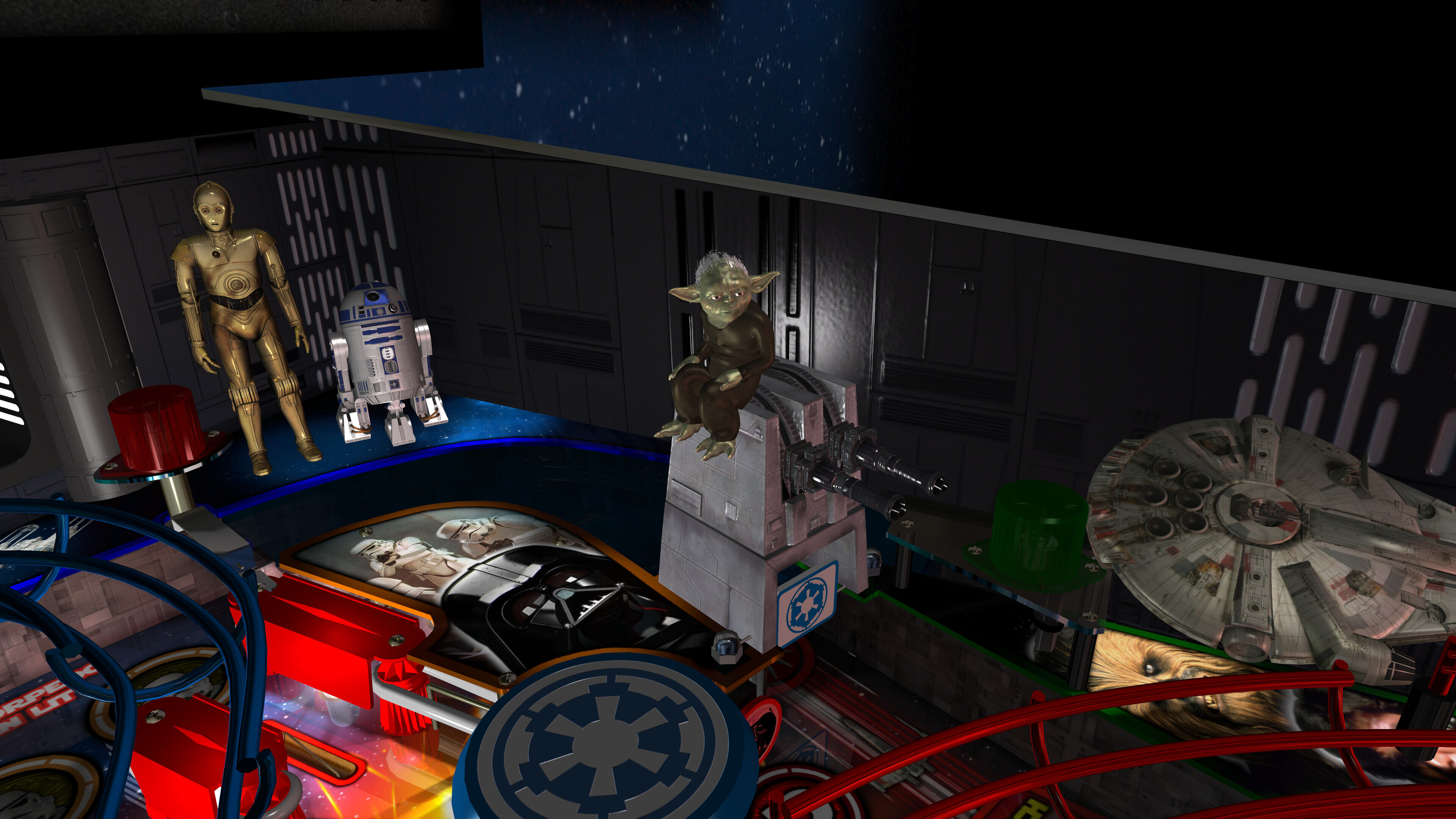
- new fully animated turbo laser cannon that track flyby ships and fires at them when the bumpers are hit (or the player presses buttons)

- x-wing, tie fighter, vader tie fighter, y-wing ships that fly by

- space battles that have x-wings / tie fighters / laser blasts / explosions flying all around the game

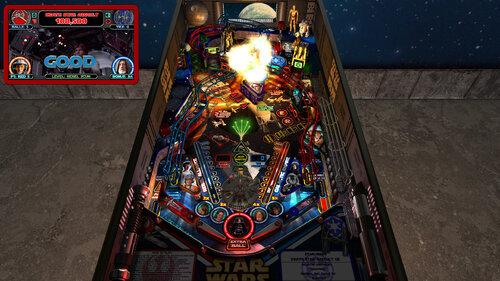
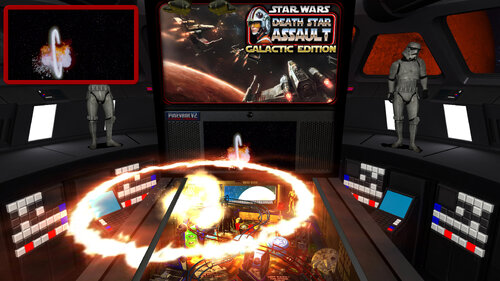
- epic Death Star explosion effect!

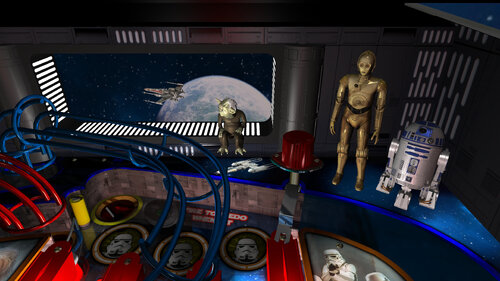
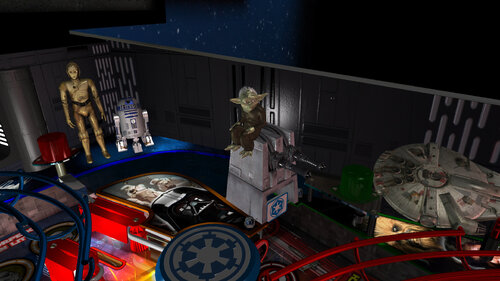
- animated characters for Darth Vader, Yoda, C3PO, Stormtroopers

- BB-8 animated ball option (thanks Gimli)

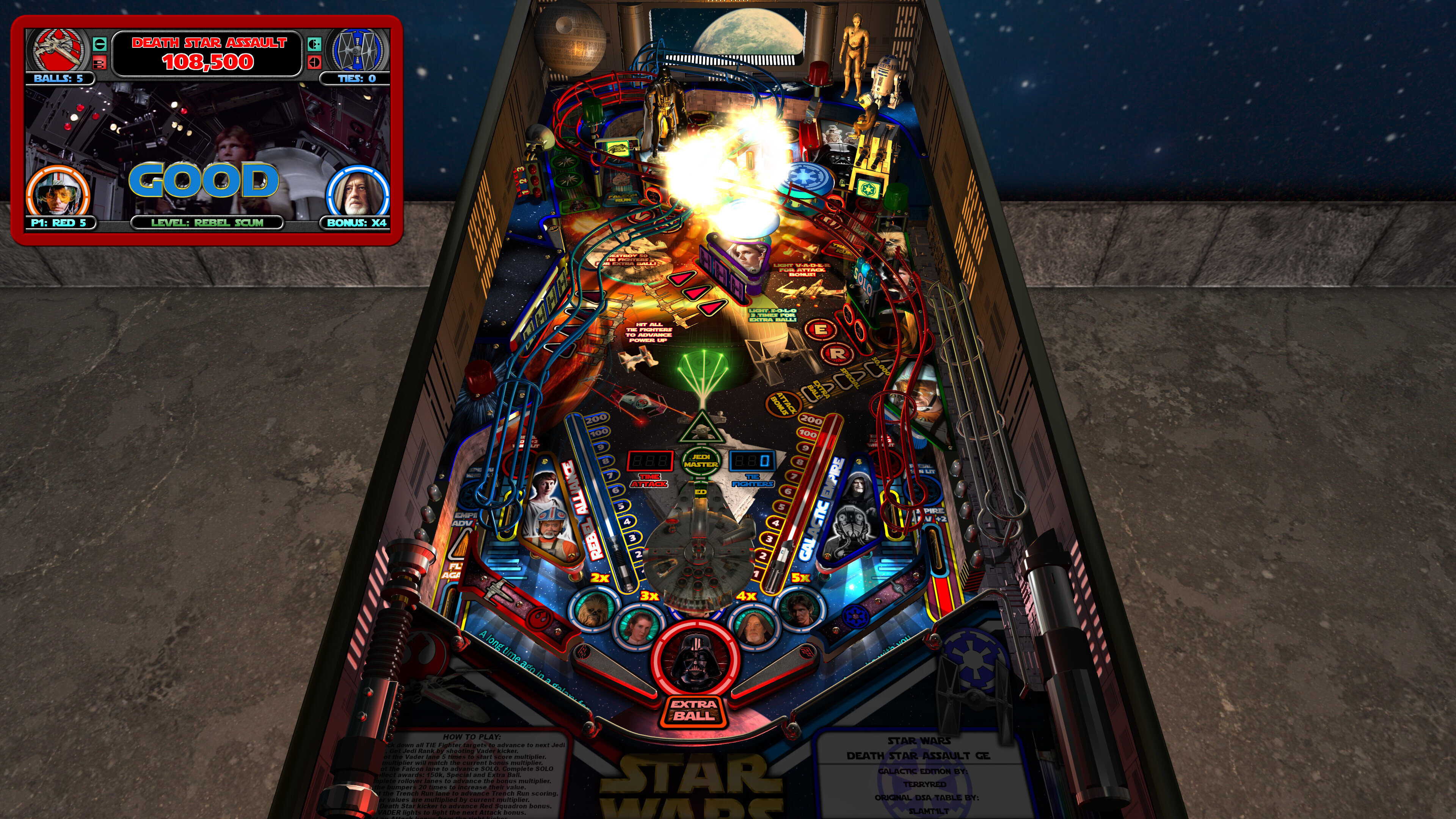
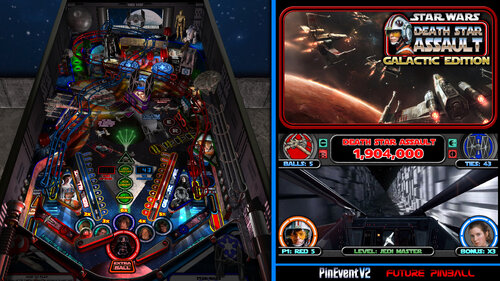
- new 128x32 FP DMD with different color options

- new attract mode with Darth Vader's DISCO-RAMA, animated colour changing spotlights, new remastered Star Wars Disco theme music

- new attract mode flyby camera (desktop mode only)

- new Yoda Topper and Yoda Playfield options!
- new VR Room options for Attract mode and Gameplay
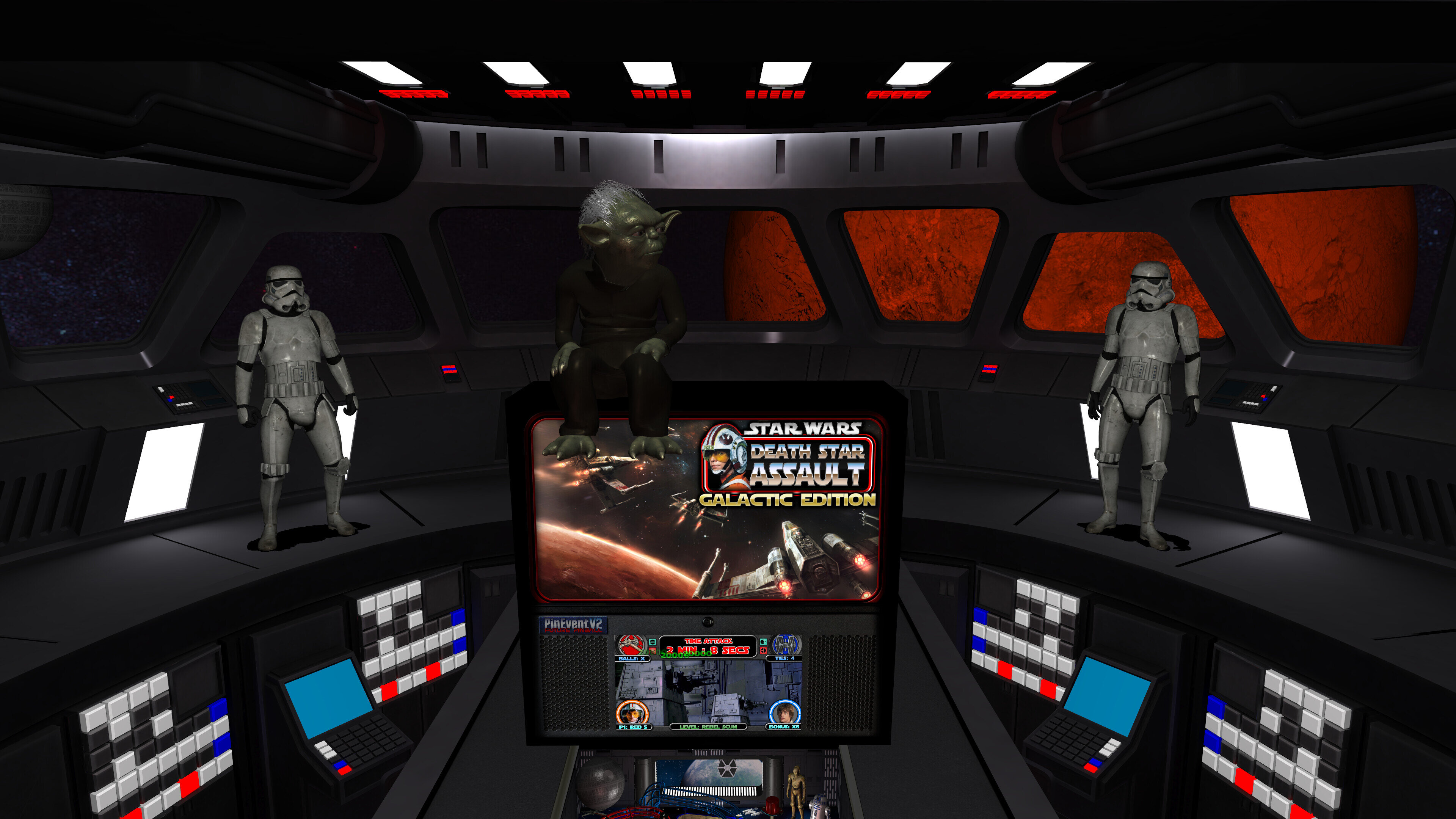
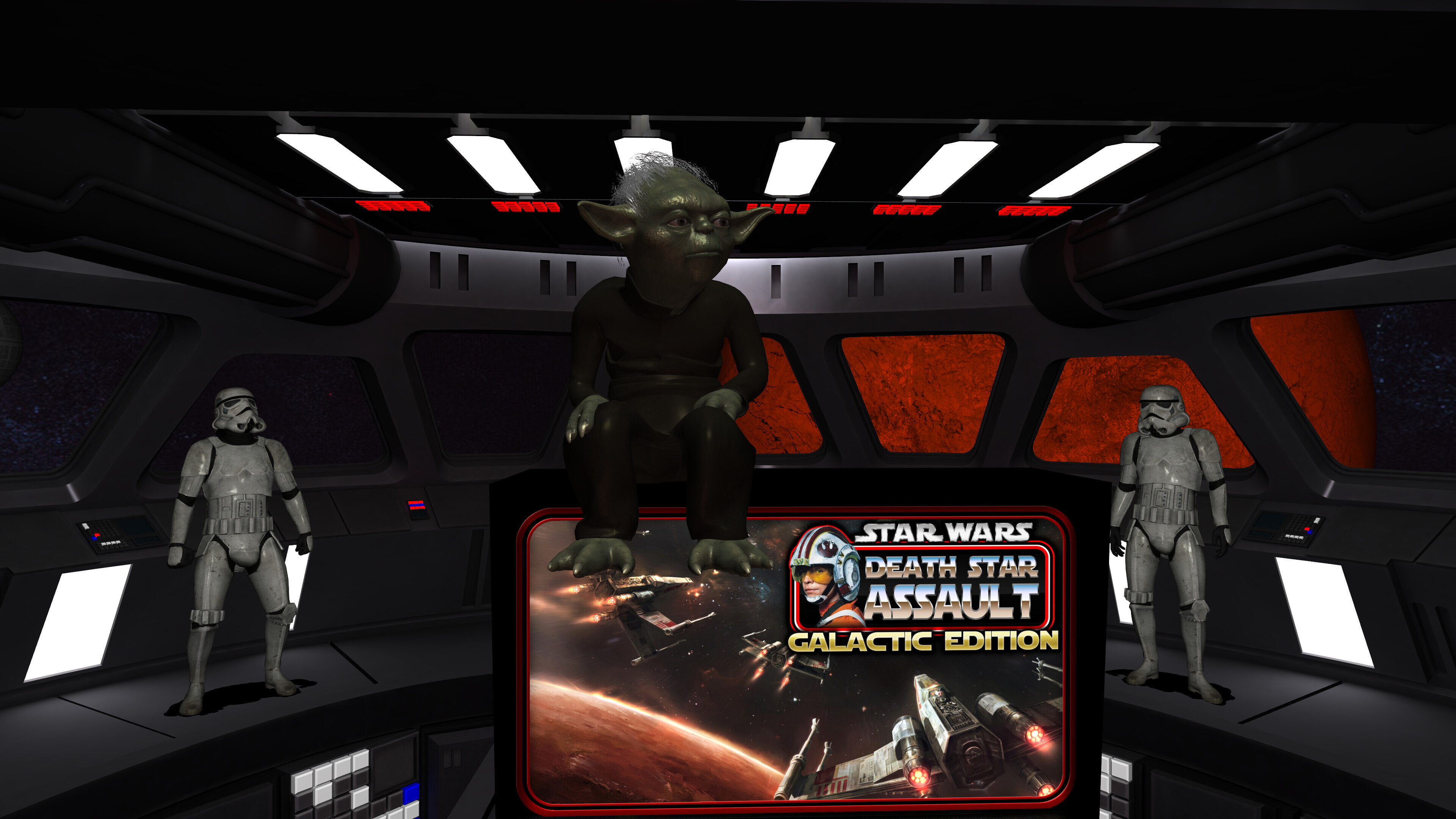
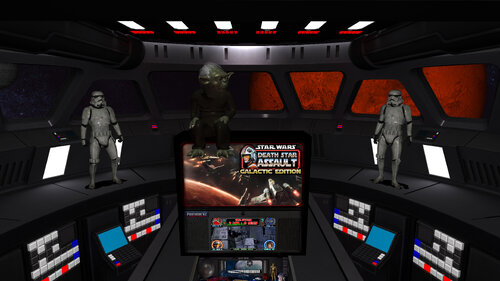
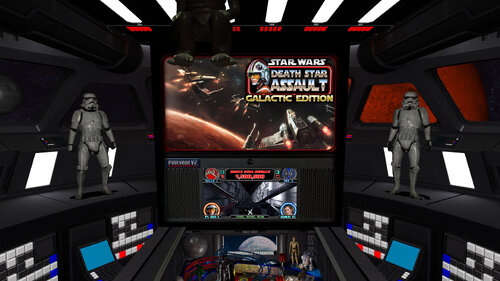
- all new Mega Room with Star Destroyer Bridge, baked lighting, animated ships, stormtroppers
- new Mega / MR (mixed reality) / Minimal choices for VR room (TABLE OPTIONS)
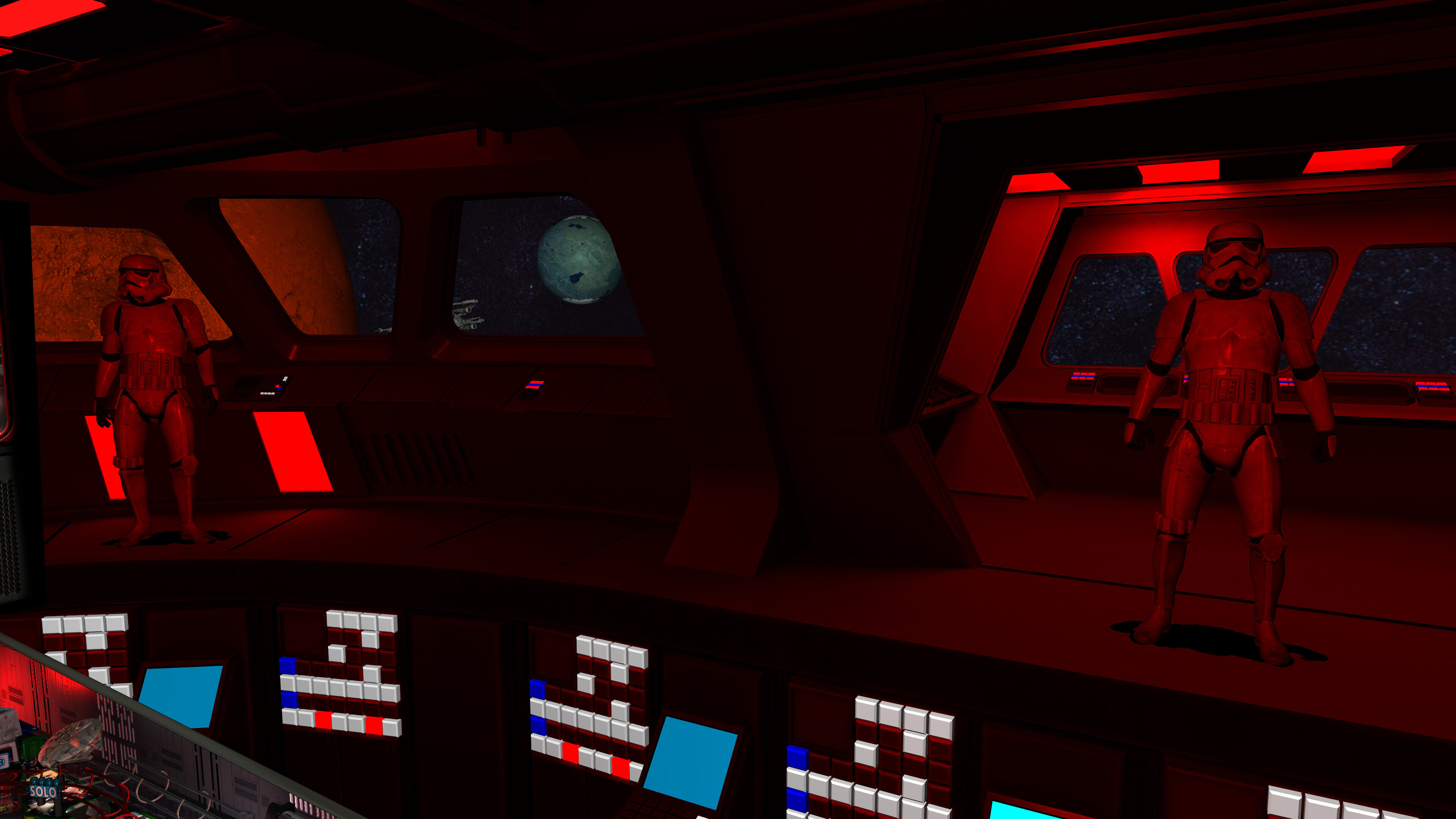
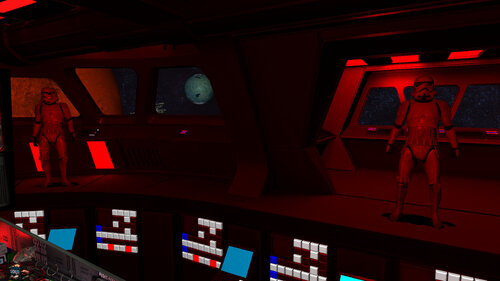
- new Mega and Minimal room will change lighting to red for alarms, beacons, events (TABLE OPTIONS)
- new pre-rendered ray-baked textures from inserts lighting, and other items
- new GI_Color options of normal, warm, cool

- new gas segment displays on playfield for Time Attack and Tie Fighters

- new PinEvent V2 support for DOF, PUP SSF 2.0, PUP DMD 2.0, PUP Stream, etc

- loads of other fixes, new details and other things I've lost track of...


All this combined makes for a visually stunning Star Wars pinball experience!


The WIP thread for the table can be seen here:


https://vpuniverse.com/forums/topic/7483-star-wars-death-star-assault-galactic-edition-the-most-amazing-star-wars-table-ever-made/#comment-64389


====================================================================


Created by:


TerryRed - Star Wars DSA: GALACTIC EDITION
SLAMT1LT - the original Star Wars DSA table


Thanks to these other contributors:


Matt Ellis - table layout (Sci-Fi Classic - 2005)
Fuzzel - models (X-Wing, Vader Tie Fighter, Turbo Laser Cannon)
Fleep - mechanical sounds
Schlabber34 - insert jewel images
Gimli - BB-8 animated ball code, TILT recharge code, some model animations
JLou - FizX physics code and support
Nailbuster - PUP and SSF support
ravarcade - BAM and support
Chris Leathley - Future Pinball


====================================================================


DISCLAIMER:


This table is a fan-made work of passion, and is NOT intended for commercial usage or to be included in any part of a commercial sale!


====================================================================


This game supports up to four players!


====================================================================


Physics: FizX v3.3


====================================================================


TABLE REQUIREMENTS (very important!)


- all Visual C Runtime updates

- DirectX

- Future Pinball

- the latest BAM update

- FuturePinball.exe and FPLoader.exe patched for 4 GB access

- BAM Settings files installed

- FizX 1K ball model (for more accurate physics, default.zip in BAM folder)

- the REQUIRED “Video / Rendering Options” and “Editor Options” in Future Pinball video settings


NOT TO WORRY!


All of the above is included with the latest FP and BAM Essentials AIO package!


Super easy to use for a new install, or just to update your existing install. I recommend everyone install this package to ensure you have the latest required BAM updates and other files installed!


https://vpuniverse.com/files/file/14807-future-pinball-and-bam-essentials-all-in-one-complete/


====================================================================


IMPORTANT! - UPDATE REQUIRED!


This table REQUIRES a newer version of BAM (1.5-408 or higher)


This is included with the FP and BAM Essentials AIO package version 3.6 or higher!


EVERYONE needs this new update to run this table! Simply install the latest FP and BAM Essentials AIO, and you are good to go!


====================================================================


What options can you try if your GPU has less VRAM (less than 6 GB)?


- you can enable Texture Compression (in FP video settings) which greatly reduces how much vram is used

- if you use a "Start FP" bat file, then you will also need to enable Texture Compression in that file!

- enabling Texture Compression may take a little longer to load, but not much


====================================================================


GUIDES INCLUDED WITH THE GAME


It's important that all players get to know the following docs, for their own benefit! They are VERY helpful and will save you lots of time!


INSTALL INSTRUCTIONS - read this guide to learn how to properly install and run this game!


TABLE MANUAL - read this guide for more information about this table and its features!


RULES - read this detailed guide to learn all the secrets of this game!


====================================================================


TABLE OPTIONS


- at the top of the table script, scroll down to the "TABLE OPTIONS" section
- this game has a MASSIVE number of features, options, and difficulty settings you can change!

- you can tailor this game to almost any way you want!

- there are some specific features that can only be enabled in this section!


====================================================================


INSTALL INSTRUCTIONS (REQUIRED)


- PLEASE read the Install Instructions (included with the table's zip file)

- it shows you how to install all the REQUIRED items

- it shows you how to easily setup FP and BAM with the REQUIRED settings


It's super easy, and only takes minutes to do!


====================================================================


HOW TO RUN FP AND PLAY A TABLE


Read the Install Instructions to know how to properly use FP and BAM


===================================================================


GAME NOT RUNNING SMOOTH?


Read the TABLE MANUAL for the solutions!


====================================================================


LOADING TIMES


With the 2.0 update of the table, I have highly optimized the table to drastically reduce load times. Combine this with the new BAM v408 update, and you see a massive difference in load times!


Load times : from "clicking play" to "ready to start playing" (Intel i5 13600K CPU)


1.7 Table (Trilinear Filtering) = 55 seconds


2.0 Table (Trilinear Filtering) = 28 seconds

2.0 Table (Bilinear Filtering) = 16 seconds


====================================================================


PROBLEMS?


Read the Install Instructions included in the table's zip file. It tells you everything you need to know!


====================================================================


Table MODS


- please read the Disclaimer in the Install Instructions included with the table
- please ask me first, as I am still updating this table


====================================================================
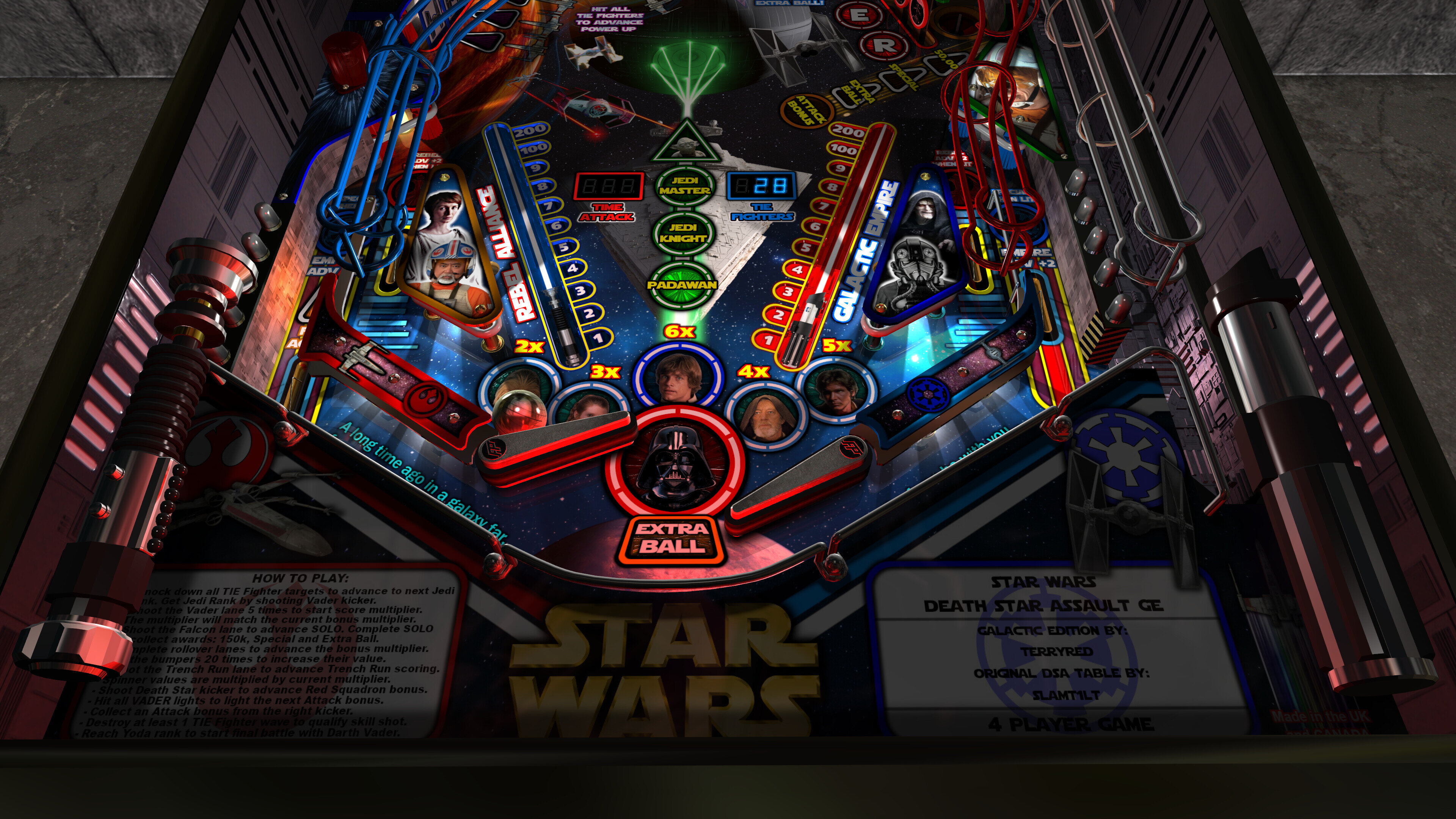
 

apron.thumb.jpg.e87da2b34a0990334cde50e73b288a3b.jpg


Backbox.thumb.jpg.e18b287cf3651048ec0d576dbc49f755.jpg


desktop-minimal.thumb.jpg.1283e83fb2dc555afa46d68600c6d8ac.jpg


dsexplode.thumb.jpg.60c6152efd33c8165df2a8e93e92f8df.jpg


LS-Blue.thumb.jpg.92f187074e410ed44a79ed4aa67c51d4.jpg


LS-Green.thumb.jpg.83befad91eb2d0115ec5f704d4fe558d.jpg


LS-Orange.thumb.jpg.7fade454df0485766c14b8fc4969e113.jpg


LS-Purple.thumb.jpg.4daded802f027c64bc478dd8ce6f5311.jpg


LS-Yellow.thumb.jpg.d4efa48f9a0828b97a1645a0956fc008.jpg


MegaRoom1.thumb.jpg.31465376ef0c0b7711c8f405029c6918.jpg


MegaRoom2.thumb.jpg.c6068892e60ac8e2be97f8a35b5178dd.jpg


mini-game.thumb.jpg.fe0964e1a3d6fcd824adffba2633fc03.jpg


MinimalRoom.thumb.jpg.d551edb28937913e47d0af8028f7872d.jpg


MR.thumb.jpg.ce2107fe4b403ee6772b3960f7eb358b.jpg


sabers.thumb.jpg.83951f357a6d14dd2019f4bdb240c9dd.jpg


topper.thumb.jpg.ace06717ffd30b2cc4c3c6e42814e3f4.jpg


upper1.thumb.jpg.7ab2027731a72198ebb9ddff8b639e1e.jpg


upper2.thumb.jpg.42b49e28a72951a1e7a09a1ef4b012eb.jpg


yoda-baydoor.thumb.jpg.0d3d63fdd405f07b6562ffca229d6335.jpg


yoda-turret.thumb.jpg.06db8b4ad967c072d1756dab6bbd60d8.jpg


Poster.thumb.png.c9bf974afce10d23b743cf03e8054e25.png


AIO screenshot.jpg


Use of A.I. Disclosure

No A.I. was used in the creation of this file
Contact Author First.

What's New in Version 2.0   See changelog

Released

2.0 Update


(there were so many major changes and new features, I decided this warranted a 2.0 update)


- converted most FP models to BAM models (MUCH faster "processing models", now its almost instant)
- converted ALL textures to power of two (MUCH faster "injecting textures", half the loading time)
- updated startup checks for BAM / PUP / PuP-Pack version (will notify you if wrong version)
- updated startup code for BAM settings and PinEvent (PinEvent VR settings should apply correctly now)
- updated pup dmd and pup ssf code to work correctly with PUP v2.0 (now required for those features)
- new pup ssf v2.0 ball rolling updates - code / changing rolling sounds on ramps / tracking 10 balls
- new ball rolling sound mode options: OFF, FP, SSF (TABLE OPTIONS)
- new volume settings for ball rolling / FP Mech Sounds / PUP SSF (TABLE OPTIONS)
- new pup-pack and pup dmd v2.0 code with real time shader effects and new alpha videos! (TABLE OPTIONS)
- new Cabinet_Mode_Preset automatically hides items not needed for cabinet mode (TABLE OPTIONS)
- new Normal Map options for those who want them reduced in lower resolutions (TABLE OPTIONS)
- new FP DMD color options (TABLE OPTIONS)
- new Yoda Topper and Yoda Playfield options! (TABLE OPTIONS)
- new VR Room options for Attract mode and Gameplay (TABLE OPTIONS)
- all new Mega Room with Star Destroyer Bridge, baked lighting, animated ships, stormtroppers
- new Mega / MR (mixed reality) / Minimal choices for VR room (TABLE OPTIONS)
- new Ball settings (TABLE OPTIONS)
- new Lighting settings (TABLE OPTIONS)
- new GI_Color options of normal, warm, cool (TABLE OPTIONS)
- new Mega and Minimal room will change lighting to red for alarms, beacons, events (TABLE OPTIONS)
- made r2d2 smaller, added new fully animated head, and positioned c3p0 beside him
- updated Vader lighting, reduced Vader animations
- new pre-rendered ray-baked textures from inserts lighting, and other items
- new art for playfield, plastics, cabinet
- new gas segment displays on playfield for Time Attack and Tie Fighters
- lots of fixes and other things not covered here!


======================================
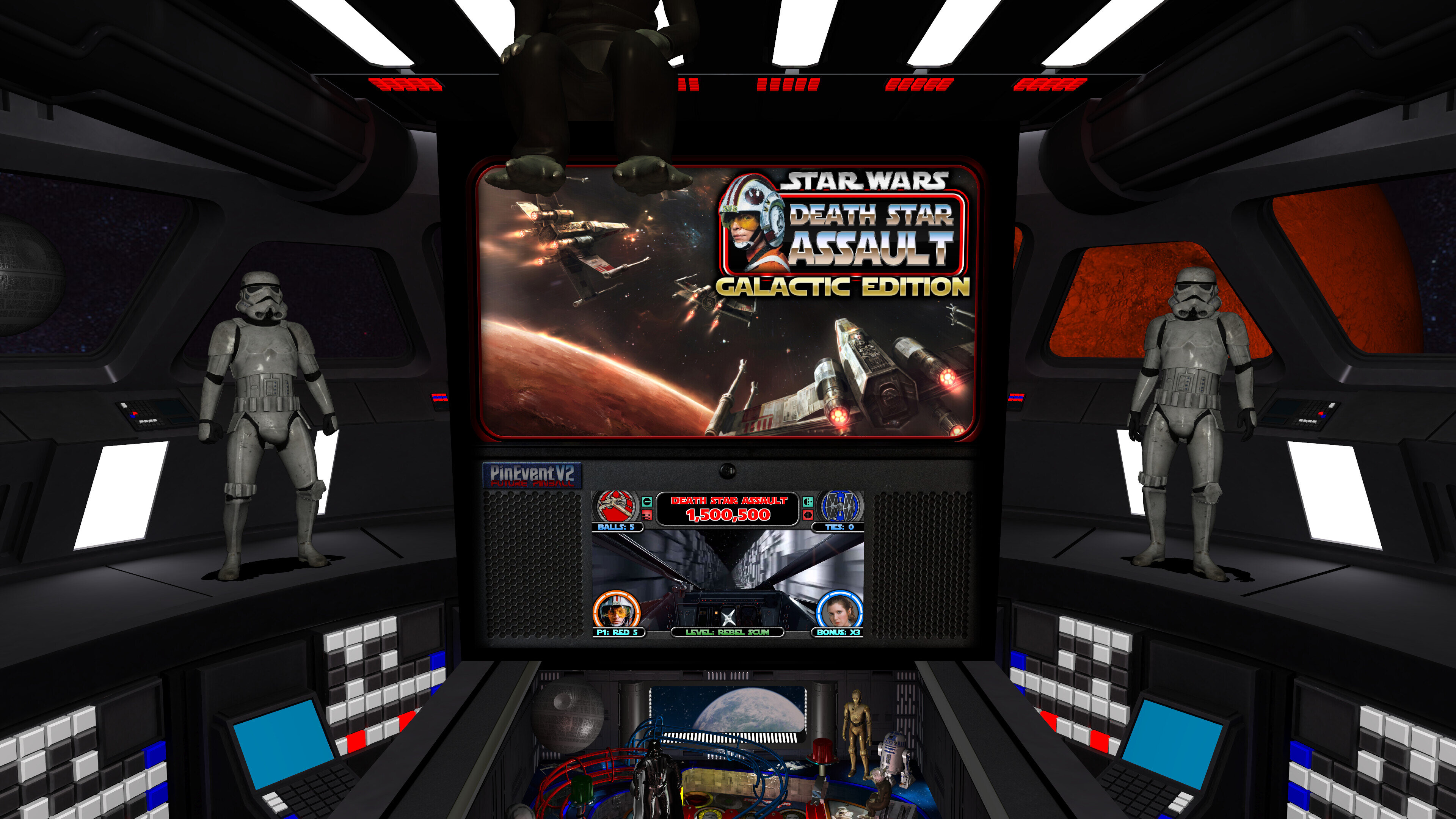

=== Future Pinball-BAM ===


This table REQUIRES the newest FP and BAM Essentials AIO update (3.6). This has the newest BAM 408 which is required! This update will also allow this table to load MUCH faster due to the newest BAM being rebuilt to process BAM stuff much quicker on loading / startup!


For Baller Installer users, you can use the PinUPdater app to update your FP-BAM. Be sure to choose "Future Pinball and BAM Latest" in the drop down menu to get the new FP-BAM updates!


For everyone else...


Manual install / update for FP-BAM:


https://vpuniverse.com/files/file/14807-future-pinball-and-bam-essentials-all-in-one-complete/


Guides


I have updated my latest "PinEvent V2 Guide" and "Popper and Baller Installer Tips" with new information regarding PUP v2.0 and the new PUP SSF v2.0 which this table now uses! If you use a second audio device for your SSF, then give the PUP SSF sections a read. (important!)


======================================
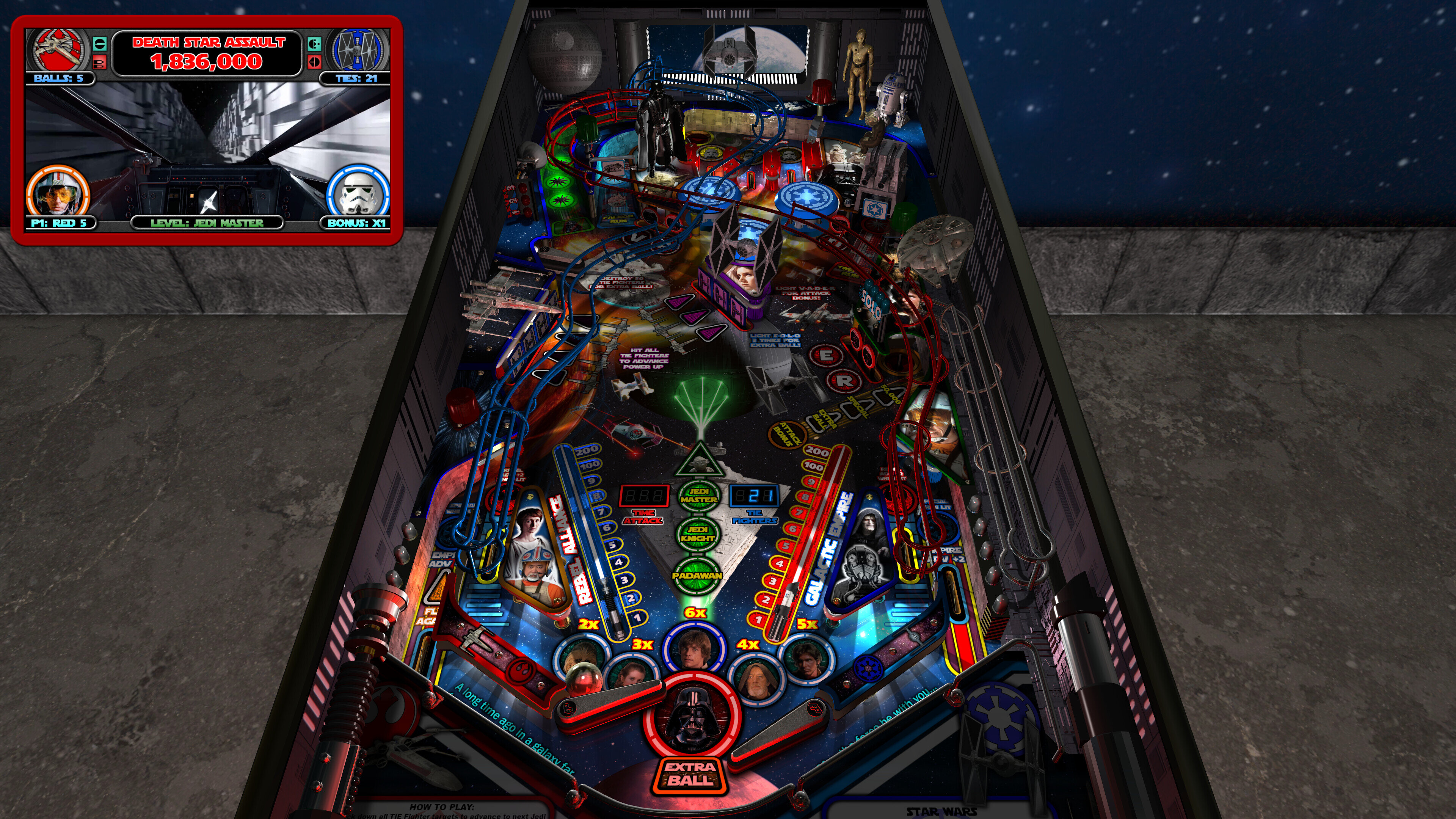

=== Pinup Player v2.0 ===


NEW! PUP v2.0 support for Shader Effects, Alpha Videos, PUP SSF 2.0, hardware acceleration


- new pupdmd shader effects that show realtime animated effects for lighting, fire, fog, fireworks, shaking, and more
- new pupdmd fullscreen animated alpha videos that splash on the screen! Full support for alpha blending effects!
- new pup ssf 2.0 sound engine! Positional Ball Rolling sounds now supports up to 10 balls, multiple materials, and each ball changes sound on ramps now!


This table makes use of all these new features of PUP v2.0. If you wish to use "any" pup dmd or pup ssf features you MUST install the latest pup v2.0 update!


For Baller Installer users, you can use the PinUPdater app to update your PuP to the latest v2.0 Beta. Be sure to choose "Pinup Baller v2.0 Beta" in the drop down menu to get the new PUP v2 updates!


For everyone else...


Manual install of PUP:


https://www.nailbuster.com/wikipinup/doku.php?id=pinup_player_install


Update to latest 1.52 beta 3:


https://www.nailbuster.com/wikipinup/doku.php?id=pinup_upgrade_v15


Pup v2.0 beta files (install AFTER you have a proper working PUP 1.52 install):


https://www.nailbuster.com/wikipinup/doku.php?id=beta2026


If you use SSF with a second audio device, then you require setting your audio device ID for pup v2 (which uses its own settings). Read the included "Install Instructions" (the SSF section) to learn how to properly setup PUP SSF v2.0 for your setup!


======================================
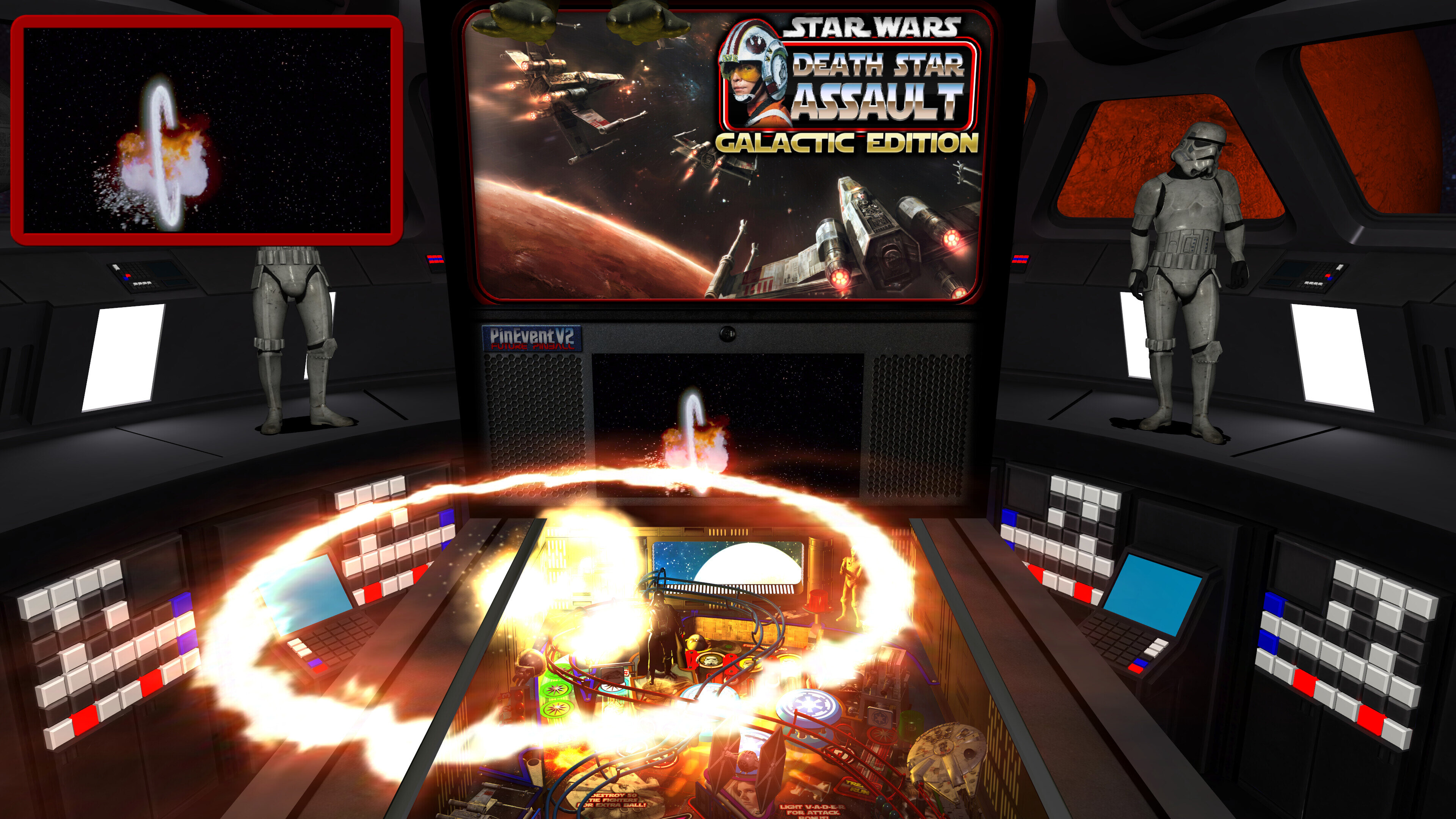

=== NEW Pup-Pack for 2.0 ===


This new table updates REQUIRES the use of the updated pup-pack for pup dmd and pup ssf 2.0 features!

REMOVE any previous pup-pack and only install the new pup-pack (and run the Option xx BAT for your setup). DO NOT mix old and new pup-pack files!

If the incorrect pup-pack is installed (and you have pup features set to true), you will be told on table startup its wrong, and pup features will be disabled!


======================================
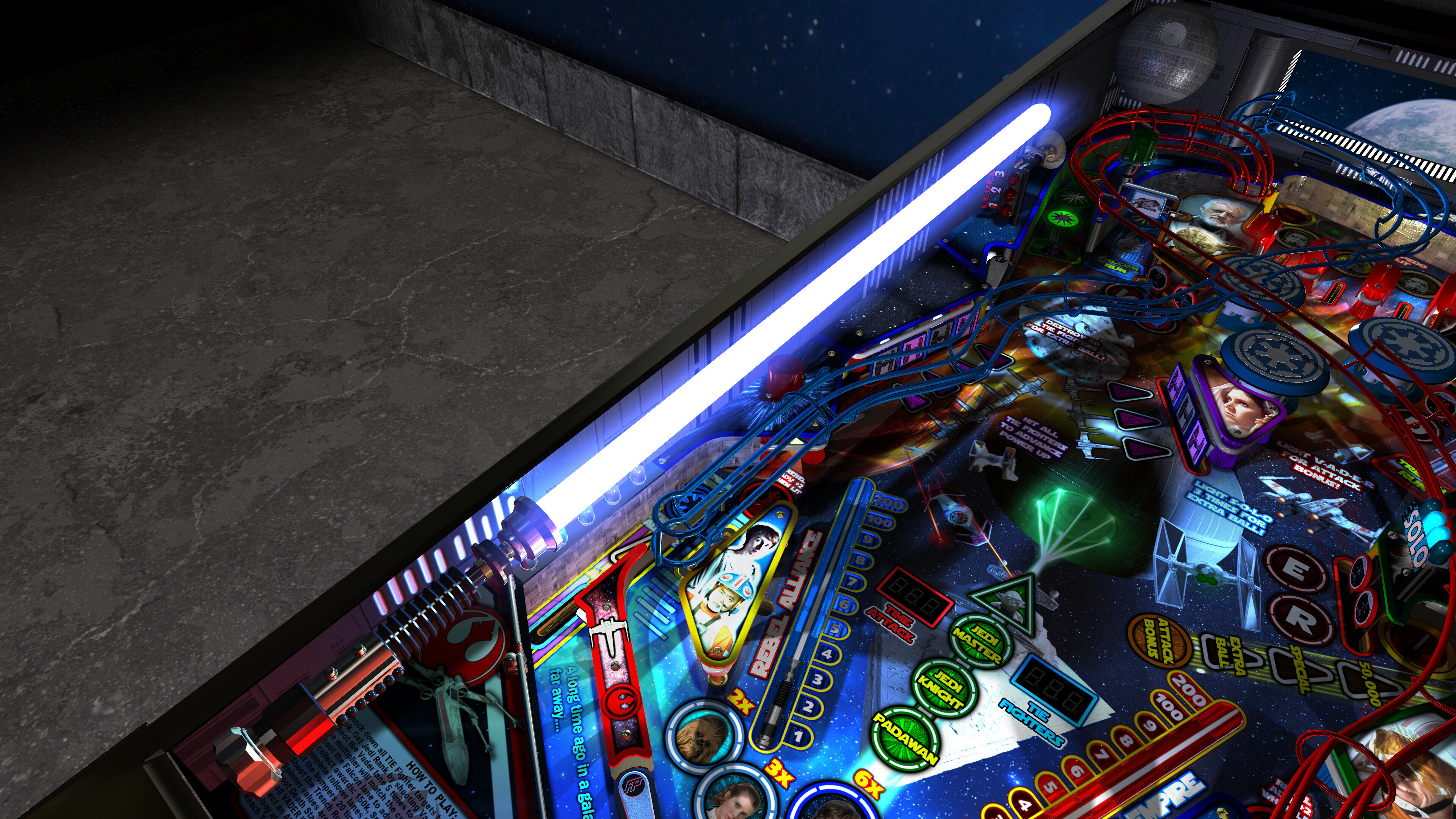

=== New 2.0 features in TABLE OPTIONS ===


Take a moment to look at some of the new features in TABLE OPTIONS (at top of the table script), such as:


- ball rolling sound mode options: OFF, FP, SSF
- volume settings for ball rolling / FP Mech Sounds / PUP SSF
- pup dmd v2.0 realtime shader effects and new alpha videos
- Cabinet_Mode_Preset
- Normal Map options
- Attract mode flyby camera sequence (desktop mode only)

- new FP DMD color options
- new Yoda Topper and Yoda Playfield options!
- new VR Room options for Attract mode and Gameplay
- all new Mega Room with Star Destroyer Bridge, baked lighting, animated ships, stormtroopers
- new Mega / MR (mixed reality) / Minimal choices for VR room
- new Ball settings
- new Lighting settings
- new GI_Color options of normal, warm, cool
- new pre-rendered ray-baked textures from inserts lighting, and other items

- new Mega and Minimal room will change lighting to red for alarms, beacons, events


There are MANY settings in TABLE OPTIONS you can change for your preference! Take a look!


======================================
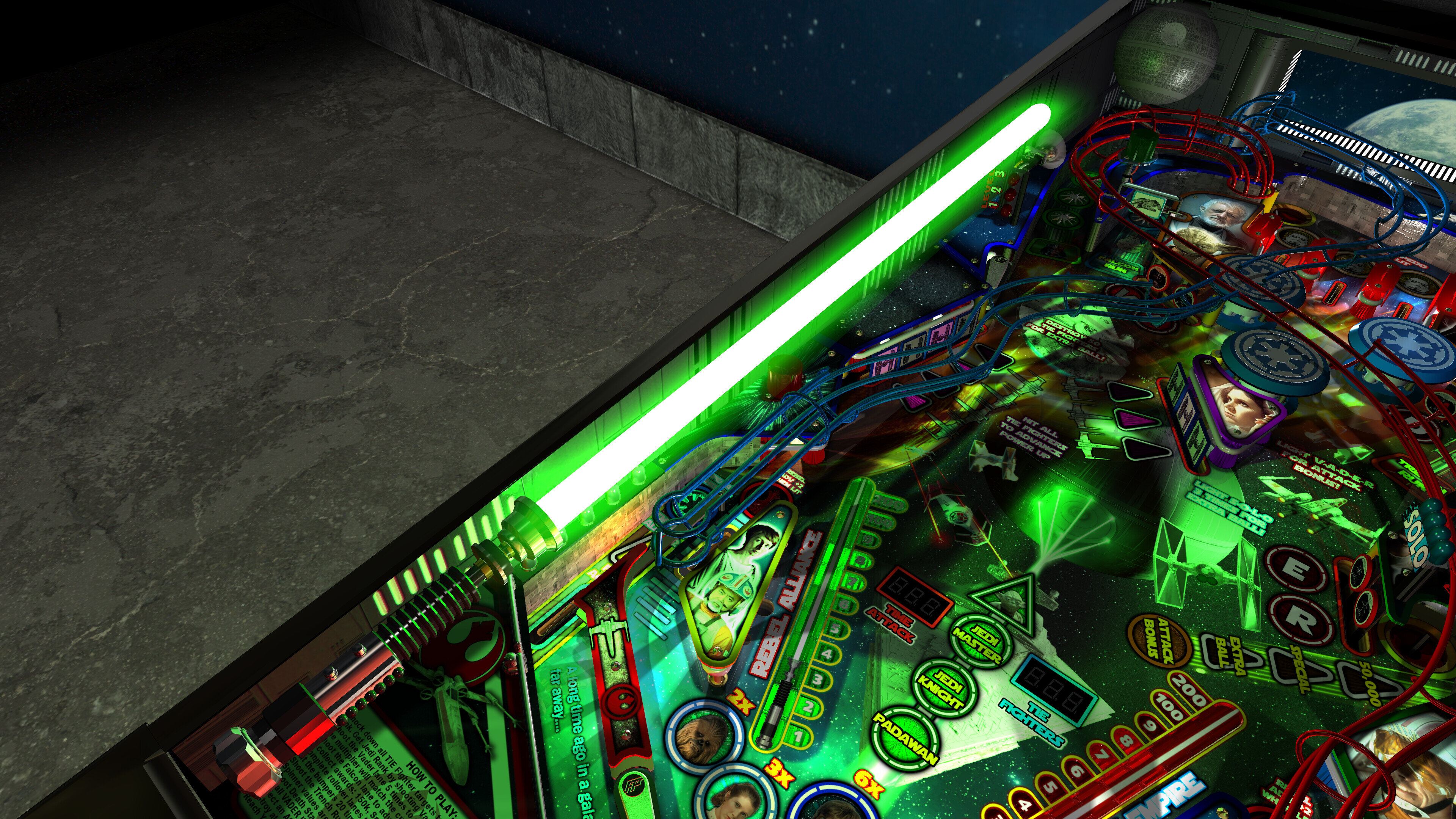

=== Startup Cleanup ===


I completely updated the table's startup code for BAM and PinEvent, which allows BAM proper detection of modes (in VR especially), which allows both BAM and PinEvent to apply settings correctly


======================================
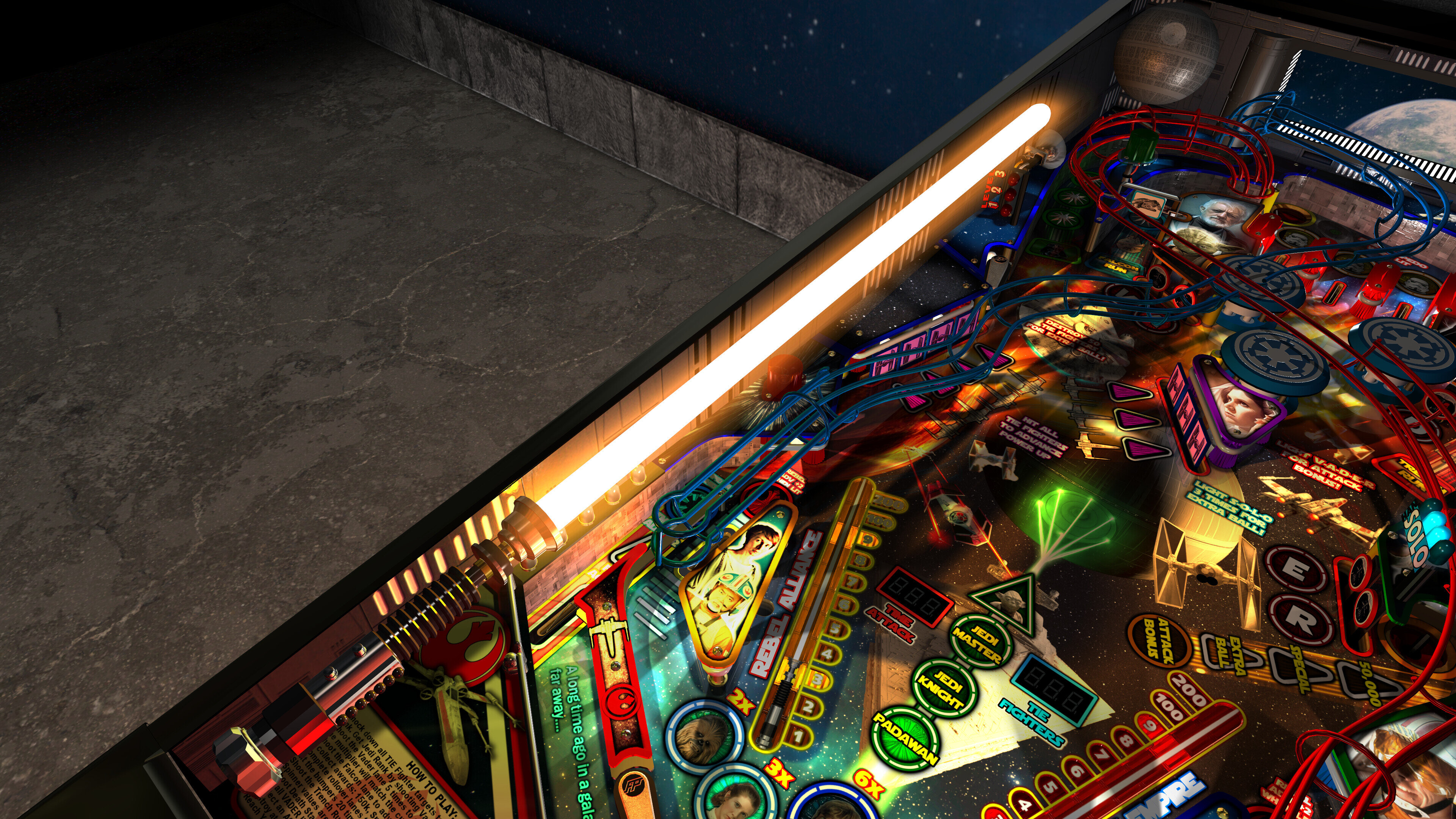

=== Massive Table Optimizations ===


- replaced some FP models with BAM models (faster "processing models")
- replaced textures with proper "power of two" textures (faster "injecting textures")
 

This has resulted in the table loading MUCH faster (especially with BAM v408)


Filesize:


Load times : from "clicking play" to "ready to start playing" (Intel i5 13600K CPU)


1.7 Table (Trilinear Filtering) = 55 seconds


2.0 Table (Trilinear Filtering) = 28 seconds
2.0 Table (Bilinear Filtering) = 18 seconds


======================================
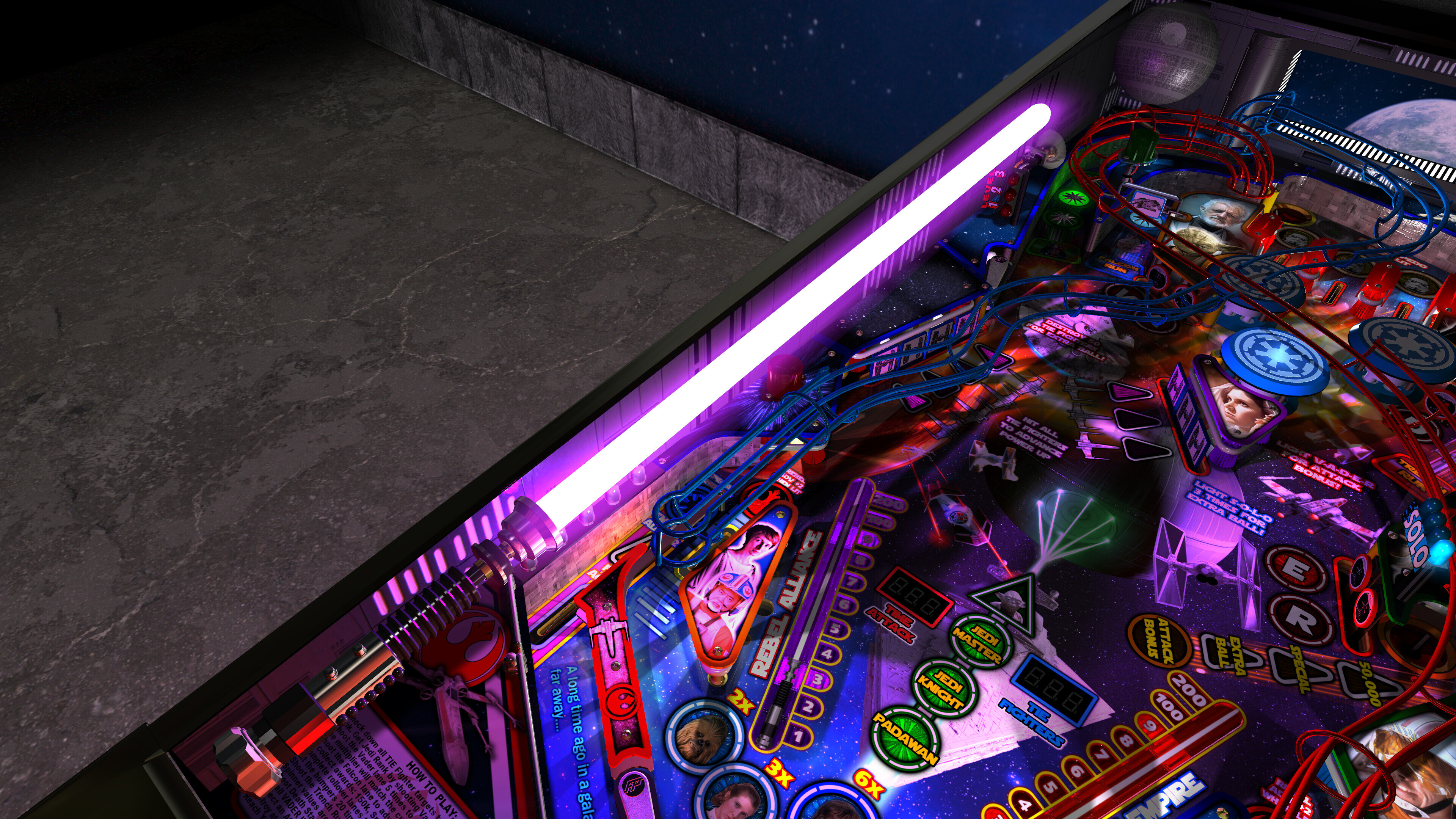
 

There are new TABLE MANUAL and RULES guides included! Give them a look to answer many questions!


User Feedback

Create an account or sign in to leave a review

You need to be a member in order to leave a review

Create an account

Sign up for a new account in our community. It's easy!

Register a new account

Sign in

Already have an account? Sign in here.

Sign In Now

bietekwiet

   5 of 5 members found this review helpful 5 / 5 members

IMG_20220725_194258.thumb.jpg.ba11830713ce5d2d57efc9264cea7d58.jpgWow, visual candy!

I feel an elitist for having been able to get it all installed properly 😊.

But what a treat, the table is amazing.

Thank you for all the hard work, very much appreciated!

Smackx

· Edited by Smackx

   5 of 5 members found this review helpful 5 / 5 members

Fast and furious with a touch of 70's breakdancing.  Masterpiece!


If you don't have Future Pinball on your system then now is the time to take the leap and follow Terry's straight forward guide 👍

MrGrynch

   3 of 3 members found this review helpful 3 / 3 members

All I can say is WOW!  This table is a treat from the moment you press play.  The audio and visual are superb and smooth.  The gameplay is chaotic, as it should be for an epic Star Wars space battle.  I played this most of the day on release and I really worked up a sweat.  @terryred did an OUTSTANDING job on this.  Thank you a million times!

benge

· Edited by benge

   2 of 2 members found this review helpful 2 / 2 members

Terry you are an absolute genius!! Your tables are not just a game, they are an experience!!

PsychoKiller

   2 of 2 members found this review helpful 2 / 2 members

Amazing Table... you have outdone yourself. Plays perfectly with all option on. Cant wait for your next table. I can only imagine what you can do with Jaws and Halloween. Thank you for such an awesome table. 

DanLShane

   2 of 2 members found this review helpful 2 / 2 members

Okay, I can die now. There will never be a better virtual pinball game.

RyBread92

   2 of 2 members found this review helpful 2 / 2 members

The previous version was amazing but the lighting effects and other additions take this up to a whole new level!

Pinballflipper

· Edited by Pinballflipper

   1 of 1 member found this review helpful 1 / 1 member

This table is amazing! SO fast paced, flashy and it has all of the explosions and light sabers any Star Wars fan could want! 

Thank you for this AMAZING table!


jdv

· Edited by jdv

   1 of 1 member found this review helpful 1 / 1 member

I built/themed my DIY vpin around this table and this is an incredible update. 


Everything sort of just comes together on this one, a perfect upgrade of sound effects, call outs, graphics, and physics.  Super easy to install to boot. 


The previous versions were super fun, but always felt like a video game.  This version feels like a real table (even with the laser blasts and character animations). 


It feels like a fully mature version of the table; every change seems to be for the better - and that's saying something b/c obviously it was already a pretty well developed pin.  Like the best VPX tables, you just forget you're playing a virtual game and just concentrate on playing pinball. 


Far as those physics upgrades go, it's a significant upgrade.  VPX had begun to outpace VP in that regard and this upgrade makes it very very close.  How to describe the difference?  Maybe by saying the physics aren't better then the VPX, just different (easier to catch/hold a ball perhaps?).  No matter how you quantify it, it feels so much more like real pinball.  The biggest real world improvements to my eye are how the ball interacts with the flippers; how the ball responds to quick action with the flippers and lower play fields. 


A huge leap in performance/realism. 


An already great pin with lots of small upgrades/changes for the better, and a massive improvement in physics.  Thank you Terry and all the rest of the people who made this incredible table possible. 

AtomicDust

   1 of 1 member found this review helpful 1 / 1 member

TerryRed you are a FP god!


I can't believe this isn't a paid commercial table! You could be rich being a pinball dev for some major game company!


Meatballsaucey

· Edited by Meatballsaucey

   1 of 1 member found this review helpful 1 / 1 member

I spent a little more than an hour trying to destroy the death star in 5 min. My best run got me the Skywalker upgrade before timing out. My game play was so jarred by the introduction of FizX. While good; it was just too different from the pre-fizx version. I felt like I had some very sludgy shots in version 1.2. This version (1.4) felt smooth and had fantastic accuracy. Ball spin can be crazy but very manageable. I appreciate playing the standard Death Star assault. Score high, have fun, and play well. But if you aren't trying to destroy the Death Star against the clock in Time Attack you are missing the best part of this game imho.

July 2025 update: I finally did it! Death Star Destroyed! I love this GAME! My Play through: https://youtu.be/UWpBPXLYxJ8

farrgough

   1 of 1 member found this review helpful 1 / 1 member

Amazing. Simply amazing. Thank you, Terry, for the work you have done to update these tables. And thank you for the detailed guides that help us mortals get these tables installed. 

JoePicasso

   1 of 1 member found this review helpful 1 / 1 member

From the elite mind to your cab! for all your enjoyment! This is the greatest Star wars table hands down ever! FX3 should be asking you how to do shit. lol Thank you Terry!

Virtualman

   1 of 1 member found this review helpful 1 / 1 member

Above and Beyond - Desktop mode on 180" Wall HD projector loving the experience.


JulietBurke

   0 of 1 member found this review helpful 0 / 1 member

Hello TerryRed, thank you very much for sharing this Star Wars themed table, it really plays very well and is fun, I am new to Future pinball. I wanted to ask if there is an option to change the Ball of this Pinball for a classic one. Thank you for your valuable contributions in the world of Virtual Pinball, greetings from Argentina.

breikers


As always Terry, the updates are amazing! I can’ t imagine how much work went into this update again! Thanks again for your work. Is there any way to enable free play on the table by the way?

brightav4444


Wow what a great update, Im loving the latest BAM features!! This is now my favourite table, Thank you Terry!!

LordTheRon


I really needed to review this one after version 2.0 dropped. It was already an amazing table, but if you haven't tried 2.0 you really should! The visuals and sounds are stunning. The table it fun to play but the the new Pup DMD really steals the show. So crips and clear and so many cool effect, you sometimes forget to focus on the ball. ;) 

Mesner


Unbelievable job brother thanks for sharing Yours hard work with us 💪


80sRkadeguy70


The new update is totally amazing!! Thank you Terry!! It works great on my desktop. 

Screenshot_3.png

JRVirtual34


A huge thank you to Terry and the whole team for this fabulous table. It’s such a pleasure to play! Thanks again for all the hard work that went into it. I know you’re currently working on Silent Hill, and we can’t wait to see the result. Ciao!

JPO


Well I finally got around to getting Future Pinball updated with Pinevent V2, and FizX3.3, and I must say that this table is Amazing, just amazing.  Thanks so much for your hard work in reviving Future Pinball !


I also appreciate the ability to use my DMD monitor with some FP tables using dmdext

teri


very nice


Glocko

· Edited by Glocko


I built a cab a few years ago and until now exclusively ran VPX tables on it.  I had no idea Future Pinball tables could be as beautiful and amazing as these.  TerryRed, you are a guru!  

Knuddelrochen


Outstanding Pinball machine !!! Thanks TerryRed

×
  • Create New...