Jump to content

F-14 Tomcat - Afterburner (PinEvent V2, FizX 3.3)

  • Get Support
  • Create an account or sign in to download this
download_no_perm
42228 Views
10586 Downloads
5 From 22 reviews
986.64 MB File Size
TerryRed, SLAMT1LT, Chaos Created by
TerryRed, ganjafarmer Artwork by
SLAMT1LT, TerryRed Scripting by
Original Manufacturer
2026 Year

19 Screenshots

F-14 Tomcat - Afterburner (PinEvent V2, FizX 3.3)


Version: 2.0 (Aug 2026)


====================================================================


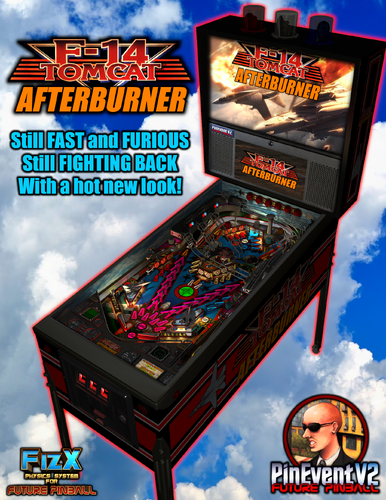
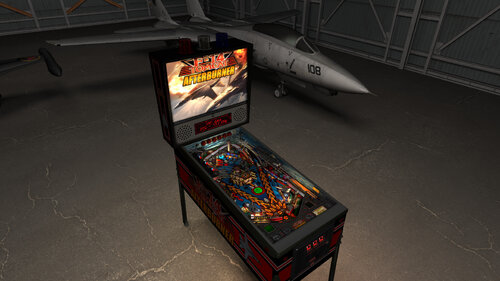
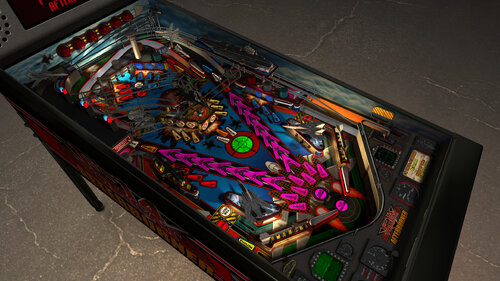
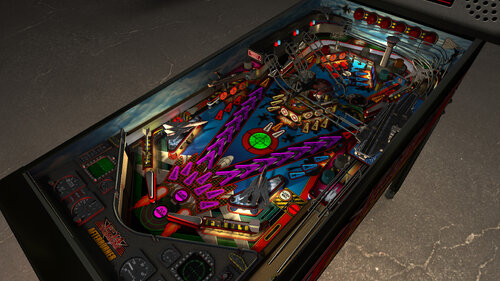
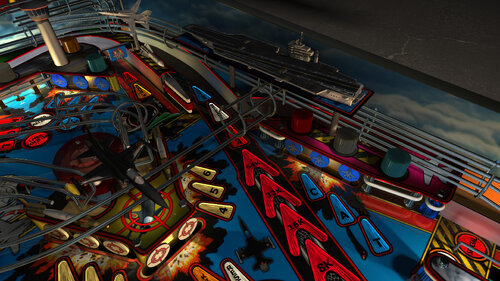
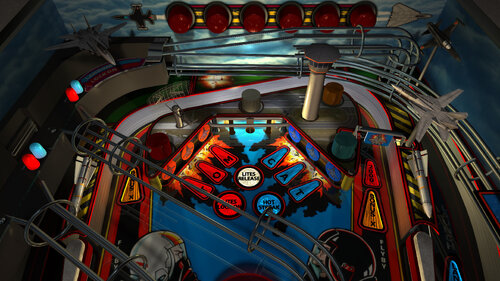
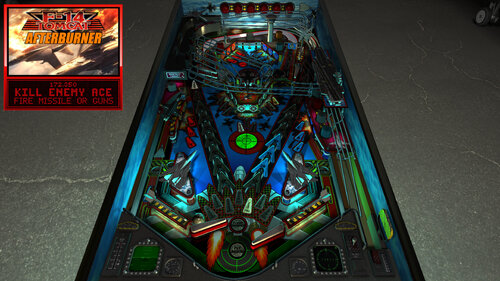
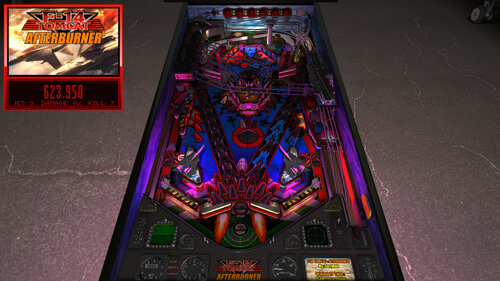
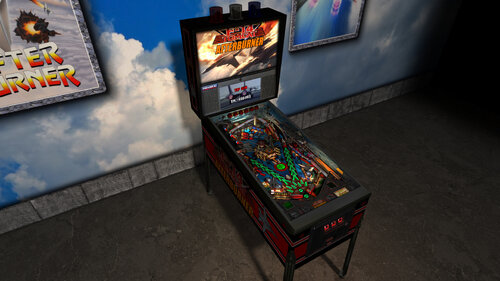
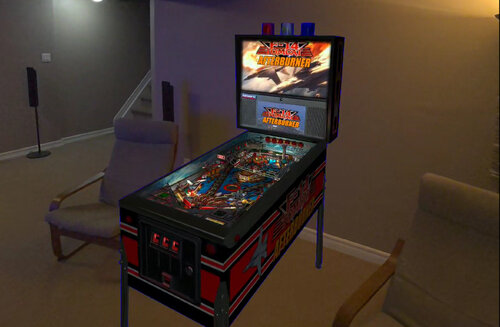
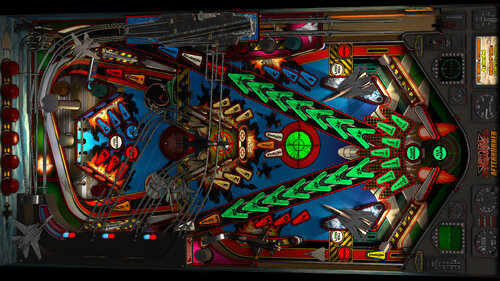
This table began as F14 Tomcat by SLAMT1LT and Chaos. I proceeded to do a complete table overhaul / update / mod with many new additions and features which became F14 Tomcat - AFTERBURNER. This table now has new art, new RGB lighting, new RayBaked lighting and shadows, new models, new Afterburner music, new sounds, new PUP DMD styles, new VR / MR / Minimal room options, and much more!


It has been completely updated to use the newest modern BAM features to create an amazing real-time visual treat. It’s also been overhauled to use the latest FizX physics which completely transforms a Future Pinball table to have excellent modern physics for the entire table! I updated it to my PinEvent V2 standard, to allow for optional DOF, SSF, PUPDMD and other features that take this to another level. (now also updated to use PUP 2.0’s latest features!)


====================================================================


A video preview of the 2.0 update can be seen here:


====================================================================


Created by:


TerryRed : F14 Tomcat - Afterburner

SLAMT1LT and Chaos : the original F14 Tomcat FP table


Thanks to:


ganjafarmer : new Williams F14 playfield image

Schlabber34: insert jewel images

FLEEP: mechanical sounds

JLou : FizX and support

ravarcade: BAM and support

Nailbuster: Pinup Player and support

Chris Leathley: Future Pinball


====================================================================


DISCLAIMER:


This table is a fan-made work of passion, and is NOT intended for commercial usage or to be included in any part of a commercial sale!


====================================================================


This is a four player game


====================================================================


Physics: FizX v3.3


====================================================================


TABLE REQUIREMENTS (very important!)


- all Visual C Runtime updates

- DirectX

- Future Pinball

- the latest BAM update

- FuturePinball.exe and FPLoader.exe patched for 4 GB access

- BAM Settings files installed

- FizX 1K ball model (for more accurate physics, default.zip in BAM folder)

- the REQUIRED “Video / Rendering Options” and “Editor Options” in Future Pinball video settings


NOT TO WORRY!


All of the above is included with the latest FP and BAM Essentials AIO package!


Super easy to use for a new install, or just to update your existing install. I recommend everyone install this package to ensure you have the latest required BAM updates and other files installed!


https://vpuniverse.com/files/file/14807-future-pinball-and-bam-essentials-all-in-one/


====================================================================


IMPORTANT! - UPDATE REQUIRED!


This table REQUIRES a newer version of BAM (1.5-409 or higher)

This is included with the FP and BAM Essentials AIO package version 3.7 or higher!

EVERYONE needs this new update to run this table! Simply install the latest FP and BAM Essentials AIO, and you are good to go!


====================================================================


What options can you try if your GPU has less VRAM (less than 6 GB)?


- you can enable Texture Compression (in FP video settings) which greatly reduces how much vram is used

- if you use a "Start FP" bat file, then you will also need to enable Texture Compression in that file!

- enabling Texture Compression may take a little longer to load, but not much


====================================================================


GUIDES INCLUDED WITH THE GAME


It's important that all players get to know the following docs, for their own benefit! They are VERY helpful and will save you lots of time!


INSTALL INSTRUCTIONS - read this guide to learn how to properly install and run this game!

TABLE MANUAL - read this guide for more information about this table and its features!

RULES - read this detailed guide to learn all the secrets of this game!


====================================================================


TABLE OPTIONS


- at the top of the table script, scroll down to the "TABLE OPTIONS" section

- this game has a MASSIVE number of features, options, and difficulty settings you can change!

- you can tailor this game to almost any way you want!

- there are some specific features that can only be enabled in this section!


====================================================================


INSTALL INSTRUCTIONS (REQUIRED)


- PLEASE read the Install Instructions (included with the table's zip file)

- it shows you how to install all the REQUIRED items

- it shows you how to easily setup FP and BAM with the REQUIRED settings


It's super easy, and only takes minutes to do!


====================================================================


HOW TO RUN FP AND PLAY A TABLE


Read the Install Instructions to know how to properly use FP and BAM


===================================================================


GAME NOT RUNNING SMOOTH?


Read the TABLE MANUAL for the solutions!


====================================================================


LOADING TIMES


With the 2.0 update of the table, I have highly optimized the table to drastically reduce load times. Combine this with the new BAM v409 update, and you see a massive difference in load times!


====================================================================


PROBLEMS?


Read the Install Instructions included in the table's zip file. It tells you everything you need to know!


====================================================================


Table MODS


- please read the Disclaimer in the Install Instructions included with the table

- please ask me first, as I am still updating this table


====================================================================


Some of the new features and updates:


2.0 update


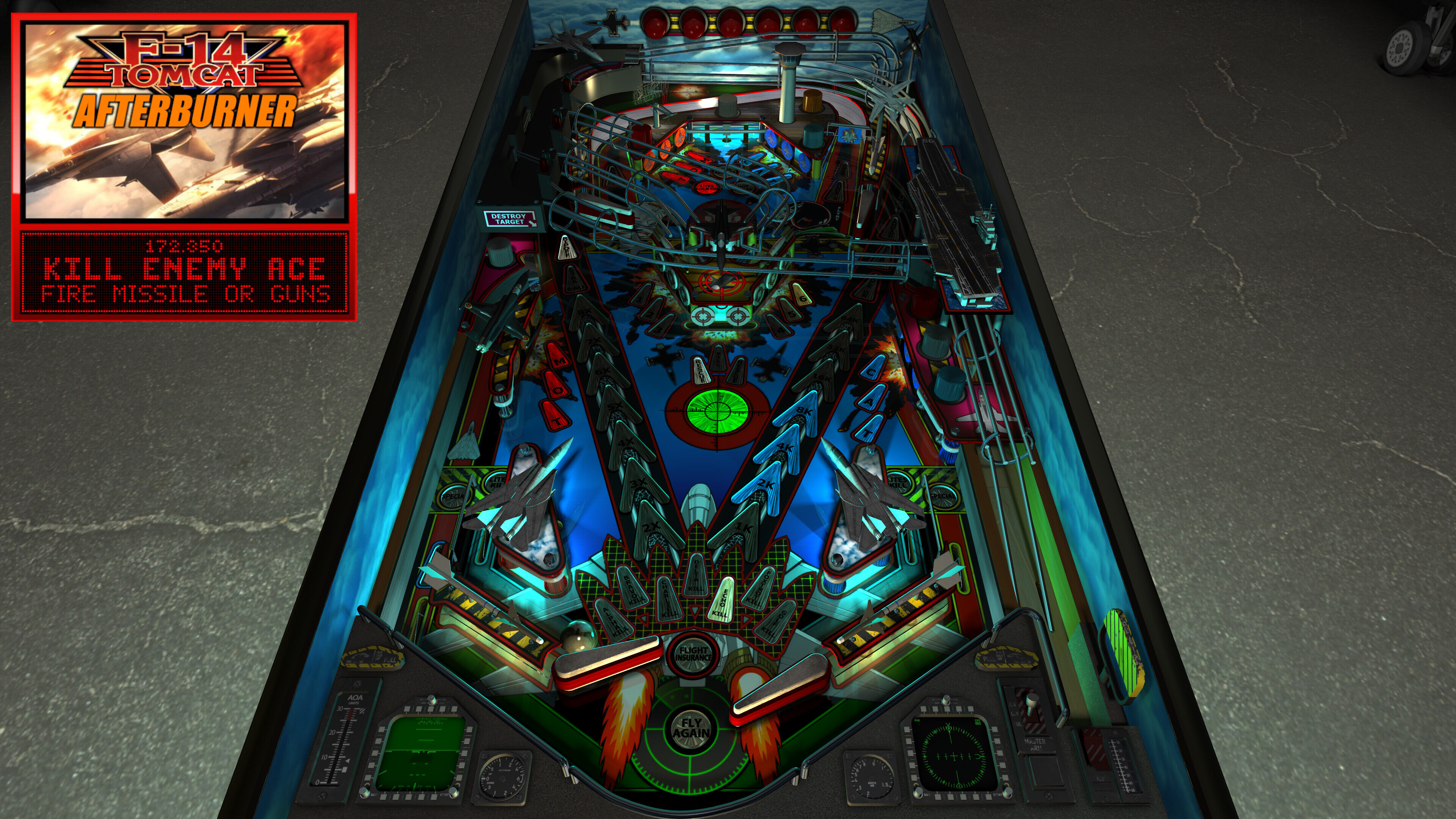
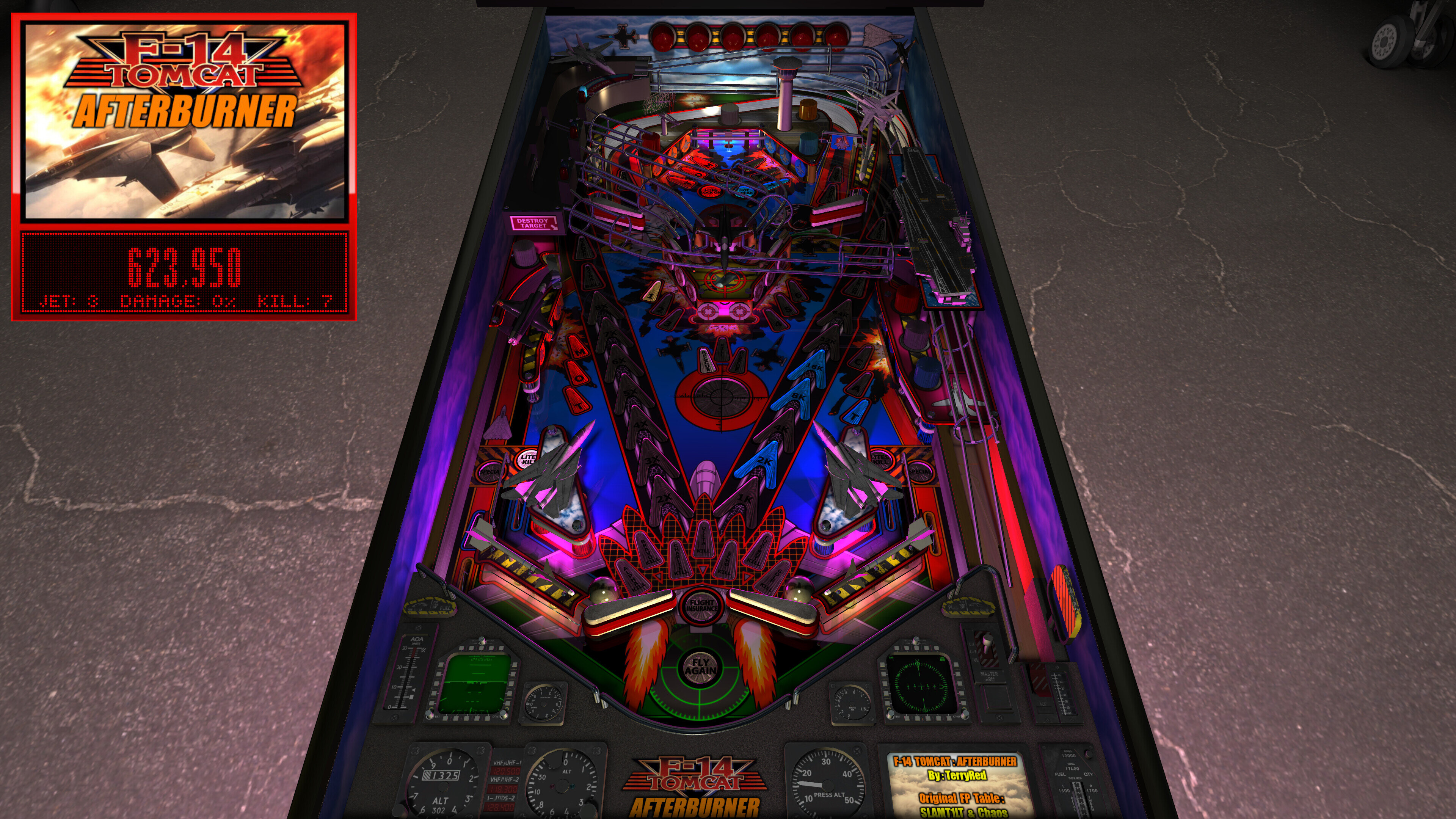
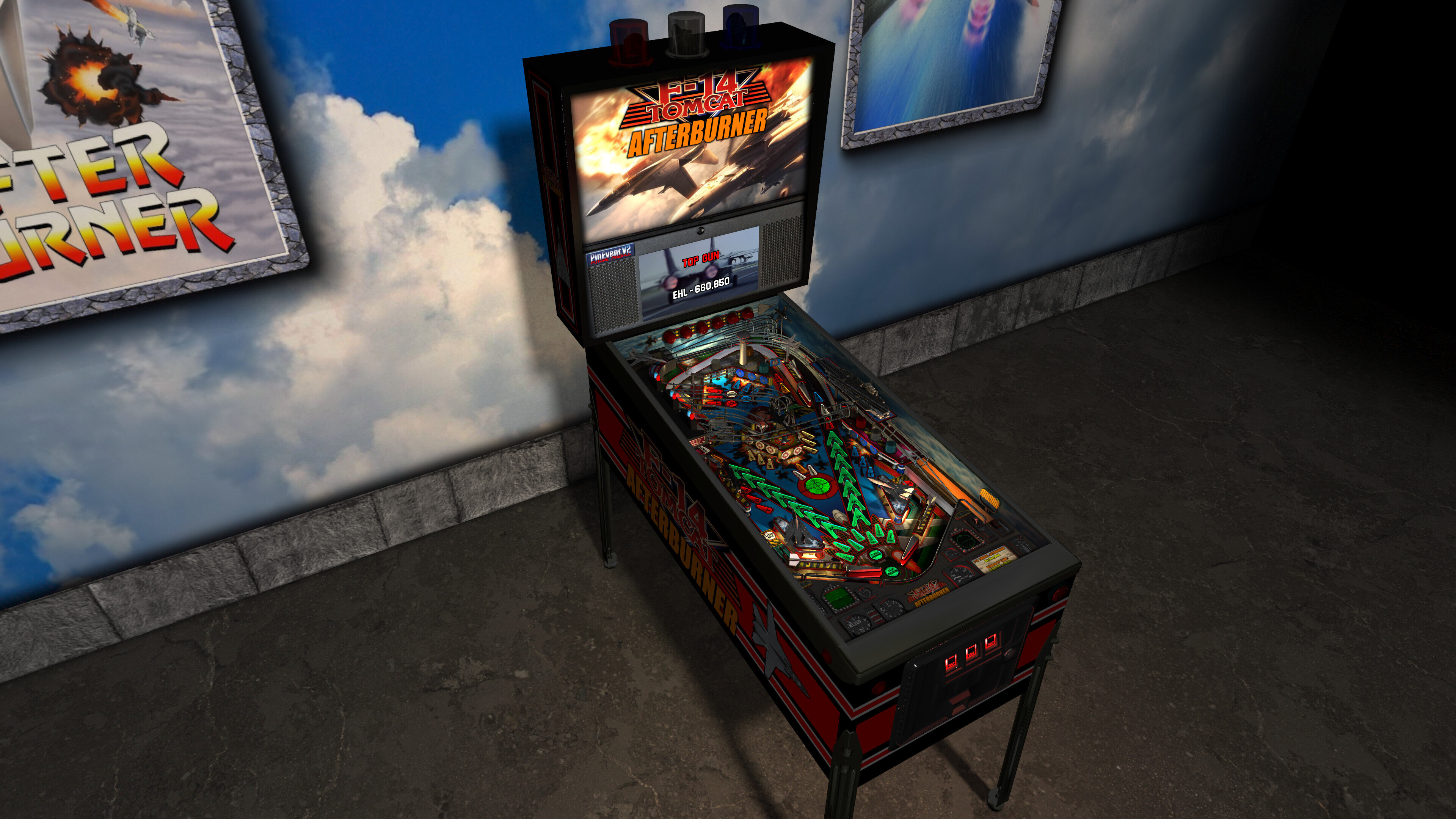
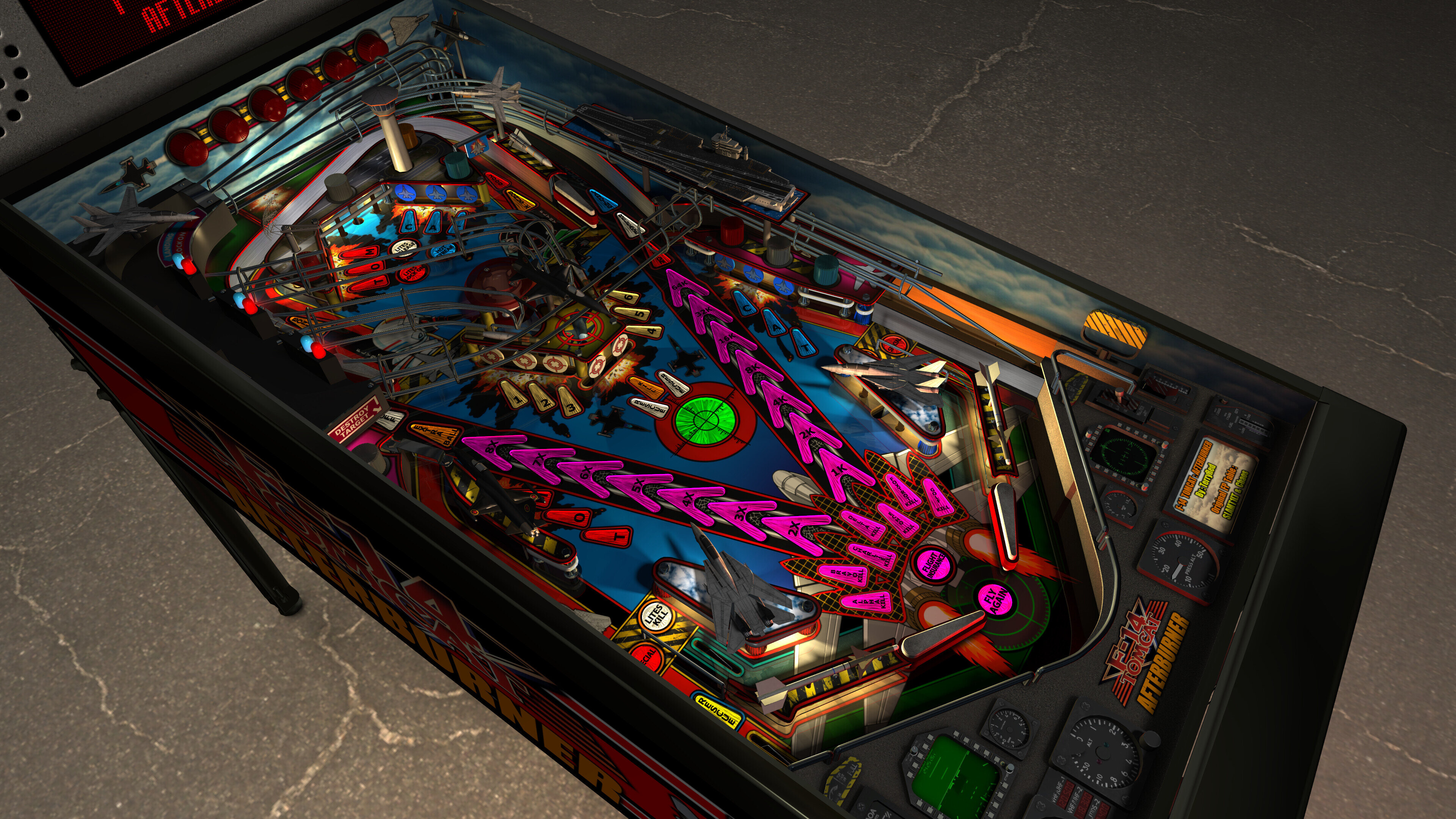
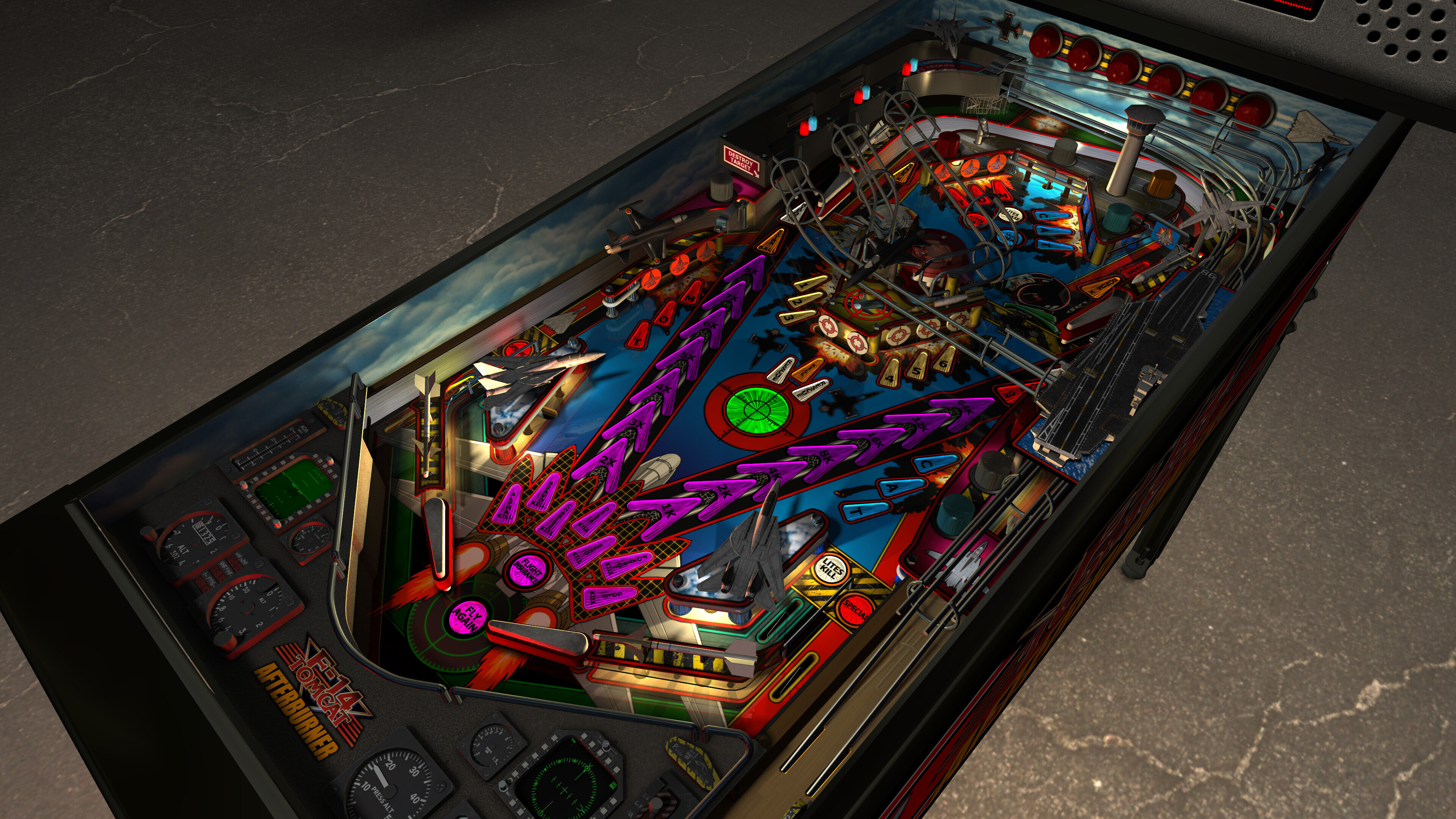
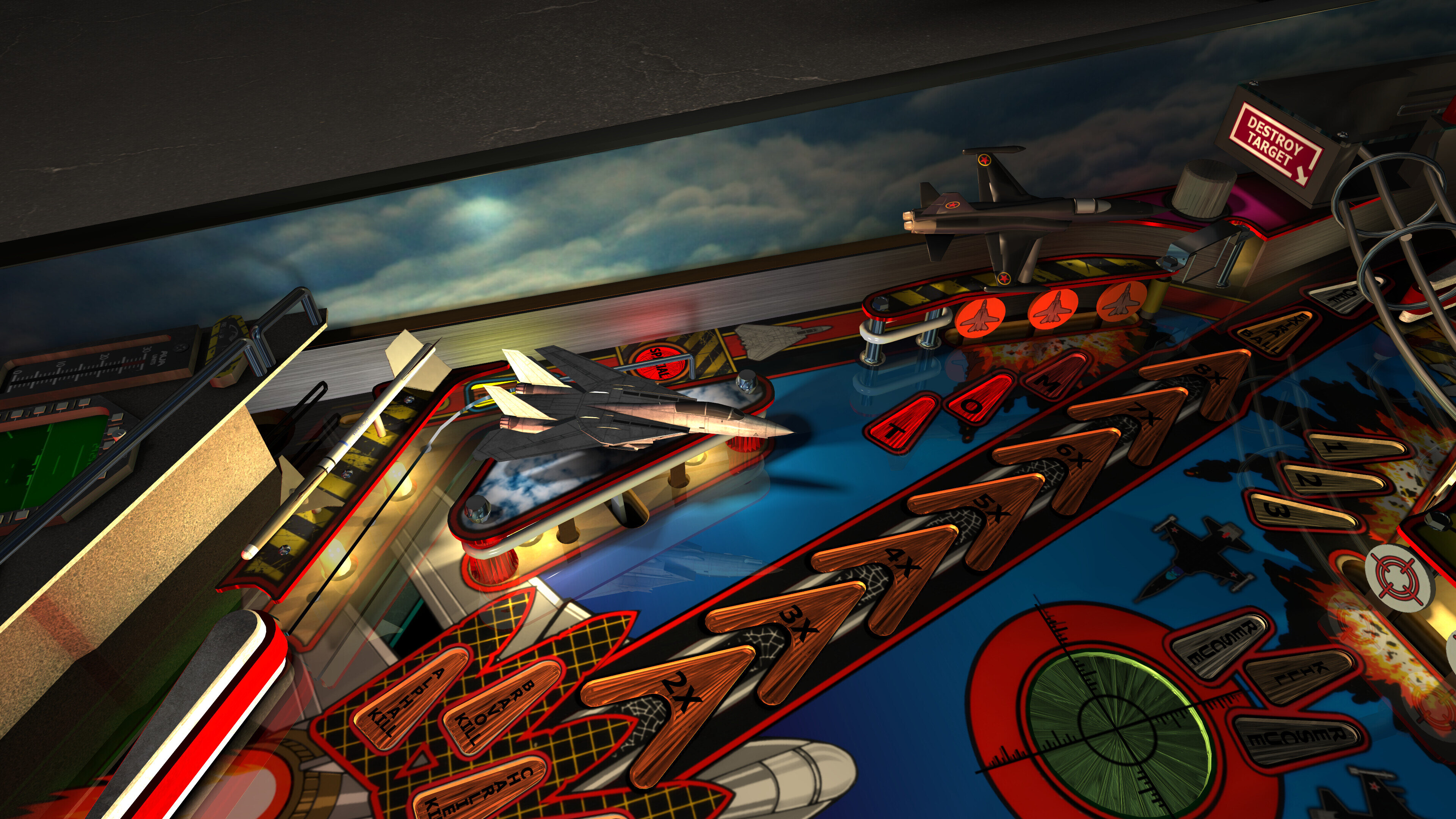
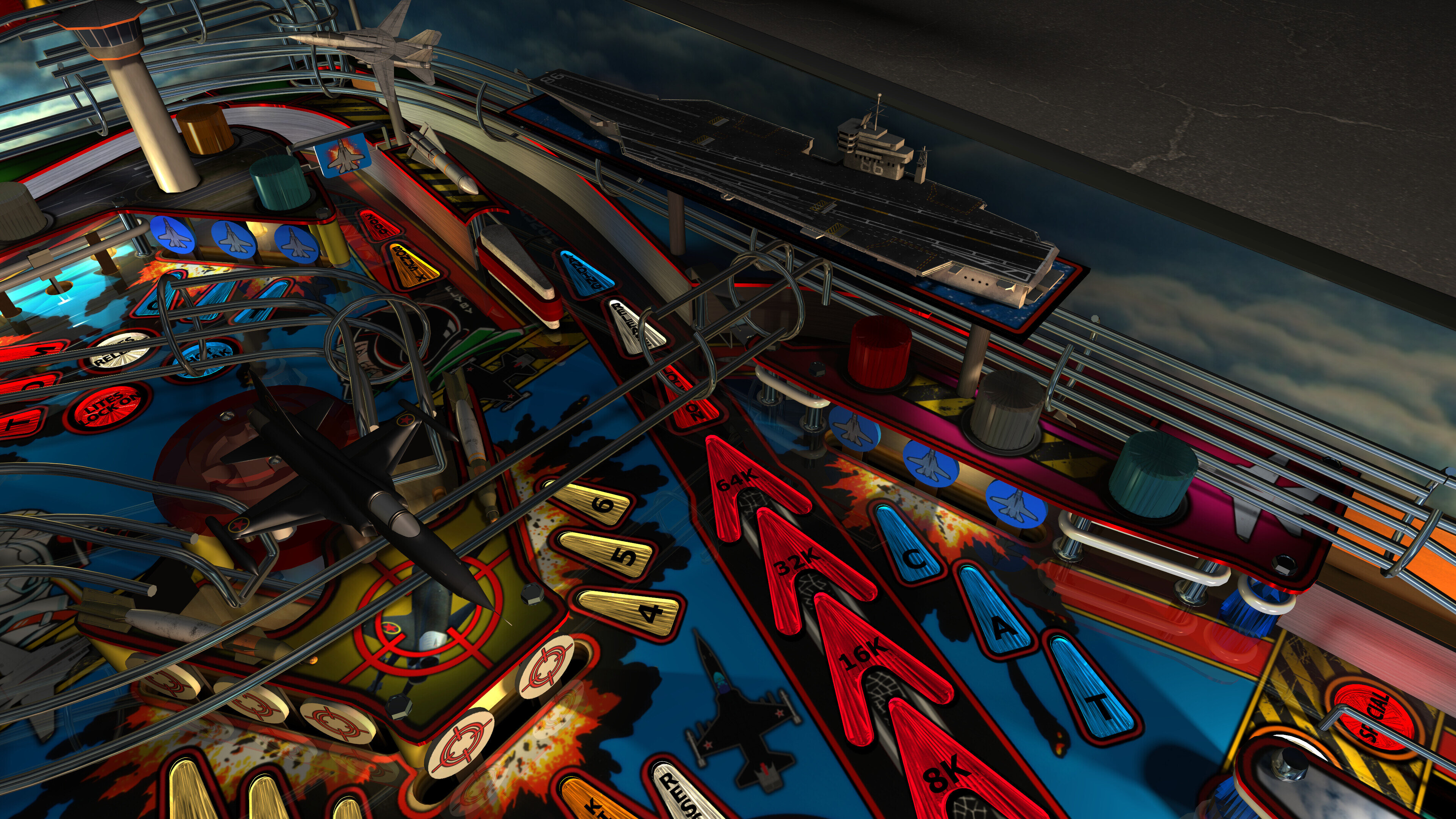
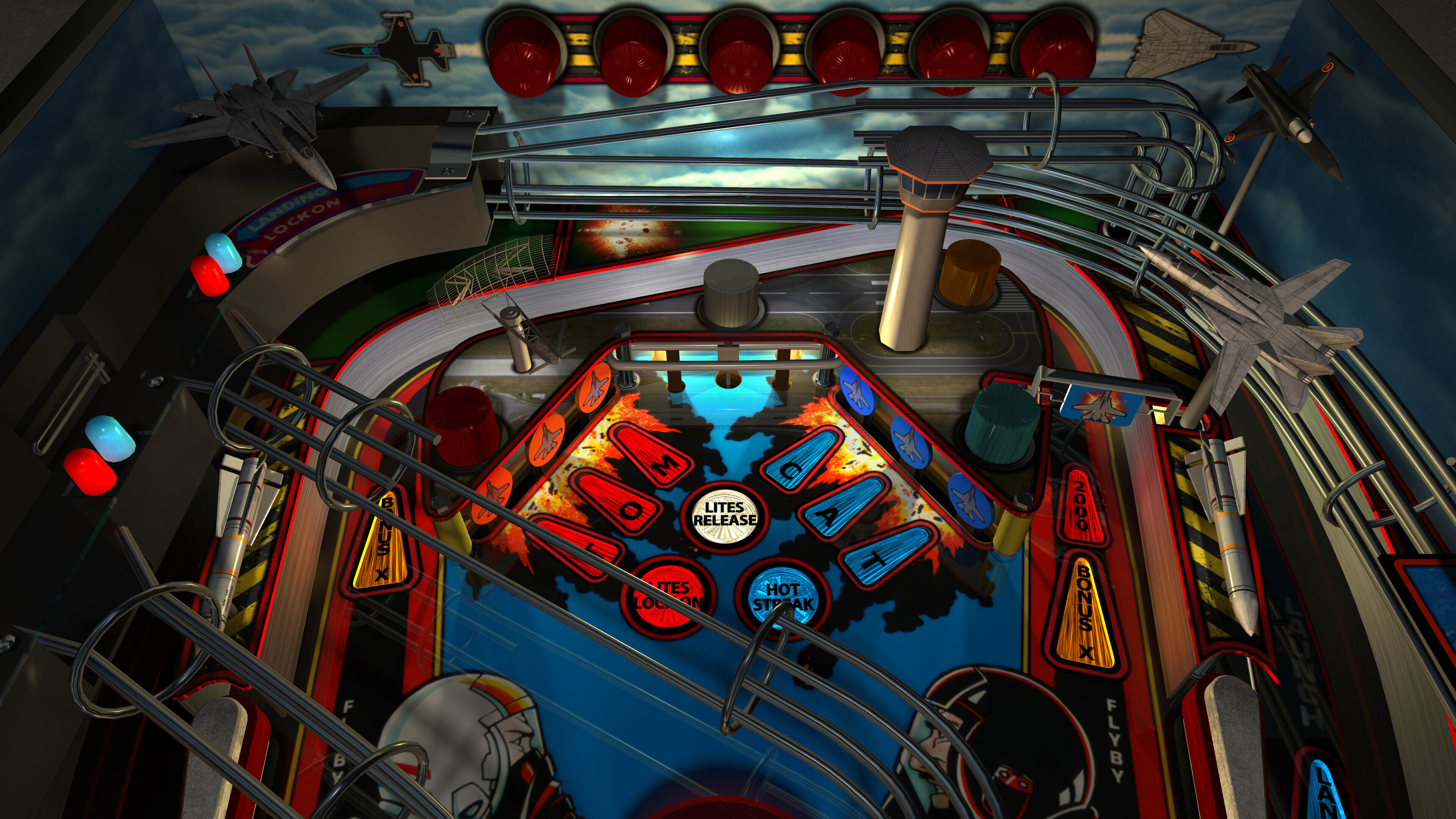
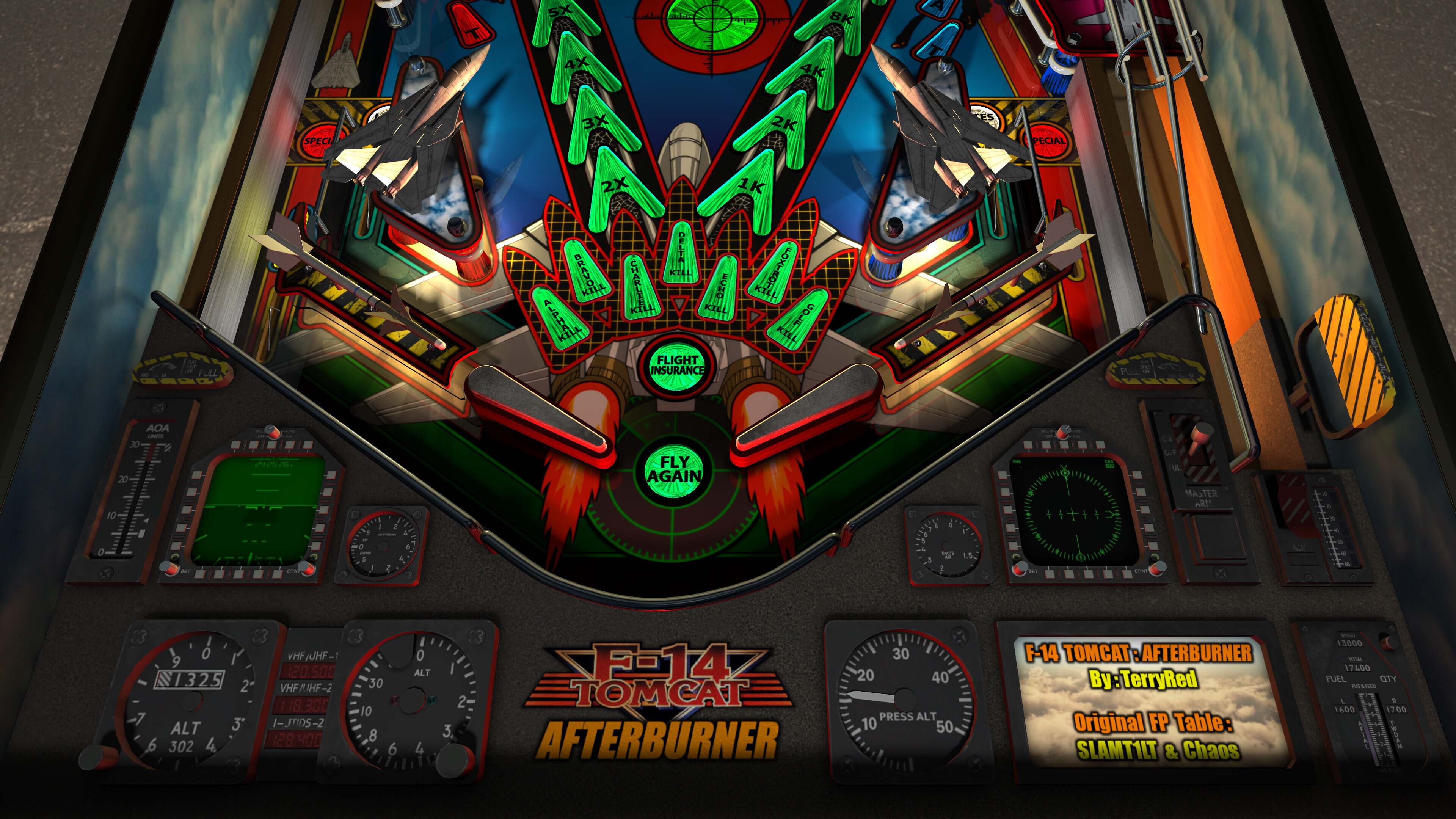
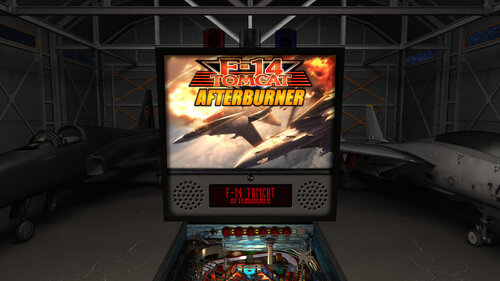
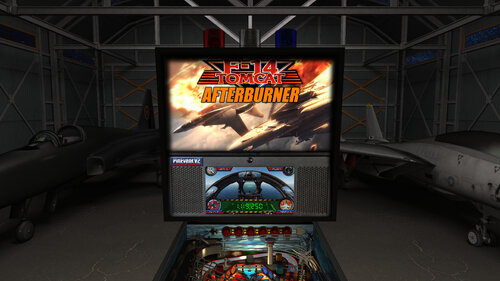
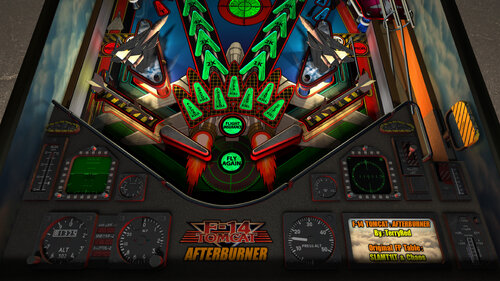
- new art for... everything! (playfield, plastics, sidewalls, backbox, cabinet, etc)

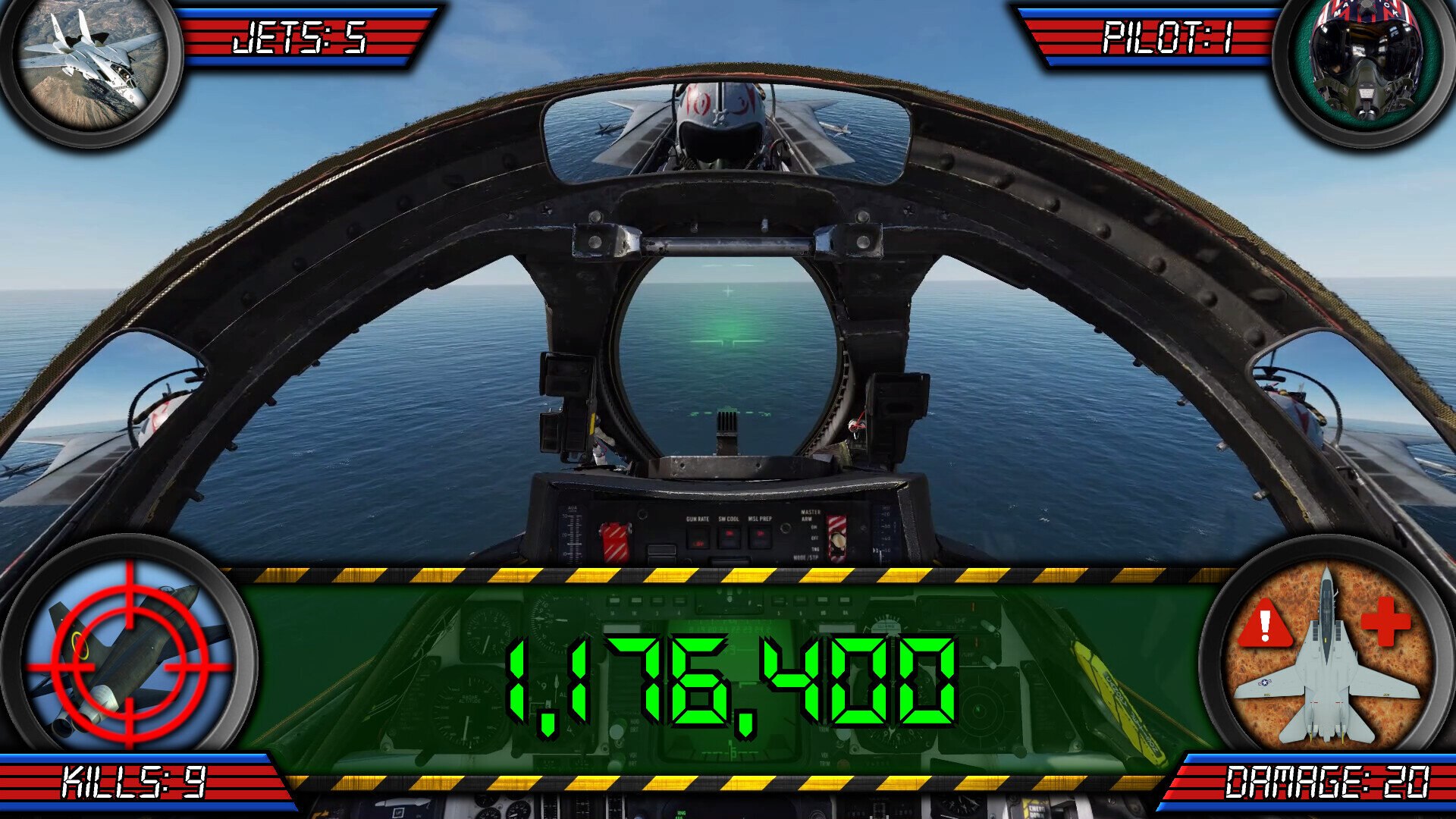
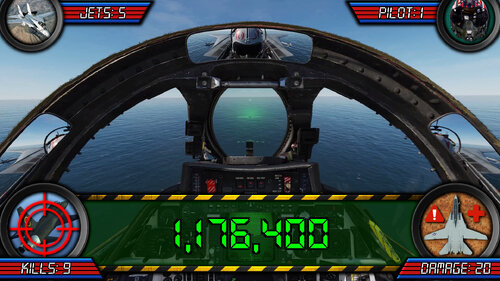
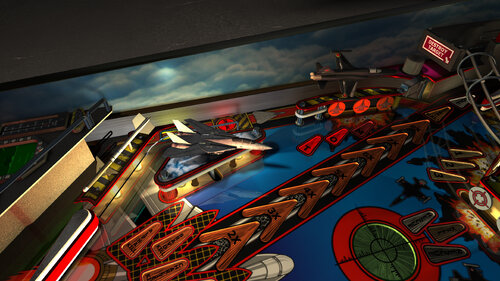
- new apron with F14 cockpit display models

- new playfield models (f14 jets, enemy jets, missiles, airfield, aircraft carrier, etc)

- new animated topper models

- new cabinet coin door model

- new RayBaked GI lighting and shadows and inserts lighting

- new GI changes colour during different modes and events (TABLE OPTIONS)

- music can be toggled between Modern / Classic / Afterburner (TABLE OPTIONS)

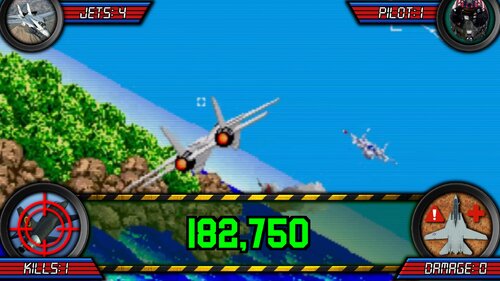
- PUP DMD style can now be toggled between Modern / Afterburner (TABLE OPTIONS)

- new Attract mode flyby camera sequence (TABLE OPTIONS)

- new VR Room options for Attract mode and Gameplay (TABLE OPTIONS)

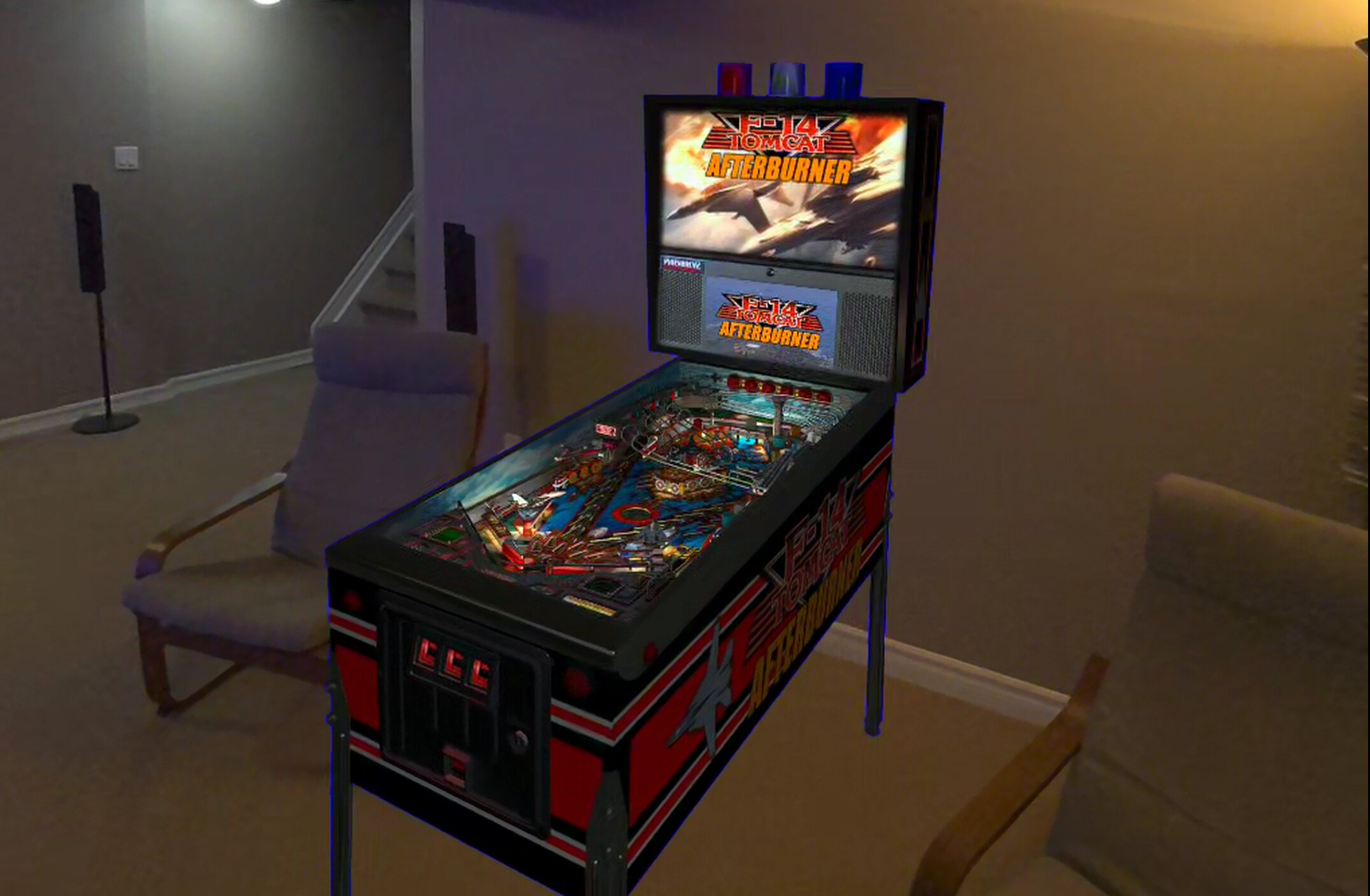
- new Mega / MR (mixed reality) / Minimal choices for VR room (TABLE OPTIONS)

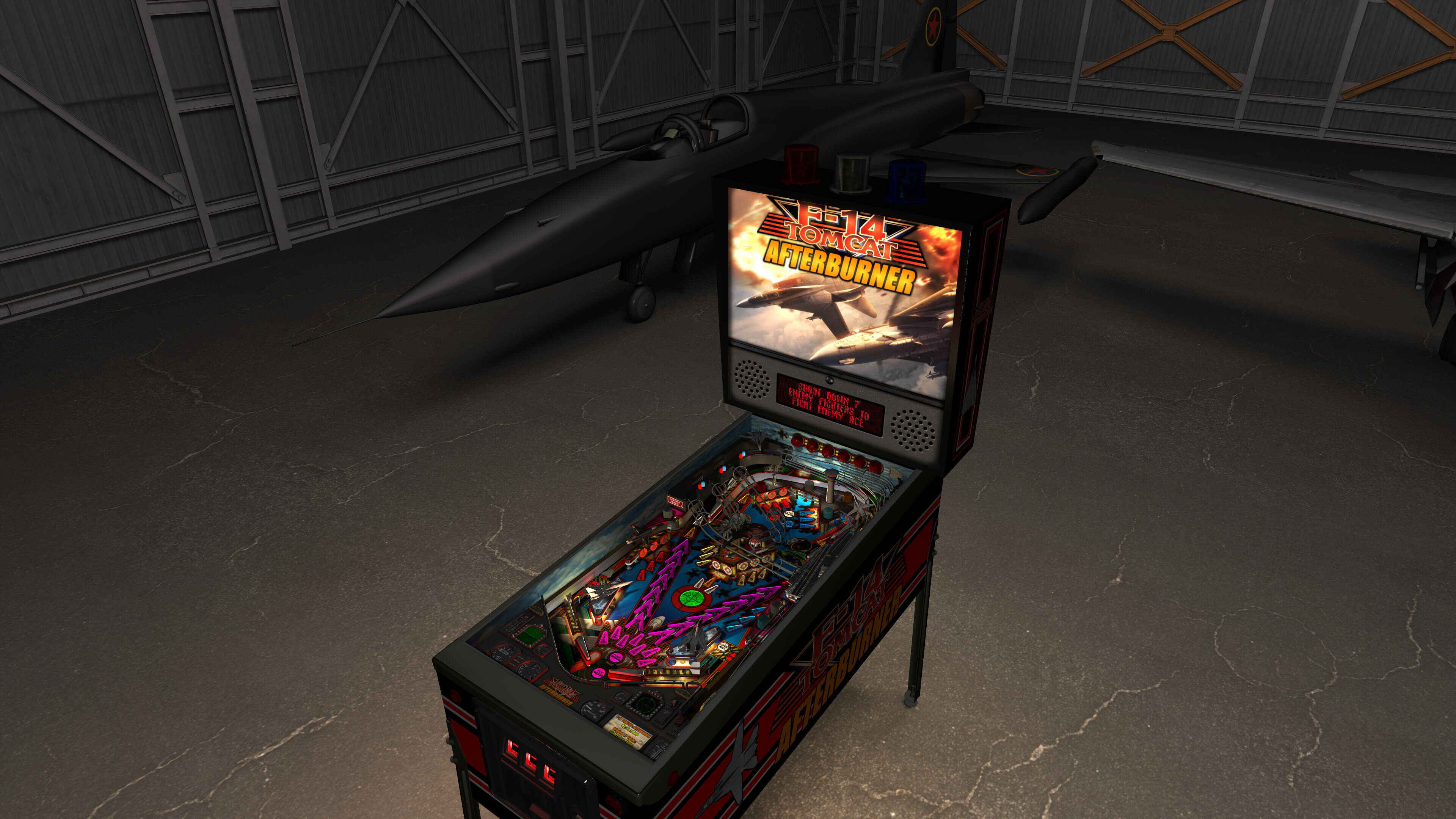
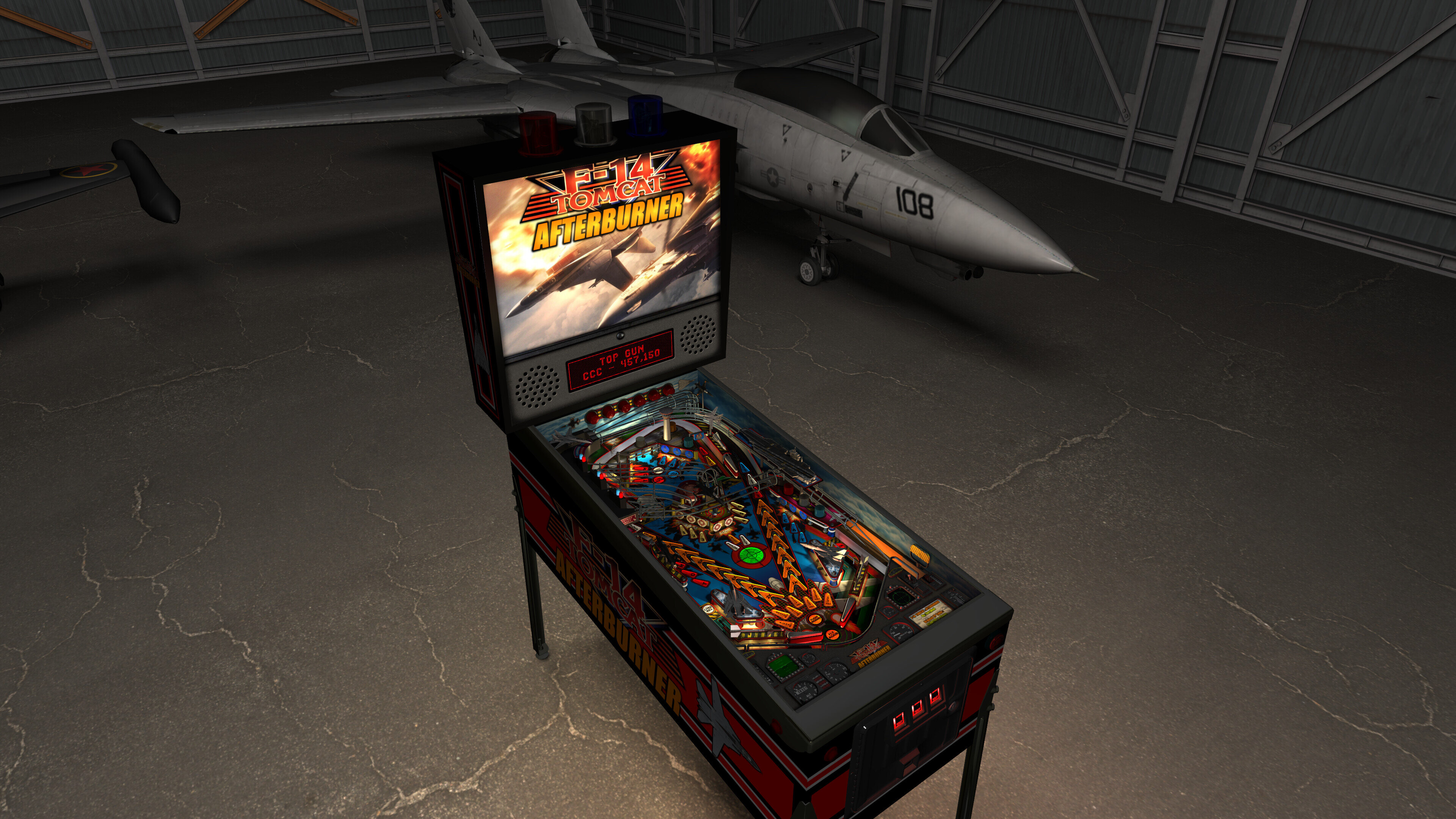
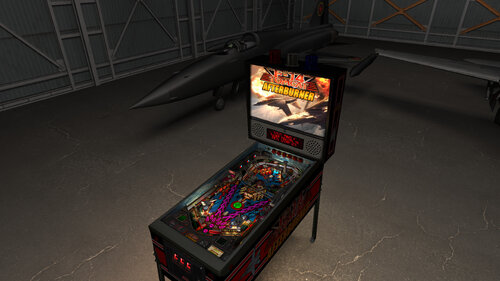
- new Mega Room has large hanger with F14 jet and enemy jet

- new Room has animated Beacon lighting (TABLE OPTIONS)

- new Normal Map options for those who want them reduced in lower resolutions (TABLE OPTIONS)

- new Ball settings (TABLE OPTIONS)

- new Lighting settings (TABLE OPTIONS)

- new FP DMD color options (TABLE OPTIONS)

- converted ALL textures to power of two (MUCH faster "injecting textures", half the loading time)

- updated startup checks for BAM / PUP / PuP-Pack version (will notify you if wrong version)

- updated startup code for BAM settings and PinEvent (PinEvent VR settings should apply correctly now)

- updated pup dmd and pup ssf code to work correctly with PUP v2.0 (now required for those features)

- new pup ssf v2.0 ball rolling updates - code / changing rolling sounds on ramps / tracking 10 balls

- new ball rolling sound mode options: OFF, FP, SSF (TABLE OPTIONS)

- new volume settings for ball rolling / FP Mech Sounds / PUP SSF (TABLE OPTIONS)

- new pup-pack and pup dmd v2.0 code with real time shader effects and new alpha videos! (TABLE OPTIONS)

- pupstream options for left apron / right apron / mini pf screen now only show on center of apron

- new Cabinet_Mode_Preset automatically hides items not needed for cabinet mode (TABLE OPTIONS)

- lots of fixes and other things not covered here!


1.1 to 1.9 update


- updated table for FizX physics v3.3

- rebuilt table geometry to allow for better ball flow with new physics

- new built in Static Camera Views for Desktop mode (toggle with plunger during attract mode)

- updated spinners to use Wecoc's spinner code

- updates to table, layout, code, sound, music, items, lighting, models, etc

- updated BAM lighting and post processing

- updated entire table's G.I. and lighting

- new insert models, lighting, textures, normal maps, decals

- new raycast ball shadows

- new shadowmaps for G.I and flashers (made to work properly with ray cast ball shadows)

- new FLEEP mechanical sounds

- added option to change both music and PuP-Pack video display between Modern / Classic / Afterburner

- added PinEvent V2 support for DOF, SSF, PUP DMD, PUP Stream, TILT BOB, Ball Rolling, etc

- added TABLE OPTIONS to customize many things on startup, and for performance, etc.

- added new "real" Beacon Lighting using BAM mini playfield and hardware lights

- added new RGB animated effects for inserts

- added new RGB lighting to inserts

- added new sideblades and art

- new 4K playfield redrawn image from ganjafarmer

- added PuP Afterburner videos for Arcade mode

- updated the music to now have options to change to new Afterburner music

- added new apron wire trim

- updated upperleft ramp hub, and added new plastic top cover

- added fixes for Damage 100% (now properly makes the game act like a tilt, and ends Ace mode)

- lots of other updates and details I can't keep track of :)


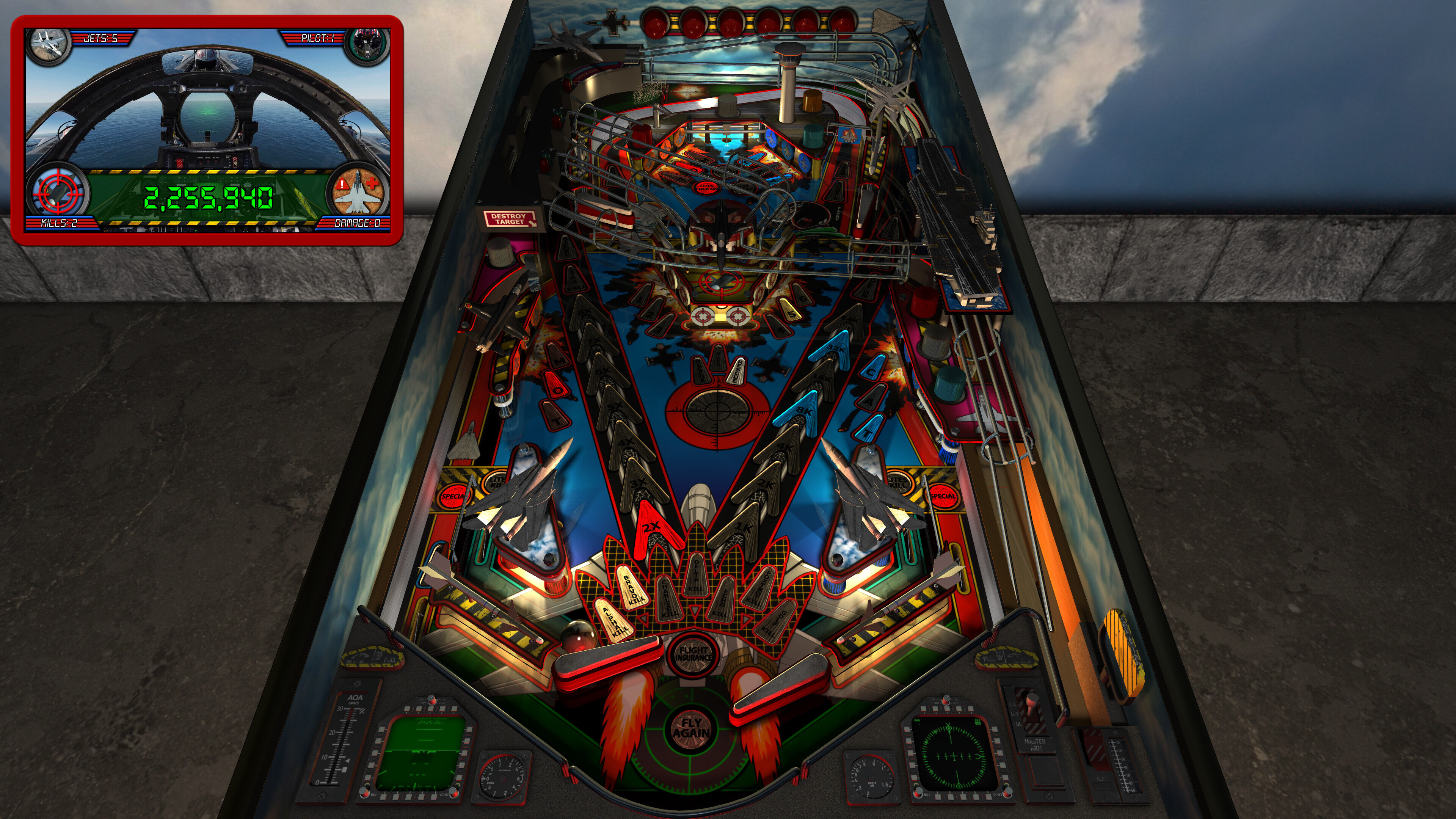
desktop-minimal-pup.thumb.jpg.3eb6579400970edd8ea3f6e04b4c6997.jpg


cabinetview.thumb.jpg.20e30d87767fa1ec6711966c431bf1d9.jpg


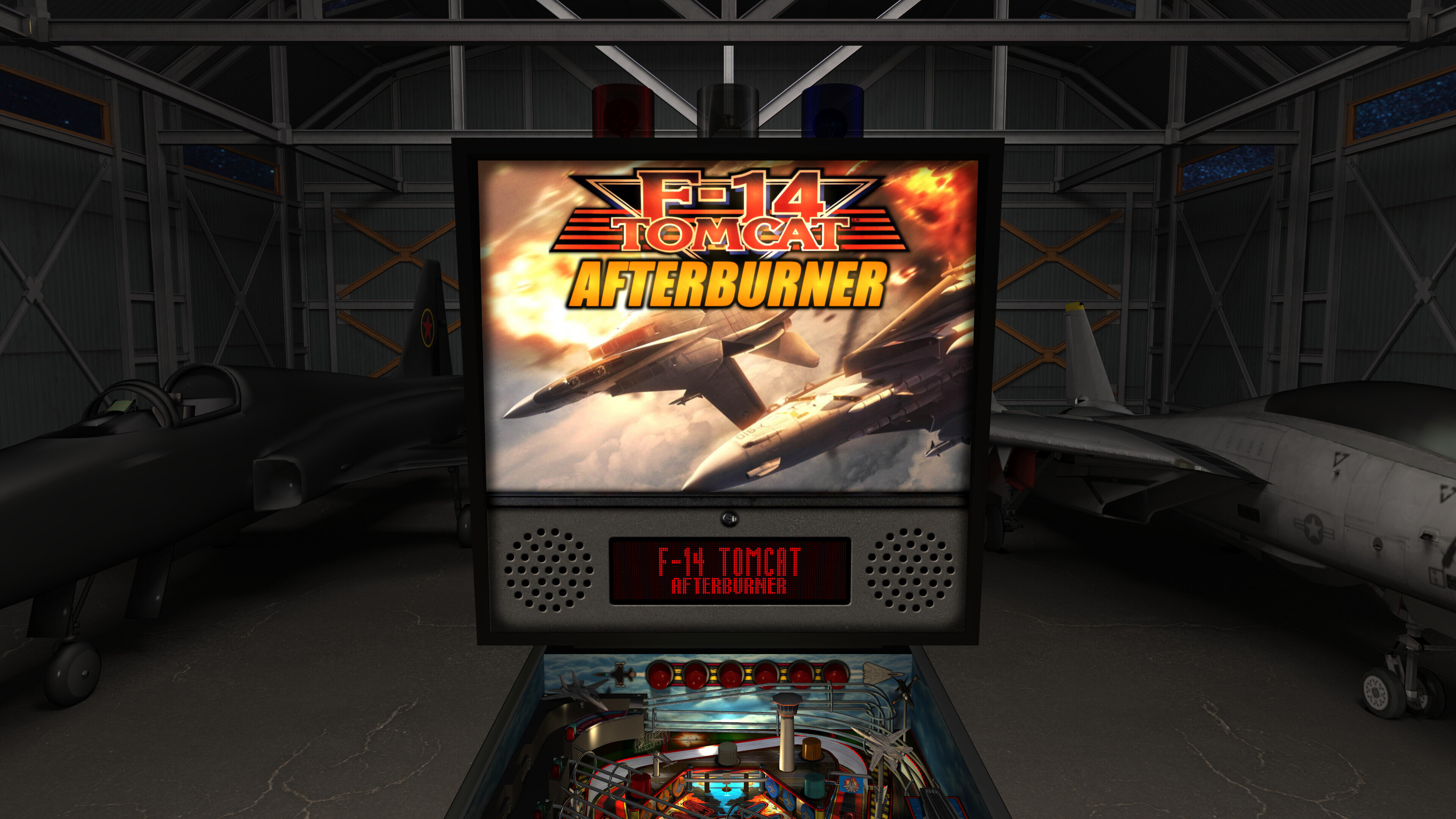
backbox-FP.thumb.jpg.9527e286d777a34695afbc0fc57e4e56.jpg


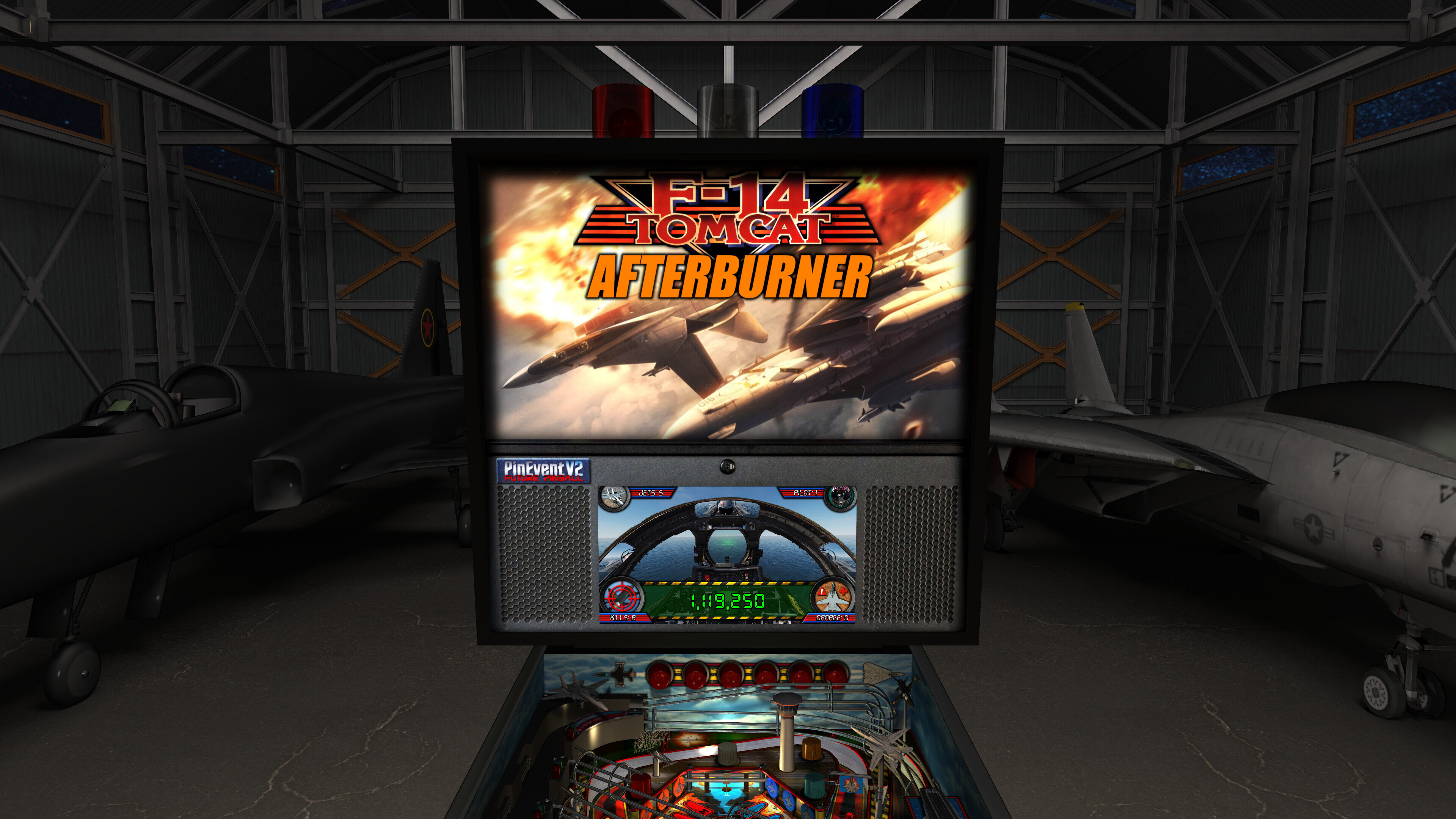
backbox-pup.thumb.jpg.58e9b0f0fb5d48770595d9577c4fca02.jpg


GI-cyan.thumb.jpg.5b0940575098fee5cf62d8a75149636a.jpg


GI-magenta.thumb.jpg.f61ed564329d79f3efb5dfa25c5035c4.jpg


minimalroom.thumb.jpg.84e23eb2bf7e633f1949d762e905fe5c.jpg


room1.thumb.jpg.1b5f3dab064c9982a4ab9d75c08d2b52.jpg


room2.thumb.jpg.a99f0a20e40977d5eeb0292ef3070eca.jpg


MR.thumb.jpg.2c75df168046c368ab3b0f88bec0110b.jpg


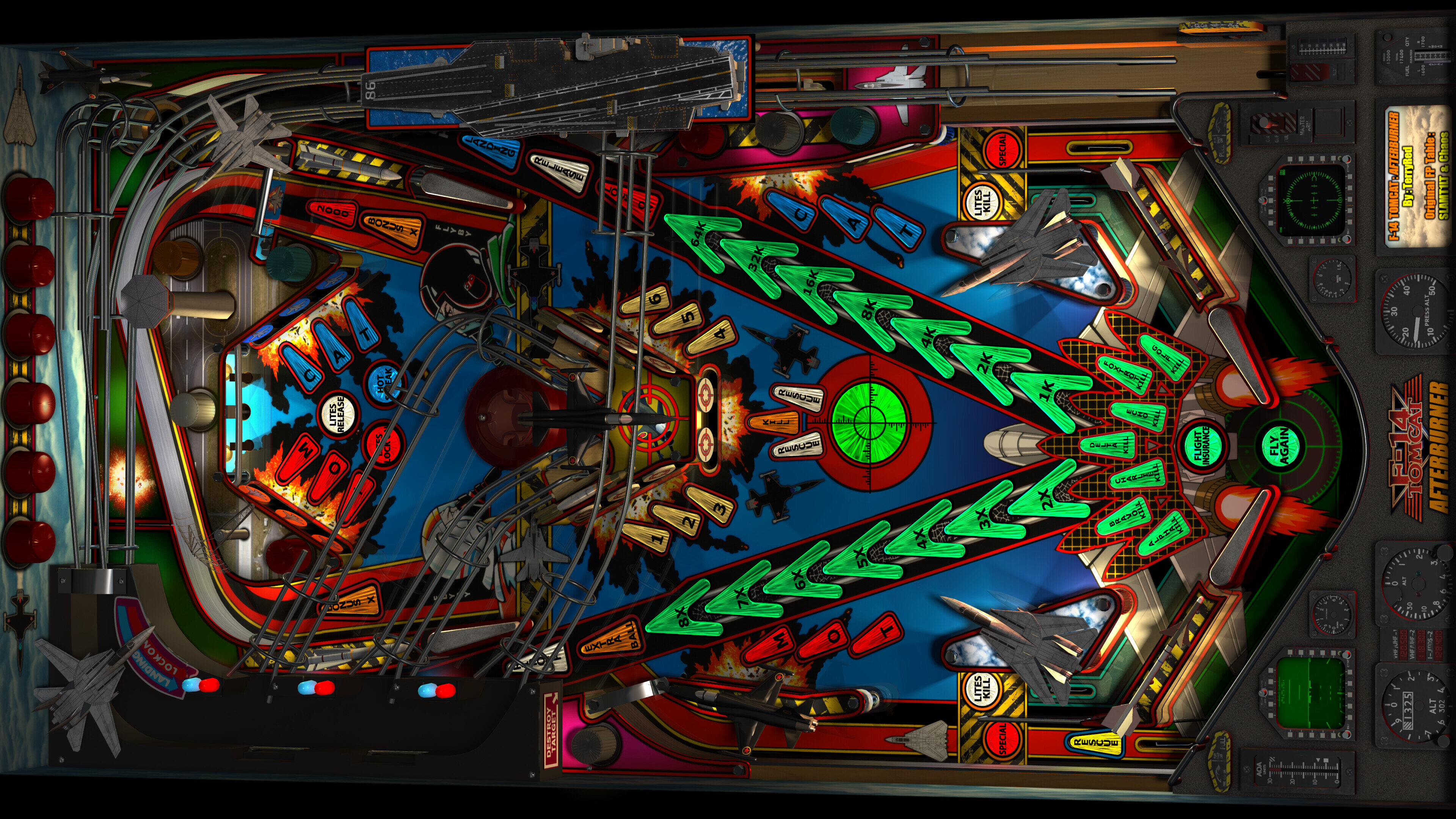
pf1.thumb.jpg.8b492ea53f0e2862ef34a29b13f2aafb.jpg


pf2.thumb.jpg.81afa090b2467ed27e2feebfb032d00e.jpg


pf3.thumb.jpg.6445ca5cabfbef87795fb12602cc9fa0.jpg


pf4.thumb.jpg.cb8f5fc0f0502c29d219b6f091b99df3.jpg


pf5.thumb.jpg.3e45243212fcfec9b358bc2e659e816d.jpg


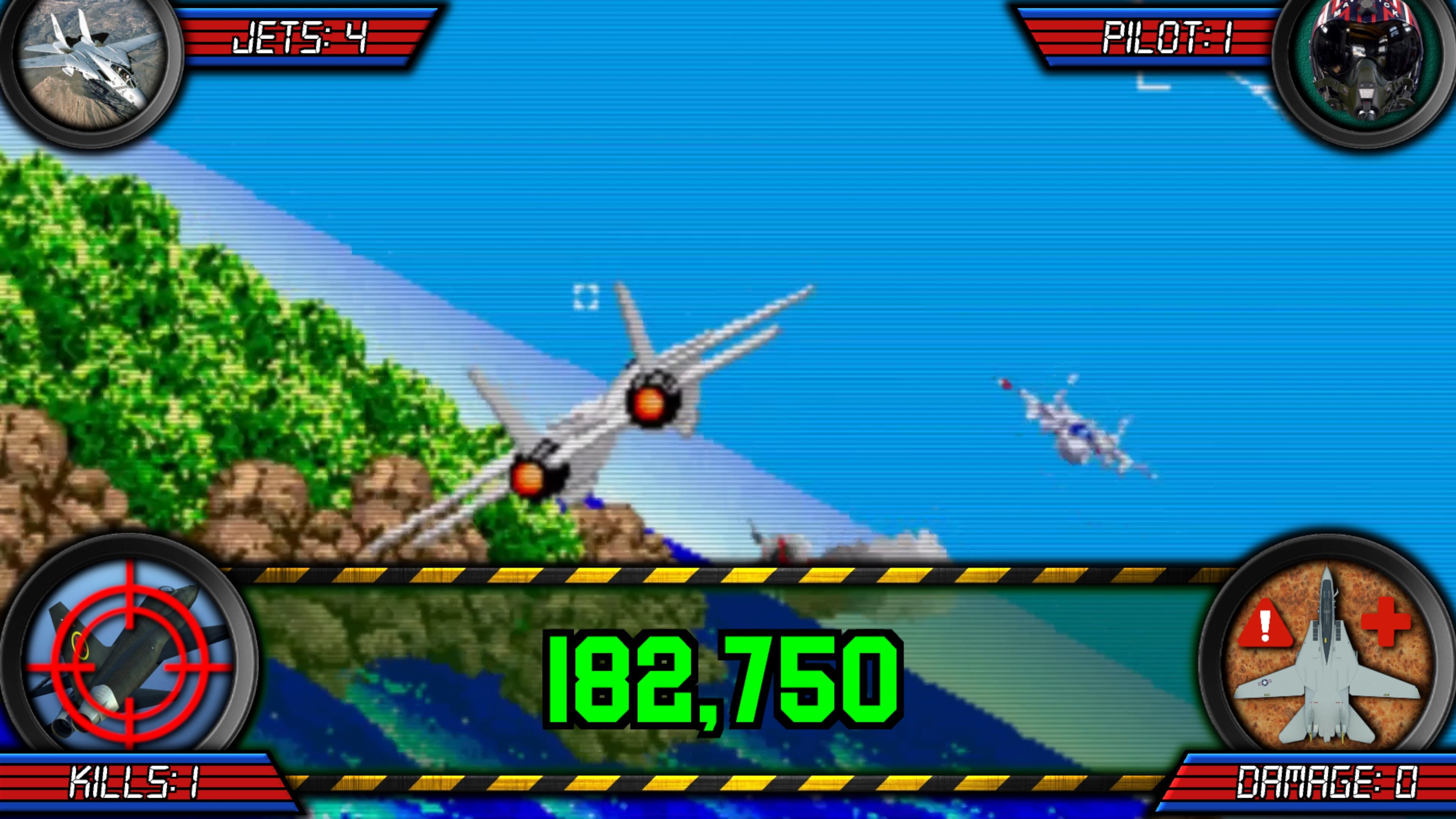
PUPDMD.thumb.jpg.a64cd66fbeb5d0cfb25b498b2dbb2ea5.jpg


PUPDMD-AB.thumb.jpg.98256382b8c5e71ad371f74292e6027e.jpg


apron.thumb.jpg.16cf0f2351620560ed94e2ccaafbeb55.jpg


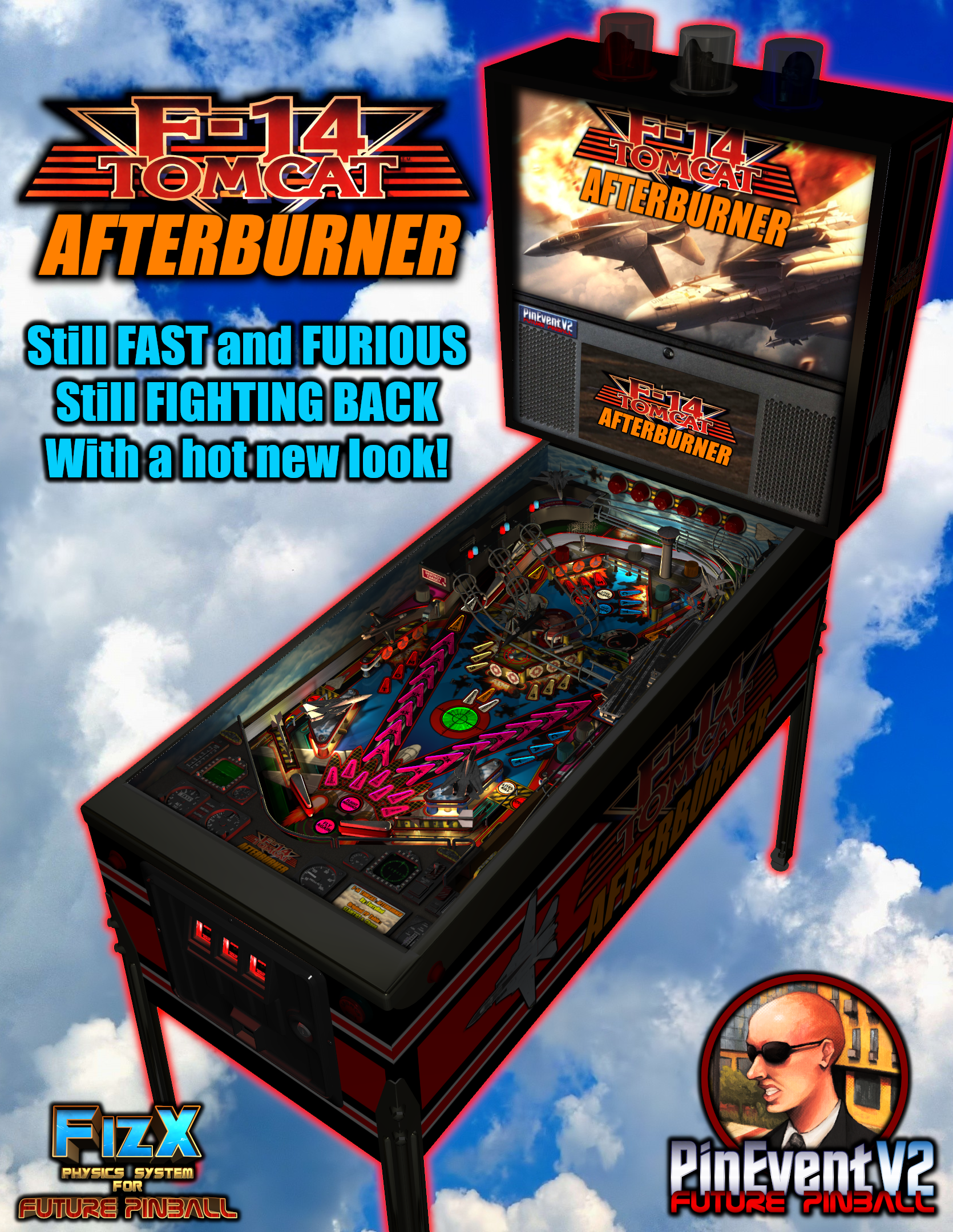
Poster.thumb.png.cf554d01c7fe1f5bfcc1a2820f00b442.png


Use of A.I. Disclosure

No A.I. was used in the creation of this file
Contact Author First.

What's New in Version 2.0   See changelog

Released

2.0 Update


- new art for... everything! (playfield, plastics, sidewalls, backbox, cabinet, etc)
- new apron with F14 cockpit display models
- new playfield models (f14 jets, enemy jets, missiles, airfield, aircraft carrier, etc)
- new animated topper models
- new cabinet coin door model
- new RayBaked GI lighting and shadows and inserts lighting
- new GI changes colour during different modes and events (TABLE OPTIONS)
- music can be toggled between Modern / Classic / Afterburner (TABLE OPTIONS)
- PUP DMD style can now be toggled between Modern / Afterburner (TABLE OPTIONS)
- new Attract mode flyby camera sequence (TABLE OPTIONS)
- new VR Room options for Attract mode and Gameplay (TABLE OPTIONS)
- new Mega / MR (mixed reality) / Minimal choices for VR room (TABLE OPTIONS)
- new Mega Room has large hanger with F14 jet and enemy jet
- new Room has animated Beacon lighting (TABLE OPTIONS)
- new Normal Map options for those who want them reduced in lower resolutions (TABLE OPTIONS)
- new Ball settings (TABLE OPTIONS)
- new Lighting settings (TABLE OPTIONS)
- new FP DMD color options (TABLE OPTIONS)
- converted ALL textures to power of two (MUCH faster "injecting textures", half the loading time)
- updated startup checks for BAM / PUP / PuP-Pack version (will notify you if wrong version)
- updated startup code for BAM settings and PinEvent (PinEvent VR settings should apply correctly now)
- updated pup dmd and pup ssf code to work correctly with PUP v2.0 (now required for those features)
- new pup ssf v2.0 ball rolling updates - code / changing rolling sounds on ramps / tracking 10 balls
- new ball rolling sound mode options: OFF, FP, SSF (TABLE OPTIONS)
- new volume settings for ball rolling / FP Mech Sounds / PUP SSF (TABLE OPTIONS)
- new pup-pack and pup dmd v2.0 code with real time shader effects and new alpha videos! (TABLE OPTIONS)
- pupstream options for left apron / right apron / mini pf screen now only show on center of apron
- new Cabinet_Mode_Preset automatically hides items not needed for cabinet mode (TABLE OPTIONS)
- lots of fixes and other things not covered here!


======================================


=== Future Pinball-BAM ===


This table REQUIRES the newest FP and BAM Essentials AIO update (3.7). This has the newest BAM 409 which is required! This update will also allow this table to load MUCH faster due to the newest BAM being rebuilt to process BAM stuff much quicker on loading / startup!


For Baller Installer users, you can use the PinUPdater app to update your FP-BAM. Be sure to choose "Future Pinball and BAM Latest" in the drop down menu to get the new FP-BAM updates!


For everyone else...


Manual install / update for FP-BAM:


https://vpuniverse.com/files/file/14807-future-pinball-and-bam-essentials-all-in-one-complete/


Guides


I have updated my latest "PinEvent V2 Guide" and "Popper and Baller Installer Tips" with new information regarding PUP v2.0 and the new PUP SSF v2.0 which this table now uses! If you use a second audio device for your SSF, then give the PUP SSF sections a read. (important!)


======================================


=== Pinup Player v2.0 ===


NEW! PUP v2.0 support for Shader Effects, Alpha Videos, PUP SSF 2.0, hardware acceleration


- new pupdmd shader effects that show realtime animated effects for lighting, fire, fog, fireworks, shaking, and more
- new pupdmd fullscreen animated alpha videos that splash on the screen! Full support for alpha blending effects!
- new pup ssf 2.0 sound engine! Positional Ball Rolling sounds now supports up to 10 balls, multiple materials, and each ball changes sound on ramps now!


This table makes use of all these new features of PUP v2.0. If you wish to use "any" pup dmd or pup ssf features you MUST install the latest pup v2.0 update!


For Baller Installer users, you can use the PinUPdater app to update your PuP to the latest v2.0 Beta. Be sure to choose "Pinup Baller v2.0 Beta" in the drop down menu to get the new PUP v2 updates!


For everyone else...


Manual install of PUP:


https://www.nailbuster.com/wikipinup/doku.php?id=pinup_player_install


Update to latest 1.52 beta 3:


https://www.nailbuster.com/wikipinup/doku.php?id=pinup_upgrade_v15


Pup v2.0 beta files (install AFTER you have a proper working PUP 1.52 install):


https://www.nailbuster.com/wikipinup/doku.php?id=beta2026


If you use SSF with a second audio device, then you require setting your audio device ID for pup v2 (which uses its own settings). Read the included "Install Instructions" (the SSF section) to learn how to properly setup PUP SSF v2.0 for your setup!


======================================


=== NEW Pup-Pack for 2.0 ===


This new table update REQUIRES the use of the updated pup-pack if you want to use pup dmd and pup ssf 2.0 features!


REMOVE any previous pup-pack and only install the new pup-pack (and run the Option xx BAT for your setup). DO NOT mix old and new pup-pack files!


If the incorrect pup-pack is installed (and you have pup features set to true), you will be told on table startup its wrong, and pup features will be disabled!


======================================


=== New 2.0 features in TABLE OPTIONS ===


Take a moment to look at some of the new features in TABLE OPTIONS (at top of the table script), such as:


- ball rolling sound mode options: OFF, FP, SSF
- volume settings for ball rolling / FP Mech Sounds / PUP SSF
- pup dmd v2.0 realtime shader effects and new alpha videos
- Cabinet_Mode_Preset
- Normal Map options
- Attract mode flyby camera sequence (desktop mode only)
- new FP DMD color options
- new VR Room options for Attract mode and Gameplay
- new Mega Room (hanger with enemy jet and f14)
- new Mega / MR (mixed reality) / Minimal choices for VR room
- new Mega Room beacon lighting lights up the entire room
- new Ball settings
- new Lighting settings
- new pre-rendered ray-baked textures lighting and shadows
- new Game Music (Modern, Classic, Afterburner) can also be toggled at anytime with Special 2 key / button
- new PUP DMD Style (Modern, Afterburner) can also be toggled at anytime with Special 2 key / button
- new G.I. Colour Change (changes G.I. lighting colour during table events)


There are MANY settings in TABLE OPTIONS you can change for your preference! Take a look!


======================================


=== Startup Cleanup ===


I completely updated the table's startup code for BAM and PinEvent, which allows BAM proper detection of modes (in VR especially), which allows both BAM and PinEvent to apply settings correctly


======================================


=== Massive Table Optimizations ===


- replaced some FP models with BAM models (faster "processing models")
- replaced textures with proper "power of two" textures (faster "injecting textures")
 
This has resulted in the table loading MUCH faster (especially with BAM v409)


======================================

 
There are new TABLE MANUAL and RULES guides included! Give them a look to answer many questions!


User Feedback

Create an account or sign in to leave a review

You need to be a member in order to leave a review

Create an account

Sign up for a new account in our community. It's easy!

Register a new account

Sign in

Already have an account? Sign in here.

Sign In Now

bietekwiet

   3 of 3 members found this review helpful 3 / 3 members

Tom Cruise has this one in his living room...

...and if he doesn't, he should!

This table is a blast from launch to touchdown. Nice visuals, great sounds, cool videos and fast paced gameplay (good allmighty can it be fast!).

Terry Red is Top Dog...I mean Top Gun, whatever. He's cool :)


rjclarkee

   2 of 2 members found this review helpful 2 / 2 members

Am I wrong in saying I prefer pinevent tables to PUP tables. One of my fave tables ever but this is So frikking awesome it hurts...and yes its hard as nails still. Many thanks

Bertone

· Edited by Bertone

   1 of 1 member found this review helpful 1 / 1 member

Yesterday I played this for the first time. The reason for that was because with the new ballerinstaller the PineventTables are now running directly without difficult problems. And what could I say this plays so great and the Sound and Videos and the atmosphere is so deep. Masterpiece. ThanXXX for that. I will try the other tables from you the next days. And last words, this shows up how strong  FuturePinball is. Great Table 5 Stars   :)

Virtualman-

   1 of 1 member found this review helpful 1 / 1 member

Run's perfect single screen projector 180" wall!  Outstanding sound, physics and visuals!

stef974

   1 of 1 member found this review helpful 1 / 1 member

Excellente nouvelle !! Merci beaucoup :) 


BurtMacklin

   1 of 1 member found this review helpful 1 / 1 member

Great work on the Pinevent V2 FizX update Terry.  Masterpiece as usual.

telmoabffilho

   1 of 1 member found this review helpful 1 / 1 member

Amazing table. I just couldn't imagine it could get even better! Congratz! 10/10

Cliffy

   1 of 1 member found this review helpful 1 / 1 member

YAHOO!!!

blackvulcan3

   1 of 1 member found this review helpful 1 / 1 member

Awesome table. PinEvent tables are just so good. 

baldgeek

   1 of 1 member found this review helpful 1 / 1 member

Very fun table!!

RuDA


The best F-14 hands down.  Very fast load time, music is booming, lights are a spectacle.  The ball is silky smooth no matter the speed at which it is traveling.  Thank you very much for the update sir.

freakazoidman


Faster, more intense! In the best way possible. Another PinEvent with an upgrade , and this one is definitely more playable than ever. Playfield , music, but above all the pupDMD has gotten a much appreciative visual upgrade.  The game plays better than ever, and I gotta say all the table options makes this a breeze to set up.  the "Afterburner" music truly hit the nostalgia spot, and will definitely be my default soundtrack on all my future playthroughs. Thank you @TerryRed for another wonderful upgrade! 

Mesner


Wow , Thanks for sharing Yours hard work 💪,  another amazing table !!!  Thank You Terry 😊 

Marconobi


Holly Molly! This update is a banger. Works super smooth and really great table to play. Thanks man!

JRVirtual34


A huge thank you to Terry and the whole team for this fabulous table. It’s such a pleasure to play! Thanks again for all the hard work that went into it. I know you’re currently working on Silent Hill, and we can’t wait to see the result. Ciao!

CREDIT-1


Great table, very fast gameplay, blink and you will lose the ball. Can't wait to show my buddy all these fantastic pinevent tables this weekend. Thank you work all your hard work!

studly_do_right


Table is a real looker and plays fast, awesome with the action packed pup pack, thanks!!

Fabouh


Thank you for these very nice tables on fp! Works amazing

RKip455


Fantastic Update.... Thanks TRed

RKip

Ericg384


Fantastic update thanks for sharing.

akaravakis


This table is way under appreciated!!

Its so much fun, the pup is great.. and the lighting is absolutely amazing along with the DOF lighting effects.


Thank you for such a great table update, looking forward to whatever you do next

×
  • Create New...