
About This File
Salut à tous !
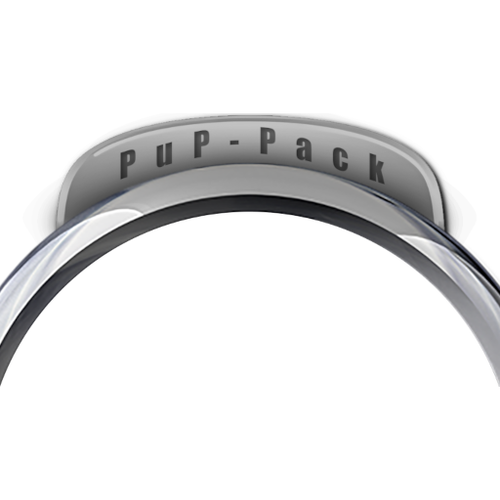
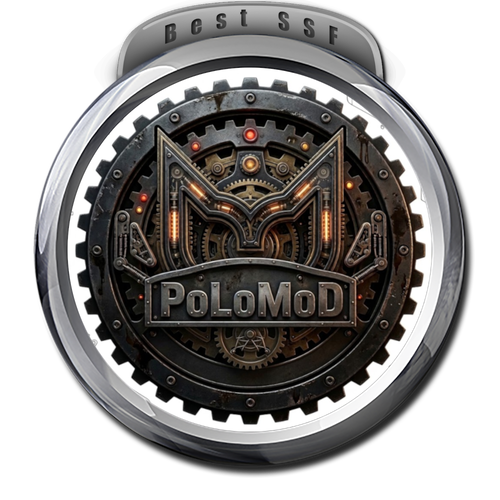
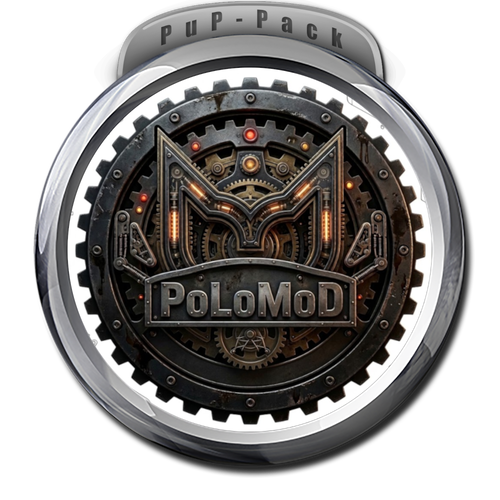
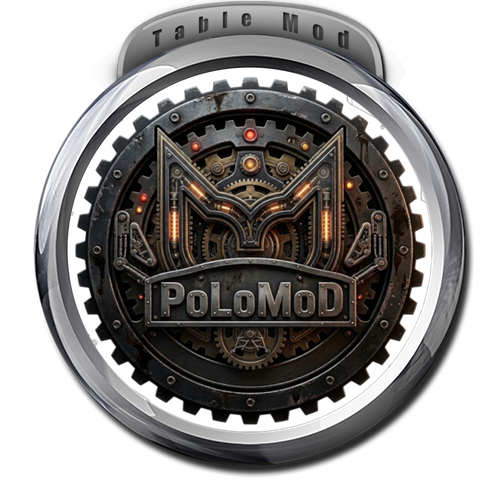
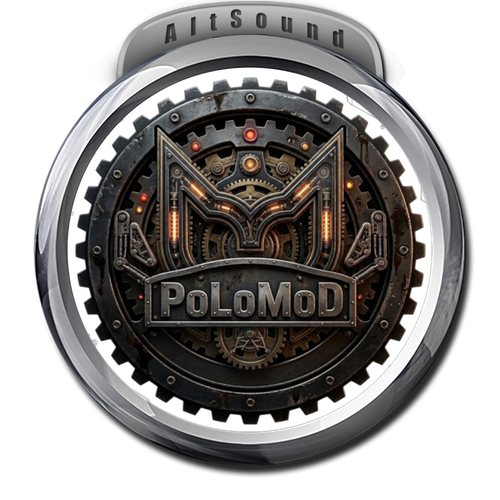
Je vous mets à disposition un petit script "tout-en-un" (portable, aucune installation requise) pour ajouter facilement des bannières PuP-Pack, AltSound, Table Mod ou Best SSF à vos médias.
Cela me permet de partager l'outil plutôt que des fichiers modifiés provenant d'autres créateurs (même si la majorité de mes wheels sont 100% originales), afin de respecter le travail de chacun.
Liberté d'usage :
Je ne pose aucun droit sur ce script. Vous êtes libres de l'utiliser, de le modifier et surtout de redistribuer vos créations.
Je demande simplement que cela soit fait dans le respect du travail des créateurs originaux des wheels.
Points forts :
* Portable : ImageMagick est inclus dans le ZIP, rien à installer sur votre système.
* Intelligent : Le script accepte n'importe quelle résolution d'image et s'occupe de les remettre au propre (1000x1000) avant la fusion.
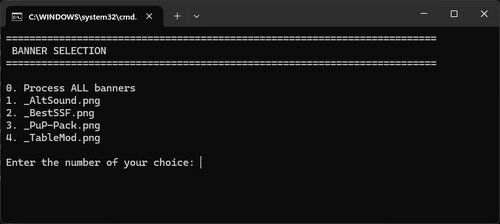
* Flexible : Un menu interactif vous permet de choisir une bannière spécifique ou de toutes les générer d'un coup.
Mode d'emploi :
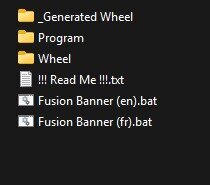
1. Dézippez l'archive dans le dossier de votre choix.
2. Placez vos wheels (au standard Tarcisio) dans le dossier [Wheel].
3. Lancez le fichier [Fusion Banner.bat] et laissez-vous guider par le menu.
4. Récupérez vos créations dans le dossier [_Generated Wheel].
Testé et fonctionnel sous Windows 11. Enjoy !
------------------------------
Hi everyone!
I’m sharing a small "all-in-one" script (portable, no installation required) to easily add PuP-Pack, AltSound, Table Mod, or Best SSF banners to your media.
This allows me to share the tool itself rather than modified files from other creators (even though most of my wheels are 100% original), in order to respect everyone's work.
Usage Rights:
I claim no rights over this script. You are free to use it, modify it, and redistribute your creations.
My only request is that you do so while respecting the work of the original wheel creators.
Key Features:
* Portable: ImageMagick is included in the ZIP; nothing to install on your system.
* Smart: The script accepts any image resolution and automatically cleans them up (1000x1000px) before merging.
* Flexible: An interactive menu lets you choose a specific banner or generate all of them at once.
Instructions:
1. Extract the ZIP archive into the folder of your choice.
2. Place your wheels (Tarcisio standard) in the [Wheel] folder.
3. Run the [Fusion Banner.bat] file and follow the menu prompts.
4. Collect your new wheels from the [_Generated Wheel] folder.
Tested and working on Windows 11. Enjoy!

User Feedback
Create an account or sign in to leave a review
You need to be a member in order to leave a review
Create an account
Sign up for a new account in our community. It's easy!
Register a new accountSign in
Already have an account? Sign in here.
Sign In NowThere are no reviews to display.