
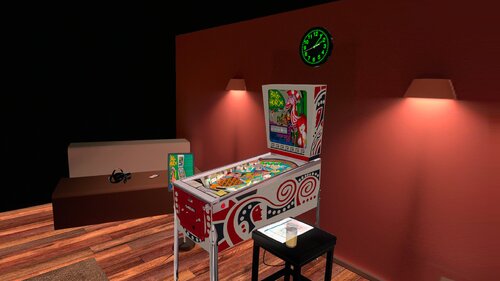
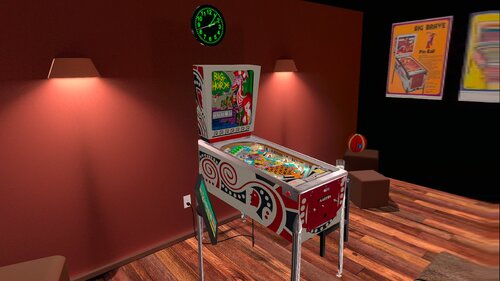
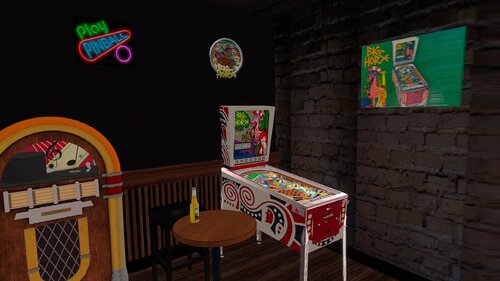
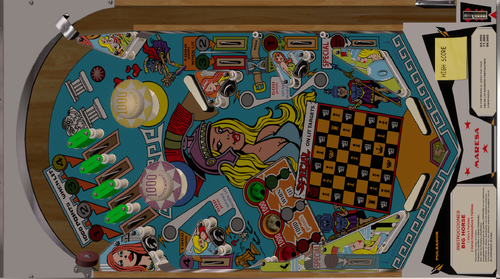
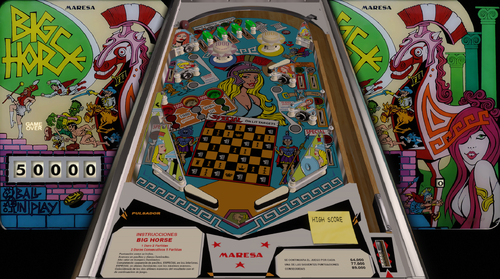
This Table is based on original table from JPSalas, Akiles50000 and Loserman76 https://www.vpforums.org/index.php?app=downloads&showfile=14227
This table Works in DT/FS/VR and MR
Change Line 100 in the Script to 0 for Desktop or FullScreen Mode, is in 1 by default
VRRoom = 1 '0=Desktop/FS 1=PoolHallRoom 2=Mixed Reality
I just added VR ROOMs PoolBar and Mixed Reality too.
You can change VR Room to MR with right magnasave.
Virtual Desktop Settings Chromakey:
Color RGB = 255,255,255
Similarity: 2
Smoothness: 2
Original Backglass by Loserman76
You can enable ambience ROOM at the end of the scpit.
Edited by Ext2k
edit details
Permission from ORIGINAL Author(s)?
Yes
written permission received.
written permission received.
Allow file to be included on a VPUniverse downloader app?
Yes
VPX Standalone
No
https://www.ipdb.org/machine.cgi?id=255
Included in File
Contact Author First.
10.8 GL beta required
Yes
 With version 1.0.0:
User Feedback
You may only provide a review once you have downloaded the file.
There are no reviews to display.