

About This File
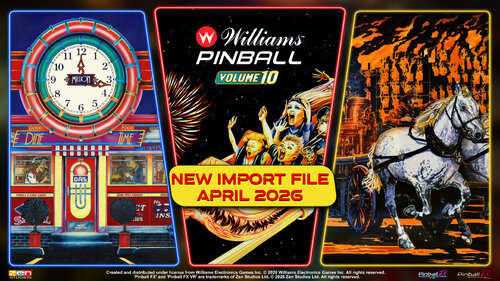
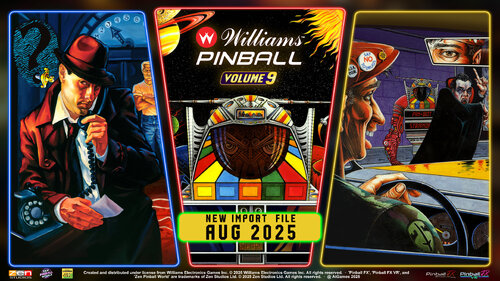
UPDATED for Williams Pinball Vol 10
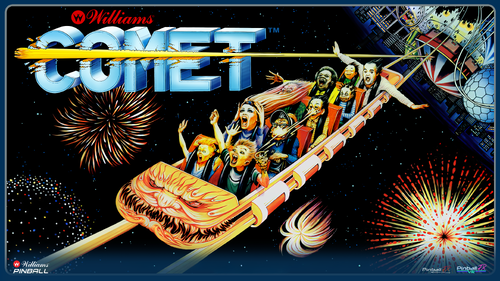
Comet – 199
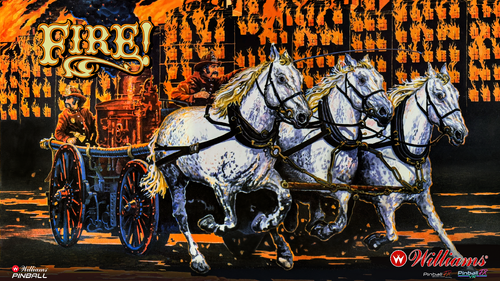
Fire – 200
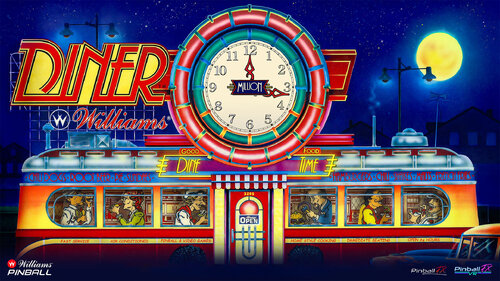
Diner - 201
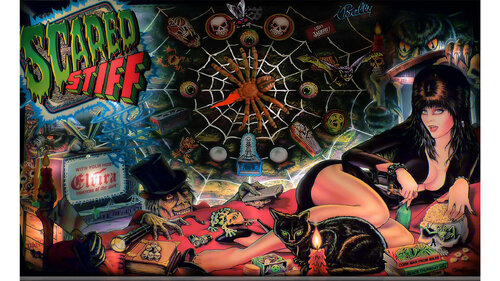
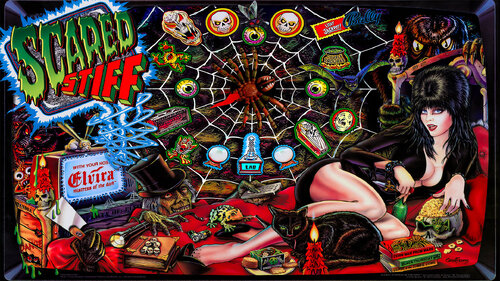
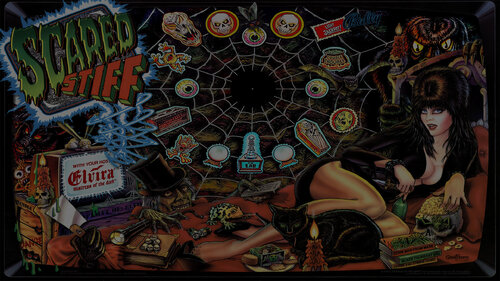
Added Backglass for Scared Stiff
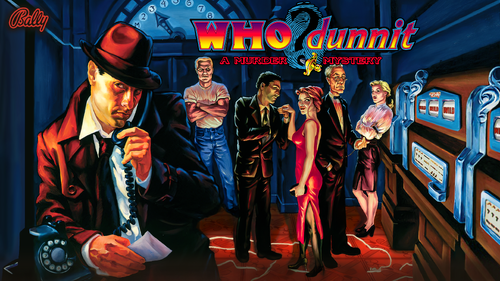
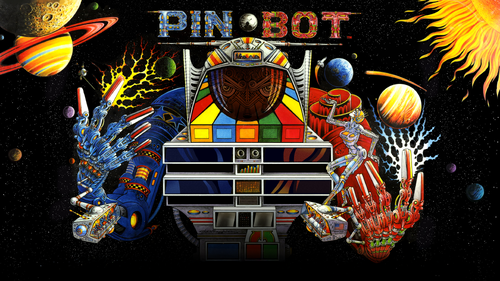
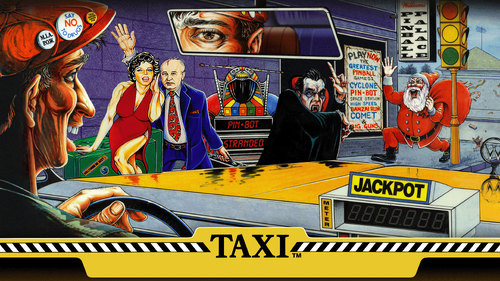
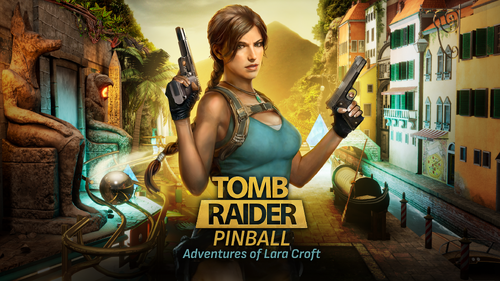
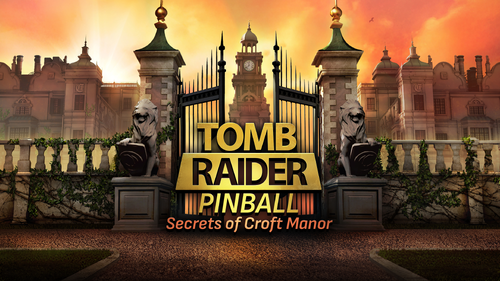
Seamless looping animations for Zen Studios Pinball FX (2023)
3 Versions HD, HD with Zen Logo and 4K
Files included
- PinUP Media for Pinball FX Playlist
- Backglass: 1920x1080
- FullDMD: 1920x1080
-
Playfield:
- HD 1920x1080
- 4K 3840 x2160
- Topper 1920 x 360
- Wheel
- Audio (Main Theme)
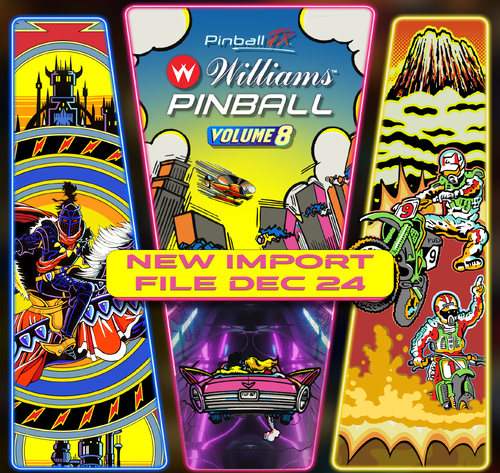
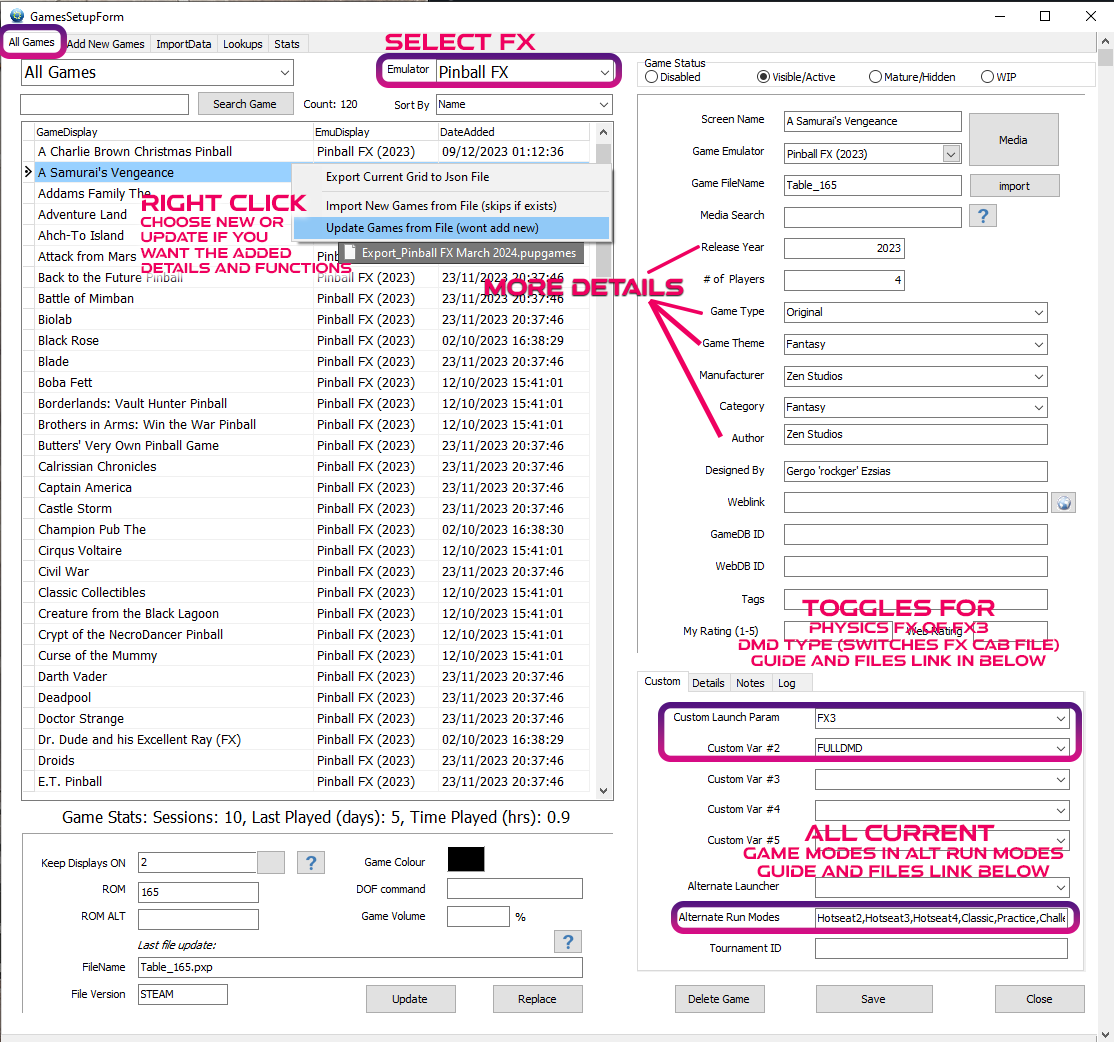
- Import file: Pupgames file to add Tables to Pinup Popper Frontend (Dec 2024 with more details) Williams Pack 8
THIS IS A PINUP POPPER MEDIA PACK
To use a MediaPack on a playlist do the following:
- Select a playlist (PL_Pinball FX).
- Drag and Drop the Media Pack file on the Playfield box or any of the other boxes.
- Confirm by clicking ‘Yes’.
It will basically extract the mediapack, take all the media and rename them so they match your playlist.
Game Modes for FX Launch from PinUP into any mode including challenges
Looking for Pinball M?
https://vpuniverse.com/files/file/17309-pl_pinball-m-media-files-for-pinup-including-import-tables/
Edited by brewedVFX
Scared Stiff – 197 Elvira and the Party Monsters – 198
User Feedback
Create an account or sign in to leave a review
You need to be a member in order to leave a review
Create an account
Sign up for a new account in our community. It's easy!
Register a new accountSign in
Already have an account? Sign in here.
Sign In NowThere are no reviews to display.