-
Planet Visual Pinball Engine
Under Construction
Image/Banner will eventually replace this section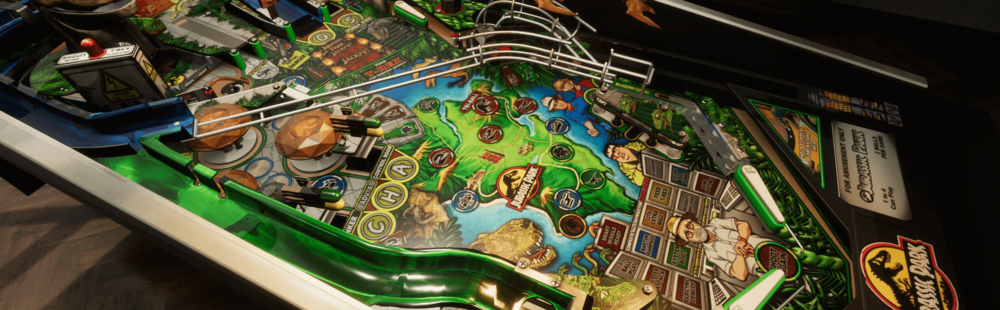
-
Overview
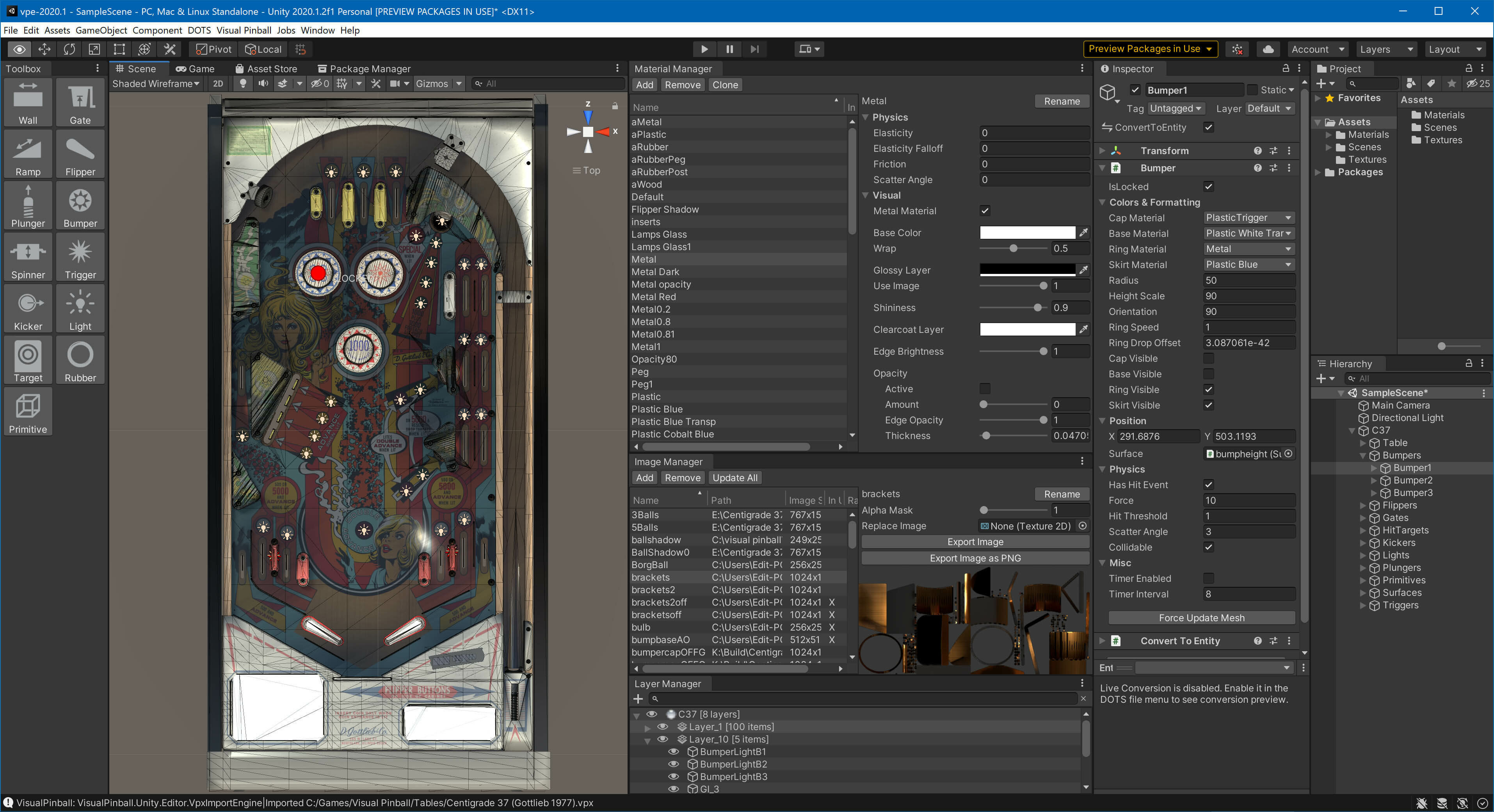
The Visual Pinball Engine (which we call "VPE") is an open source pinball simulator that you can use to create pinball games for Windows, macOS, and Linux. It's based on the famous Visual Pinball (often abbreviated "VP", or "VPX" for its latest version 10) meaning VPE's physics simulation matches that in VPX, and it can read and write the same file format.
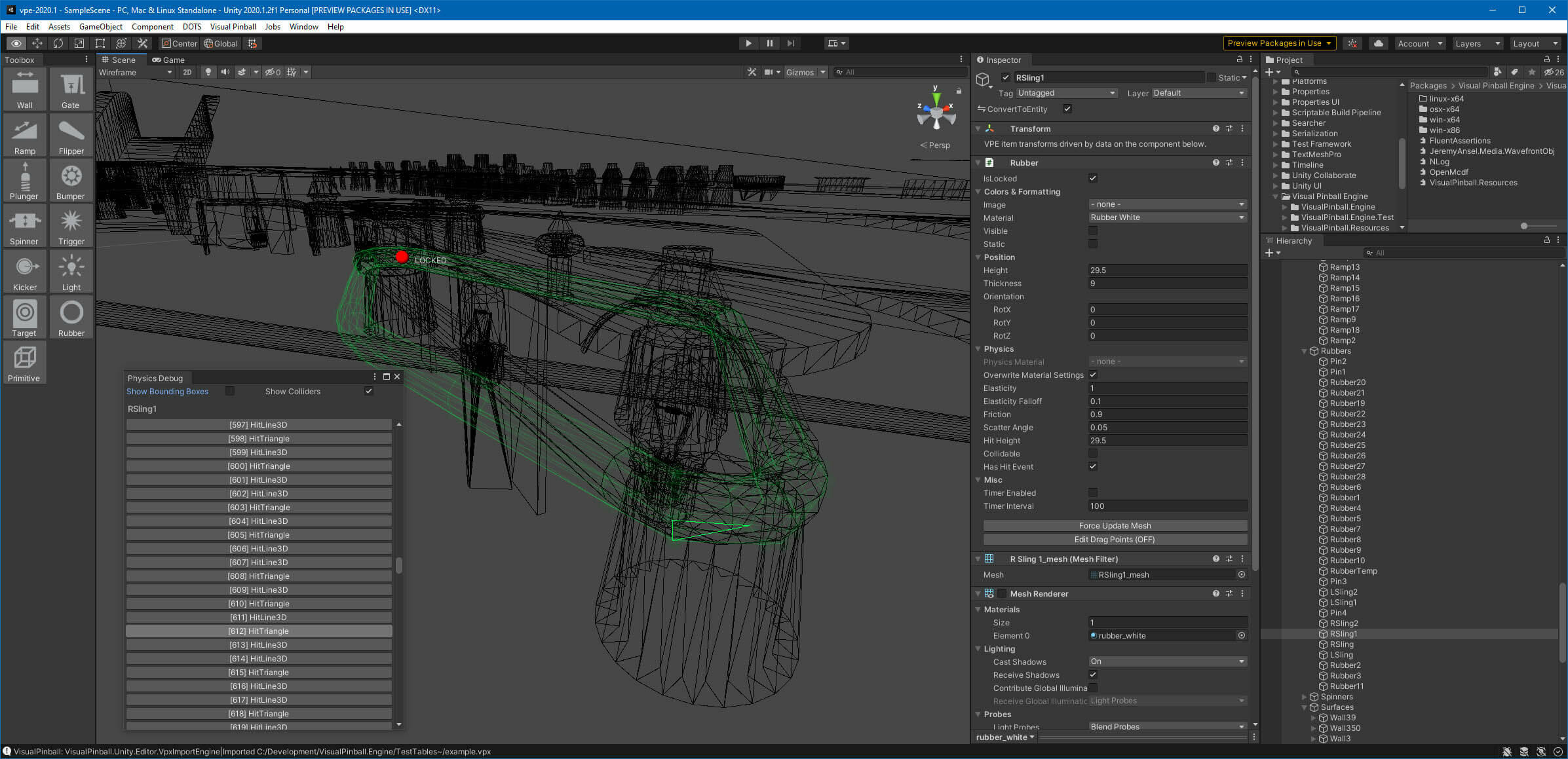
VPE uses Unity for its underlying game architecture. Unity is one of the leading cross-platform game engines and provides VPE with an advanced render pipeline that produces high-quality visuals and is continuously maintained and updated to work with new hardware features. Unity also comes with an amazing editor, which VPE extends to make the table creation process as easy as possible.
-
Topics
-




-
Posts
-
 Hi, yeah, lots of stuff happening lately, and I haven't found the time to post about it yet. Will do soon!
 -
 I'm discovering the last leaps, it's amazing ! Well done and thank you for all this crazy work !
 -

By MrRalfinger · Posted
This project looks unbelievable! How does it look from a “regular” cabinet player’s POV? I can imagine it will give some/more 3d depth than VPX tables. Is there a playable test version coming? -
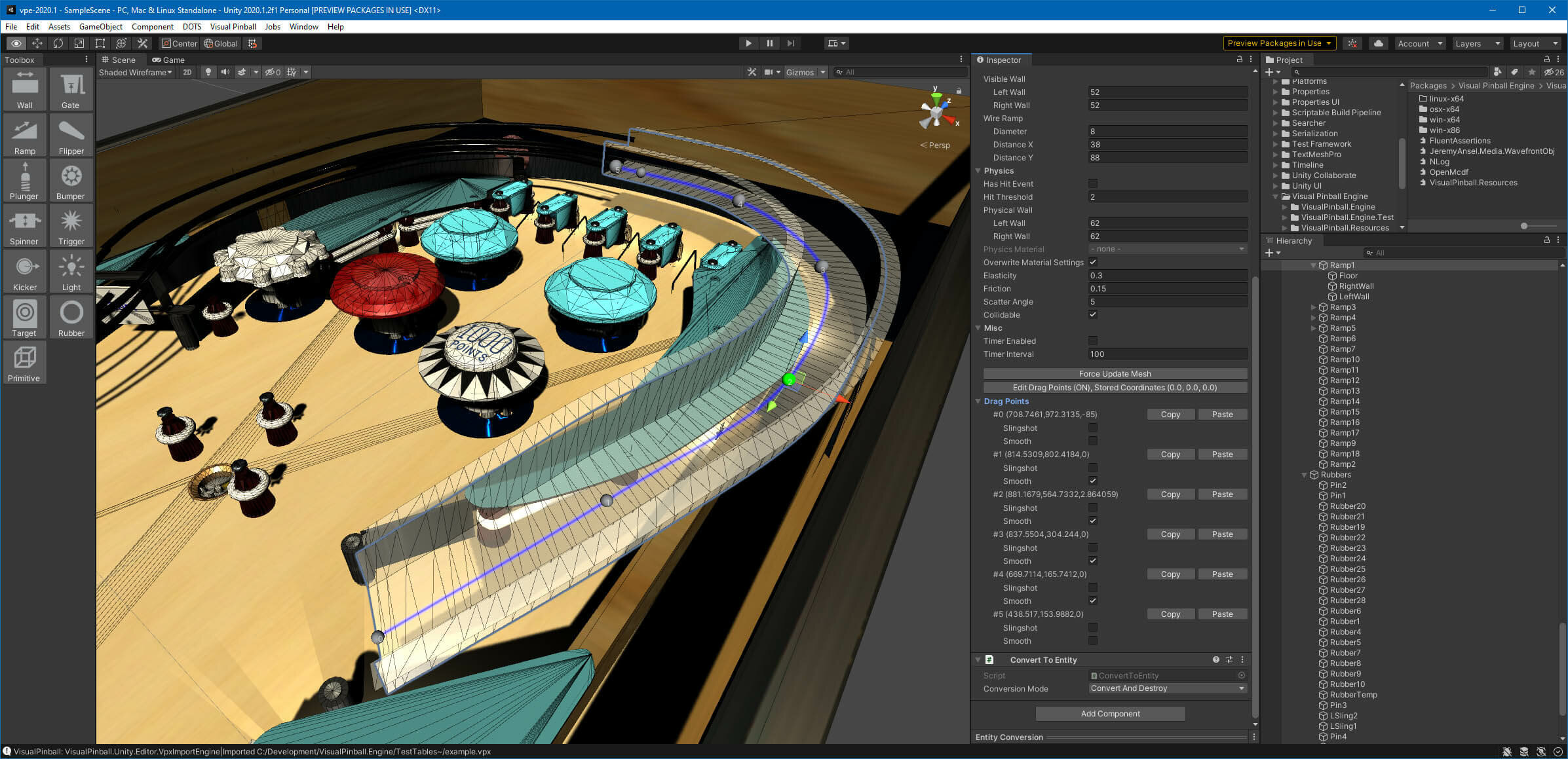
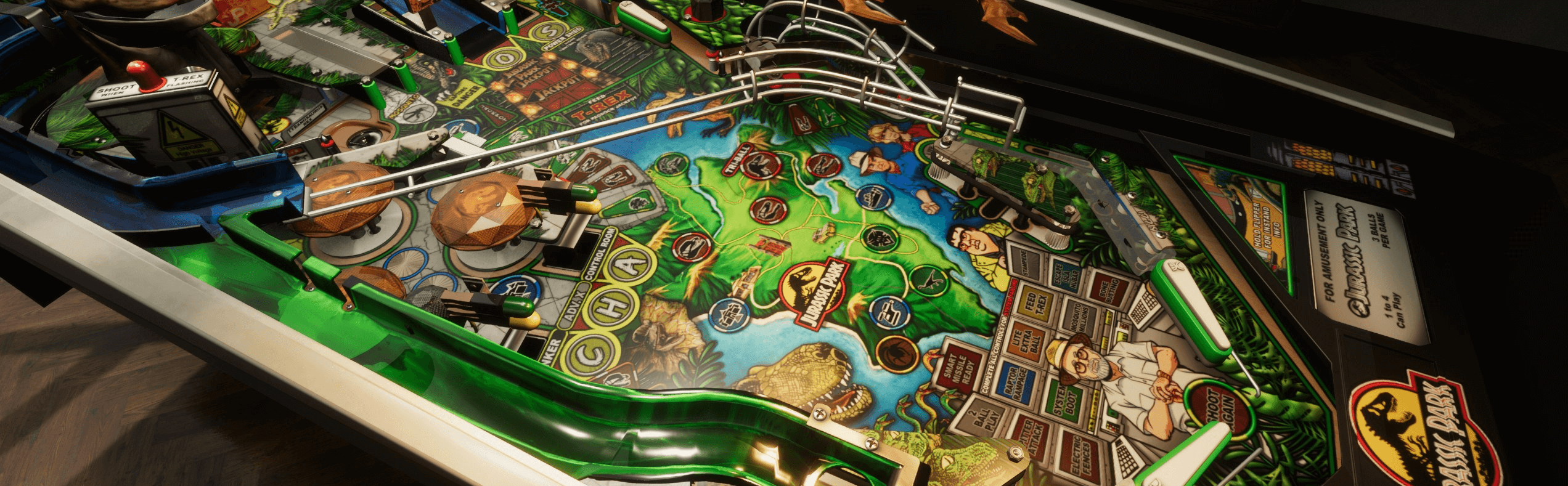
Okay, one of the bigger new features made it to main! It's a new wire rail generator. I think it's pretty cool, lets you create pretty good looking wire ramps in no time. Documentation here.
-
 VR and AR is great with a full size cabinet. Especially if you have SFF and DOF in the physical cabinet and your cab aligns 1:1 to the virtual cab. VR alone is great but it's way better with a full size cab for the controls, feedback and the cabinet weight for the nudging etc. With VPX VR, tables have to be manually aligned with your cabinet since it cant detect the virtual lockdown bar and automatically align the Virtual lockdown bar with the real physical one. Maybe with VPE that will be a feature one day so that VR and AR can automatically align the Virtual cab with your physical one.
-