-
SYSTEM SEARCH
System Scanners Online:
Username: Guest
>> System Scan?
>> The Universe >
Incoming Message:
Due to system limitations searching with words of 3 or less characters will not return results. For instance; Doctor Who. This will not return results as the system is trying to search for both Doctor AND Who in which Who will not be found as it's a 3 character word. To find Doctor Who; you'd search for either Doctor or "Doctor Who".
Search Tips:
For specific searches; enclose your search with quotes. Example: "Doctor Who" or "Addams Family".
Search the Community
Showing results for tags 'solved'.
Found 4 results
-
Hello, wonderful people! I suddenly broke my ability to capture an external DMD while playing in VR. The odd thing is, I had been playing Ghostbusters (using PastorLUL's amazing new masterpiece, of course!) in VR for hours last night before going to bed. I haven't made any changes to my system since, yet DMD capture suddenly broke out of nowhere. To narrow down the problem, I confirmed that my DMD colorizations are all working properly in VPX 10.8.0.2058 64 bit. I also confirmed that VPX GL 10.8.0.2058 64 bit works normally when playing in VR with 'Capture external DMD' disabled. However, when loading a table in VPX GL 10.8.0.2058 64 bit in VR with 'Capture external DMD' enabled, I have received several similar errors when running different tables. When running The Sopranos table, I receive the following error: "Capture: Failed to create duplication output." When running the Terminator 2 table, I get this: "Capture failed with error message: The keyed mutex was abandoned." When running the Ghostbusters table through VPX GL 10.8.0.2051 32 bit, I receive this error: "Capture failed with error message: The application made a call that is invalid. Either the parameters of the call or the state of some object was incorrect. Enable the D3D debug layer in order to see details via debug messages."' In T2, I could see the first frame of the color DMD output, but The Sopranos and Ghostbusters displayed nothing, just the plain backglass (I don't capture the backglass, to clarify) From what I was able to find by searching, this appears to be a problem with D3D api calls. I'll provide some background info but feel free to ask for anything else that could help. VPX is fully updated as of 2-3 days ago and it had been working perfectly with no issues until today. In case it could be related, I was working on setting up P-ROC two days ago so I could finally try out Cactus Canyon Continued. I used the SkeletonGame installer (https://skeletongame.com/files/proc_env_installer_wHD.exe) and replaced my 64 bit version of Python 2.7 with the 32 bit version. In this process, three new path variables were added: C:\MinGW\bin C:\P-ROC\cmake\bin C:\P-ROC\DLLs Like I mentioned, everything worked fine afterward so I doubt it was related but I thought I should at least mention it in case python could be part of the issue. If you have any suggestions or even wild ideas, I'm very much up for trying anything.
-
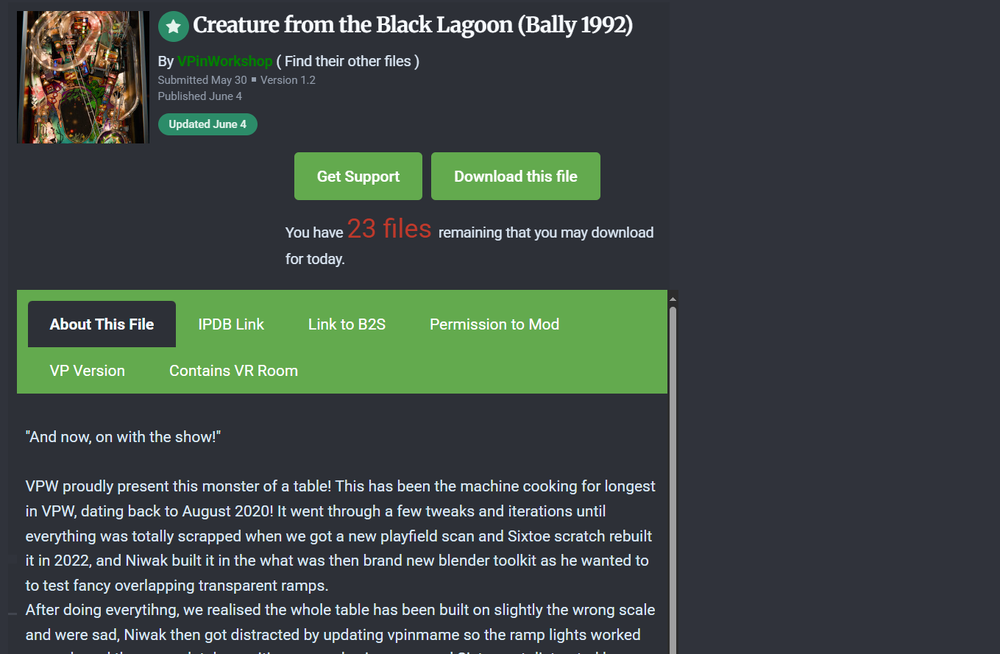
 Hi, new user here! So, it seems that the downloads page doesn't render correctly for me. It seems to appear "squished" or isn't properly loading for me and it cuts off stuff like screenshots and that. I've tried two different browsers (Brave and Edge) and even tried to cleared the cookies but nothing has worked. Downloading tables works fine, I just like to view the page proper if possible! Thanks to anyone that can possibly help.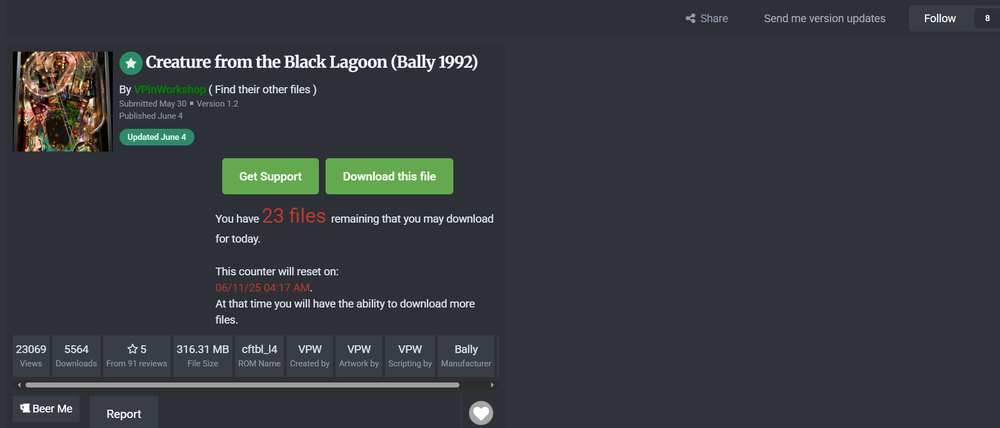
-
 I've done... something to my setup that's causing the ball to shoot up to the top right of all the tables. I'm not sure what, as everything was working fine last year when I last touched things. I think I was running 10.8 RC4 before. So, I downloaded RC7, the most recent 2.3 Freezy and VpinMame to bring things up to date. Now, I have roaming balls. For a bit, I was having DMD issues, but I went back through and made sure things were installed/registered/unblocked correctly. I just can't figure out this ball issue. Anyone have any ideas/suggestions?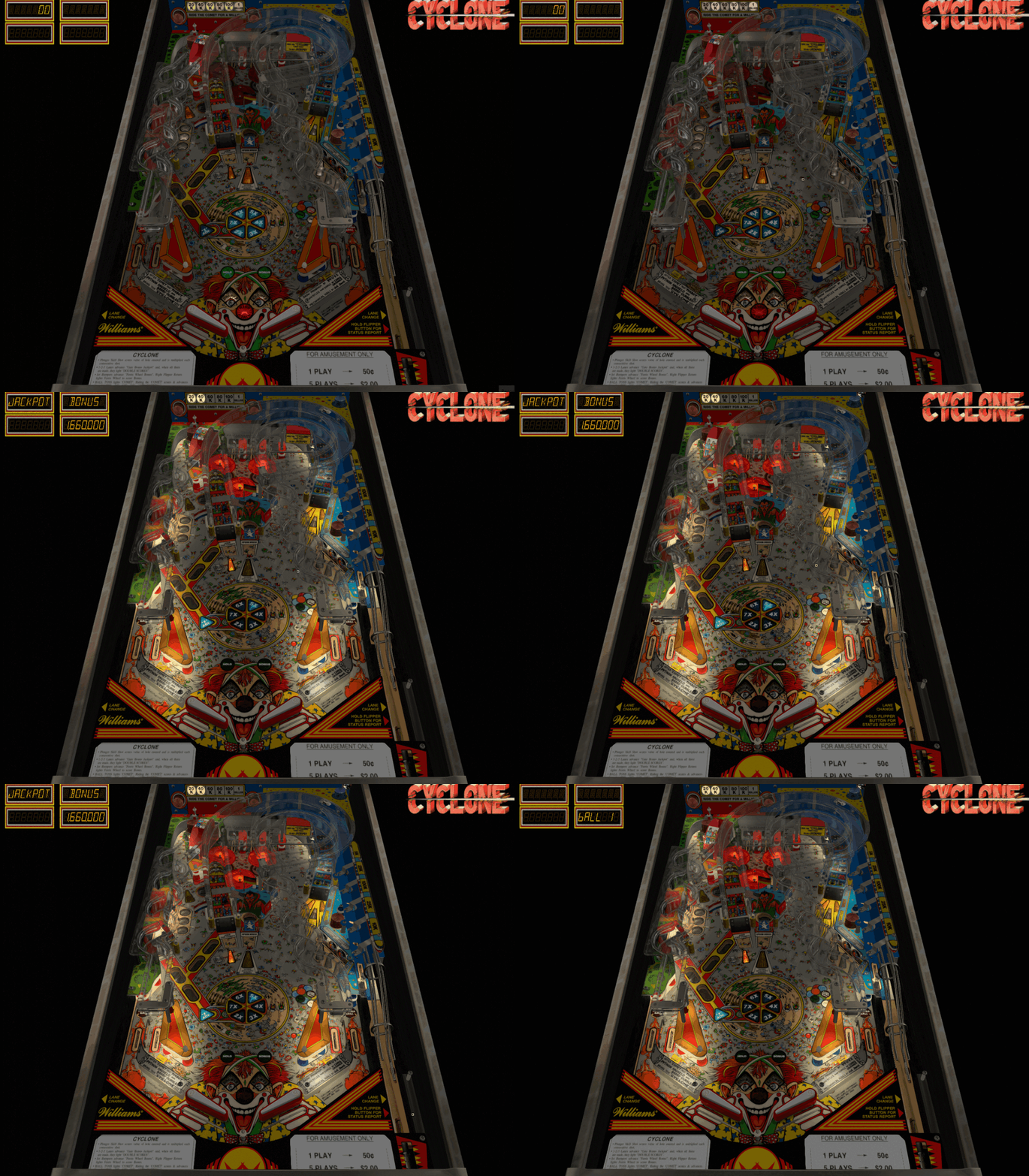
-
Does anyone know if there's some way to execute multiple SQL statements using e.g. the DB editor screen or similar? Background is that I purchased a dead pre-built and pre-configured table off FB Marketplace that was set up back in 2019. I've got it up and running, but the database is pretty sparse and I'd like to setup date and manufacturer menus in PuP. Unfortunately, the database does not have intro year or manufacturer for any of the over 600 installed tables. I extracted the database data into a spreadsheet, where I updated it and then generated update scripts that I'd like to run against the database to update all of the empty date and manufacturer fields, but the DB Editor tool does not appear to support running multiple semicolon-delimited SQL statements. Anybody got any tricks I can use? Thanks -Pete