
Jump to content

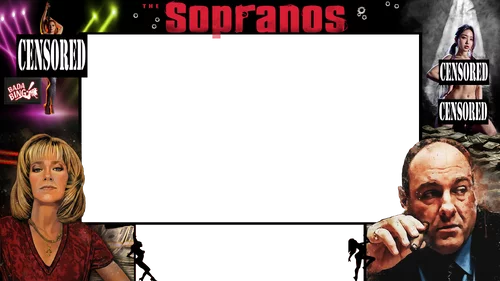
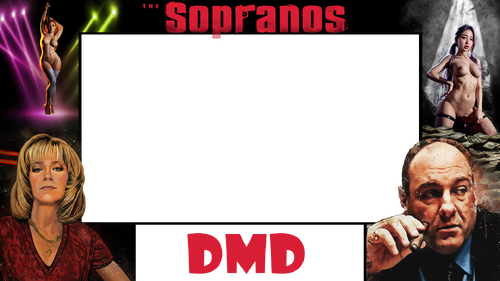
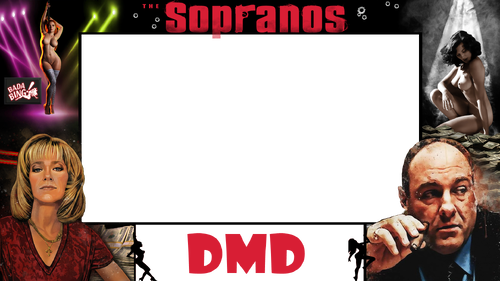
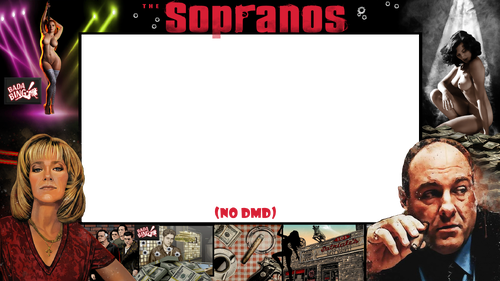
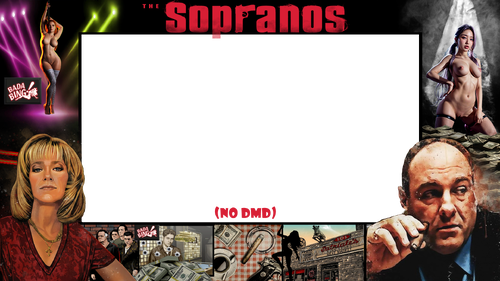
The Sopranos (Stern 2005) Pup Overlay NUDE MOD

    Create an account or sign in to download this
download_no_perm
1791 Views
346 Downloads
4.5 From 2 reviews
7.91 MB File Size
n/a ROM Name
Cheese3075 / Hawkeyes88 Created by
Cheese3075 / Hawkeyes88 Artwork by
Stern Manufacturer
2005 Year

5 Screenshots

This is designed to work with @hawkeyez88 Pup he designed.   Check it out here: 


To install: download file(s), load up PinUpPackEditor.exe, select triggers tab, find "PupOverlay", click the . . .  to select a new file, point to new downloaded file, test and then save.  

Contact Author First.
No

What's New in Version 1.1   See changelog

Released

Cleaned up top logo area, added an option with bullet holes.

User Feedback

Create an account or sign in to leave a review

You need to be a member in order to leave a review

Create an account

Sign up for a new account in our community. It's easy!

Register a new account

Sign in

Already have an account? Sign in here.

Sign In Now

GraveD

   1 of 1 member found this review helpful 1 / 1 member

Thanks for the overlays. Delete 1 star for unclear instructions :)


It took me a while to work out how to install this. 

1. Copy the new overlay files to your PupOverlays folder. 

In my setup it looks like this:


C:\vPinball\PinUPSystem\PUPVideos\sopranos\PuPOverlays


2. In the editor, select Triggers then filter to 13=BackglassVideos2 and then select the new overlay


3. Go the Help/Test, Start PuPack and then go back to Triggers and Fire Event to test it dispays correctly. 


4. Save Pup-Pack and enjoy

Screenshot 2025-07-27 110909.png

weathervane


Thank you  I finally figured out how to install looks cool

×
  • Create New...