
Jump to content

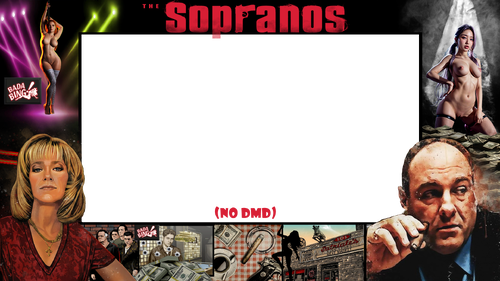
The Sopranos (Stern 2005) Pup Overlay NUDE MOD

    Create an account or sign in to download this
download_no_perm
1788 Views
346 Downloads
4.5 From 2 reviews
7.91 MB File Size
n/a ROM Name
Cheese3075 / Hawkeyes88 Created by
Cheese3075 / Hawkeyes88 Artwork by
Stern Manufacturer
2005 Year

5 Screenshots

This is designed to work with @hawkeyez88 Pup he designed.   Check it out here: 


To install: download file(s), load up PinUpPackEditor.exe, select triggers tab, find "PupOverlay", click the . . .  to select a new file, point to new downloaded file, test and then save.  

Contact Author First.
No

What's New in Version 2.0   See changelog

Released

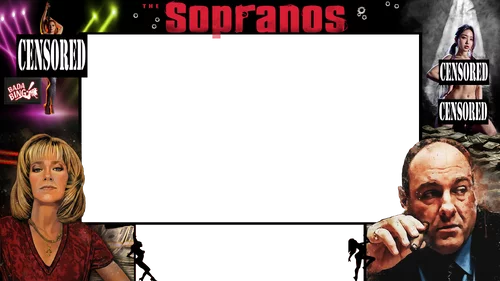
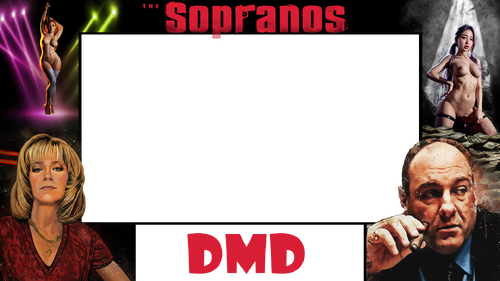
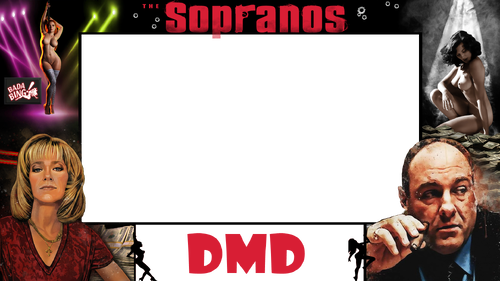
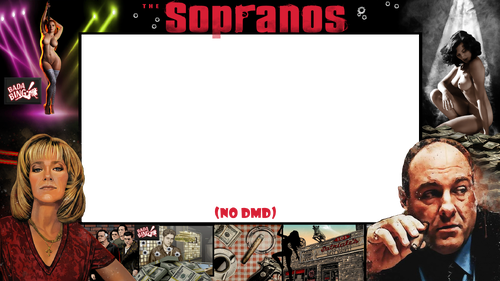
A lot of work to improve this overlay.  Reworked stripper face (left) and entire image of the other stripper (right), added texture to Carmela to match Tony better, added a second option for right stripper.  Along with a few other improvements here and there.  See screenshot for changes and download type (DMD vs no DMD).

User Feedback

Create an account or sign in to leave a review

You need to be a member in order to leave a review

Create an account

Sign up for a new account in our community. It's easy!

Register a new account

Sign in

Already have an account? Sign in here.

Sign In Now

GraveD

   1 of 1 member found this review helpful 1 / 1 member

Thanks for the overlays. Delete 1 star for unclear instructions :)


It took me a while to work out how to install this. 

1. Copy the new overlay files to your PupOverlays folder. 

In my setup it looks like this:


C:\vPinball\PinUPSystem\PUPVideos\sopranos\PuPOverlays


2. In the editor, select Triggers then filter to 13=BackglassVideos2 and then select the new overlay


3. Go the Help/Test, Start PuPack and then go back to Triggers and Fire Event to test it dispays correctly. 


4. Save Pup-Pack and enjoy

Screenshot 2025-07-27 110909.png

weathervane


Thank you  I finally figured out how to install looks cool

×
  • Create New...